A user files a bug in Slack. A CS agent forwards a churn risk over email. A sales rep drops a feature request into your DMs. Three inputs, three channels, zero context. You have no idea which page the user was on, what plan they're on, or whether the browser mattered. So you spend Tuesday morning reconstructing a story from fragments instead of fixing anything.
That's the real problem with feedback. It's not that users won't talk. It's that most of what they say arrives stripped of the context you need to act. In-app surveys and feedback widgets pull 20 to 30% response rates versus 3 to 5% for email surveys, roughly 5 to 8x higher engagement (Microgaps, 2026). The lift isn't magic. It's proximity. Ask someone while they're inside the workflow, and you get sharper signal attached to the exact moment it happened.
For a product manager, that distinction maps straight onto activation, retention, and support deflection. You don't need more comments. You need feedback tied to segments, workflows, and release cadence, with enough attached data that you can route it, prioritize it, and measure whether the fix worked. This guide covers the best user feedback widget software for 2026, ranked by how well each tool captures context, routes issues into your existing systems, and stays maintainable as your product changes.
What is user feedback widget software?
User feedback widget software is a tool that embeds a feedback capture point directly inside your product or website, letting users submit bugs, requests, and reactions without leaving what they were doing. The widget sits on the page, waits for input, and attaches technical context to whatever the user sends.
The category overlaps with survey tools but isn't the same thing. A survey asks a scheduled question. A feedback widget lives in the interface and captures unprompted input in context, which is why the data it produces is usually richer and more actionable.
Core capabilities most feedback widget software shares:
- In-app capture: a persistent widget or tab that collects input on the page where friction happens
- Screenshots and annotation: visual bug reports with the user marking exactly what broke
- Session replay: a recording of what the user did before they submitted
- Metadata attachment: URL, device, browser, OS, and user identity captured automatically
- Routing and integrations: structured feedback pushed into Jira, Slack, and support systems
- Feature request portals: a public board where users submit and vote on requests
- **Surveys and micro surveys:** NPS, CSAT, and targeted micro survey prompts triggered by behavior
The best user feedback tools combine several of these so a single submission carries text, a screenshot, a replay, and full technical context into one feedback inbox your team already watches.
When to use user feedback widget software
Not every feedback problem needs a widget. Here's where in-product collection earns its place.
Collect feedback while context is fresh
Memory decays fast. Ask a user about a bug three days later and you get "something was broken on the dashboard, I think." Ask them the moment it happens, with a screenshot and session replay attached, and you get a reproducible report. In-app collection captures the friction, the intent, and the feature request at the point of experience, not after the fact. For onboarding, that means you see exactly where new users stall instead of guessing from a funnel drop-off.
Route issues into product and support workflows
The hidden tax on feedback is copy-paste labor. Someone reads a comment, reformats it, attaches a screenshot, and pastes it into a ticket. A good widget removes that step by sending structured data straight into Jira, Slack, or your support tool with the metadata already attached. That Jira integration and Slack integration matter more than they look. They're the difference between feedback that gets acted on and feedback that dies in an inbox.
Build a feedback loop you can measure
A comment box is a dead end. A feedback loop is a system: capture, route, resolve, close the loop with the user, and measure the whole thing. PMs need to track response time, resolution rate, and whether shipping the fix moved the metric it was supposed to move. If you can't segment feedback by role, plan, or lifecycle stage, you can't prioritize it against feature work, and you can't prove the ROI of acting on it.
Comparison table
The list below is ranked by relevance for product managers who need context-rich capture, clean workflow routing, and a tool that stays maintainable across frequent releases. Pricing and ratings reflect verified values at the time of writing. Broad survey platforms rank lower not because they're weak, but because they're less purpose-built for in-app contextual workflows.
| # | Product | Best for | Key use case | Pricing | G2 rating |
|---|---|---|---|---|---|
| 1 | Userback | Teams wanting one tool for bugs, surveys, and requests | Visual feedback plus feature portal in one inbox | Free; paid from $7/seat/mo | 4.7/5 |
| 2 | Sentry | App teams that need bug context first | Feedback tied to crash and error data | Free; Team $26/mo | Not listed |
| 3 | Produktly | Lean SaaS teams moving fast | Widgets alongside tours and checklists | From 19€/mo | 4.3/5 |
| 4 | Qualaroo | Website and on-page insight | Targeted nudges and NPS surveys | Free; from $19.99/mo | 4.3/5 |
| 5 | Usersnap | Teams needing visual reproduction detail | Screenshot capture plus feedback workflow | Free tier; paid custom | 4.5/5 |
| 6 | Marker.io | Product and QA collaboration | Bug reports routed into dev tools | From $39/mo | 4.8/5 |
| 7 | Feedbackify | Teams wanting a basic on-site widget | Simple anonymous feedback collection | From $19/mo | 4.5/5 |
| 8 | Alchemer | Research-heavy feedback programs | Flexible surveys and experience data | From $55/mo/user | 4.4/5 |
| 9 | SurveyMonkey | Broad survey reach across teams | General surveys and micro surveys | Free; from $39/mo | 4.4/5 |
Best user feedback widget software for 2026
Here are the nine tools worth evaluating, with what each does well and who it fits.
1. Userback
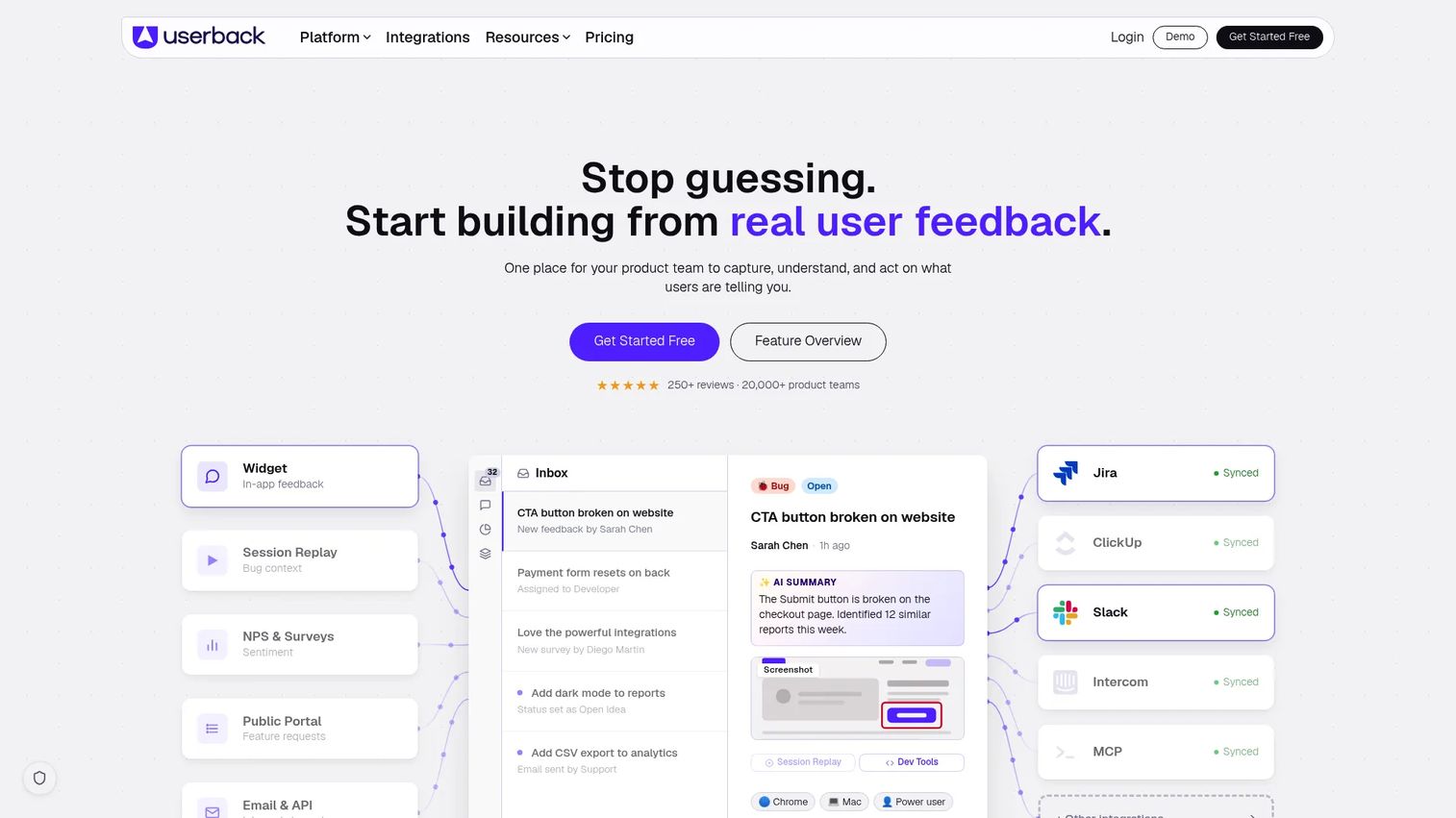
Userback is a user feedback and bug tracking platform built to collect, understand, and act on product feedback from one place. It pairs a visual feedback widget with surveys, a feature portal, and session replay, so a single submission can carry a screenshot, an annotation, a recording, and user identity into one feedback inbox. For PMs who are tired of stitching feedback together from four tools, this is the strongest all-in-one pick.
Best for: product teams that want visual bug reports, surveys, and feature requests handled in one system.
Key strengths
- Feedback widget with screen annotation
- User surveys and NPS collection
- Feature portal for public feature requests
- Session replay and video recording
- User identification and integrations
Why choose Userback: it covers the full loop, capture through prioritization, without forcing you to run separate tools for bugs, surveys, and a feature request portal. That consolidation is the point. Fewer systems to maintain as your product changes, and one inbox your team actually watches.
Userback pricing: a Free Forever plan is available. Team is $7 per seat per month, Business is $15 per seat per month, and Business Plus is $159 per month billed annually. A Feature Portal add-on is listed separately.
2. Sentry
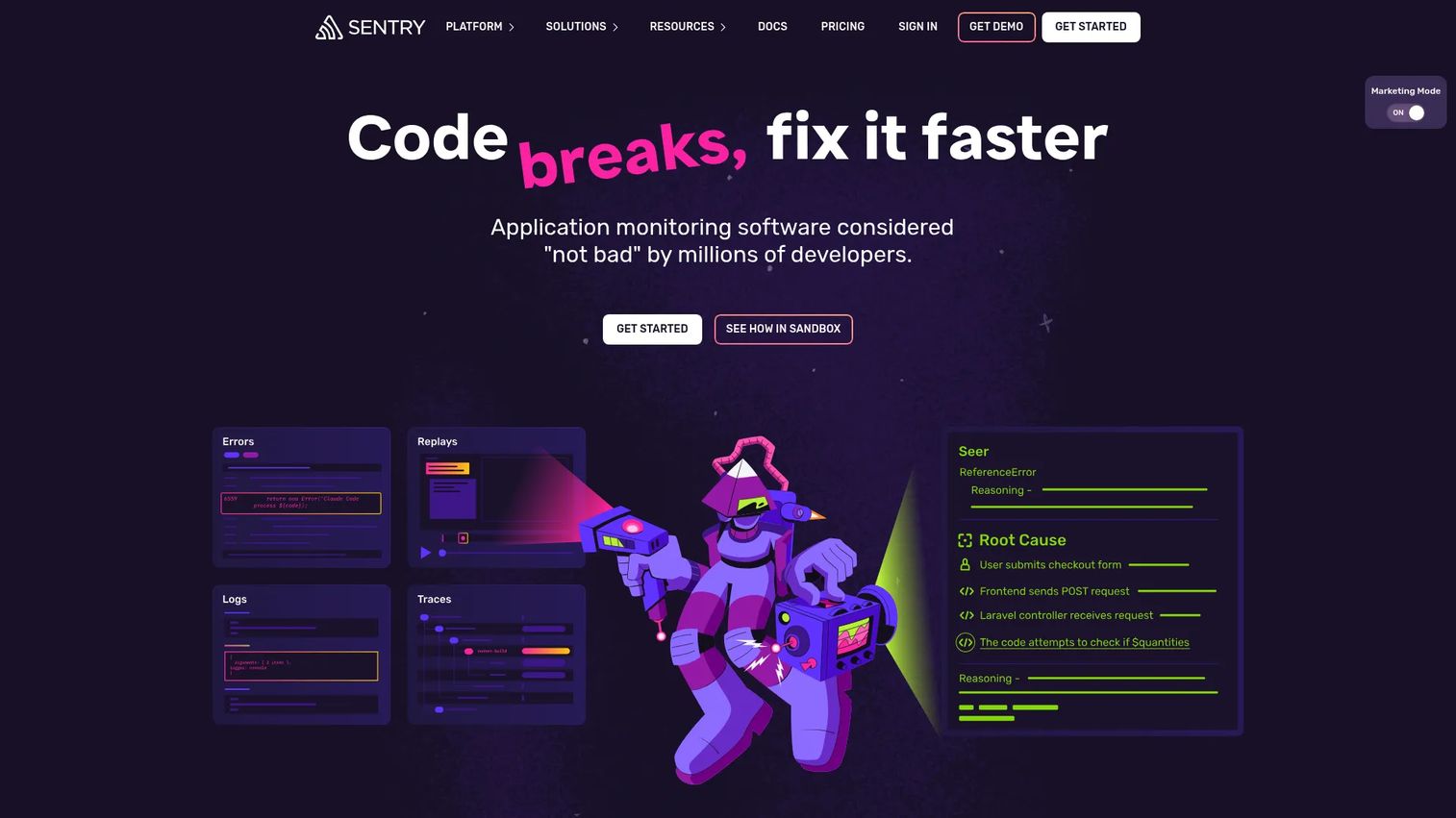
Sentry is developer-first application monitoring for errors, performance, and logs, with a user feedback widget that attaches directly to that technical layer. When a user reports something broke, Sentry can tie the report to the actual crash, stack trace, and session replay, which is a different level of context than a text comment. For app teams, the bug report and the debug data live in the same place.
Best for: teams that need error tracking and performance monitoring with feedback tied to real crash context.
Key strengths
- Error and crash monitoring
- Distributed tracing
- Session replay for reproduction
- User feedback tied to error events
- Developer-focused debugging workflows
Why choose Sentry: if your feedback problem is really a bug problem, Sentry connects what the user felt to what the code did. That link shortens time-to-resolution because engineers get the crash report and the human context in one view.
Sentry pricing: the Developer plan is $0 per month. Team is $26 per month, Business is $80 per month, and Enterprise is custom.
3. Produktly
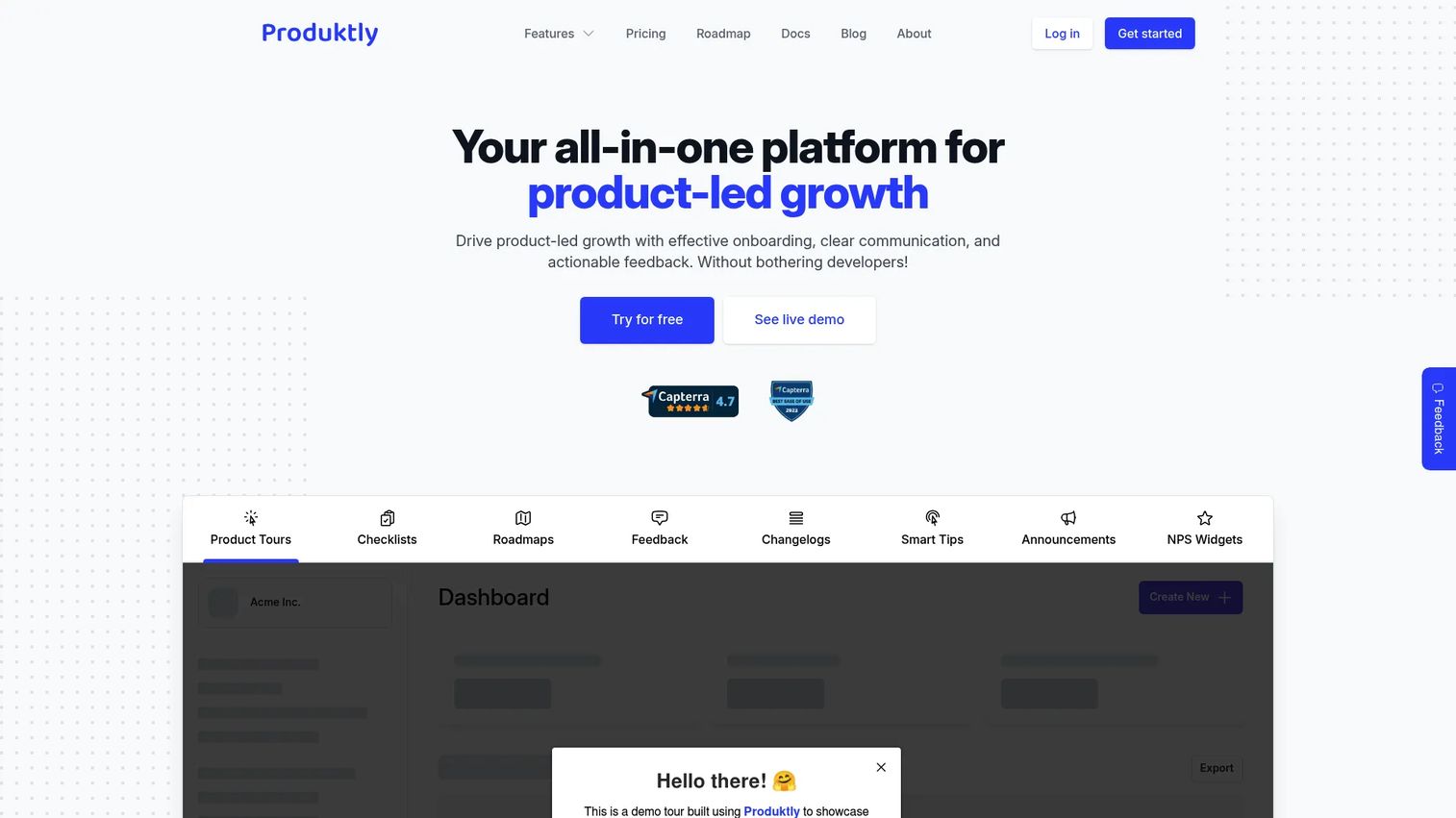
Produktly is all-in-one digital adoption software that bundles feedback widgets with product tours, onboarding checklists, roadmaps, and changelogs. For lean teams, the appeal is combining in-app feedback collection with the onboarding surfaces you'd otherwise buy separately. Feedback sits next to the flows that drive activation, so you can see friction and respond to it in the same tool.
Best for: SaaS teams that want feedback, tours, checklists, and changelogs in a single lightweight tool.
Key strengths
- In-app feedback widgets
- Product tours and onboarding checklists
- Roadmaps and changelogs
- Fast setup for small teams
- AI assistance for content
Why choose Produktly: it fits teams that want to reduce tool sprawl and keep feedback close to onboarding. If activation is your priority and you'd rather run one adoption tool than three, this is a practical fit.
Produktly pricing: the Developer plan is 19€ per month, Startup is 59€ per month, and Growth is 199€ per month. All plans include a 14-day free trial, and custom plans are available.
4. Qualaroo
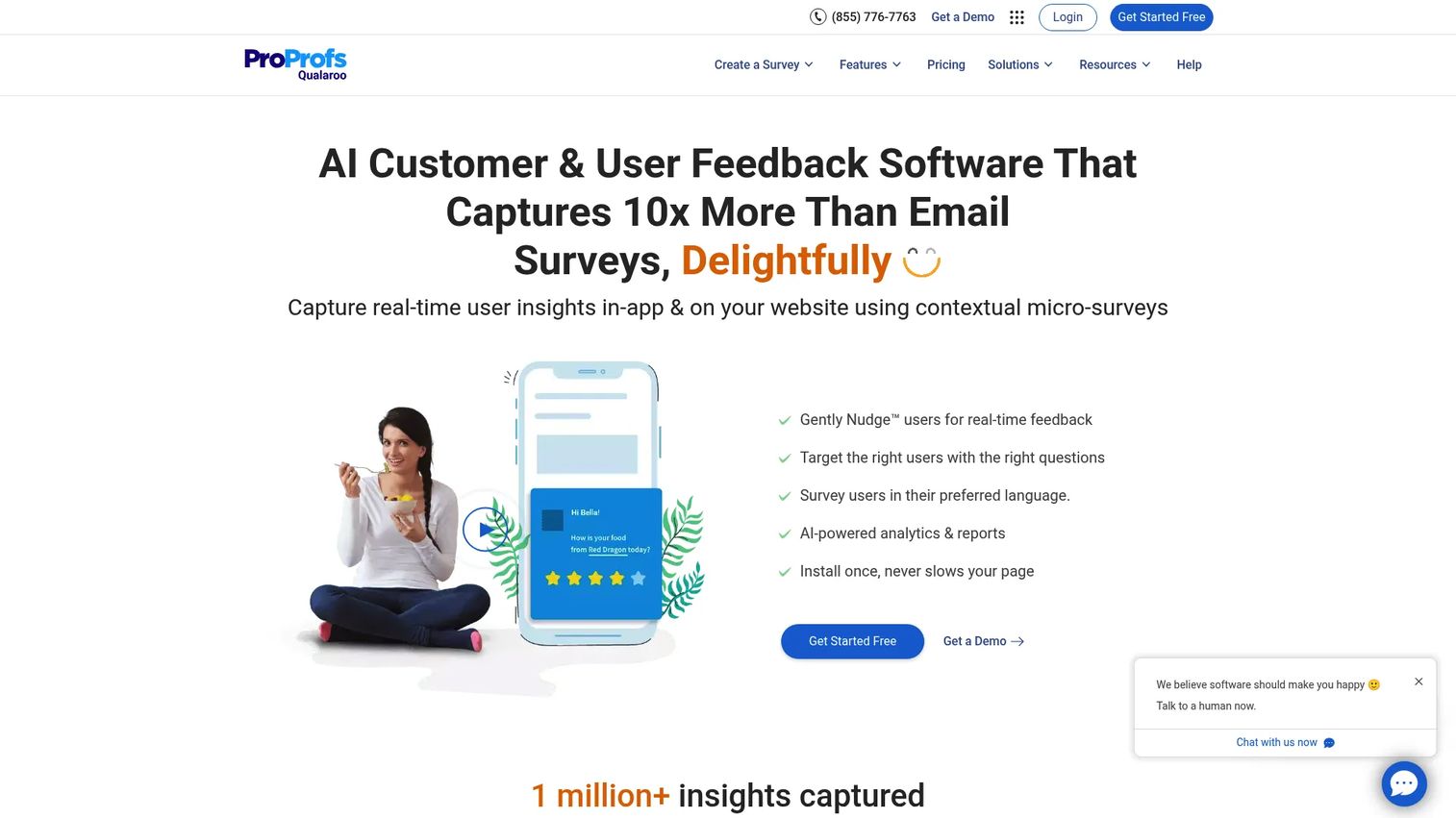
Qualaroo is customer and user feedback software focused on in-context prompts across websites, apps, and mobile. Its Nudges let you ask targeted questions based on page, user type, device, or behavior, which is where it earns its keep. Instead of one blanket survey, you trigger the right micro survey at the right moment and get feedback tied to what the user was actually doing.
Best for: teams that want contextual website feedback and NPS-style surveys with strong targeting.
Key strengths
- Non-intrusive Nudges for web, app, and mobile
- Advanced targeting by page, user type, device, and behavior
- Sentiment analysis and real-time reporting
- NPS and micro survey support
- On-page contextual prompts
Why choose Qualaroo: the targeting depth means you can segment prompts by behavior and lifecycle stage, which matters if you're trying to isolate feedback from a specific persona or funnel step rather than the whole user base.
Qualaroo pricing: a Free plan covers up to 50 responses. Essentials is $19.99 per month, Business is $49.99 per month, and Enterprise starts at $149.99 on annual-only plans.
5. Usersnap
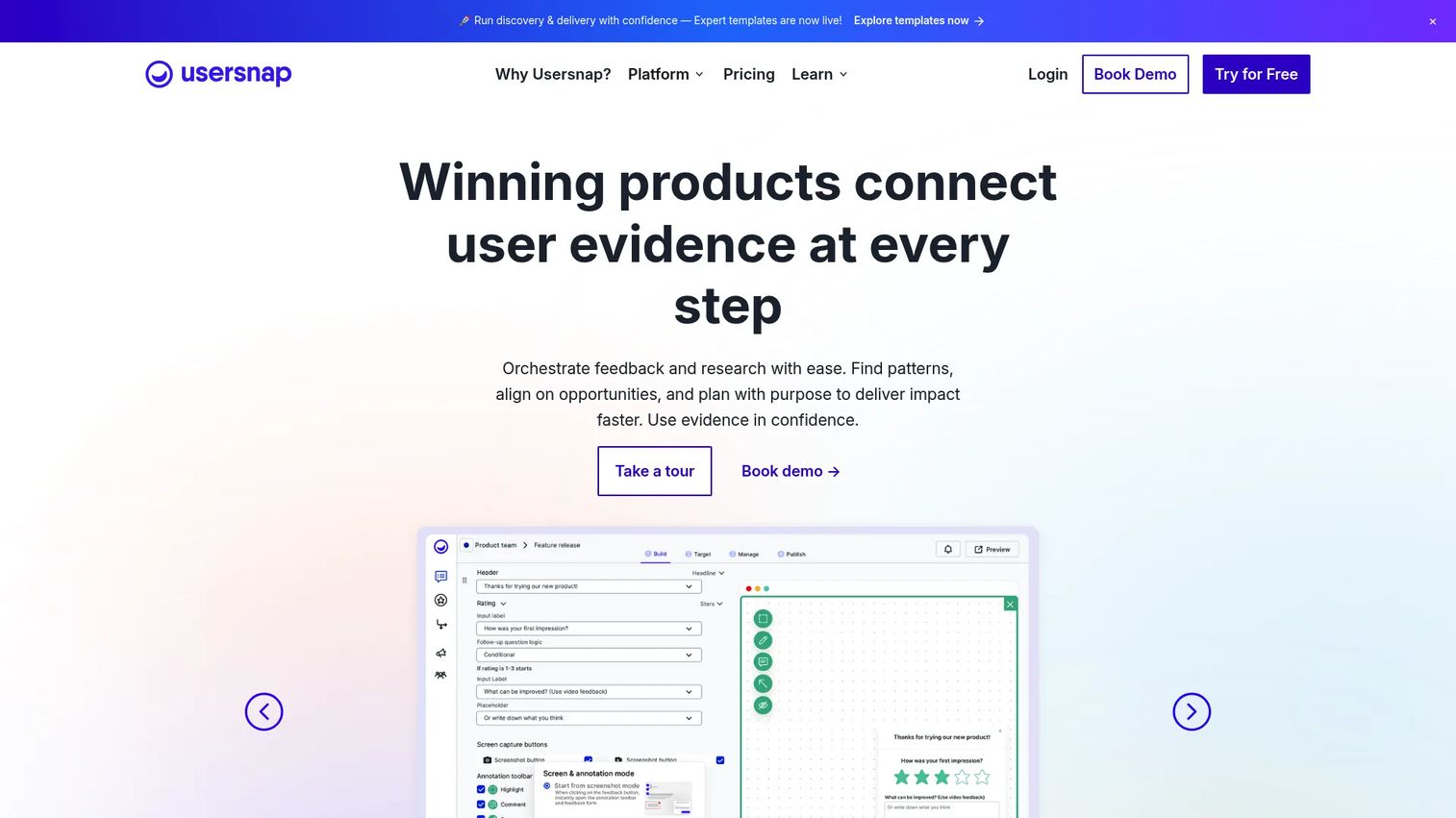
Usersnap is a customer feedback platform built around visual capture, surveys, and feedback workflow management. Screenshots and screen recordings come standard, so bug reports arrive with the visual detail engineers need to reproduce issues. It also handles behavioral targeting for surveys and AI-assisted summarization, which helps when the volume of feedback outpaces the time to read it.
Best for: product teams that want visual user feedback plus a structured workflow to act on it.
Key strengths
- Visual feedback capture with screenshots and recording
- Behavioral and omnichannel survey targeting
- AI-assisted feedback summarization and replies
- Feedback organization and workflow tools
- User surveys alongside bug capture
Why choose Usersnap: if reproduction detail is your bottleneck, the visual capture and workflow layer reduce the back-and-forth between users, support, and engineering. The AI summarization also helps a PM triage a large feedback inbox faster.
Usersnap pricing: a free tier covers the first 20 feedback items. Paid Starter, Growth, Professional, and Premium plans follow, with Enterprise on a custom quote.
6. Marker.io
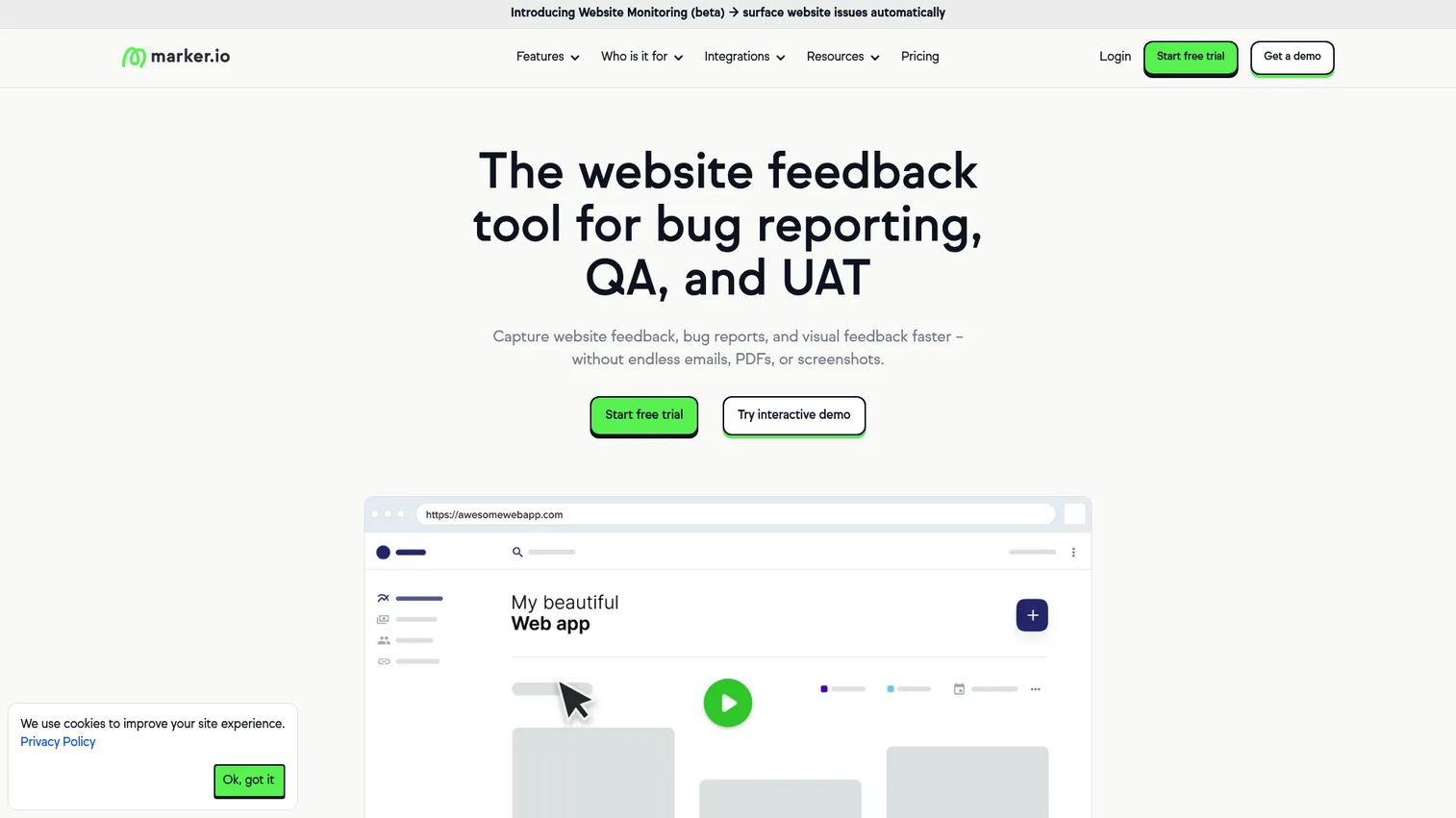
Marker.io is website feedback and bug reporting software built to route annotated issues straight into the tools your dev team already lives in. The widget captures a screenshot, lets the reporter annotate it, and auto-attaches technical and environment data before pushing the whole package into Jira, Trello, ClickUp, Asana, GitHub, and more. For product and QA collaboration, that handoff is the entire value.
Best for: teams and agencies that need visual website feedback tied directly to project management and dev tools.
Key strengths
- Website feedback widget with screenshots and annotations
- Auto-captured technical and environment data
- Deep integrations with Jira, Trello, ClickUp, Asana, GitHub
- QA and bug reporting workflow
- Reporter context attached automatically
Why choose Marker.io: the Jira integration and dev-tool routing are the strongest in this group for teams whose feedback needs to become a ticket immediately. Less copy-paste, more feedback that lands where engineers work.
Marker.io pricing: Starter is $39 per month billed annually, Team is $149 per month billed annually, and Business is custom. An Agency plan runs $129 per month, or $99 per month with yearly billing. All plans include a 15-day free trial.
7. Feedbackify
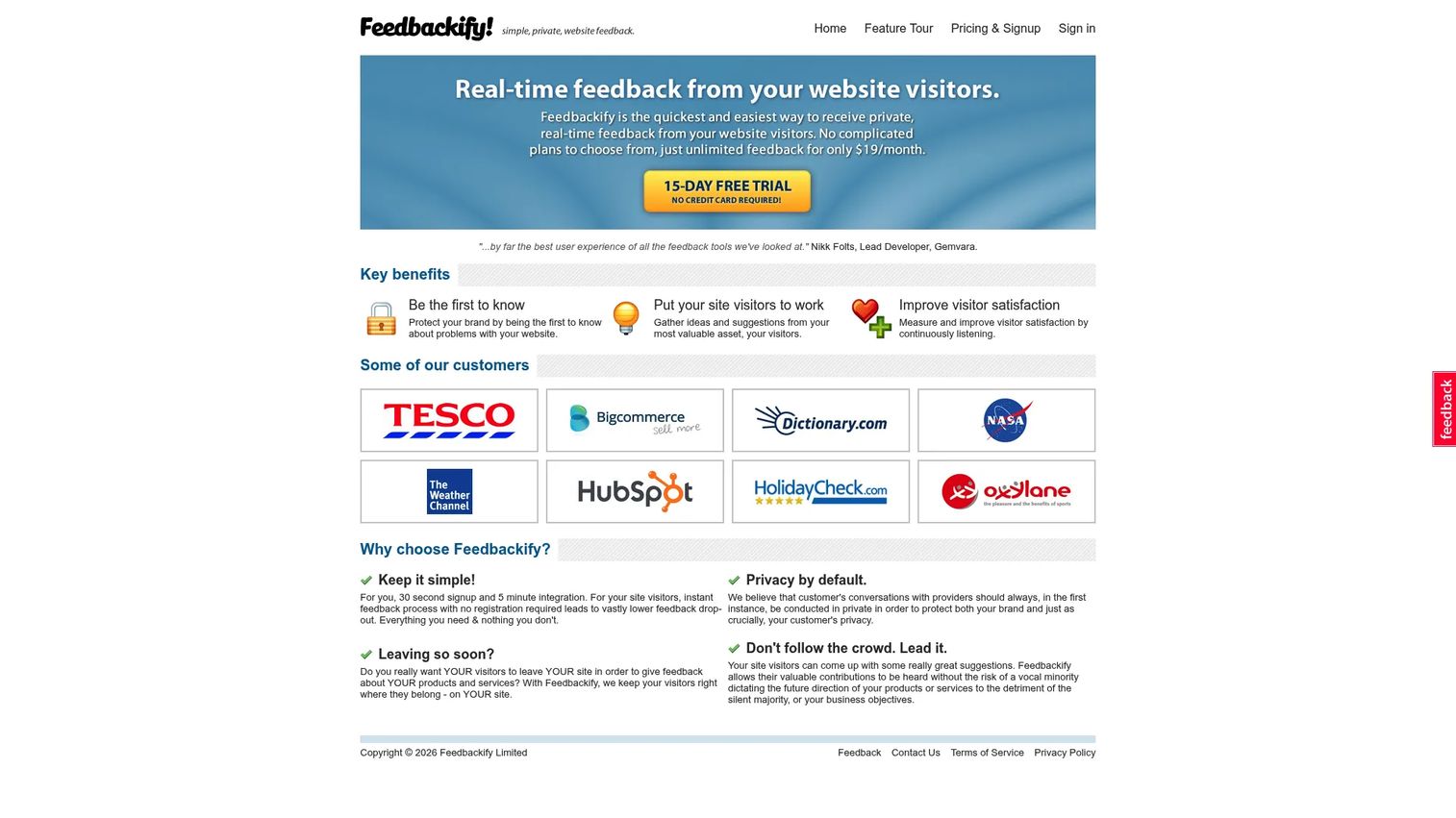
Feedbackify is a straightforward website feedback tool for collecting visitor suggestions and issues directly on the page. It gives you a custom form editor, a configurable feedback tab, and a real-time dashboard, without the broader surface area of a full feedback platform. If you want a low-friction website feedback widget up quickly at a fixed cost, this is the simple end of the market.
Best for: teams that want a basic on-site feedback widget with predictable, low monthly pricing.
Key strengths
- Custom feedback form editor with rating questions
- Feedback tab configurator and text-link launch
- Real-time feedback dashboard with context
- Anonymous feedback collection
- Lightweight on-site embed
Why choose Feedbackify: it fits teams that want a simple feedback collection widget without evaluating a full platform. The trade-off is scope, so if you later need session replay or deep routing, you'll outgrow it. For a basic loop, it's fast and cheap.
Feedbackify pricing: a 15-day free trial is available, then a flat $19 per month subscription.
8. Alchemer
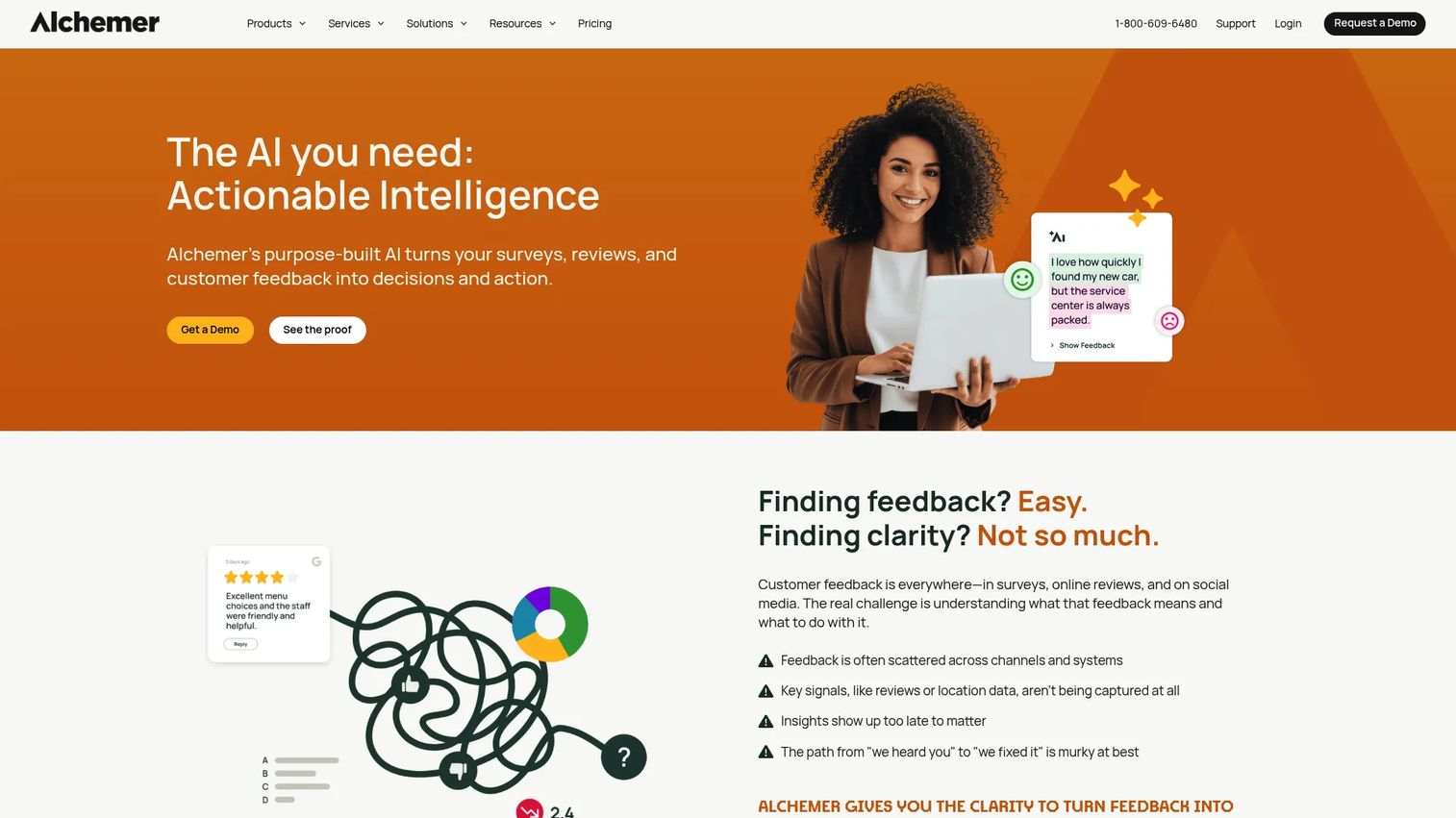
Alchemer is feedback and survey software built for teams that need flexible, research-grade collection across customers, employees, and markets. Its survey builder and omnichannel distribution go deeper than a lightweight widget, which is the point when structured research matters as much as in-product signal. AI-assisted analysis and workflow automation help turn a large response set into something a PM can act on.
Best for: teams that need flexible survey, feedback, and experience management workflows.
Key strengths
- Advanced survey builder and distribution
- Omnichannel feedback collection and reporting
- AI-assisted analysis and workflow automation
- Experience management workflows
- Enterprise-grade survey depth
Why choose Alchemer: when your feedback program leans toward structured research rather than quick in-app capture, Alchemer's depth pays off. It's the pick for teams running formal voice-of-customer or experience programs alongside product feedback.
Alchemer pricing: Collaborator is $55 per month per user, Professional is $165 per month per user, and Full Access is $275 per month per user. Annual plans and a custom Business Platform tier are also available, along with a free plan and a 7-day trial.
9. SurveyMonkey
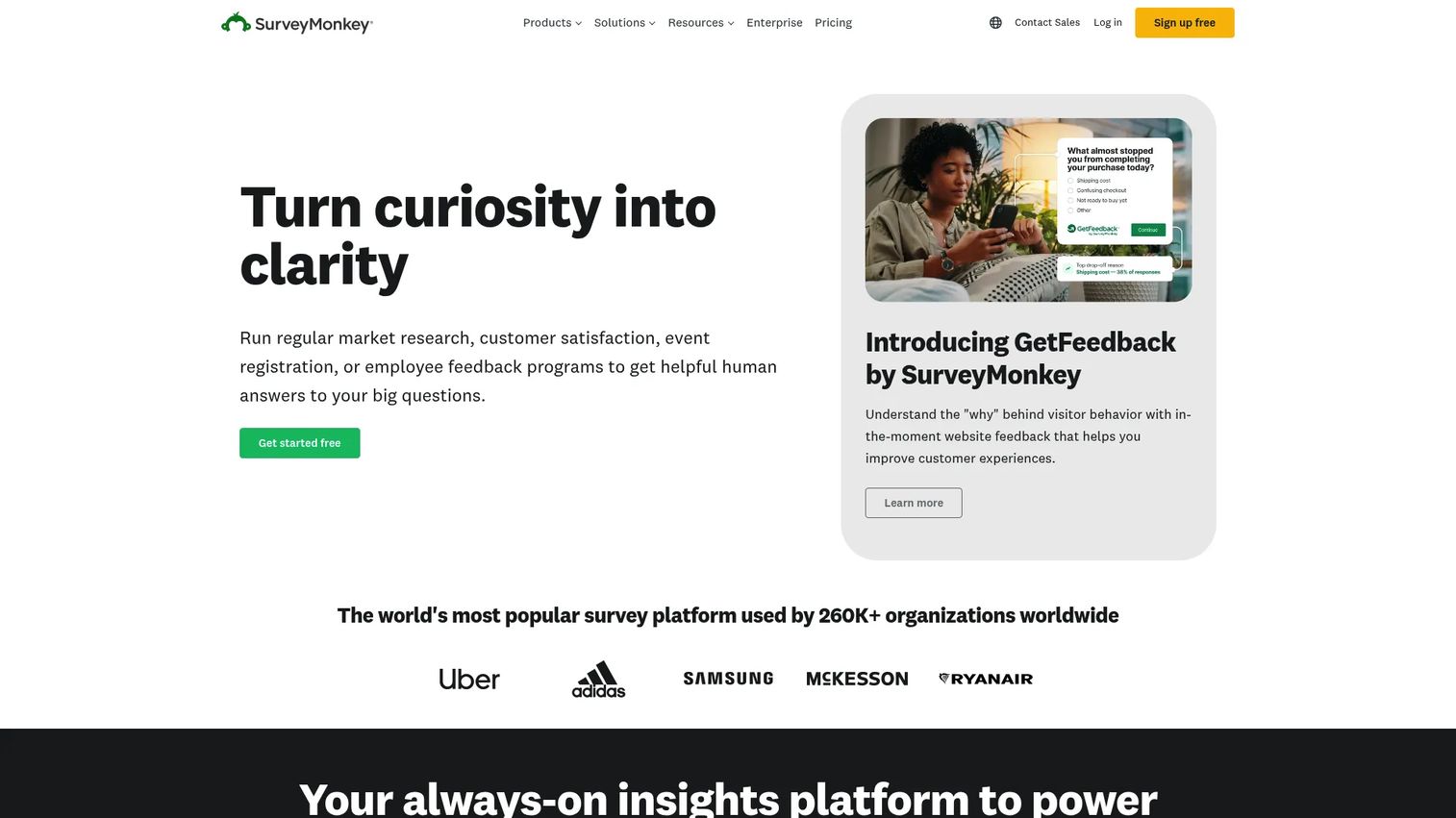
SurveyMonkey is the familiar online survey and forms platform for creating, collecting, and analyzing feedback at scale. It brings AI survey creation, hundreds of templates, and broad integrations, which makes it a comfortable choice when many teams across the company need to run surveys. It's less purpose-built for in-app contextual workflows, so pair it with a dedicated widget when you need feedback tied to a specific screen.
Best for: teams needing a mature survey platform with templates, analytics, and cross-team collaboration.
Key strengths
- AI survey creation and analysis
- 400+ templates and 25+ question types
- Integrations, collaboration, and analytics
- Micro survey and NPS support
- Broad reach across teams
Why choose SurveyMonkey: it's the safe, widely adopted option when survey reach matters more than in-product context. For product feedback specifically, most PMs run it alongside a contextual widget rather than as the only tool.
SurveyMonkey pricing: the Basic plan is free. Advantage is $39 per month for one user, Premier is $139 per month for one user, and Enterprise is custom.
Considerations before you buy
The tool matters less than how it fits your stack and your release cadence. Run each candidate through these five checks before you commit.
Context capture
Ask what data attaches to every submission by default: URL, device, browser, OS, user identity, screenshot, and session replay. The more that's captured automatically, the less your team reconstructs manually. A widget that only captures text creates work downstream. One that captures the full technical picture shortens time-to-resolution and makes bugs reproducible.
Workflow routing
Feedback that doesn't reach the system where work happens is feedback that dies. Check the depth of the Jira integration, Slack integration, and support-tool routing, not just whether they exist. Can you route by type, page, or segment automatically? Can a bug become a ticket with metadata intact, no copy-paste? Routing quality is the single biggest driver of whether feedback gets acted on.
Customization and embed control
The widget lives inside your product, so it should match it. Look at how much you can style the widget, control where it appears, and adjust the flow without engineering involvement. A widget that clashes with your UX or needs a dev ticket for every change becomes maintenance debt as the product evolves.
Segmentation and targeting
This is the PM-critical one. Can you trigger feedback by role, plan, page, event, or lifecycle stage? Segmentation is what lets you isolate signal from a specific persona or funnel step instead of drowning in undifferentiated comments. Without it, you can't prioritize feedback against feature work or prove the impact of what you shipped.
Measurement and governance
Decide up front how you'll track response time, resolution rate, and whether fixes moved the metric they targeted. Look for reporting that closes the loop, not just a feed of raw comments. Governance matters too: ownership, access control, and how the tool holds up as your UI changes release over release.
Conclusion
The right user feedback widget software comes down to what your feedback actually needs to do. If you want one system for bugs, surveys, and a feature request portal, Userback is the strongest all-in-one pick. If your feedback problem is really a bug problem, Sentry ties reports to crash and session replay data. Lean teams that want feedback next to onboarding should look at Produktly.
For contextual website feedback and sharp targeting, Qualaroo delivers. Usersnap wins on visual reproduction detail, and Marker.io wins on routing bugs straight into dev tools. Feedbackify covers the simple on-site widget case at low cost. When your program leans toward structured research, Alchemer and SurveyMonkey give you survey depth and broad reach.
Start by naming your primary need state: broad feedback loop, bug context, lightweight capture, or survey-heavy program. Shortlist two tools that match, run the free trial, and test the one thing that breaks most workflows, whether feedback routes cleanly into the systems your team already uses. That single check will tell you more than any feature list.
FAQs
It's a tool that embeds a feedback capture point inside your product or website, so users can submit bugs, requests, and reactions in context. The widget attaches technical data like URL, device, and user identity automatically, which makes the feedback far more actionable than a comment sent over email or Slack.
At minimum, look for screenshots, a session replay, and metadata like URL, browser, device, OS, and user identity. That context turns a vague "something broke" into a reproducible bug report. For product teams, capturing segment data (role, plan, lifecycle stage) is what makes the feedback prioritizable rather than just readable.
They tie feedback to segments, workflows, and release cadence instead of leaving it scattered across channels. That lets a PM prioritize against feature work, route issues into Jira or Slack without manual reformatting, and measure whether a shipped fix actually moved activation, retention, or support volume. The result is fewer vague comments and more decisions you can defend.
A survey asks a scheduled question and pulls people out of their workflow. A feedback widget lives in the interface and captures unprompted input in context, usually with a screenshot and technical data attached. Surveys are better for structured research at scale; widgets are better for catching friction the moment it happens. Many teams run both.
Yes, and this is one of the most important things to check. Strong tools push structured feedback with metadata intact straight into Jira, Slack, and support systems, so a bug becomes a ticket without copy-paste. Verify the depth of the integration, not just that a logo appears on the pricing page.
Enough to match your product's brand and UX and to control where and when it appears, without needing an engineering ticket for every change. Over-customization isn't the goal; low-maintenance control is. A widget you can adjust yourself as the UI changes will age far better than one that needs a dev every release.
If reproduction is your bottleneck, yes. Session replay shows what the user did before they submitted, which cuts the back-and-forth between support, the user, and engineering. If your feedback is mostly feature requests or NPS-style sentiment, replay matters less and a lighter widget will do.
For most SaaS product teams, Userback is the strongest starting point because it combines visual bug capture, surveys, and a feature portal in one feedback inbox. If your feedback is really about bugs, Sentry's crash context is hard to beat. If you want feedback sitting next to your onboarding flows, Produktly fits. Match the tool to your primary need state and test routing before you commit.