It's 2:14 a.m. A critical service goes down. The alert fires. Nobody picks up.
Turns out the engineer on the rotation swapped shifts last week, updated the spreadsheet, and forgot to tell the alerting tool. So the page went to someone on vacation. Twenty-three minutes of silence before anyone noticed.
That gap did not happen because your team is careless. It happened because a static schedule cannot detect its own holes. Spreadsheets do not flag an unassigned Saturday. Shared calendars do not escalate when the primary responder is asleep. And manual swaps leave no audit trail, so nobody can reconstruct who was actually on the hook when things broke.
The on-call scheduling software market reflects how expensive that gap has become. Research and Markets valued it at USD 5.3B in 2025, projecting USD 7.25B in 2026 (Research and Markets, 2026). Teams are paying to close the coverage gaps that manual systems leave open.
The right on-call scheduling software turns a fragile calendar into a reliable system: recurring rotations, automatic escalation, swap tracking, and coverage-gap detection that catches problems before your customers do.
What's inside
This guide compares seven on-call scheduling tools for operations, DevOps, SRE, IT, and support teams that need dependable coverage. We picked tools that go beyond a basic calendar and handle the operational depth that keeps rotations reliable.
We evaluated each option on four criteria:
- Schedule management: recurring rotations, overrides, and coverage-gap detection
- Escalation and notifications: paging, alert routing, and backup responders
- Swaps and calendar sync: shift swaps, override history, and calendar integrations
- Analytics and pricing clarity: audit trails, reporting, and transparent plans
TL;DR
- Best for enterprise incident response: PagerDuty, the benchmark for large operations teams that need paging and escalation at scale.
- Best for auditability and schedule depth: Spike, strong on override history and schedule preview.
- Best for incident operations alongside scheduling: Incident.io, native to Slack and Microsoft Teams.
- Best for structured rotation management: Squadcast, built for on-call coordination and alert deduplication.
- Best for rules-based routing: Zenduty, deep on conditional alert routing and escalation.
- Best for AI-assisted incident response: Xurrent IMR, for IT operations that want automation.
- Best for Atlassian-native teams: Jira Service Management, on-call schedules inside your existing workflow.
What is on-call scheduling software
On-call scheduling software is a tool that assigns responsibility for responding to alerts and incidents across a team, using recurring rotations, escalation rules, and notification workflows so the right person is always reachable.
It replaces the spreadsheet-and-shared-calendar approach with a system that knows who is on duty, who backs them up, and what happens when the primary responder does not answer. Instead of hoping someone sees the alert, the software routes it, escalates it, and logs every handoff.
Core capabilities usually include:
- Rotation schedules: recurring daily, weekly, or follow-the-sun rotations
- Escalation policies: multi-level rules that page a backup if the primary misses an alert
- Shift swaps and overrides: last-minute handoffs with a clear record of who covered what
- Coverage-gap detection: flags unassigned shifts or missing backups before go-live
- Calendar integrations: two-way sync with Google Calendar and Outlook so responders see duty on their own calendar
- Audit history and alerts: a change log for every schedule edit, plus reminder notifications
The category overlaps with incident management, but the two are distinct. Scheduling decides who is responsible. Incident management handles the response once an alert fires. Most tools on this list do both, which is why the lines blur.
When to use on-call scheduling software
Replace spreadsheets and manual reminders
A five-person team can run on-call with a shared calendar and a group chat. A twenty-person team cannot. As headcount grows, static schedules break down: swaps go untracked, holidays create silent gaps, and reminders depend on someone remembering to send them.
Dedicated software removes that manual overhead. It generates rotations automatically, sends reminder notifications before each shift, and flags coverage gaps so an unassigned weekend never slips through.
Coordinate rotating coverage across time zones
Follow-the-sun coverage sounds simple until you try to run it manually. Handoffs between regions get messy, and a missed handoff means an alert sits unanswered while one team sleeps and another has not started.
On-call scheduling software gives every region shared visibility into who is currently on duty. Backup responders and escalation policies mean an unanswered page in one time zone rolls to the next, instead of going dark.
Reduce burnout and improve fairness
Alert fatigue is real, and uneven rotations make it worse. When the same two engineers carry every weekend, they burn out and leave.
Balanced rotations, swap rules, and backup coverage spread the load evenly. Quiet hours and fair handoff rules protect work-life balance, which keeps your on-call rotation sustainable instead of a reason people quit.
Comparison table
The table below helps you compare intent, key differentiator, pricing, and G2 rating at a glance. Tools are sorted by relevance to on-call scheduling and incident response. Pricing reflects publicly listed starting tiers at the time of writing.
| # | Product | Best for | Key differentiator | Pricing | G2 rating |
|---|---|---|---|---|---|
| 1 | Spike | Auditability and schedule depth | Override history and schedule preview | From $7/user/mo | 5/5 |
| 2 | PagerDuty | Enterprise incident response | Paging and escalation at scale | Free; paid from $21/user/mo | 4.5/5 |
| 3 | Incident.io | Incident ops alongside scheduling | Native to Slack and Microsoft Teams | Free; on-call from $20/user/mo | Not listed |
| 4 | Squadcast | Structured rotation management | Alert deduplication and SLO tracking | Free; paid from $9/user/mo | 3.8/5 |
| 5 | Zenduty | Rules-based alert routing | Conditional routing and escalation | From $6/user/mo | 4.6/5 |
| 6 | Xurrent IMR | AI-assisted incident response | AI-powered incident management | From $6/user/mo | 4.6/5 |
| 7 | Jira Service Management | Atlassian-native teams | On-call inside Jira workflows | Free; paid from $20/agent/mo | 4.3/5 |
1. Spike
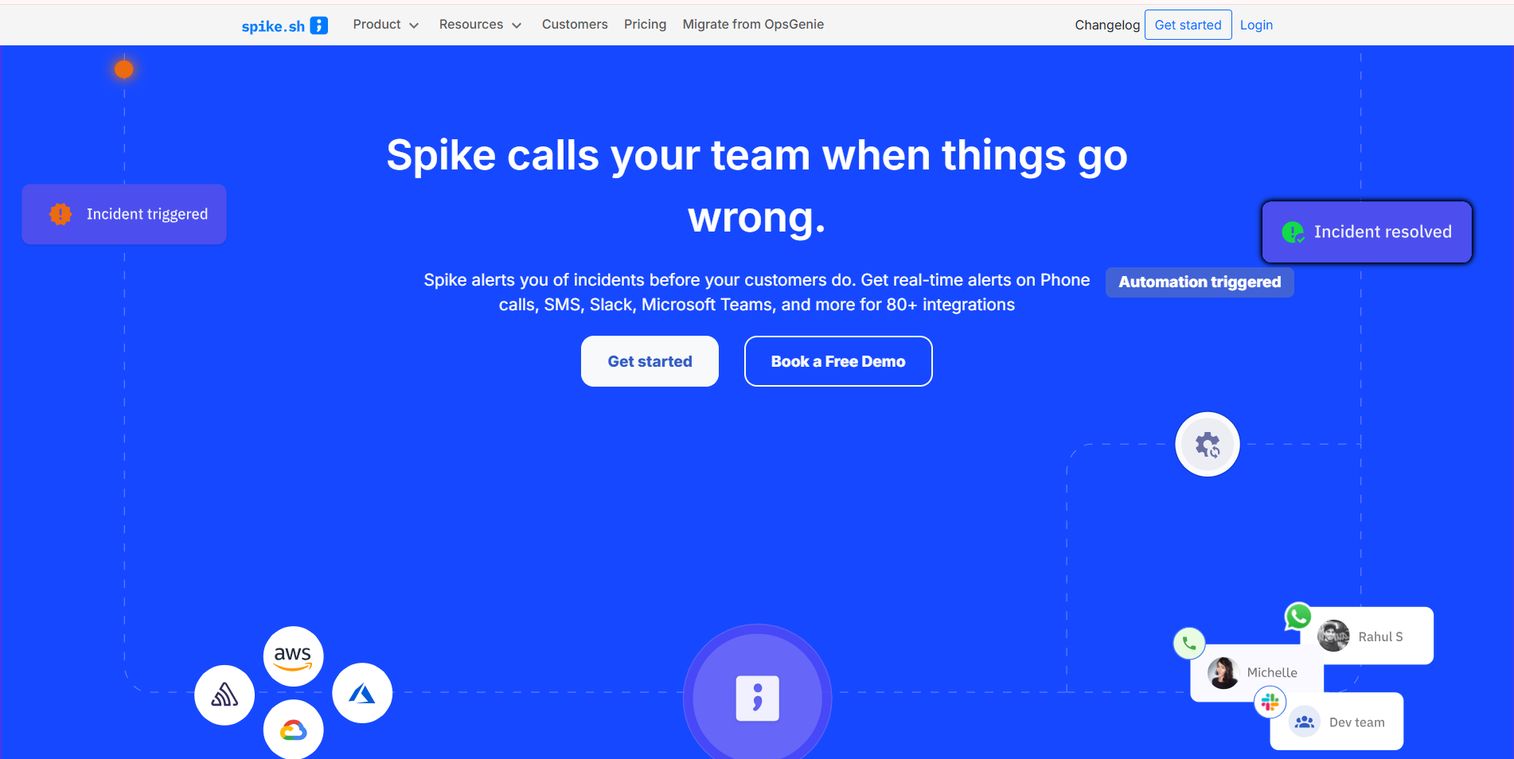
Spike is an incident management and on-call platform built for teams that treat schedule reliability as a first-class concern. It covers alerts, escalations, status pages, and on-call coordination, with particular strength in the audit and preview features that stop coverage gaps before they cause a missed page.
Where Spike stands out is context around schedule changes. Override history means every swap, edit, and last-minute handoff is recorded, so you can reconstruct exactly who was responsible during any incident. Schedule preview lets you see the rotation before it goes live, catching an unassigned shift or a double-booked engineer while it is still easy to fix.
Best for: DevOps and SRE teams that need incident response, alerting, and on-call coordination with a clear audit trail.
Key strengths
- Override history: full record of swaps and schedule edits
- Schedule preview: see rotations before they go live
- Escalations: multi-level routing when a page goes unanswered
- Status pages: communicate incident status to stakeholders
- On-call coordination: rotations, alerts, and handoffs in one place
Why choose Spike: If your team has ever argued about who was actually on-call when something broke, Spike's audit trail settles it. The lifecycle visibility fits teams that need to answer for coverage after the fact, not just during it.
Spike pricing: Starter is $7 per user per month and Business is $14 per user per month, both billed monthly. Enterprise is custom. A 14-day trial is available with no credit card required.
2. PagerDuty
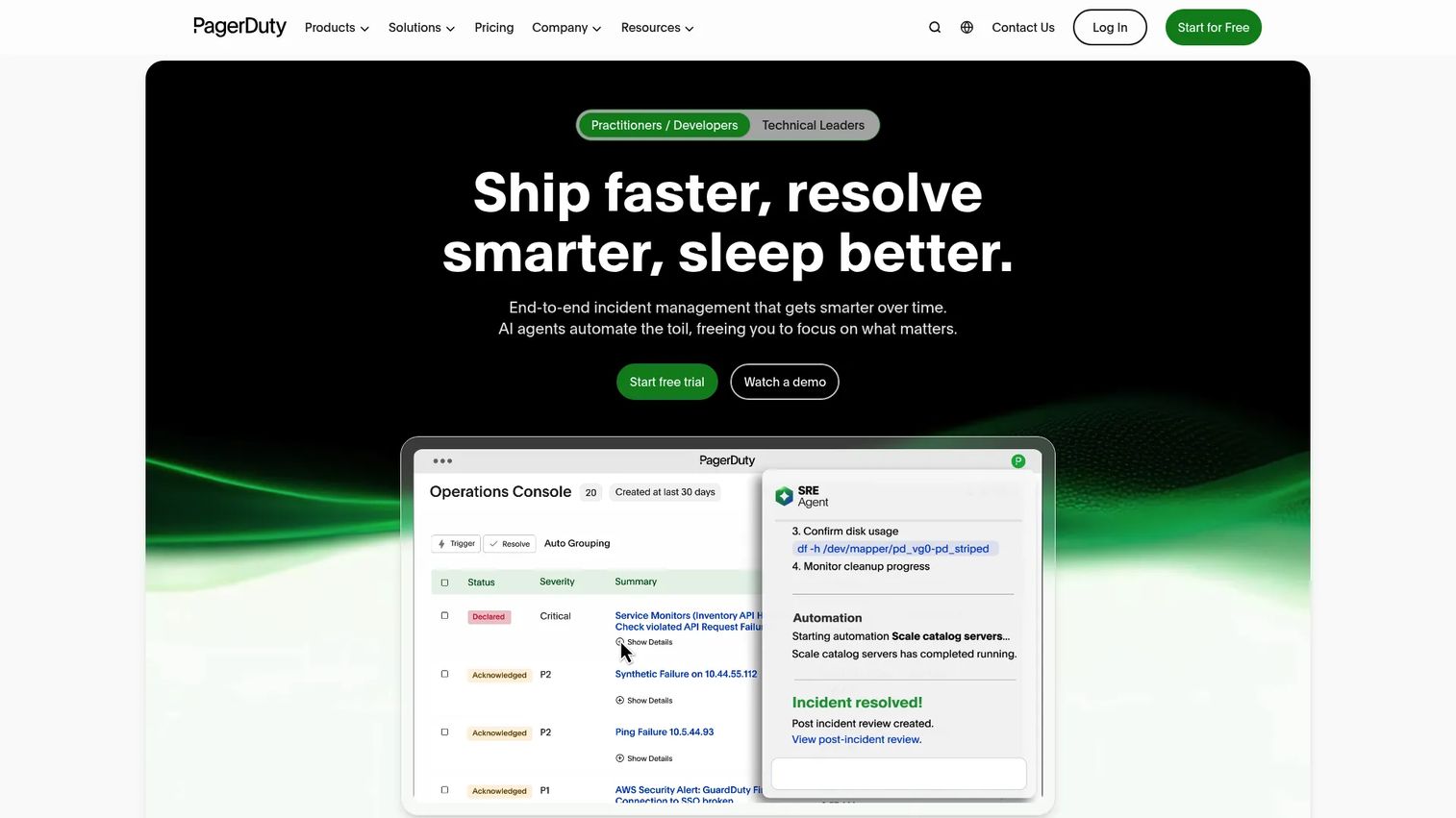
PagerDuty is the tool most large operations teams benchmark against. It combines on-call scheduling, incident response, and event orchestration into a platform built to handle high alert volume without dropping a page. When people say "the standard" for enterprise incident response, this is usually what they mean.
The scheduling side supports recurring rotations, layered escalation policies, and alert routing that can page the right responder based on service, urgency, or time of day. Event orchestration adds rules that group, suppress, or enrich alerts before they reach a human, which cuts noise on a team drowning in notifications.
Best for: Teams that need incident response, on-call scheduling, and alerting at scale.
Key strengths
- On-call scheduling: recurring rotations and layered escalation
- Incident response: structured workflows from alert to resolution
- Event orchestration: rules that group and suppress alert noise
- Alert routing: page responders by service, urgency, or time
- Ecosystem depth: integrations across the operations stack
Why choose PagerDuty: For large teams with mature incident processes, PagerDuty's depth is hard to match. Smaller teams may not need every layer, but organizations running critical services at scale get the routing and escalation control they require.
PagerDuty pricing: A Free plan covers up to 5 users. Professional is $21 per user per month and Business is $41 per user per month. Enterprise is custom. Paid plans include a 14-day free trial.
3. Incident.io
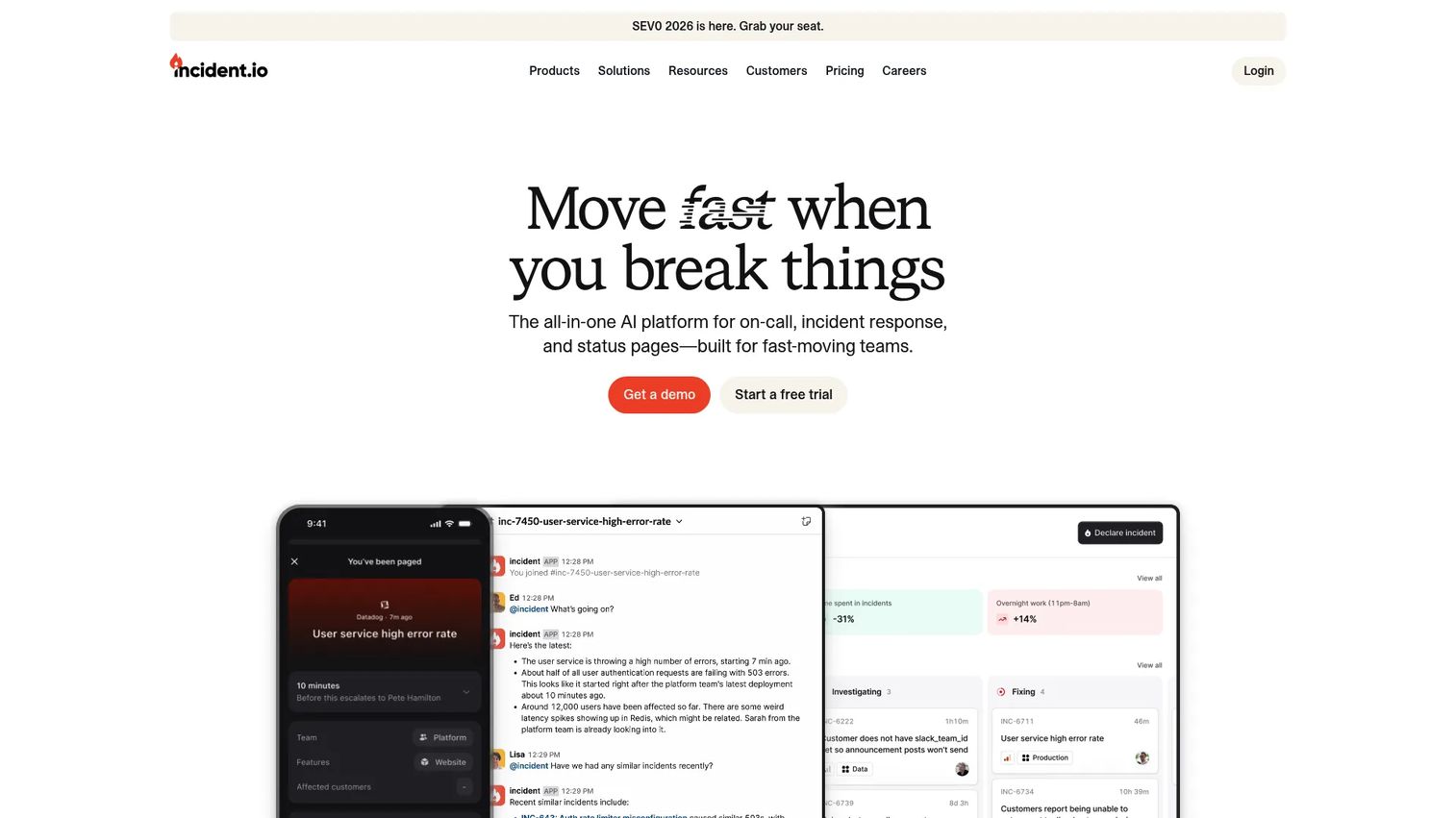
Incident.io brings incident management and on-call scheduling into the tools your team already lives in: Slack and Microsoft Teams. Instead of switching to a separate console during an incident, responders declare, coordinate, and resolve without leaving chat. Scheduling, alerting, and routing sit alongside investigations, workflows, and status pages.
That chat-native approach matters when speed counts. The on-call rotation, escalation, and alert handling all work inside the channel where your team is already talking, so there is less context-switching when an alert fires at the worst possible time. AI-assisted workflows help structure the response so nobody has to remember the runbook under pressure.
Best for: Teams that want a unified incident management and on-call platform inside Slack or Microsoft Teams.
Key strengths
- Chat-native response: declare and manage incidents in Slack or Teams
- On-call scheduling: rotations, alerting, and routing built in
- Investigations and workflows: structured response steps
- Status pages: keep stakeholders informed automatically
- AI-assisted workflows: guided response under pressure
Why choose Incident.io: If your team runs incidents in chat already, Incident.io removes the tool-switching tax. It fits teams that want scheduling and response to live in one place rather than stitching separate tools together.
Incident.io pricing: Basic is free forever. Team is $19 per user per month and Pro is $25 per user per month. A standalone On-call plan is $20 per user per month. Enterprise is custom.
4. Squadcast
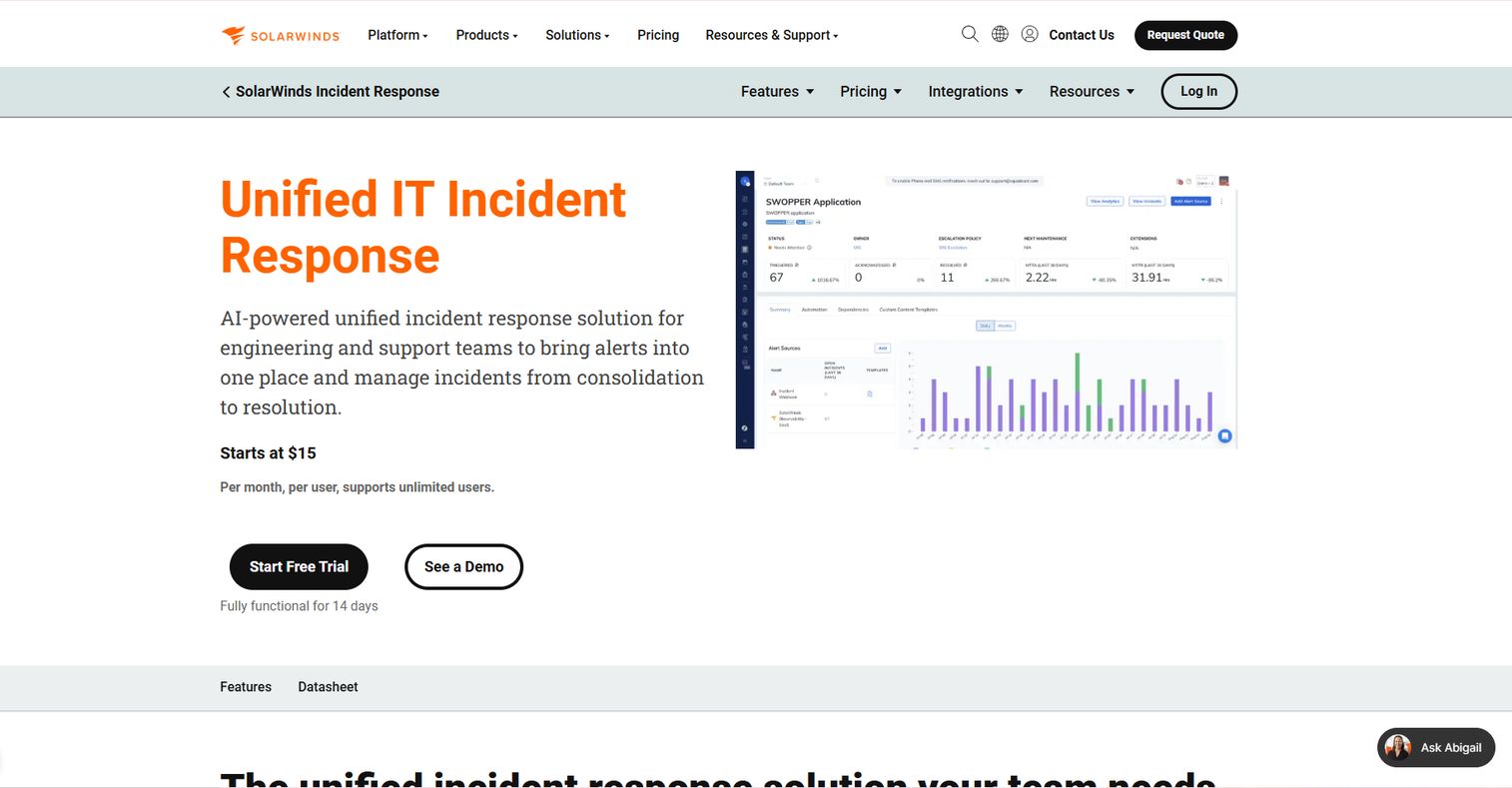
Squadcast is incident response and on-call management software for engineering and support teams that want structured coordination without a heavy setup. It handles automated on-call management, alert deduplication, and service intelligence with SLO tracking, so rotations and alert quality are managed in the same place.
The rotation management is where Squadcast fits teams that want order without complexity. It automates on-call scheduling, routes alerts through escalation policies, and deduplicates noisy alerts so responders are not paged five times for the same underlying issue. SLO management ties reliability targets to the incidents that threaten them.
Best for: Teams that need incident management, on-call scheduling, and alert deduplication.
Key strengths
- Automated on-call management: rotations and escalation without manual upkeep
- Alert deduplication: collapse duplicate pages into one
- Incident response: collaboration from alert to resolution
- SLO management: connect reliability targets to incidents
- Service intelligence: context on what is breaking and why
Why choose Squadcast: Squadcast suits teams that want structured on-call coordination and cleaner alert volume without the overhead of a larger platform. The deduplication alone can meaningfully reduce alert fatigue.
Squadcast pricing: A Free plan is available. Pro is $9 per user per month and Enterprise is $21 per user per month, both billed monthly.
5. Zenduty
Zenduty is an incident management and alerting platform built for teams that want rules-based control over how alerts move. It covers incident alerting, on-call management, incident response in Slack and Teams, post-incident management, and custom alert routing, all with an emphasis on conditional logic.
The routing is the differentiator. Custom alert routing lets you define exactly which alerts go to which responders under which conditions, so a database alert reaches the on-call DBA while a frontend error goes to the web team. Multi-level escalation ensures an unanswered page rolls to a backup, and post-incident management captures postmortems so the same failure does not repeat.
Best for: Teams needing incident alerting, on-call scheduling, and Slack-based incident response.
Key strengths
- Custom alert routing: conditional rules for who gets paged
- On-call management: rotations and multi-level escalation
- Incident response in Slack/Teams: coordinate in chat
- Incident alerting: noise-aware paging
- Post-incident management: structured postmortems
Why choose Zenduty: Zenduty fits teams that want a rules-based setup where routing logic does the heavy lifting. If your alerts need to reach different specialists under different conditions, the conditional routing pays off quickly.
Zenduty pricing: Starter is $6 per user per month and Growth is $16 per user per month, both billed yearly. Enterprise is custom. All plans include a free 14-day trial.
6. Xurrent IMR
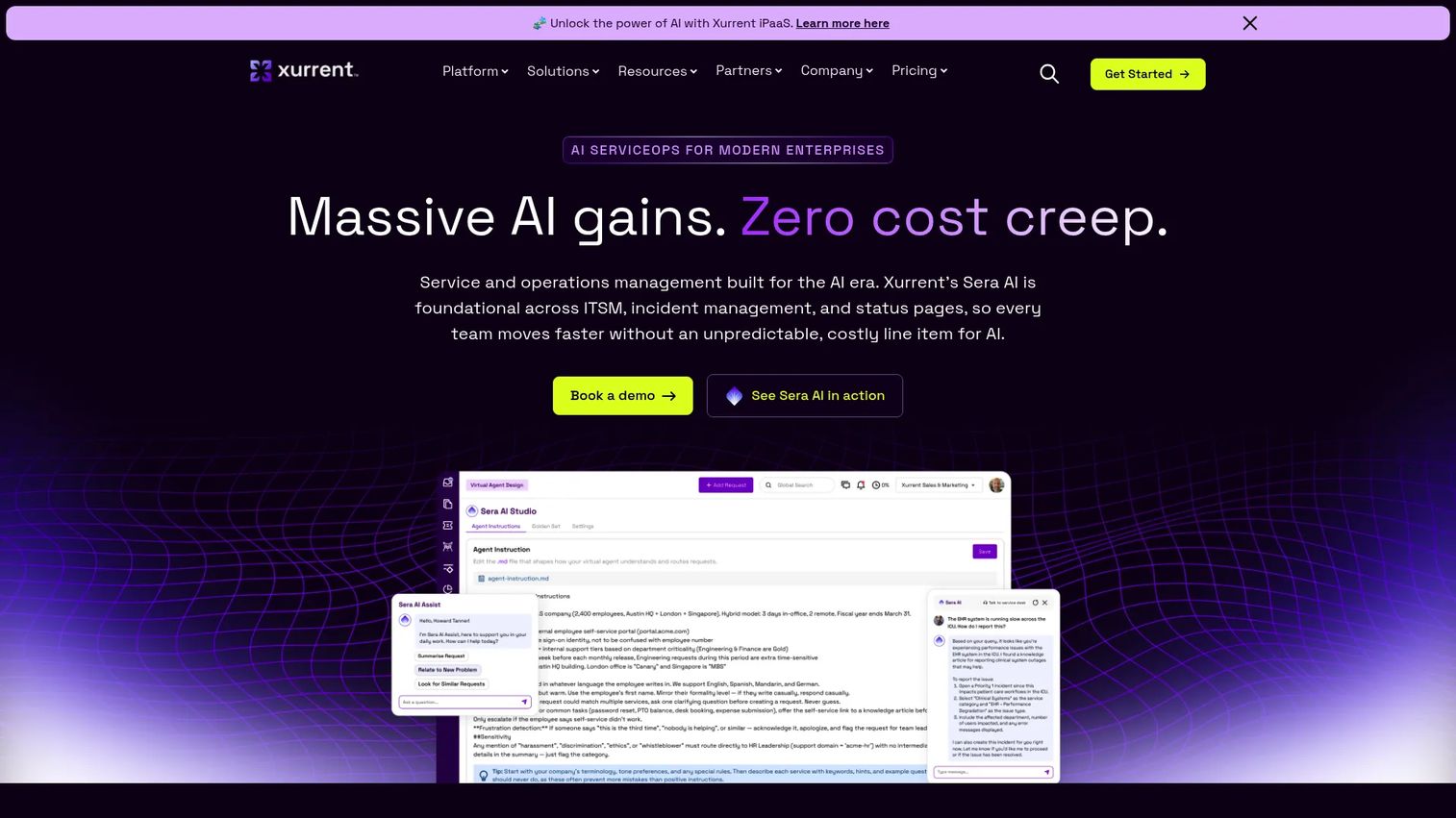
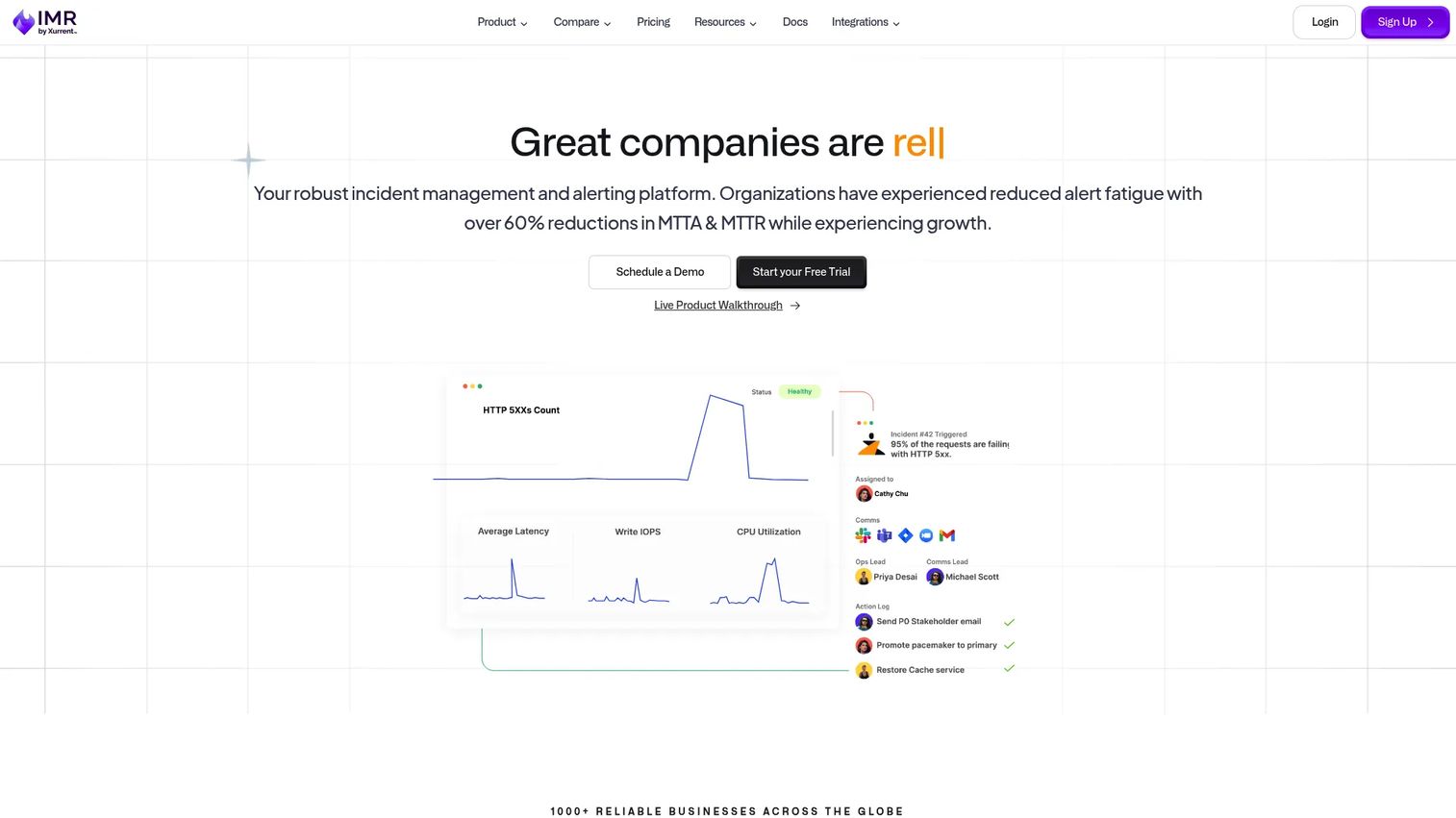
Xurrent IMR is an AI-powered incident management and response platform covering on-call management, alert routing, and escalations. It sits in the incident management space with a lean toward IT operations teams that want automation reducing the manual work of triage and response.
The AI angle shows up in how incidents get managed. AI-powered incident management helps triage and route alerts, while on-call management and escalation handle the scheduling side. For IT operations teams already thinking in service-management terms, Xurrent IMR offers scheduling and response together rather than as separate concerns.
Best for: Teams that need incident alerting, on-call scheduling, and response automation.
Key strengths
- AI-powered incident management: automated triage and routing
- On-call management: rotations and coverage
- Alert routing and escalations: page the right responder
- IT operations fit: service-management alignment
- Response automation: less manual triage work
Why choose Xurrent IMR: Xurrent IMR fits IT operations teams that want AI assistance layered onto standard on-call and escalation workflows. If automation reducing triage time is a priority, the AI focus is the draw.
Xurrent IMR pricing: Starter is $6 per user per month ($5 billed annually) and Growth is $16 per user per month ($14 billed annually). Enterprise is custom. A 14-day free trial is offered.
7. Jira Service Management
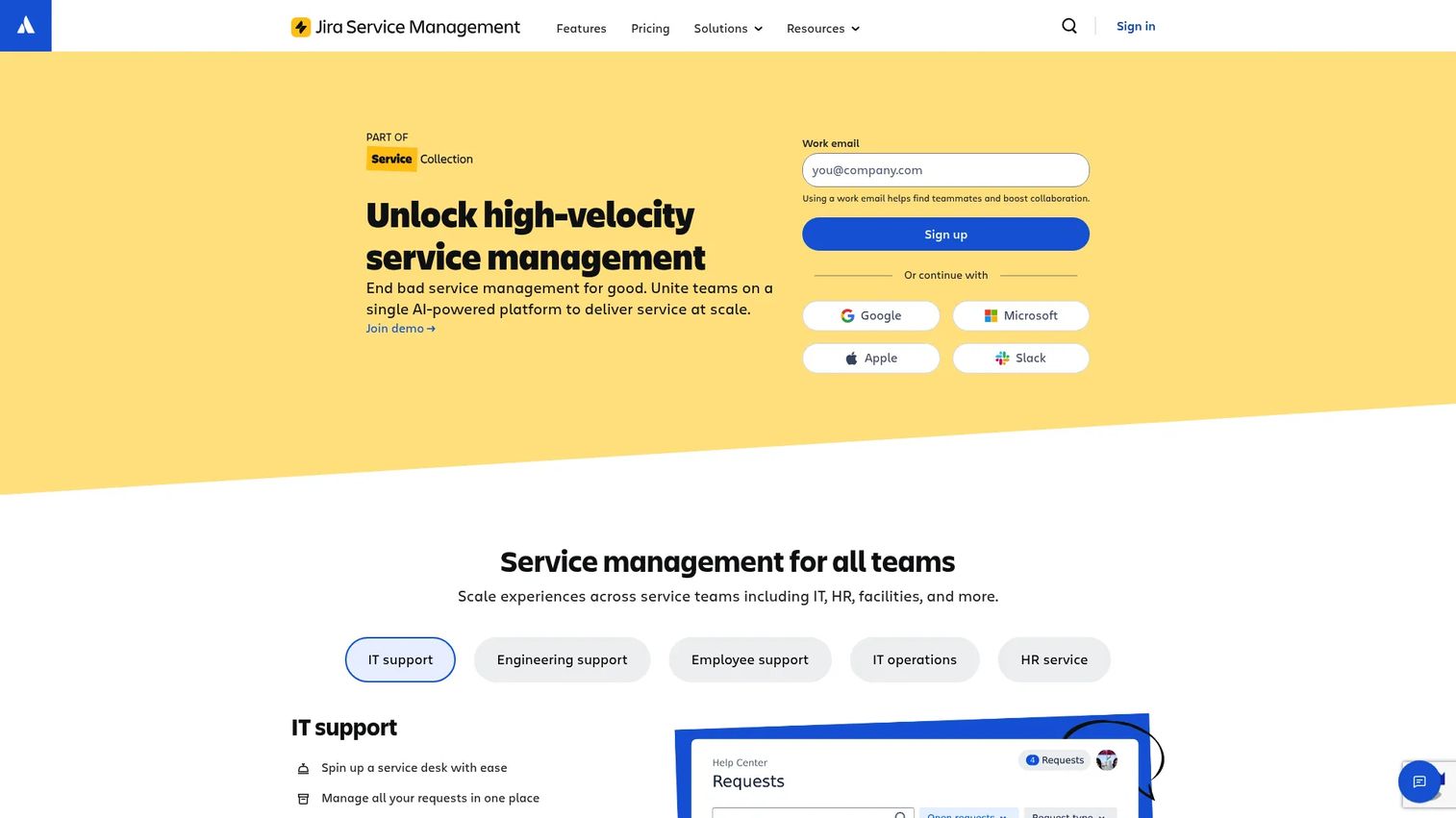
Jira Service Management is Atlassian's IT service management platform, covering request, incident, problem, and change management. On-call scheduling lives inside the same environment as your tickets and workflows, which is the main reason teams already inside the Atlassian ecosystem choose it.
The fit is about consolidation. If your incidents already become Jira tickets and your team works in Jira daily, running on-call schedules in the same tool avoids yet another separate system. Teams migrating from Opsgenie land here, and the ITSM depth around problem and change management gives operations teams more than scheduling alone.
Best for: Teams needing a scalable ITSM and help desk platform with strong Atlassian integration.
Key strengths
- Request management: structured intake and routing
- Incident management: incidents as tickets in your workflow
- Problem management: track root causes over time
- On-call schedules: rotations inside Jira
- Atlassian integration: native fit with the wider stack
Why choose Jira Service Management: For teams already committed to Atlassian, keeping on-call schedules, incident tickets, and change management in one platform reduces tool sprawl. The ITSM depth suits IT operations more than lean engineering-only teams.
Jira Service Management pricing: Free covers up to 3 agents. Standard is $20 per agent per month and Premium is $51.42 per agent per month. Enterprise is billed annually with custom pricing.
Considerations before you buy
Picking the right on-call scheduling software comes down to how your team actually works, not a feature checklist. Weigh these before committing.
Schedule depth and coverage-gap detection
Look for tools that catch unassigned shifts and missing backups before a rotation goes live, not after an alert is missed. Schedule preview and coverage-gap alerts turn silent gaps into visible ones you can fix in advance.
Escalation and alert routing
A page that goes unanswered should roll to a backup automatically. Check how many escalation levels a tool supports and whether routing can send different alerts to different specialists based on service, severity, or time.
Swaps, overrides, and audit trails
Last-minute handoffs are normal. What matters is whether they are tracked. An audit trail for schedule changes lets you reconstruct who covered what, which is essential when reviewing an incident after the fact.
Calendar sync and integrations
Two-way calendar sync with Google Calendar or Outlook keeps responders aware of their duty without checking a separate tool. Also confirm the tool integrates with your chat, monitoring, and ticketing stack so alerts reach people where they work.
Fairness and burnout prevention
Balanced rotations and quiet-hours rules protect your team's work-life balance. Uneven coverage burns people out, so favor tools that make fair rotation and load distribution easy to configure.
Conclusion
The strongest pick depends on your context. PagerDuty is the benchmark for enterprise incident response at scale. Spike leads on auditability and schedule-change context. Jira Service Management wins for teams already inside Atlassian, while Incident.io fits teams that run incidents in Slack or Teams. Zenduty suits rules-based routing, Squadcast structured rotation management with clean alert volume, and Xurrent IMR IT operations that want AI-assisted triage.
The decision framework stays the same across all of them: schedule depth and coverage-gap detection, escalation and alerting, fairness and burnout prevention, integrations, and pricing clarity. Rank those five by what your team feels most acutely today.
Your next step is practical. Shortlist the top two or three against your current workflow, start a trial, and test one real rotation with a swap and an escalation before you commit. The tool that handles your messiest handoff cleanly is the one to keep.
FAQs
On-call scheduling assigns responsibility, deciding who is on duty, who backs them up, and when rotations hand off. Incident management handles the response workflow once an alert fires: declaring the incident, coordinating responders, and driving it to resolution. Most tools on this list do both, but they solve different problems.
Look for recurring rotations, multi-level escalation policies, shift swaps and overrides, availability rules, and coverage-gap detection. Strong tools also add two-way calendar sync, reminder notifications, and an audit trail for every schedule change so you can reconstruct coverage after an incident.
Balanced rotations spread the load so the same people are not always carrying nights and weekends. Backup responders, quiet-hours rules, and fair handoff logic reduce alert fatigue. Coverage-gap detection also helps by preventing the last-minute scrambles that make on-call stressful.
Many tools support calendar sync, though depth varies by vendor. Two-way sync pushes your on-call shifts to your personal calendar and reflects changes back, so responders always see current duty without opening a separate tool. Confirm whether a vendor offers one-way or two-way sync before committing.
Small teams should prioritize ease of setup, a free or low-cost tier, and straightforward rotation management. Squadcast, Incident.io, and Zenduty all offer free plans or low entry prices that cover core scheduling and escalation without enterprise overhead.
Larger organizations usually need auditability, conditional alert routing, governance, and deep integrations. PagerDuty is the common enterprise benchmark for scale, while Jira Service Management fits enterprises already standardized on Atlassian for ITSM and change management.
Yes. Several vendors offer free tiers, though limits vary. PagerDuty's free plan covers up to 5 users, Incident.io's Basic plan is free forever, Squadcast offers a free tier, and Jira Service Management is free for up to 3 agents. Free 14-day trials are also common across paid plans.
Coverage-gap detection scans a schedule for unassigned shifts or missing backups and flags them before the rotation goes live. Instead of discovering a hole when an alert goes unanswered, you see it during setup and can assign someone in advance. This is the single most effective safeguard against the silent 2 a.m. gap.