A teacher opens a lesson on 28 laptops. Within four minutes, six students are on a game site, three are watching videos, and two swear they were "just checking something." The lesson plan is fine. The delivery is fine. The problem is that every screen is a private world the teacher cannot see.
That gap between what teachers plan and what students actually do is exactly what classroom management software closes. It gives teachers real-time visibility into every screen, control over websites and apps, and instruction tools that keep attention on the lesson instead of on tech support.
The category is not niche anymore. The global classroom management software market was valued at $4.2B in 2025 and is projected to reach $9.3B by 2034 at a 9.8% CAGR, according to MarketIntelo (2025). K–12 schools account for 49.6% of that spending, or roughly $2.08B in 2025. Buyers are comparing these tools by the thousands, and the differences that matter are monitoring depth, device support, and whether the pricing is honest before you ever book a call.
If you sit in sales enablement and study how software categories get positioned and sold, this is a useful case study. Classroom management is a mature category where feature depth, pricing transparency, and trust signals all show up in the buying decision. The same evaluation logic applies whether you are picking a tool for a district or watching how vendors package value.
What's inside
This guide is for teachers, school admins, and IT teams comparing classroom management software in 2026. It covers seven tools ranked by how well they fit real classroom and district needs.
Every tool was assessed on four criteria:
- Monitoring depth: how much of student screen and browsing activity a teacher can see in real time
- Control features: website and app blocking, focus modes, device locking
- Teaching tools: live instruction, messaging, quizzes, and engagement checks
- Platform and pricing fit: support across Windows, macOS, and Chrome, plus how clear the pricing is
TL;DR
- Best overall for school-wide classroom control: NetSupport School, with deep monitoring, attention controls, and a technician console for IT.
- Best for teacher dashboards and monitoring: Classwize, built around a live teacher view of every student screen.
- Best for affordability signals: Dyknow Classroom, with a low reviewer-reported entry price.
- Best for Chromebook-heavy schools: GoGuardian Teacher, rated 4.7/5 on G2 and built for 1:1 device environments.
- Best for legacy and mixed fleets: LanSchool, backed by decades of edtech adoption.
- Best for whole-school operations: Kinderpedia, combining classroom tools with family communication and billing.
- Best for Apple-first schools: Jamf School, an Apple MDM built for education and rated 4.7/5 on G2.
What is classroom management software?
Classroom management software is a tool that lets teachers monitor, guide, and control student devices during class, so lessons stay on track and students stay focused. It sits on student laptops, Chromebooks, or tablets and gives the teacher a single dashboard to see and steer what happens on every screen.
Most platforms in this category share a core set of capabilities. Knowing which ones matter to your school shapes the whole decision.
- Student screen monitoring: view live thumbnails of every student device from one teacher dashboard
- Website and app control: block, allow, or limit specific sites and applications during a lesson
- Device focus and locking: freeze screens, lock devices, or push a single tab to keep attention on the task
- Live instruction tools: share the teacher screen, broadcast a demo, or annotate on a shared whiteboard
- Quizzes, surveys, and engagement checks: run quick polls or checks for understanding without leaving the platform
- Device and OS support: coverage across Windows, macOS, Chrome, and often iPadOS
- Reporting and admin controls: activity history, class summaries, and district-level administration for IT teams
The strongest tools do not just monitor. They give teachers a way to redirect a distracted class in seconds and give IT a clean way to deploy and manage the software at scale.
When to use classroom management software
Keep students on task during device-based lessons
The most common trigger is simple: students drift the moment a screen is open. Screen monitoring and focus controls let a teacher spot a wandering tab and pull the class back without stopping the lesson to walk the room. This is the daily job the category was built for.
Run live instruction and quick checks for understanding
When a teacher wants to demonstrate a workflow, they can broadcast their screen to every device at once. Built-in quizzes and surveys then confirm whether the point landed. These real-time instruction tools replace the awkward "everyone gather around my monitor" moment with something every student sees clearly.
Support mixed-device classrooms and school-wide rollouts
Schools rarely run one device type. A cross-platform tool that covers Chromebooks, Windows laptops, and Macs lets IT deploy once and support one system. This matters most during district rollouts, where device management and consistent teacher dashboards across every classroom decide whether adoption sticks.
Classroom management software comparison
Use this table for quick buy-side context. Pricing transparency and platform fit vary widely across the category, and both belong in your shortlist decision before you book a demo.
| # | Product | Best for | Key differentiator | Pricing | G2 rating |
|---|---|---|---|---|---|
| 1 | NetSupport School | School-wide classroom control | Deep monitoring plus a technician console for IT | Not publicly listed | Not listed |
| 2 | Classwize | Teacher dashboards and monitoring | Live teacher view of every student screen | Demo-based | Not listed |
| 3 | Dyknow Classroom | Affordability | Low reviewer-reported entry price | From $9 per year (reviewer-reported) | Not listed |
| 4 | GoGuardian Teacher | Chromebook-heavy schools | Built for 1:1 device environments | Connect with sales | 4.7/5 |
| 5 | LanSchool | Mixed and legacy fleets | Decades of edtech adoption, free trial | Trial available, quote-based | 4.2/5 |
| 6 | Kinderpedia | Whole-school operations | Classroom tools plus family comms and billing | From €49 per center/month | 4.7/5 |
| 7 | Jamf School | Apple-first schools | Apple MDM built for education | Custom, device minimums | 4.7/5 |
1. NetSupport School
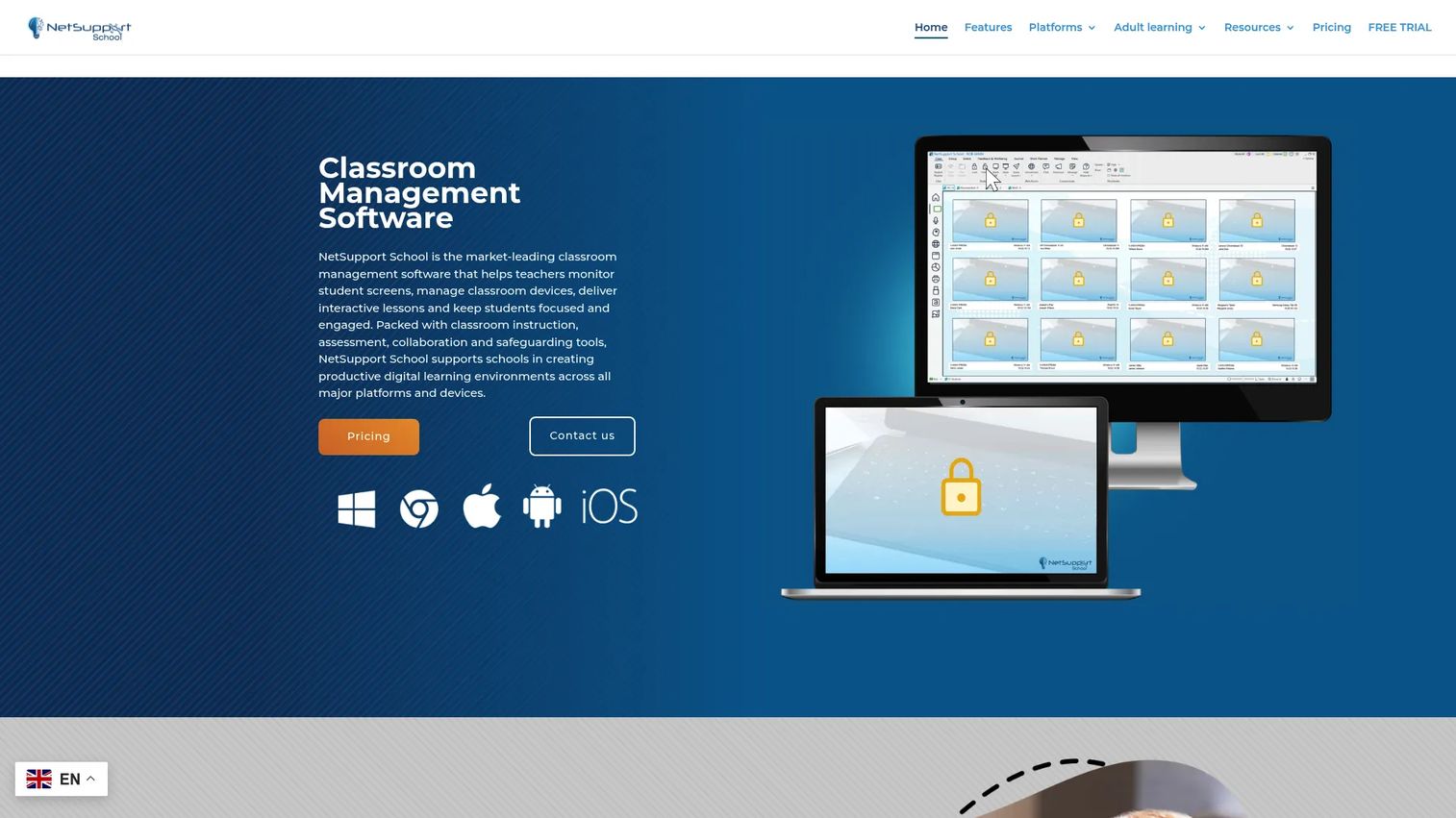
NetSupport School is a classroom management platform built for teachers who want to see and steer every student screen without leaving the front of the room. It pairs real-time monitoring with attention controls, interactive teaching tools, and a dedicated technician console that gives IT its own view of the fleet. That combination is why it lands as the strongest all-round pick for school-wide classroom control.
Best for: Schools that want teachers and IT working from one classroom control system across many rooms.
Key strengths
- Real-time screen monitoring across the whole class
- Attention controls to lock devices and blank screens
- Interactive teaching, testing, and survey tools
- Wellbeing check-in feature for student sentiment
- Technician console for IT-level device management
Why choose NetSupport School: It fits schools that need both the teacher-facing dashboard and an IT-facing console in the same product. The wellbeing check-in adds an engagement and student wellbeing layer most pure-monitoring tools skip, which matters if your district cares about SEL alongside control.
NetSupport School pricing: NetSupport does not publish a public price on its product page and directs buyers to request pricing directly. Reach out through the site for a quote based on your device count and deployment.
2. Classwize
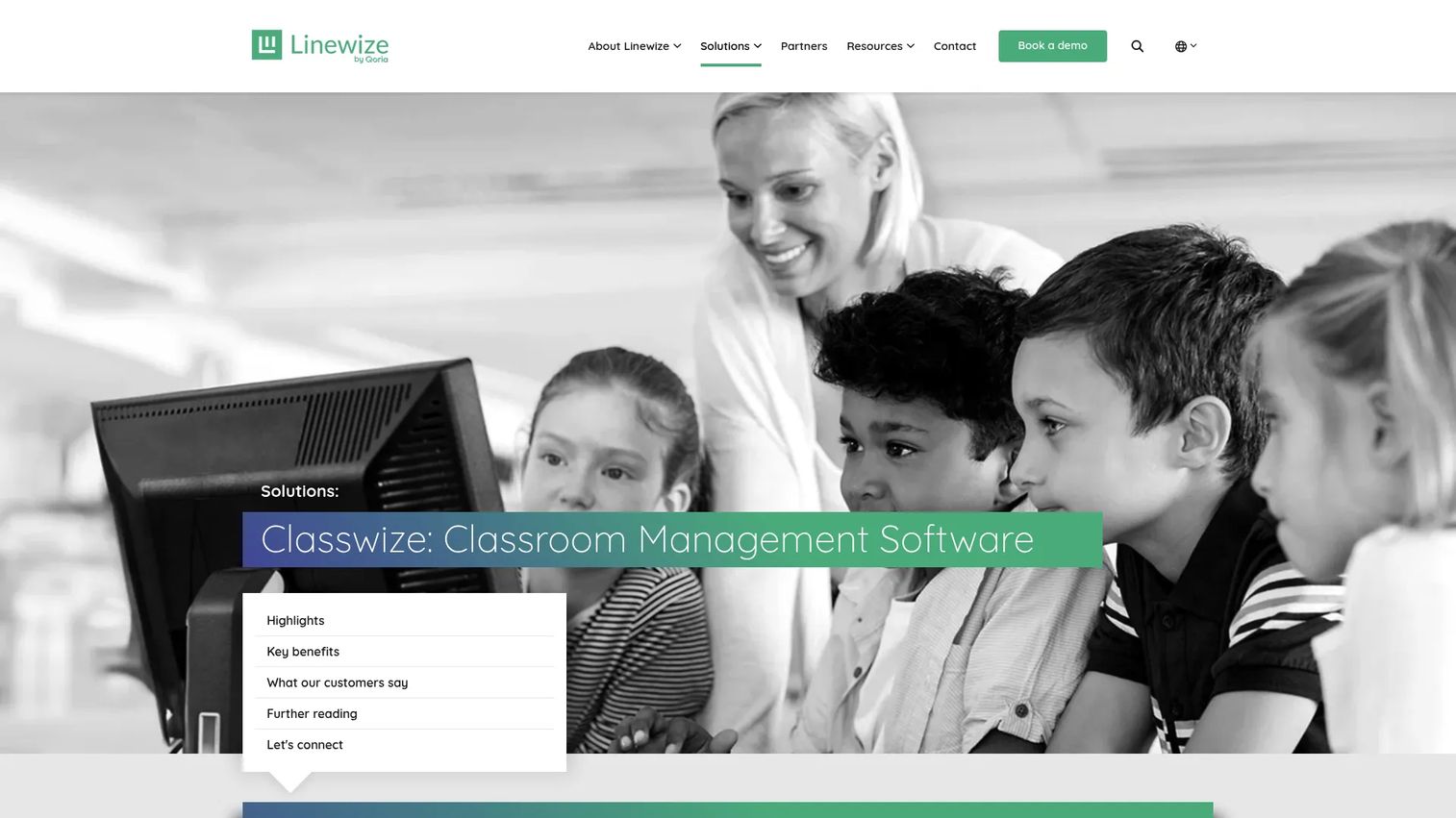
Classwize is Linewize's classroom management software for teachers, built around a live teacher dashboard that shows what every student is doing online right now. It leans into content filtering, focus sessions, and digital safety, positioning itself as much for wellbeing as for control. For a teacher who wants one clear screen of the whole class, this is a strong fit.
Best for: K–12 schools that want teachers managing and monitoring student devices during class.
Key strengths
- Real-time visibility into student online activity
- Internet access control and tab management
- Focus sessions and breakout sessions
- YouTube distraction management
- Digital safety positioning backed by certifications
Why choose Classwize: It suits schools that treat online safety and classroom focus as the same job. The dashboard is teacher-first, so adoption tends to be quick, and the filtering ties classroom control to broader school safety rather than treating them separately.
Classwize pricing: Classwize does not list a public price on its site and uses demo and contact CTAs instead. Book a demo through Linewize to get pricing scoped to your school size and device mix.
3. Dyknow Classroom
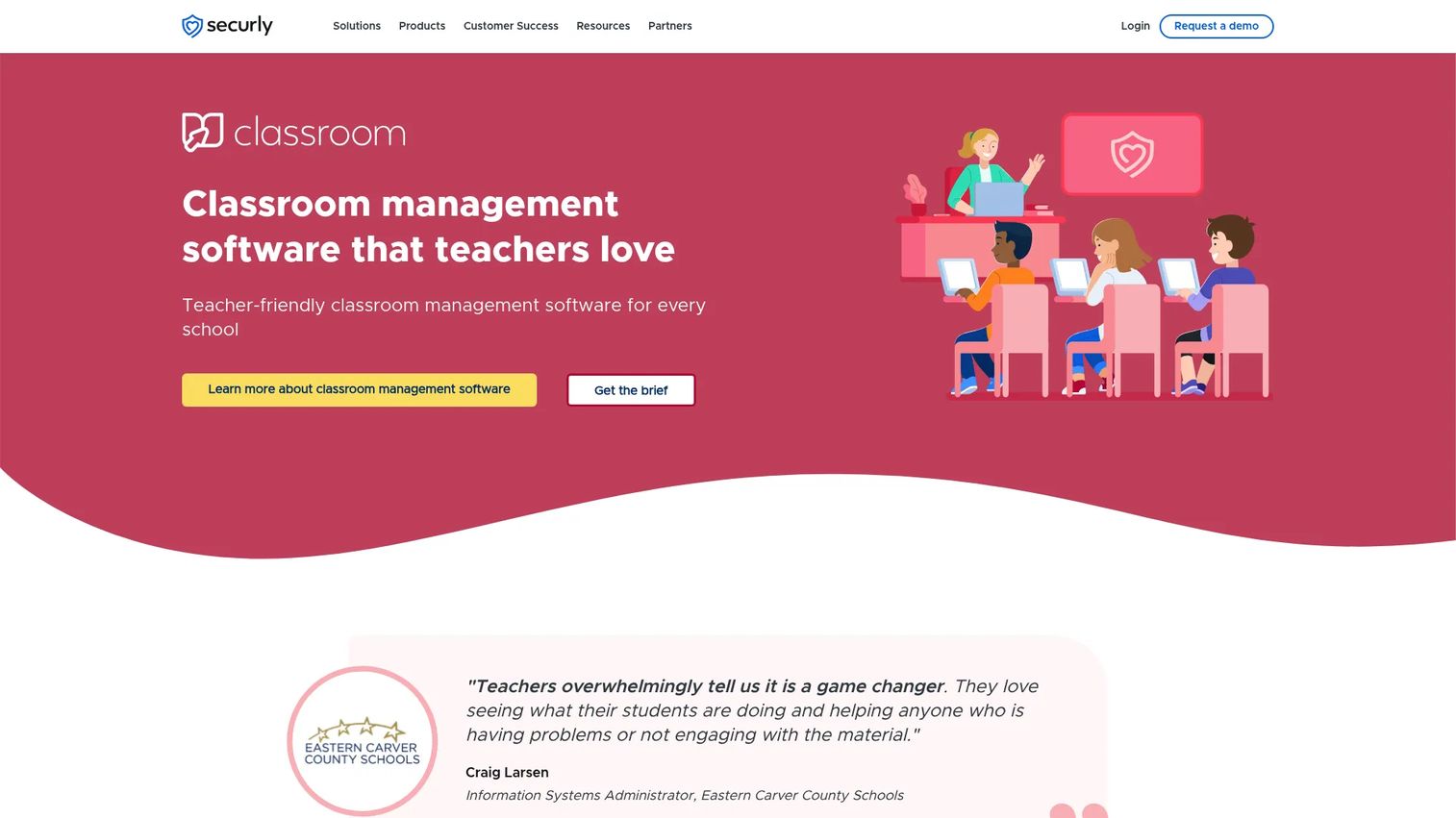
Dyknow Classroom is K–12 classroom management software focused on monitoring student devices and cutting digital distractions. Teachers see every student screen in real time, block sites and apps during class, and review a history of class activity after the fact. Schools often compare it to broader classroom suites because it covers the monitoring core without the heavier feature footprint.
Best for: Schools needing straightforward device monitoring and teacher controls for K–12 students.
Key strengths
- View all student screens in real time
- Block websites and apps during class
- Send messages to students mid-lesson
- Review class activity history after sessions
- Low reviewer-reported entry price
Why choose Dyknow Classroom: It appeals to schools that want the monitoring essentials without paying for a full instruction suite. The activity history is useful for follow-up conversations with students or parents about on-task behavior.
Dyknow Classroom pricing: A first-party public price was not visible on the product site. Third-party listing Capterra shows a starting price of $9 per year per student, so confirm current pricing directly with the vendor before budgeting.
4. GoGuardian Teacher
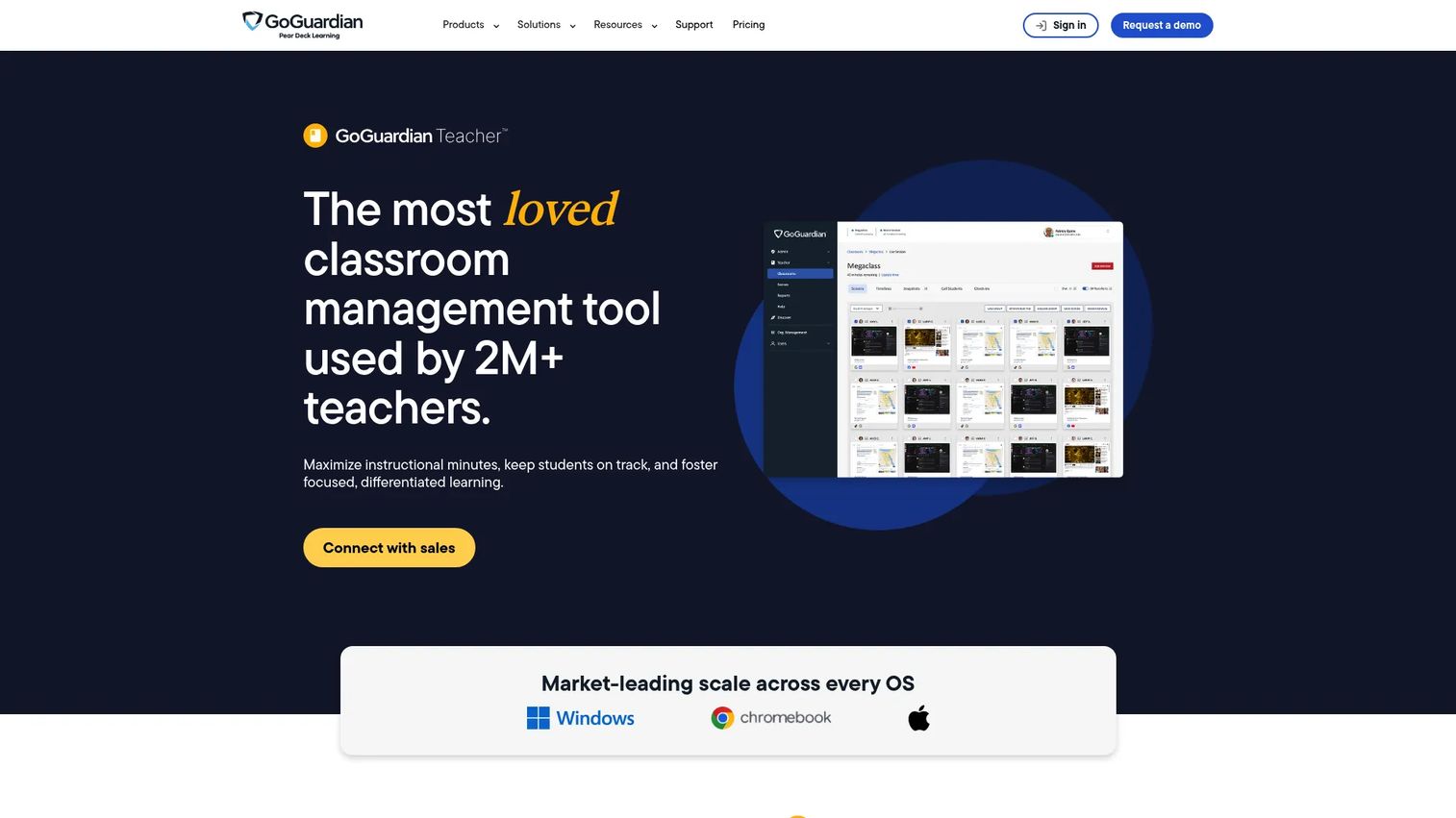
GoGuardian Teacher is classroom management software built for Chromebook-heavy, 1:1 device schools. Teachers monitor student browsing, manage tabs, and keep students on task using tools like Scenes and Focus Tabs. Rated 4.7/5 on G2, it is a go-to for districts that standardized on Chrome and want tight browser-level control.
Best for: K–12 schools running 1:1 Chromebook or browser-first device environments.
Key strengths
- View student browsing activity and remote screen management
- Two-way in-class chat and class-wide announcements
- Block or allow websites during class
- Override district filtering when a lesson needs it
- Scenes and Focus Tabs to lock attention to specific tabs
Why choose GoGuardian Teacher: For Chromebook fleets, its browser-native controls feel more natural than tools retrofitted onto Chrome. The two-way chat and announcements give teachers a quiet way to redirect a student without calling them out in front of the class.
GoGuardian Teacher pricing: The GoGuardian Teacher page uses a "connect with sales" flow and does not publish a public price. Contact GoGuardian for pricing based on your student count and device setup.
5. LanSchool
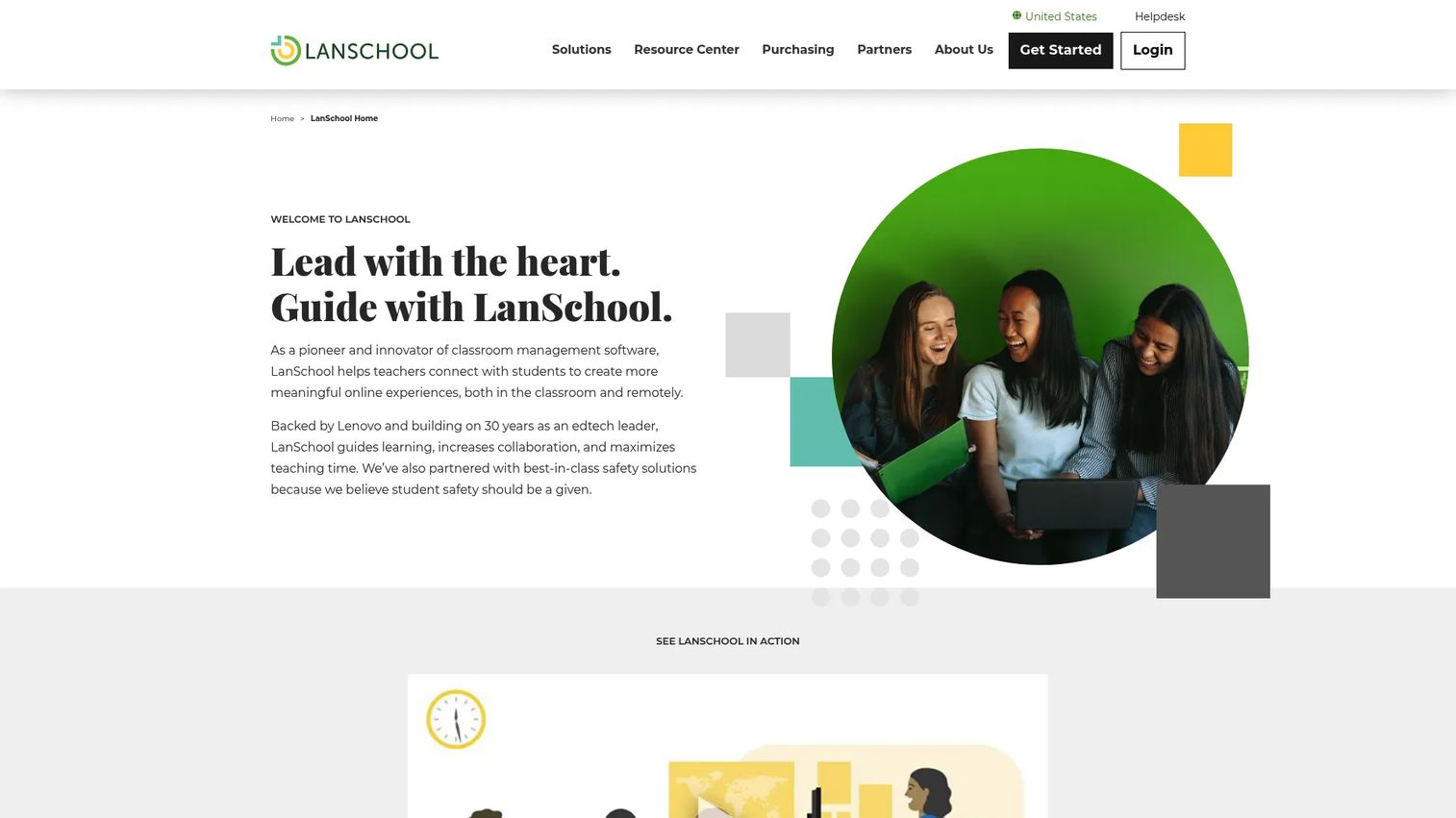
LanSchool is K–12 classroom management software for teachers to monitor, guide, and collaborate with students across classroom and remote settings. Backed by Lenovo and built on decades of edtech presence, it keeps showing up on buyer shortlists because it runs across mixed and legacy device fleets that newer, browser-only tools do not cover as cleanly.
Best for: K–12 schools needing teacher-led device monitoring and classroom control across varied hardware.
Key strengths
- Screen monitoring of student devices
- Messaging and collaboration tools
- Cloud-based or locally hosted deployment
- Support for classroom and remote learning
- Two scalable license options
Why choose LanSchool: Its deployment flexibility is the draw. Schools that cannot run everything in the cloud, or that maintain older hardware, get a locally hosted option many competitors dropped. That longevity is why IT teams with mixed environments keep evaluating it.
LanSchool pricing: LanSchool does not publish a public price on its purchasing page. It offers two scalable license options plus trial access, and supports credit-card purchase, purchase orders, and custom quotes, so request a quote for your fleet size.
6. Kinderpedia
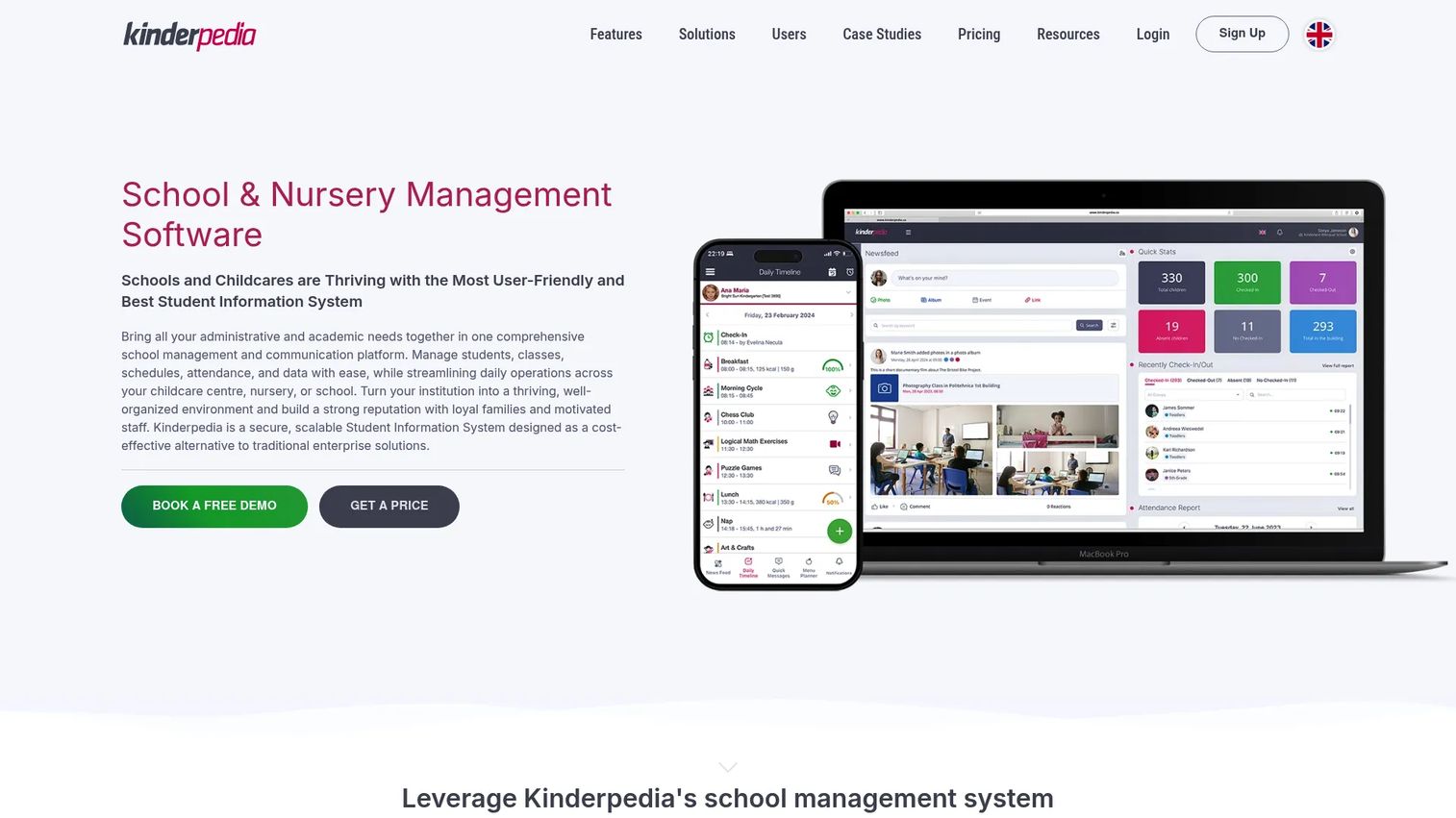
Kinderpedia is cloud-based school and childcare management software that reaches beyond pure classroom control into family communication and school operations. It handles attendance, gradebooks, homework, parent-teacher messaging, and billing in one platform. Rated 4.7/5 on G2, it is the pick when a school wants to run classroom and administrative work from a single system.
Best for: Schools and childcare centers needing all-in-one communication, administration, and billing.
Key strengths
- Attendance, daily logs, and parent-teacher messaging
- Gradebook, homework, and remote video teaching
- Tuition management, invoicing, and payment tracking
- Cloud-based access for staff and families
- Broad module coverage across school operations
Why choose Kinderpedia: Choose it when the problem is bigger than keeping students off distracting sites. If your school juggles communication, admin, and billing across separate tools, Kinderpedia consolidates them, which is a different job than the screen-monitoring tools above.
Kinderpedia pricing: Kinderpedia publishes clear pricing. Plans run from €49 per center per month for Starter, €99 for Essentials, and €199 for Professional when billed annually. Monthly billing is higher, a free tier is available, and a Business Plus tier is custom priced.
7. Jamf School
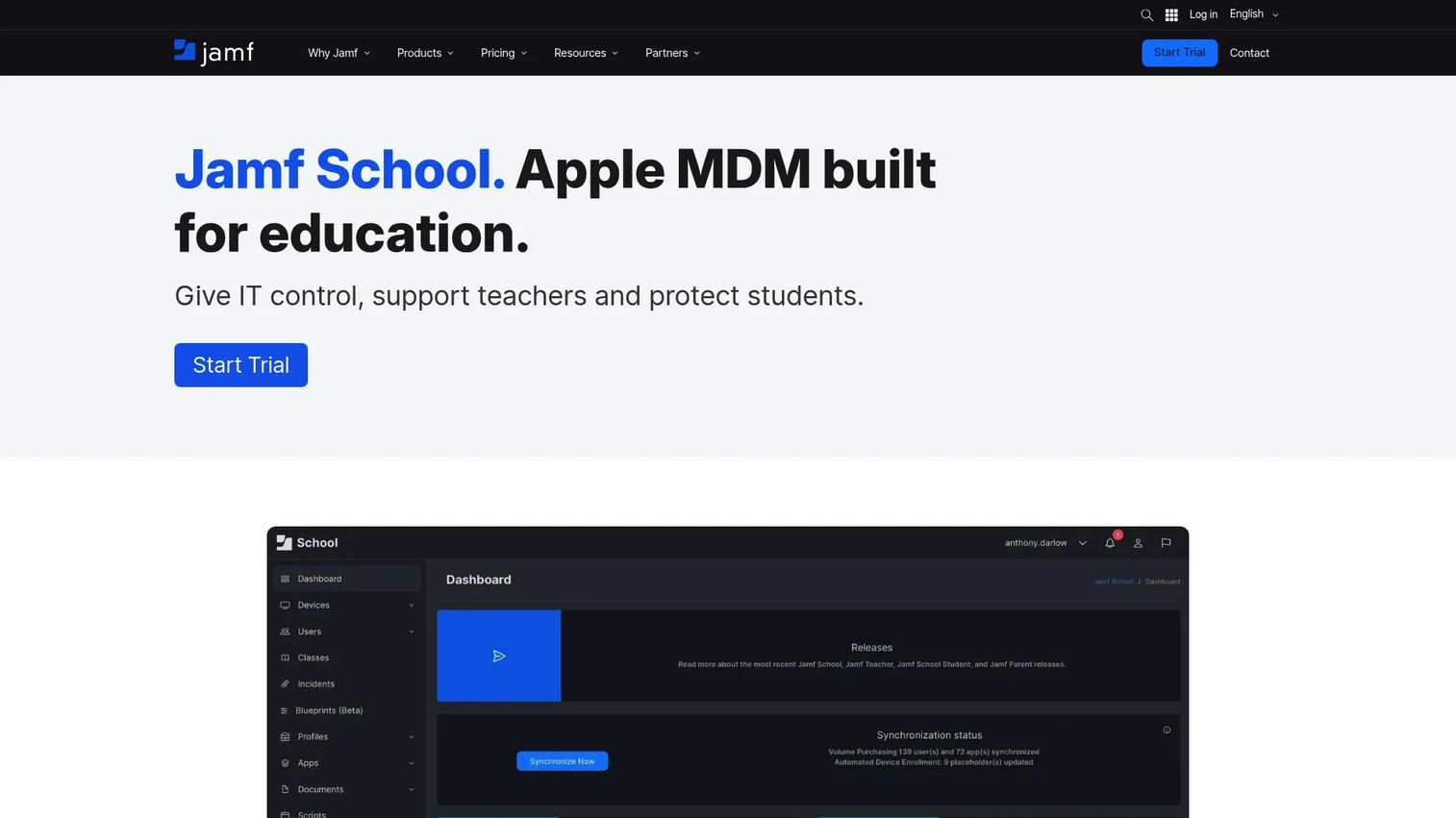
Jamf School is an Apple MDM built for education, combining device management with classroom workflows and teacher tools. iPad and Mac-heavy schools evaluate it alongside classroom management tools because it handles enrollment, deployment, and in-class control in one Apple-native system. It holds a 4.7/5 rating on G2.
Best for: K–12 schools managing Apple devices and classroom workflows.
Key strengths
- Automated enrollment for Apple devices
- Zero-touch deployment at scale
- Classroom management and teacher controls
- Device management for iPad and Mac fleets
- Apple-native education workflows
Why choose Jamf School: If your school runs on iPads and Macs, an Apple-first MDM handles device management and classroom control together, rather than bolting a classroom tool onto a device-management gap. That unified approach is why Apple-committed districts shortlist it.
Jamf School pricing: Jamf's education pricing is custom with device minimums. Jamf for K–12 is powered by Jamf School alongside other Jamf products, and standalone Jamf School pricing is not published, so contact Jamf for a quote scoped to your device count.
What to check before you buy
Monitoring depth versus privacy balance
Confirm exactly what a teacher can see and when. Some tools show live thumbnails only during class hours; others keep broader visibility. Match that to your district's privacy policy and communicate it to families so student monitoring builds trust instead of friction.
Platform and device support
List your actual device mix before shortlisting. A Chromebook-first school and a Mac-first school will land on different tools. Verify support across Windows, macOS, and Chrome, and check iPadOS if tablets are in play, so device management stays clean across every room.
IT deployment and rollout
Ask how the software installs and updates at scale. A technician console or MDM integration saves your IT team hours during district rollouts. Weak deployment support turns a good classroom tool into an ongoing school IT support burden.
Pricing transparency
Several tools in this category gate pricing behind a sales call. That is normal, but push for a written quote tied to your student count early. Where a vendor publishes pricing, like Kinderpedia, factor affordability and billing frequency into the comparison directly.
Teacher onboarding
The best classroom control software fails if teachers do not adopt it. Check for a free trial, training resources, and a teacher dashboard simple enough to learn in one prep period. Adoption, not features, decides whether the investment pays off.
Conclusion
The right classroom management software depends on your device mix and who needs to run it. For school-wide control where teachers and IT share one system, NetSupport School is the strongest all-round pick. For a teacher-first dashboard with monitoring and safety built in, Classwize fits well. For Chromebook-heavy 1:1 schools, GoGuardian Teacher is the natural choice, and Apple-committed districts should shortlist Jamf School.
If budget clarity matters most, Kinderpedia publishes transparent pricing and adds whole-school operations, while Dyknow Classroom offers a low reviewer-reported entry point for the monitoring essentials. LanSchool remains the safe pick for mixed and legacy fleets.
Start by listing your device types, then decide whether you need pure classroom control or broader school operations. Book a demo or free trial with your top two picks and test them in a real classroom before you commit district budget.
FAQs
There is no single best tool, only the best fit for your device mix. NetSupport School leads for school-wide control combining teacher and IT views, while Classwize wins for teachers who want one clear monitoring dashboard. Chromebook schools tend to prefer GoGuardian Teacher, rated 4.7/5 on G2.
GoGuardian Teacher is built for Chromebook-heavy, 1:1 device environments and offers browser-native controls like Scenes and Focus Tabs. Its 4.7/5 G2 rating reflects strong adoption in Chrome-first districts. LanSchool and Classwize also support Chrome alongside other platforms if you run a mixed fleet.
Student monitoring software shows teachers live thumbnails of every screen, so a wandering tab gets spotted in seconds instead of going unnoticed. Teachers can then block sites, push a single focus tab, or lock devices to pull attention back. The result is less time policing the room and more time teaching.
Prioritize real-time screen monitoring, website and app control, and device focus or locking, since those handle the daily job. Then weigh live instruction tools, quizzes, and activity reporting based on how you teach. Platform support across your device types is a hard requirement, not a nice-to-have.
For most 1:1 device schools, yes. K–12 accounts for nearly half of all classroom management software spending, per MarketIntelo (2025), which signals broad adoption. The payoff is recovered instructional time and fewer distraction-driven interruptions, though the value depends on teachers actually using the tool.
Pricing varies widely and many vendors gate it behind a sales call. Kinderpedia publishes plans from €49 per center per month billed annually, and Dyknow Classroom shows a reviewer-reported starting price of $9 per year per student on Capterra. Others like GoGuardian Teacher and Jamf School use custom quotes tied to device count.
Classroom management software controls and monitors student devices in real time during class, focusing on attention and on-task behavior. An LMS manages coursework, assignments, grades, and content delivery over time. They solve different problems and many schools run both, sometimes alongside broader platforms like Kinderpedia.
Yes, several tools support all three. LanSchool offers cloud-based or locally hosted deployment across mixed fleets, and NetSupport School covers multiple platforms with a technician console for IT. Jamf School is Apple-first for iPad and Mac, so confirm each vendor's exact device support against your fleet before buying.