Your roadmap says ship mobile this quarter. Your team is split across three skill sets, half your engineers write JavaScript, one knows Swift, and nobody wants to maintain two codebases forever. So the first real decision is not a feature. It is the stack.
That choice shapes everything downstream: how fast you ship, whether you carry maintenance debt, how many engineers you tie up, and who owns the release when the UI changes next month. Pick wrong and you spend the next year fighting your tooling instead of your competitors.
The stakes are not small. The global mobile app development market is projected to grow from USD 338.65 billion in 2026 to USD 844.5 billion by 2034 at a 12.1% CAGR, according to Straits Research (2026). More tools, more frameworks, more ways to get it wrong. The category itself splits into four camps that solve different problems: native IDEs, cross-platform frameworks, low-code builders, and enterprise low-code platforms.
For product managers, the job here is not learning to code. It is choosing app development software that lets your team ship, validate, and maintain mobile experiences without adding operational drag. If you also care about how the app gets discovered and adopted after launch, our roundups of the best mobile marketing software and the best mobile attribution platforms pair well with this guide. And if you are curious how AI is reshaping the build side, the ai app builder software landscape is moving fast.
What's inside
This guide is for product managers and technical leads comparing mobile app development tools before they commit budget and engineering time. It covers the full category: native IDEs like Android Studio and Xcode, cross-platform frameworks like Flutter and React Native, code-sharing options like .NET MAUI and Kotlin Multiplatform, plus low-code and no-code app builders like FlutterFlow and OutSystems.
We chose tools based on four criteria that matter to shipping teams: platform coverage (iOS, Android, or both), team skill fit, maintainability across frequent releases, and publishing path to the App Store and Google Play. Pricing and G2 ratings reflect verified values at publish time.
TL;DR
- Best for native Android work: Android Studio, the official IDE with the deepest Android tooling.
- Best for native iOS work: Xcode, required for Apple platforms and App Store submission.
- Best for fast cross-platform development: Flutter, one codebase across mobile, web, and desktop.
- Best for JavaScript and web-heavy teams: React Native, reuse React skills for native mobile.
- Best for Microsoft shops: .NET MAUI, share C# across iOS, Android, macOS, and Windows.
- Best for shared logic with native UI: Kotlin Multiplatform, reuse business logic, keep native front ends.
- Best for rapid visual prototyping: FlutterFlow, a low-code mobile app builder that exports real Flutter code.
- Best for enterprise low-code: OutSystems, governed app delivery at scale for large orgs.
What is mobile app development software?
Mobile app development software is the set of tools teams use to design, build, test, and publish applications for iOS and Android devices. The category spans four distinct classes, and the right one depends on your platform targets, team skills, and release cadence.
The four classes break down like this:
- Native IDEs: Full development environments tied to one platform. Android Studio for Android, Xcode for Apple. Maximum control, platform-specific fidelity, direct store publishing.
- Cross-platform frameworks: Write once, run on iOS and Android from a single codebase. Flutter and React Native lead here. Balance of speed and reach.
- Code-sharing frameworks: Share business logic across platforms while keeping native UI. .NET MAUI and Kotlin Multiplatform fit this pattern.
- Low-code and no-code builders: Visual tools that reduce hand-written code. FlutterFlow for fast prototyping, OutSystems for governed enterprise delivery.
A few constraints shape every decision here:
- Native vs cross-platform: Native app development gives you the deepest platform integration and the newest OS features first. Cross-platform app development cuts duplication by sharing one codebase, trading some platform-specific control for speed and reach.
- Android vs iOS ecosystem: Android publishing runs through Google Play with a one-time developer fee. iOS publishing runs through the App Store and requires a Mac plus an annual Apple Developer Program membership. You cannot build or submit iOS apps without Apple hardware.
- Backend and publishing: Most apps need a backend, and every app needs a path to the store. Factor in build pipelines, signing, review timelines, and developer program fees before you pick a tool.
When to use each type
The right category depends less on the tool and more on your platform targets, team makeup, and how fast you need to move.
Build native apps for a single platform
Go native when you target one platform and need every ounce of performance and platform depth. If you are iPhone-first with an Apple-heavy user base, Xcode and Swift give you first-day access to new iOS APIs. If Android is your only target, Android Studio delivers the same for Google Play. Native is also the right call when your app leans hard on device hardware, background processing, or platform-specific design language.
Ship one codebase across iOS and Android
Cross-platform frameworks make sense when you want both platforms without staffing two native teams. Flutter and React Native let a single team ship to iOS and Android from one codebase, cutting duplication and keeping feature parity tight. This is the sweet spot for most SaaS product teams: faster shipping, one codebase to maintain, and native-feeling apps on both stores.
Move faster with lower engineering overhead
Low-code and visual builders fit when speed to validate matters more than deep customization. A no-code app builder or low-code mobile app builder lets product teams prototype, test a concept, or ship internal tools without tying up senior engineers. FlutterFlow suits fast prototyping that exports real code. OutSystems fits enterprises that need governed delivery with compliance controls baked in.
Comparison table
Here is how the eight tools stack up. Read it by starting with your platform target and team skills, then narrow by pricing model and maintainability. The intent column tells you what each tool is built to do; the key use case column tells you the team it fits.
| # | Product | Intent | Key use case | Pricing | G2 rating |
|---|---|---|---|---|---|
| 1 | Android Studio | Native Android IDE | Building, testing, profiling Android apps | Free download | 4.5/5 |
| 2 | Xcode | Native Apple IDE | Building and submitting iOS and Apple apps | Free from Mac App Store | 4.2/5 |
| 3 | Flutter | Cross-platform framework | One codebase across mobile, web, desktop | Free, open source | 4.6/5 |
| 4 | React Native | Cross-platform framework | Native mobile apps with React and JavaScript | Free, open source | 4.5/5 |
| 5 | .NET MAUI | Cross-platform framework | Shared C# across iOS, Android, macOS, Windows | Free, open source | 4.4/5 |
| 6 | Kotlin Multiplatform | Code-sharing framework | Shared logic with native UI per platform | Free, open source | 4.6/5 |
| 7 | FlutterFlow | Low-code visual builder | Fast visual app building with code export | Free plan, Basic from $39/mo | 4.5/5 |
| 8 | OutSystems | Enterprise low-code | Governed app delivery at enterprise scale | Free tier, custom pricing | Not listed |
1. Android Studio
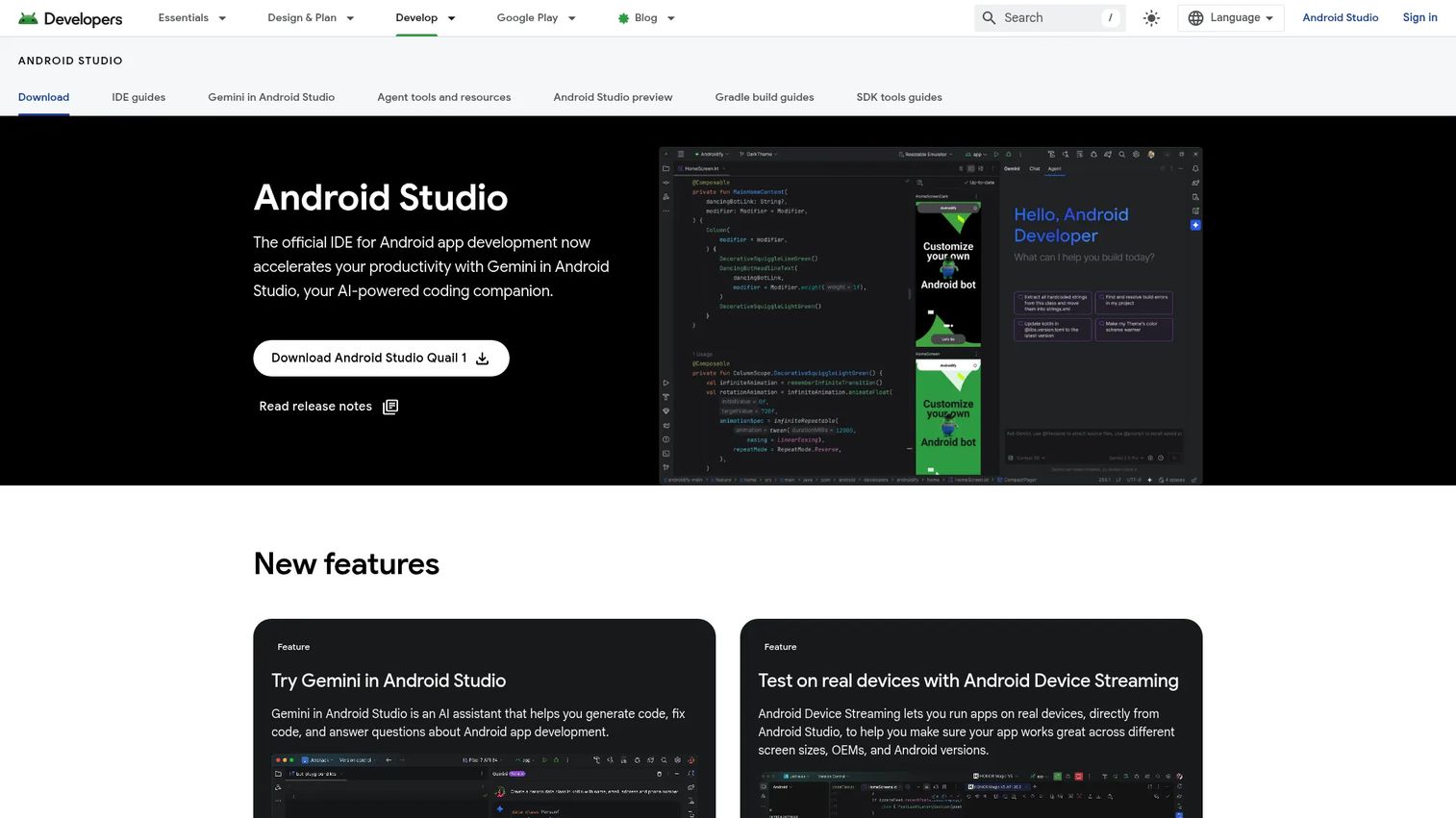
Android Studio is the official IDE for Android app development, built and maintained by Google. It is the standard environment for writing, testing, and profiling Android apps, with a fast emulator, a flexible build system, and design tools built directly around the platform. If you are shipping to Google Play, this is the tool your Android engineers will live in.
For a product manager, Android Studio matters because it gives your Android team the deepest possible integration with the platform and the earliest access to new OS features. There is no abstraction layer between your code and the device.
Best for: Android developers building, testing, and profiling apps in a dedicated, platform-native IDE.
Key strengths
- Flexible Gradle-based build system: Configure builds, flavors, and dependencies to match complex release pipelines.
- Fast Android Emulator: Test across device profiles, screen sizes, and API levels without physical hardware.
- Compose design tools and Live Edit: Iterate on UI with Jetpack Compose and see changes reflected quickly.
Why choose Android Studio: If Android is a primary platform, this is the non-negotiable core of your stack. It offers the fullest control over the Android build and the fastest path to new platform capabilities. The tradeoff is scope: it builds Android only, so a cross-platform team pairs it with another tool or framework for iOS.
Android Studio pricing: Android Studio is a free download from the official Android Developers site, with no public paid tier for the IDE itself. Publishing to Google Play requires a one-time Google Play developer registration fee, which is separate from the IDE. Gemini in Android Studio is offered as a separate assistant with its own free and business tiers.
2. Xcode
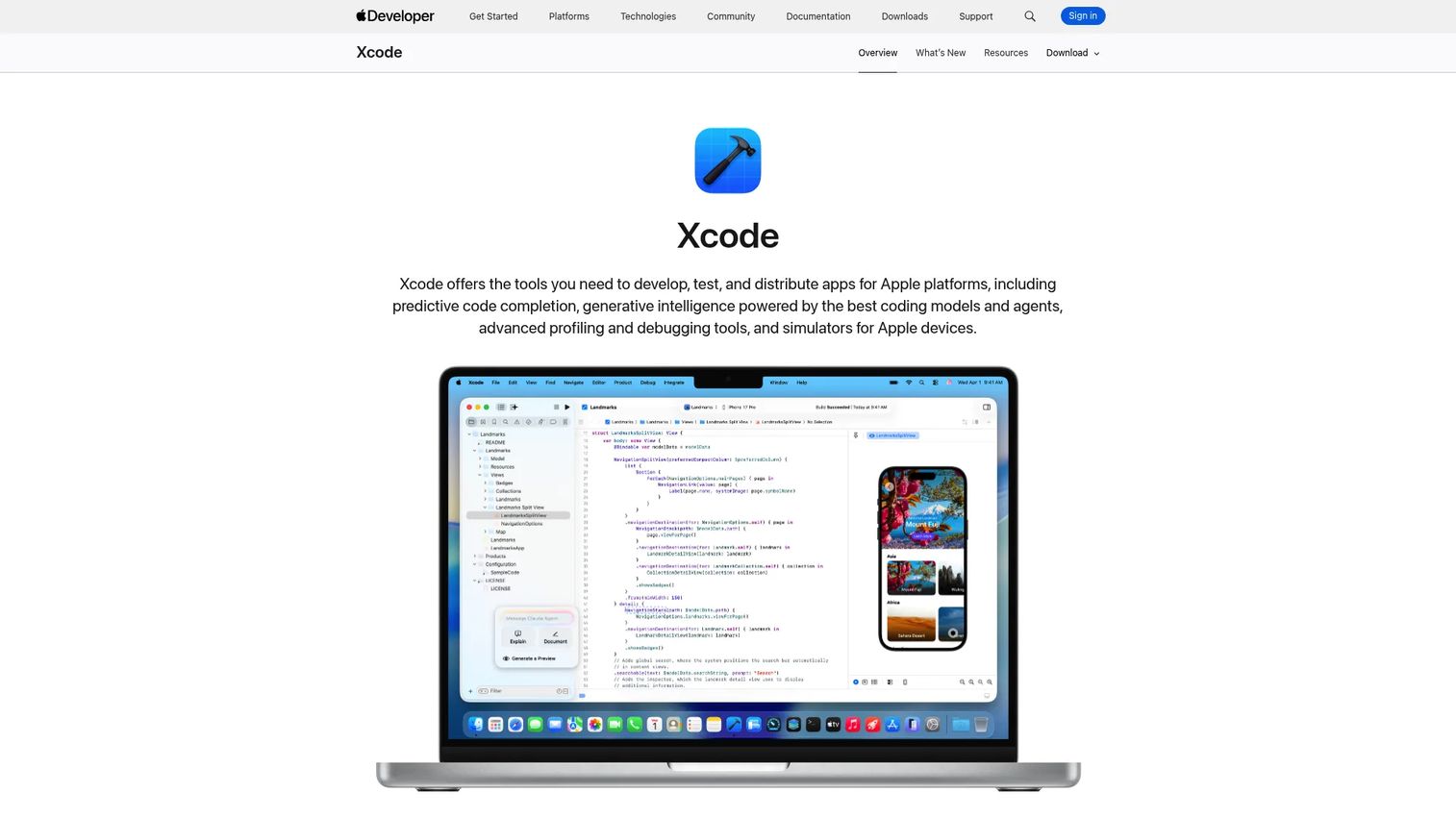
Xcode is Apple's integrated development environment for building, testing, and submitting apps across iOS, macOS, watchOS, and tvOS. It is the only official path to build and ship apps for Apple platforms, bundling a Swift-first editor, simulators, profiling tools, and direct App Store submission. If you are building for iPhone, you build in Xcode.
For PMs, the key constraint is hardware. Xcode runs only on macOS, so any iOS build effort requires Mac machines for your engineers plus an annual Apple Developer Program membership to publish.
Best for: Apple-platform developers building iOS, macOS, watchOS, or tvOS apps.
Key strengths
- Predictive code completion and coding intelligence: Speed up Swift development with context-aware suggestions.
- Xcode Previews for UI iteration: See SwiftUI changes render live without a full rebuild.
- Simulator, Instruments, debugger, and testing support: Test, profile, and debug across every Apple device class in one place.
Why choose Xcode: For iPhone-first products, Xcode is required, not optional. It gives your iOS team first-day access to new Apple APIs and the smoothest path to the App Store. The Mac requirement is the main planning factor: budget for Apple hardware and the developer program membership before you start.
Xcode pricing: Xcode is free to download from the Mac App Store. There is no paid tier for the IDE itself on Apple's official pages. Publishing to the App Store requires an Apple Developer Program membership billed annually, and iOS development requires a Mac to run Xcode.
3. Flutter
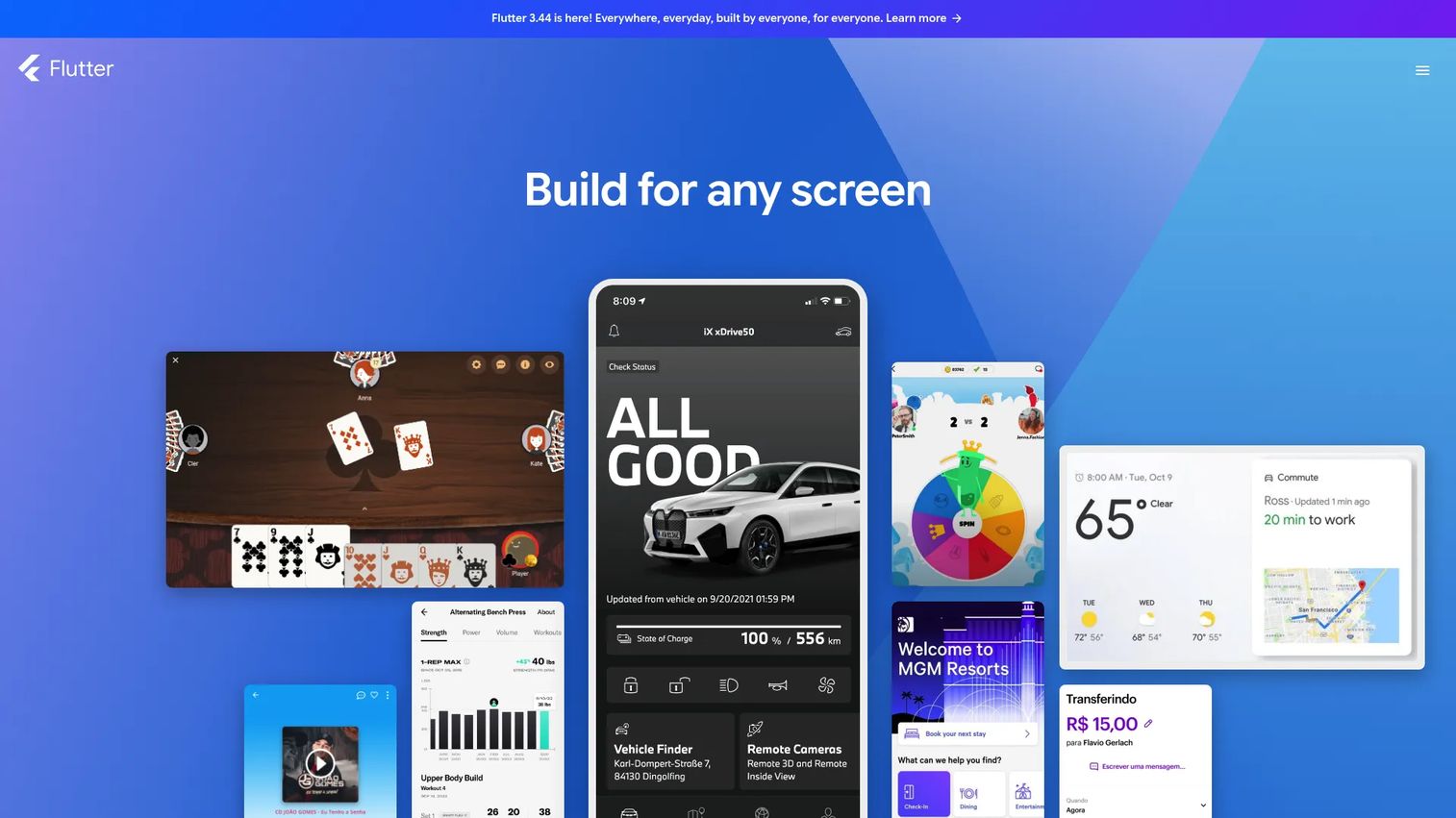
Flutter is Google's open-source framework for building natively compiled apps for mobile, web, desktop, and embedded from a single codebase. It renders its own UI, which means your app looks and behaves consistently across iOS and Android without platform-specific tweaks. For teams that want cross-platform app development with tight design control, Flutter is one of the strongest choices in 2026.
The appeal for product teams is speed without giving up polish. Hot Reload lets developers see code changes in near real time, which shortens iteration cycles during active development.
Best for: Teams building cross-platform apps from one codebase with a high bar for UI consistency.
Key strengths
- Single codebase for mobile, web, desktop, and embedded: Ship to multiple platforms without duplicating work.
- Hot Reload for fast iteration: See UI and logic changes instantly, speeding up build-test loops.
- Customizable adaptive UI widgets: Build pixel-consistent interfaces that match your brand across platforms.
Why choose Flutter: Flutter fits when you want one team shipping to both stores with a consistent look and fast iteration. It trades platform-native UI conventions for design consistency and speed, which suits product-led SaaS teams more than apps that must feel exactly like the OS. Dart is the language, so factor in ramp time if your team is new to it.
Flutter pricing: Flutter is open source and free to use, with no paid tiers or licensing fees on the official site. Standard platform costs still apply: a Google Play developer fee for Android and an Apple Developer Program membership plus a Mac for iOS builds.
4. React Native
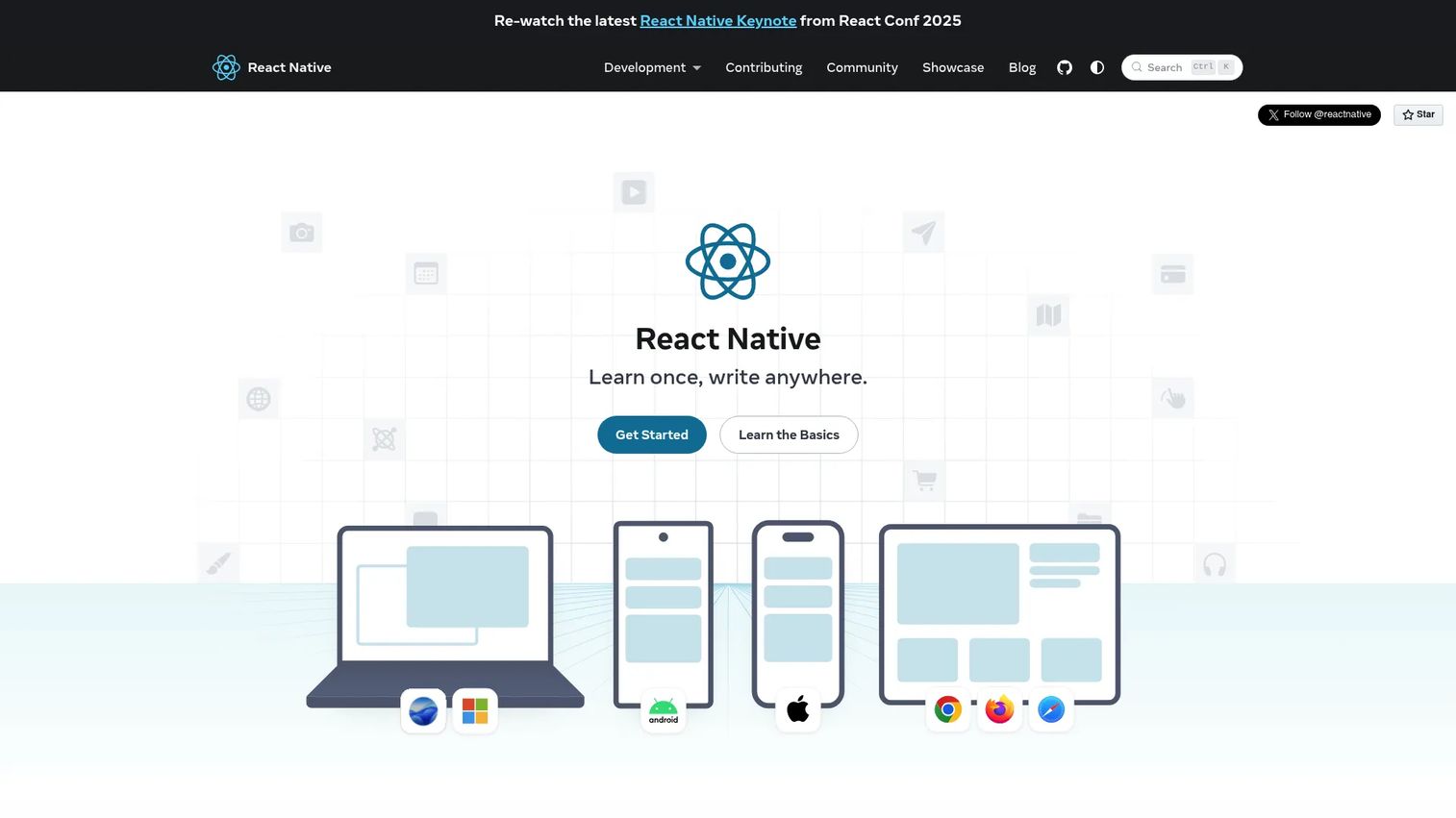
React Native is an open-source framework for building native iOS and Android apps using React and JavaScript. It renders real native UI components driven by JavaScript, so apps feel native while sharing most of the code. For teams already fluent in React on the web, it is often the fastest route into mobile.
That web-to-mobile bridge is the whole point for many PMs. If your product engineers already write React, React Native lets them move into mobile without learning an entirely new language or platform paradigm.
Best for: Teams building cross-platform native mobile apps who already know React and JavaScript.
Key strengths
- Core native UI components: Use View, Text, Image, and more that map to real native elements.
- JavaScript-driven native rendering: Write in JavaScript or TypeScript while the app renders natively.
- Native code and library integration: Drop into native modules and use recommended frameworks for routing and structure.
Why choose React Native: React Native is the strongest fit when your team's existing skills lean web and JavaScript. It lets a web-heavy product team extend into mobile fast, reusing patterns and talent you already have. The consideration is that bridging to deep native features can require native modules, so complex device integrations may need platform-specific work.
React Native pricing: React Native is open source and free, with no licensing cost on the official site. As with any native app, you will still pay a Google Play developer fee for Android and an Apple Developer Program membership plus a Mac for iOS builds and submission.
5. .NET MAUI
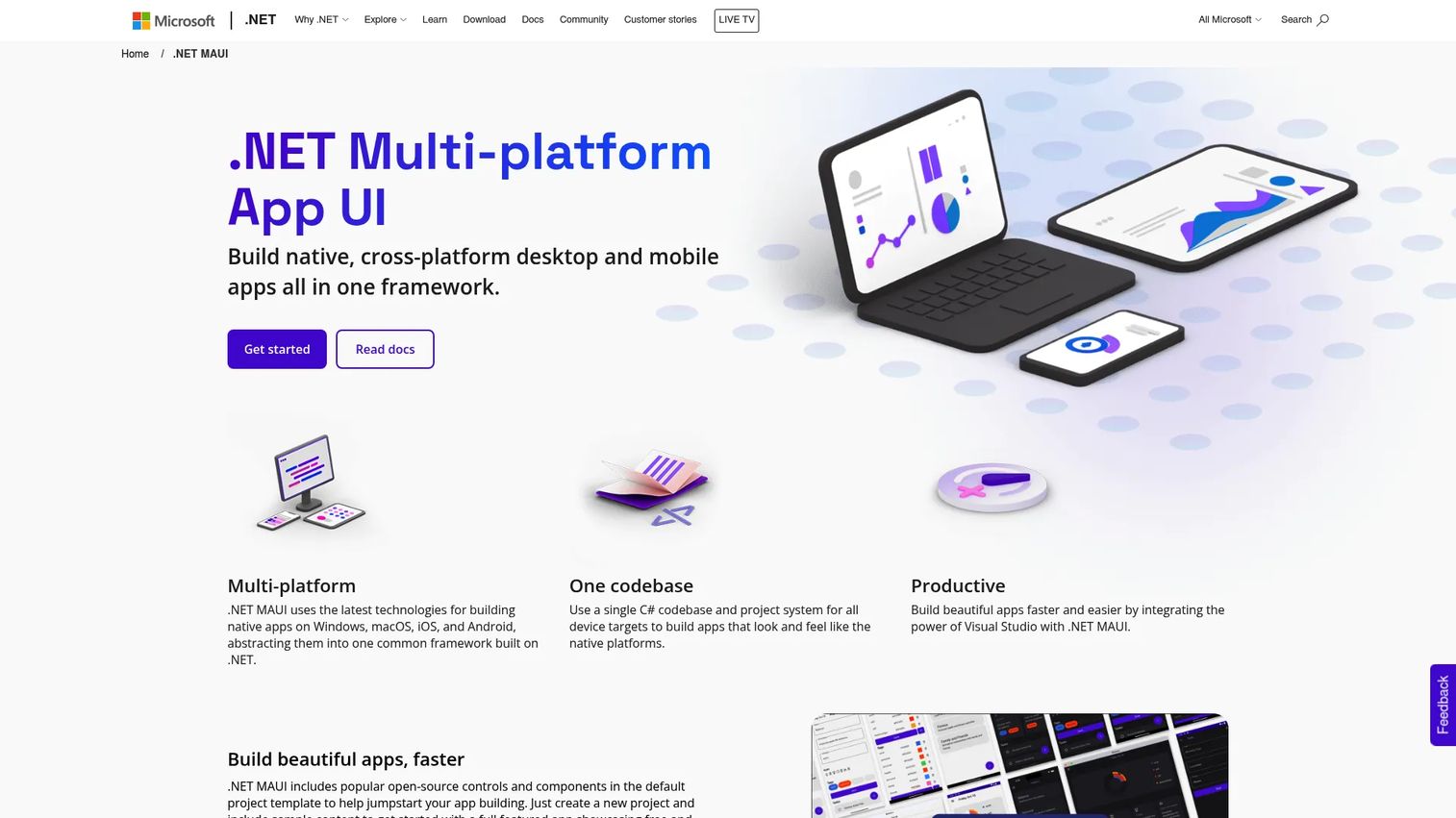
.NET MAUI is Microsoft's cross-platform framework for building native mobile and desktop apps with C# and XAML from a single shared codebase. It targets iOS, Android, macOS, and Windows, and it plugs directly into Visual Studio. For teams already invested in the Microsoft stack, .NET MAUI keeps mobile development in a familiar language and toolchain.
The draw for enterprise PMs is skill reuse. If your backend and internal tooling already run on C# and .NET, MAUI lets the same engineers extend into mobile without a language switch or a second toolchain.
Best for: Teams building native cross-platform apps from a shared .NET and C# codebase.
Key strengths
- Single shared C# codebase: Target Windows, macOS, iOS, and Android from one project.
- Native app development for mobile and desktop: Ship real native apps, not just mobile, across four platforms.
- Visual Studio integration: Build, debug, and deploy inside Microsoft's IDE with Microsoft Learn resources.
Why choose .NET MAUI: MAUI is the natural pick for Microsoft shops that want to reuse C# talent and Visual Studio workflows across desktop and mobile. It fits enterprise teams with existing .NET investment better than teams starting fresh on a different stack. Factor release cadence into planning, since cross-platform frameworks tie some of your update timing to the framework's own release cycle.
.NET MAUI pricing: .NET MAUI is free and open source, part of Microsoft's .NET platform, with no paid license on the official product page. The usual platform costs apply for publishing: a Google Play developer fee for Android and an Apple Developer Program membership plus a Mac for iOS.
6. Kotlin Multiplatform
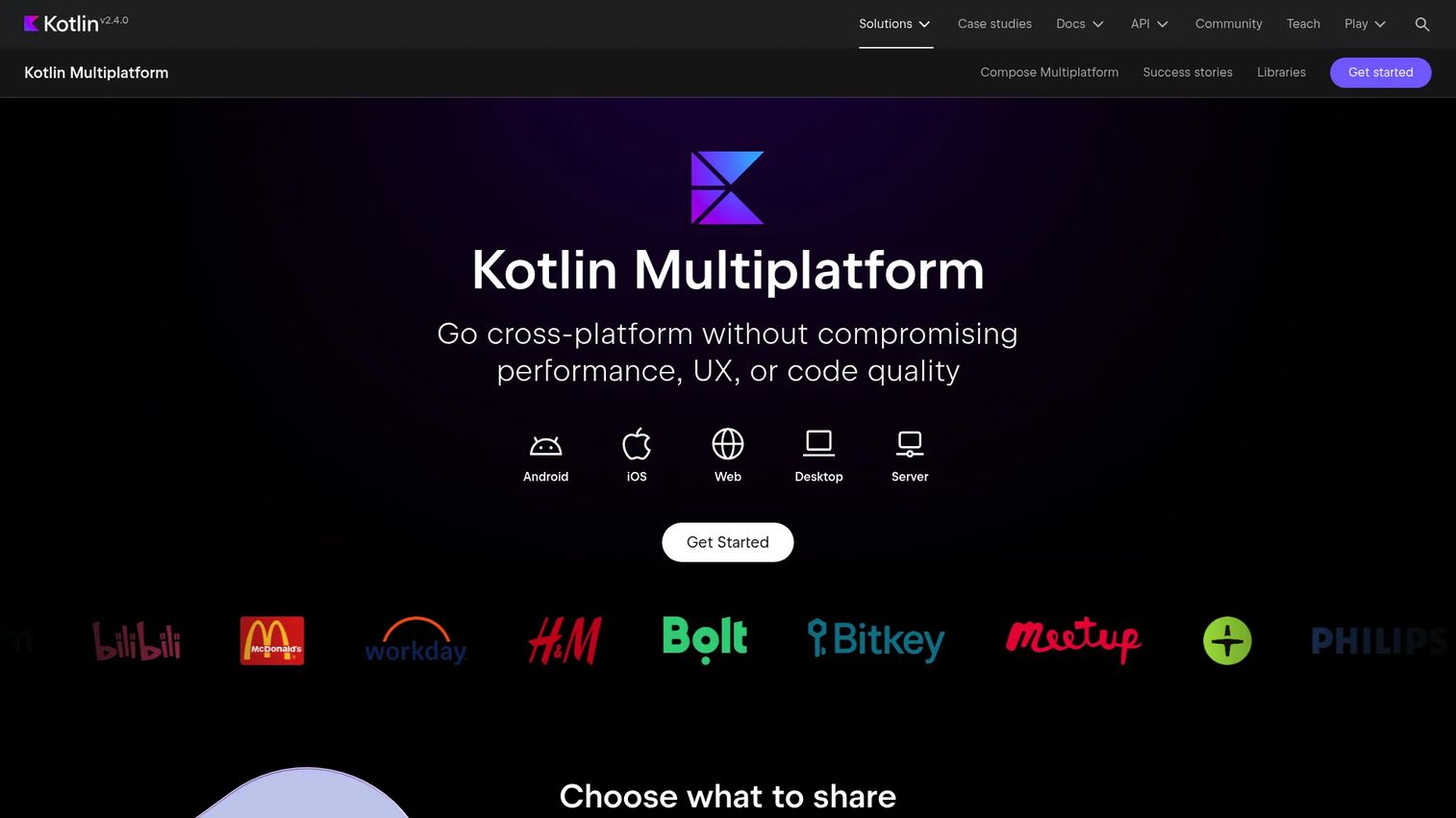
Kotlin Multiplatform is JetBrains' open-source technology for sharing Kotlin code across Android, iOS, web, desktop, and server. Its distinct approach: share business logic while keeping native UI on each platform. You write the shared layer once, then build platform-specific front ends that feel fully native. This appeals to teams that want code reuse without a fully shared UI framework.
For PMs, the architecture is the differentiator. Instead of one UI everywhere, you share the parts that benefit from consistency (business logic, networking, data) and keep native UI where platform fidelity matters most.
Best for: Teams that want to reuse Kotlin code across platforms while keeping native app experiences.
Key strengths
- Share business logic and optionally UI: Reuse the code that benefits most while keeping native front ends.
- Native performance via Kotlin/Native: Compile to native binaries for real device performance.
- Tooling in IntelliJ IDEA and Android Studio: Work in JetBrains and Google IDEs your Kotlin team already uses.
Why choose Kotlin Multiplatform: Pick KMP over a fully shared UI framework when platform-native UI matters but you still want to stop rewriting business logic twice. It suits Kotlin-first Android teams extending to iOS while keeping each platform's UI native. The consideration is that native UI per platform means UI work is not shared, so you scope UI effort per target.
Kotlin Multiplatform pricing: Kotlin Multiplatform is open source and free, with no public pricing on the JetBrains product page. Standard publishing costs apply: a Google Play developer fee for Android and an Apple Developer Program membership plus a Mac for iOS builds.
7. FlutterFlow
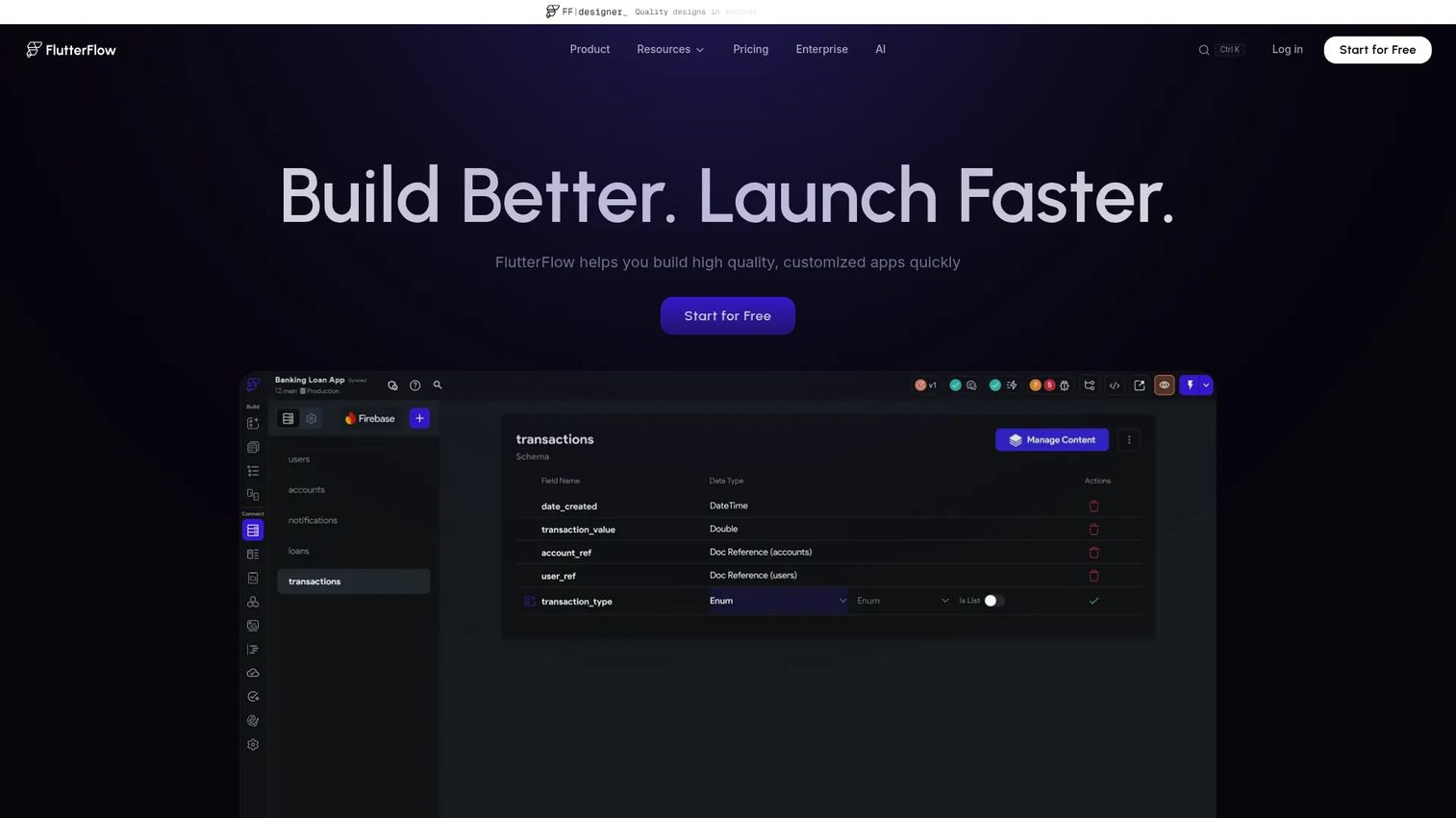
FlutterFlow is a visual app development platform for building and deploying Flutter apps through a drag-and-drop interface. It sits in the low-code space: you build visually, connect data and APIs, and export real Flutter code. That code export is what separates it from a pure no-code app builder, since you are not locked out of the underlying codebase.
For product teams, FlutterFlow is a validation accelerator. You can move from concept to a working, testable app quickly, which is exactly what a PM wants when reducing time to validate a new idea.
Best for: Teams or founders building cross-platform apps quickly with a visual Flutter workflow.
Key strengths
- Visual development environment: Build interfaces and flows with drag-and-drop, no hand-coding required to start.
- Build for mobile, web, and desktop: Ship across platforms from one visual project.
- API and data integration: Connect live data sources and backends to power real functionality.
Why choose FlutterFlow: FlutterFlow fits when speed to a working prototype matters and you want the option to export code later. It lets product and founding teams validate concepts fast as a low-code mobile app builder without committing senior engineers up front. The consideration is that highly custom logic eventually pushes you into the exported Flutter code, so plan for that handoff on complex apps.
FlutterFlow pricing: FlutterFlow offers a Free plan at $0, a Basic plan at $39 per month, a Growth plan at $80 for the first seat and $55 for a second seat per month, and a Business plan at $150 for the first seat and $85 for seats two through five per month. Monthly billing is shown, with annual billing also available on the pricing page. A free tier lets you try the visual workflow before committing.
8. OutSystems
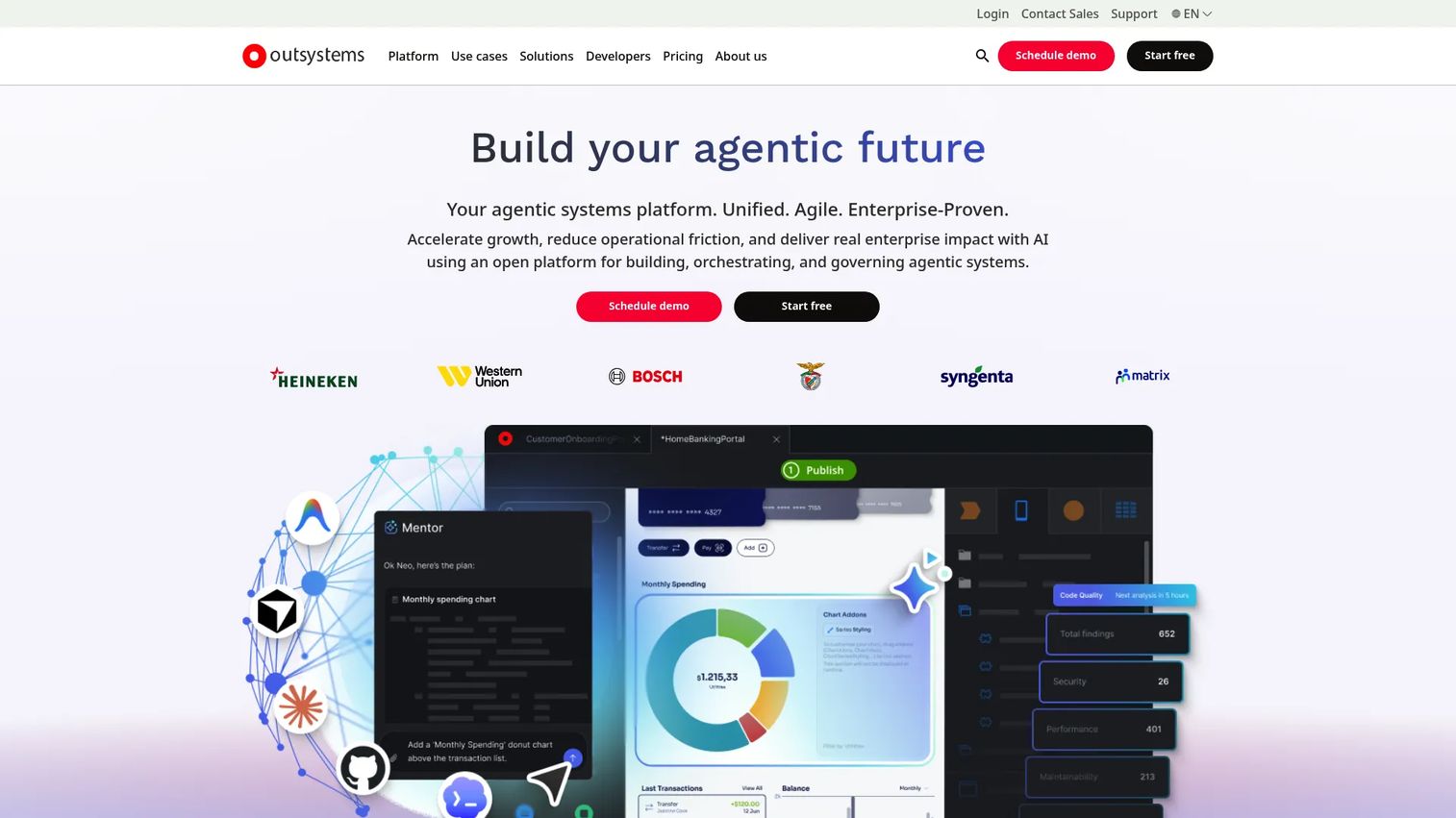
OutSystems is an enterprise low-code platform for building and governing mission-critical apps and AI agents. It uses visual, model-driven development paired with strong governance, hundreds of connectors, and enterprise security controls. Where FlutterFlow targets speed for smaller teams, OutSystems targets scale, compliance, and control for large organizations delivering many apps.
For enterprise PMs, the value is governance as much as speed. OutSystems lets large teams deliver internal and customer-facing apps faster while keeping security, compliance, and lifecycle management under central control.
Best for: Large enterprises building and governing mission-critical apps and AI agents.
Key strengths
- Visual model-driven development: Build apps visually while the platform generates and manages the underlying code.
- Agent orchestration and governance: Manage app and workflow governance across large, distributed teams.
- 400+ connectors and enterprise security: Integrate via REST and SOAP APIs with enterprise security controls built in.
Why choose OutSystems: OutSystems fits enterprises that need to ship many apps fast under real compliance and governance constraints. It suits large orgs with operational and security requirements better than small teams shipping a single app. The main planning factor is that it is an enterprise platform, so evaluate it against your governance needs and total cost, not just build speed.
OutSystems pricing: OutSystems offers a free tier to start, with paid plans available. Public numeric pricing is not published on the accessible product pages, so enterprise pricing is arranged directly with OutSystems. Confirm current tiers, seat requirements, and included governance and security features with their team during evaluation.
Considerations before you choose
Before you commit, run your shortlist through the criteria that actually shape shipping and maintenance, not just the feature list.
Platform targets
Decide iOS, Android, or both before anything else. iOS-only points to Xcode; Android-only points to Android Studio; both usually points to a cross-platform framework or a code-sharing approach. Your target list drives every downstream choice.
Team skill fit
Match the stack to the people you have. JavaScript teams lean React Native. C# teams lean .NET MAUI. Kotlin teams lean Kotlin Multiplatform. Design-focused teams often like Flutter. Buying against your team's existing skills cuts ramp time and reduces the opportunity cost of retraining.
Maintainability across releases
Mobile OSes update yearly, and your UI changes constantly. Ask how each tool handles platform updates, how often the framework itself releases, and how much rework a UI change triggers. A single codebase reduces duplication but ties some of your release cadence to the framework.
Publishing and hardware requirements
Factor in the practical gates. iOS requires a Mac and an annual Apple Developer Program membership. Android requires a one-time Google Play developer fee. Build signing, store review timelines, and CI pipelines all belong in your planning before a single line of code ships.
Speed vs control
Low-code builders move fast but concentrate customization behind visual layers or code export. Native and framework-based development give more control at the cost of more hand-written code. Match the balance to whether you are validating a concept or building a long-lived flagship product.
Conclusion
The choice comes down to three paths. Native tools like Android Studio and Xcode give you the deepest platform control and are required for platform-specific, high-fidelity apps, with Xcode a hard requirement for anything on Apple hardware. Cross-platform frameworks like Flutter, React Native, .NET MAUI, and Kotlin Multiplatform balance speed and reach by sharing code across iOS and Android. Low-code platforms like FlutterFlow and OutSystems trade some control for faster delivery, with FlutterFlow suited to fast prototyping and OutSystems to governed enterprise scale.
A practical path for most product teams: start from your platform targets, then your team's existing skills, then your maintainability tolerance. If you are shipping both stores with one team, a cross-platform framework is usually the pragmatic default. If you are iOS-first or Android-first with high performance needs, go native. If you are validating fast or running a governed enterprise motion, look at low-code. Match the tool to how your team ships, not to whichever framework is loudest this year.
FAQs
Visual builders like FlutterFlow are the easiest entry point, since they let you build with drag-and-drop and connect data without hand-writing code from scratch. For teams that already write React, React Native is easy because it reuses existing web skills. Easiest depends on your team: match the tool to the skills you already have.
Yes. No-code and low-code app builders like FlutterFlow let you assemble a working mobile app visually, and FlutterFlow can export real Flutter code when you outgrow the visual layer. Enterprise low-code platforms like OutSystems do the same at scale with governance. Deeply custom logic eventually benefits from some code, so plan for that on complex apps.
Yes. Xcode, the required tool for building and submitting iOS apps, runs only on macOS. You also need an Apple Developer Program membership, billed annually, to publish to the App Store. Budget for Mac hardware and that membership before starting any iOS build.
Neither is universally better; it depends on your team. Flutter gives strong UI consistency and fast iteration with the Dart language, which suits teams that value design control. React Native reuses React and JavaScript skills, which is faster for web-heavy teams already fluent in React. Pick based on your existing skill set and design requirements.
Android Studio is the best Android app development software for native work, since it is Google's official IDE with the deepest platform tooling, a fast emulator, and direct Google Play publishing. For cross-platform Android that also targets iOS, Flutter or React Native let one team cover both stores from a single codebase.
Xcode is the best and only official iOS app development software for native Apple work, required for building and submitting to the App Store. It runs on macOS only and needs an Apple Developer Program membership to publish. For cross-platform iOS, Flutter and React Native build iOS apps too, though you still need a Mac and Xcode to compile and submit them.
OutSystems is a strong fit for enterprises that need governed, compliant app delivery at scale with security controls and central lifecycle management. Microsoft shops with existing C# investment often prefer .NET MAUI for its Visual Studio workflow and shared codebase. The best choice depends on your governance needs and existing stack.
Start with platform targets, then team skill fit, then maintainability across frequent releases. Factor in publishing gates like the Mac requirement for iOS and developer program fees for both stores. Choose the option that lets your team ship and iterate without adding operational drag, and weigh speed against the control you need for a long-lived product.