The lunch rush hits. Six people in line, one register open, and your best staffer is stuck reading back a complicated order for the third time. Two customers leave before they reach the counter. That is not a staffing problem you can fix by hiring. It is a throughput problem, and it repeats every peak hour of every day.
Self service kiosk software changes the math. Instead of one register capping how fast you can take orders, a bank of self-order kiosk software terminals lets customers ring themselves up in parallel. Around 60% of consumers say they prefer self-service options over staffed interactions in retail and hospitality, according to KioskIndustry.org (2025). That preference is why the software behind self-checkout kiosk software now accounts for 62.3% of total self-service kiosk market revenue, per MarketIntelo (2025).
But the tool you pick decides whether this actually reduces queues or just adds a screen people ignore. The right order kiosk software connects cleanly to your POS, routes tickets to the kitchen or checkout, and lets ops teams edit menus without filing an engineering ticket. The wrong one becomes a maintenance drag that breaks every time you change a price. This guide ranks eight platforms on the criteria that decide fit: setup speed, POS and hardware integration, customization, payment flow, and reporting.
What's inside
This guide is for retail and restaurant teams comparing self-order and self-checkout software in 2026. We picked tools based on real-world fit, not feature-sheet depth. Every pick here runs in production at actual stores and food service operators today.
We evaluated each tool against five criteria that matter to buyers and the product managers who own rollout:
- POS and hardware compatibility
- Payment routing and order flow
- Menu, merchandising, and branding control
- Setup speed and maintainability
- Analytics and reporting
TL;DR
- Best for Square-first teams: Square Kiosk, native pairing with Square POS and iPad hardware.
- Best for rapid launch: KioskBuddy, self-install kiosk software tied to Square with transparent monthly pricing.
- Best for enterprise deployments: NCR Self-Serv Kiosk, rugged self-checkout hardware built for high-volume retail.
- Best for checkout-focused retail: Verifone C18 Self-Checkout, switches between cashier and customer modes.
- Best for managing many endpoints: EloView, cloud device management for fleets of Elo Android kiosks.
- Best for restaurant self-ordering at scale: GRUBBRR's Self-Service Kiosks, branded QSR ordering with wide POS integration.
- Best for AI-driven upsell and cross-sell: Bite Kiosk, personalized recommendations for food service.
- Best for flexible multi-location ordering: Applova Self-Serve Kiosk, modular restaurant kiosks with POS integration.
Expect meaningful revenue lift from upsell prompts and faster throughput. The market backs the trend: self-service kiosk software revenue hit $11.76B in 2024 and is projected to reach $21.11B by 2030 at a 10.7% CAGR, per Grand View Research (2024).
What is self service kiosk software
Self service kiosk software is the application layer that powers customer-facing ordering, checkout, and guided self-serve flows on a kiosk, tablet, or dedicated terminal. It turns a touchscreen into a point where a customer browses a menu or catalog, customizes items, pays, and receives a receipt without a staff member ringing them up.
The category spans two overlapping jobs. Restaurant kiosk software drives self-ordering: menu browsing, modifiers, combos, and payment, with tickets routed to a kitchen display system or printer. Retail kiosk software drives self-checkout: scanning items, weighing produce, verifying age-restricted purchases, and completing payment. Some platforms do both.
Core capabilities to expect from any serious kiosk software:
- Menu or catalog management: add items, set prices, and toggle availability from an ops dashboard.
- Upsell and cross-sell prompts: suggest add-ons, combos, and modifiers to raise average order value.
- Payment processing: accept cards, contactless, and mobile wallets, with reconciliation back to your books.
- POS, printer, and KDS routing: sync orders to your point of sale and send tickets where they need to go.
- Branding and layout customization: match store colors, logos, and menu hierarchy to your brand.
- Analytics and reporting: track order volume, completion rates, and average ticket by location.
Because it sits between the customer and your existing stack, kiosk POS software is only as good as its integration depth. A kiosk that looks great but drifts out of sync with your POS creates more work than it removes.
When to use
Reduce wait times at peak hours
Kiosks earn their keep during surges: the lunch rush, retail weekends, stadium and event traffic. When demand spikes past what your registers can handle, adding self-checkout kiosk software terminals scales order capture in parallel instead of forcing everyone through one or two staffed lanes. The result is queue reduction, faster throughput, and fewer walkouts. Order accuracy improves too, because the customer enters their own choices instead of relaying them across a noisy counter.
Standardize order capture across locations
Every staffer takes orders and rings up sales a little differently. That variation shows up as inconsistent upsells, missed modifiers, and training overhead. Kiosks standardize the flow: the same menu structure, the same prompts, the same checkout path at every location. For multi-site operators, this cuts training time and reduces mistakes that lead to remakes and refunds.
Improve upsell and basket size
Staff forget to ask about the drink or the side. Software does not. A kiosk can present modifiers, bundled offers, and "customers also added" prompts at exactly the right step. Well-designed upsell and cross-sell logic, paired with smart product placement in the menu hierarchy, lifts average order value without any extra labor. This is where restaurant kiosk software often pays for itself.
Comparison table
The table below is built for buyers comparing workflow fit, not just vendor logos. Focus on the "best for" and "key differentiator" columns to match a tool to your operation. Pricing and ratings shift over time, so confirm current numbers on each vendor's site before you commit. Where a public G2 rating for the specific kiosk product was not available, we left it blank rather than guess.
| # | Product | Best for | Key differentiator | Pricing | G2 rating |
|---|---|---|---|---|---|
| 1 | KioskBuddy | Rapid launch on Square | Self-install kiosk software with transparent monthly plans | From $50/mo | - |
| 2 | Square Kiosk | Square-first restaurants | Native Square POS and iPad pairing | From $50/mo/device | 4.6/5 |
| 3 | NCR Self-Serv Kiosk | Enterprise retail | Rugged self-checkout hardware and configurations | Custom | - |
| 4 | Verifone C18 Self-Checkout | Convenience and fuel retail | Switches between cashier and self-checkout modes | Custom | - |
| 5 | EloView | Managing kiosk fleets | Cloud device and content management for Elo Android | From $4.50/device/mo | - |
| 6 | GRUBBRR's Self-Service Kiosks | QSR self-ordering | Branded UI with 93+ POS integrations | From $199/mo | - |
| 7 | Bite Kiosk | AI upsell in food service | AI-driven personalized recommendations | Quote-based | - |
| 8 | Applova Self-Serve Kiosk | Multi-location restaurants | Modular kiosks with POS integration | Hardware from $890 | - |
Best 8 self service kiosk software tools for 2026
1. KioskBuddy
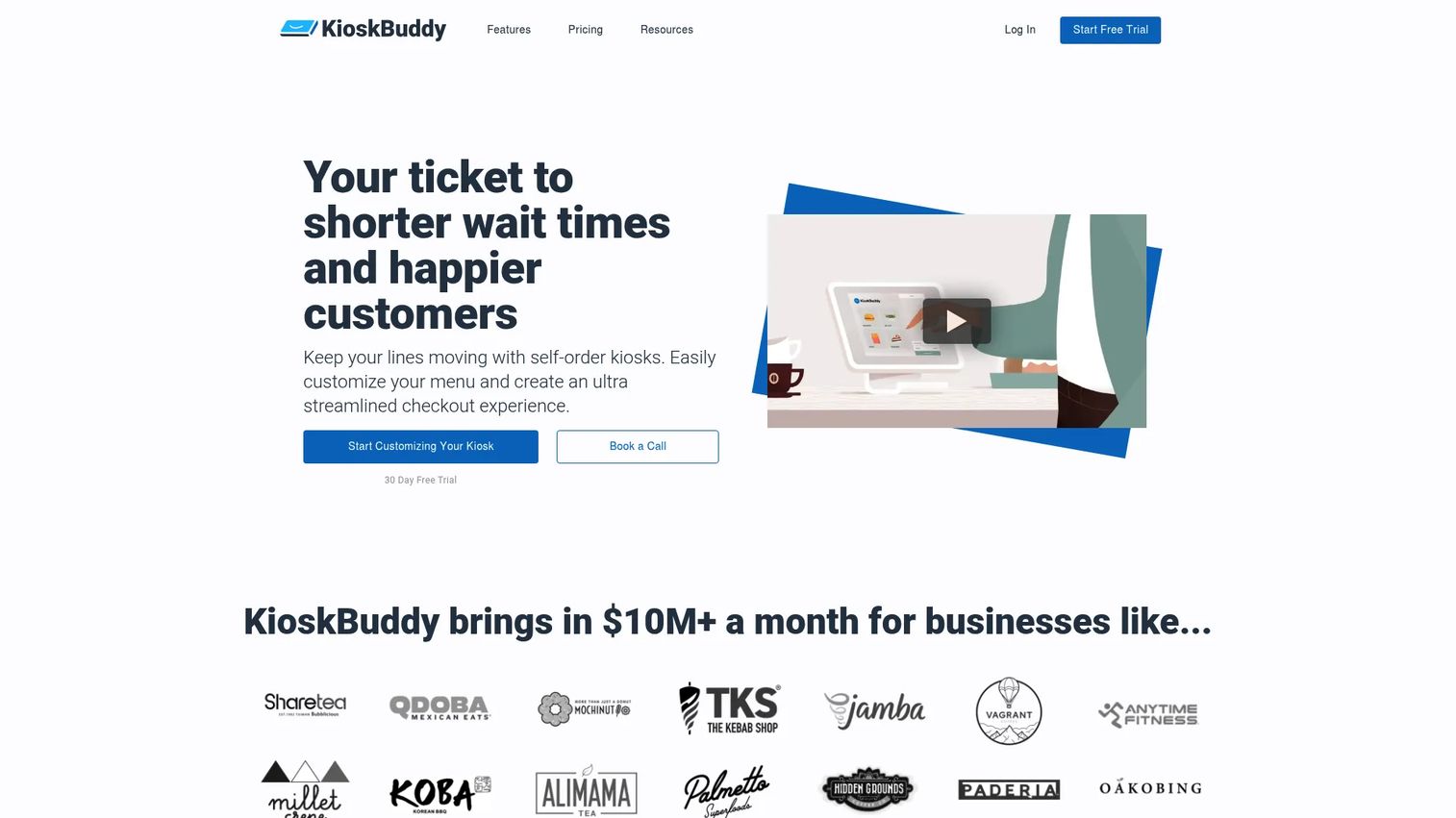
KioskBuddy turns an iPad or Android tablet into a self-order kiosk tied to Square. It targets operators who want to launch fast without a big hardware project or a systems integrator. You bring the tablet, connect your Square account, build your menu, and go live. That self-install path is the whole pitch, and it lands for smaller cafes, food trucks, and single-location shops that need launch speed over enterprise features.
The software handles the full customer-facing flow: browse menu, customize items, pay through Square, and print or route the order. Because it sits directly on the Square ecosystem, sales and inventory data sync back without a separate reconciliation step. Ops teams edit menus and prices themselves, which keeps the system from rotting as your offerings change.
Best for: Small retail and restaurant operators who want a self-order kiosk on Square live in days, not weeks.
Key strengths
- Square POS integration for orders and inventory
- Customizable ordering and checkout flow
- Works with iOS and Android tablets
- Self-install setup with no integrator required
- Branding and menu control from a dashboard
Why choose KioskBuddy: If you already run Square and want the lowest-friction path to a working kiosk, this is the pragmatic pick. It trades enterprise depth for speed and simplicity, which is exactly right for operators who value getting live over a long feature list.
KioskBuddy pricing: Starter is $50 per month, Pro is $100 per month, and Business is $200 per month. Annual billing adds two months free and cuts transaction fees by 50%. No free tier.
2. Square Kiosk
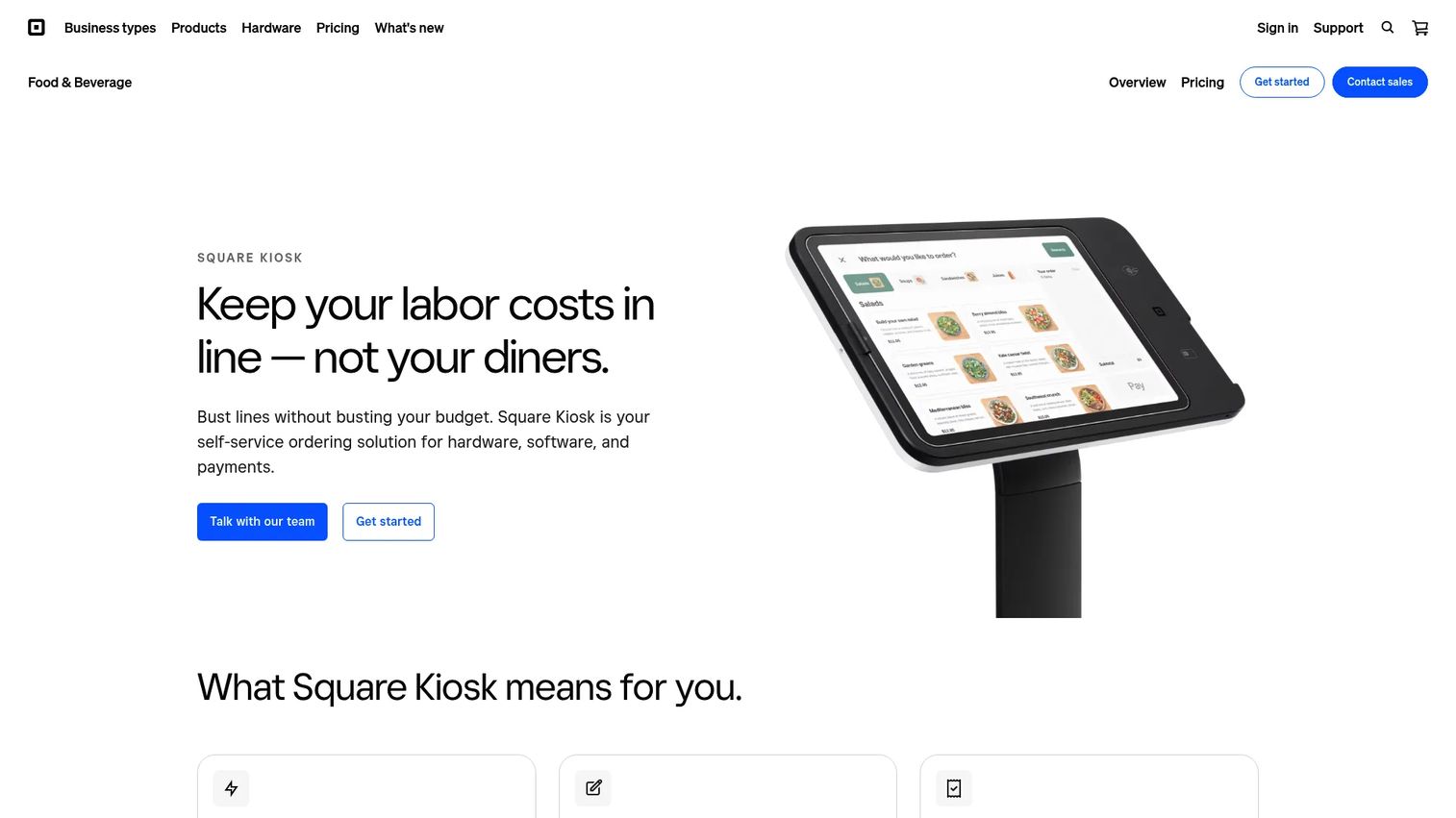
Square Kiosk is the self-serve ordering layer for restaurants already running on Square. It runs on iPad hardware, pairs natively with Square POS, and routes orders straight into your restaurant operations, including the kitchen display system and receipt printers. For Square-first quick-service and fast-casual teams, the value is not just the kiosk. It is that the kiosk, POS, payments, and reporting all live in one account with one source of truth.
Menu updates push in real time and sales data syncs instantly, so the price you change on the back end is the price the customer sees at the terminal. iPad kiosk support means you can use standard Apple hardware with Square's mounts and stands rather than sourcing a proprietary terminal.
Best for: Quick-service and fast-casual restaurants that already run Square POS and want a kiosk that plugs into the same account.
Key strengths
- Native Square POS and payments pairing
- iPad-powered self-serve ordering
- Instant menu updates and real-time sales sync
- KDS and printer routing built in
- Mounting and stand options for iPad
Why choose Square Kiosk: The case is ecosystem gravity. If your POS, payments, and reporting are already Square, adding the kiosk removes reconciliation headaches and keeps everything in one dashboard. The trade-off is you commit deeper to the Square ecosystem.
Square Kiosk pricing: The kiosk software requires a Square subscription: $50 per month per device with Square Plus, or $30 per month per device with Square Premium. Square offers the first 30 days free. Hardware is sold separately. The 4.6/5 rating reflects Square Point of Sale on G2, the closest available Square product listing.
3. NCR Self-Serv Kiosk
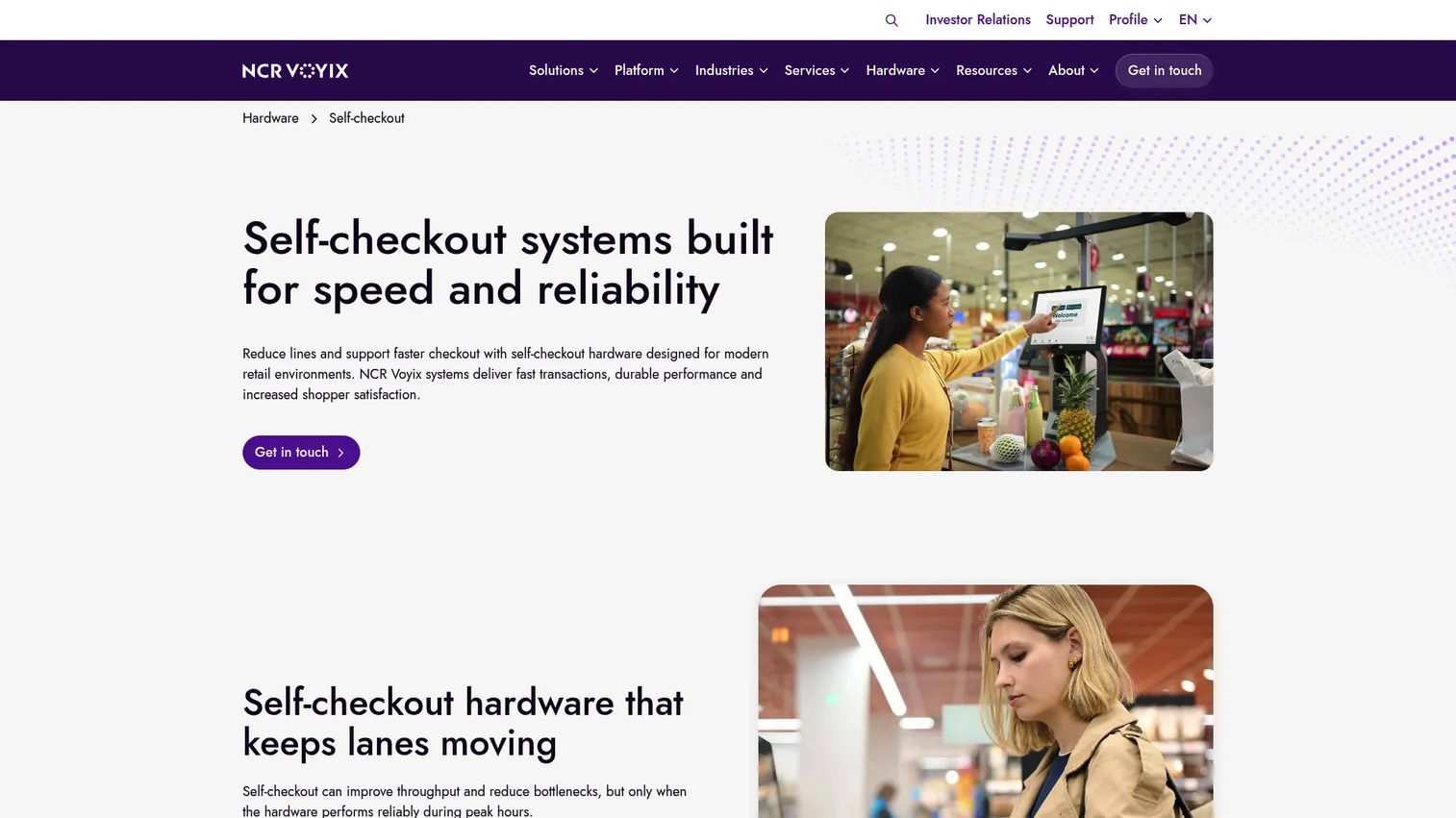
NCR Self-Serv Kiosk is enterprise self-checkout built for retailers running high-volume stores where uptime is non-negotiable. This is the category for grocery, big-box, and multi-location chains that need hardware engineered for years of continuous use, not a tablet on a stand. Configurations span card-only, card-and-cash, and convertible lanes, so a single store can mix self-checkout with staffed registers as traffic demands.
The strength here is depth and reliability at scale. NCR (now NCR Voyix) has decades in retail checkout, and the self-serv line reflects that: durable builds, high throughput, and the operational tooling large chains expect. This is a procurement-and-IT decision, not a self-install one.
Best for: Enterprise retailers deploying self-checkout across many high-traffic stores.
Key strengths
- Self-checkout hardware for demanding retail
- Card-only, card-and-cash, and convertible setups
- Engineered for durability and uptime
- Built for high-volume, continuous use
- Multi-location deployment support
Why choose NCR Self-Serv Kiosk: When you are outfitting dozens or hundreds of lanes and downtime costs real money per hour, you want hardware proven in that environment. NCR fits chains that treat checkout as core infrastructure rather than an add-on.
NCR Self-Serv Kiosk pricing: NCR does not publish public pricing for the self-serv line. Expect a custom quote scoped to lane count, configuration, and services. Plan for a sales-led procurement process.
4. Verifone C18 Self-Checkout
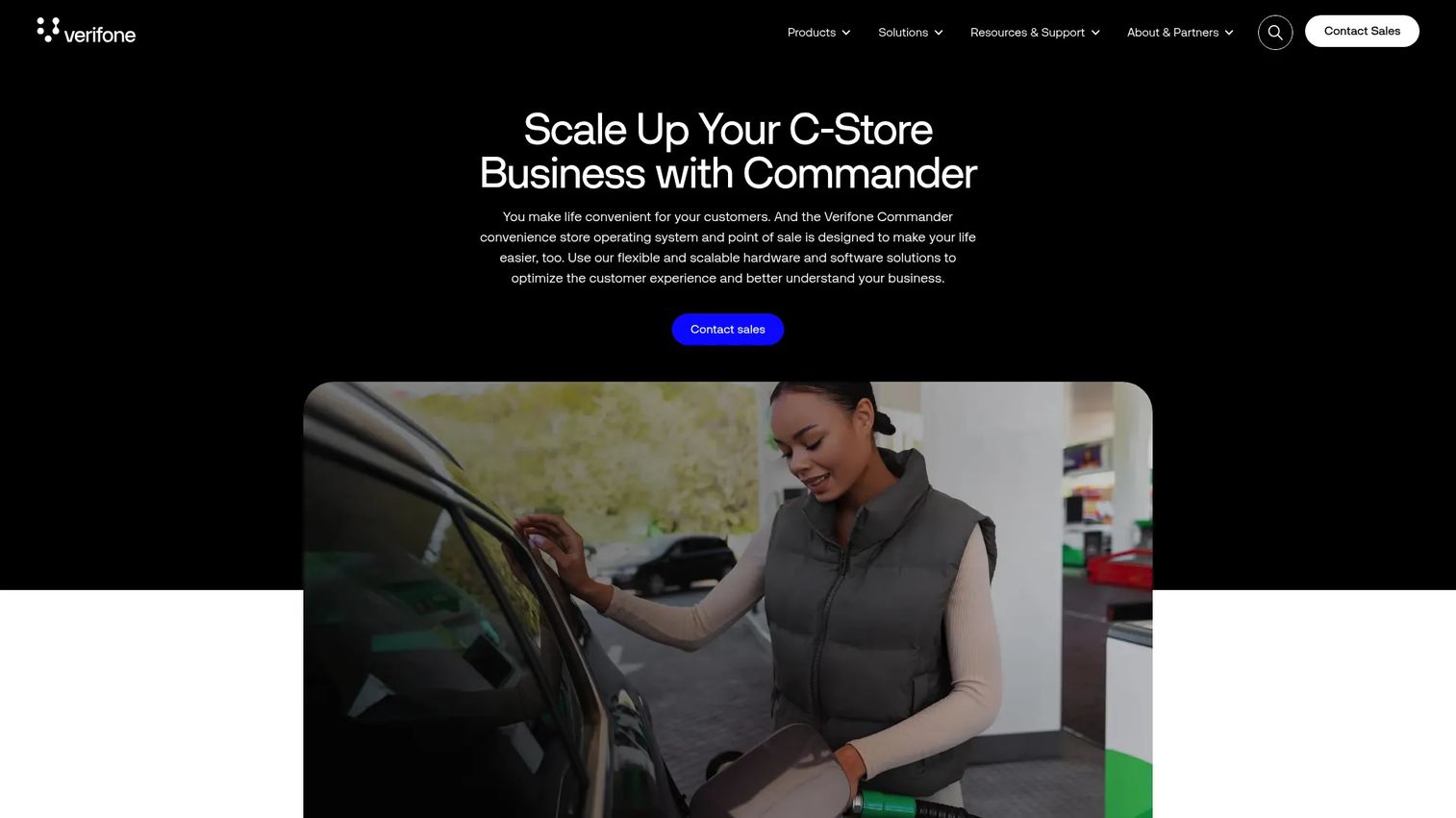
Verifone C18 Self-Checkout is a convenience-retail and petroleum checkout system that flips between cashier-facing and customer-facing modes. That dual-mode design is the differentiator: one terminal serves a clerk during slow periods and converts to self-checkout when lines build, which suits the unpredictable traffic patterns of c-stores and fuel sites.
For convenience retail, the standout capability is enhanced ID verification for age-restricted items, handled through scan or swipe. Combined with rugged reliability, it addresses the specific compliance and durability demands of environments where checkout has to work all day, every day, often unattended for stretches.
Best for: Convenience and petroleum retailers that need a flexible terminal handling both staffed and self-service checkout.
Key strengths
- Switches between POS and self-checkout modes
- ID scan and swipe for age-restricted sales
- Built for rugged, continuous reliability
- Fits convenience and fuel retail formats
- Handles payment processing at the terminal
Why choose Verifone C18 Self-Checkout: If your store swings between quiet and slammed and you cannot dedicate a lane to one mode, the convertible design earns its place. Verifone's checkout heritage backs the reliability claim.
Verifone C18 Self-Checkout pricing: Verifone routes buyers to sales for a quote rather than publishing prices. Expect custom pricing based on your store format, terminal count, and services.
5. EloView
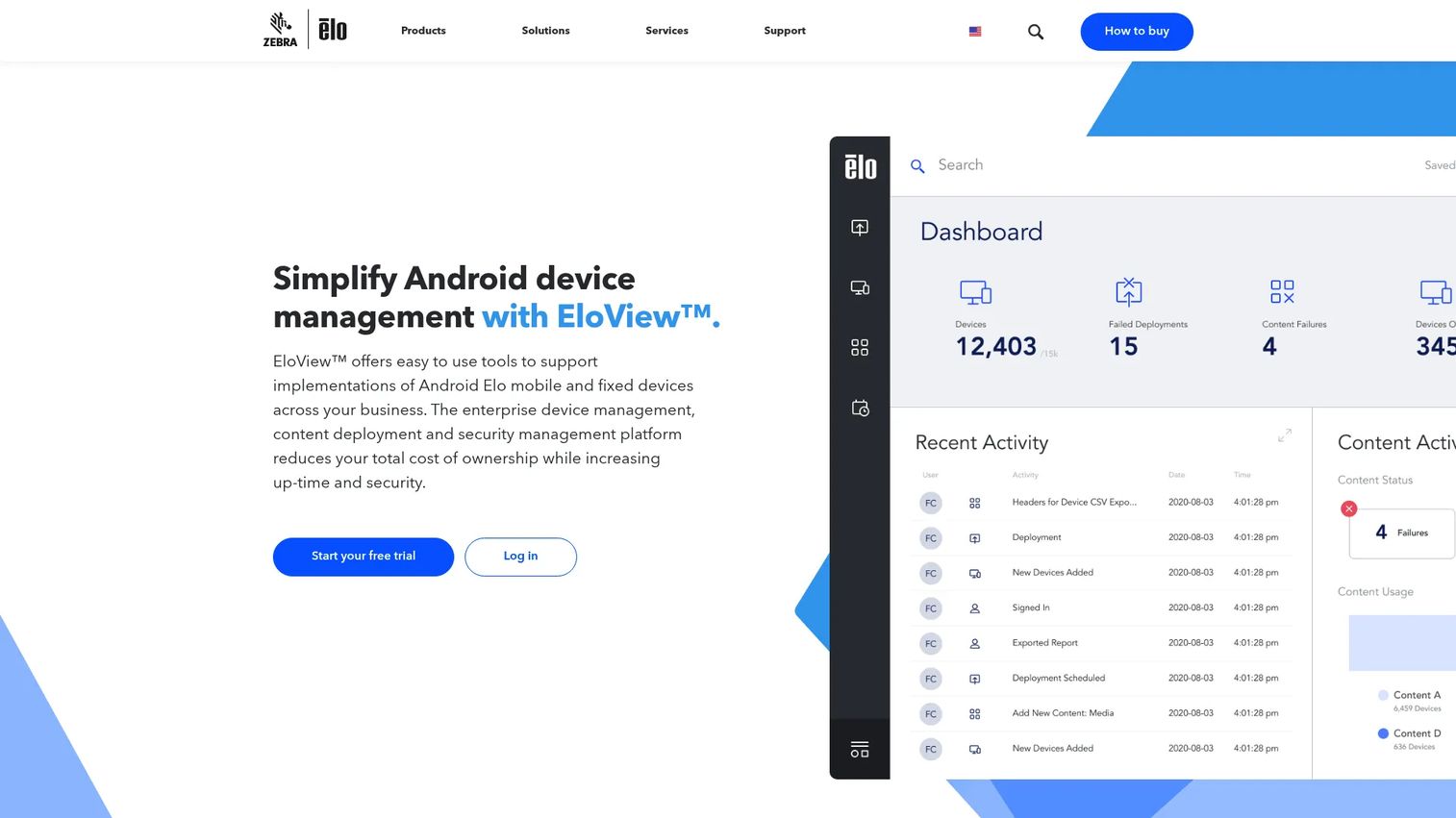
EloView solves a different part of the kiosk problem: managing the devices themselves. It is a cloud platform for remote device, OS, and content management across fleets of Elo Android kiosks. If you run kiosks in many locations, the operational pain is not building one screen. It is provisioning, updating, and monitoring dozens or hundreds of them without dispatching a technician to each site.
EloView handles auto-provisioning, device management, OS updates, content deployment, and account management from one console. For a product manager thinking about maintainability across releases, this is the layer that keeps a kiosk fleet current and secure without constant field visits. It pairs with ordering or checkout software running on the devices rather than replacing it.
Best for: Organizations managing large fleets of Elo Android kiosks that need central device and content control.
Key strengths
- Auto-provisioning for fast rollout
- Remote device and OS management
- Centralized content deployment
- Account management across the fleet
- Cloud console for many endpoints
Why choose EloView: When your headache is fleet operations rather than the ordering flow, EloView is the control plane. It fits teams standardizing on Elo hardware who need to manage endpoints at scale from one place.
EloView pricing: The Core tier is included with device purchase for the warranty period. Connect runs $4.50 per device per month for 100+ devices, $6.50 for 11 to 100, and $10.50 for up to 10. Control runs $6.50, $8.50, and $14.50 per device per month across the same volume bands.
6. GRUBBRR's Self-Service Kiosks
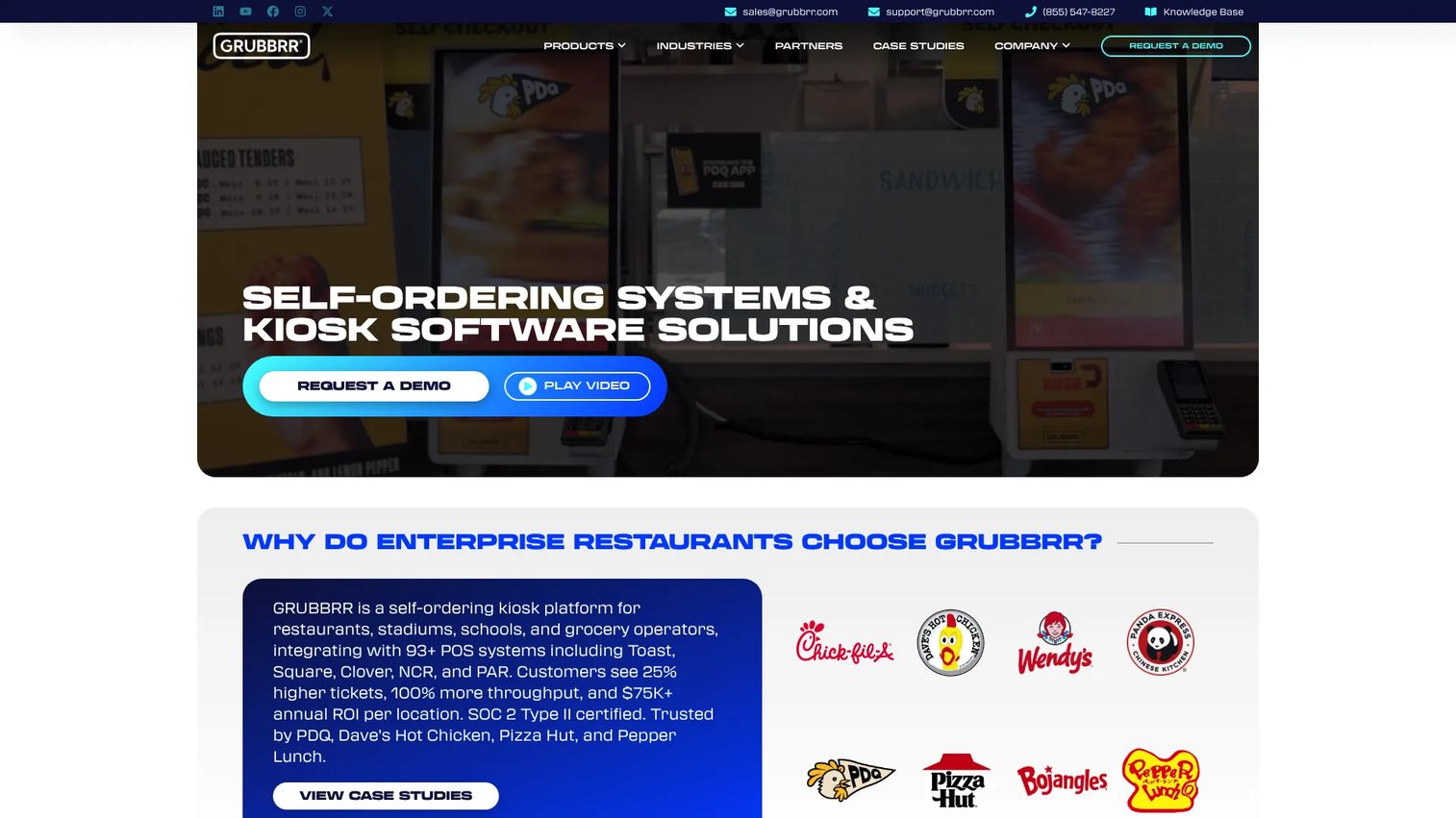
GRUBBRR's Self-Service Kiosks is a restaurant-focused self-ordering platform built for QSRs and fast-casual brands that want branded kiosks at scale. The pitch centers on custom-branded UI, deep POS integration, and built-in tools for upsells, accessibility, and translation. GRUBBRR integrates with 93+ POS systems, which matters when you do not want to rip out your existing point of sale to add kiosks.
The upsell logic is a core reason food service teams pick GRUBBRR. Prompts for add-ons and combos are baked into the ordering flow, aimed directly at lifting average ticket. Accessibility and multi-language support widen who can use the kiosk without staff help, which improves throughput during peaks.
Best for: QSR and fast-casual brands that want branded self-ordering kiosks with broad POS integration.
Key strengths
- Custom-branded kiosk UI
- Integrations with 93+ POS systems
- Built-in upsell and cross-sell prompts
- Accessibility and translation support
- Kiosk hardware and software together
Why choose GRUBBRR's Self-Service Kiosks: If you want kiosks that look like your brand and connect to whatever POS you already run, GRUBBRR's integration breadth is the draw. It fits food service teams committing to kiosk-led ordering as a channel.
GRUBBRR's Self-Service Kiosks pricing: GRUBBRR indicates self-ordering kiosk software starts at $199 per month for one or two kiosks, with per-kiosk cost dropping as you add units. A separate Square-edition app is listed with lower monthly plans. Confirm current pricing directly, since public figures vary across their pages.
7. Bite Kiosk
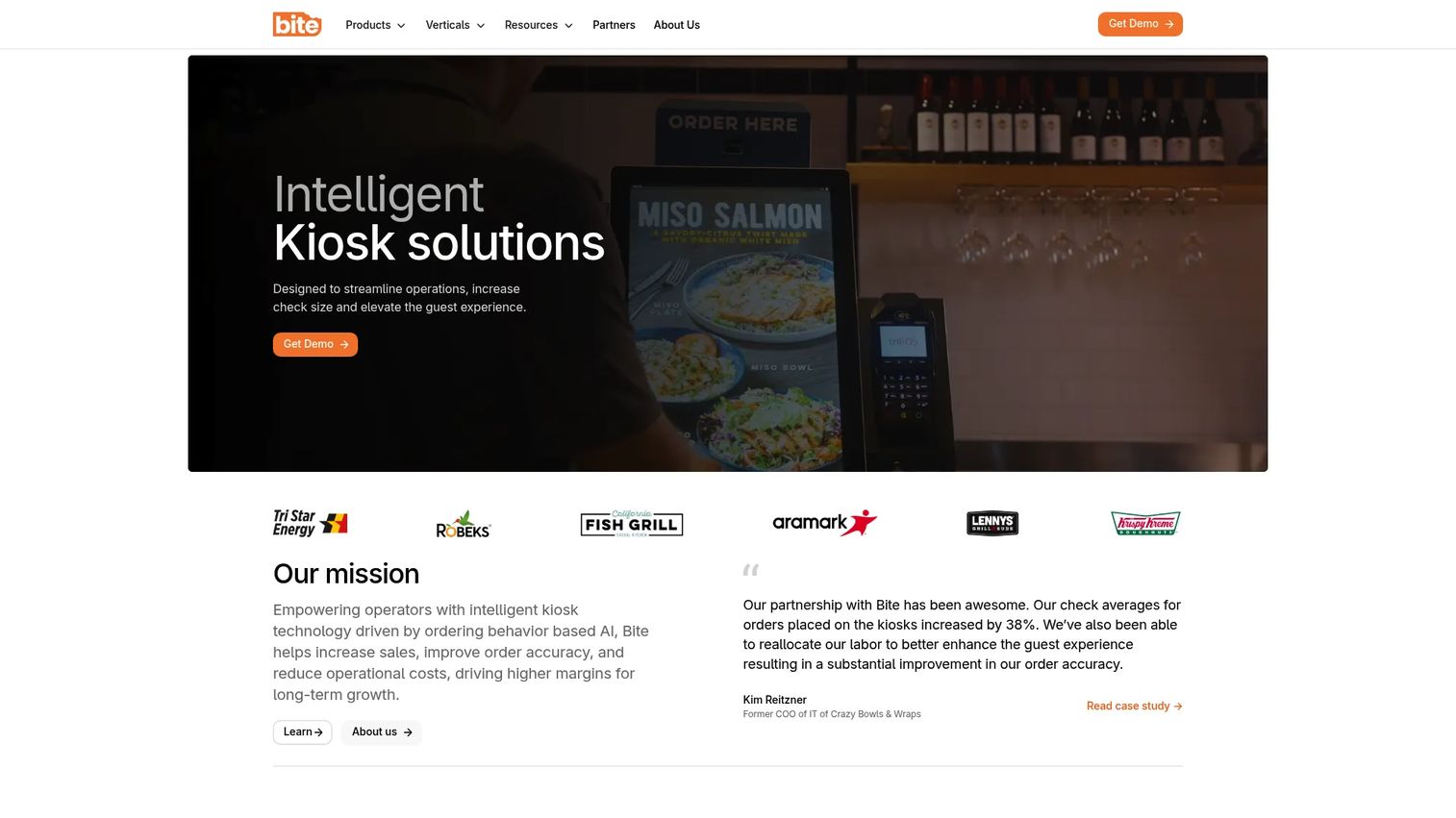
Bite Kiosk is AI-driven kiosk software for restaurants and food service operators. Its differentiator is personalization: the kiosk surfaces recommendations and upsells tuned to what the customer is ordering, rather than showing the same static prompts to everyone. For operators focused on average order value, that adaptive upsell and cross-sell engine is the reason to look.
Beyond recommendations, Bite handles the self-service ordering flow and integrates with POS, loyalty, and gift card systems. That integration set keeps the kiosk connected to the programs that drive repeat visits, so a self-serve order still earns loyalty points and accepts stored value.
Best for: QSR, fast-casual, convenience, and food service operators who want AI-driven upsells at the kiosk.
Key strengths
- Self-service kiosk ordering
- AI-personalized upsells and recommendations
- POS integration for order sync
- Loyalty program support
- Gift card acceptance
Why choose Bite Kiosk: If lifting basket size is your primary goal, the personalized recommendation engine is a sharper tool than static combo prompts. Bite fits food service teams that treat the kiosk as a revenue-lift channel, not just an order-taker.
Bite Kiosk pricing: Bite does not publish public pricing and prompts visitors to request a demo. Expect a quote scoped to your locations and integration needs.
8. Applova Self-Serve Kiosk
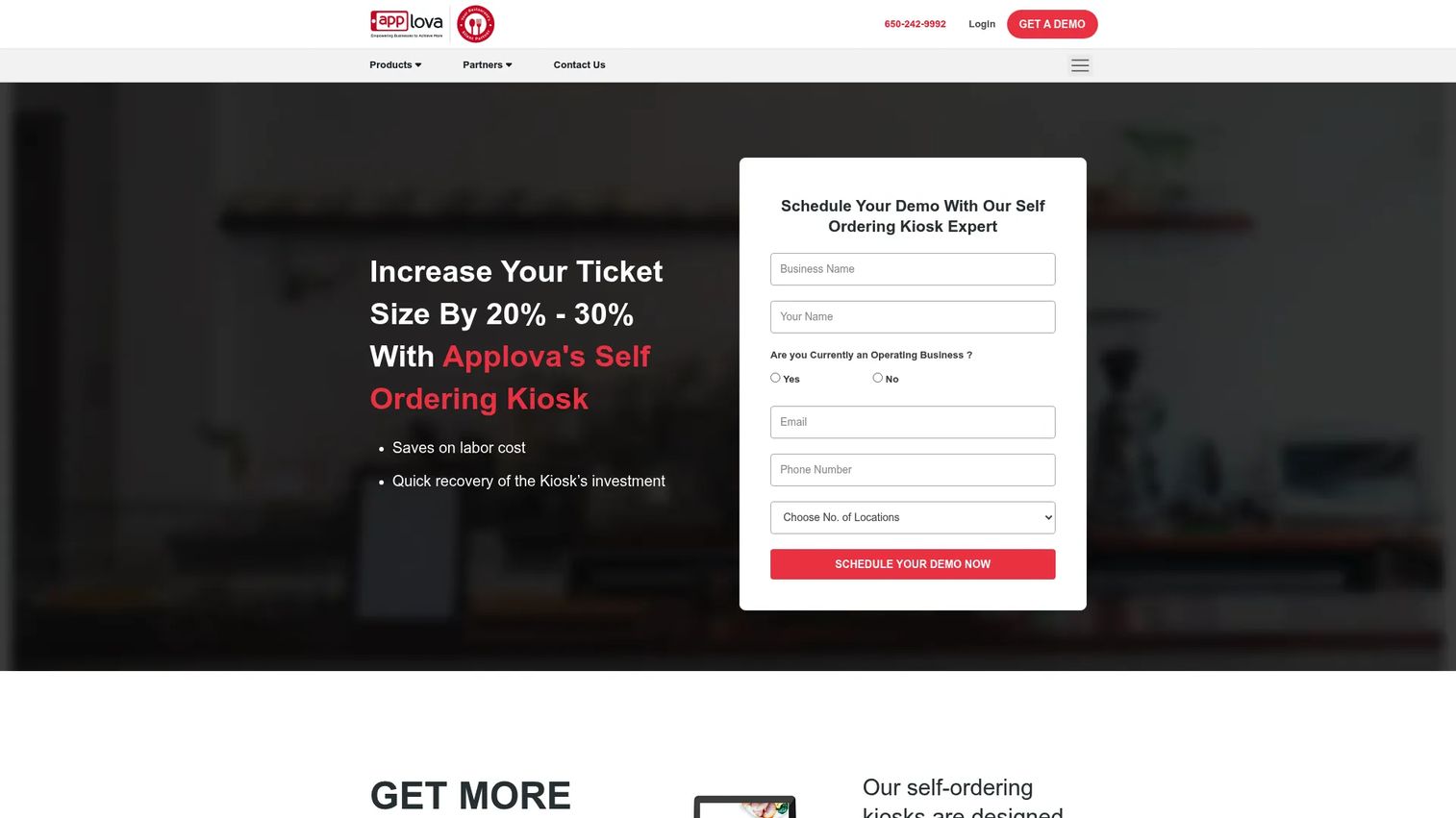
Applova Self-Serve Kiosk is restaurant self-service software for in-store ordering, customization, and payment, built for quick-service and fast-casual operators. It rounds out the shortlist as a flexible kiosk layer with AI-powered recommendations, POS integration, and multi-location support. For operators running several sites, that multi-location capability plus modular hardware options makes it easier to standardize the ordering experience across the group.
Applova offers kiosk hardware in countertop, wall-mount, and floor-standing formats, so you can match the terminal to the space rather than forcing one footprint everywhere. The software handles item customization and upsells, keeping the ordering flow flexible across menu types.
Best for: Quick-service and fast-casual restaurants wanting a flexible, multi-location self-ordering layer with hardware choices.
Key strengths
- Self-ordering kiosk for restaurants
- AI-powered recommendations and upsells
- POS integration for order sync
- Multi-location management
- Countertop, wall-mount, and floor-standing hardware
Why choose Applova Self-Serve Kiosk: If you value hardware flexibility and multi-site consistency, Applova's modular formats and location management fit. It suits operators who want to tailor the physical kiosk to each store while keeping the software layer uniform.
Applova Self-Serve Kiosk pricing: Hardware is priced one-time: $890 for the 15-inch countertop, $1,300 for the 22-inch wall mount, and $1,700 for the 22-inch floor-standing model. Software pricing is modular and quote-based, so request a demo for a plan tailored to your setup.
Considerations
POS integration
Surface-level compatibility is not enough. A logo on a partner page does not tell you whether orders, modifiers, and refunds actually sync cleanly. Before you buy, verify order sync in both directions, how modifiers and combos map to your POS, how refunds and voids flow back, and whether reporting stays consistent across the kiosk and register. A shallow POS integration is where kiosk projects quietly fail: the numbers drift, and someone spends an hour a day reconciling.
Hardware compatibility
Decide early whether you want to bring your own tablets or buy purpose-built terminals. iPad kiosk support lets you use standard Apple hardware with third-party stands, which lowers upfront cost. Dedicated kiosk hardware runs more but survives heavy use better. Check compatibility with your printers, card readers, and mount options. Hardware constraints drive rollout speed and the support burden your team carries after launch.
Payment processing
Payment flow shapes checkout speed, customer trust, and how cleanly you reconcile at day's end. Confirm which card types and wallets are supported, what processing fees you pay, and how the system behaves if the network drops. For kiosk POS software tied to a specific processor, factor those fees into total cost, not just the software subscription. Smooth payment processing is what makes self-checkout feel faster than a staffed lane.
Customization and upsell logic
Branding and customization keep the kiosk feeling like your store, not a generic screen. Look at how much control you have over layout, menu hierarchy, and logos. Then look at the upsell engine: can it prompt add-ons, combos, and cross-sells at the right step? This directly affects average order value and conversion, and it is often where the software pays for itself.
Analytics and maintainability
For a product manager, this is the make-or-break criterion. Check whether the platform reports order volume, completion rates, drop-off points, and average ticket by location, and whether that data exports to your stack. Just as important: can ops teams update menus and prices, or does every change require engineering? A kiosk that needs a developer for routine edits becomes onboarding rot on a screen. Favor tools that keep maintenance in the hands of the people who run the floor.
Conclusion
The right self service kiosk software depends on how tightly the kiosk must connect to your POS, hardware, and kitchen or checkout workflow. For Square-first restaurants, Square Kiosk keeps everything in one account. For the fastest launch on Square, KioskBuddy is the self-install pick. Enterprise retail chains outfitting many lanes should look at NCR Self-Serv Kiosk, while convenience and fuel sites that need convertible checkout fit Verifone C18 Self-Checkout.
If your challenge is managing many endpoints, EloView is the device control layer. For restaurant self-ordering, GRUBBRR's Self-Service Kiosks brings branded UI and broad integration, Bite Kiosk leads on AI-driven upsell and cross-sell, and Applova Self-Serve Kiosk offers modular hardware for multi-location operators.
Your next step: shortlist two tools that match your POS and format, then compare setup requirements, payment flow, and reporting side by side. Test order kiosk software in one location before you scale. The gains in staff efficiency, queue reduction, and revenue lift compound fastest when the integration is clean from day one.
FAQs
Self service kiosk software is the application that powers customer-facing ordering and checkout on a touchscreen terminal, tablet, or dedicated kiosk. It lets customers browse a menu or catalog, customize and pay for items, and get a receipt without a staff member ringing them up. It typically connects to your POS, payment processor, and, in restaurants, a kitchen display system or printer.
Self-order kiosk software is built for placing and paying for orders, common in restaurants where a customer builds a meal with modifiers and combos, then sends it to the kitchen. Self-checkout kiosk software is built for ringing up items a customer already picked, common in retail where they scan products, weigh produce, and pay. Some platforms handle both, but the workflows and hardware differ.
In almost every real deployment, yes. POS integration is what keeps orders, inventory, and sales data consistent between the kiosk and your register. Without it, you end up reconciling two systems by hand. When evaluating kiosk POS software, verify that order sync, modifier handling, refunds, and reporting all flow cleanly in both directions.
Many restaurant-focused tools run on standard iPads or Android tablets, which lowers hardware cost and speeds up launch. Square Kiosk and KioskBuddy both use iPad kiosk support with third-party stands. Enterprise retail self-checkout, like NCR and Verifone, uses purpose-built terminals engineered for heavy, continuous use rather than consumer tablets.
The kiosk connects to a payment processor to accept cards, contactless, and mobile wallets at the terminal, then issues a printed or digital receipt. Payment flow affects checkout speed and how cleanly you reconcile at close. Confirm supported card types, processing fees, and how the system behaves if the network drops before you commit.
Prioritize menu and modifier management, upsell and cross-sell prompts, and clean routing to your kitchen display system or printers. Branding control keeps the kiosk on-brand, and POS integration keeps orders and inventory in sync. For multi-location operators, look for centralized menu updates and reporting by site so ops teams can manage everything without engineering help.
Retail buyers should focus on fast, reliable self-checkout: item scanning, produce weighing, and age verification for restricted items. Rugged hardware and high uptime matter more here than in a low-traffic cafe. Confirm payment processing options, loss-prevention features, and how the system handles peak-hour volume across many lanes.
Pricing ranges widely by model. Tablet-based restaurant tools start around $50 per month per device, with KioskBuddy from $50 monthly and Square Kiosk from $30 to $50 per device monthly. GRUBBRR starts near $199 per month, device management like EloView runs a few dollars per device monthly, and enterprise retail hardware from NCR and Verifone is quote-based. Applova prices kiosk hardware from $890 with quote-based software. Always confirm current figures with the vendor before you buy.