A kit falls apart the moment its parts live in different systems. Inventory sits in one tool, the assembly instructions live in a binder or a shared drive, and the pick list comes from a spreadsheet someone updates by hand. Your operators end up reconciling three sources of truth on the floor, and every mismatch shows up later as rework, a short-shipped order, or a stock count nobody trusts.
That gap is expensive at scale. The global work-in-process tracking market for kitting reached USD 2.8 billion in 2025 and is projected to hit USD 6.1 billion by 2034 at a 9.2% CAGR, with software accounting for 45.2% of component share, according to MarketIntelo (2025). Teams are not buying software for novelty. They are buying it because manual kitting breaks under variance: multiple components per kit, changing bills of materials, and handoffs across build, pack, and ship.
For a product or operations lead, kitting is really a control problem. Inventory accuracy, operator guidance, and workflow design all have to move together, or none of them hold. When one drifts, the others follow within a shift. This guide treats kitting software as that control layer, not just an inventory feature, and evaluates each tool on how well it keeps those three pieces synchronized. If your product spans a mobile workflow or a self-serve buyer journey, tools like Guideflow handle the demo side of that equation, but the tools below are built specifically for the shop floor and the warehouse.
What's inside
This guide is for operations, manufacturing, warehouse, and fulfillment teams comparing kitting software in 2026. We selected tools based on four practical criteria: inventory accuracy under multi-component consumption, workflow guidance and digital work instructions for operators, bill of materials and assembly logic depth, and integration reach into barcode scanning, ERP, and downstream fulfillment systems. We also weighed ease of deployment, because a tool nobody rolls out is a tool that changes nothing. Every pricing figure and rating below reflects verified vendor and G2 data at the time of writing.
TL;DR
- Best for small manufacturers: Kitted, for lightweight kit assembly and inventory tracking without heavy setup.
- Best for digital work instructions and plant workflows: Tulip, for configurable shop-floor apps and operator guidance.
- Best for barcode-driven quality control: Azumuta, for part verification, checklists, and traceability.
- Best for manufacturing inventory management: Unleashed, for strong stock control and BOM logic.
- Best for ecommerce bundling and stock reconciliation: Finale Inventory, for multi-channel kit accuracy.
- Best for ERP-centric teams: Odoo, for kitting inside a broader operations suite.
- Best for growth-stage manufacturers: Katana, for production planning tied to sales orders.
What is kitting software?
Kitting software is a system that groups individual components into a single ready-to-use kit, then tracks the inventory, assembly steps, and fulfillment of that kit as one managed unit. It sits between raw inventory and the finished order, translating a bill of materials into a repeatable build-pack-ship workflow.
In practice, inventory kitting software connects several jobs that usually live apart. It reserves and consumes component stock as kits are built, so real-time material tracking stays accurate. It guides operators through assembly with digital work instructions instead of paper. It verifies parts with barcode scanning to reduce picking errors. And it hands off completed kits to order fulfillment with full traceability from component lot to shipped unit.
Kitting software for manufacturing typically includes the following core features:
- Bill of materials management: define which components, quantities, and sub-assemblies make up each kit, including high-variance kits with optional parts.
- Real-time inventory tracking: decrement component stock automatically as kits consume parts, across one or many locations.
- Digital work instructions: step-by-step operator guidance with images, checkpoints, and sign-offs.
- Barcode scanning and part verification: scan-to-confirm workflows that catch the wrong part before it ships.
- ERP integration: sync kits, stock, and orders with accounting, purchasing, and fulfillment systems.
- Reporting and traceability: record who built what, from which lots, when, for audits and continuous improvement.
The distinction that matters for buyers: some tools lead with inventory and treat assembly as a light add-on, while others lead with operator guidance and treat inventory as a connected feed. The best fit depends on where your risk concentrates, whether that is stock accuracy or build quality.
When to use kitting software
Kitting software earns its place when manual coordination starts costing you accuracy, speed, or trust in your numbers. A few clear signals:
Standardize kit assembly across shifts or sites
When two operators build the same kit differently, quality drifts and rework climbs. Kitting software with digital work instructions locks the assembly workflow to one version, so the third shift and the second site build to the same spec. This matters most for high-variance kits where a single missed step ships the wrong configuration.
Keep inventory accurate while kits consume multiple components
A kit that pulls eight parts from four locations wrecks manual counts fast. Kitting software decrements component stock the moment a kit is built, so inventory tracking reflects real consumption instead of a monthly guess. That accuracy feeds purchasing, so you reorder before a shortage stalls a line.
Reduce picking errors and rework
Barcode scanning and part verification catch the wrong component at the workstation, not at the customer's door. Pair scan-to-confirm steps with guided instructions, and you cut both picking errors and the idle time operators spend hunting for the right part.
Improve traceability across build, pack, and ship
When a component lot gets recalled, you need to know every kit it went into within minutes, not days. Kitting software records lot and serial data through the full workflow, giving you traceability that manual logs can't match.
Comparison table
Here's how the seven tools compare on intent, primary use case, verified pricing, and G2 rating. Use it to shortlist two or three before reading the full sections.
| # | Product | Intent | Key use case | Pricing | G2 rating |
|---|---|---|---|---|---|
| 1 | Kitted | Lightweight kitting | Kit assembly and inventory tracking for small manufacturers | Not publicly listed | Not listed |
| 2 | Tulip | Operator guidance | Digital work instructions and configurable shop-floor apps | From $100/mo per interface (billed annually) | 4.5/5 |
| 3 | Azumuta | Quality control | Barcode part verification, checklists, and traceability | Quote-based | 4.8/5 |
| 4 | Unleashed | Inventory control | Manufacturing inventory and BOM management | From $399/mo | 3.8/5 |
| 5 | Finale Inventory | Ecommerce bundling | Multi-channel kit accuracy and reconciliation | From $499/mo | 4.8/5 |
| 6 | Odoo | ERP consolidation | Kitting inside a full operations suite | Free tier; paid from \~$31.10/user/mo | 4.2/5 |
| 7 | Katana | Production planning | Sales-order-to-production visibility for growing makers | Free tier; Core from $299/mo | 4.3/5 |
The 7 best kitting software tools for 2026
1. Kitted

Kitted positions itself for smaller manufacturers and assembly teams that need to manage kit builds and component inventory without standing up a heavy platform. The focus is on keeping assembly tracking and stock levels in one place, so a lean operation can standardize its kitting workflow before it outgrows spreadsheets. For teams at the point where manual kit tracking is starting to cost them accuracy, Kitted is worth a look as an entry point into dedicated kitting software.
Best for: small manufacturers and assembly shops moving off spreadsheets for the first time.
Key strengths
- Kit assembly tracking: manage build steps and component consumption as a single unit rather than loose parts.
- Inventory visibility: keep component stock synced to kit builds so counts stay closer to reality.
- Lightweight rollout: designed for lean teams that need a working process quickly, not a multi-quarter implementation.
Why choose Kitted: If your operation is small enough that a full manufacturing platform feels like overkill, Kitted keeps the scope tight. It fits teams whose main pain is losing track of which components went into which kit, and who want inventory and assembly in one view without a steep learning curve. Larger or more complex manufacturers will likely need the deeper BOM and planning depth further down this list.
Kitted pricing: Public pricing was not available at the time of writing. Teams evaluating Kitted should contact the vendor directly to confirm current plans, tiers, and any trial options before committing.
2. Tulip
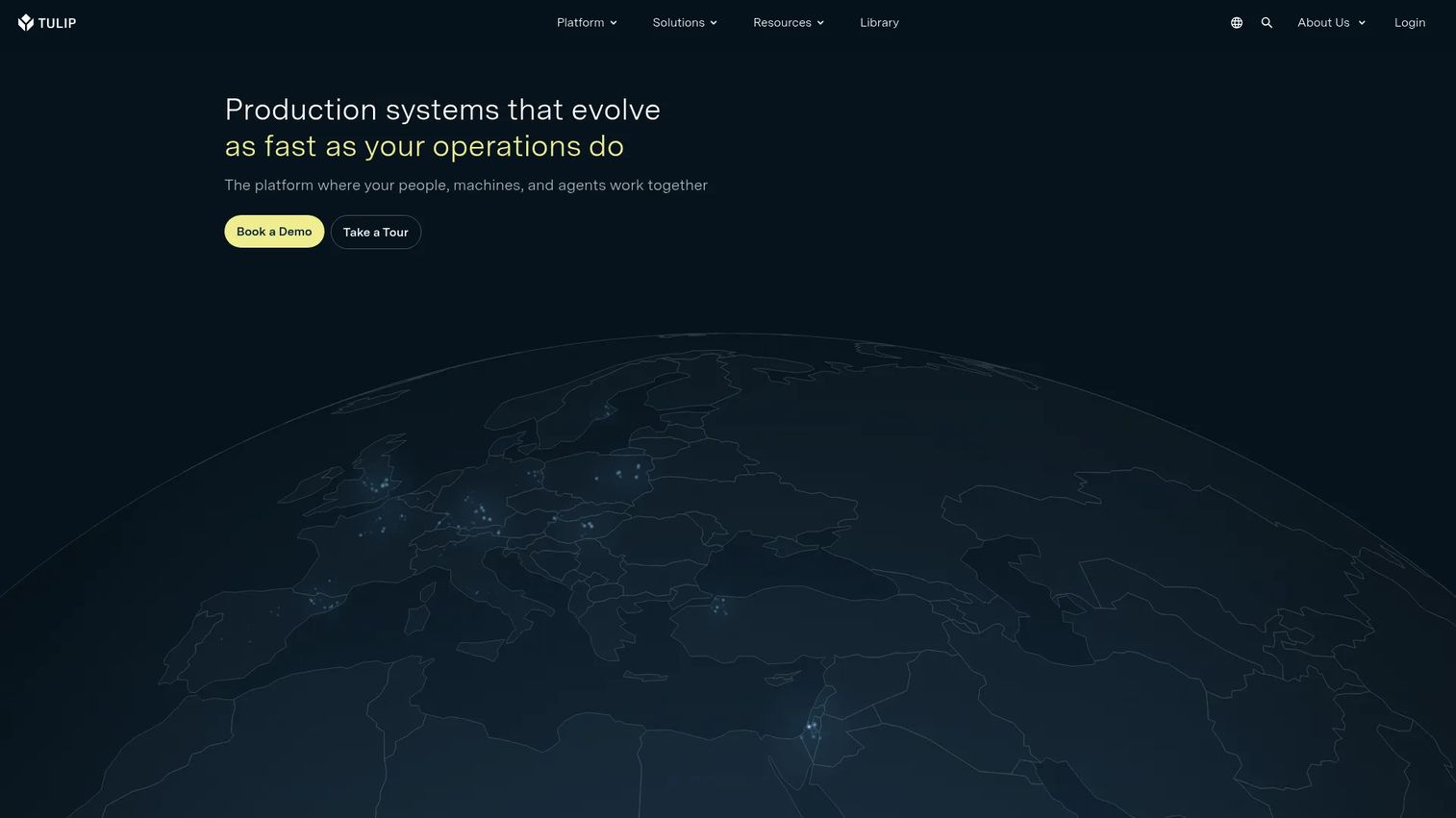
Tulip is a frontline operations platform for building connected apps, automations, and AI-enabled workflows across manufacturing and industrial operations. For kitting specifically, its strength is configurable operator guidance: teams compose shop-floor apps that walk operators through each assembly step, pull in live data, and trigger checks without waiting on an engineering queue. That composability is why Tulip fits plants running many kit variants.
Best for: manufacturers that want to design their own digital work instructions and shop-floor apps rather than accept a fixed template.
Key strengths
- Apps, agents, and automations: build guided assembly workflows and operator apps tailored to each kit line.
- Edge and open connectivity: connect machines, scanners, and sensors for real-time material tracking and pick-to-light setups.
- Native AI and ML: layer intelligent checks and analytics onto the shop-floor workflow.
Why choose Tulip: Tulip suits teams whose kitting problem is really an operator-guidance problem, where the variance in kits demands flexible instructions instead of one rigid flow. Because you build the apps, you can model unusual assembly workflows and pick-to-light stations that off-the-shelf kitting modules can't. That flexibility asks for more upfront design work, so it rewards teams ready to own the build. Tulip holds a 4.5/5 rating on G2.
Tulip pricing: The Essentials plan starts at $100/mo per interface billed annually, with a 10-interface minimum. Professional starts at $250/mo per interface on the same annual, 10-interface basis. Enterprise pricing is available by contacting sales. There is no free tier.
3. Azumuta
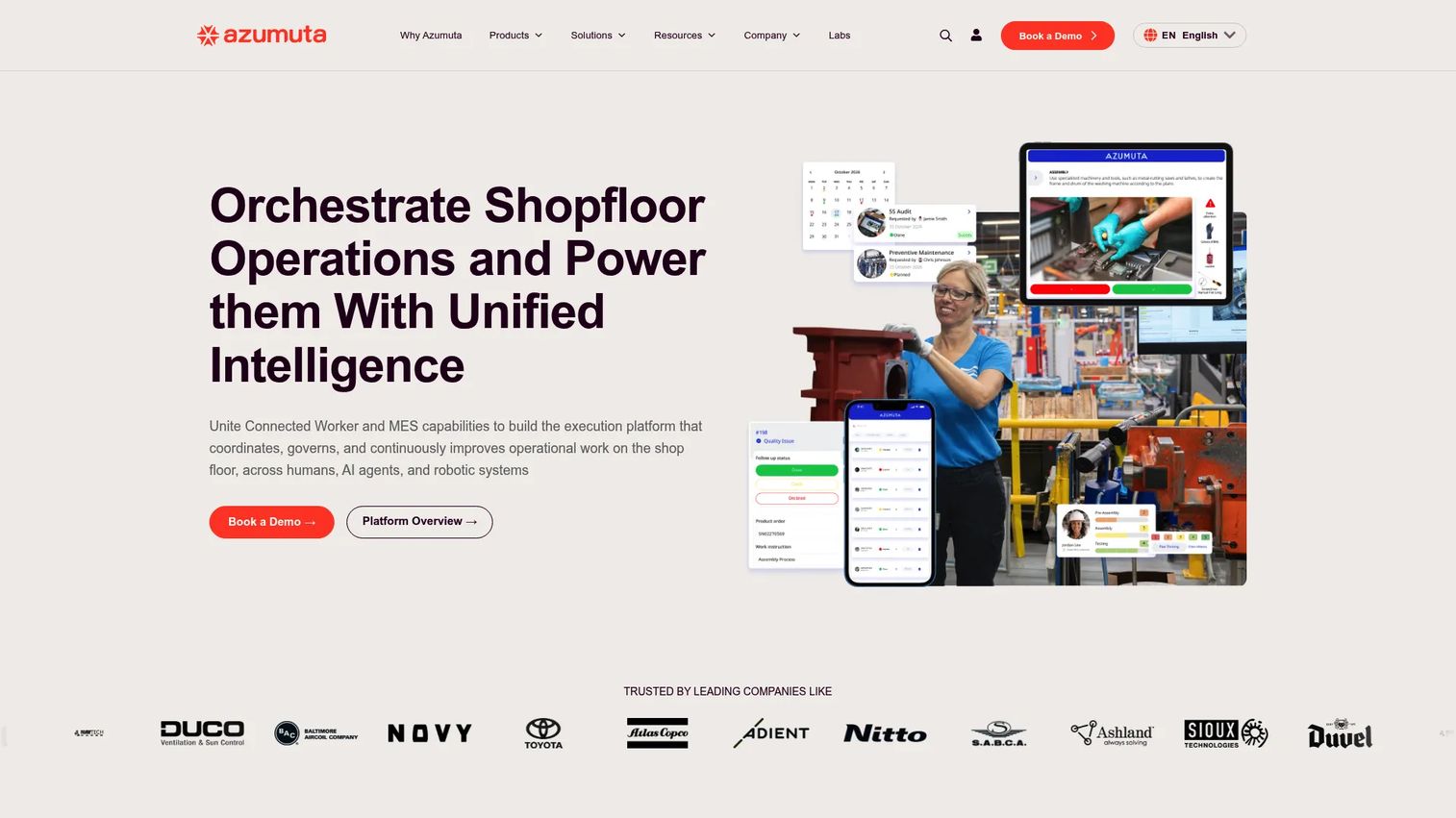
Azumuta is a shop-floor execution platform for manufacturers that combines connected-worker and MES capabilities. For kitting, it centers on quality: digital work instructions guide the build, barcode scanning verifies each part automatically, and digital checklists enforce quality checkpoints before a kit moves forward. The result is traceability baked into the assembly workflow rather than bolted on after.
Best for: standardized assembly and packaging operations where part verification and audit trails matter most.
Key strengths
- Digital work instructions: step-by-step guidance with images and sign-offs to standardize every build.
- Audits and digital checklists: enforce quality checkpoints so defects get caught at the station.
- Quality assurance and traceability: capture part scans and lot data for full build-to-ship traceability.
Why choose Azumuta: Choose Azumuta when your kitting risk concentrates in build quality and compliance, not just stock counts. Automatic part verification through barcode scanning stops the wrong component before it reaches packaging, and the checklist layer gives quality teams the documentation they need for audits. It fits regulated or high-consequence assembly where reducing rework and proving traceability justify the process discipline. Azumuta earns a strong 4.8/5 on G2.
Azumuta pricing: Azumuta uses quote-based pricing. The pricing page asks prospects to contact the team for a personalized quote and does not publish plan prices or tiers. Teams should request a quote scoped to their number of operators and workstations.
4. Unleashed
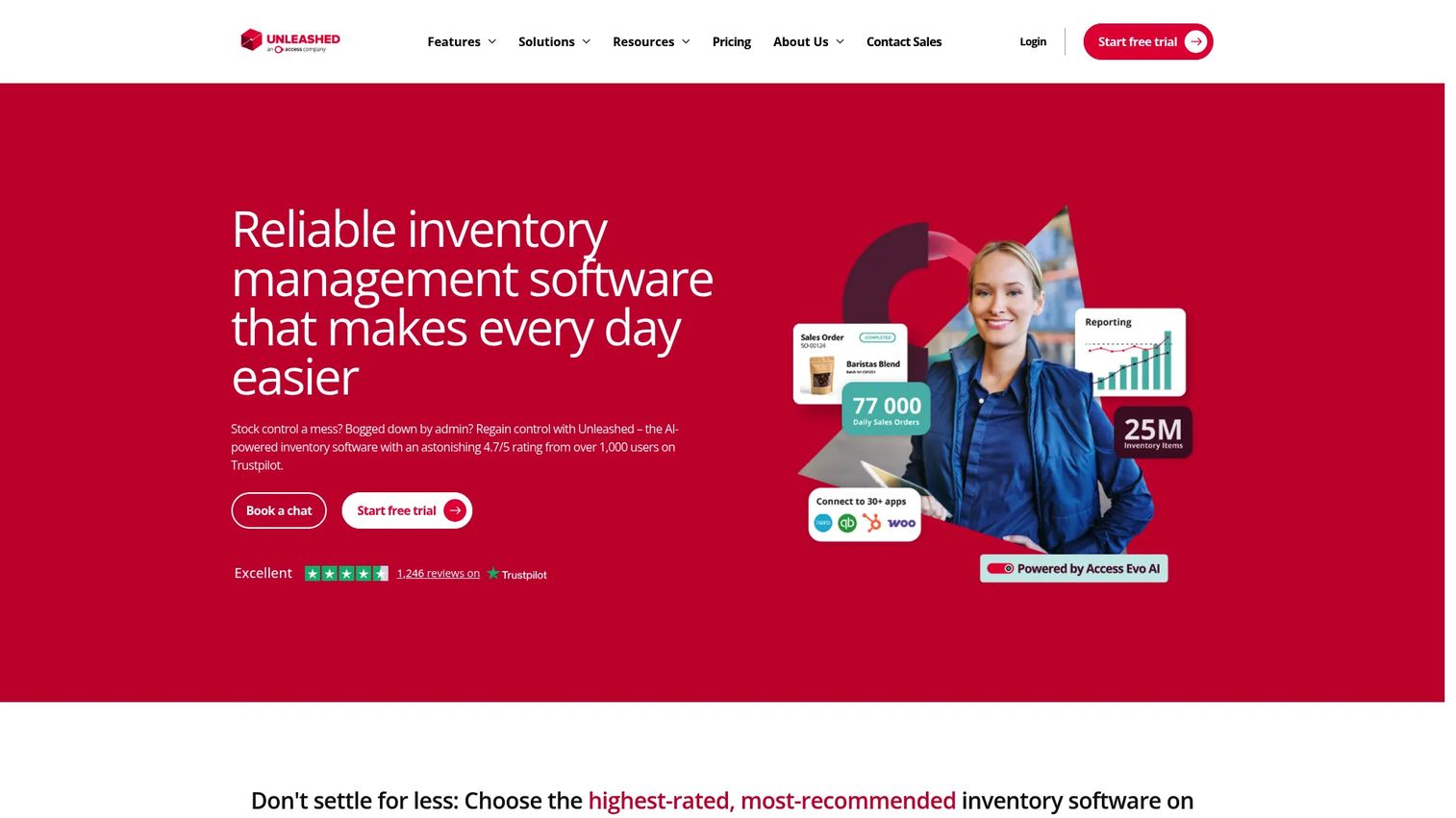
Unleashed is cloud-based inventory management software built for product businesses, including manufacturers, wholesalers, and distributors. Its kitting fit comes from strong inventory control: it manages real-time stock, bill of materials, and the distinction between simple kitting and full assembly, so component consumption stays accurate as kits move through the workflow. Teams that lead with inventory accuracy gravitate here.
Best for: manufacturers and distributors that need tight inventory control and clear BOM logic behind their kits.
Key strengths
- Real-time inventory management: track component and finished-kit stock across locations as builds consume parts.
- Sales order management: connect kit demand to orders so you build and reserve against real requirements.
- Purchasing and supplier management: reorder components before shortages stall an assembly line.
Why choose Unleashed: Unleashed is the pick when inventory accuracy is your primary control problem and kitting is one workflow among several. It distinguishes kitting, where components are assembled at the point of sale or dispatch, from assembly, where you build stock ahead of demand, and handles both with clear BOM logic. That clarity helps teams that get burned by inaccurate counts feeding bad purchasing decisions. Unleashed holds a 3.8/5 rating on G2.
Unleashed pricing: The Core plan is $399 USD per month, or $4,389 USD billed annually. The Pro plan is $729 USD per month, or $8,019 USD billed annually. Add-on modules are priced separately. There is no free tier.
5. Finale Inventory
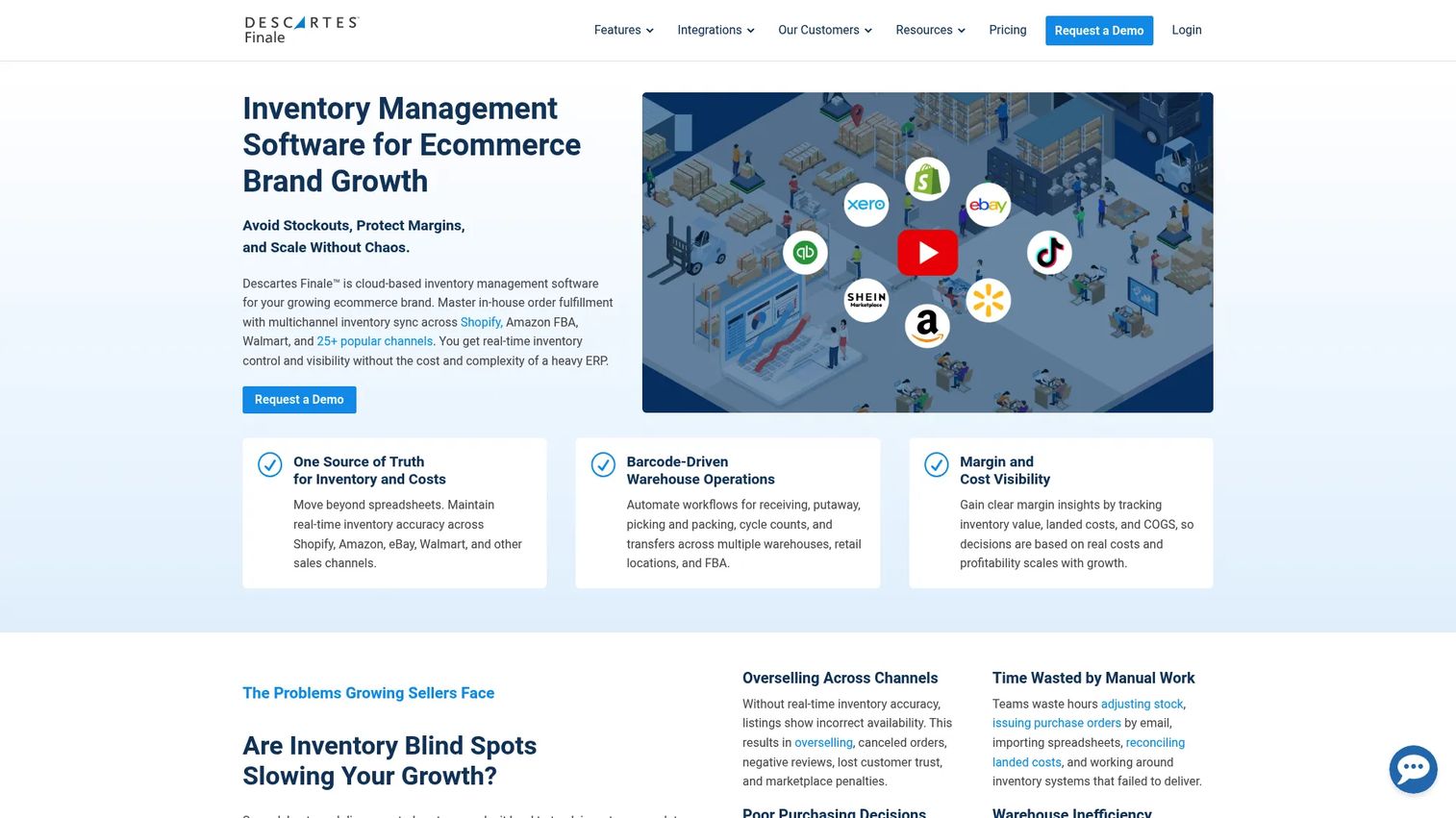
Finale Inventory is cloud-based inventory and warehouse management software for multi-channel sellers and multi-location operations. Its kitting strength lies in product bundling and reconciliation: it maintains real-time stock visibility across sales channels and warehouses, applies BOM-based logic to kits and bundles, and uses mobile barcode scanning for receiving, picking, and cycle counts. That makes it a fit for ecommerce sellers whose kits ship across marketplaces.
Best for: ecommerce and omnichannel sellers managing kits and bundles across multiple channels and warehouses.
Key strengths
- Real-time inventory visibility: keep stock accurate across every sales channel and warehouse location.
- Multi-warehouse workflows: transfers, replenishment, and reorder recommendations that keep kit components stocked.
- Mobile barcode scanning: receive, pick, count, and transfer with scan-based accuracy on the warehouse floor.
Why choose Finale Inventory: Finale fits sellers whose kitting problem is really a multi-channel reconciliation problem: the same components sell as standalone SKUs and inside bundles, and overselling one starves the other. Its BOM-based kit logic decrements shared components correctly across channels, and marketplace syncing keeps listings honest. For manufacturing-heavy operations, the earlier picks lean deeper, but for order fulfillment across channels, Finale is hard to beat. It carries a 4.8/5 rating on G2.
Finale Inventory pricing: Plans start from $499 per month. Pricing scales with users, integrations, order volume, and add-ons, so the effective cost depends on your channel and warehouse footprint. There is no free tier; contact Finale to scope a plan to your volume.
6. Odoo
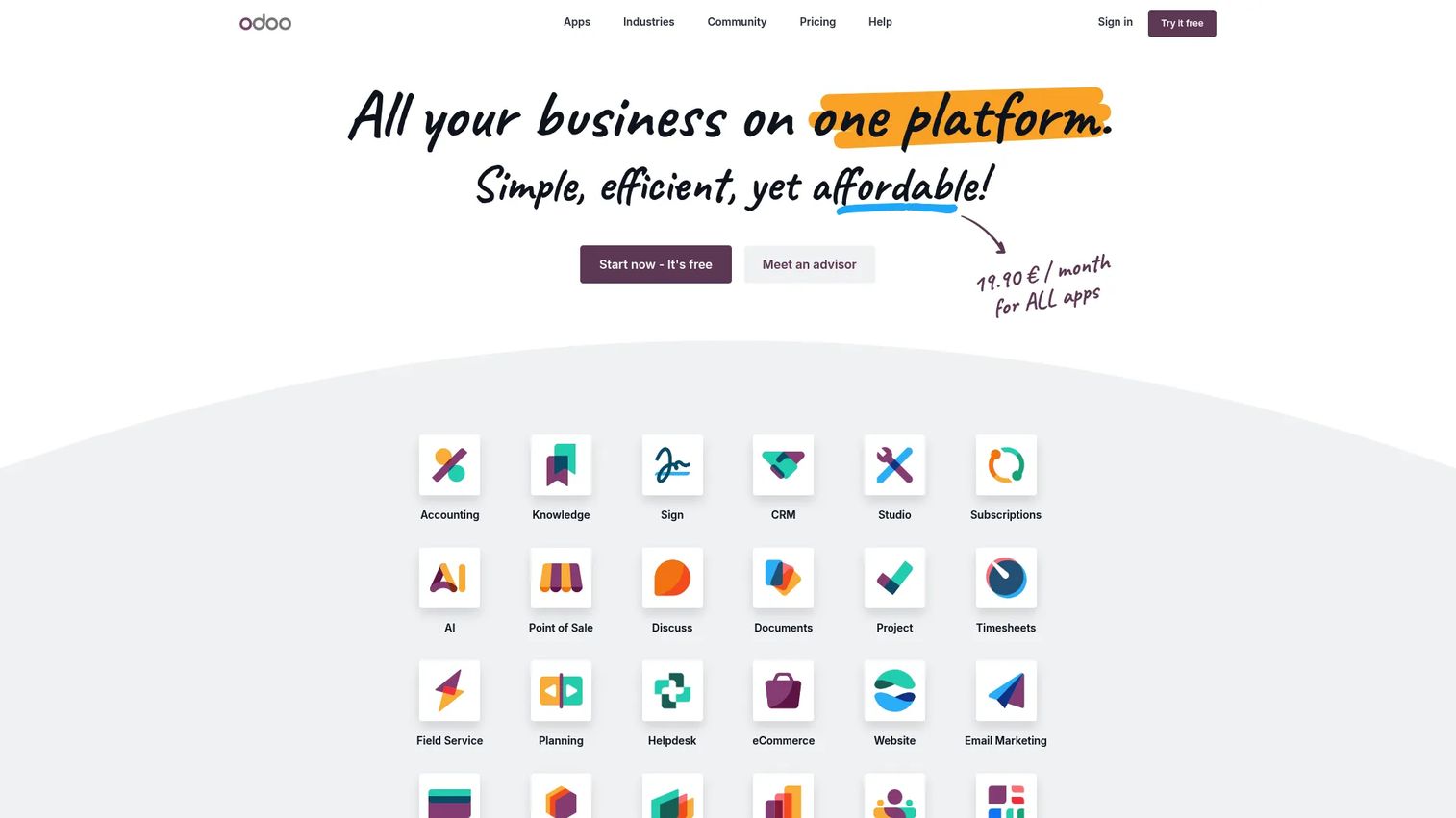
Odoo is an open-source ERP and business apps platform that manages core company operations in one system. Its kitting fit comes from consolidation: manufacturing, inventory, and BOM workflows live alongside accounting, purchasing, CRM, and point of sale, so kits flow through one connected system instead of syncing across tools. Teams already weighing broader ERP consolidation find kitting comes along for the ride.
Best for: teams that want kitting inside a full ERP rather than a standalone tool, especially those consolidating systems.
Key strengths
- Integrated app suite: CRM, ecommerce, accounting, inventory, point of sale, and manufacturing in one platform.
- BOM and manufacturing workflows: define kits and assemblies that draw directly from shared inventory.
- Customization via Studio and API: tailor the kitting workflow and connect it to external systems.
Why choose Odoo: Odoo makes sense when kitting is one piece of a larger operations picture and you'd rather not stitch a specialist tool into a separate ERP. Because inventory, purchasing, and manufacturing share one database, kit component consumption updates accounting and reorder logic without a separate ERP integration project. The tradeoff is that a broad suite asks for more configuration than a focused kitting app, so it rewards teams committed to the platform. Odoo holds a 4.2/5 rating on G2.
Odoo pricing: The One App Free plan includes a single app with unlimited users at no cost. The Standard plan starts around $31.10 per user per month billed yearly (higher billed monthly) and includes all apps on Odoo Online. The Custom plan starts around $61.00 per user per month billed yearly and adds Studio, multi-company, external API, and flexible hosting.
7. Katana
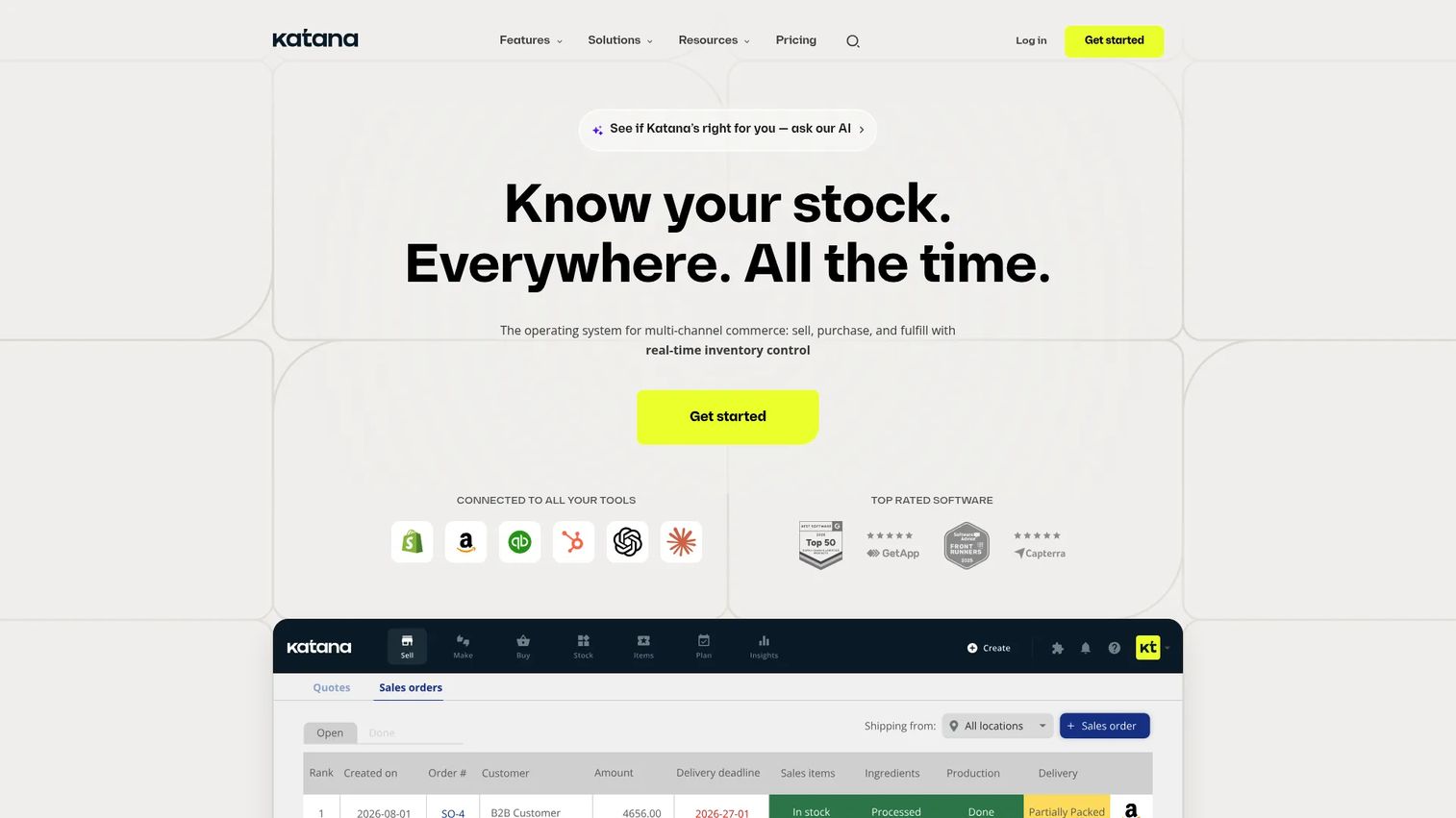
Katana is cloud inventory and manufacturing software for small and midsize product businesses. Its kitting fit is production planning: it ties inventory management, manufacturing scheduling, and order management together, giving growing makers visibility from sales order to production floor. When kit demand spikes, Katana prioritizes builds against available components so nothing stalls silently.
Best for: growth-stage manufacturers that need production planning and inventory visibility from sales order to build.
Key strengths
- Inventory management: track raw materials, components, and finished kits in real time.
- Manufacturing planning: schedule and prioritize kit and assembly builds against live demand.
- Purchasing and order management: connect sales orders to production and reordering in one view.
Why choose Katana: Katana suits makers who have outgrown basic inventory tools but aren't ready for a heavyweight ERP. Its order-to-production visibility helps teams see how a new sales order cascades into component demand and build priority, which matters when high-variance kits compete for the same parts. It fits growing operations that need planning muscle without a long implementation. Katana carries a 4.3/5 rating on G2.
Katana pricing: Katana offers a Free plan at $0. The Core plan starts at $299 per month. The Advantage plan uses custom pricing for larger operations. The free tier lets small teams test the workflow before committing to a paid plan.
Considerations before you buy
Shortlisting is faster when you evaluate against the risks that actually cost you money. Work through these before you commit.
Inventory accuracy under real consumption
The test is not whether a tool tracks stock, but whether it decrements component inventory correctly as kits consume parts across locations. Ask how it handles shared components sold both standalone and inside kits, and whether counts stay accurate during high volume. Inaccurate counts feed bad purchasing, which stalls lines.
Operator guidance depth
Look at how the tool delivers digital work instructions and whether operators can follow a build without a supervisor. Configurable guidance matters most for high-variance kits, where a fixed template breaks. Weak guidance shows up later as rework and inconsistent quality across shifts.
Barcode and traceability coverage
Confirm the tool supports barcode scanning for part verification and captures lot or serial data through build, pack, and ship. If a component gets recalled, you want to trace every affected kit in minutes. Thin traceability turns a contained issue into a full audit.
Integration and ERP fit
Map how the tool connects to your ERP, accounting, and fulfillment systems. A strong ERP integration keeps stock, orders, and financials in sync without manual re-entry. Check which specific platforms and marketplaces are supported, not just that integrations exist.
Deployment effort and rollout
Weigh how quickly operators can actually adopt the tool. A powerful platform that sits unused changes nothing on the floor. Favor tools whose rollout matches your team's bandwidth and appetite for configuration.
Conclusion
Kitting software is a control problem, and the right pick depends on where your control breaks first. If build quality and part verification are the risk, Azumuta and Tulip lead on operator guidance and traceability. If inventory accuracy drives your pain, Unleashed and Katana bring strong stock control, with Katana adding production planning for growth-stage makers. For ecommerce sellers reconciling kits across channels, Finale Inventory fits the multi-channel motion. Teams consolidating systems will find kitting comes bundled with Odoo's broader ERP, while smaller shops moving off spreadsheets can start with Kitted.
Shortlist two or three based on your dominant risk: stock accuracy, operator guidance, or integration reach. Then run a real kit through each in a trial before you commit, because the tool that fits your bill of materials and your floor beats the one with the longest feature list.
Start your journey with Guideflow today!
FAQs
Kitting software groups individual components into a single ready-to-use kit, then manages the inventory, assembly steps, and fulfillment of that kit as one unit. Teams use it to standardize kit assembly, keep component inventory accurate as parts are consumed, guide operators with digital work instructions, and maintain traceability from component lot to shipped order.
Inventory software tracks stock levels and movements. Kitting software adds the assembly layer on top: it defines a bill of materials for each kit, decrements multiple components at once as kits are built, and guides the build-pack-ship workflow. Some tools, like Unleashed and Finale Inventory, lead with inventory and treat kitting as a connected feature, while others lead with operator guidance.
Prioritize bill of materials management, real-time inventory tracking, digital work instructions, barcode scanning with part verification, ERP integration, and traceability reporting. The weighting depends on your risk: build-quality operations should favor operator guidance and part verification, while inventory-driven teams should favor stock accuracy and BOM depth.
Yes. Most kitting tools support barcode scanning so operators scan-to-confirm each component, catching the wrong part before it ships. Azumuta and Finale Inventory both build on this, capturing lot and serial data through the workflow so you can trace any affected kit quickly if a component is recalled.
Very. Ecommerce sellers often sell the same components both standalone and inside bundles, which causes overselling if stock isn't reconciled. Kitting software with BOM-based logic, like Finale Inventory, decrements shared components correctly across channels and syncs listings to marketplaces so inventory stays honest.
Most tools offer ERP integration through native connectors or APIs that sync kits, stock, and orders with accounting, purchasing, and fulfillment. Odoo takes a different route by building kitting inside a full ERP, so manufacturing and inventory share one database with financials, removing the need for a separate integration project.
Any business where manual kit coordination starts costing accuracy, speed, or trust in its numbers. Small shops moving off spreadsheets can start with lightweight options like Kitted or Katana's free tier. Larger manufacturers and multi-channel sellers with high-variance kits and multiple locations benefit from deeper platforms like Tulip, Unleashed, or Finale Inventory.
Match the tool to your dominant risk. Choose Tulip if your challenge is operator guidance and you want configurable shop-floor apps for high-variance kits. Choose Unleashed if inventory accuracy and BOM logic drive your pain in a manufacturing or distribution setting. Choose Finale Inventory if you're an ecommerce or omnichannel seller reconciling kits and bundles across multiple channels and warehouses.