
You launched the German site last quarter. The headline says one thing, the pricing page says another, and Sales just flagged that a phrase translates into something embarrassing. Nobody owns the fix, so it sits in a Slack thread for three weeks.
That is the real problem with website translation. It is rarely about whether a machine can convert "Get started" into "Jetzt starten." It is about who approves the copy, how it stays consistent across forty pages, and how fast you can publish without filing an engineering ticket.
For a product marketing manager, message drift across regions is a credibility problem. The best website translation software does not just translate text. It governs terminology, holds onto past translations, routes content through review, and pushes updates live without breaking your stack. This guide ranks the tools that handle that full job, so you can pick one that fits your go-to-market workflow instead of creating a second maintenance nightmare. If you're also evaluating your broader stack, our roundup of the best product marketing software tools is a useful companion read.
What's inside
This guide covers website translation software for teams that need to translate, localize, govern, and publish web content at scale. It is built for product marketing managers, localization leads, and web and content owners who care as much about workflow as they do about raw accuracy.
We evaluated each tool against four criteria that matter to a business buyer:
- Translation quality, including AI engines, terminology controls, and human review options
- Workflow fit, including approval routing, collaboration, and translation memory
- Integrations, including CMS, marketing stack, and developer connections
- Security and scalability across regions and content types
We did not force in adjacent tools that only overlap on a single feature. Every product here is a legitimate fit for translating and localizing a website.
TL;DR
Short on time? Here are the fast decision shortcuts by buyer situation.
- Best for hybrid AI plus human review on business content: Taia pairs AI translation with optional professional linguists in one place.
- Best for raw machine translation quality: DeepL, with strong terminology controls for business use.
- Best for a free, general-purpose baseline: Google Translate covers breadth and accessibility before you outgrow it.
- Best for product and developer localization workflows: Lokalise and Phrase, with deep CMS and code integrations.
- Best for a no-code marketing website: Weglot and Localize, built for fast multilingual launches and SEO.
- Best for enterprise localization operations: Smartling and TransPerfect GlobalLink, with governance and approval depth.
The right pick depends less on which engine is "smartest" and more on how your team approves, publishes, and maintains multilingual content.
What is website translation software?
Website translation software is a tool that converts and adapts website content into multiple languages, then helps teams manage, govern, and publish that content across a multilingual website. It combines machine translation, human review options, and workflow controls so marketing and localization teams can scale content without rebuilding pages by hand.
The category spans several tool types that often get confused:
- AI translation tools use machine learning to produce fast, high-volume translations. They are strong for first drafts and high-throughput content.
- Machine translation software refers to the underlying engines, like neural MT, that power automated Machine Translation.
- Website localization platforms focus on detecting, translating, and serving multilingual content directly on your site, often with no-code setup and multilingual SEO support.
- Translation management systems (TMS) orchestrate the full localization workflow: assignment, review, memory, glossaries, and integrations across many content types.
Most teams need more than a raw engine. The capabilities that separate a real platform from a quick translator include:
- Translation memory: stores previously approved translations so repeated phrases stay consistent and you do not pay to translate the same string twice.
- Glossary: locks brand terms, product names, and approved phrasing so messaging stays on-brand across every page.
- Human-in-the-loop translation: routes machine output to professional linguists or internal reviewers for quality and tone.
- Workflow automation: assigns, tracks, and approves content without manual handoffs.
- File and CMS integrations: connect to your website, code repos, and content tools so translations flow in and out automatically.
- Security and compliance: access controls, data handling standards, and governance for business use.
Here is the quick distinction most buyers need:
| Tool type | Primary job | Best fit |
|---|---|---|
| AI translation tool | Fast automated drafts | High-volume content, first passes |
| Machine translation software | The translation engine itself | Powering automated translation |
| Website localization platform | Translate and serve site content | Marketing sites, multilingual SEO |
| Translation management system | Orchestrate the full workflow | Teams with review, memory, and scale needs |
When to use website translation software
Not every team needs a full localization platform. Here is how to pattern-match your situation.
Launch multilingual pages without manual duplication
If you are spinning up a German, French, and Japanese version of your site, copying pages by hand is how errors creep in and launches slip. A website localization platform detects your content, translates it, and serves the right language automatically. You publish once and maintain a single source instead of three drifting copies. This is the right operational move the moment you go from one language to several. The same principle applies when you localize an interactive demo for different regional audiences.
Localize marketing and product pages by region
Regional messaging is rarely a straight translation. A campaign that lands in the US may need different proof points or tone in Japan. Website translation software lets you adapt copy per market while keeping core positioning intact, and it speeds up campaign velocity because you are not waiting on a separate vendor for every page. Pairing localized copy with personalized demos can sharpen regional relevance even further. For a multilingual website that supports active campaigns, that turnaround time directly affects launch dates.
Scale governance with translation memory and glossary rules
Once content volume grows, consistency becomes the hard part. Translation memory reuses approved phrasing, so the same feature description reads identically everywhere. A glossary locks product names and brand terms. Together they cut cost, speed up turnaround, and protect message consistency. If your localization workflow involves more than a few people or more than a few dozen pages, these controls stop being nice-to-have and start being the reason the project does not collapse.
Comparison table
Here is the full lineup, ranked by fit for website translation and localization. Pricing and ratings reflect verified, current values where publicly available. Where a vendor does not publish a price, we note quote-based pricing rather than guess.
| # | Product | Intent | Key use case | Pricing | G2 rating |
|---|---|---|---|---|---|
| 1 | Taia | Hybrid AI plus human translation | Business document and website translation with review | Free; Basic €9/mo | Not yet rated |
| 2 | DeepL | High-quality machine translation | Accurate business translation with glossaries | Paid plans, price on request | 4.6/5 |
| 3 | Google Translate | General-purpose translation | Free baseline translation | Free | 4.6/5 |
| 4 | Microsoft Translator | Real-time and ecosystem translation | Live conversation and Microsoft-stack use | Free tier available | 4.3/5 |
| 5 | Lokalise | Localization management | App and website localization at scale | From $144/mo | 4.7/5 |
| 6 | Crowdin | Localization platform | Engine orchestration with memory and glossaries | Free trial; paid plans | 4.4/5 |
| 7 | Smartling | Enterprise localization | Workflow automation and translation services | Core free; per-word services | 4.4/5 |
| 8 | Phrase | Localization platform | Software and content localization at scale | From $1,245/mo | 4.5/5 |
| 9 | Weglot | Website-first translation | No-code multilingual sites and SEO | Free; Starter €15/mo | 4.7/5 |
| 10 | Localize | Website and app localization | No-code content publishing | Free to start | 4.6/5 |
| 11 | Smartcat | AI plus human marketplace | Collaborative translation workflows | From $1,200/yr | 4.6/5 |
| 12 | TransPerfect GlobalLink | Enterprise localization | Multi-stakeholder content operations | Quote-based | 4.5/5 |
| 13 | TextUnited | Business translation management | AI translation with human review | Free; Team €150/mo | 4.3/5 |
| 14 | Unbabel | Human-in-the-loop quality | Customer-facing content at scale | Quote-based | 4.6/5 |
| 15 | Translated | Service plus software | Managed human plus AI translation | From €120 per project | 4.3/5 |
| 16 | memoQ | Translation memory and TMS | Professional localization productivity | From $242/mo | 4.5/5 |
| 17 | MachineTranslation.com | Engine aggregation | Compare and select MT engines | Free; Pro $19/mo | 4.6/5 |
| 18 | OpenL | Lightweight AI translation | Fast multi-format translation | Free; Pro $7.49/mo | Not yet rated |
1. Taia
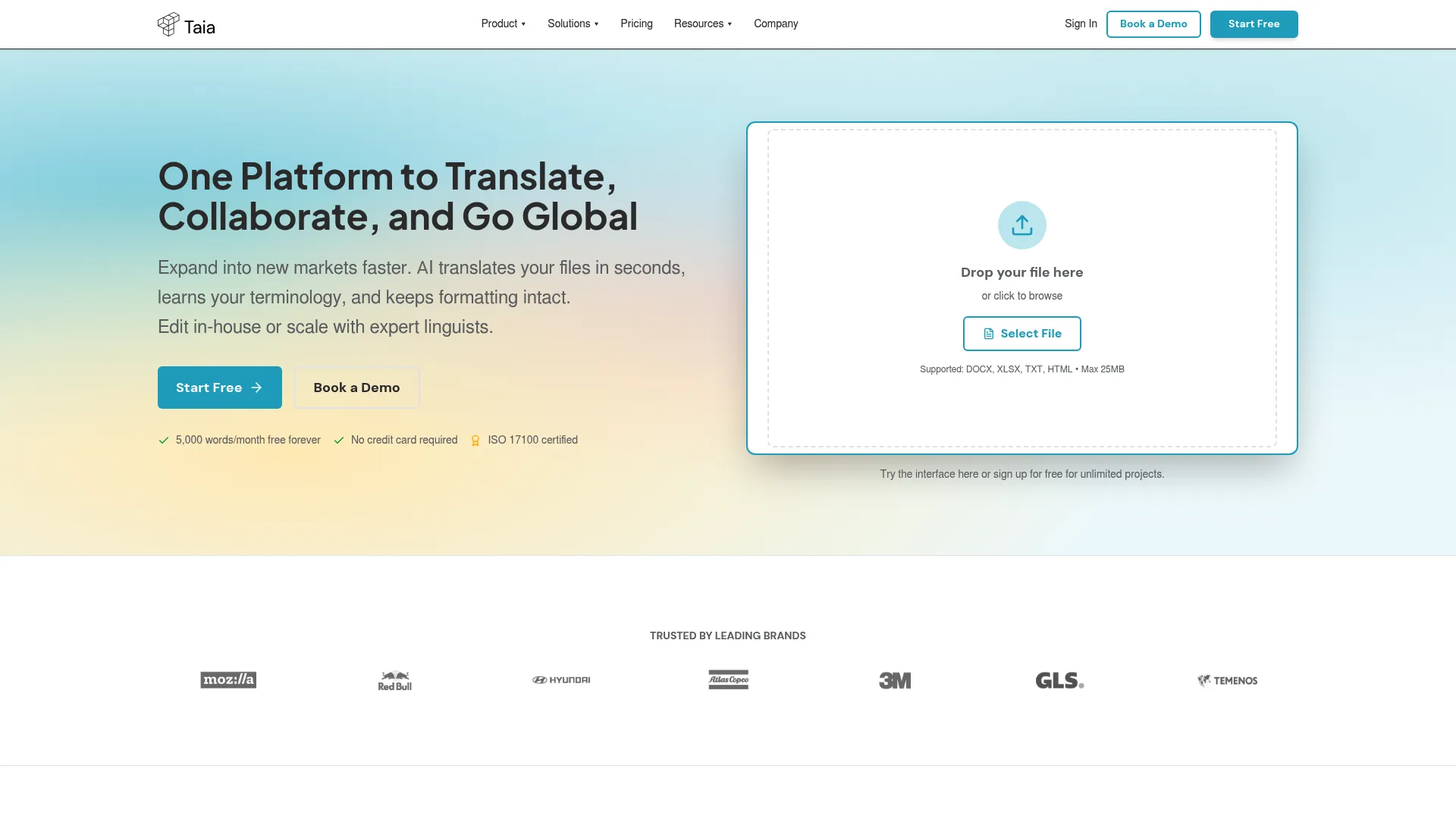
Taia is an AI translation and localization platform that pairs machine translation with optional professional linguist services in a single workflow. It is built for business content, so you can move from a fast AI draft to a fully reviewed translation without switching tools or chasing a separate vendor. For a PMM who needs both speed and a quality safety net, that hybrid model is the headline.
Best for: Teams that need document and website localization with AI speed plus human review when accuracy matters.
Key strengths
- Context-aware AI translation: produces strong first drafts that respect surrounding content, not word-by-word swaps.
- Translation memory, glossary, and style guides: keeps brand terms and approved phrasing consistent across every page and project.
- Built-in editor and API access: edit translations in-platform and connect Taia into your existing content pipeline.
Why choose Taia: The appeal is the spectrum. You can run pure AI for low-stakes content and route high-visibility pages, like pricing or product positioning, to professional linguists. That lets a marketing team control cost and quality on a per-page basis instead of paying premium rates for everything. The instant-quote model also helps when you need to forecast localization spend before a launch.
Taia pricing: Taia offers a Free plan at €0 per month, a Basic plan at €9 per month, and a Pro plan at €39 per month, with Enterprise available on request. Annual billing is also shown on the pricing page, and professional translation services are quoted separately. The free tier makes it easy to test the workflow before committing budget.
2. DeepL
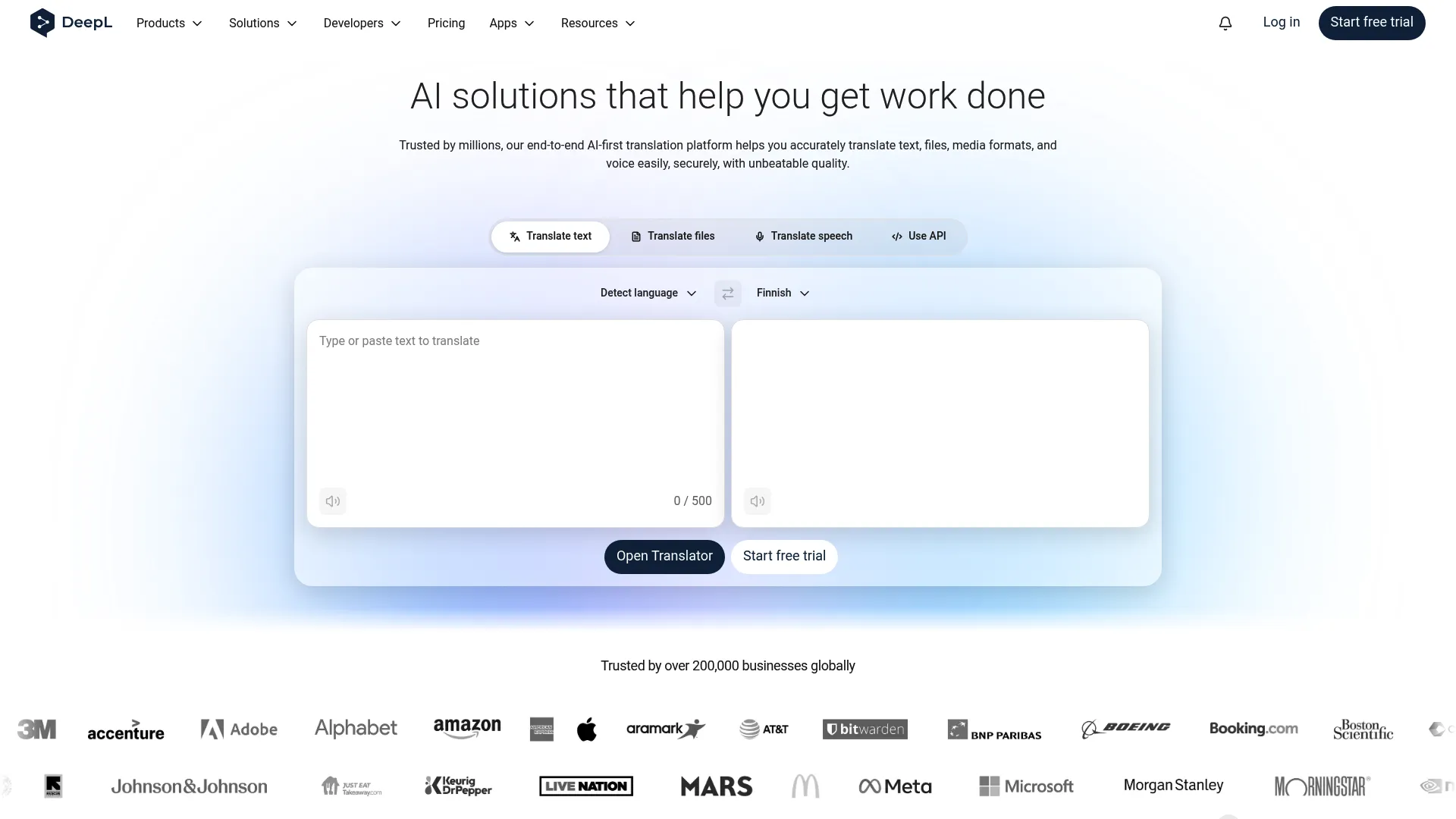
DeepL is an AI translation and writing platform known for fluent, natural-sounding output that often reads less robotic than older machine translation. It serves individuals, teams, and developers, and supports document translation along with terminology controls that matter for business consistency.
Best for: Teams that want the highest raw machine translation quality with glossary control and an API for automation.
Key strengths
- Document translation: translate PDF, Word, PowerPoint, and Excel files while preserving formatting.
- Translation glossary: enforce preferred terms so product names and brand language stay consistent.
- DeepL API, Write, and Voice: extend translation into your apps, refine tone, and handle spoken content.
Why choose DeepL: When output quality is the deciding factor, DeepL is hard to beat. The glossary feature means you are not just getting fluent text, you are getting fluent text that respects your terminology. It pairs well as the engine layer underneath a broader localization workflow when you need speed and quality but plan to add review separately.
DeepL pricing: DeepL offers paid plans across Translator, Write, Voice, API, and Enterprise tiers, with monthly and annual billing available for DeepL Pro. Public prices were not readable on a first-party pricing page at the time of writing, so check the DeepL Pro page for current figures before you budget. DeepL Translate holds a 4.6/5 rating on G2.
3. Google Translate
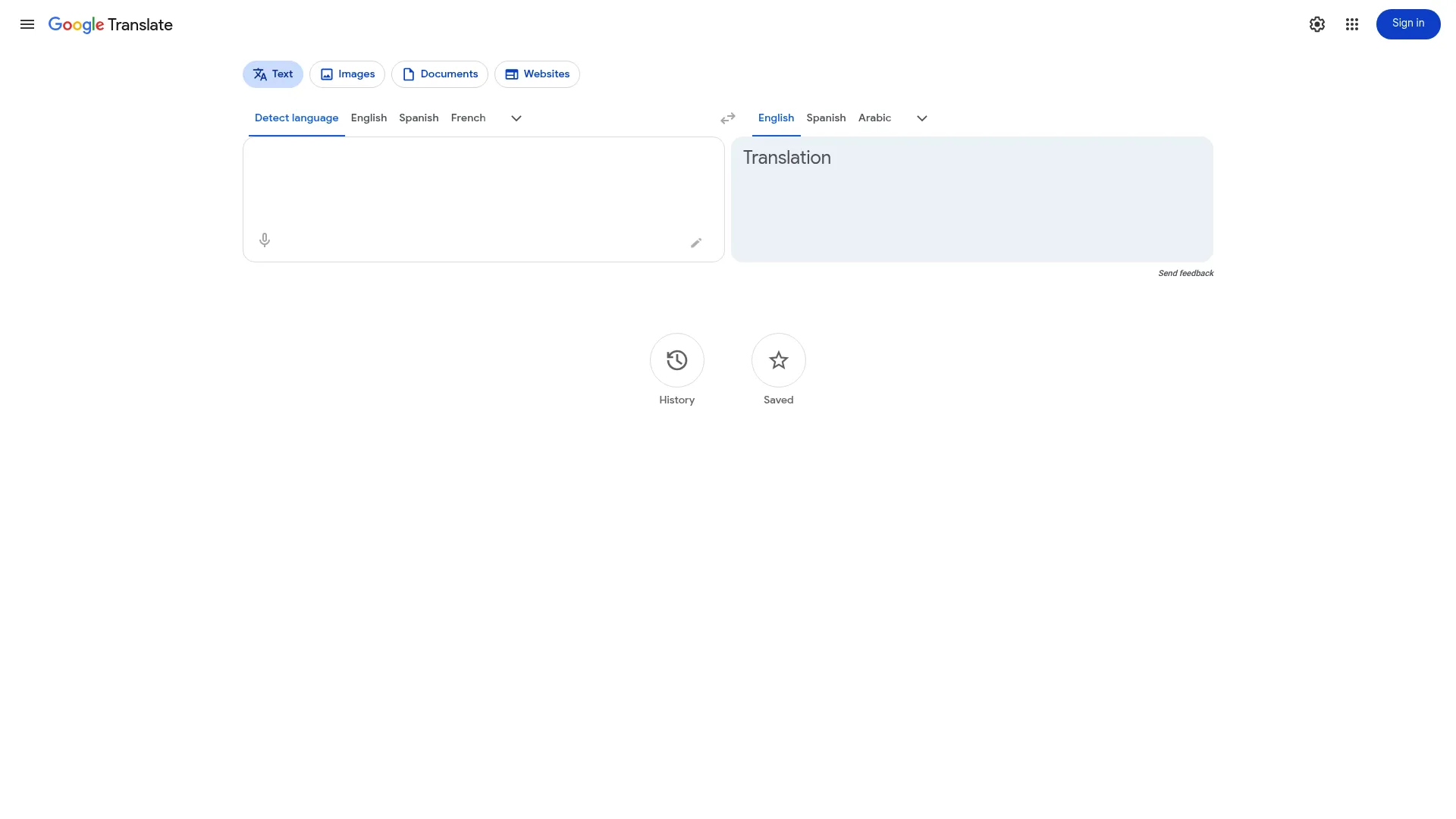
Google Translate is the most accessible translation tool in the category. It handles text, images, documents, websites, speech, and handwriting, and it is free to use. For most teams it is the baseline, the thing you reach for before you have a real localization budget.
Best for: Individuals and teams that need quick, free multilingual translation across many formats.
Key strengths
- Text translation: instant translation across a huge range of languages.
- Image and camera translation: translate signs, screenshots, and documents from a photo.
- Document and website translation: convert full pages and files in a few clicks.
Why choose Google Translate: It is free, fast, and everywhere, which makes it the obvious starting point. The honest limitation for a business buyer is governance. There is no translation memory tied to your brand, no approval routing, and no glossary enforcement across a team. Teams typically use it for comprehension and quick drafts, then move to a dedicated platform once message consistency and publishing workflow become priorities.
Google Translate pricing: Google Translate is free to use. There is no public subscription pricing because the consumer product carries no cost. It holds a 4.6/5 rating on G2.
4. Microsoft Translator
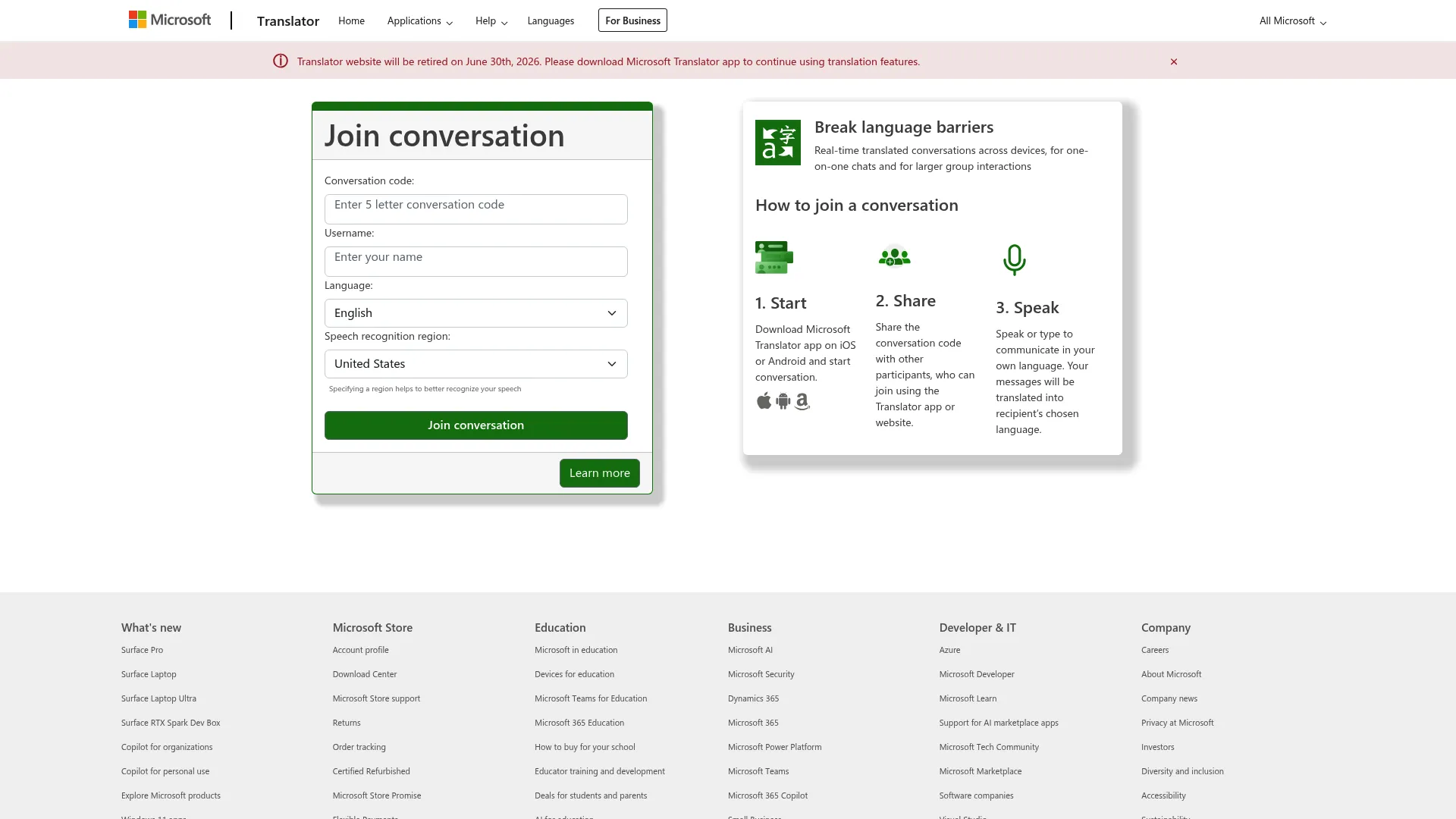
Microsoft Translator is a real-time translation app and web service that shines in live, multilingual conversations and within the Microsoft ecosystem. It supports one-on-one and group chats and lets people join a translated conversation with a code.
Best for: Teams that need live conversation translation or sit deep inside the Microsoft stack.
Key strengths
- Real-time translated conversations: translate spoken exchanges across languages as they happen.
- One-on-one and group chats: support multilingual meetings and events.
- Conversation code join flow: let participants join a shared translated session quickly.
Why choose Microsoft Translator: If your organization already runs on Microsoft tools, the ecosystem fit reduces friction and procurement overhead. The live conversation strength is genuinely useful for events, support, and distributed teams. For static website content specifically, it works best as part of a broader Microsoft-centric setup rather than as a standalone localization platform.
Microsoft Translator pricing: A Microsoft contract summary indicates the Translator app is provided at no cost, though a numeric pricing page was not readable at the time of writing. Confirm current terms on the official site. It holds a 4.3/5 rating on G2.
5. Lokalise
Lokalise is an AI-powered localization and translation management platform built for teams shipping apps, websites, and digital products. It combines AI translation with orchestration, memory, glossaries, and a deep set of integrations, including over-the-air updates for products that change often.
Best for: Teams localizing apps, websites, and digital products at scale with development and CMS integrations.
Key strengths
- AI translation and orchestration: automate translation while keeping a structured workflow.
- Translation memory and glossary: reuse approved content and enforce terminology across projects.
- Automations, integrations, and OTA updates: connect to your stack and push updates without manual handoffs.
Why choose Lokalise: This is a platform for teams that treat localization as an ongoing operation, not a one-time project. The integration depth means engineering and marketing can work from the same source without copying strings around. For a PMM coordinating across product and web, that shared workflow is the value. If integrations are central to your evaluation, see how Guideflow handles integrations across your stack.
Lokalise pricing: Lokalise publishes its tiers clearly. Explorer starts at $144 per month billed yearly, Growth at $375 per month, and Advanced at $999 per month, with Enterprise quote-based. All plans include a 14-day free trial with no credit card required. Lokalise holds a 4.7/5 rating on G2.
6. Crowdin
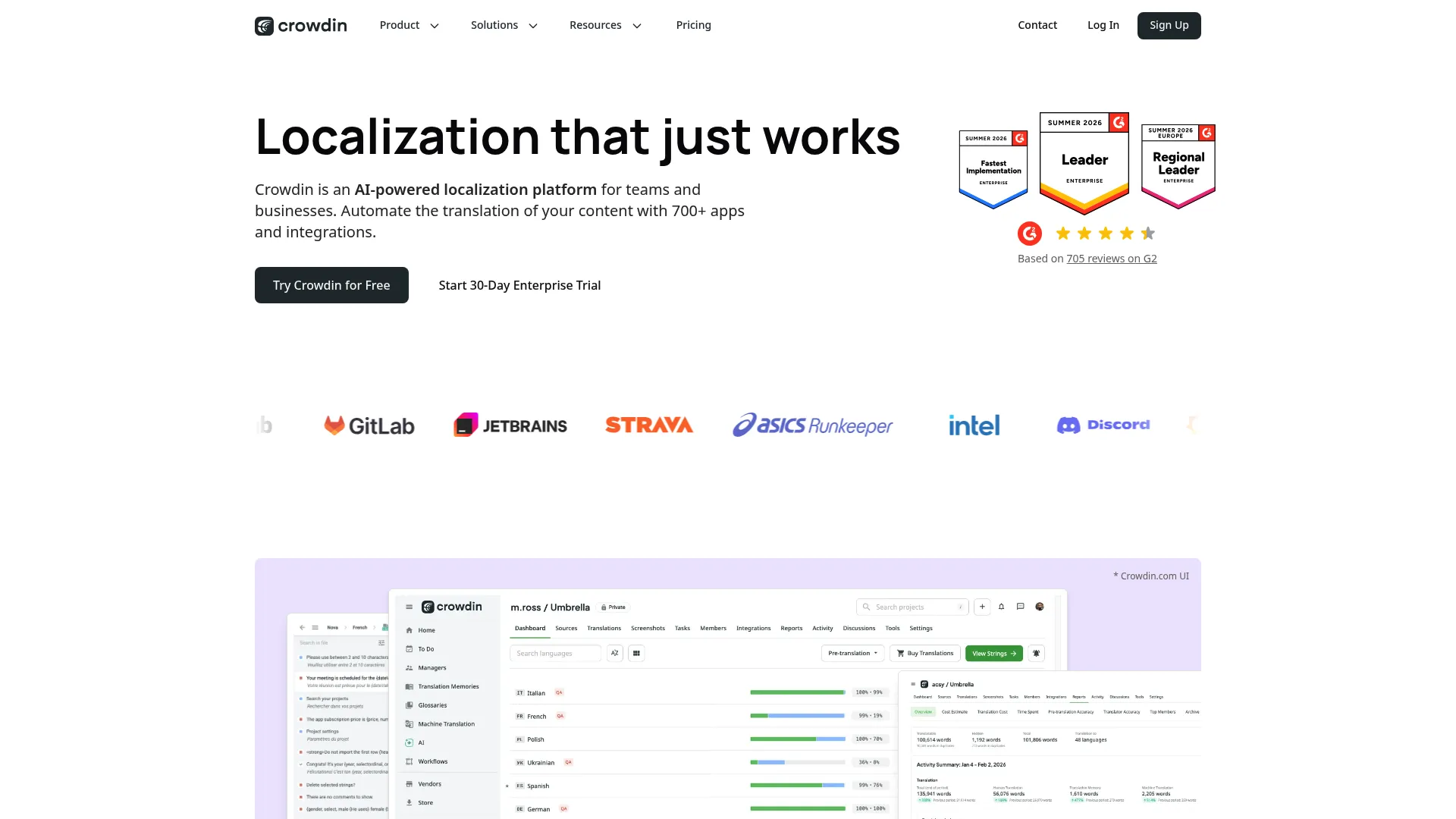
Crowdin is an AI-powered localization platform that orchestrates translation across hundreds of integrations, with translation memory and glossaries built in. It is a strong fit for software and content teams that want to connect localization into the tools they already use.
Best for: Software and content teams localizing products, apps, and websites with heavy integration needs.
Key strengths
- 700+ integrations: connect Crowdin into nearly any part of your content and development stack.
- Online translation editor: translate and review in a collaborative, in-context interface.
- Translation memory and glossaries: maintain consistency and reuse across projects.
Why choose Crowdin: The integration breadth is the differentiator. If your localization workflow touches many tools and you want a central hub that orchestrates them, Crowdin fits. The collaborative editor also makes review manageable when multiple contributors are involved, which keeps quality up without slowing publishing.
Crowdin pricing: Crowdin offers plans for individuals, teams, and organizations, with monthly and annual billing options and a free trial. Public numeric prices were not visible on the first-party pricing page at the time of writing, so check the pricing page for current figures. Crowdin holds a 4.4/5 rating on G2.
7. Smartling
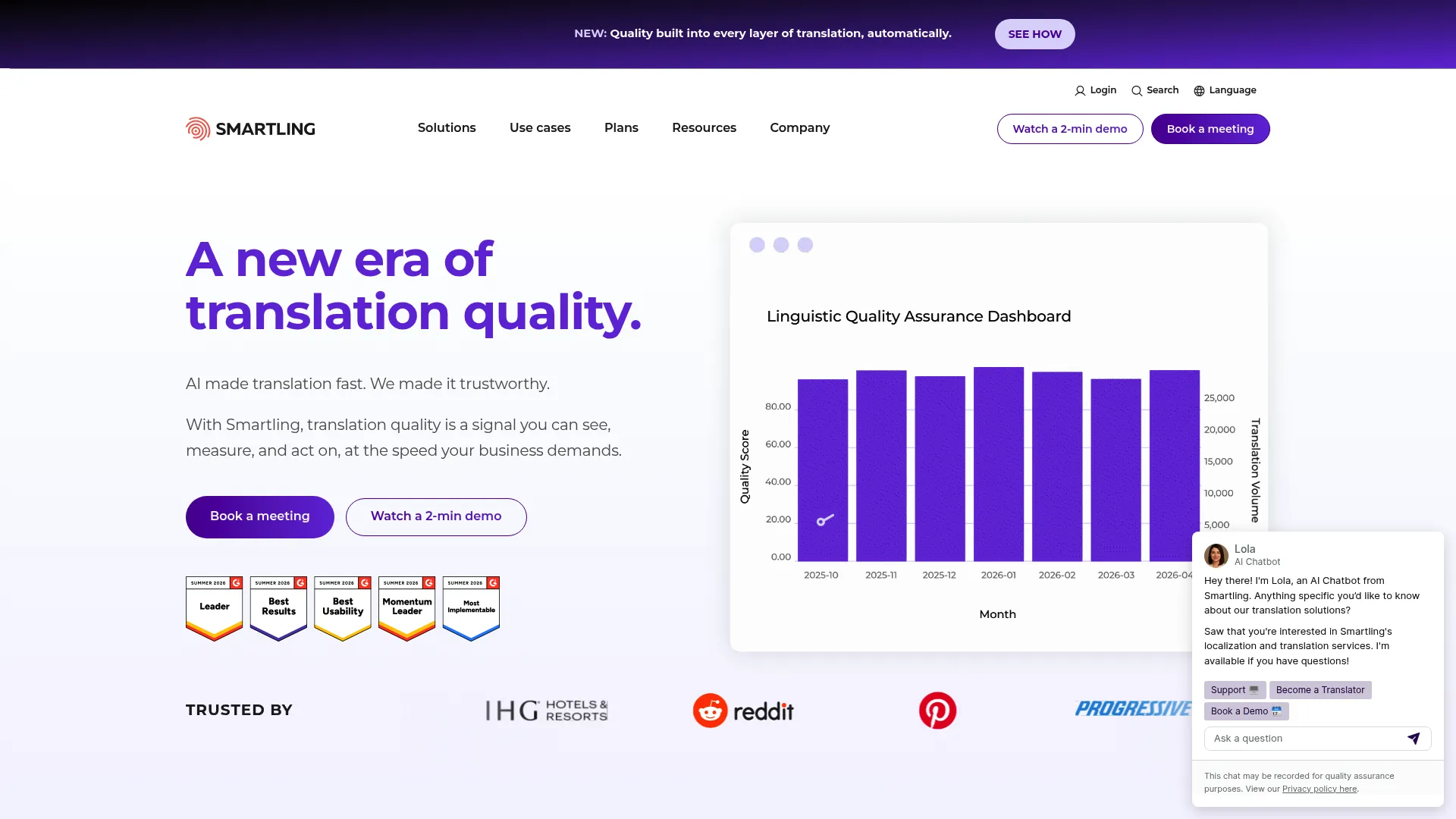
Smartling is an AI-powered translation and localization platform built for managing multilingual content at scale, with strong workflow automation, quality checks, and translation services layered on top.
Best for: Teams that need enterprise localization workflows with automation and managed translation services.
Key strengths
- AI-powered translation: automate the bulk of translation work with quality controls.
- 50+ pre-built integrations: connect to your CMS, marketing, and content systems.
- Workflow automation and quality checks: route content through review and catch errors before publish.
Why choose Smartling: Smartling is built for organizations with serious approval and governance needs. The combination of automation and managed services means you can scale volume while keeping a human quality layer where it counts. For a PMM at a company with a multi-stakeholder localization process, the approval routing is the reason to look here.
Smartling pricing: Smartling offers a free Core plan to start, with Enterprise available on request. Translation services are priced per word: Machine Translation from $0.0075 per word, AI Translation from $0.06, AI Human Translation from $0.12, and Human Translation from $0.20. That per-word model lets you match spend to the quality each page needs. Smartling holds a 4.4/5 rating on G2.
8. Phrase
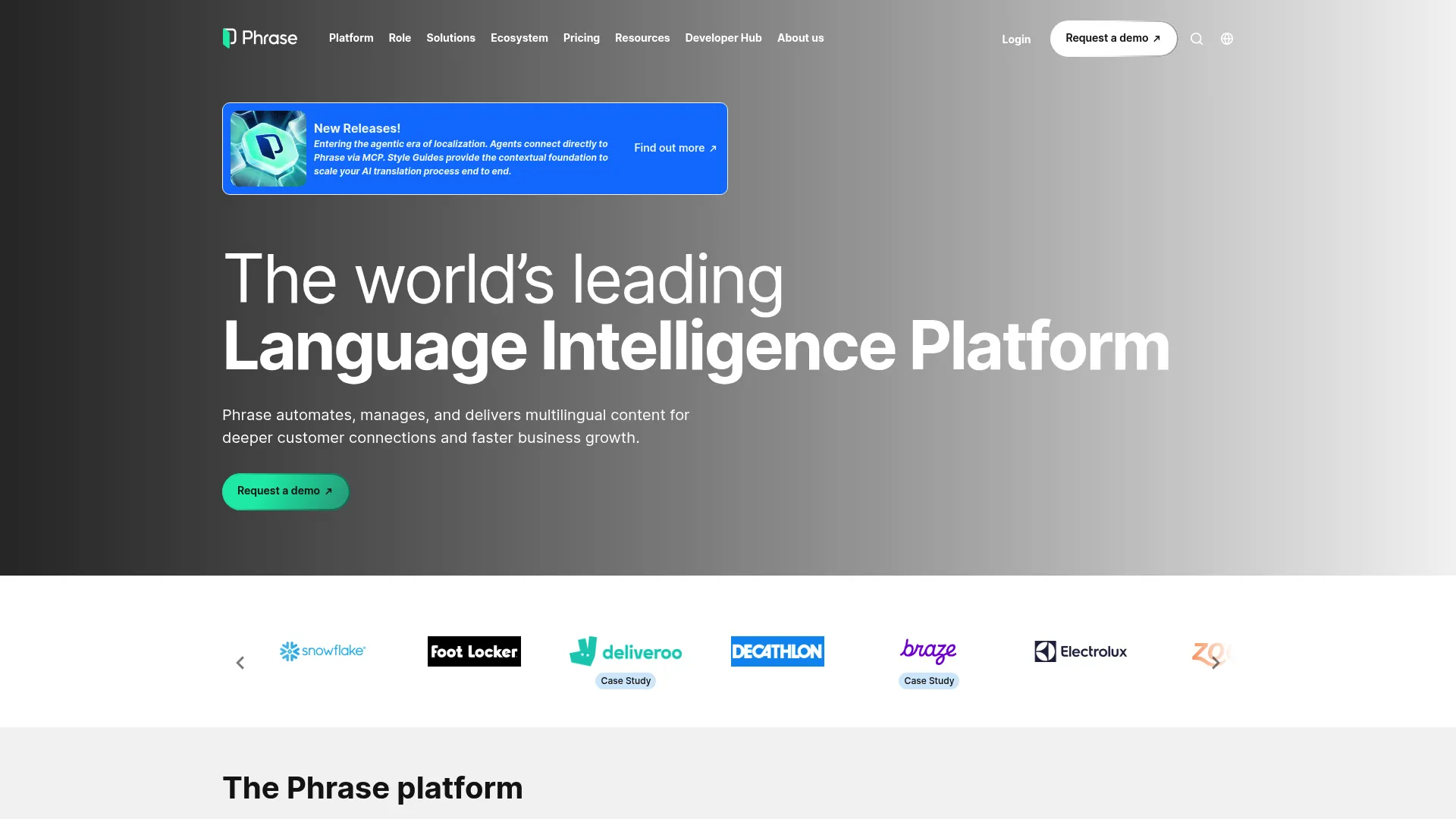
Phrase is an AI-powered localization platform that spans software delivery, continuous content localization, and multimedia. It is designed for enterprises and product teams localizing across many content types from one system.
Best for: Enterprises and product teams localizing software, content, and multimedia at scale.
Key strengths
- Phrase TMS: continuous localization for ongoing content and product work.
- Phrase Strings: multilingual software delivery for development teams.
- Phrase Studio: audio and video localization beyond text.
Why choose Phrase: Phrase covers the widest range of content types in this list, which matters when your localization scope goes beyond web copy into product strings and media. For teams that want one platform across marketing and engineering content, that breadth reduces tool sprawl and keeps everything under one governance layer.
Phrase pricing: Phrase lists a Team plan at $1,245 per month billed annually, plus a Freelancer plan at $27 per month and Professional and Enterprise tiers that are quote-based. All plans include a 14-day free trial and 24/7 support. Phrase holds a 4.5/5 rating on G2.
9. Weglot
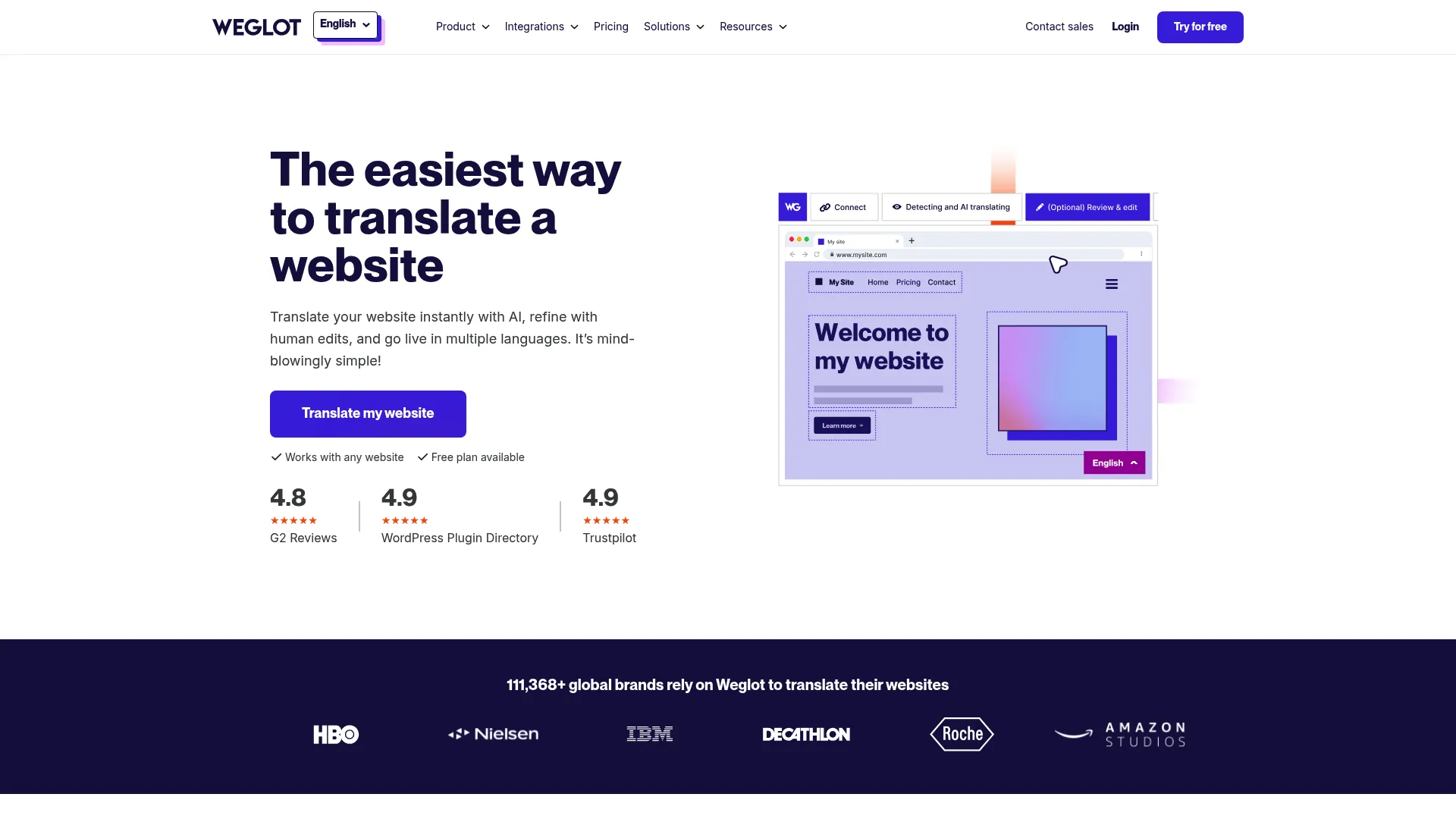
Weglot is a no-code website translation and localization platform with AI translation and built-in multilingual SEO. It is the website-first option, designed to get a multilingual site live fast without engineering work.
Best for: Teams that need a fast, no-code way to launch and manage a multilingual website.
Key strengths
- AI translation with full editing control: translate the whole site automatically, then refine where needed.
- Visual Editor: edit translations in context, right where they appear on the page.
- Multilingual SEO: language-specific URLs, metadata translation, and hreflang tags out of the box.
Why choose Weglot: For marketing teams that own the website and want speed, Weglot is the most direct path. The SEO handling matters: language-specific URLs and hreflang tags mean your translated pages are actually discoverable, not just visible. If multilingual discoverability is a priority, our list of the best SEO tools is worth a look alongside this. The no-code setup keeps the project off the engineering roadmap, which is often what unblocks a launch.
Weglot pricing: Weglot offers a Free plan at €0, then Starter at €15 per month, Business at €29, Pro at €79, Advanced at €299, and Extended at €699, with Enterprise on request. Standard plans are priced in euros, and paid tiers include a 14-day free trial. Weglot holds a 4.7/5 rating on G2.
10. Localize
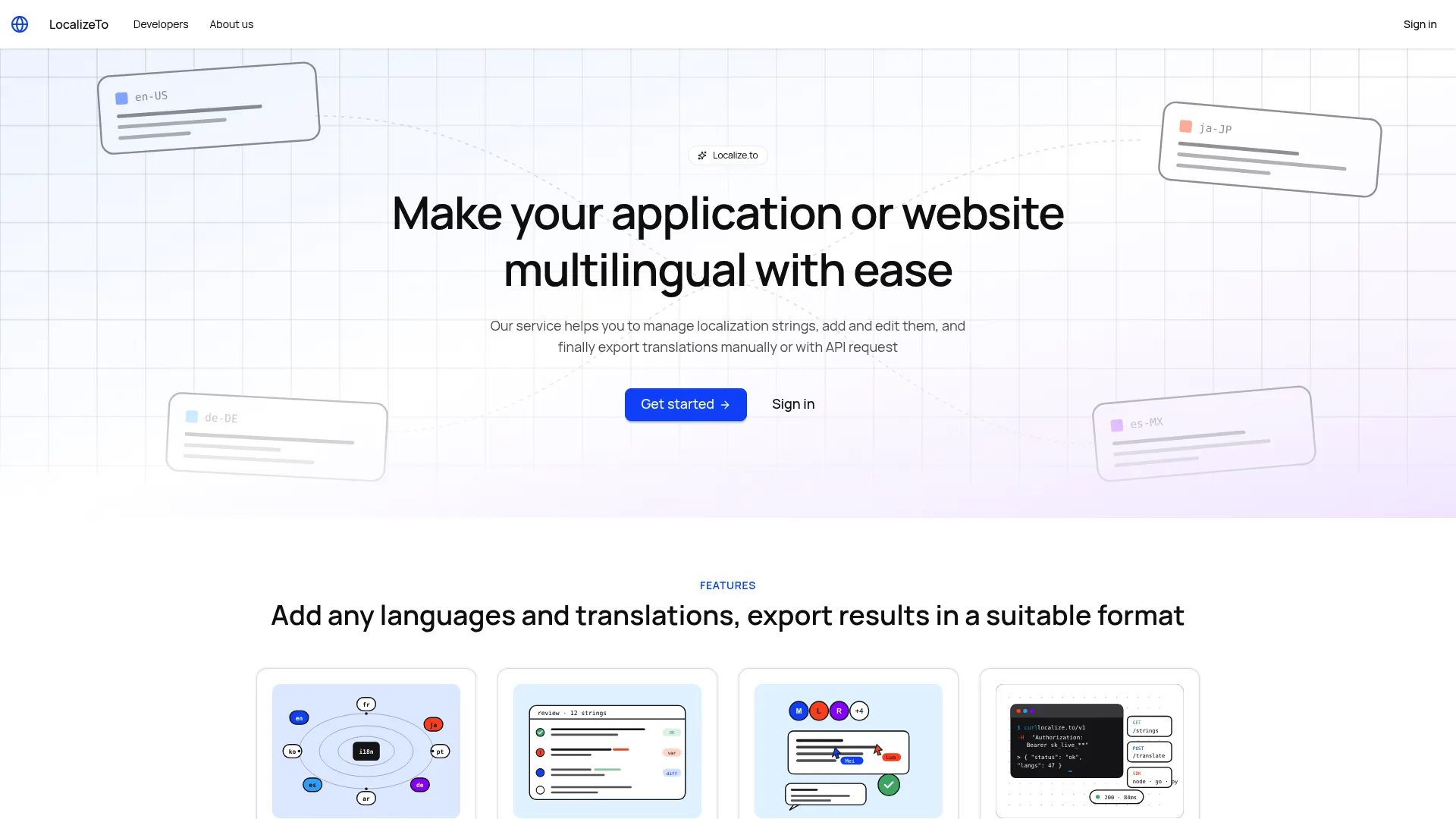
Localize is a translation management platform for apps and websites, built around a no-code setup and page-level publishing. It focuses on making multilingual content manageable without a heavy implementation.
Best for: Teams needing a no-code way to manage multilingual website or app content.
Key strengths
- Online translation editor: manage and edit translations in a clean interface.
- Project access policy and team invitations: control who works on what across your team.
- REST API: automate localization management and connect to your systems.
Why choose Localize: Localize keeps the operational overhead low while still giving teams real control over access and workflow. The credit-based model is unusual and can suit teams with variable translation needs, since you are not locked into a fixed monthly subscription. For a content owner who wants a straightforward path to multilingual publishing, it is worth a close look.
Localize pricing: Localize uses a credit model rather than a recurring subscription. You get free credits on signup, can use the service for free while idle, and only pay when you top up credits. Localize holds a 4.6/5 rating on G2.
11. Smartcat
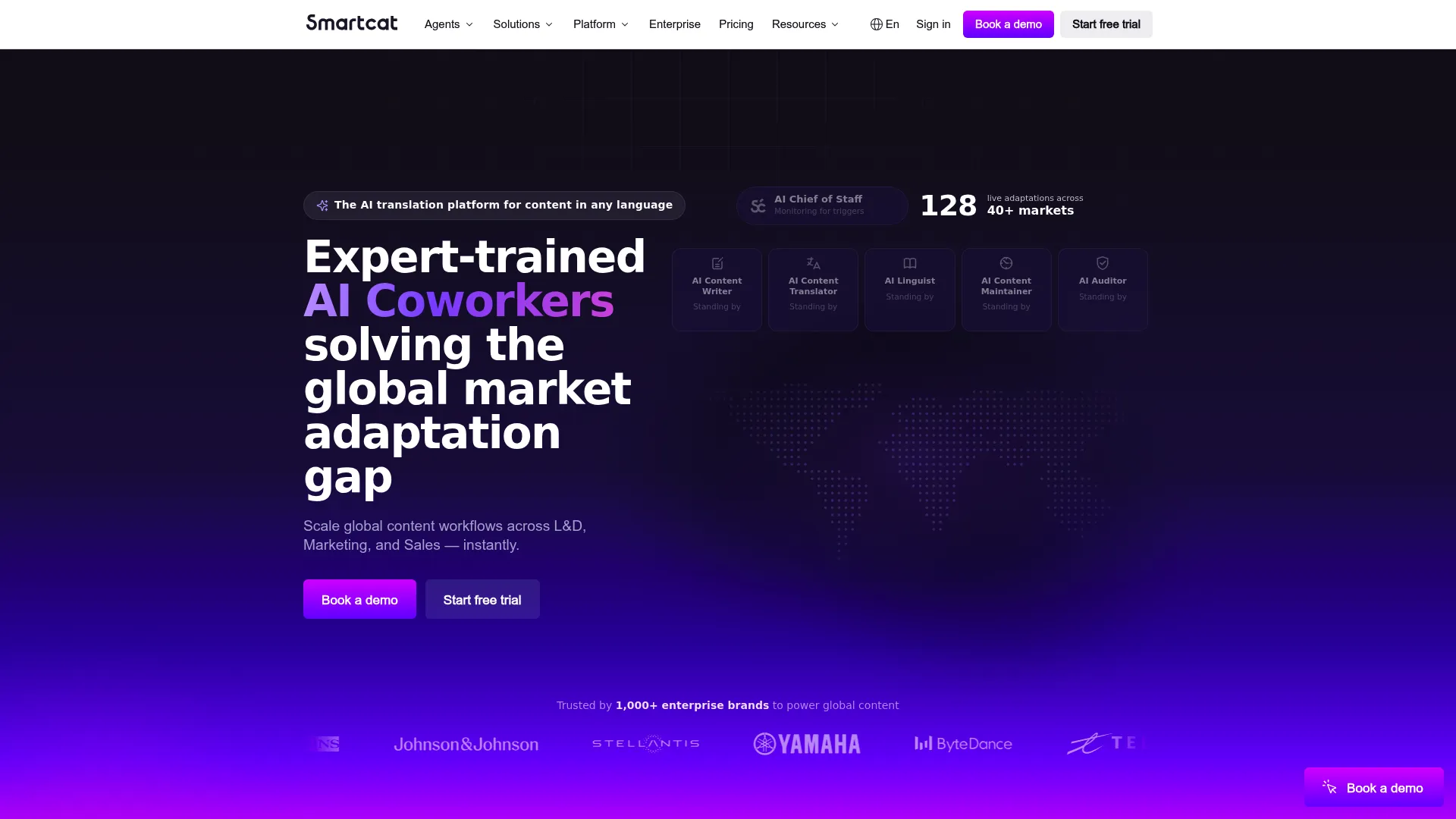
Smartcat is an AI language platform for creating, translating, and localizing content at scale, with a collaborative model that connects AI translation, workflows, and a network of linguists.
Best for: Global teams needing AI-assisted translation, localization, and multilingual content workflows.
Key strengths
- AI translation and localization workflows: automate translation inside a structured process.
- Unlimited users and seats: bring the whole team in without per-seat friction.
- Translation memory and glossary management: keep terminology and reuse consistent.
Why choose Smartcat: The unlimited-seat model is a genuine differentiator for teams that want broad collaboration without watching a seat count. Pairing AI workflows with access to professional translators in one platform means you can scale volume and quality together. For organizations consolidating fragmented translation work, that combination is the draw.
Smartcat pricing: Smartcat offers a Basic plan starting at $1,200 per year and an Enterprise plan with custom pricing, plus a 15-day free trial. Smartcat holds a 4.6/5 rating on G2.
12. TransPerfect GlobalLink
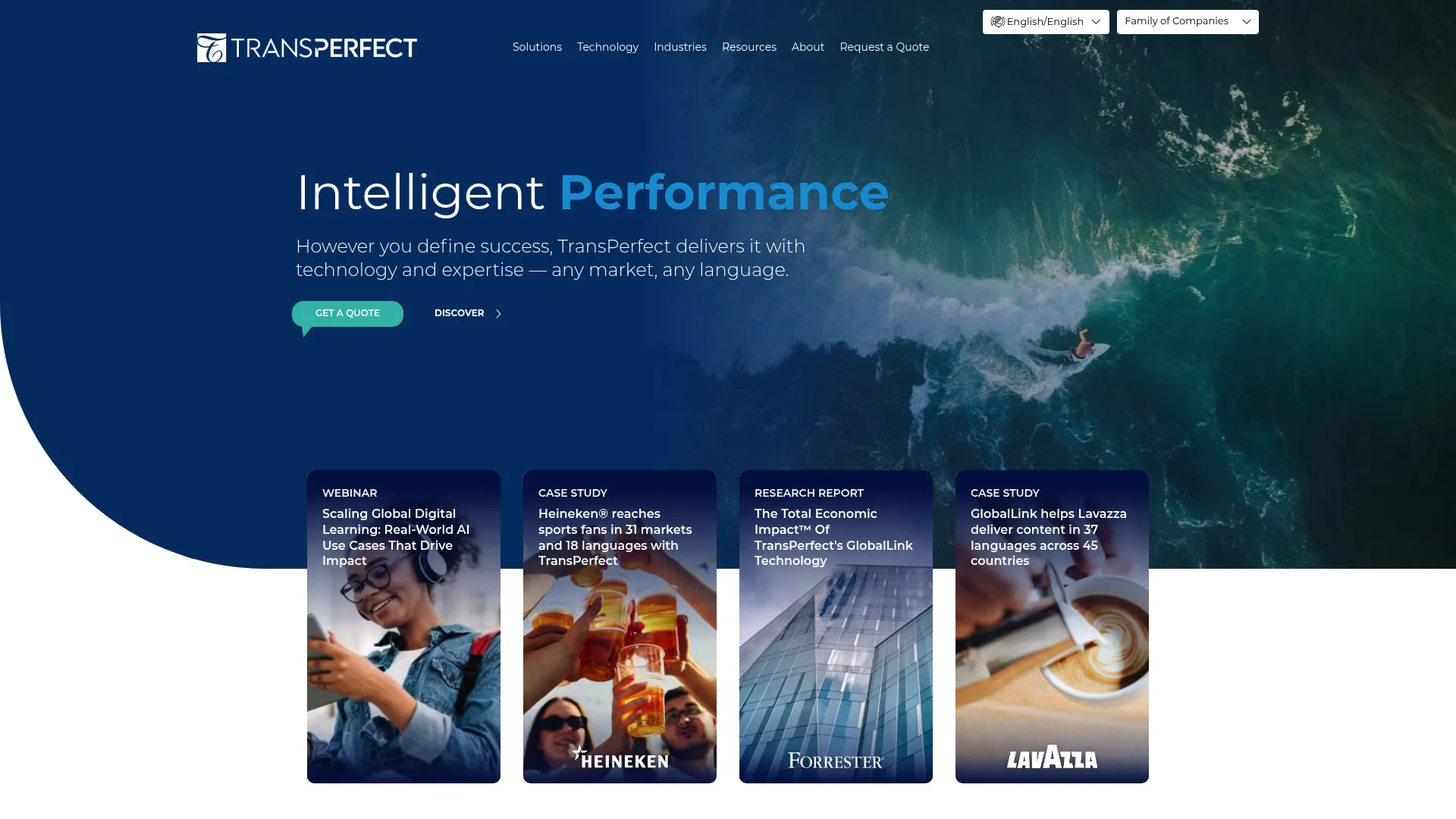
TransPerfect GlobalLink is a modular localization and translation management platform built for multilingual content operations at enterprise scale. It connects translation management, workflow automation, and system integrations across large content estates.
Best for: Enterprises needing multilingual content localization across websites and connected systems.
Key strengths
- Translation management: coordinate large volumes of multilingual content centrally.
- Workflow automation: route content through complex, multi-stakeholder processes.
- System integrations: connect GlobalLink into your existing enterprise tooling.
Why choose TransPerfect GlobalLink: This is an enterprise-grade option for organizations with heavy governance, many stakeholders, and large content volumes. The modular design lets you adopt the pieces you need, and the broader TransPerfect services layer supports teams that want managed help alongside the software. If your localization spans many systems and approval chains, GlobalLink is built for that complexity.
TransPerfect GlobalLink pricing: Pricing is quote-based. The pricing page directs buyers to request a quote rather than listing public figures, which is typical for enterprise localization platforms. GlobalLink holds a 4.5/5 rating on G2.
13. TextUnited
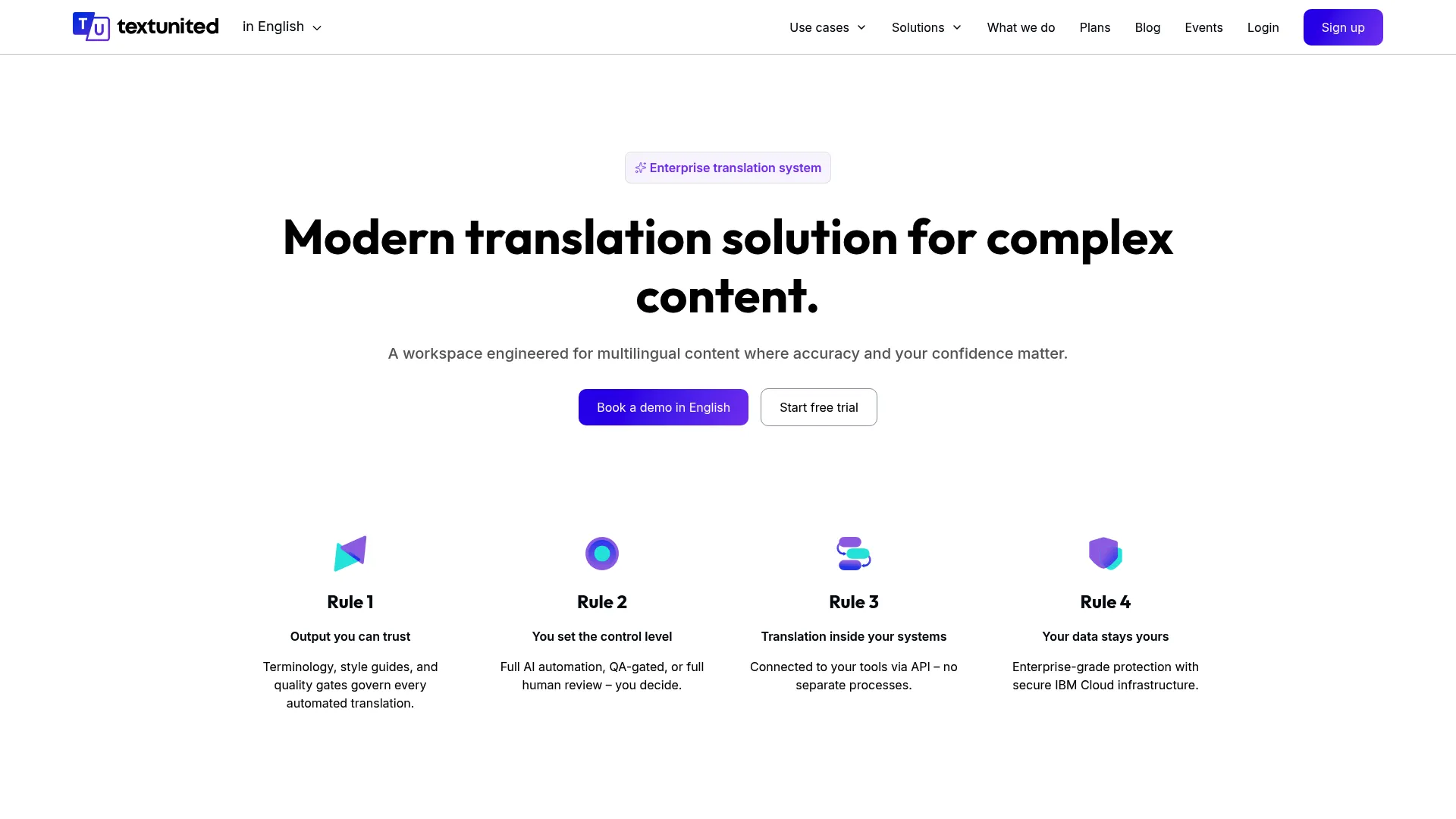
TextUnited is a cloud-based translation management system and language AI platform built for multilingual content workflows, with AI translation, team review, and integrations.
Best for: Teams needing AI-assisted translation management with human review and CMS-friendly integrations.
Key strengths
- AI content creation and localization widget: translate and localize content in a connected workflow.
- Review and approve AI translations with your team: keep a human quality gate on automated output.
- API and integrations: connect TextUnited into your content and web systems.
Why choose TextUnited: TextUnited balances AI speed with collaborative review, which fits teams that want automation but refuse to publish unreviewed copy. The integration support makes it workable for web content specifically, not just documents. It is a practical middle option for business teams that want structure without enterprise complexity.
TextUnited pricing: TextUnited offers a Self-Service Free plan at €0, a Self-Service Team plan at €150 per month, and a OnePlatform plan at €780 per month, with OneEnterprise quote-based. Monthly and yearly billing are both available. TextUnited holds a 4.3/5 rating on G2.
14. Unbabel
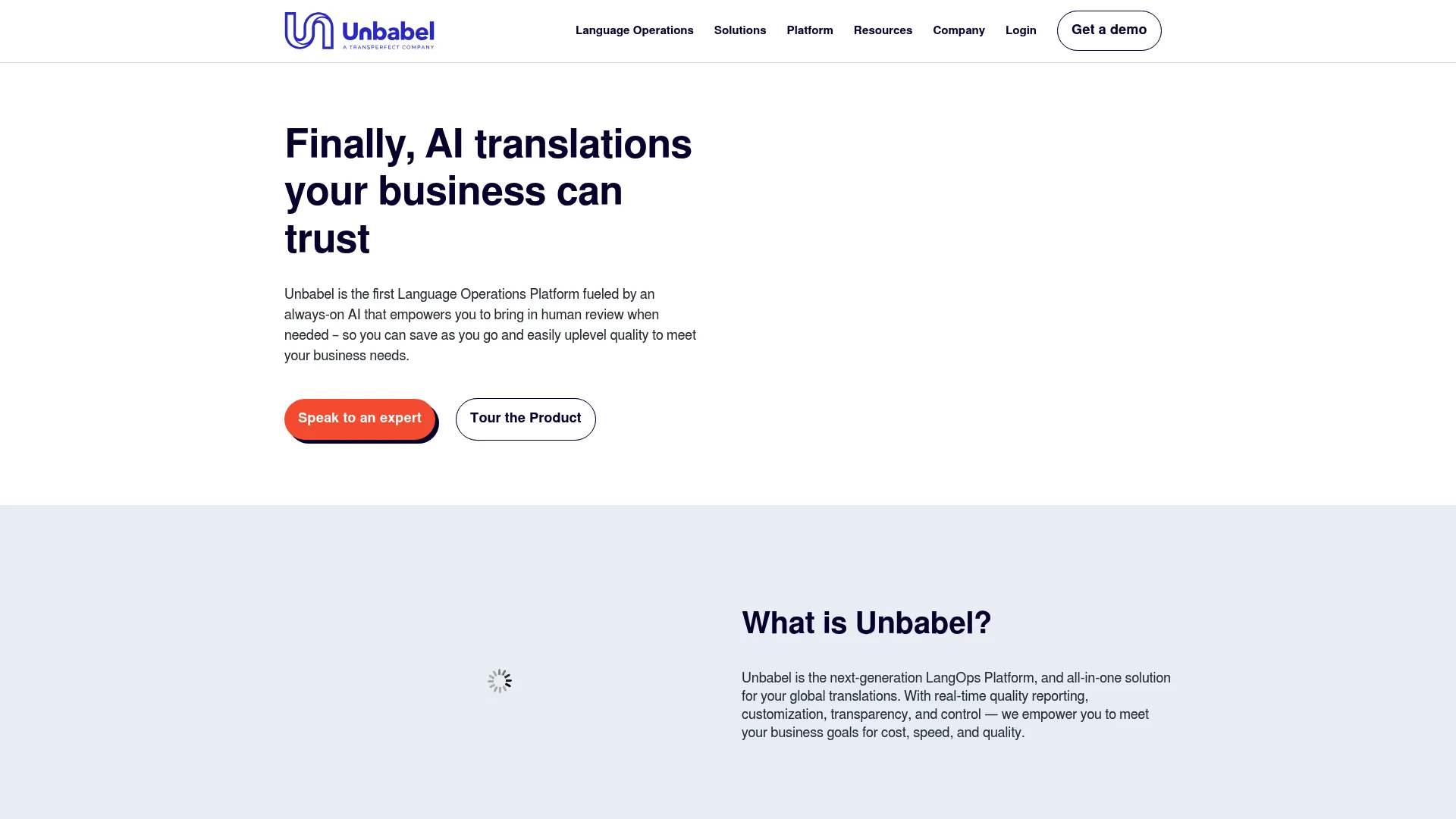
Unbabel is a language operations platform built around human-in-the-loop quality, combining machine translation with optional human review and AI quality estimation. It is especially strong for customer-facing content at scale.
Best for: Enterprises needing multilingual customer-facing content with human-in-the-loop quality control.
Key strengths
- AI quality estimation: automatically gauge translation quality and flag what needs review.
- Machine translation with optional human review: scale volume while keeping a human layer where it matters.
- CRM, CMS, and marketing integrations plus API: route content through the tools your team already uses.
Why choose Unbabel: Unbabel's quality estimation is the standout: it helps you decide which content genuinely needs a human, so you spend review budget where it matters instead of everywhere. For customer-facing content where tone and accuracy carry real risk, that targeted human layer is the value. It fits enterprises running language operations across support, marketing, and product surfaces.
Unbabel pricing: Unbabel's first-party pricing is not publicly listed. Third-party listings indicate pricing options including Pay As You Go and starting tiers, but you should confirm current terms directly with Unbabel. It holds a 4.6/5 rating on G2.
15. Translated
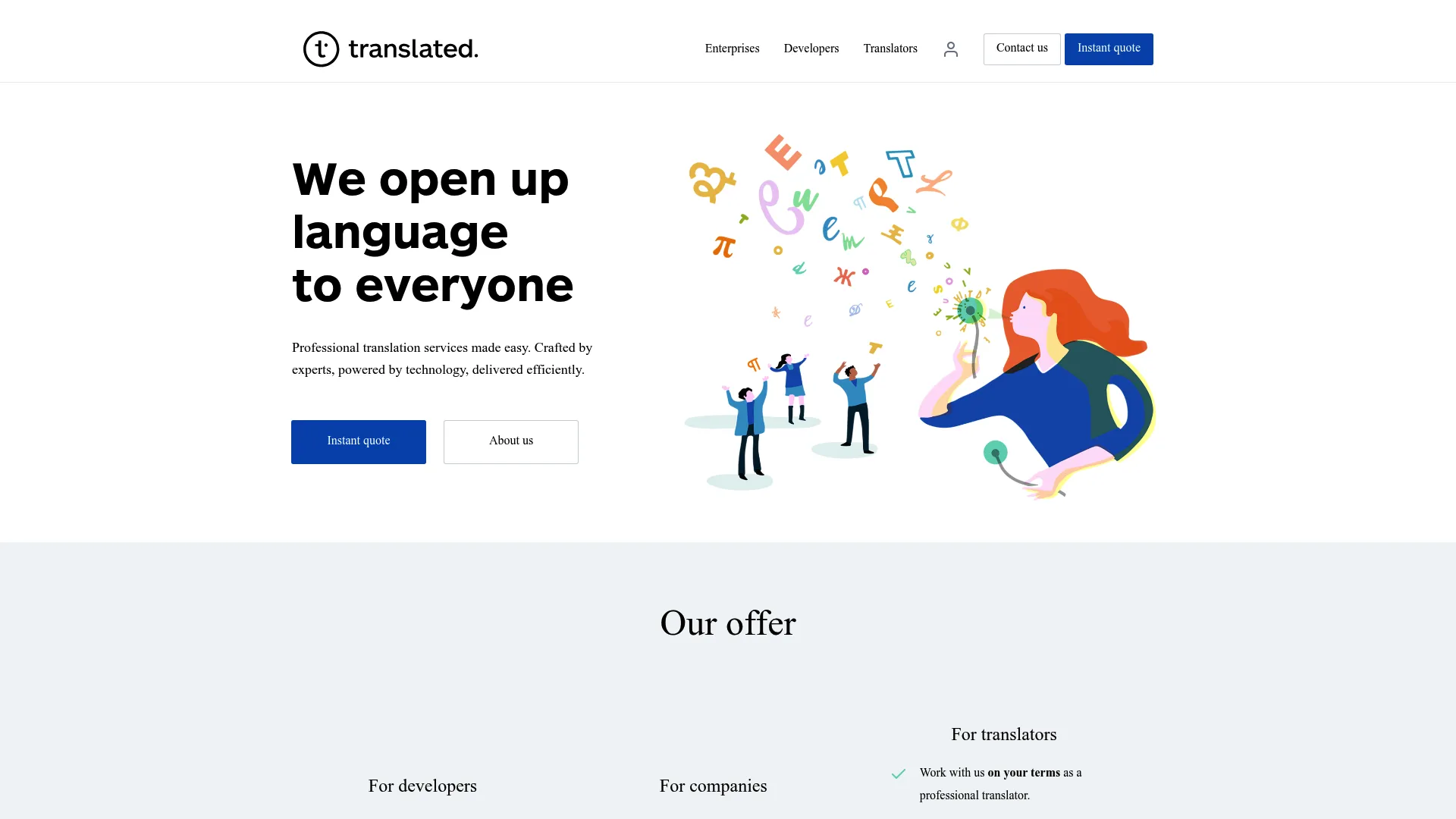
Translated is an AI-powered translation and localization company that blends managed human translation with AI workflows across a wide range of languages. It leans toward a service-plus-software model for teams that want managed delivery.
Best for: Companies needing managed human plus AI translation and localization across many languages.
Key strengths
- Professional translation across 230+ languages: broad coverage for global content.
- Website, software, app, and chatbot localization: handle multiple content surfaces.
- AI-driven workflow with human translators and quality control: combine speed with managed quality.
Why choose Translated: Translated suits teams that want the output of a managed service with AI efficiency behind it. The per-project pricing makes costs predictable for defined deliverables like a website translation, and the language breadth supports companies expanding into many markets at once. If you prefer managed delivery over running a platform yourself, this is a strong fit.
Translated pricing: Translated prices by service level and document type rather than subscription. For a 3,000-word website translation, indicative prices run €120 for Economy, €240 for Professional, and €335 for Premium, with an average around $0.10 per word. Translated holds a 4.3/5 rating on G2.
16. memoQ
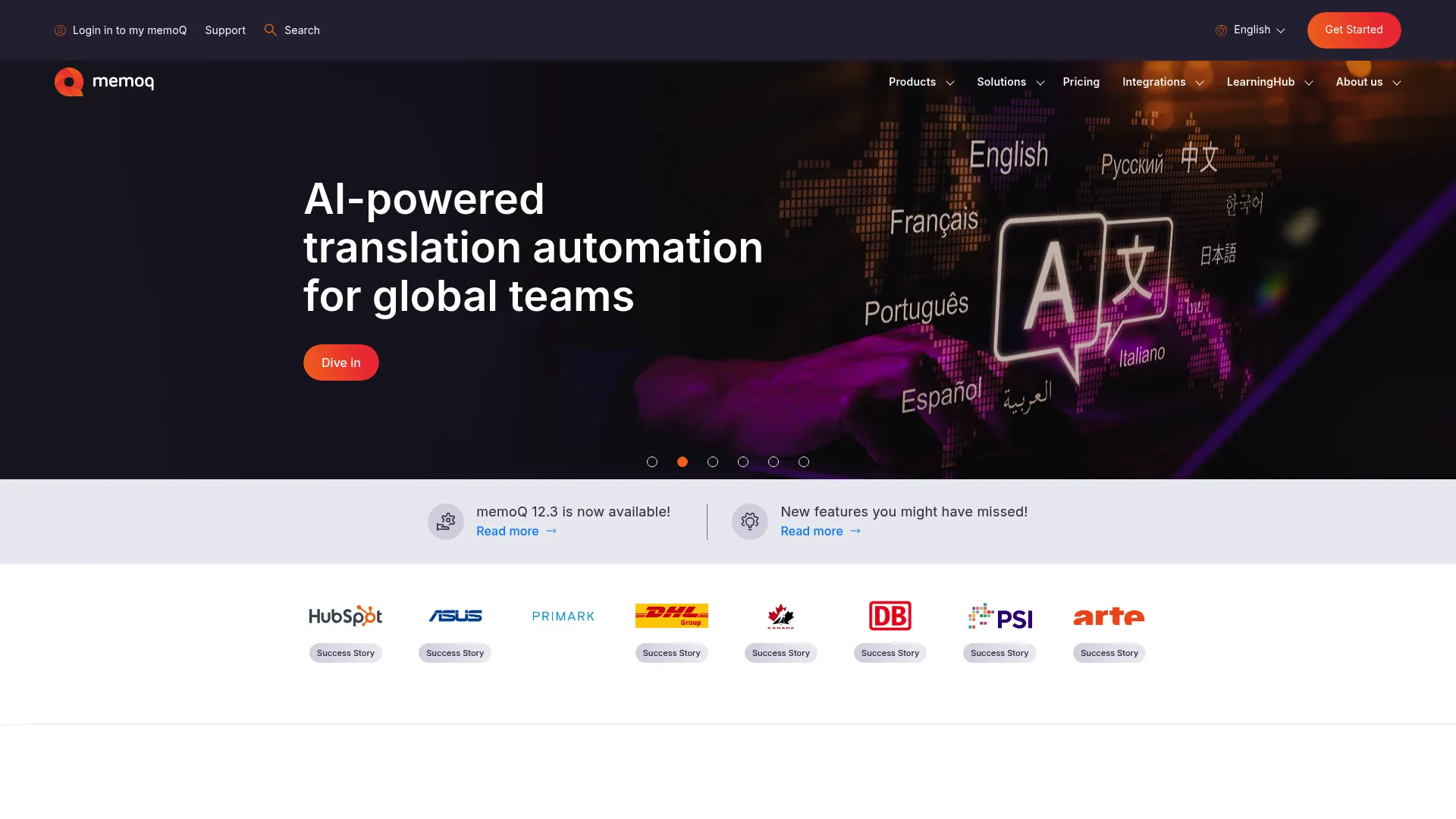
memoQ is a translation management and computer-assisted translation platform built for localization teams and language service providers, with deep translation memory and terminology features.
Best for: Localization teams and LSPs that need a full translation management system focused on productivity.
Key strengths
- Translation management (TMS): coordinate projects, assignments, and delivery.
- Translation memory and quality checks: maximize reuse and catch errors before delivery.
- Workflow management and collaboration: keep translators and reviewers aligned.
Why choose memoQ: memoQ is built for translator productivity and terminology consistency, which makes it a favorite among professional localization teams. If your organization has in-house linguists or works closely with an LSP, the depth of memory and QA features pays off in both speed and consistency. It is a specialist's tool more than a marketing quick-launch tool.
memoQ pricing: memoQ offers a Starter monthly plan at $242 per month, an Essential plan at $2,750 per year, and an Essential Plus plan at $13,200 per year, with Professional and Custom tiers quote-based. memoQ holds a 4.5/5 rating on G2.
17. MachineTranslation.com
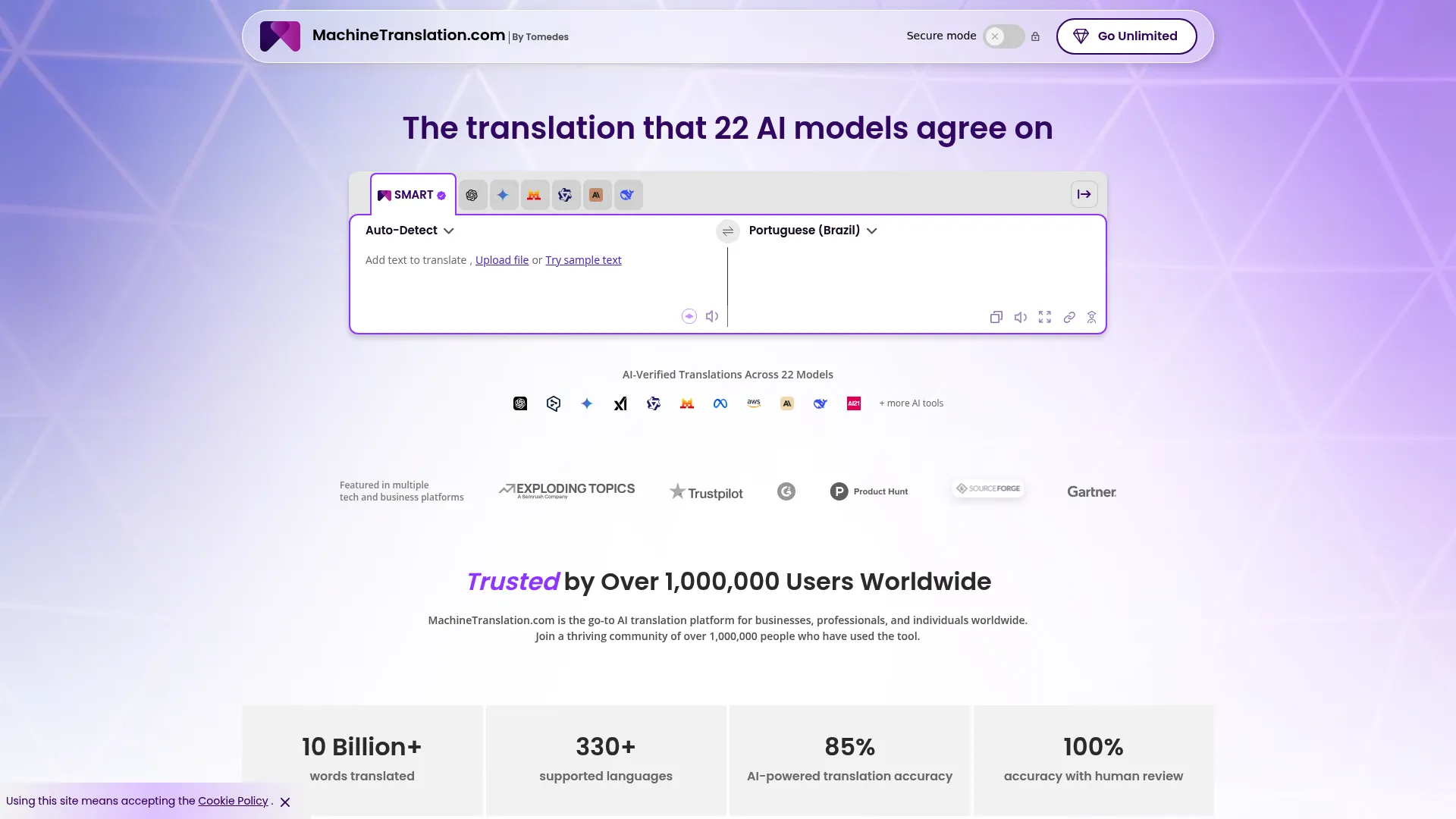
MachineTranslation.com is an AI translation aggregator that compares multiple machine translation engines in one place, with document translation and an optional human review layer.
Best for: Teams and individuals who want to compare multiple machine translation engines before committing.
Key strengths
- Engine aggregator: compare output from multiple AI engines side by side.
- Document translation with layout preservation: keep formatting intact across files.
- Human verification option: add a review layer when accuracy matters.
Why choose MachineTranslation.com: This is the evaluation tool of the list. When you want to know which engine performs best for a specific language pair or content type, comparing them in one interface saves real time. For a team selecting an underlying engine for a larger workflow, that comparison utility is genuinely useful before you standardize.
MachineTranslation.com pricing: MachineTranslation.com offers a Free plan at $0, a one-time 24-hour unlimited option at $6, a Pro plan at $19 per month, and a custom Tailored plan. It holds a 4.6/5 rating on G2.
18. OpenL
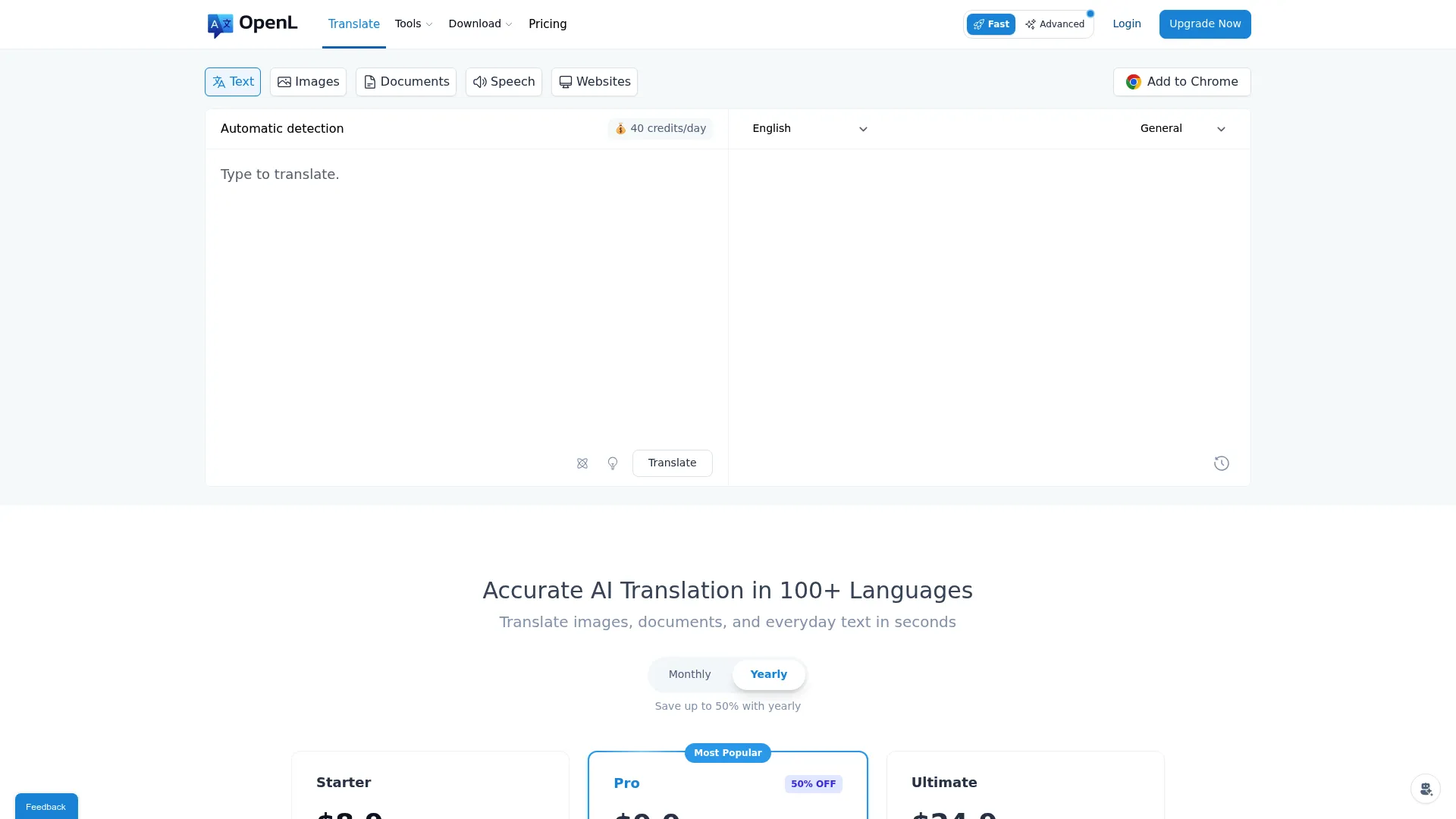
OpenL is a lightweight, AI-powered translation tool for text, images, documents, and speech. It is built for fast, multi-format translation rather than heavy workflow management.
Best for: Individuals and teams needing fast AI translation across multiple file formats and languages.
Key strengths
- AI-powered translations: quick, accurate output across content types.
- 100+ language support: broad coverage for general translation needs.
- Multi-format translation: handle images, PDFs, Word files, and audio.
Why choose OpenL: OpenL fits the fast, low-overhead scenario: you need something translated now, across formats, without setting up a platform. It is a practical utility for quick website and content translation tasks, especially for individuals and small teams who do not yet need translation memory or approval routing. As governance needs grow, most teams pair it with or graduate to a fuller platform.
OpenL pricing: OpenL offers a Free plan at $0 with daily usage, a Pro plan at $7.49 per month billed yearly, and an Ultimate plan at $24.9 per month billed yearly. A Starter tier is also listed.
Considerations before you buy
Before you commit, run your shortlist through this checklist. The goal is to match the tool to your workflow, not just chase the highest accuracy score.
Translation accuracy versus workflow fit
A slightly more accurate engine that nobody on your team can govern is worse than a good engine with strong review and memory. Decide how much content genuinely needs human review and how much can run on AI, then pick a tool that supports that split without forcing one mode on everything.
Translation memory and glossary support
If you publish recurring content or maintain many pages, translation memory and a glossary are not optional. They cut cost, speed up turnaround, and protect message consistency. Verify how each tool handles memory across projects and whether glossary terms enforce automatically.
CMS and marketing stack integrations
Check that the tool connects to your CMS, code repositories, and marketing tools. The difference between a platform that integrates and one that does not is whether translations flow automatically or get copied by hand, which is where errors and delays start. The same logic applies when evaluating your wider content marketing tools stack.
Security, privacy, and governance
For business use, confirm access controls, data handling, and approval routing. A multilingual website often touches sensitive product and pricing content, so governance is not a nice-to-have. You can see how Guideflow approaches this on our security and compliance page. Ask vendors directly about their security standards and how content data is stored and processed.
Human review and approval routing
Map out who approves what. The best tools let you route specific content to specific reviewers and track status. If approval lives in email threads, message drift is inevitable.
Scalability across regions and content types
Finally, think a year ahead. Will the tool handle more languages, more pages, and more content types without a rebuild? Match today's tool to tomorrow's roadmap.
Conclusion
There is no single best website translation software, only the best fit for your workflow maturity and content scope.
If you want hybrid AI plus human review on business content, start with Taia. For raw machine translation quality with terminology control, DeepL is the engine to beat, and Google Translate remains the free baseline before you outgrow it. For no-code marketing sites with strong multilingual SEO, Weglot and Localize get you live fast. For product and developer localization at scale, Lokalise, Crowdin, and Phrase offer the integration depth you need. And for enterprise localization operations with heavy governance, Smartling, TransPerfect GlobalLink, and Unbabel are built for the complexity.
The practical next step: shortlist two tools that match your workflow stage, run a real page through each, and watch how translation memory, glossary enforcement, and approval routing actually behave on your content. The tool that keeps your messaging consistent and your publishing fast is the one to keep. And once your localized pages are live, consider how personalization software can tailor the experience even further per region.
FAQs
For SaaS teams, the best fit usually combines AI speed with governance and integrations. Lokalise and Phrase suit product-heavy teams that need CMS and code connections, while Taia works well when you want hybrid AI plus human review on marketing pages. The right choice depends on whether you prioritize developer workflow, marketing speed, or managed quality.
DeepL is often preferred for business content because its output reads more natural and it supports glossaries that enforce your terminology. Google Translate wins on accessibility and cost since it is free and handles more formats. For governed, on-brand website content, DeepL's terminology control gives it an edge; for quick comprehension or drafts, Google Translate is fine.
Translation software converts text from one language to another. Localization software goes further, adapting content for a specific market, including tone, formatting, SEO, and cultural context, and managing the workflow around it. Most website projects need localization, since serving and governing multilingual content matters as much as the translation itself.
For high-visibility content like pricing, positioning, and legal pages, yes. AI translation is strong for first drafts and high-volume content, but human-in-the-loop review catches tone, nuance, and brand-term errors that hurt credibility. Many platforms let you route only the content that matters to reviewers, so you control cost while protecting quality.
Tools built website-first tend to handle multilingual SEO best. Weglot, for example, generates language-specific URLs, translates metadata, and adds hreflang tags automatically, which keeps translated pages discoverable. When evaluating any tool for SEO, confirm it manages URLs, metadata, and hreflang rather than just swapping visible text.
Translation memory stores approved translations and reuses them when the same phrase appears again. That keeps repeated content consistent across pages, cuts cost because you do not pay to translate the same string twice, and speeds up turnaround on updates. For a growing multilingual website, it is one of the biggest drivers of both consistency and efficiency.
A product marketing manager should prioritize message consistency, speed to publish, and approval routing over raw engine benchmarks. Look for translation memory and glossary enforcement, CMS and marketing stack integrations, clear review workflows, and analytics on what ships. The tool should keep positioning consistent across regions without creating a separate silo.
Many are, but you must verify. For business use, confirm access controls, data handling standards, and approval governance, especially since web content can include sensitive product and pricing details. Enterprise platforms like Smartling and TransPerfect GlobalLink are built with governance in mind, but ask any vendor directly how they store and process your content data before you commit.