Your product data lives in one system. Your CRM data lives in another. Finance runs its own reports off numbers that never quite match what marketing sees. Every quarter, someone asks a simple question and it takes three days to answer because the data lives in seven places and none of them agree.
That is the problem ETL tools solve. They extract data from your sources, transform it into a consistent shape, and load it somewhere your team can actually use it. Get the choice right and reporting stops being a fire drill. Get it wrong and you inherit brittle scripts, silent pipeline breaks, and a maintenance tax that grows every time a source system changes.
The stakes are rising because the category is. The ETL market reaches USD 10.24 billion in 2026 and is forecast to grow at a 15.72% CAGR through 2031, according to Mordor Intelligence (2026). Cloud deployments already account for 66.35% of the market. There are now over 50 active ETL, ELT, and data integration tools on the market, per Weld (2026), which is exactly why a shortlist matters.
If your work touches how data flows into dashboards and models, the same instinct that drives good data visualization tools selection applies here: pick for maintainability, measurement, and fit with the stack you already run. This guide is built as a decision aid, not a feature dump. For teams also evaluating downstream layers, it pairs naturally with research on the best customer data platform and modern ai orchestration options.
What's inside
This guide covers nine ETL tools chosen for connector coverage, transformation flexibility, scheduling and orchestration, observability, pricing visibility, and fit for modern cloud data stacks. The list spans three environments so you can match the tool to yours: cloud-native services, open source platforms, and enterprise-grade suites.
We wrote this for product managers, data leads, and operators who care less about engineering trivia and more about time-to-value, integration burden, and whether a pipeline will still work after the next release. Each entry includes what it is best for, key strengths, why teams choose it, and verified pricing where a public figure exists.
TL;DR
- Best overall for most cloud data teams: Fivetran, for managed connectors and low operational overhead.
- Best for AWS-native stacks: AWS Glue, for serverless ETL, cataloging, and pay-as-you-go economics.
- Best for open source flexibility: Airbyte, with 600+ connectors and self-hosted or cloud deployment.
- Best for hands-on transformation: Matillion, for low-code pipelines built around a cloud warehouse.
- Best for enterprise governance and quality: Talend and Informatica PowerCenter, for regulated, multi-system estates.
- Best for pricing transparency first: Hevo Data and Stitch, with public starting prices and fast setup.
What are ETL tools?
ETL tools are software platforms that extract data from source systems, transform it into a consistent and usable format, and load it into a destination such as a data warehouse or lake. The name stands for extract, transform, load, the three stages that turn scattered operational data into analysis-ready records.
In practice, a modern ETL platform does more than move rows. It handles scheduling, monitors runs, retries failures, and gives you visibility into what broke and why. Here is what buyers should expect from any serious contender in 2026:
- Connectors: pre-built integrations for CRM, product analytics, marketing, finance, databases, and SaaS apps, so you are not writing custom extractors.
- Transformation logic: SQL-based or low-code modeling to clean, join, and reshape data before or after loading.
- Orchestration: dependency-aware scheduling so jobs run in the right order and downstream tasks wait for upstream ones.
- Change data capture (CDC) and incremental loading: syncing only what changed instead of reloading everything, which keeps costs and latency down.
- Observability: logging, run history, alerting, and data quality checks so silent failures do not corrupt your reporting.
- Destinations: native support for cloud warehouses (Snowflake, BigQuery, Redshift) and lakes.
ETL vs ELT: what is the difference?
The distinction is about order. Traditional ETL transforms data before loading it into the destination, which suits cases where you need to clean or mask data in transit. ELT loads raw data first, then transforms it inside a powerful cloud warehouse using its compute.
Most modern cloud stacks lean ELT because warehouses like Snowflake and BigQuery make in-warehouse transformation cheap and fast. Several tools on this list, including Fivetran, Airbyte, Hevo, and Stitch, are ELT-first, moving raw data quickly and letting you model it downstream. The category overlaps enough that "ETL tools" and "data integration tools" are used interchangeably by most buyers.
When to use an ETL tool
Centralizing data from many sources
The clearest trigger is fragmentation. When CRM, product usage, marketing spend, and finance numbers all live in separate systems, reporting turns into manual reconciliation. An ETL platform pulls those sources into one warehouse on a schedule, so a single query answers questions that used to require exports from five tools. For PMs, this is what makes activation, retention, and expansion metrics trustworthy instead of approximate.
Handling ongoing changes with incremental loads
Source systems change constantly. Full reloads get expensive and slow as data grows. CDC and incremental loading solve this by syncing only new or changed records, which keeps warehouse costs predictable and dashboards fresh. If your source tables update by the minute or you need near-real-time streaming into analytics, prioritize tools with native CDC support rather than batch-only refreshes.
Reducing manual pipeline maintenance
Hand-rolled scripts and cron jobs work until they do not. One schema change upstream and the pipeline breaks silently, usually discovered when a stakeholder notices a dashboard looks wrong. Managed ETL tools replace that fragility with repeatable workflows, automatic retries, and alerting. The payoff is fewer engineering interrupts and less opportunity cost spent babysitting infrastructure instead of shipping product.
Comparison table
The list below is ordered by general fit for modern cloud data teams, starting with managed and cloud-native options and moving toward enterprise suites. Use the table for a fast scan, then read the sections for the detail that matters to your stack. Pricing and G2 ratings reflect verified public sources at the time of writing; where a vendor gates pricing behind sales, that is noted.
| # | Product | Intent | Key use case | Pricing | G2 rating |
|---|---|---|---|---|---|
| 1 | AWS Glue | Cloud-native | Serverless ETL and cataloging on AWS | From $0.44 per DPU-hour; free tier | 4.3/5 |
| 2 | Fivetran | Managed | Low-maintenance managed connectors | Free plan; usage-based paid | 4.3/5 |
| 3 | Matillion | Cloud-native | Low-code transformation for warehouses | Credit-based; free Developer tier | Not listed |
| 4 | Airbyte | Open source | Flexible connectors, self-hosted or cloud | Free; from $29/mo | 4.4/5 |
| 5 | Hevo Data | Managed | No-code ELT with pricing transparency | Free; Starter from $239/mo | 4.4/5 |
| 6 | Azure Data Factory | Cloud-native | ETL/ELT orchestration on Azure | Usage-based | 4.6/5 |
| 7 | Stitch | Managed | Lightweight self-service ingestion | Standard from $100/mo | 4.4/5 |
| 8 | Talend | Enterprise | Integration, quality, and governance | Basic from $12,000/yr | Not listed |
| 9 | Informatica PowerCenter | Enterprise | Complex legacy ETL at scale | Custom | 4.3/5 |
1. AWS Glue
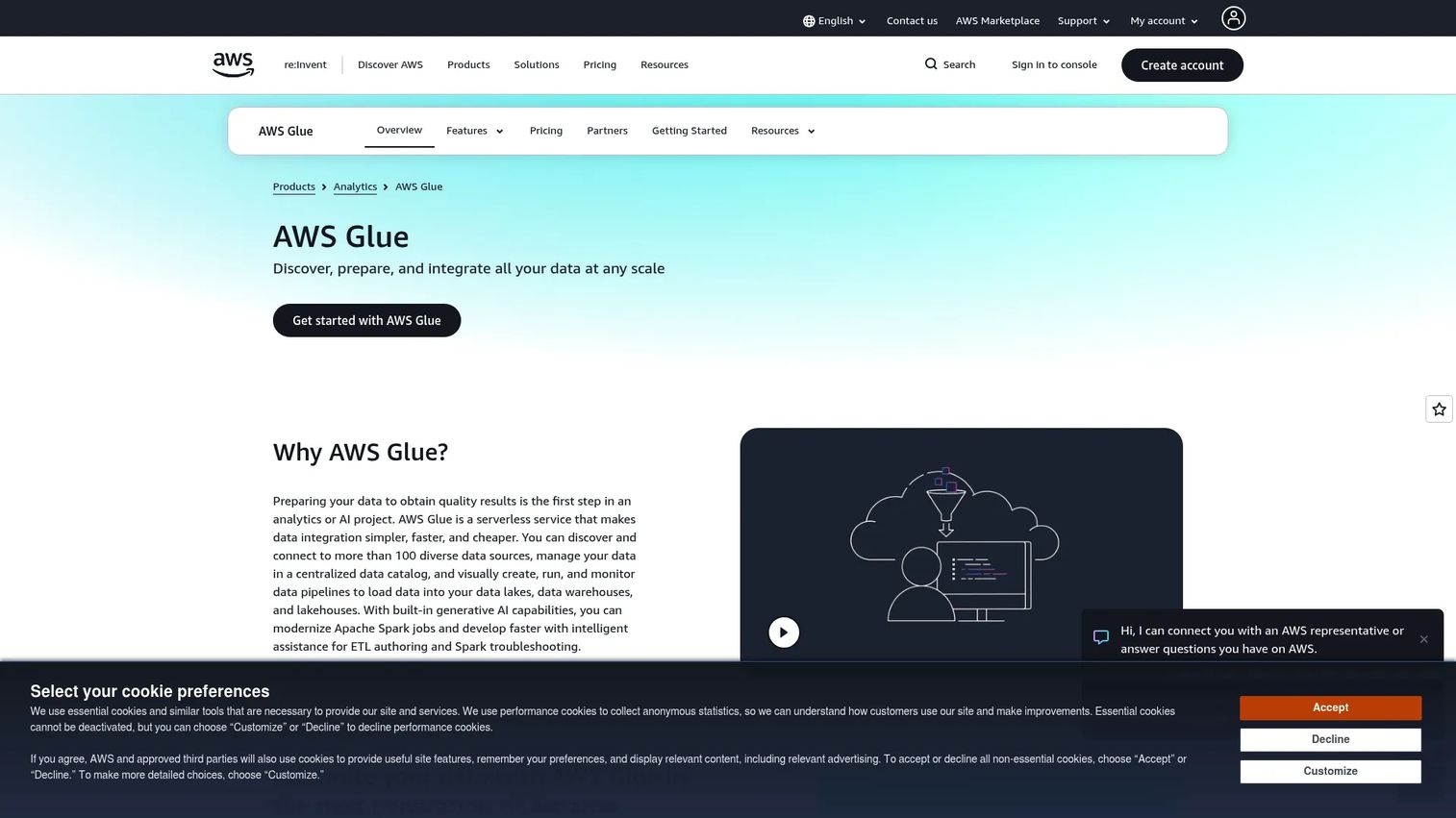
AWS Glue is Amazon's serverless data integration service for discovering, preparing, moving, and transforming data. If your stack already lives inside AWS, Glue removes the need to provision or manage ETL infrastructure. It runs jobs on demand, catalogs your data automatically, and bills per second of compute, which keeps idle costs at zero.
The platform ties together several pieces. Glue Studio and interactive job notebooks let engineers author transformations, crawlers scan sources and populate the Data Catalog with schema, and DataBrew offers a visual layer for data prep without heavy code. For teams standardized on S3, Redshift, and the broader Amazon ecosystem, the integration depth is the main draw.
Best for: Teams already on AWS that need serverless ETL, cataloging, and data integration without managing servers.
Key strengths
- Serverless execution: No clusters to provision, with per-second billing that scales to zero when idle.
- Data Catalog: Automatic schema discovery and a central metadata store that other AWS analytics services can read.
- Visual and code paths: Glue Studio and DataBrew for low-code prep, plus notebooks for engineers who want full control.
Why choose AWS Glue: The case is ecosystem gravity. If your warehouse, lake, and analytics already run on AWS, Glue reduces coordination overhead and keeps data movement inside one billing and security boundary. Teams outside AWS will find less reason to reach for it.
AWS Glue pricing: ETL jobs and interactive sessions run at $0.44 per DPU-hour, billed per second. The Data Catalog is free for the first million metadata objects per month, then $1.00 per 100,000 objects beyond that. DataBrew interactive sessions cost $1.00 per 30-minute session. A free tier is available, and prices vary by region.
2. Fivetran
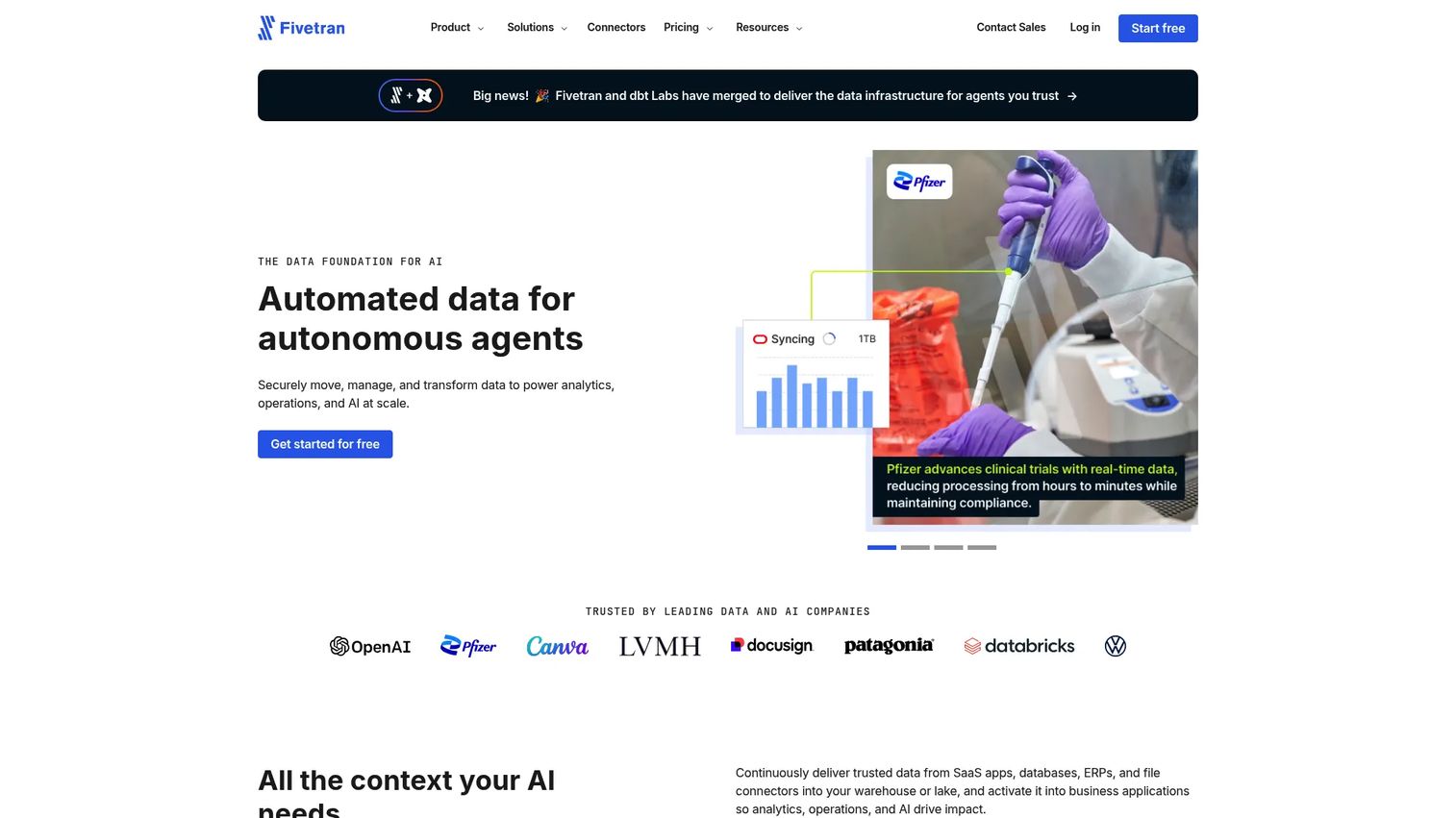
Fivetran is an automated data movement platform built to sync data into warehouses, lakes, and applications with as little upkeep as possible. It is the default choice for teams that want reliable ingestion without owning the pipeline plumbing. Connectors are fully managed, so when a source API changes, Fivetran handles the fix rather than your engineers.
The platform runs SQL-based transformations in the destination and can push data back out through activations. Its reputation rests on connector breadth and low operational overhead, which is exactly what appeals to teams that would rather spend engineering time on product than on maintaining extractors. CDC-style syncs keep destinations fresh without full reloads.
Best for: Teams that need low-maintenance, managed data integration at scale across many SaaS and database sources.
Key strengths
- Fully managed pipelines: Connectors and schema changes are handled for you, reducing pipeline breaks.
- In-destination transformations: SQL-based modeling runs inside your warehouse where compute is cheap.
- Activations: Push transformed data back into operational tools, supporting reverse ETL patterns.
Why choose Fivetran: If your priority is reducing maintenance and getting pipelines live fast, Fivetran removes most of the ongoing work. The trade-off buyers weigh is usage-based cost at high data volumes, so model your monthly active rows before committing.
Fivetran pricing: A free plan is available. Paid plans (Standard, Enterprise, and Business Critical) use usage-based pricing tied to monthly active rows. The public pricing page shows example usage costs and estimate paths rather than a single flat starting subscription, so build a volume estimate to project spend.
3. Matillion
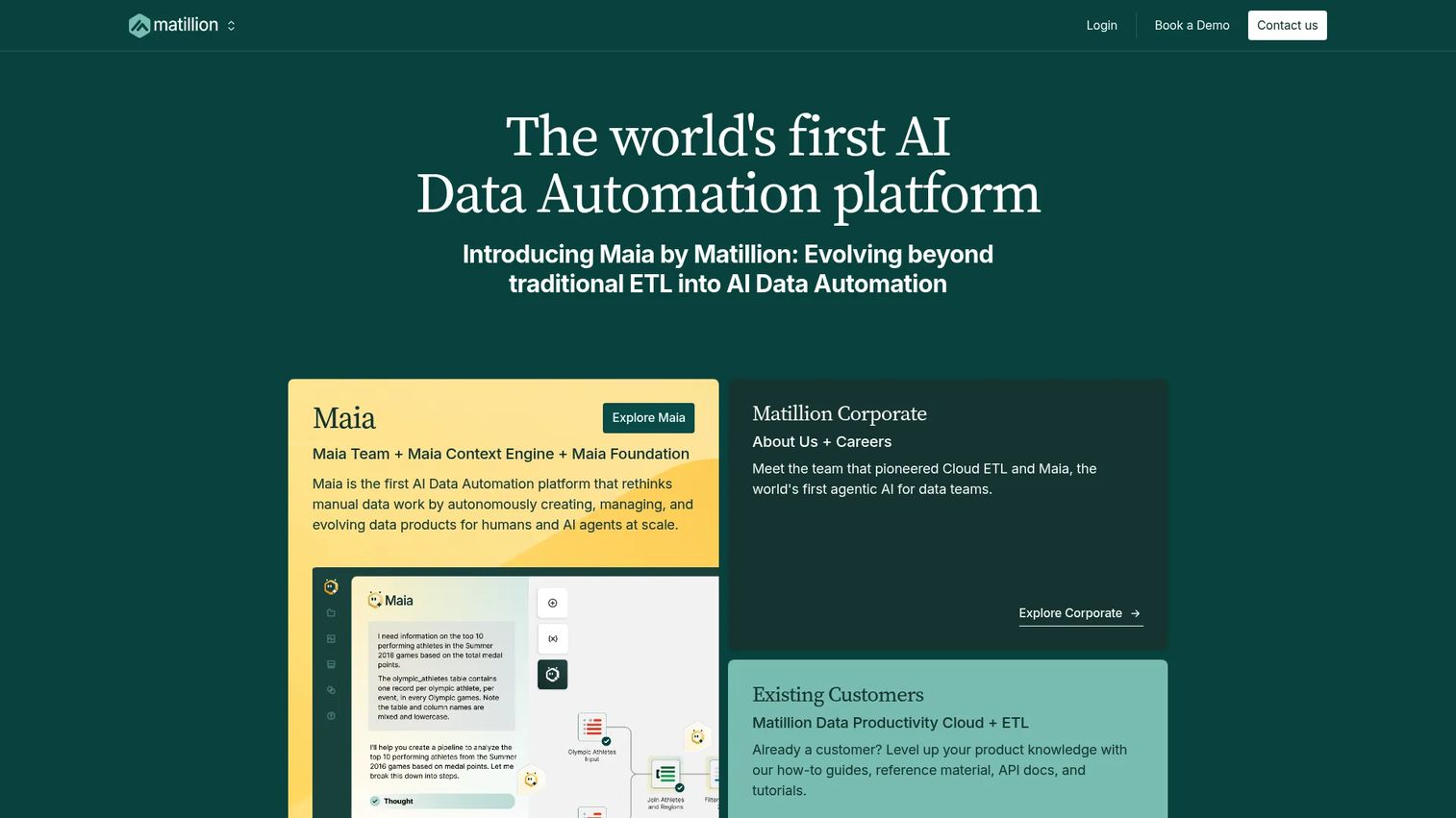
Matillion is a cloud-native data integration platform for building, managing, and orchestrating data pipelines for AI and analytics. Where pure sync tools stop at moving data, Matillion gives you a hands-on transformation layer with a visual, low-code interface that sits close to your cloud warehouse. That makes it a fit for teams that want to shape data, not just land it.
The platform blends low-code and high-code work, offers pre-built and custom connectors with batch and CDC loading, and includes an AI data workforce (Maia) to help build and orchestrate pipelines. Orchestration is a core strength, letting you chain transformation, loading, and dependency logic into repeatable workflows.
Best for: Teams building cloud data pipelines and transformations for analytics and AI in a warehouse-centric stack.
Key strengths
- Low-code and high-code: A visual builder for speed, with room to drop into code when logic gets complex.
- Batch and CDC loading: Pre-built and custom connectors that support incremental change capture.
- Orchestration: Dependency-aware scheduling that ties transformation and loading into one workflow.
Why choose Matillion: Choose it when transformation logic matters as much as movement and you want a visual environment your team can maintain without deep engineering. It fits warehouse-centric stacks that need more control than a plug-and-play sync tool provides.
Matillion pricing: Matillion uses usage-based, credit-based pricing across three editions: Developer, Teams, and Scale. The Developer edition is available as a free or trial tier. The public pricing page does not display a fixed numeric starting price, so contact the vendor to model credit consumption for your workloads.
4. Airbyte
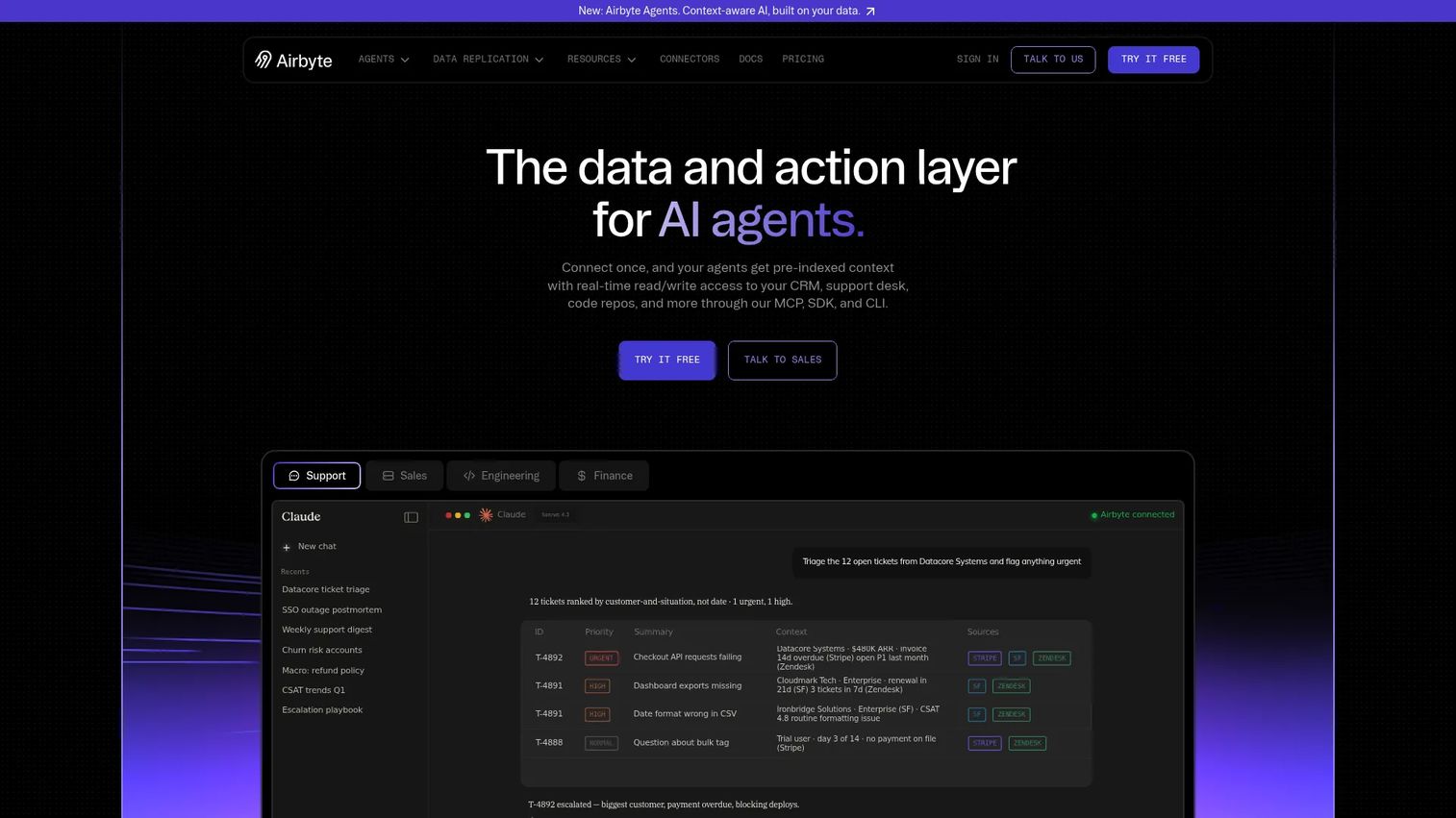
Airbyte is the open source pick for teams that want control and extensibility. With 600+ connectors and both self-hosted and cloud deployment options, it appeals to teams that value openness and room to customize their pipelines. When a connector does not exist, you can build one, and the community moves fast enough that new sources appear regularly.
Beyond raw connectors, Airbyte has leaned into AI-era features like a Context Store for searchable cross-system context, plus MCP, SDK, and CLI access for programmatic control. The open source core means you can run it in your own environment for full data ownership, or use Airbyte Cloud when you would rather not manage infrastructure.
Best for: Teams needing a flexible data integration platform with many connectors and the option to self-host.
Key strengths
- 600+ connectors: One of the broadest catalogs, with a community that ships new sources quickly.
- Deployment flexibility: Self-host for full control and data residency, or use the managed cloud.
- Developer access: MCP, SDK, and CLI paths for teams that want to script and extend pipelines.
Why choose Airbyte: Pick Airbyte when openness, connector coverage, and control over where data lives matter most. Self-hosting gives you ownership; the cloud plans give you convenience. Teams that want to avoid vendor lock-in gravitate here.
Airbyte pricing: The Free plan starts at $0 per month. Individual is $29 per month and Team is $299 per month, with capacity-based pricing on higher tiers. A Custom plan is available through sales. Self-hosting the open source edition carries no license fee, with your own infrastructure as the cost.
5. Hevo Data
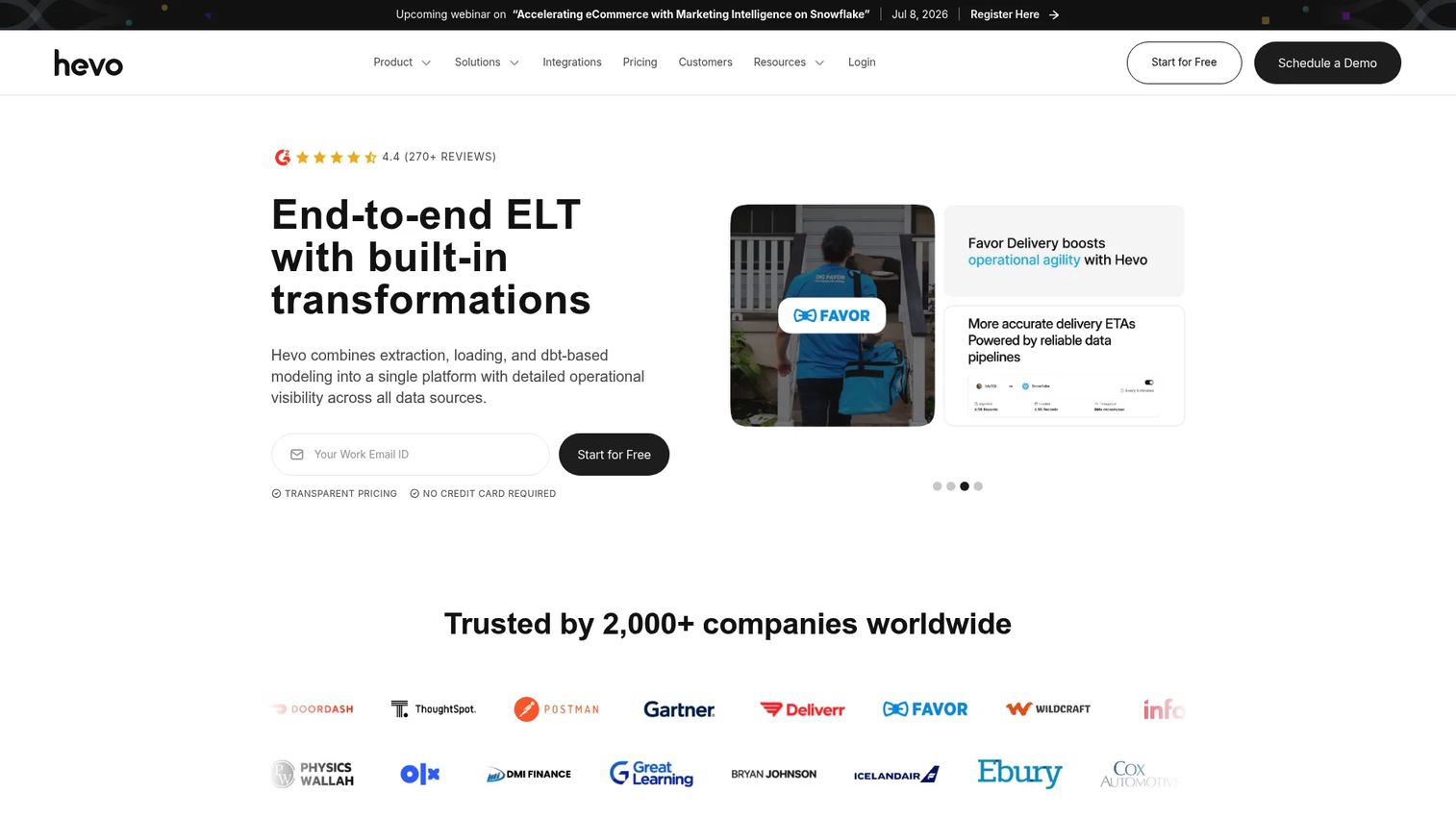
Hevo Data is a no-code data integration and ELT platform built for speed to value. It moves data from source systems into warehouses and destinations without demanding engineering time, which is exactly what smaller and mid-sized teams want when they need pipelines running this week, not next quarter. The interface is accessible, and setup is fast.
The platform ships with 150+ connectors, no-code ELT pipelines, and built-in transformations that also integrate with dbt for teams that want SQL-based modeling. Pricing transparency is a real differentiator here: Hevo publishes its plan prices, so you can budget before talking to sales, a rarity in the enterprise-heavy end of this category.
Best for: Teams needing a managed, no-code ELT tool for recurring warehouse data movement with minimal setup.
Key strengths
- No-code pipelines: Fast setup and an accessible UI that reduces engineering overhead.
- 150+ connectors: Broad coverage for common SaaS, database, and warehouse sources.
- Built-in and dbt transformations: Model data in-platform or hand off to dbt for SQL workflows.
Why choose Hevo Data: Choose Hevo when you want quick time-to-value and clear pricing without a heavy enterprise commitment. It suits lean teams that value visibility and simplicity over the deep configurability of larger suites.
Hevo Data pricing: A Free plan is available at $0 per month. The Starter plan begins at $239 per month and Professional starts at $679 per month, with monthly or yearly billing. A Business Critical tier is custom-priced, and a 14-day free trial is offered.
6. Azure Data Factory

Azure Data Factory is Microsoft's fully managed, serverless data integration service for building ETL and ELT pipelines and orchestrating data movement at enterprise scale. For organizations standardized on Azure, it is the natural choice, connecting cloud and on-premises sources through one orchestration layer.
The service offers 90+ built-in connectors, code-free pipeline authoring, and strong orchestration and monitoring. A self-hosted integration runtime handles hybrid connectivity, letting you move data securely between on-premises systems and the cloud. Teams migrating legacy SQL Server Integration Services workloads also use Azure Data Factory to rehost SSIS packages.
Best for: Teams needing cloud-scale ETL and ELT orchestration across hybrid and multicloud data sources.
Key strengths
- 90+ connectors: Broad source coverage across cloud, SaaS, and on-premises systems.
- Hybrid connectivity: A self-hosted integration runtime bridges on-premises and cloud data securely.
- Orchestration and monitoring: Dependency-aware pipeline scheduling with run visibility and SSIS rehosting.
Why choose Azure Data Factory: The case is Azure alignment. If your data warehouse, identity, and analytics already run on Microsoft's cloud, Data Factory keeps orchestration inside one governed environment and simplifies hybrid scenarios.
Azure Data Factory pricing: Azure Data Factory uses usage-based pricing across pipeline orchestration, data flow execution, and data movement. The public pricing page lists billing categories and units rather than a single flat starting price, so use the Azure pricing calculator to estimate cost for your workload volume.
7. Stitch
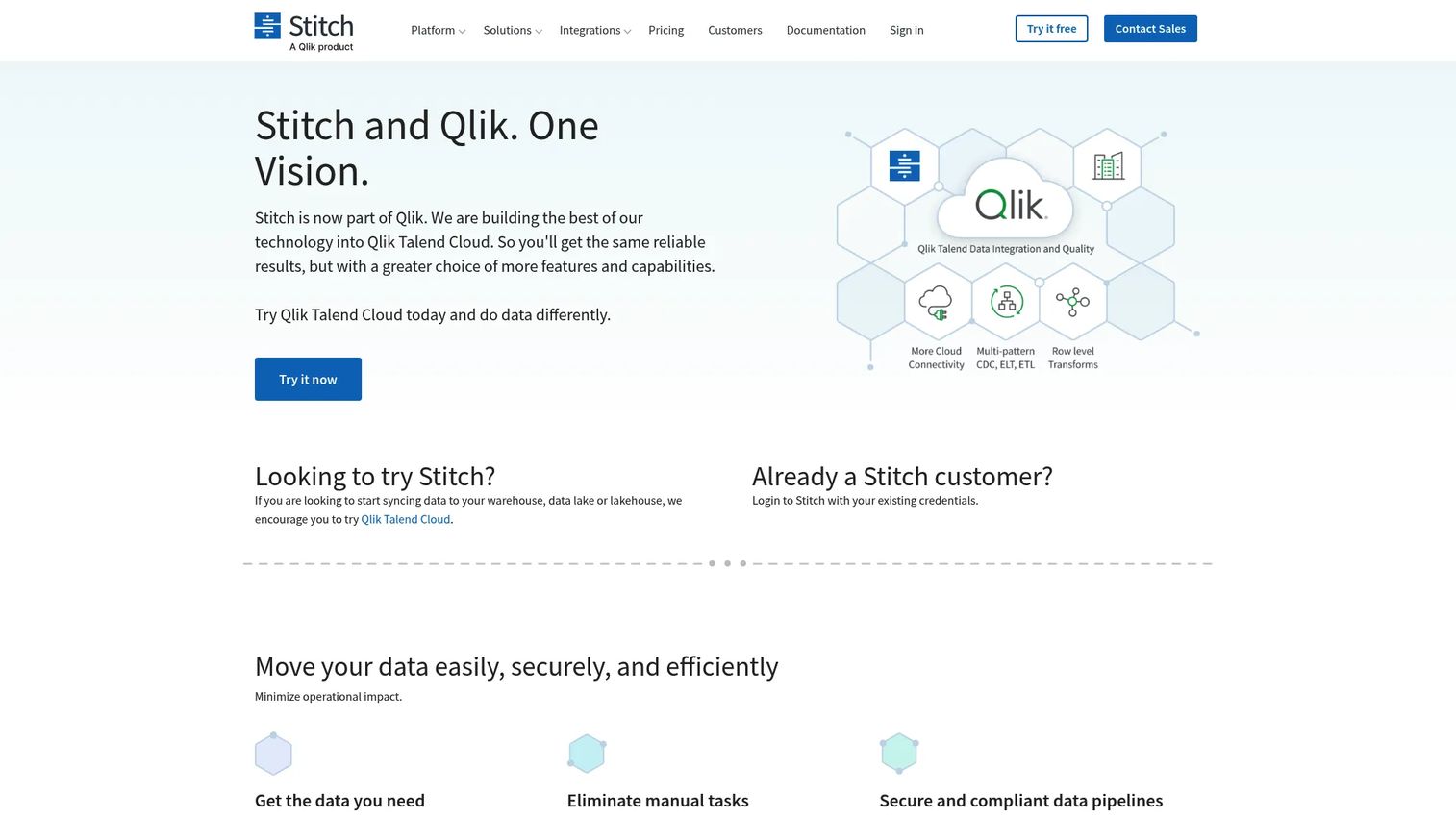
Stitch is a lightweight, ingestion-focused ETL tool for teams that want straightforward pipeline setup. Built on the open Singer standard, it replicates data from common sources into a cloud warehouse with configurable scheduling and an Import API for pushing data in. Its appeal is simplicity: get data flowing without a steep learning curve.
Stitch handles the extract-and-load work well and leaves transformation to your warehouse, which fits the ELT pattern most modern stacks favor. For small to mid-sized teams that need reliable replication into Snowflake, BigQuery, or Redshift without enterprise complexity, it hits a practical sweet spot.
Best for: Small to mid-sized teams needing a self-service ELT tool for loading data into a cloud warehouse.
Key strengths
- Singer-based sources: Open-standard integrations with a broad set of common connectors.
- Import API: Push custom data directly into your warehouse when a connector does not exist.
- Self-service scheduling: Configurable replication frequency without heavy setup.
Why choose Stitch: Choose Stitch when simplicity and fast setup outweigh the need for deep transformation or enterprise governance. Lean teams that just need clean, scheduled loads into a warehouse get exactly that. Larger, more complex estates will likely want a heavier platform.
Stitch pricing: The Standard plan starts at $100 per month and scales by rows per month, with an annual billing toggle available. An Enterprise plan is custom-built. A 14-day free trial is offered so you can validate source coverage before committing.
8. Talend
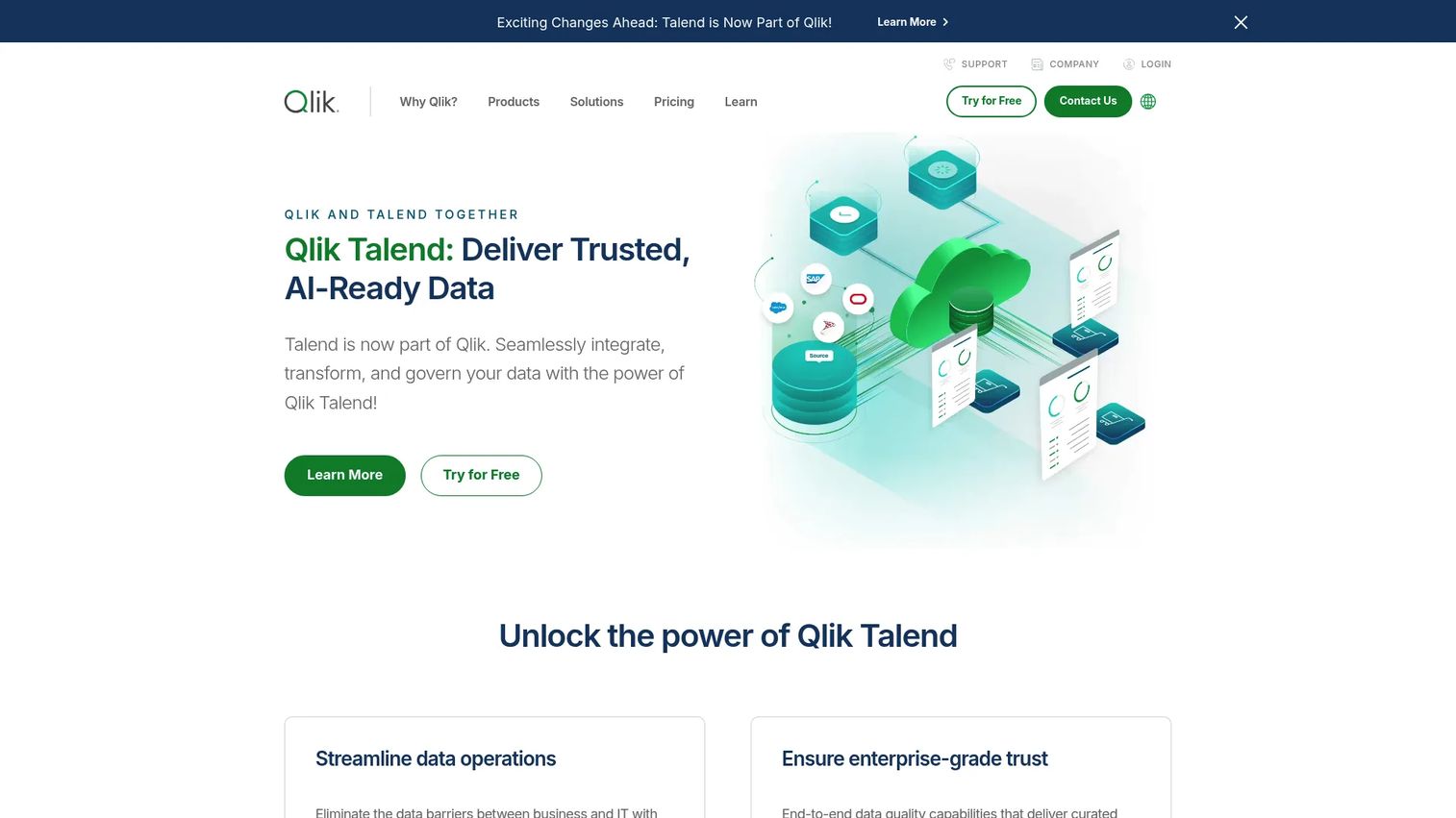
Talend, now offered as Qlik Talend, is a broad data integration, quality, and governance platform with enterprise reach. It goes well beyond basic syncs, combining ETL with data profiling, cleansing, masking, and governance in one suite. For regulated or multi-system environments, that combination is the point.
The platform includes 1,000+ connectors, data quality tooling, and governance features like a Trust Score that quantifies data reliability. Teams evaluate Talend when moving data is only half the job and the other half is proving that data is accurate, compliant, and safe to use across the organization.
Best for: Enterprises needing unified data integration, quality, and governance across many systems.
Key strengths
- 1,000+ connectors: Extensive source coverage for complex, multi-system enterprise estates.
- Data quality: Profiling, cleansing, and masking built into the integration workflow.
- Governance: Trust Score and governance controls that support regulated environments.
Why choose Talend: Choose Talend when data quality and governance carry as much weight as movement. It fits organizations in regulated industries or with complex compliance requirements that a pure ingestion tool cannot address.
Talend pricing: Public pricing for the Basic plan starts at $12,000 per year, per third-party listings, and a free trial is available. Higher tiers are not fully public on the vendor site, so contact sales for enterprise and governance-heavy configurations.
9. Informatica PowerCenter
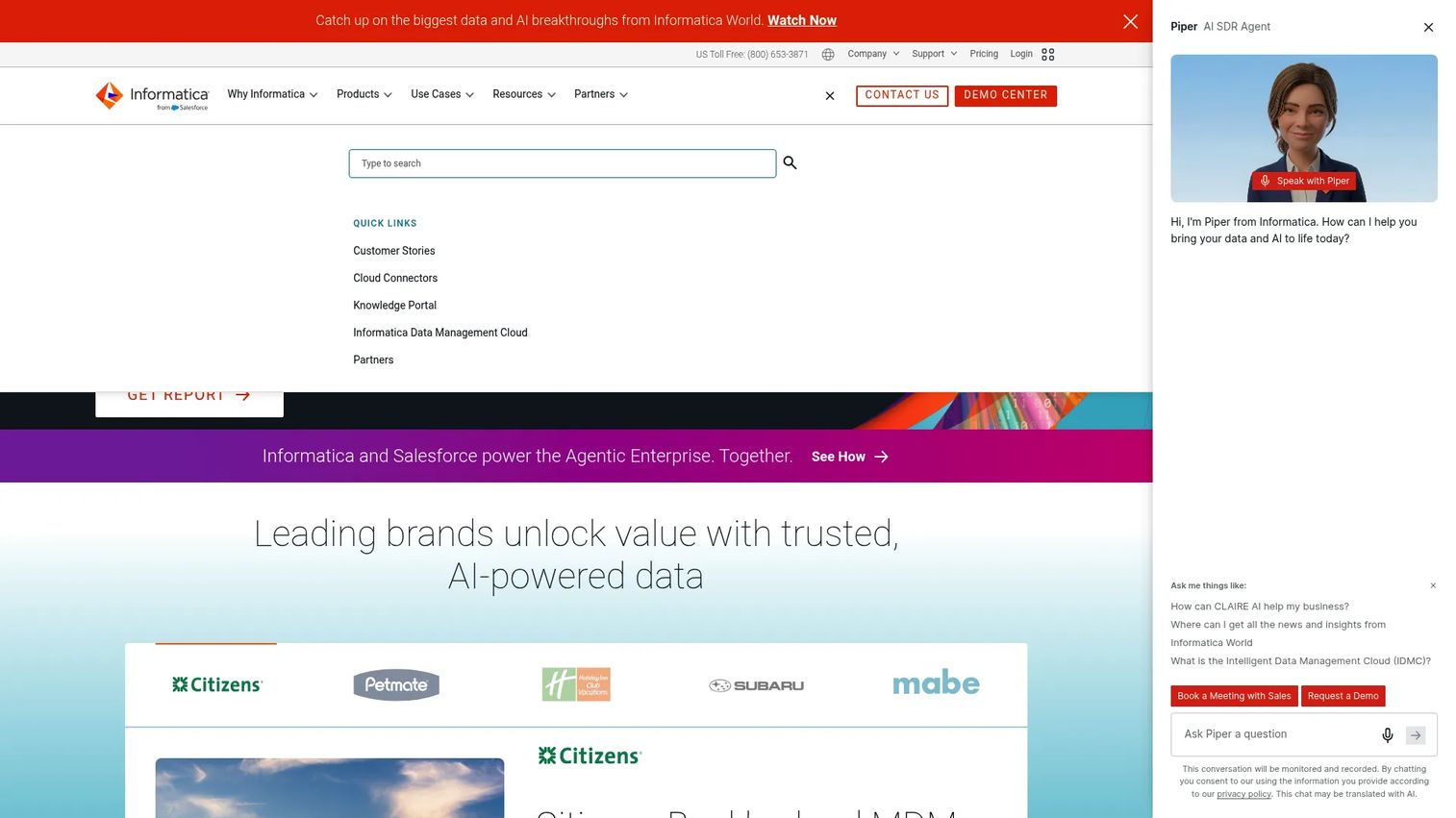
Informatica PowerCenter is the veteran enterprise ETL platform that many large organizations still run or evaluate. It handles the heavy, complex transformation workloads that define regulated, mission-critical data estates, with mature ETL workflows, mappings, metadata and repository management, and robust monitoring and scheduling.
PowerCenter remains relevant because of depth and stability. Organizations with complex legacy estates value its transformation power and operational control, and many are weighing modernization paths toward Informatica's cloud data management platform while keeping PowerCenter for workloads that demand it. For governance-heavy environments, the depth is the reason it stays on shortlists.
Best for: Large enterprises operating or modernizing complex on-premises ETL pipelines.
Key strengths
- Deep ETL workflows: Mature mappings and transformation logic for complex, high-volume pipelines.
- Metadata management: Repository and metadata controls that support governance at scale.
- Monitoring and scheduling: Enterprise-grade operational control over pipeline execution.
Why choose Informatica PowerCenter: Choose PowerCenter when you operate a large, complex, often on-premises estate with strict governance and cannot compromise on transformation depth or operational control. Newer cloud-native tools serve simpler needs; PowerCenter serves the hardest ones.
Informatica PowerCenter pricing: Informatica does not publish a public price for PowerCenter; pricing is quoted per deployment. Its public pricing page covers consumption-based cloud data management rather than PowerCenter specifically, so contact sales for a scoped quote.
Considerations before you buy
Before you shortlist, pressure-test each tool against the criteria that actually predict success in production.
Connector coverage and depth
Count the connectors you need today, then check depth, not just the logo grid. A connector that syncs three objects when you need twelve is not real coverage. Confirm the sources that matter most to your reporting are supported at the field level.
Loading pattern and CDC support
Match the tool to how your data changes. If sources update constantly, native CDC and incremental loading keep costs and latency down. If nightly batch is fine, you have more options. Do not pay for streaming you do not need, and do not force batch where the business needs fresh data.
Observability and maintenance
Ask how you will know when a pipeline breaks. Look for run history, alerting, schema-change handling, and data quality checks. The real cost of an ETL tool is not the license, it is the engineering hours spent diagnosing silent failures, so weight observability heavily.
Total cost of ownership
List price is the smallest part of TCO. Factor in warehouse compute for transformations, engineering time for setup and upkeep, and how usage-based pricing scales as data grows. Model your monthly active rows or credits before signing, because the cheap tier at low volume can become the expensive one at scale.
Conclusion
There is no single best ETL tool, only the best fit for your stack, budget, and loading pattern. For most cloud data teams that want low maintenance, Fivetran is the safe default. AWS Glue and Azure Data Factory win when you are already committed to those clouds. Airbyte leads on openness and connector breadth, Matillion on hands-on transformation, and Hevo and Stitch on fast setup with transparent pricing. Talend and Informatica PowerCenter carry the enterprise governance and depth that regulated estates require.
Shortlist two or three tools that match your environment and your data's cadence, then run a proof of concept against your actual sources and volumes. The tool that looks best in a comparison table is not always the one that survives contact with your real pipelines. Test, measure time-to-value, and choose the one your team can maintain without constant interrupts.
If your evaluation extends into downstream layers, the same rigor applies to picking a best customer data platform, an ai orchestration platform, or the right data visualization tool for the dashboards your pipelines feed. And for teams hardening their broader stack, it is worth reviewing current ai cybersecurity solutions alongside your data infrastructure decisions.
FAQs
ETL transforms data before loading it into the destination, while ELT loads raw data first and transforms it inside the warehouse. ETL suits cases where you must clean or mask data in transit; ELT suits modern cloud stacks where warehouse compute makes in-warehouse transformation cheap and fast. Most cloud-native tools today lean ELT.
Small teams usually want fast setup, no-code interfaces, and transparent pricing. Hevo Data and Stitch fit that profile with public starting prices and accessible UIs. Fivetran's free plan and Airbyte's low-cost Individual tier are also strong starting points when you want managed connectors without heavy engineering.
Yes, open source ETL tools like Airbyte run in production at many companies. They are a great fit when you want data ownership, connector customization, and no vendor lock-in. The trade-off is operational ownership: self-hosting means you run the infrastructure, handle upgrades, and monitor pipelines yourself, or you can use the managed cloud version to offload that.
CDC matters because it syncs only changed records, keeping warehouse costs and latency down instead of reloading everything. Fivetran offers CDC-style syncs, Matillion supports batch and CDC loading, and Azure Data Factory handles incremental patterns. Confirm CDC support for your specific source database, since coverage varies by connector.
Focus on impact and maintainability, not engineering trivia. Ask whether the tool improves the reliability of the metrics you report on, how much ongoing engineering time it demands, how cleanly it integrates with your existing analytics stack, and whether you can measure its effect. A tool that reduces coordination overhead and pipeline breaks pays for itself in fewer interrupts.
Distinguish usage-based pricing (Fivetran, Matillion, AWS Glue) from seat- or plan-based pricing (Hevo, Stitch) and enterprise contracts (Talend, Informatica). Then add hidden costs: warehouse compute for transformations, engineering hours for setup and maintenance, and how spend scales as data volume grows. Always model your real monthly volume before committing, because the entry tier can look very different at production scale.