
A brief lands in Slack. Two more arrive by email. Someone drops a Figma link in a comment thread nobody follows. By Thursday, three versions of the same banner are in circulation and nobody knows which one shipped.
That is not a creativity problem. It is an operations problem.
Creative teams do not stall because they run out of ideas. They stall because the work gets stuck between people, tools, and inboxes. Requests scatter. Approvals sit unanswered. Assets get buried in folders three levels deep. Managers cannot see who is overloaded until a launch already slipped.
The category built to fix this is growing fast. The global creative software market is projected to grow from $15.29B in 2025 to $23.24B by 2030 at an 8.4% CAGR, according to ResearchAndMarkets (2024). Around 68% of professionals and enterprises are adopting creative software to support content creation and digital transformation, per Business Research Insights (2026).
More tools are not the point. The right tool that replaces intake chaos, approval drag, and version confusion is. This guide breaks down seven creative operations software platforms, what each does best, and which workflow problem each one actually solves.
What's inside
This guide is for creative operations leads, marketing teams, brand teams, and design managers who need better control over how work moves from request to delivery.
We chose tools based on the factors that decide whether creative ops software earns its place in your stack:
- Workflow visibility: whether managers can see intake, status, and blockers
- Asset management: how assets get organized, searched, and reused
- Approvals and collaboration: how feedback and sign-off actually happen
- Automation and reporting: whether the tool reduces admin instead of adding it
Every pricing figure and rating below reflects each vendor's current published data. Where a vendor keeps pricing custom, we say so plainly.
TL;DR
- Best for AI search and creative intelligence: Air, for conversational search across a visual library plus AI editing
- Best for approvals and workflow discipline: Atlassian, for teams already running intake and status tracking in Jira and Confluence
- Best for asset governance and licensing: Extensis, for font control, usage rights, and creative risk management
- Best for a broad creative ecosystem: Adobe, for teams tied to Creative Cloud and connected production workflows
- Best for enterprise brand consistency: Bynder, for large orgs governing assets and distribution at scale
- Best for enterprise creative operations at scale: Aprimo, for intake, planning, governance, and analytics in one system
What is creative operations software
Creative operations software is a category of tools that manages the creative process end to end, from request intake through review and approval to final asset delivery and reuse. It gives creative and marketing teams one place to capture work, route it, track its status, store approved assets, and report on throughput.
It sits between creative project management and creative asset management. It handles the request-to-delivery workflow and the library the work produces, so teams stop juggling email, chat, spreadsheets, and disconnected file stores.
Core capabilities in most creative operations software:
- Intake and request management: one place to capture, prioritize, and route creative requests
- Approvals and review workflows: structured feedback, sign-off, and revision cycles
- Asset organization and search: tagging, metadata, and search so approved work is easy to find and reuse
- Collaboration and version control: shared comments, annotations, and a single source of truth for the current version
- Reporting and workload visibility: capacity, blockers, and turnaround times leaders can act on
- Integrations: connections to the creative and marketing tools teams already use
The strongest platforms treat creative work as a repeatable system, not a series of one-off favors. That is what separates creative management software from a shared drive with good intentions.
When to use creative operations software
Centralize creative intake
When requests arrive through Slack, email, hallway conversations, and a form nobody checks, work gets lost before it starts. Creative request management gives you one intake point. Every request carries the same required fields, so designers stop chasing missing briefs and managers can prioritize based on real information.
Standardize approvals and feedback
When revision cycles slow launches and feedback scatters across email, chat, and marked-up PDFs, creative approval software pulls review into one thread tied to the asset. Reviewers comment in context. Version control keeps the approved file obvious. Nobody ships the wrong cut because three people signed off on three different files.
Improve visibility and workload planning
When a launch slips and nobody saw it coming, the problem is usually visibility. Creative workflow software shows who is overloaded, what is blocked, and which campaigns are trending toward a missed deadline. Managers plan resourcing against real capacity instead of guessing from a status meeting.
Comparison table
This table lets you compare the shortlist at a glance. Tools are ordered by relevance to creative operations, from AI-enabled libraries through enterprise platforms. Pricing and ratings reflect each vendor's current published data.
| # | Product | Best for | Key differentiator | Pricing | G2 rating |
|---|---|---|---|---|---|
| 1 | Air | Visual asset library with collaboration and AI editing | Conversational search plus Canvas AI editing | Free; paid from $250/year | 4.6/5 |
| 2 | Atlassian | Workflow, intake, and status tracking | Deep Jira and Confluence process discipline | Free tier; paid plans vary | Not listed |
| 3 | Extensis | Font control and asset governance | Font usage, license compliance, and risk scanning | Custom | 4.0/5 |
| 4 | Adobe | Creative production tied to Creative Cloud | Broad app suite plus Firefly AI | From $4.99/mo | 4.5/5 |
| 5 | Bynder | Enterprise DAM and brand governance | AI search and duplicate detection at scale | Custom | Not listed |
| 6 | Canto | Brand asset organization and distribution | AI Visual Search and facial recognition tagging | Custom | 4.4/5 |
| 7 | Aprimo | Enterprise creative operations and planning | Governed DAM plus marketing work management | Custom | 4.3/5 |
Best creative operations software for 2026
1. Air
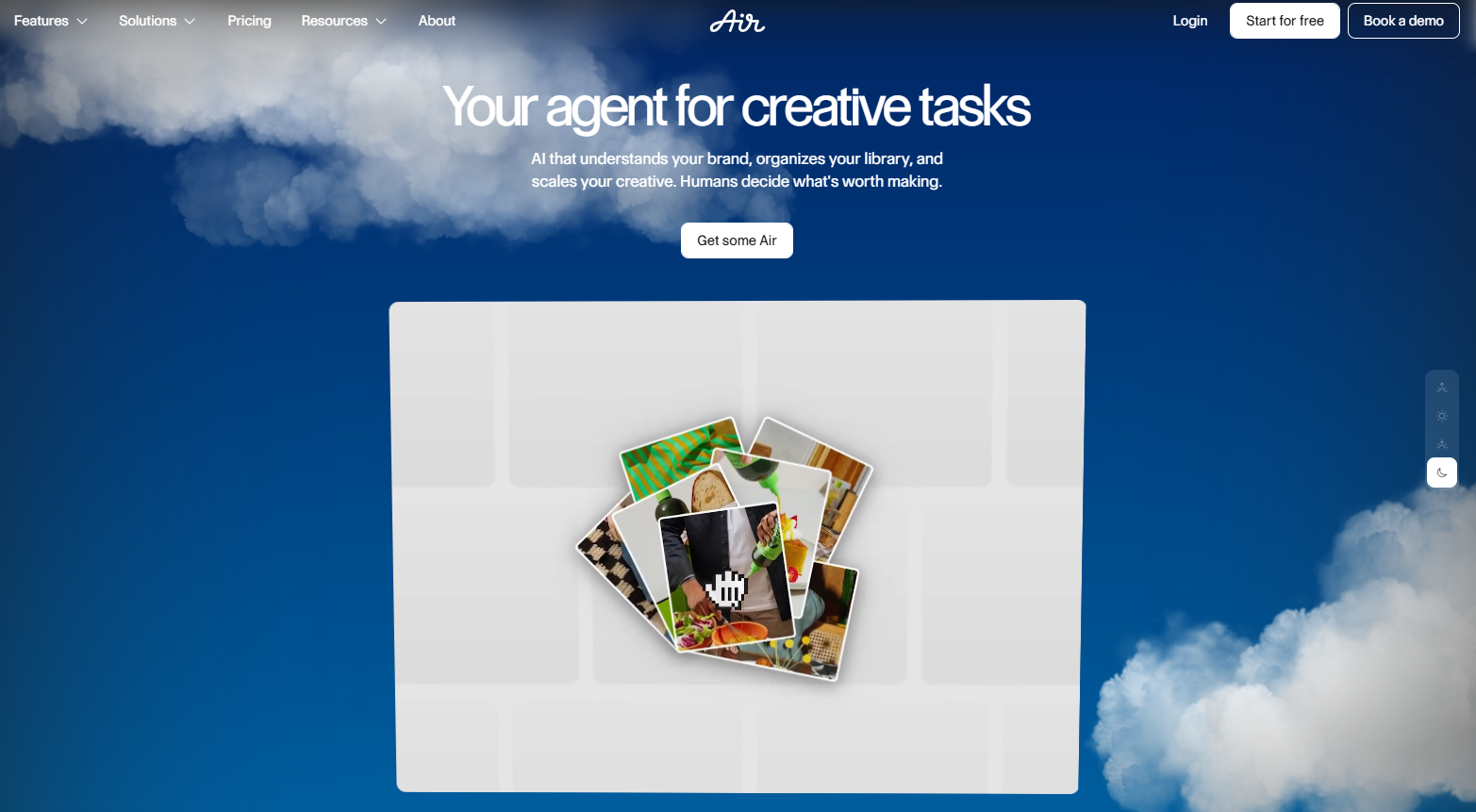
Air is a creative operations platform built around a searchable visual library, collaboration, and AI editing. The pitch is speed of retrieval: instead of digging through folders, you describe the asset you want and conversational search surfaces it. Version stacking keeps every iteration of an asset together, so the library stays clean as work piles up.
Best for: Teams that need a visual asset library with fast search, review, and AI editing in one place.
Key strengths
- Conversational search and version stacking
- Timestamp commenting, annotations, and share links
- Canvas AI editing and creation tools
Why choose Air: If your core friction is finding and reusing approved visual assets fast, Air puts search and creative intelligence at the center. It fits content-heavy marketing and brand teams that produce a high volume of images and video and need to keep them organized without a librarian.
Air pricing: Free plan available at $0 per year with 120 credits per month and unlimited users. Starter is $250 per year or $25 per month with 600 credits per month. Business is $10,800 per year or $1,100 per month with 30,000 credits per month. Enterprise is custom with 60,000 credits per month and additional support and security features.
2. Atlassian
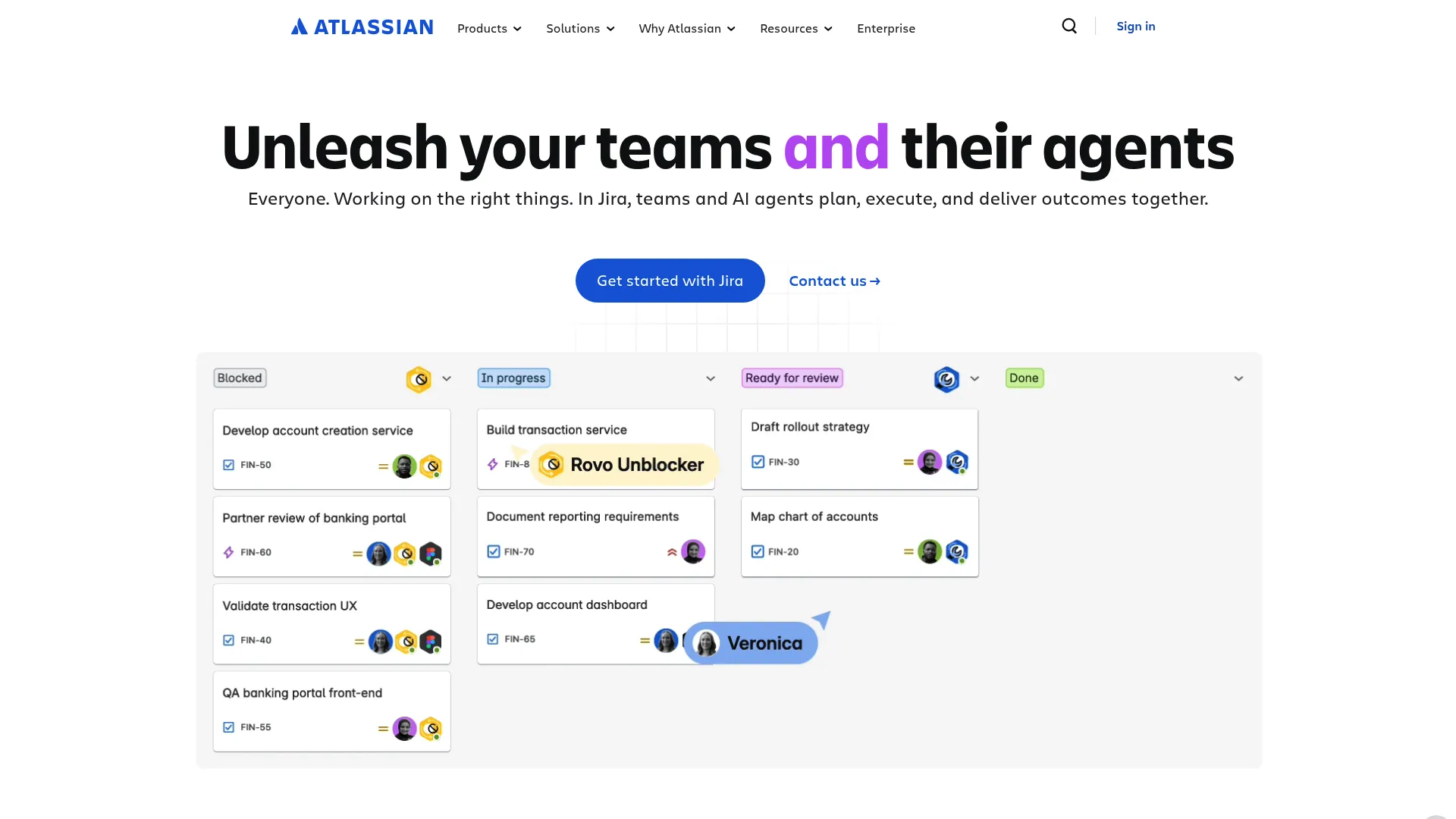
Atlassian brings the workflow and coordination layer to creative operations through Jira and Confluence. For teams that already live in those tools, it turns creative intake into structured tickets with status, owners, and automation. Confluence holds briefs and documentation; Jira tracks the work from request to done.
Best for: Creative and marketing teams that want process discipline and already operate inside Jira and Confluence.
Key strengths
- Jira project planning, tracking, automation, and reporting
- Atlassian platform with Teamwork Graph and Rovo AI
- Confluence collaboration for briefs and documentation
Why choose Atlassian: This is the pick when your bottleneck is intake structure and status visibility, not asset storage. It rewards teams comfortable configuring workflows, and it keeps creative work in the same system engineering and product already use.
Atlassian pricing: Atlassian offers a free tier across several products, with paid Standard, Premium, and Enterprise plans. Public per-brand starting prices are not exposed on a single pricing page, and pricing varies by product and team size.
3. Extensis
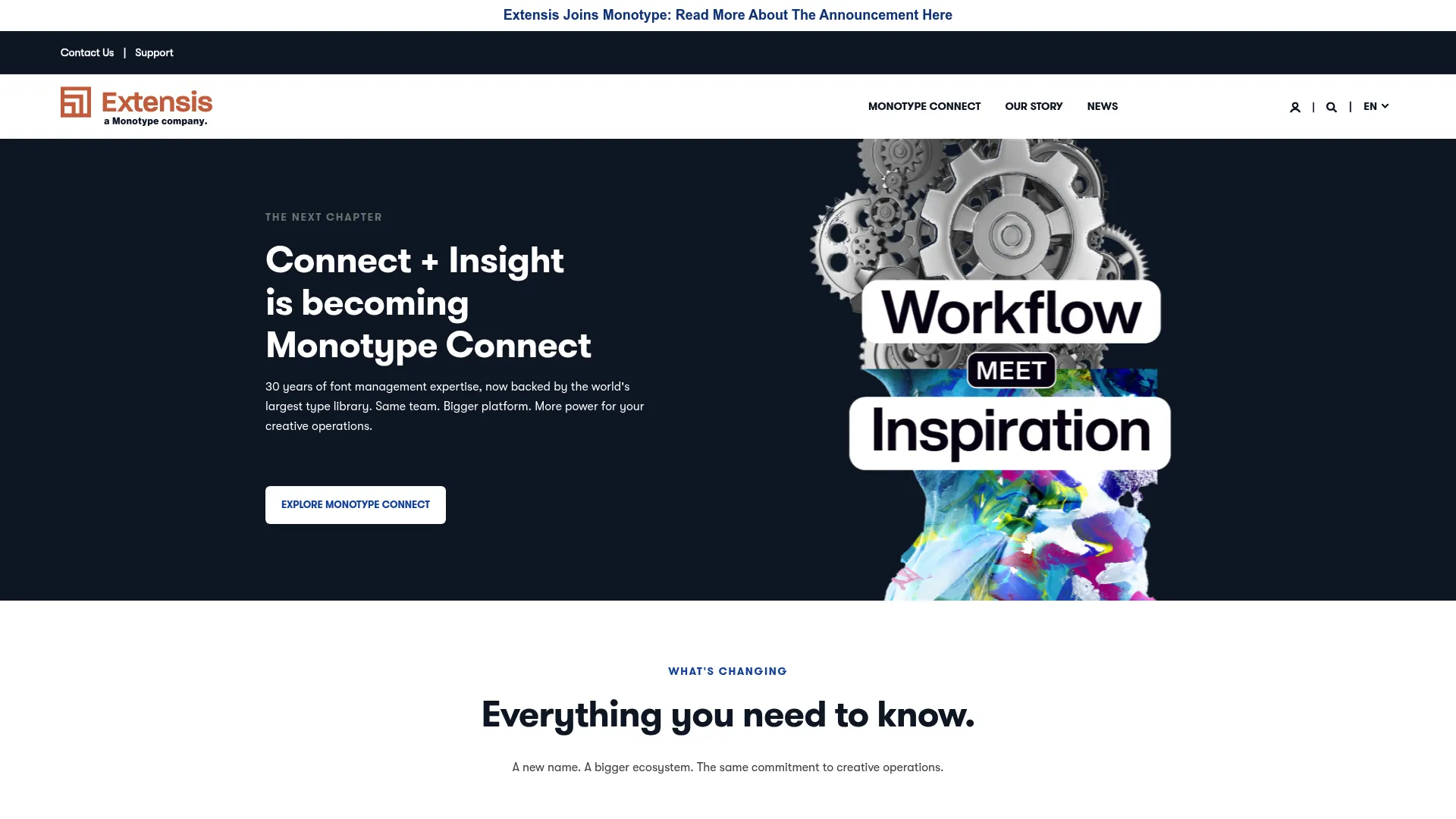
Extensis approaches creative operations from the governance angle. It manages fonts, digital assets, and the licensing risk that comes with them. For teams where brand-safe asset use and usage rights are part of the job, Extensis tracks font usage, flags license compliance issues, and scans for creative risk.
Best for: Creative teams that need font management and asset governance, especially where licensing matters.
Key strengths
- Font and digital asset management
- Permission controls and SSO
- Font usage, license compliance, and risk scanning
Why choose Extensis: Choose Extensis when compliance is a real exposure, not an afterthought. It suits agencies and enterprise brand teams that must prove correct license use across many designers and projects. Note that Extensis states its Connect and Insight products are becoming Monotype Connect, so confirm current naming as you evaluate.
Extensis pricing: Extensis does not display public list prices. Its plans indicate annual subscriptions and contact-sales flows rather than published tiers, so request a quote for current pricing.
4. Adobe
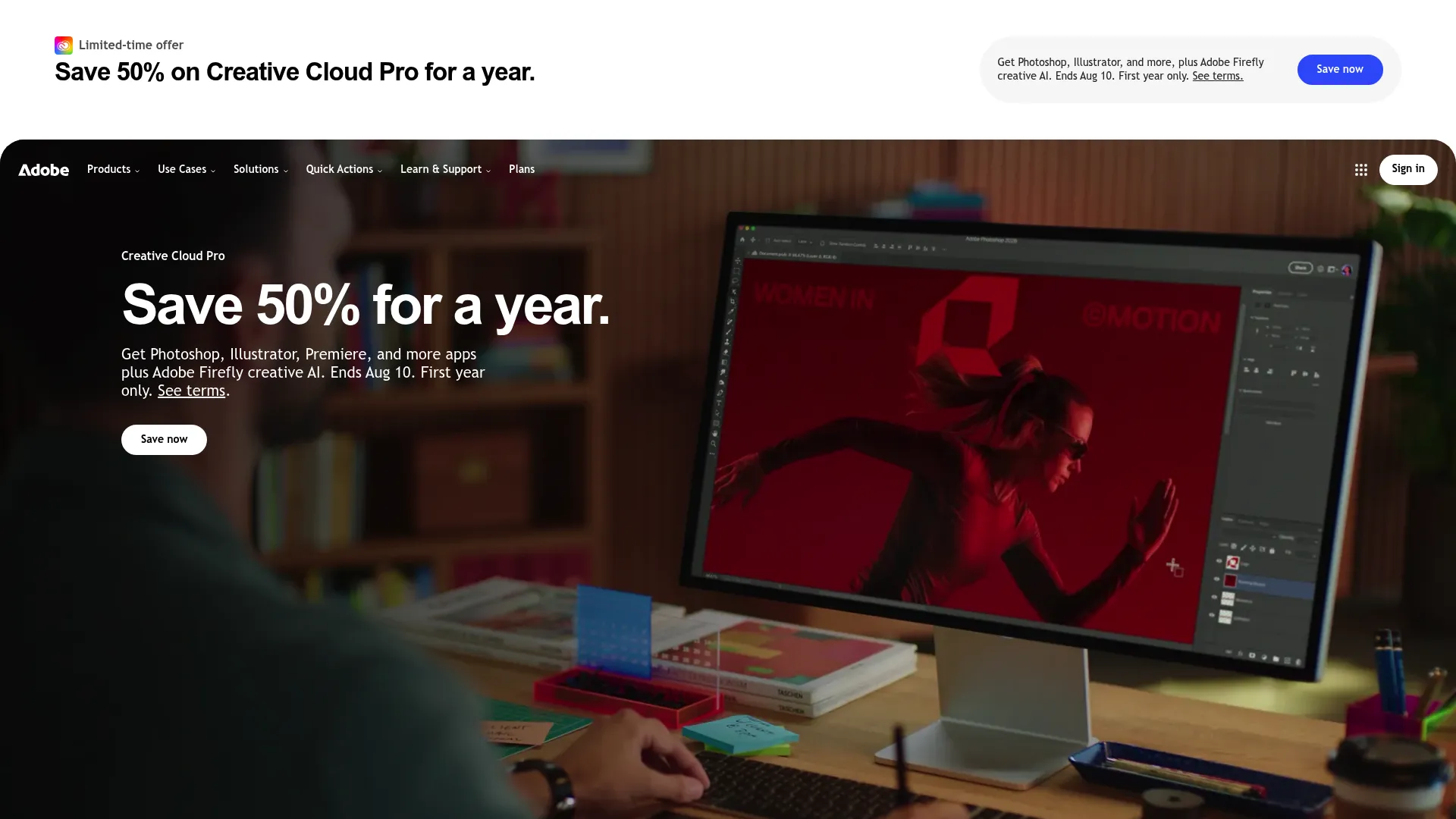
Adobe anchors creative operations for teams built around Creative Cloud. The creation tools are the gravity well, and the surrounding apps handle production coordination, PDF workflows, and AI-assisted content through Firefly. For larger teams with established creative systems, keeping production and the tools that make it in one place reduces the number of handoffs between apps.
Best for: Teams and individuals tied to Creative Cloud who want creation, PDF, and content tools connected.
Key strengths
- Creative Cloud apps for design and production
- Acrobat PDF tools
- AI features including Firefly
Why choose Adobe: Pick Adobe when the creative work itself lives in its apps and you want fewer boundaries between making assets and moving them. It fits teams standardized on Creative Cloud who prioritize creation depth alongside coordination.
Adobe pricing: Adobe's plans page lists individual, business, and education options. The lowest publicly displayed starter price is InCopy at US$4.99/mo, with Acrobat Standard at US$14.99/mo and Creative Cloud Standard at US$54.99/mo. Creative Cloud Single App is US$37.99/mo per license, and Creative Cloud Pro is US$99.99/mo per license, billed annually.
5. Bynder
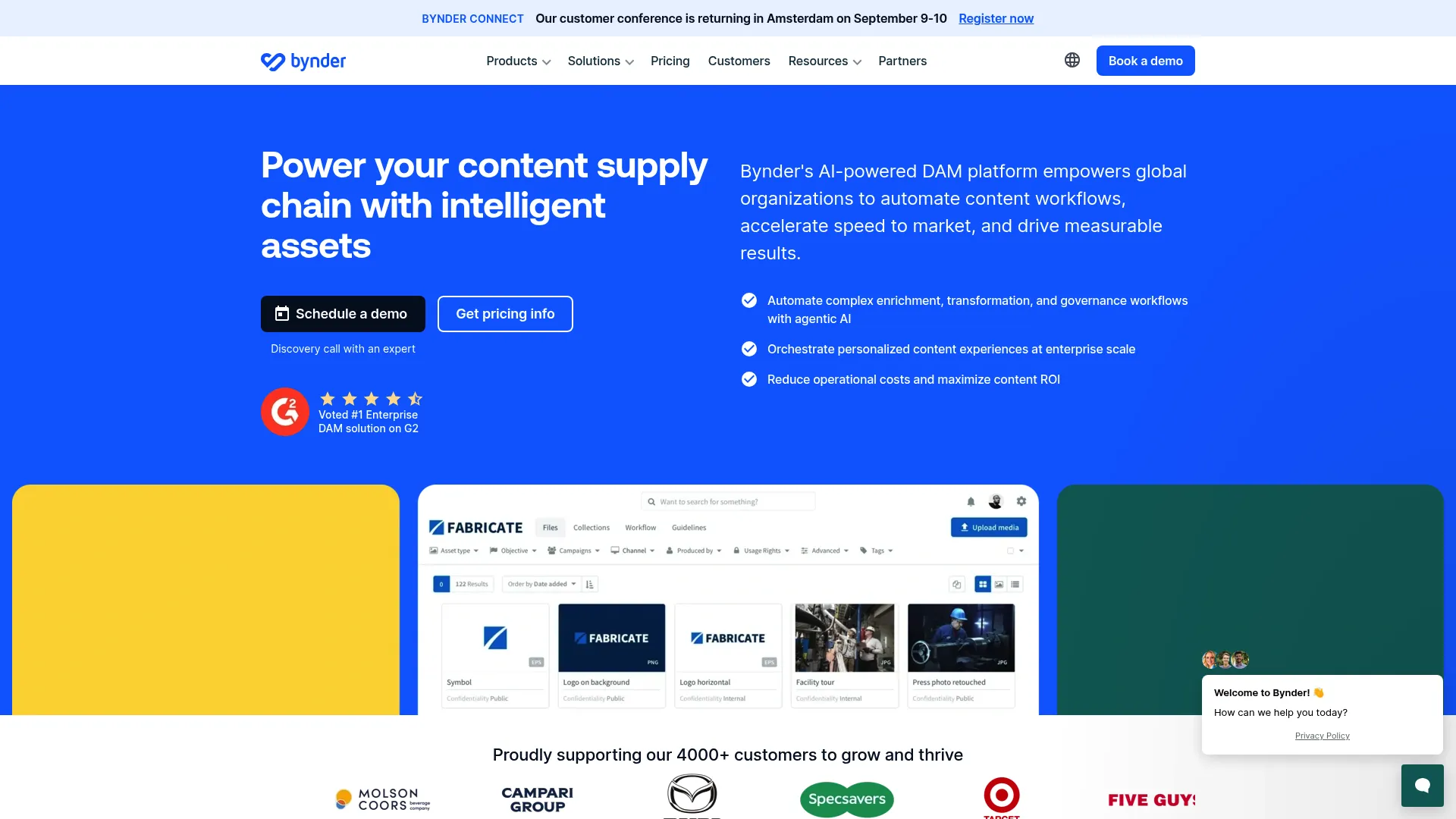
Bynder is an enterprise digital asset management platform focused on organizing, governing, and distributing brand content. It ties into creative operations through centralized assets, workflows, and cross-team access. AI search and duplicate detection keep large libraries usable, and content experiences let teams distribute approved assets without recreating them.
Best for: Large organizations that need enterprise DAM with AI-assisted discovery and brand governance.
Key strengths
- Digital asset management
- AI search and duplicate detection
- Content experiences and workflows
Why choose Bynder: Bynder fits when brand consistency at scale is the mandate and many teams pull from the same asset pool. It is built for organizations coordinating creative across regions, product lines, and external partners.
Bynder pricing: Bynder does not publish public prices. It states that pricing is custom and every customer receives a tailored package, so contact Bynder for a quote based on your needs.
6. Canto
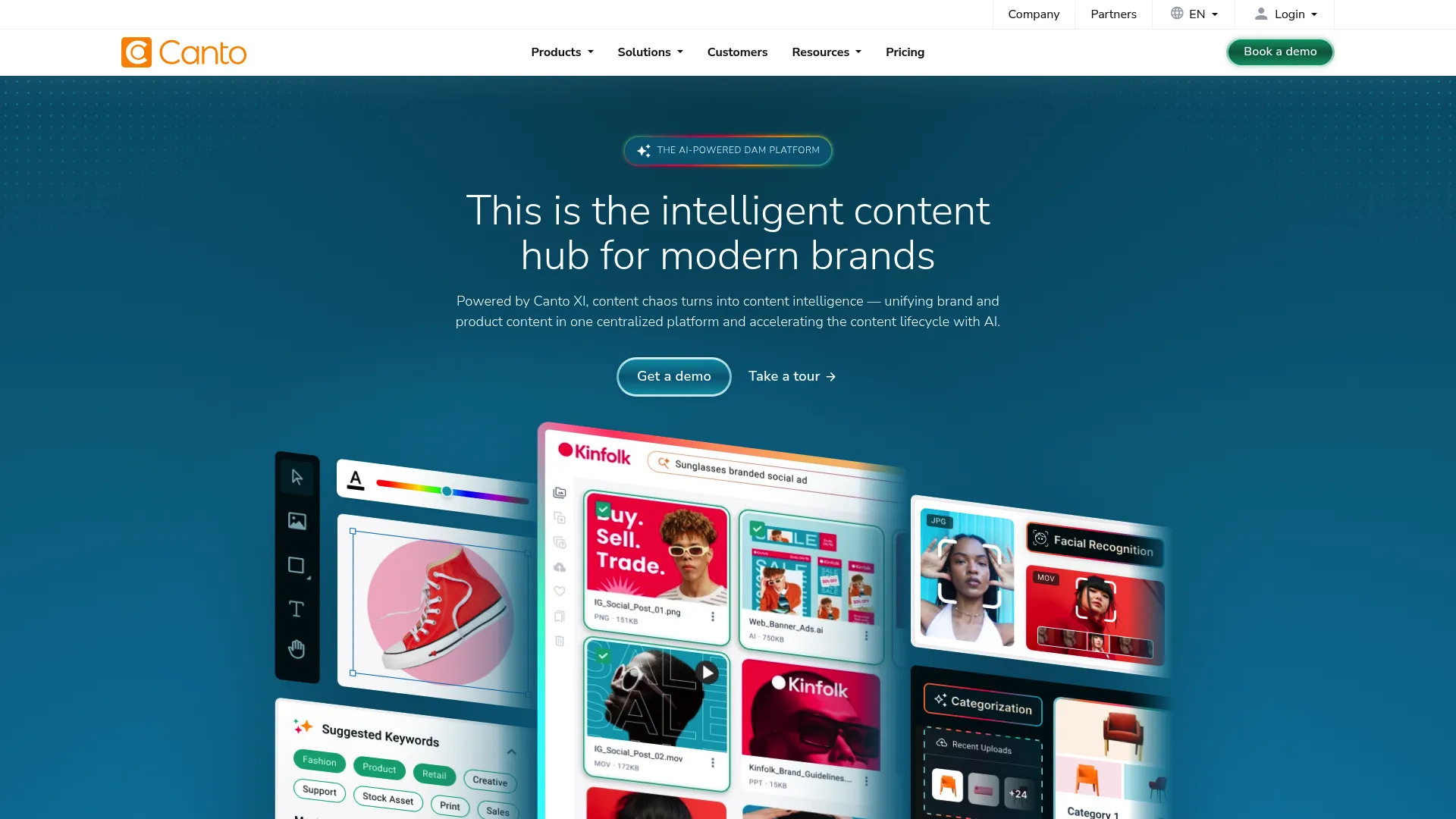
Canto is a visual-first digital asset management platform that helps teams find, share, and govern creative assets. AI Visual Search and facial recognition tagging make a large library searchable without manual metadata on every file. Version control, digital rights management, and asset expiration keep brand-safe use in check, and unlimited portals make sharing simple for fast-moving marketing teams.
Best for: Teams that need enterprise-grade DAM for brand asset organization and distribution.
Key strengths
- AI Visual Search
- Facial recognition and auto-tagging
- Version control, DRM, and asset expiration
- Unlimited portals and sharing links
Why choose Canto: Canto suits marketing teams that want searchability and easy sharing over heavy workflow configuration. If the daily pain is finding and distributing assets quickly, its visual search and portal model addresses that directly.
Canto pricing: Canto does not display numeric pricing. It offers Core Essentials, Enhanced Collaboration, Omni Brand Solution, and Advanced tiers, with pricing scaled by team size and storage. Request a custom quote or demo for current figures.
7. Aprimo
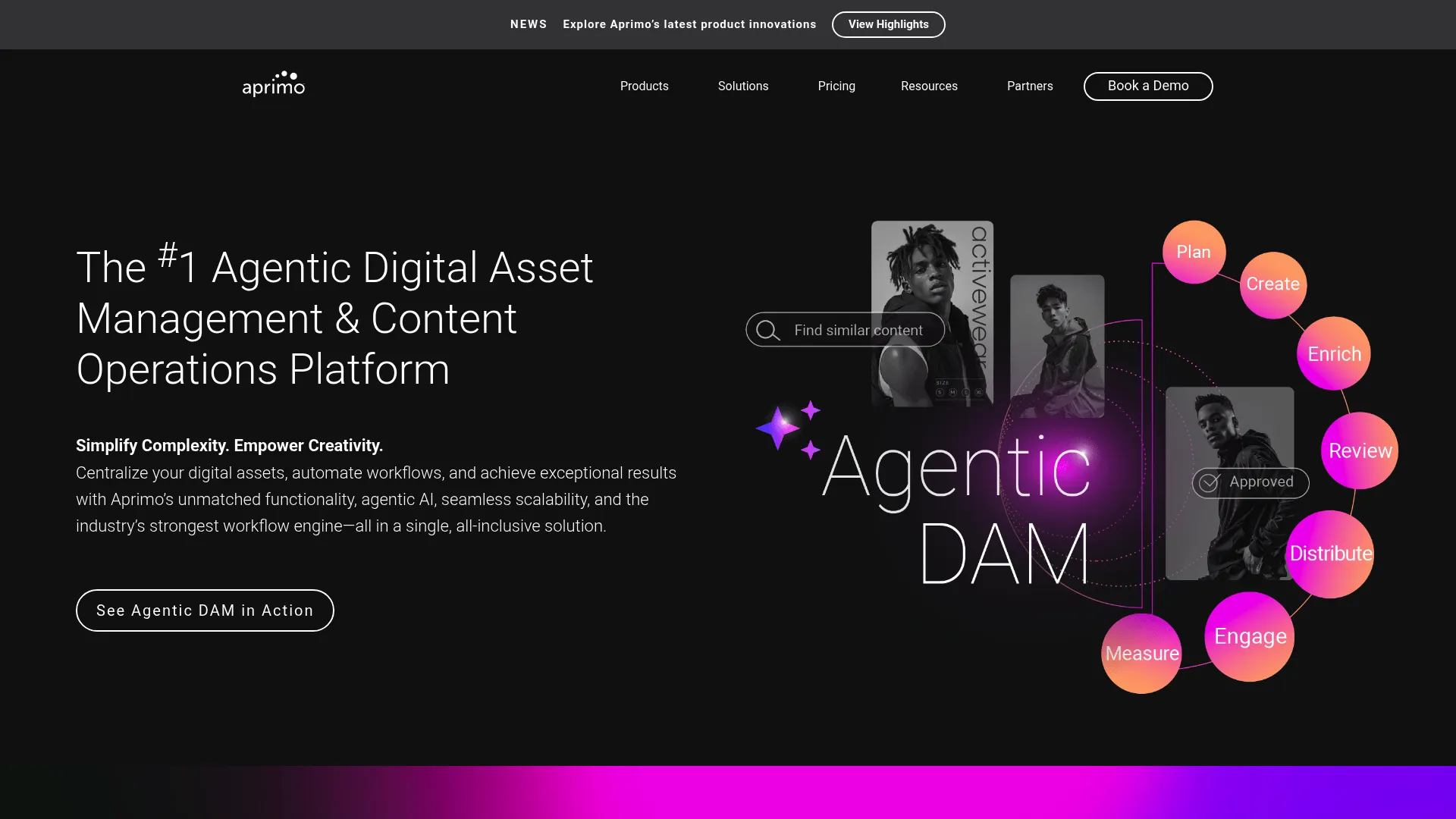
Aprimo is an enterprise content operations platform that combines digital asset management with marketing planning in one system. For organizations that need intake, planning, governance, and analytics together, it covers the operational spine: calendars, approvals, spend tracking, and a governed asset library with AI-assisted metadata.
Best for: Large enterprises that need governed DAM and marketing operations in a single platform.
Key strengths
- Digital asset management with metadata, search, workflows, and rights management
- AI features such as predictive metadata, smart tagging, OCR, and smart cropping
- Marketing work management for calendars, approvals, collaboration, and spend tracking
Why choose Aprimo: Aprimo is the pick when creative operations must connect to broader marketing operations, including planning and budget. It suits large teams that want process standardization and resource visibility across the whole content lifecycle, not just the asset library.
Aprimo pricing: Aprimo uses custom, quote-based pricing. Packages are built around the products, modules, and number of users you need, and no public prices are shown, so contact Aprimo for a quote.
Considerations
Before you commit, run the shortlist against the criteria that actually decide fit.
Workflow fit
Map how requests, reviews, and delivery actually happen on your team today. Then check whether the tool matches that flow or forces you to rebuild it. A platform that fights your real intake pattern gets abandoned, no matter how strong the feature list looks.
Asset search and organization
Test search with your own messy library, not a clean demo set. Can people find the right file in seconds, reuse it, and trust it is the approved version? Metadata, tagging, and AI search are only worth what they save you in retrieval time.
Approvals and governance
Look at how feedback, permissions, and version control work together. Can reviewers comment in context, and does the system make the approved file obvious? For teams with licensing or brand-safety exposure, check rights management and usage controls directly.
Reporting and workload visibility
Confirm managers can see capacity, blockers, and turnaround times without building reports by hand. The point of creative project management software is to catch a slipping launch before it slips, not to explain it afterward.
Integrations and implementation
Check that the tool connects to the rest of your creative and marketing stack, and be honest about setup effort. The fastest wins come from tools that fit the workflow your team already runs.
Conclusion
The right pick depends on where your work gets stuck.
If retrieval and reuse are the pain, Air puts AI search and a clean visual library first. If intake structure and status visibility are the problem, Atlassian brings process discipline for teams already in Jira and Confluence. For licensing and asset governance, Extensis manages font and usage risk. Teams built around creation reach for Adobe. For enterprise brand consistency across many teams, Bynder and Canto handle DAM and distribution, and Aprimo connects creative operations to broader marketing planning and analytics.
Start with your biggest bottleneck. If approvals stall launches, prioritize review and version control. If assets get lost, lead with search and DAM. If leaders fly blind, weight workflow visibility and reporting. Shortlist two tools that match that bottleneck, run a real project through each, and pick the one your team actually uses without being told to.
FAQs
It manages the creative process from request to delivery in one place. That means capturing and routing intake, running approvals and feedback, organizing and searching approved assets, and giving managers visibility into workload and turnaround. The goal is to cut the time work spends stuck between people and tools.
General project management software tracks tasks and timelines for any kind of work. Creative operations software is built for the specifics of creative production: creative request intake, review and markup on visual files, version control, asset libraries, and brand governance. It handles the review and asset layers that generic project tools leave out.
Look for intake and creative request management, structured approval and review workflows, asset organization with strong search, collaboration and version control, and reporting on capacity and turnaround. Integrations with your creative and marketing tools matter too, since the tool needs to fit the stack you already run rather than sit beside it.
It depends on the bottleneck. Marketing teams drowning in visual assets tend to favor Air or Canto for fast search and sharing. Teams that need process discipline lean toward Atlassian, while those needing enterprise brand governance and planning look at Bynder or Aprimo. Match the tool to your worst friction point rather than the longest feature list.
Track throughput and cycle time: how many requests the team completes and how long each takes from intake to delivery. Add approval cycle time, revision counts, on-time launch rate, and asset reuse. Falling turnaround times and fewer stalled approvals are the clearest signals that the operation is working.
Creative request management is the process of capturing, prioritizing, and routing creative work from a single intake point. Every request carries the same required fields, such as goal, format, deadline, and assets, so designers get complete briefs and managers can triage based on real information instead of chasing details across chat and email.
Pull review into one place tied to the asset, so feedback stops scattering across email, chat, and marked-up files. Set clear reviewers and deadlines, comment in context on the file itself, and use version control so the approved cut is unmistakable. Creative approval software makes each of these the default instead of a manual habit.
For dedicated brand asset management, digital asset management platforms lead. Bynder and Canto focus on organizing, governing, and distributing brand content at scale, while Aprimo pairs governed DAM with marketing planning. Extensis adds font and licensing control where usage rights are a concern. The right choice depends on library size, governance needs, and how many teams pull from the same assets.