You can compile the same Java application on multiple JDK builds and still make a bad platform decision. The code runs. The trouble shows up later, in support contracts, patch windows, container baselines, and security reviews.
That gap between "it works in my POC" and "it's supportable in production" is exactly where presales engineers get caught. A customer asks why your product ships with a specific runtime, whether their security team will accept it, or what happens when the current Java version reaches end-of-life. The JDK choice determines which of those questions you can answer confidently.
Java releases follow a six-month feature cadence with periodic long-term support designations. But the LTS label alone does not tell you whether a given vendor build will receive security patches on your schedule, fit your cloud provider's container registry, or survive an enterprise procurement review. According to the Azul State of Java 2025, 68% of organizations said more than half their applications are built with Java or run on a JVM. With that much production exposure, the runtime vendor decision carries real risk.
This guide gives you a practical shortlist to answer those questions.
What's inside
This guide covers 14 JDK distributions selected for 2026 evaluation. It is built for developers, platform engineers, and presales teams supporting technical validation and architecture reviews.
- Scope: 14 distributions, including community builds, cloud-provider builds, and specialized JVM options
- Selection criteria: Licensing and commercial-use terms, LTS support lifecycle, operating system and architecture coverage, container and cloud fit
- Audience: Java developers, platform teams, enterprise architects, and presales engineers explaining runtime choices during POCs and security reviews
- Important: Pricing and support terms change. Verify all figures against vendor documentation before standardizing or recommending a distribution.
TL;DR
- Best general OpenJDK default: Eclipse Temurin offers broad community adoption, predictable OpenJDK builds, and no licensing complexity
- Best for AWS workloads: Amazon Corretto is production-ready, no-cost, and backed by the same vendor running your cloud infrastructure
- Best for Oracle-standardized estates: Oracle JDK provides the official Oracle Java SE commercial support path, with subscription pricing starting at $100/year for small teams
- Best for RHEL environments: Red Hat OpenJDK aligns Java runtime support directly with Red Hat Enterprise Linux lifecycles
- Best for native image builds: GraalVM covers the full native image and polyglot ecosystem; Mandrel narrows that to Quarkus and Red Hat-aligned workflows
- Best for broad platform coverage with paid support: Azul Zulu earns a 4.9/5 on G2 and offers free builds plus commercial support options across many architectures
What is JDK distributions?
JDK distributions are vendor-built packages of the Java Development Kit that include a Java compiler, runtime, standard libraries, tools, and update policies for building and running Java applications.
The term covers a wide spectrum. OpenJDK is the open-source reference implementation of Java SE. Most distributions in this guide are built on top of OpenJDK source code, but each vendor adds its own binary build process, testing suite, update schedule, and support model. That is why two distributions can produce technically compatible Java runtimes while differing significantly on patch availability, commercial terms, and platform reach.
JDK versus JRE: A Java Development Kit (JDK) includes the compiler, debugger, and full development toolchain. A Java Runtime Environment (JRE) covers only what is needed to run compiled Java applications. Most modern distributions package both, but the distinction matters when sizing container images or validating what is actually deployed in production.
LTS versus feature releases: Java ships a new version every six months. Long-term support versions, currently Java 17, Java 21, and Java 25 in 2026, receive extended security and maintenance updates. Production teams almost always standardize on LTS releases. Verify current support windows with each vendor before committing.
Key capabilities to evaluate across any JDK distribution:
- License terms and commercial-use restrictions
- Security update cadence and patch SLAs
- Long-term support lifecycle per Java version
- Operating system coverage (Linux distributions, Windows, macOS)
- CPU architecture support (x64, ARM64, Apple Silicon)
- Container image availability and registry sources
- JVM implementation (HotSpot versus OpenJ9)
- Native image support
- Vendor support, SLAs, and escalation paths
When to use JDK distributions
Standardize Java across development and production
Runtime surprises between a developer's laptop, CI, and production often trace back to different JDK builds rather than application bugs. Choosing one distribution and enforcing it across environments eliminates a class of hard-to-reproduce issues. For presales teams running POCs, a consistent baseline also makes it easier to replicate customer configurations during technical validation.
Replace Oracle JDK for licensing or support reasons
According to the Azul State of Java 2025, 88% of Oracle Java users were considering switching to another provider. That figure reflects real procurement pressure. Many organizations evaluate alternatives when Oracle's licensing model changes, when a new enterprise agreement comes up for renewal, or when an architecture review flags commercial-use exposure. Avoid giving legal advice. Direct customers to verify current Oracle license terms directly with their legal and procurement teams.
Optimize for cloud, containers, or native images
Some distributions fit specific deployment models better than others. Amazon Corretto aligns with AWS container registries and managed Java services. Microsoft Build of OpenJDK fits Azure-hosted workloads. Red Hat OpenJDK provides container images tuned for OpenShift and RHEL-based environments. GraalVM and Mandrel serve teams building native executables for fast startup and low memory footprint.
JDK distributions comparison
Use this table to orient quickly before reading each entry. G2 ratings are listed where a verified standalone listing exists; most distributions do not have meaningful standalone G2 profiles. Pricing reflects free availability, subscription requirements, or contact-for-pricing status as verified from each vendor's site.
| # | Product | Best for | Key differentiator | Pricing | G2 rating |
|---|---|---|---|---|---|
| 1 | Eclipse Temurin | General OpenJDK default | Community-backed, TCK-tested OpenJDK builds | Free | N/A |
| 2 | Amazon Corretto | AWS workloads | AWS-backed, production-ready OpenJDK | Free | N/A |
| 3 | Oracle JDK | Oracle-supported Java estates | Commercial Java SE Universal Subscription | From $100/year | 4.4/5 |
| 4 | Red Hat OpenJDK | RHEL environments | Enterprise Linux support alignment | Free (Red Hat subscription required for supported use) | 4.3/5 |
| 5 | Azul Zulu | Broad platform coverage | Free builds plus commercial support options | Free; paid plans contact sales | 4.9/5 |
| 6 | Liberica JDK | Containers and JavaFX coverage | Multiple package variants including full and lite | Free; enterprise support from $15,000/year | 5.0/5 |
| 7 | Microsoft Build of OpenJDK | Azure and Microsoft stacks | Microsoft-supported OpenJDK, LTS releases | Free | N/A |
| 8 | IBM Semeru | Eclipse OpenJ9 workloads | OpenJ9 JVM option alongside OpenJDK class libraries | Free; paid IBM support available | N/A |
| 9 | GraalVM | Native image and polyglot builds | Native Image ahead-of-time compilation | Free | N/A |
| 10 | SapMachine | SAP environments | SAP-maintained OpenJDK with Vitals monitoring | Free | 4.2/5 |
| 11 | Alibaba Dragonwell | Alibaba Cloud and large-scale Java | Cloud-oriented JVM extensions for high-throughput workloads | Free | N/A |
| 12 | Mandrel | Red Hat native image builds | GraalVM downstream focused on Quarkus native | Free | N/A |
| 13 | Oracle OpenJDK | Current feature-release testing | Oracle-built OpenJDK binaries, reference proximity | Free | 4.4/5 |
| 14 | OpenJDK | Upstream source reference | Open-source Java platform baseline for all vendor builds | Free | N/A |
Pricing and ratings verified October 2026 from each vendor's official pricing page and G2 listing.
Best 14 JDK distributions for 2026
1. Eclipse Temurin
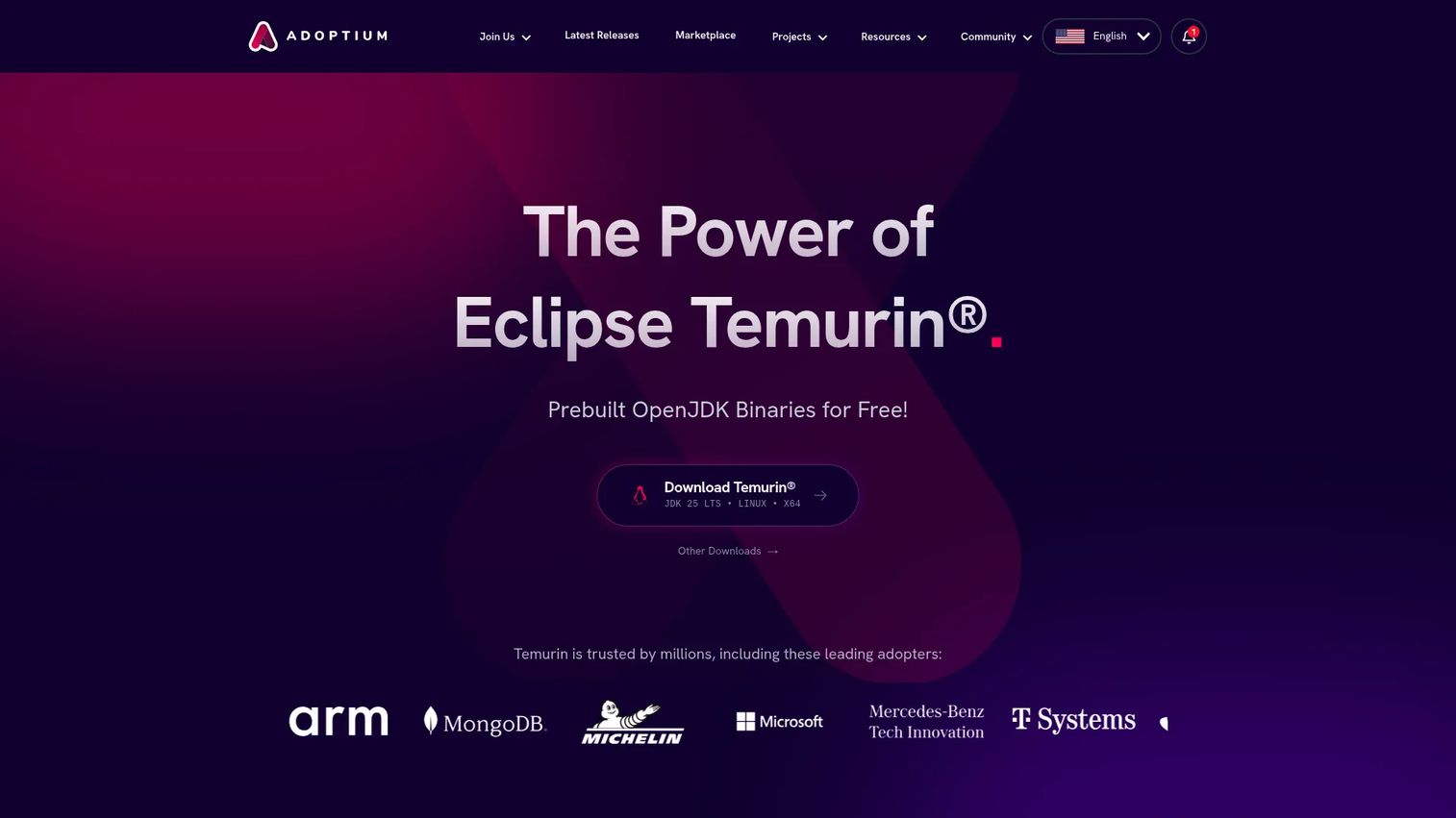
Eclipse Temurin is the Adoptium project's OpenJDK distribution and the most widely recommended starting point for teams that want a free, community-backed JDK without Oracle licensing complexity. Binaries are Java SE TCK-tested and AQAvit-verified, which means they meet a real compatibility bar rather than informal community claims. Temurin covers every major platform through installers, package managers, container images, and CI/CD integrations.
Best for: General-purpose Java teams that want a widely adopted OpenJDK build and no commercial strings attached.
Key features
- Java SE TCK-tested and AQAvit-verified binaries
- Multi-platform builds: Linux, Windows, macOS, Alpine
- LTS and feature-release versions available
- Container images in Docker Hub and other registries
- Available through SDKMAN!, Homebrew, and package managers
Why choose Eclipse Temurin: Temurin is the clean default when there is no strong reason to pick a cloud-provider or vendor-specific build. If a customer needs commercial support beyond what the community provides, consider pairing Temurin with a third-party support arrangement or switching to Azul Zulu or Liberica JDK.
Eclipse Temurin pricing: Temurin binaries are free with no usage restrictions. Verify current project terms at the Adoptium FAQ before publishing guidance internally.
2. Amazon Corretto
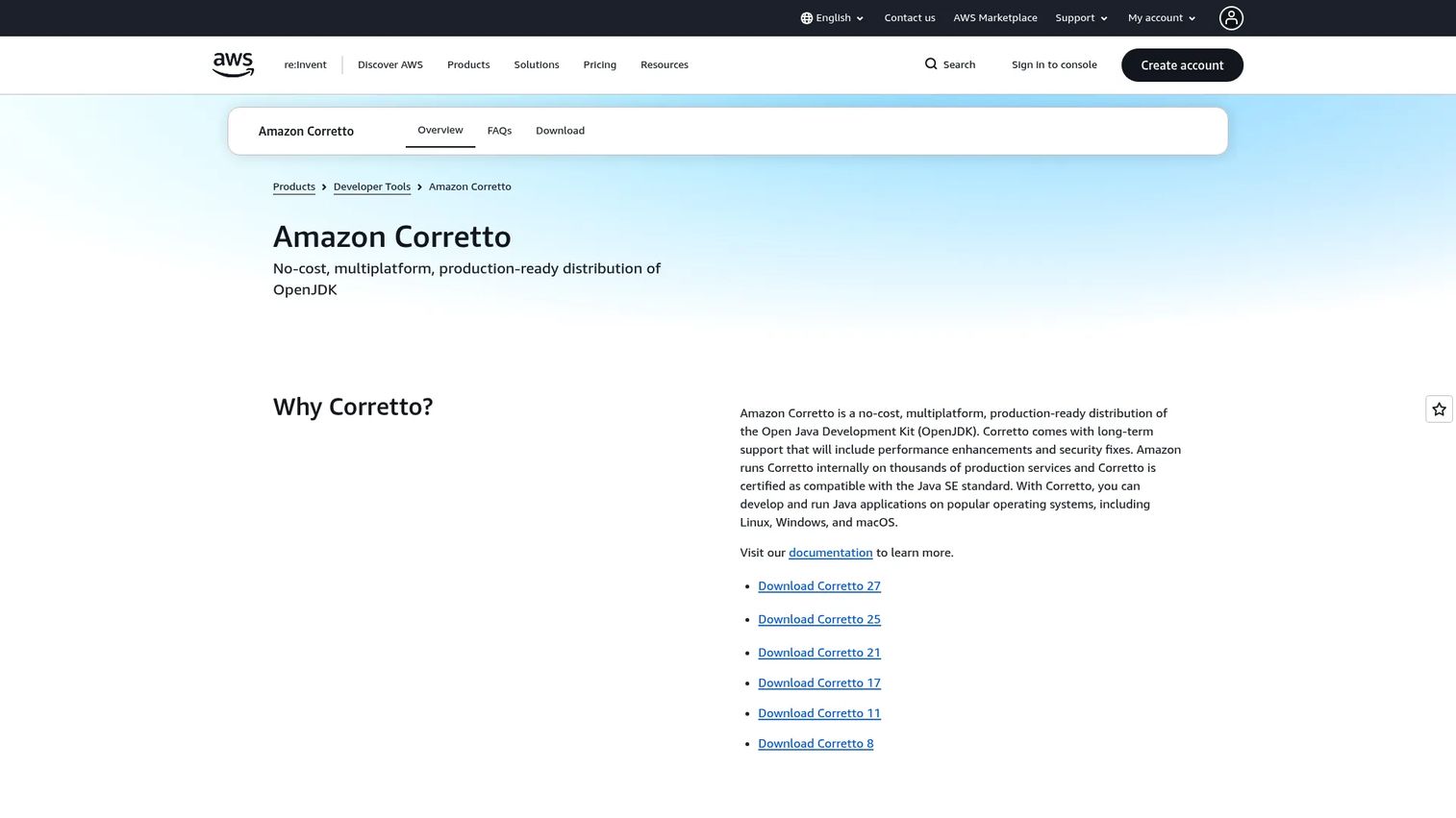
Amazon Corretto is Amazon's no-cost, production-ready OpenJDK distribution with long-term support. According to InfoWorld (2025), 23% of respondents named Corretto as their primary JDK, placing it as a mainstream choice well beyond just AWS shops. Amazon certifies Java SE compatibility and provides security fixes and performance enhancements across LTS releases.
Best for: Teams deploying Java applications on AWS who want their runtime backed by the same cloud provider running their infrastructure.
Key features
- AWS-backed OpenJDK builds with Java SE certification
- Long-term support with security patches and performance updates
- Linux, Windows, and macOS installers
- Docker images via Amazon ECR Public Gallery and Docker Hub
- Drop-in replacement capability for Oracle Java SE
Why choose Amazon Corretto: The fit is strongest when Java workloads already run on AWS. Corretto integrates with AWS Lambda, Elastic Beanstalk, and Amazon Corretto container images. Teams outside AWS can still use it, but cloud alignment is the main differentiator.
Amazon Corretto pricing: Corretto is free to download and use in production. AWS does not charge separately for the JDK. Any support costs come through AWS Support plans, which are separate from the runtime itself.
3. Oracle JDK
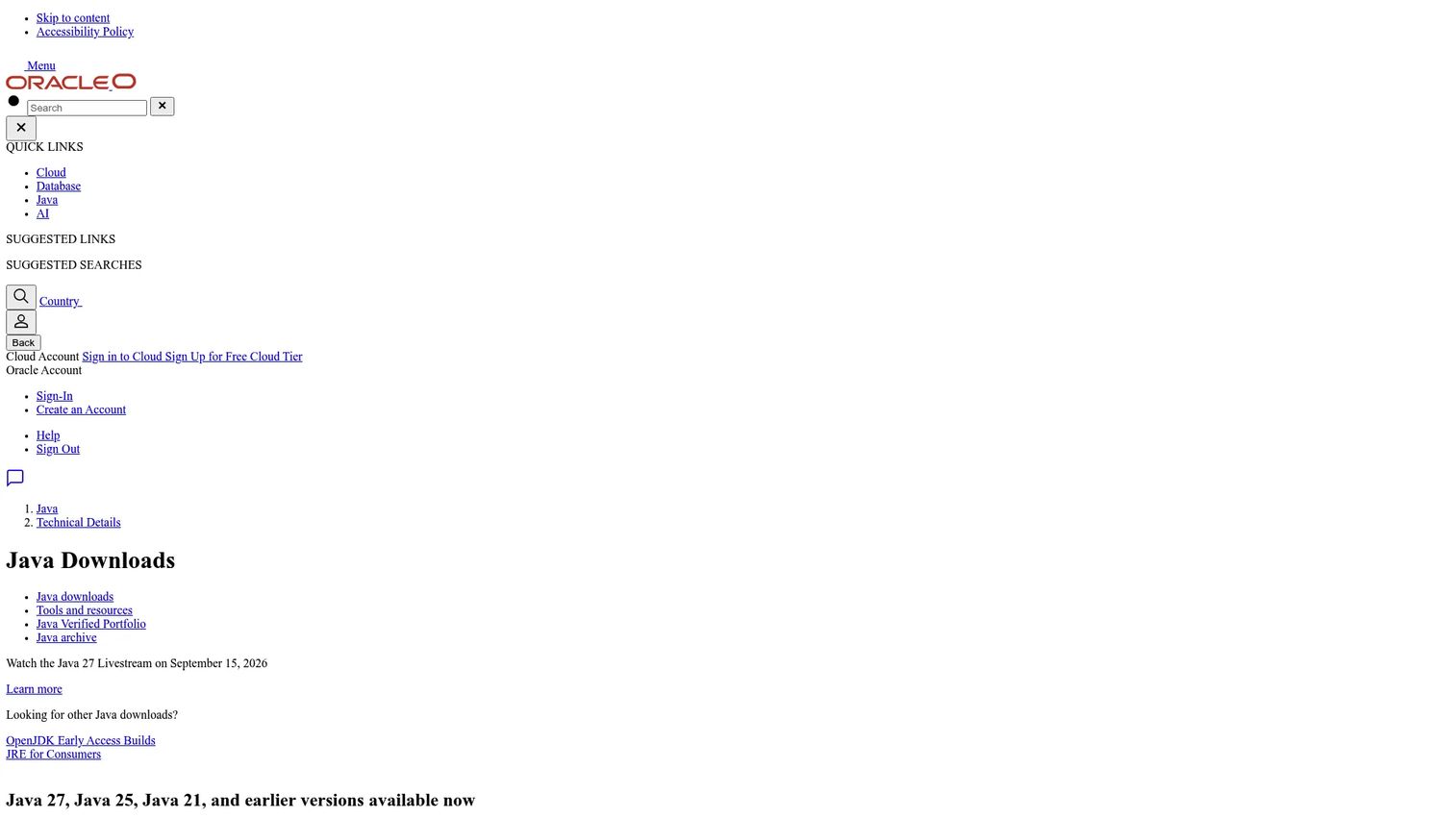
Oracle JDK is Oracle's Java SE Development Kit and the distribution most organizations mean when they say "Oracle Java." Per InfoWorld (2025), 42% of Java developers named Oracle as their primary JDK, reflecting both legacy adoption and Oracle's continuing commercial support position. Oracle JDK 27 binaries are available at no cost under the Oracle No-Fee Terms and Conditions; commercial licensing and support come through the Java SE Universal Subscription.
Best for: Enterprises with existing Oracle procurement relationships that want the official Oracle Java SE commercial support path.
Key features
- Oracle Java SE builds for current and LTS releases
- Java SE Universal Subscription with support and updates
- Java Flight Recorder and Java Mission Control tooling
- Java Management Service integration
- Broad enterprise documentation and Oracle Support
Why choose Oracle JDK: This is the conservative choice for organizations already standardized on Oracle products, where a single vendor relationship simplifies procurement and support escalation. The licensing model has changed over time, so always confirm current terms with Oracle directly rather than relying on what was true a year ago.
Oracle JDK pricing: The Java SE Universal Subscription is priced by employee count. Small businesses pay $100/year for up to 10 employees and $1,000/year for up to 100 employees. Enterprise organizations with 3,000 or more employees pay $10.50 per employee per month. Verify current tiers at oracle.com/java/technologies/javase-subscription-overview.html before quoting any customer.
G2 rating: 4.4/5
4. Red Hat OpenJDK
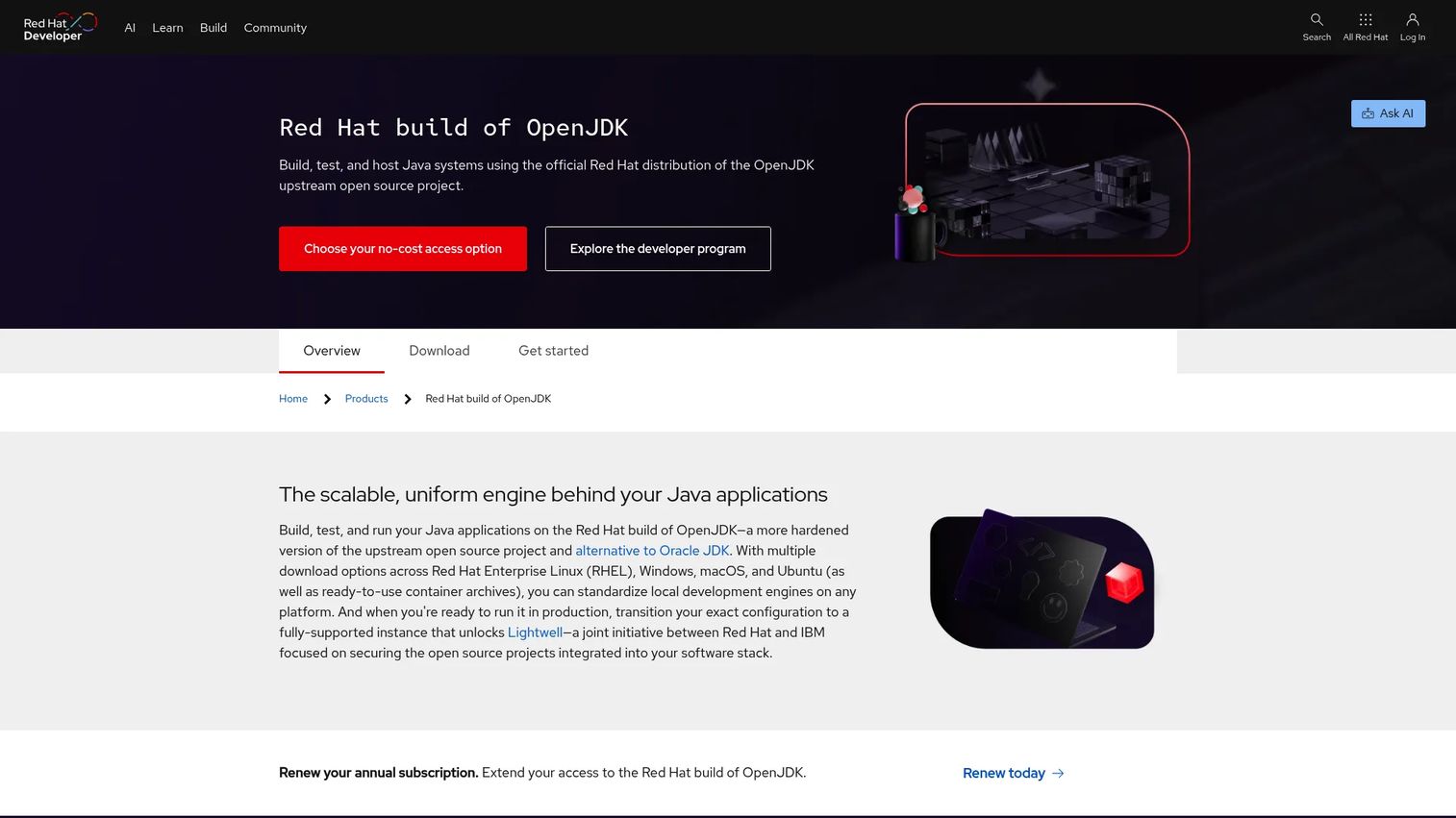
Red Hat OpenJDK is an open-source Java SE implementation distributed by Red Hat and designed to align with Red Hat Enterprise Linux support workflows. It supports the Shenandoah garbage collector across versions and includes container images for builder and runtime deployments. FIPS-mode integration and system-wide cryptographic policy make it a practical choice for security-conscious enterprise environments.
Best for: Enterprise Linux teams that need Java runtime support tied to RHEL subscriptions and operating system lifecycle planning.
Key features
- Multi-platform support: RHEL, Windows, macOS, SUSE, Ubuntu
- Shenandoah garbage collector across releases
- Container images for builder and runtime deployments
- FIPS-mode and system cryptographic policy integration
- Enterprise update channels through Red Hat subscriptions
Why choose Red Hat OpenJDK: The strongest fit is organizations where Java must align with RHEL support windows, OpenShift container base images, and enterprise patch policies. Teams without a Red Hat subscription may find a more platform-neutral distribution easier to manage.
Red Hat OpenJDK pricing: Red Hat provides no-cost developer access, downloads, container images, and a free Developer Sandbox. Supported production use and enterprise subscriptions require contacting Red Hat for pricing. Verify current entitlement terms at the Red Hat customer portal.
G2 rating: 4.3/5
5. Azul Zulu
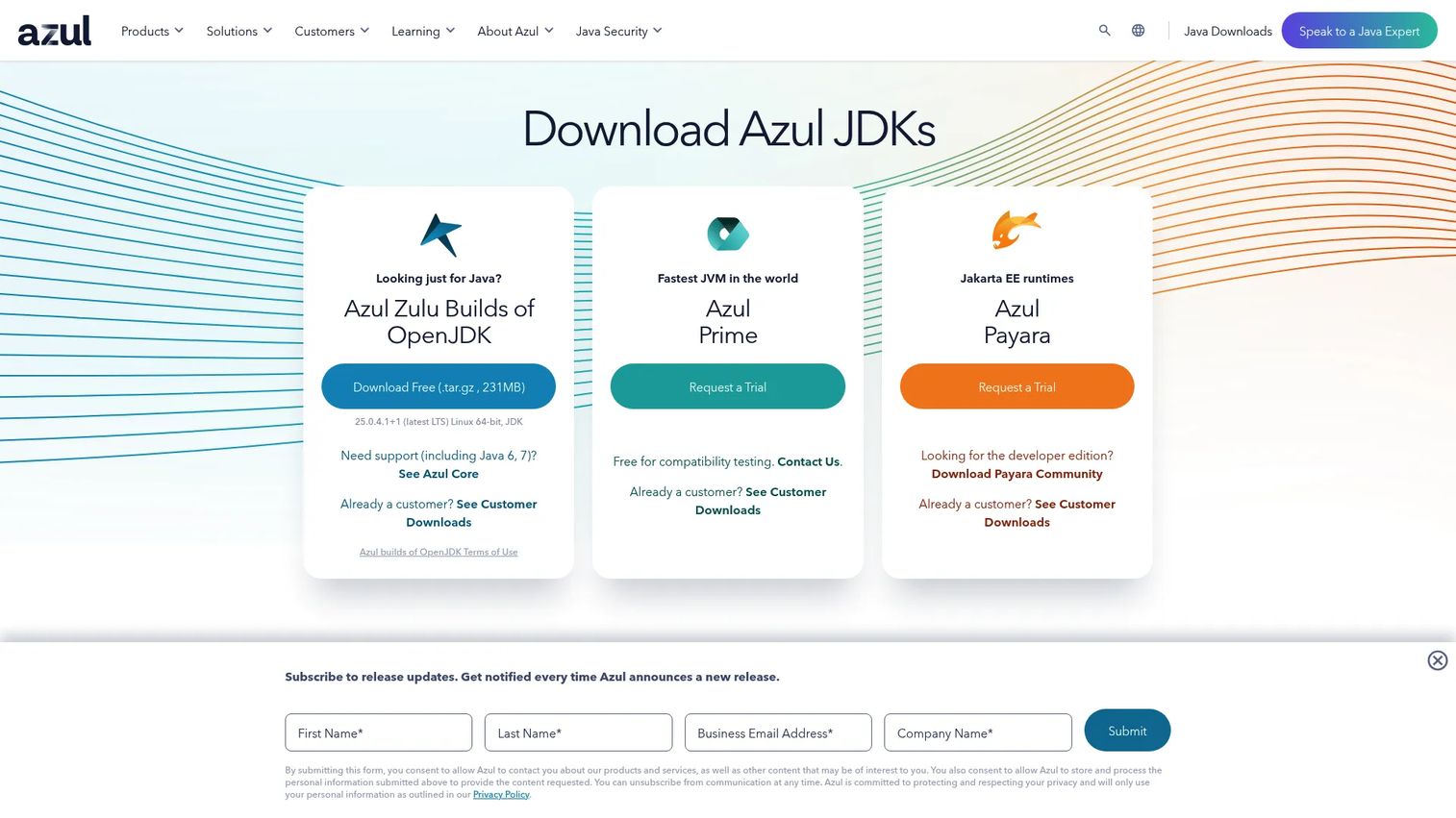
Azul Zulu is Azul's free, open-source, certified OpenJDK distribution with broad platform and architecture coverage. It supports Java 8, 11, 17, 21, and 25 across Windows, Linux, macOS, and Solaris, and covers 32-bit and 64-bit x86, Arm, and PPC. Teams that want free quarterly updates now and the option to add commercial support later without switching distributions make Azul Zulu a practical middle ground.
Best for: Teams that need wide platform coverage, predictable builds, and the option to add paid support from a Java-specialist vendor.
Key features
- 100% open-source certified OpenJDK builds
- Free quarterly updates and free targeted monthly updates
- x86, Arm, PPC architecture support
- Drop-in Oracle Java SE replacement
- Commercial Azul Core and Azul Prime plans available
Why choose Azul Zulu: Azul's focus is Java, which gives it a depth of platform coverage and support expertise that cloud-provider distributions typically do not match outside their own ecosystems. Teams with highly specialized latency requirements may also evaluate Azul Prime separately.
Azul Zulu pricing: Zulu builds are free to download and use. Commercial Azul Core and Azul Prime support plans are priced per vCore or per desktop and require contacting Azul sales for quotes.
G2 rating: 4.9/5
6. Liberica JDK
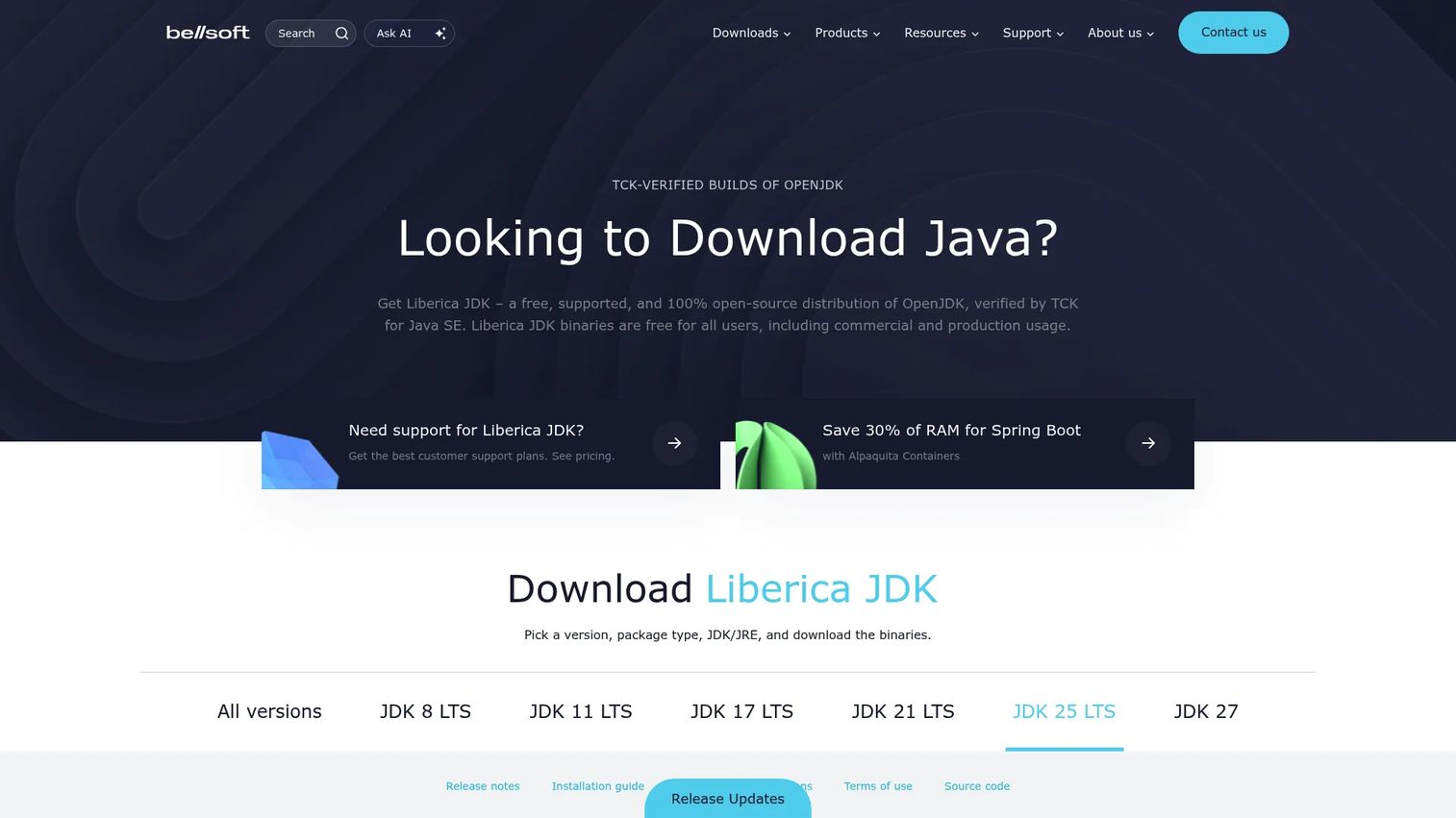
Liberica JDK is BellSoft's TCK-certified OpenJDK distribution. Its main distinction is packaging flexibility: Standard, Full (with JavaFX), Lite, and Performance Edition variants let teams choose the right footprint for containers, desktop applications, or server deployments. Platform coverage spans Windows, macOS, Linux, Solaris, and multiple CPU architectures.
Best for: Teams that care about container image size, JavaFX availability, or flexible runtime packaging across a mix of deployment targets.
Key features
- TCK-certified Java SE compatibility
- Standard, Full (JavaFX), Lite, and Performance editions
- Windows, macOS, Linux, Solaris, and multiple CPU architectures
- Container-focused Alpaquita Linux image option
- Commercial enterprise support available
Why choose Liberica JDK: Packaging choice is the primary reason to evaluate Liberica over a more uniform distribution. The Full edition includes JavaFX, which most OpenJDK builds drop by default. On G2, Liberica rates 5.0/5, though the review count is limited.
Liberica JDK pricing: Downloads are free. Enterprise commercial support is priced by server count, starting at $15,000/year for 1 to 50 servers and scaling to $285,000 total for unlimited servers. Desktop support is separately priced. Verify current tiers at bell-sw.com/pages/support-login before building a customer cost model.
G2 rating: 5.0/5
7. Microsoft Build of OpenJDK
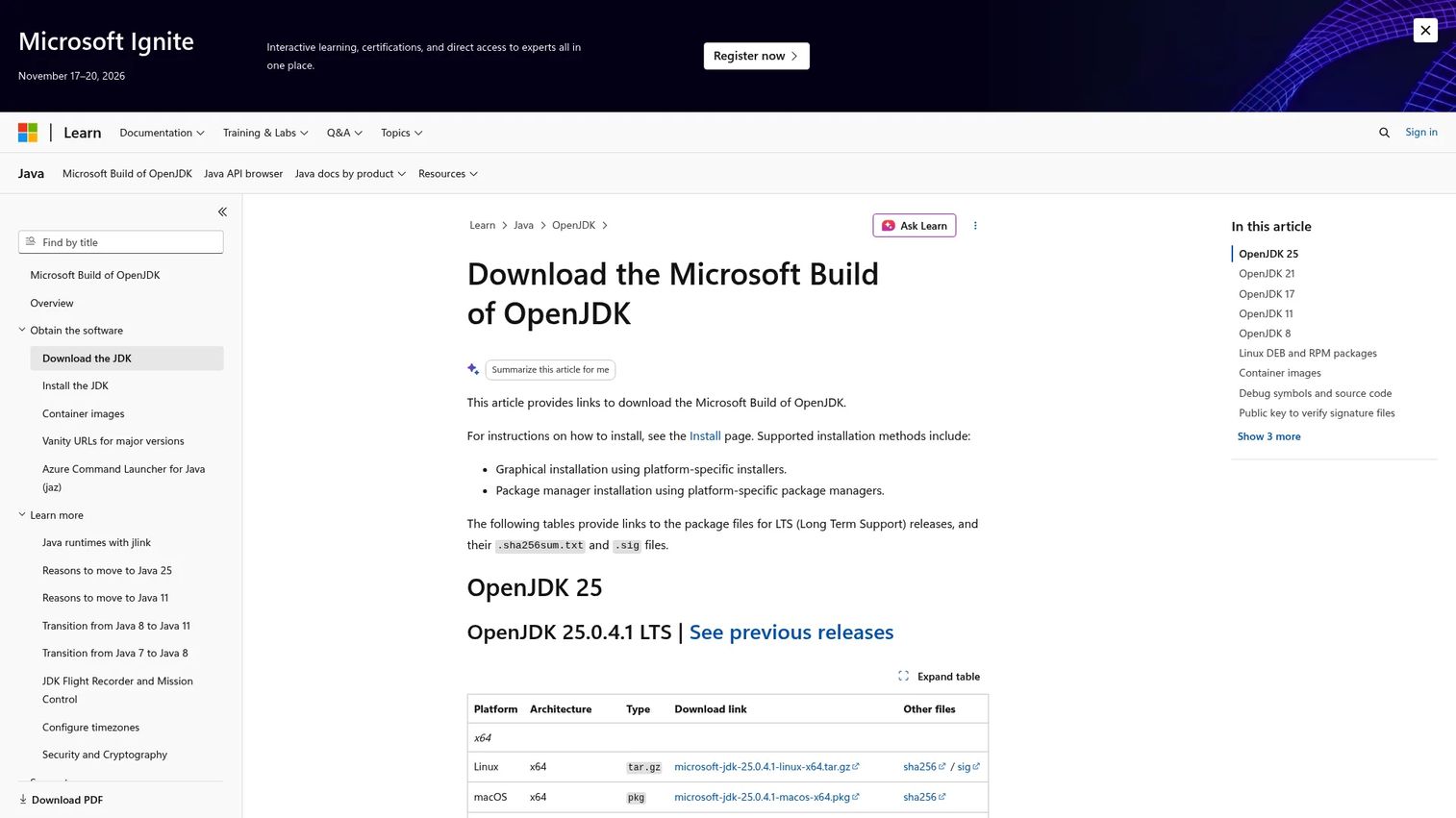
Microsoft Build of OpenJDK is Microsoft's free OpenJDK distribution, providing LTS binaries for Java 11, 17, 21, and 25 across Linux, macOS, Windows, and ARM64. Compatibility testing runs through Eclipse Adoptium AQAvit and the Java Technology Compatibility Kit. Free quarterly updates are released under GPLv2 with Classpath Exception.
Best for: Teams running Java workloads on Azure or within Microsoft-heavy developer platforms who want a Microsoft-supported runtime.
Key features
- LTS binaries for Java 11, 17, 21, and 25
- Installers and packages for Linux, macOS, Windows, ARM64
- AQAvit and JCK compatibility testing
- Free quarterly updates under GPLv2 with Classpath Exception
- Commercial support via Azure Support Plans for eligible Azure workloads
Why choose Microsoft Build of OpenJDK: The natural fit is Java inside Azure, GitHub Actions workflows, or Windows-first developer environments. Microsoft's support organization can handle escalations when Java issues intersect with Azure services. For teams outside the Microsoft ecosystem, a more platform-neutral distribution typically makes more sense.
Microsoft Build of OpenJDK pricing: Binaries and quarterly updates are free. Commercial support is separately available to Azure customers with active Azure Support Plans for eligible workloads.
8. IBM Semeru
IBM Semeru provides OpenJDK-compatible runtimes built with Eclipse OpenJ9 as the JVM. OpenJ9 uses a different memory model and startup approach than the HotSpot JVM used by most other distributions. Semeru ships Open and Certified editions, covers major operating systems and ARM64, and offers free personal and commercial use with quarterly security updates.
Best for: Teams evaluating Eclipse OpenJ9 for memory footprint or startup characteristics, or running Java workloads in IBM-centered infrastructure.
Key features
- OpenJDK class libraries with Eclipse OpenJ9 JVM
- Open and Certified editions
- Cross-platform: Linux, Windows, macOS, and container images
- Free personal and commercial use
- IBM Runtimes for Business available for enterprise monitoring and support
Why choose IBM Semeru: Choose Semeru when OpenJ9 runtime characteristics matter, specifically the lower memory footprint at cost of some throughput compared to HotSpot. Teams running standard HotSpot-based workloads will typically find less reason to switch from a more common distribution.
IBM Semeru pricing: The Open and Certified runtime editions are free to download and use. IBM enterprise monitoring and support is available through IBM Runtimes for Business, starting at $26.76 per AU/VPC. Monthly licensing options require contacting IBM.
9. GraalVM
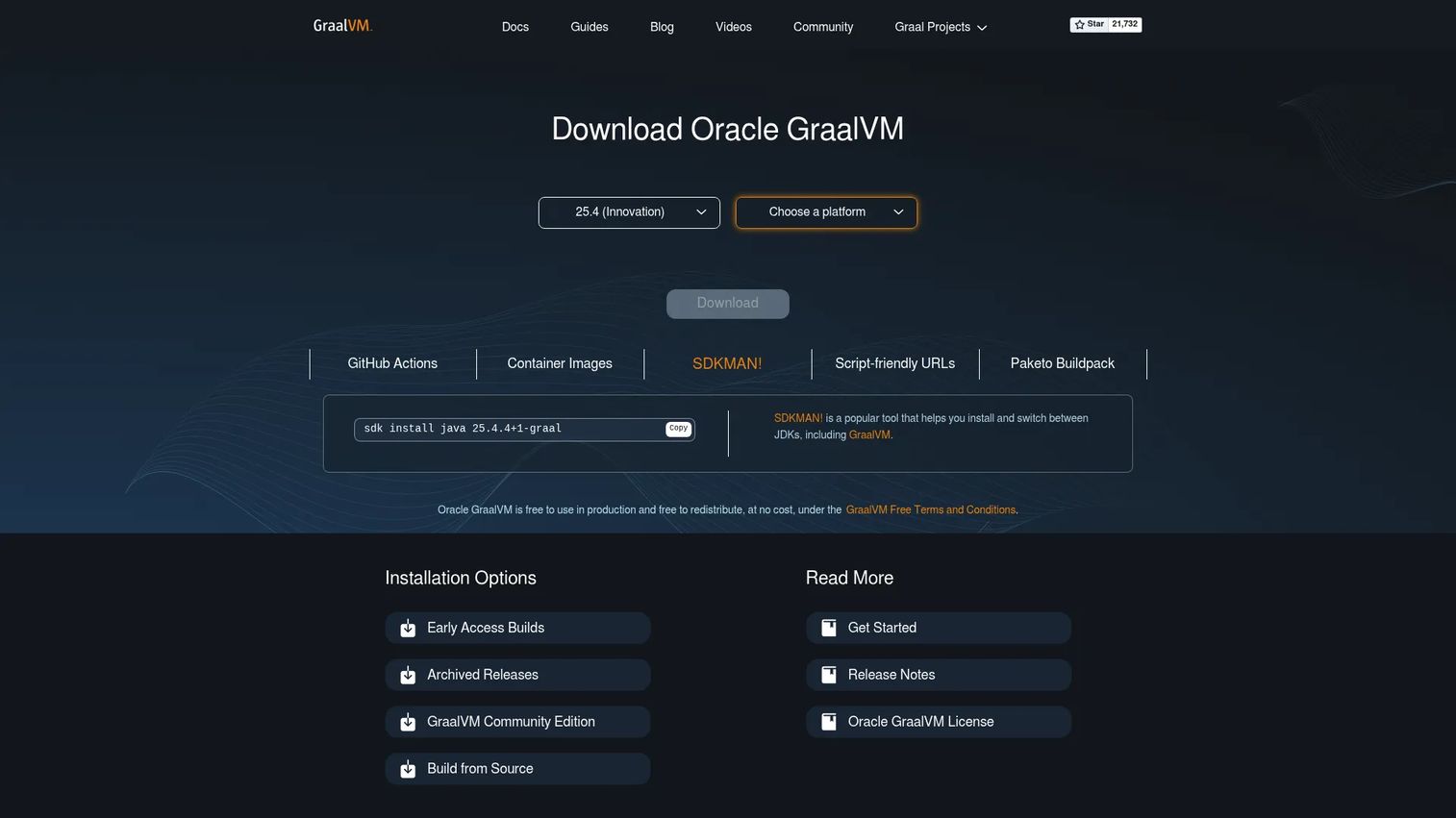
GraalVM is a high-performance JDK distribution built around native image compilation, the Graal JIT compiler, and polyglot runtime support for languages including Python and JavaScript. It is not a general-purpose default for every Java workload. Its value is specific: Compile Java applications ahead of time into standalone native executables with fast startup and low memory usage, or run polyglot programs across supported languages.
Best for: Teams building cloud-native Java applications that need fast startup, low resource usage, and compact native executables.
Key features
- Native Image ahead-of-time compilation to standalone executables
- Graal optimizing JIT compiler
- Polyglot support for Python, JavaScript, and other languages
- OpenJDK-based distribution
- Oracle GraalVM and Community Edition both available
Why choose GraalVM: Reach for GraalVM when the workload specifically benefits from native image or polyglot capabilities. It is not the right pick for teams that just need a reliable OpenJDK build. If the use case is Quarkus native builds in a Red Hat environment, compare GraalVM with Mandrel before committing.
GraalVM pricing: Oracle GraalVM is free to use in production and free to redistribute under the GraalVM Free Terms and Conditions. GraalVM Community Edition is open source. Verify current Oracle licensing terms before shipping any product that bundles GraalVM.
10. SapMachine
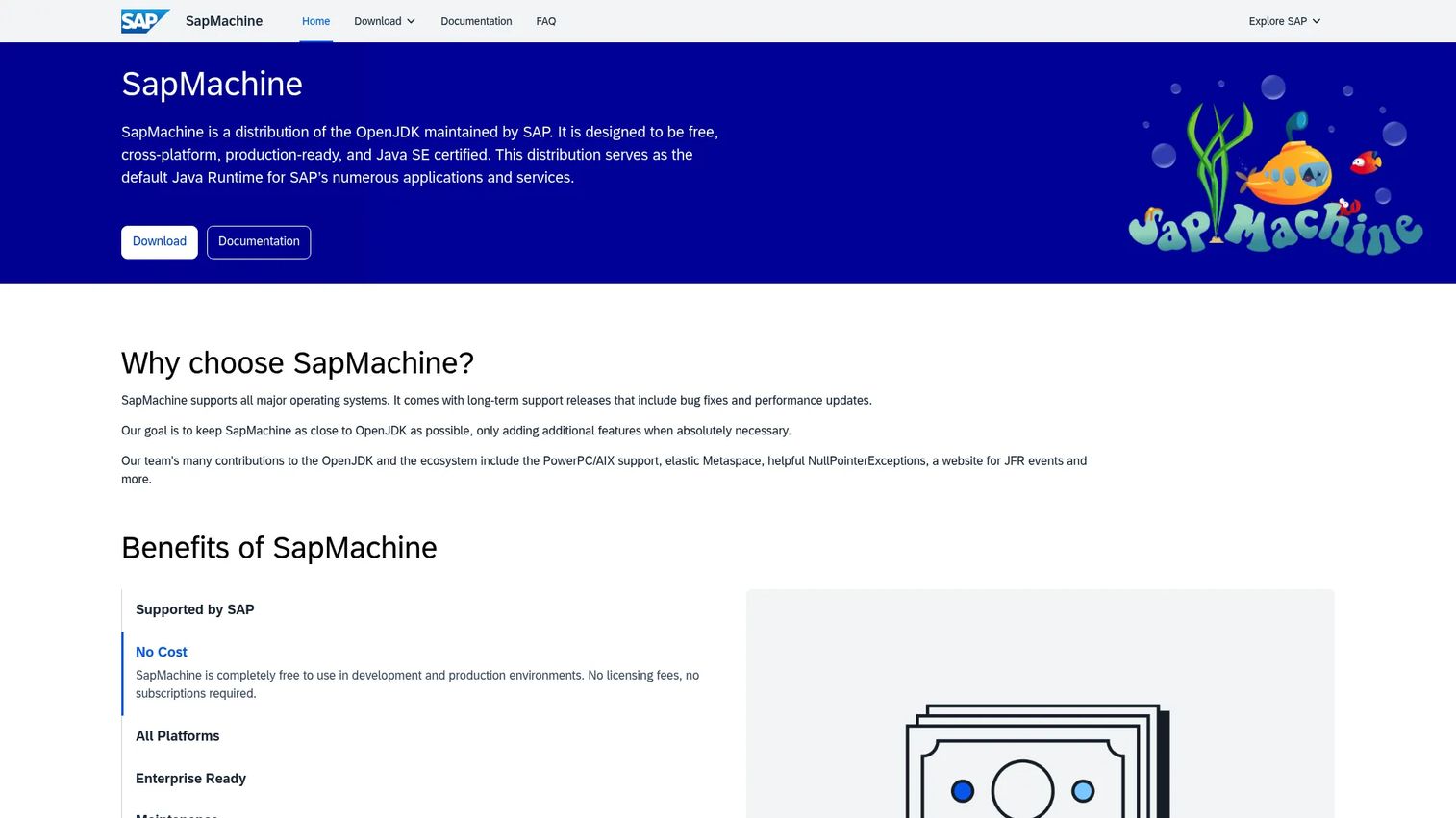
SapMachine is SAP's free, cross-platform OpenJDK distribution maintained specifically to support SAP's Java platform needs. It stays close to OpenJDK, adds the SapMachine Vitals monitoring facility for JVM diagnostics, and supports installation through packages, Homebrew, SDKMAN!, and container tooling.
Best for: SAP customers and organizations running Java workloads that sit close to SAP systems or need a SAP-maintained runtime.
Key features
- SAP-maintained OpenJDK build with Java SE certification
- SapMachine Vitals JVM monitoring facility
- LTS releases with security updates and performance improvements
- macOS, Windows, Linux, and AIX support
- Installation via packages, archives, Homebrew, and SDKMAN!
Why choose SapMachine: SAP alignment is the primary reason. For organizations already running SAP software stacks, SapMachine provides a supported runtime from the same vendor that knows those workloads best. General Java teams without SAP context will find Eclipse Temurin or Amazon Corretto a more obvious starting point.
SapMachine pricing: SapMachine is completely free for development and production use with no licensing fees or subscriptions.
G2 rating: 4.2/5
11. Alibaba Dragonwell
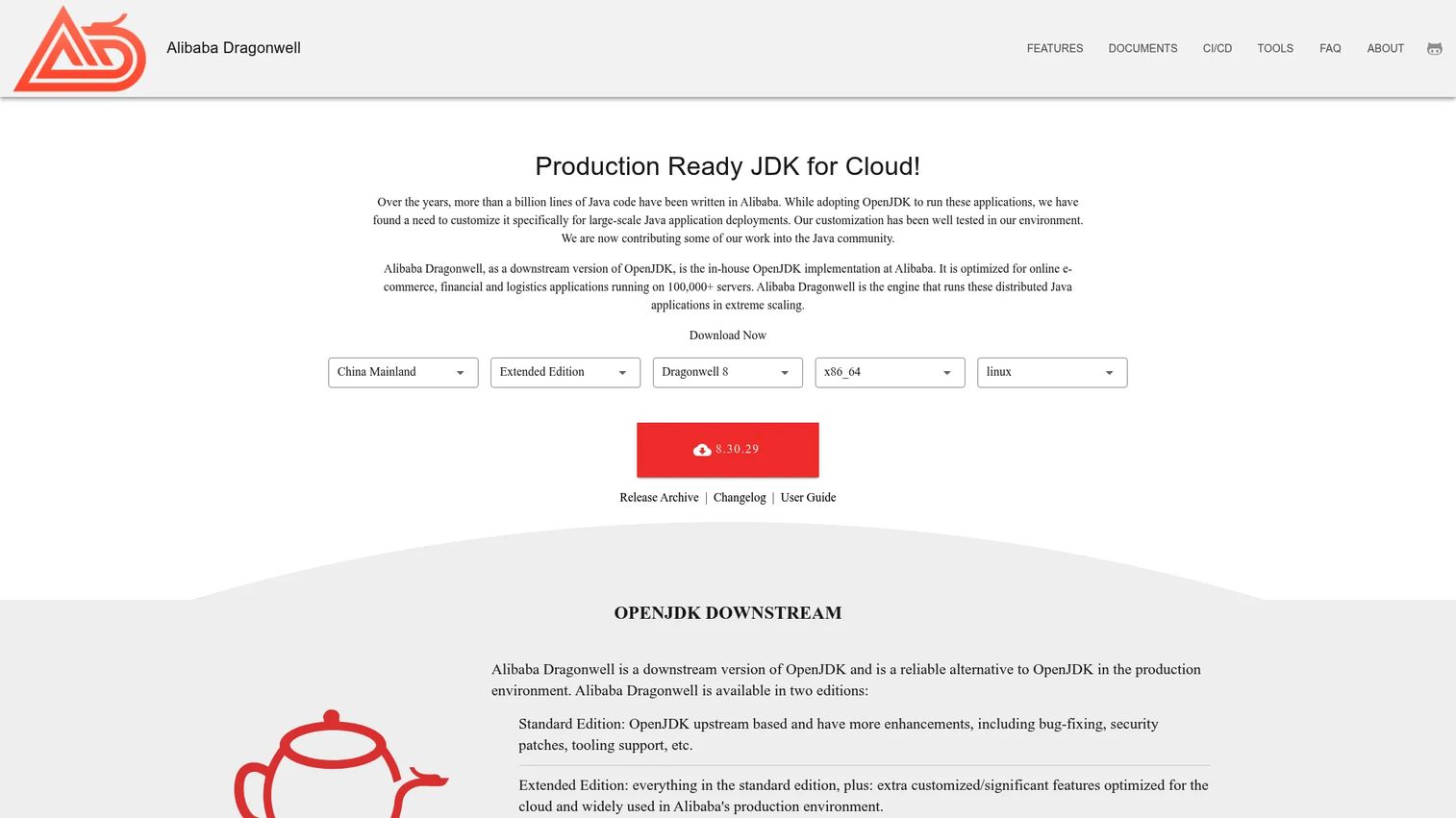
Alibaba Dragonwell is Alibaba's downstream OpenJDK implementation, built to handle the demands of large-scale e-commerce, financial, and cloud-native Java workloads at Alibaba's scale. It ships Standard and Extended editions, adds cloud-oriented JVM extensions including Wisp (coroutine support), JWarmup (JIT warmup acceleration), and ElasticHeap (adaptive heap management), and integrates Java Flight Recorder and Java Mission Control.
Best for: Teams running Java workloads in Alibaba Cloud environments or evaluating JVM extensions built for high-throughput, latency-sensitive applications.
Key features
- Standard and Extended editions
- Cloud-oriented extensions: Wisp, JWarmup, ElasticHeap
- Java Flight Recorder and Java Mission Control integration
- Security patches and bug fixes
- Linux build availability as an open-source project
Why choose Alibaba Dragonwell: Dragonwell's cloud-oriented JVM extensions were built to solve problems at Alibaba-scale. For teams running workloads in Alibaba Cloud, it is the natural runtime choice. For Western enterprise stacks, a distribution with stronger local commercial support availability will typically be easier to justify through procurement and security review.
Alibaba Dragonwell pricing: Dragonwell is free as an open-source distribution. Verify current release availability at dragonwell-jdk.io before standardizing.
12. Mandrel
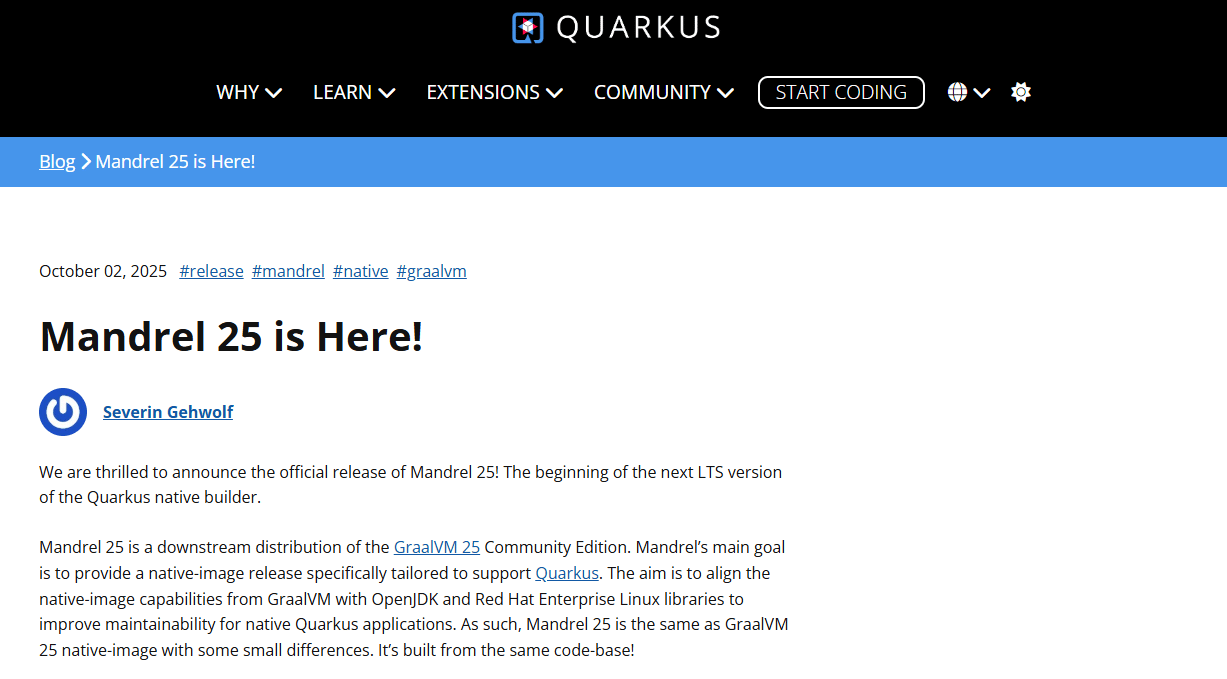
Mandrel is a downstream distribution of GraalVM focused on Native Image builds, specifically for Red Hat and Quarkus-style Java workloads. Where GraalVM covers the full native image and polyglot ecosystem, Mandrel strips that down to the subset needed for Quarkus native compilation with Red Hat support alignment. It is a specialized distribution, not a general-purpose runtime choice.
Best for: Teams using Quarkus or building native executables in Red Hat-aligned container and cloud workflows.
Key features
- Native Image builds for Quarkus-style applications
- GraalVM downstream with Red Hat alignment
- Container-focused native compile workflows
- Open-source project availability
- Reduced scope compared to full GraalVM
Why choose Mandrel: Choose Mandrel when native image compatibility and Red Hat ecosystem fit are both required and you do not need the broader GraalVM polyglot or JIT capabilities. If the use case is GraalVM's full feature set, evaluate full GraalVM directly.
Mandrel pricing: Mandrel is free as an open-source project. Verify current release support and Red Hat packaging status before recommending it for production builds.
13. Oracle OpenJDK
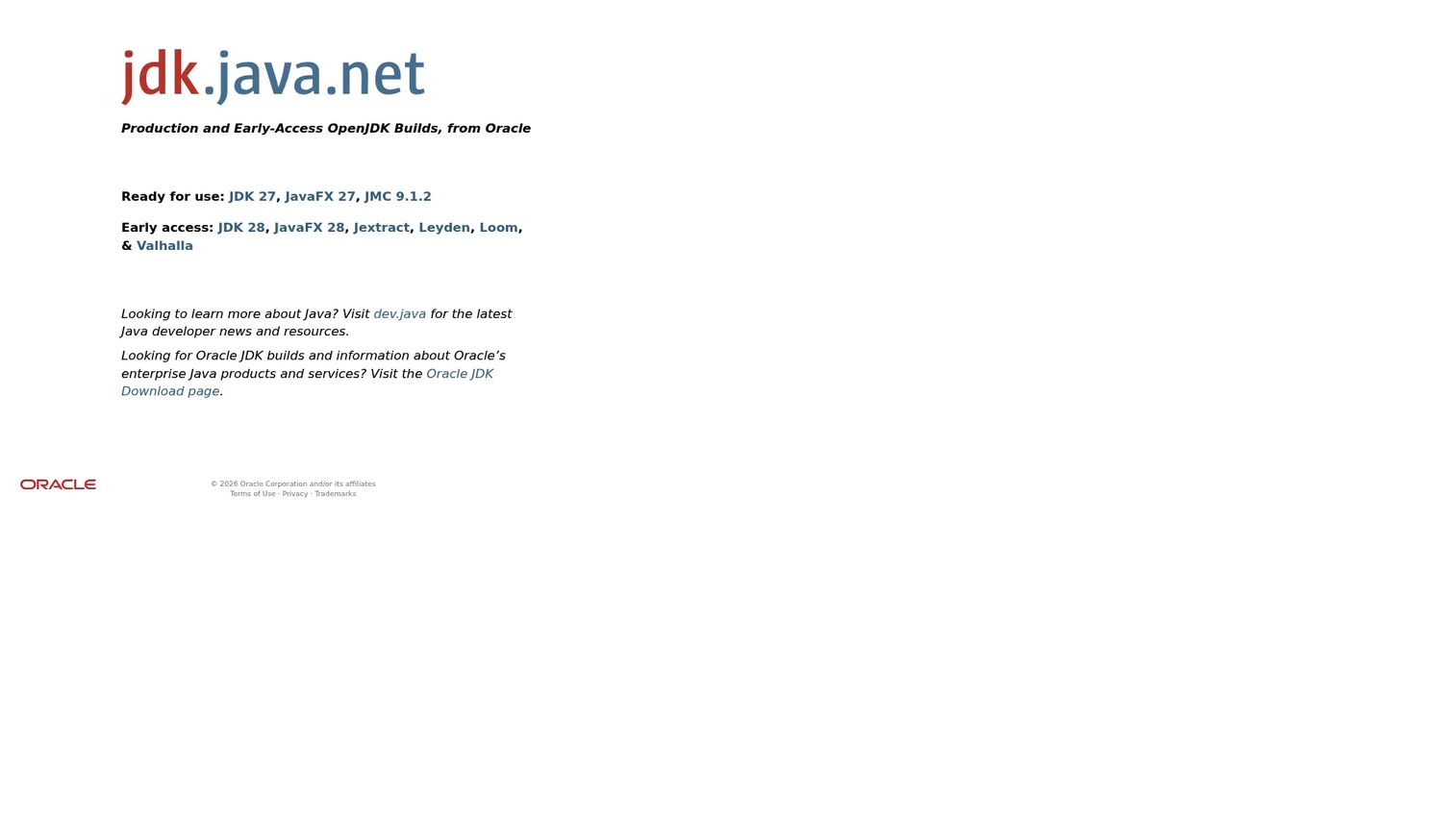
Oracle OpenJDK provides Oracle-built production and early-access binaries of the open-source Java Development Kit. These builds are useful for developers testing current Java releases or teams that want Oracle-built OpenJDK binaries without a commercial JDK path. They are the closest thing to the reference implementation you can download directly.
Best for: Developers testing current or early-access Java releases, or teams wanting reference-implementation proximity without a commercial subscription.
Key features
- Oracle-built production and early-access JDK binaries
- Multiple Java release versions available
- Reference implementation proximity
- Availability across major development platforms
- Open-source Java baseline
Why choose Oracle OpenJDK: These builds make sense for short-lived environments, testing new Java versions, or development work where current OpenJDK access matters more than long-term patch support. For enterprise production deployments, confirm update windows and LTS coverage carefully before standardizing.
Oracle OpenJDK pricing: Oracle OpenJDK builds are free. Verify current availability and update policies at jdk.java.net.
G2 rating: 4.4/5
14. OpenJDK
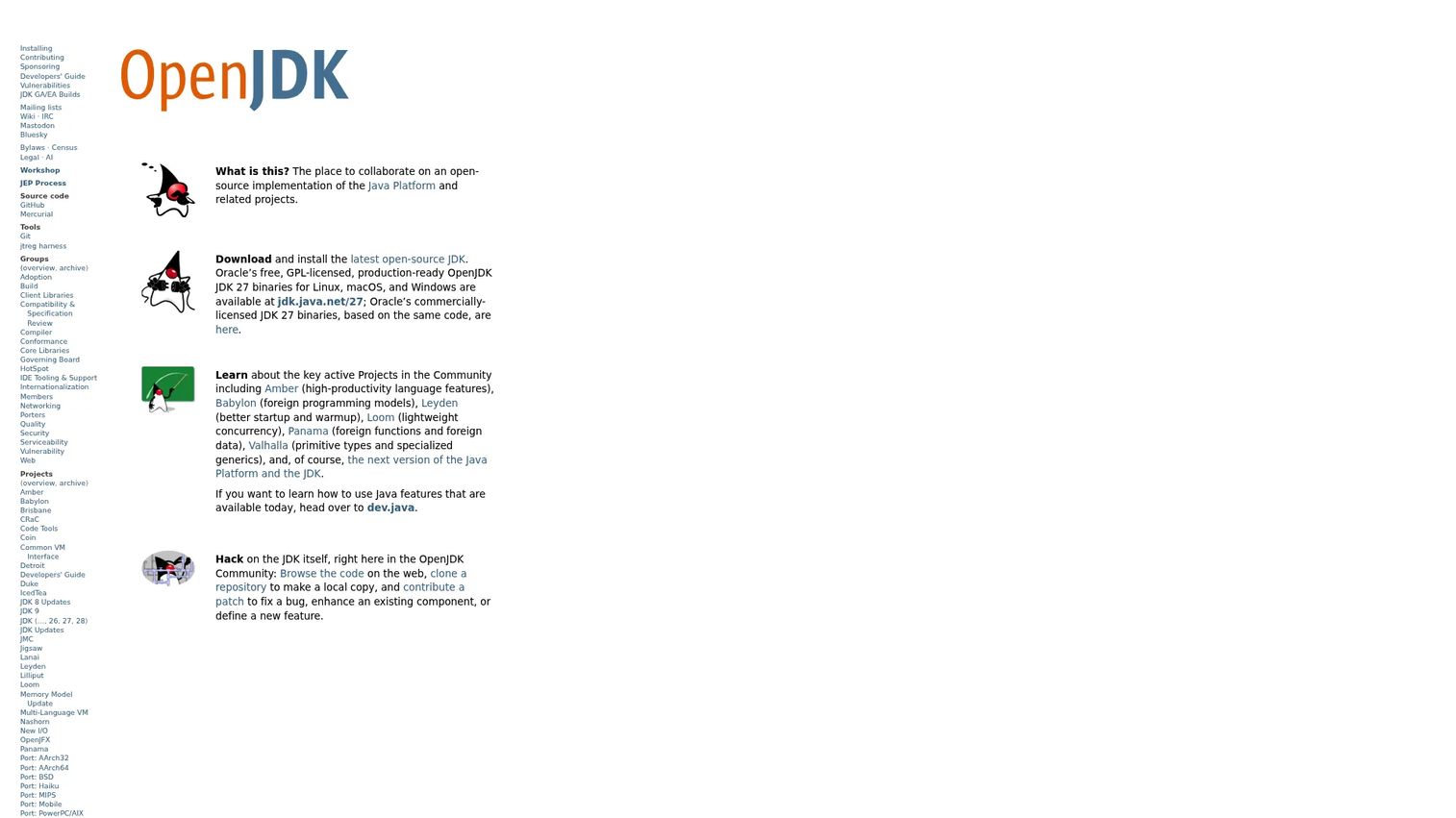
OpenJDK is the open-source Java Platform, Standard Edition project and the upstream source that most distributions in this guide are built from. It includes JDK binaries for Windows, macOS, and Linux, and serves as the community where Java evolves through projects including Project Panama for native-code interoperability and virtual threads for high-throughput concurrent applications.
Best for: Teams that want to understand the upstream Java project, contribute to Java development, or build from source under their own governance.
Key features
- Open-source Java Platform SE reference implementation
- JDK binaries for Windows, macOS, and Linux
- Virtual threads via Project Loom
- Native-code interoperability via Project Panama
- Foundation for all major vendor distributions
Why choose OpenJDK directly: Most production teams consume OpenJDK through a vendor distribution rather than the upstream project directly. Vendor builds add packaging, platform-specific testing, update processes, and support. If your team needs packaged binaries with a defined support model, choose one of the vendor distributions above. OpenJDK direct is the right choice when contributing to the platform itself or building a custom distribution under your own terms.
OpenJDK pricing: OpenJDK is free and open source. No paid plans exist.
Considerations when choosing JDK distributions
Licensing and commercial use
Licensing is often the real decision behind a JDK selection, not technical capability. Oracle JDK's commercial terms have changed multiple times, and assuming yesterday's license terms apply today is a common mistake in enterprise architecture reviews. Before standardizing any JDK distribution for production use, read the current license for that specific version from the vendor's own documentation. This applies even to distributions marketed as "free," since some carry restrictions on redistribution, bundling, or commercial deployment.
LTS support and update cadence
Production teams standardize on LTS releases because they receive extended security and bug fix updates. In 2026, Java 17, Java 21, and Java 25 are the relevant LTS planning anchors, but support windows vary by vendor. One vendor may patch Java 17 through 2026; another may have already ended free updates for that version. Check each vendor's specific support lifecycle page, not the OpenJDK community schedule, which applies only to upstream community releases.
Operating system and architecture coverage
Verify both development and production targets before committing. A distribution that covers macOS ARM64 for developer machines but lacks tested builds for your production Linux distribution creates a gap that surfaces during security reviews. Apple Silicon coverage varies across vendors. ARM64 server support for cloud-native deployments is another variable worth confirming explicitly, especially for container base images.
Container and cloud fit
Container images, base image provenance, registry availability, and cloud provider relationships matter for platform teams. Amazon Corretto images appear in Amazon ECR; Microsoft Build of OpenJDK supports Azure-aligned workflows; Red Hat images fit OpenShift environments. Evaluate where container images come from, what base OS they use, and whether your security team requires a Software Bill of Materials (SBOM) before pulling images into production pipelines.
Support model and escalation path
Community support, cloud-provider support, OS-vendor support, and commercial Java vendor support are four different things. A customer's security team will ask who they call when a zero-day lands at 2am. Make sure the answer is clear before a POC becomes a production recommendation.
Conclusion
Most Java teams need a straightforward answer before they need a comprehensive survey. Eclipse Temurin is the strongest general default: Free, TCK-tested, broadly adopted, and without the licensing considerations that complicate Oracle JDK decisions. For cloud-aligned deployments, match the distribution to your infrastructure: Amazon Corretto for AWS, Microsoft Build of OpenJDK for Azure, Red Hat OpenJDK for RHEL and OpenShift environments. When native image compilation is the goal, GraalVM covers the full ecosystem, and Mandrel narrows that to Quarkus and Red Hat workflows specifically.
Across all 14 options, the pattern is consistent. The technical gap between distributions is smaller than the operational gap in support, licensing, and platform coverage. Verify the LTS lifecycle, confirm the license applies to your production use case, check architecture and container image availability, and confirm the escalation path before standardizing.
That validation work is exactly what presales teams support during technical reviews. Use this guide to frame the conversation, then direct customers to each vendor's current documentation for the specifics that change with every release cycle.
Start your journey with Guideflow today!
FAQs
A JDK distribution is a vendor-packaged build of the Java Development Kit that includes compiled binaries, a Java compiler, runtime libraries, development tools, an update process, and a support model. Most distributions are built on OpenJDK source code but differ in how they test builds, how long they patch specific Java versions, and what commercial terms govern production use.
Eclipse Temurin is the strongest general default for teams without a specific cloud, OS-vendor, or commercial requirement. For AWS workloads, Amazon Corretto aligns well with AWS infrastructure and container registries. Red Hat OpenJDK fits RHEL-standardized environments, and Microsoft Build of OpenJDK makes sense inside Azure. For native image builds, choose GraalVM for the full ecosystem or Mandrel for Quarkus-aligned Red Hat workflows.
OpenJDK is the open-source Java Platform project and the upstream source code that most vendor distributions build from, including Oracle's own builds. Oracle JDK is Oracle's commercially supported Java SE Development Kit, with its own licensing terms and Oracle support. Both are technically close, but their licensing, update windows, and commercial-use terms differ significantly. Treat them as separate products when evaluating for enterprise production.
A JDK includes everything needed to write and compile Java applications: The compiler, debugger, and full development toolchain, plus the runtime. A JRE covers only what is needed to run already-compiled Java applications. Most modern vendor distributions package both, but the distinction matters when sizing container images where a smaller runtime footprint reduces attack surface and image size.
Many OpenJDK distributions are free for production use, including Eclipse Temurin, Amazon Corretto, Microsoft Build of OpenJDK, and IBM Semeru's Open Edition. However, "free" means different things across vendors. Some free builds have restrictions on redistribution, require a specific license for commercial bundling, or limit free updates to a specific time window after release. Check the current license for the specific version and vendor before standardizing.
Amazon Corretto, Eclipse Temurin, Red Hat OpenJDK, Microsoft Build of OpenJDK, and Liberica JDK all publish container images actively. The right choice depends on your base OS preference, cloud provider, registry source, and security requirements. Evaluate image size against runtime footprint needs, confirm the update cadence for the container image, and check whether your security team requires SBOM availability before pulling from a registry.
Production teams almost always standardize on LTS releases rather than short-term feature releases. In 2026, Java 17, Java 21, and Java 25 are the LTS anchors. Java 21 is the most broadly adopted current LTS as of the Azul State of Java 2025 report, with 31% of organizations already using it in production. Verify current support windows for each LTS version with your chosen vendor before committing, because free update windows differ by distribution.
GraalVM is the primary choice for native image builds. It compiles Java applications ahead of time into standalone native executables with fast startup and low memory footprint, and also supports polyglot runtimes. Mandrel is a GraalVM downstream focused specifically on Quarkus native image compilation in Red Hat-aligned environments. Choose full GraalVM when you need the complete native image and polyglot ecosystem; choose Mandrel when Quarkus and Red Hat ecosystem compatibility are the main requirements.