Your activation dashboard dropped three points last sprint. Engineering says the event data looks fine. Analytics says the CRM fields don't match. Your data warehouse uses a different customer identifier than your billing system. Nobody agrees on which number is correct.
This is the data mapping problem. One platform calls a field account_id, another uses customer_key, and a third buries the relationship inside a nested object. Without a clear layer defining how source fields connect to destination fields, every report becomes a negotiation rather than a decision.
According to Melissa's State of Enterprise Data Quality report (2025), 84% of organizations report measurable disruption from bad data. That number lands at exactly the wrong moment for a product manager trying to ship a reliable retention cohort or prove a feature's adoption rate.
Data mapping software is the layer that fixes this. It defines relationships between fields, applies transformation and validation rules, and keeps those connections stable as schemas change. The seven tools below cover integration pipelines, visual schema matching, governance catalogs, privacy inventories, and analytics preparation, so you can match the tool to the actual job.
What's inside
This guide is for product managers, data product owners, engineering leads, and privacy stakeholders evaluating data mapping tools in 2026.
- Who this is for: PMs who own data quality, analytics reliability, or integration decisions
- Selection criteria: Mapping depth, transformation support, schema change handling, governance, and maintenance burden
- Tool types covered: ETL platforms, iPaaS tools, visual schema mappers, governance catalogs, privacy mapping, and analytics platforms
- Decisions this supports: Choosing between integration-first and governance-first approaches, estimating total cost of ownership, and identifying schema change risk
TL;DR
- Best for broad integration workflows: Boomi offers a 30-day free trial, Pay-As-You-Go from $99/month, and pre-built connectors across cloud and on-premises systems
- Best for Microsoft-centered teams: Microsoft SSIS fits organizations already running SQL Server with strong internal data engineering skills
- Best for enterprise ETL and data quality: Talend Data Integration handles end-to-end data movement with CDC and quality components
- Best for Oracle-ecosystem integration: Oracle Integration Cloud suits teams standardizing integration around Oracle systems
- Best for governance and metadata: Alation covers lineage, business glossary, stewardship, and data quality monitoring in one catalog
- Best for privacy data mapping: Osano Data Mapping focuses on personal data discovery, flow visualization, and privacy operations
What is data mapping software?
Data mapping software connects fields, records, and schemas between source systems and destination systems, then applies rules for transformation, validation, and synchronization.
The category is broader than most people expect when they first search the term. A useful way to orient is by job:
- Source field: The original field in a database, application, file, or API
- Destination field: The field receiving the mapped value
- Mapping rule: The relationship or transformation connecting both fields
- Schema: The structure defining fields, types, relationships, and constraints
- Data lineage: The documented path data follows from origin to destination
- Entity matching: The process of recognizing that two records refer to the same customer, account, or object
Manual data mapping
Teams write SQL, custom code, or maintain spreadsheet documentation. This approach fits small, stable, or highly specific workflows where the mapping logic rarely changes and the team has the engineering capacity to own it.
Semi-automated data mapping
Visual interfaces let analysts drag and drop field matches, define reusable rules, and generate scripts from the mapping specification. Human review stays in the loop for exceptions and ambiguous matches.
Automated data mapping
Schema detection infers relationships, schedules refreshes when schemas change, and flags exceptions for review. Natural language processing helps match fields with different names but equivalent meanings, such as created_at and signup_date.
Key capabilities to look for
- Schema discovery and field matching
- Transformation and cleansing rules
- Validation and error handling
- API, database, file, and warehouse connectivity
- Data lineage and metadata documentation
- Version control and change tracking
- Role-based access and audit history
- Reusable mapping templates
- Monitoring for failed or altered mappings
Data mapping is closely related to data integration but is not identical to ETL, data cleaning, data modeling, or data governance. Each of those is a broader or adjacent discipline. Some platforms combine several of them; others do one job precisely.
When to use data mapping software
Connect product data across systems
Your product events live in one warehouse, customer records sit in your CRM, and billing data uses a different account identifier. Mapping connects these sources so activation, retention, and adoption metrics all point to the same underlying customer. Product managers who own instrumentation and analytics reliability need this layer working before any cohort analysis is trustworthy.
Standardize data before analysis
Field names rarely match across systems. One tool stores plan names as pro_monthly, another as Professional Monthly, and a third uses numeric codes. A mapping rule converts all three into a single taxonomy before the data reaches your BI layer. That kind of standardization prevents the reporting inconsistencies that slow down quarterly reviews and release decisions. For more on change data capture software, which handles real-time schema synchronization, see our related guide.
Manage privacy, governance, and schema changes
Schema changes break mappings silently. A renamed column produces wrong values rather than an error, and those wrong values often reach dashboards before anyone notices. Privacy teams face a parallel challenge: Personal data flows across systems in ways that are difficult to inventory without dedicated tooling. Privacy mapping and ETL mapping overlap in their use of field-level documentation, but they serve different primary jobs. Compliance management software covers the broader governance workflow that data mapping often feeds into.
Data mapping software comparison
Tools in this category are not interchangeable. Integration platforms focus on moving and transforming data. Visual mapping tools focus on schema formats and reusable rules. Governance tools address metadata, lineage, ownership, and business context. Privacy tools cover data inventories and regulatory workflows. Analytics platforms connect mapped data directly to reporting.
Choose based on the primary job, not the longest feature list.
| # | Product | Best for | Key use case | Pricing | G2 rating |
|---|---|---|---|---|---|
| 1 | Microsoft SSIS | Microsoft-stack ETL teams | SQL Server-based ETL and transformation pipelines | Included with SQL Server licensing | 4.2/5 |
| 2 | Talend Data Integration | Enterprise ETL and data quality pipelines | End-to-end data movement with CDC and quality | Contact for pricing | 4.0/5 |
| 3 | Boomi | Cloud and hybrid integration | Pre-built connectors with Pay-As-You-Go entry | From $99/month | 4.5/5 |
| 4 | Oracle Integration Cloud | Oracle-ecosystem integration | OIC adapters and process orchestration | Usage-based, contact for USD pricing | N/A |
| 5 | Alation | Governance and metadata management | Lineage, business glossary, and data stewardship | Contact for pricing (ACU-based) | 4.4/5 |
| 6 | Osano Data Mapping | Privacy data mapping | Personal data discovery and flow visualization | Contact for pricing | 4.5/5 |
| 7 | Domo | Analytics-connected data preparation | Integrated ingestion, transformation, and dashboards | 30-day free trial; custom pricing | 4.3/5 |
Pricing and ratings verified September 2026 from each vendor's pricing page and G2 listing.
7 best data mapping software tools for 2026
1. Microsoft SQL Server Integration Services (SSIS)
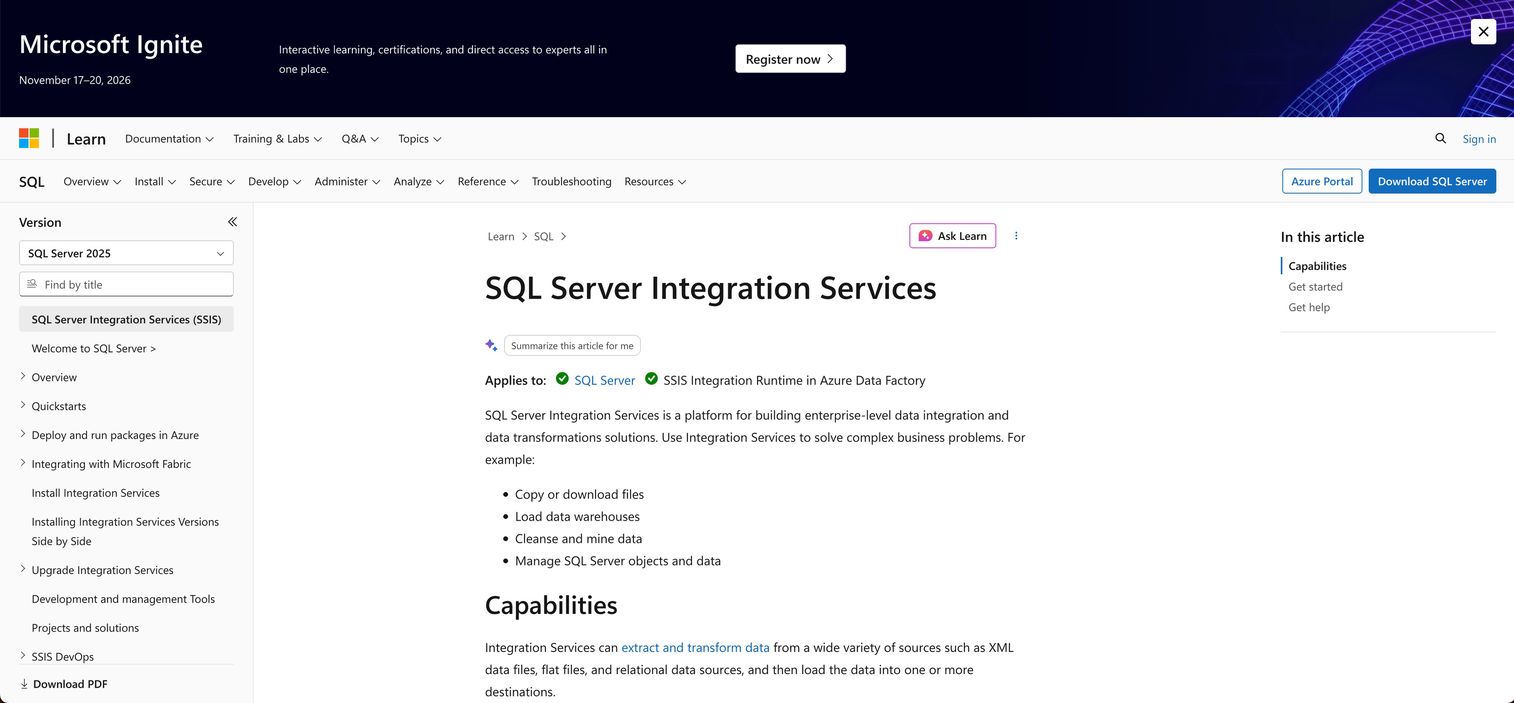
Microsoft SQL Server Integration Services (SSIS) is Microsoft's ETL and data integration platform for building structured data transformation and loading workflows. It ships as a component of SQL Server, giving teams already running Microsoft infrastructure a native path to data movement without adopting a separate iPaaS tool. SSIS packages define the extract, transform, and load sequence visually, with built-in tasks for cleansing, aggregation, and conditional logic.
Best for: Product and data teams with an established Microsoft stack and internal SQL Server expertise.
Key features
- Visual package design with drag-and-drop task and transformation components
- Source and destination connectors for SQL Server, flat files, XML, and relational databases
- Built-in transformation components: Aggregation, conditional split, data conversion, derived column
- SSIS Catalog for storing, versioning, running, and monitoring packages
- Workflow orchestration with precedence constraints and event handlers
Why choose Microsoft SSIS: SSIS fits organizations that prioritize control and repeatability within the Microsoft ecosystem. It does require stronger technical ownership than cloud-first no-code tools; teams without SQL Server expertise often find the learning curve and deployment overhead steeper than expected.
Microsoft SSIS pricing: SSIS is included with a licensed SQL Server edition. Total cost depends on the SQL Server edition selected, underlying infrastructure, and the data engineering time required to build and maintain packages. There is no standalone SSIS subscription price. Contact Microsoft or your licensing reseller for current SQL Server pricing.
G2 rating: 4.2/5
2. Talend Data Integration
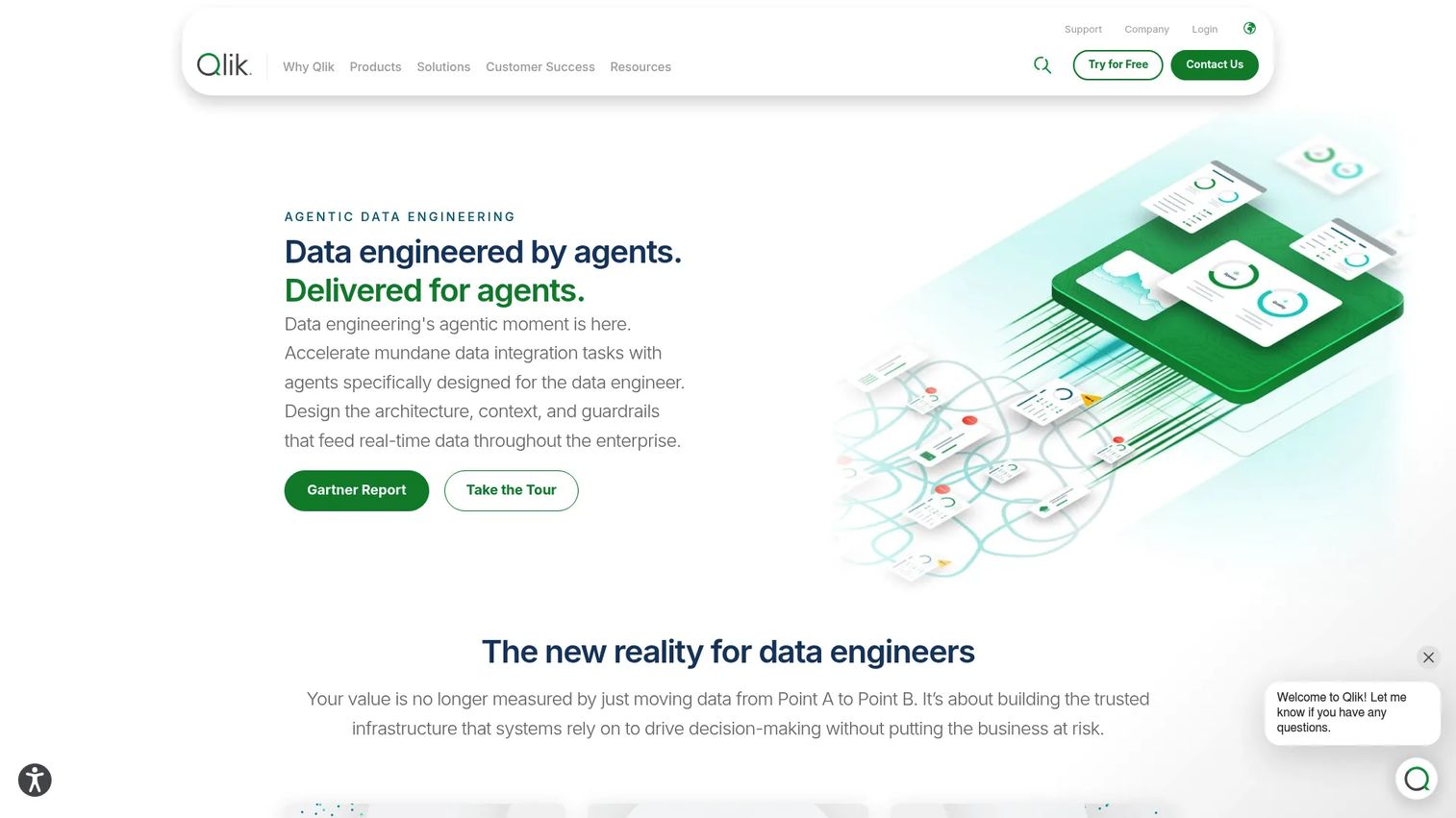
Talend Data Integration is a broader enterprise platform for data movement, ETL, data quality, and pipeline orchestration. It covers the full pipeline from source connection through scheduling and monitoring. Log-based change data capture keeps source and destination records synchronized in real time, which matters for product teams who need their analytics layer to reflect current state rather than yesterday's batch.
Best for: Organizations that need mapping inside recurring ETL and data quality pipelines, including real-time CDC scenarios.
Key features
- ETL and ELT job design with a visual studio
- Real-time synchronization via log-based change data capture
- Pre-built connectors to SaaS applications, databases, cloud warehouses, and file formats
- Data quality components for profiling, cleansing, and validation
- Pipeline monitoring, scheduling, and execution management
Why choose Talend Data Integration: The platform suits teams consolidating integration and quality work under one governance model. Breadth is its strength: You can cover CDC, batch ETL, data quality, and warehouse automation without assembling separate tools. That breadth also means implementation requires clear job ownership and a plan for managing component reuse across teams.
Talend Data Integration pricing: Talend offers four editions (Starter, Standard, Premium, and Enterprise) through Qlik Talend Cloud, with pricing based on data volume moved, job executions, and execution duration. No numeric prices are displayed; all tiers require contacting Talend. A free trial is not listed on the current pricing page.
G2 rating: 4.0/5
3. Boomi

Boomi is a cloud-native enterprise integration platform for connecting SaaS applications, on-premises systems, APIs, and data sources. Its visual process builder lets teams design integration flows without writing code, and pre-built application connectors reduce the time to wire up common systems. Boomi has expanded beyond integration into data management, API management, and an Agent Control Plane for governing AI agents, making it a platform that grows with organizational complexity.
Best for: Organizations connecting SaaS applications and operational systems across cloud and hybrid environments who want a broad connector library with a low entry threshold.
Key features
- Visual process builder with drag-and-drop flow design
- Pre-built connectors for SaaS, databases, flat files, and APIs
- Field mapping and data transformation within integration processes
- Data management for ingesting, matching, and synchronizing records
- Integration monitoring and alerting across deployed processes
Why choose Boomi: Boomi's Pay-As-You-Go tier makes it accessible for teams that want to test scope before committing to an annual contract. Validate connector depth for your specific systems during the trial period; connector breadth varies by tier, and usage-based costs scale with volume and process complexity.
Boomi pricing: Boomi offers a 30-day free trial with full platform access. Pay-As-You-Go starts at $99 per month plus usage, billed monthly. Annual subscription plans (Professional, Professional Plus, Enterprise, and Enterprise Plus) require contacting sales for pricing.
G2 rating: 4.5/5
4. Oracle Integration Cloud (OIC)
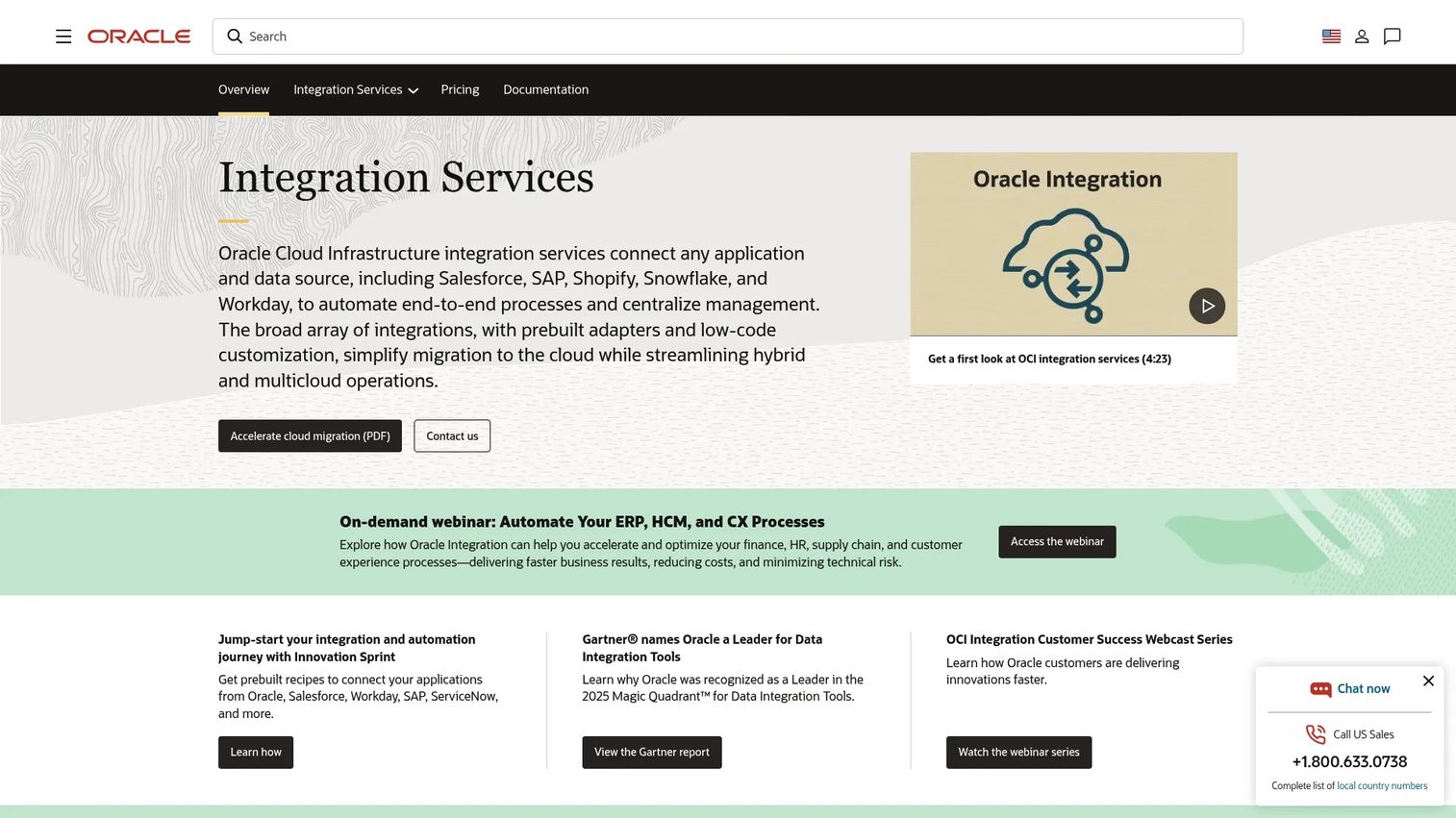
Oracle Integration Cloud (OIC) is Oracle's managed integration and process automation platform for connecting Oracle applications, third-party SaaS tools, and on-premises systems. It provides pre-built application adapters for Oracle ERP, HCM, and CX products, along with a low-code visual designer for building integration flows and process automations. Recent releases have added AI assistant capabilities and agentic AI features alongside the core integration and B2B connectivity tools.
Best for: Enterprise teams standardizing integration around Oracle systems and related business applications.
Key features
- Pre-built application adapters and integration recipes for Oracle and third-party apps
- Low-code visual integration and workflow automation designer
- B2B connectivity with EDI and trading-partner management
- Process orchestration and RPA capabilities
- Embedded Visual Builder for web and mobile application development
Why choose Oracle Integration Cloud: OIC delivers the most value when Oracle systems form a significant share of your operating stack. Before committing, verify the depth of non-Oracle connectors for your specific systems; the adapter library is extensive for Oracle products but worth validating for third-party integrations. Implementation scope and governance requirements are also worth scoping early.
Oracle Integration Cloud pricing: OIC uses a consumption-based model priced by message volume per hour across Standard, Enterprise, Healthcare, and BYOL editions. USD pricing requires contacting Oracle directly; the publicly available price list displays INR amounts. Reach out to Oracle sales or your existing Oracle account team for a quote.
5. Alation

Alation is an enterprise data intelligence and governance platform rather than an ETL engine. Its primary job is helping data teams understand what data exists, where it came from, who owns it, and whether it can be trusted. Automated column-level lineage maps the path data follows from source to report. The business glossary connects technical fields to the definitions analysts and product managers actually use. Stewardship workflows route governance tasks to the right owners.
Best for: Product and data organizations that need shared context around data assets, ownership, lineage, and metric definitions.
Key features
- Metadata catalog with automated harvesting from connected data sources
- Automated column-level data lineage across systems
- Business glossary for connecting technical fields to agreed definitions
- AI-powered data quality monitoring and anomaly detection
- Stewardship workflows and policy management
Why choose Alation: When your team spends more time debating which metric definition is correct than acting on the data, Alation addresses the root cause. It's a complement to an integration platform, not a replacement; Alation governs and documents data relationships, while ETL or iPaaS tools move and transform the data. For teams evaluating the adjacent space of AI governance tools, the overlap in metadata and lineage management is worth noting.
Alation pricing: Alation uses an Alation Consumption Unit (ACU) model for AI capabilities, with pool sizes estimated during scoping. No standard numeric subscription prices are displayed. Contact Alation to request an ACU estimate based on your data environment, user groups, and data source volume.
G2 rating: 4.4/5
6. Osano Data Mapping

Osano Data Mapping is built for a different primary job than the ETL and iPaaS tools in this list. Its focus is personal Discovering where it lives, classifying it by type, visualizing the flows between systems, and connecting that inventory to privacy operations. It uses SSO integrations and a RESTful API to automate discovery, then surfaces data stores with risk-based and effort-based prioritization so teams know where to focus first.
Best for: Privacy teams that need automated visibility into organizational personal-data systems and flows, particularly when connecting that inventory to subject rights and privacy operations.
Key features
- Automated discovery and classification via SSO integrations and RESTful API
- Risk- and effort-based prioritization of data stores
- Interactive visualization of data stores, relationships, and flows
- Connection to subject rights workflows and records of processing activities
- Data inventory management for privacy impact assessments
Why choose Osano Data Mapping: If your data mapping requirement is driven by privacy operations rather than analytics or integration, Osano addresses that job specifically. It does not replace an integration platform; it documents and visualizes the personal data landscape so privacy teams can respond to regulatory workflows and access requests. Note that using Osano, or any data mapping tool, does not make your organization compliant with any regulation. Legal and privacy review remain necessary.
Osano Data Mapping pricing: Osano directs prospective customers to schedule a demo for pricing. No numeric prices or tier names were displayed on the product page at the time of research. Contact Osano to discuss pricing based on company size, data sources, and privacy module scope.
G2 rating: 4.5/5 (Osano overall)
7. Domo
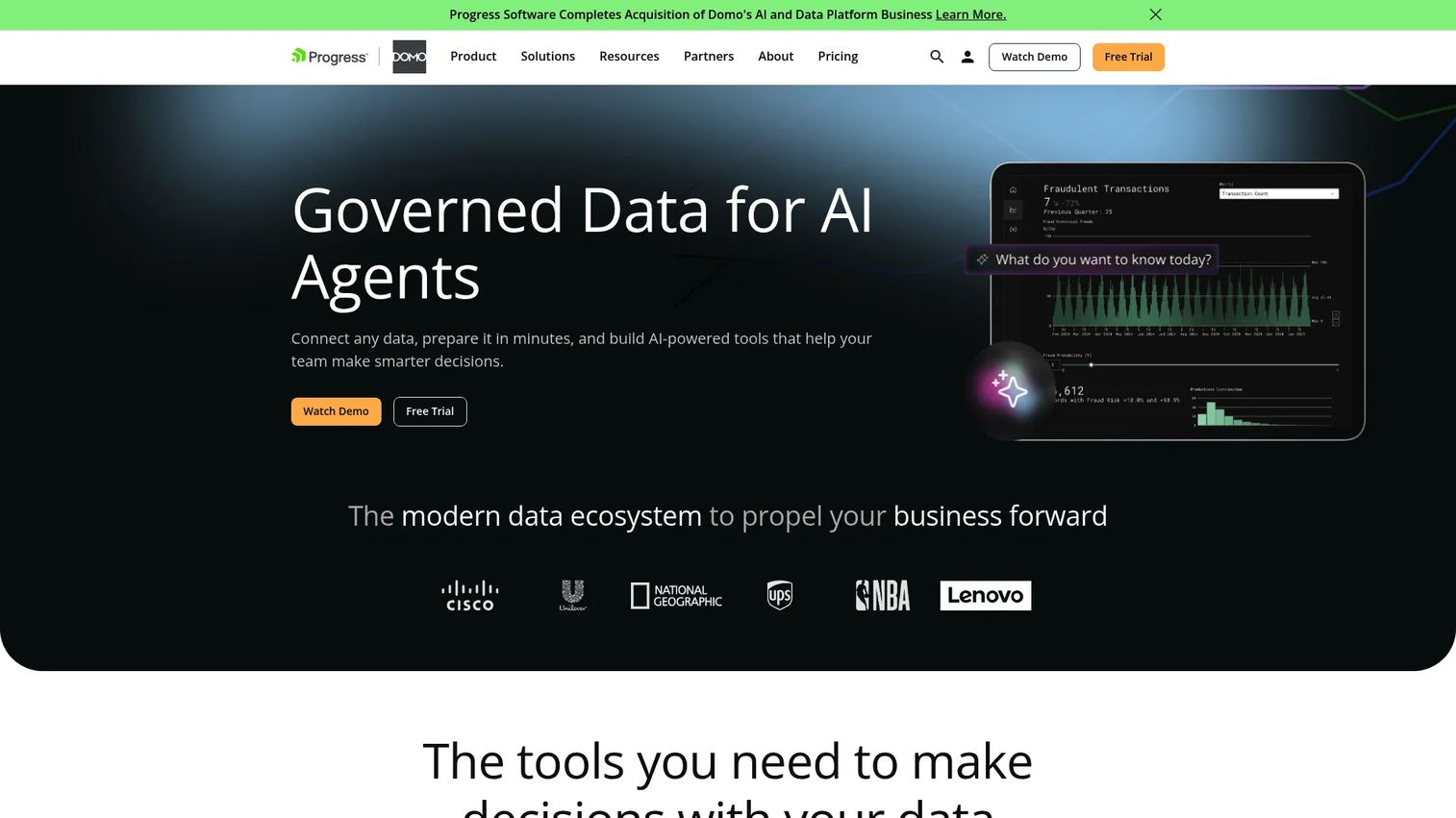
Domo combines data ingestion, transformation, BI, governance, and AI in one cloud platform. Over 1,000 pre-built connectors pull data from applications, databases, files, and APIs. The drag-and-drop Magic ETL and SQL DataFlows handle transformation and mapping tasks. The result feeds directly into interactive dashboards and embedded analytics, closing the gap between data preparation and business decision-making without requiring a separate BI tool.
Best for: Product organizations that need mapped data to flow quickly into analytics dashboards and operating decisions, without maintaining a separate data preparation stack.
Key features
- 1,000+ pre-built data connectors for SaaS, databases, files, and APIs
- Drag-and-drop Magic ETL and SQL DataFlows for transformation and mapping
- Data quality checks and governance controls with row-level permissions
- Interactive dashboards with 150+ chart types and embedded analytics
- AI features for conversational analysis, modeling, and automation
Why choose Domo: Domo makes the most sense when the goal is getting mapped data into the hands of business users quickly, and when consolidating integration and BI into fewer tools is a priority. Evaluate analytics fit alongside mapping depth during your trial; the platform's strength is end-to-end data consumption, so teams with deep existing BI investments should assess the overlap before committing.
Domo pricing: Domo offers a 30-day free trial with unlimited users and full platform access. After the trial, pricing is custom and consumption-based, with no numeric prices shown publicly. Contact Domo sales to discuss pricing based on user roles, data volumes, and connector requirements.
G2 rating: 4.3/5
Considerations when choosing data mapping software
Match the tool to the mapping job
Before comparing features, identify whether the requirement is ETL pipeline management, schema format translation, API-led integration, governance and lineage, privacy inventory, or analytics preparation. Choosing a broad enterprise integration platform when the actual job is documenting personal data flows adds implementation overhead without solving the primary problem.
Check schema and format coverage
Confirm that the tool handles the specific systems your product, engineering, billing, CRM, and support teams use. Structured database tables, JSON event streams, XML files, EDI messages, and nested API responses each require different parsing and mapping capabilities. A mismatch here creates mapping failures that surface as reporting errors.
Evaluate schema change handling
Ask how the platform detects renamed columns, changed data types, broken mappings, and new fields. Prioritize tools with versioning, automated alerts, and rollback capability. According to DATAVERSITY's 2025 TDM Survey (2026), 57% of data management professionals cite data integration as an ongoing challenge, and schema drift is a primary cause. A mapping that ran correctly last month can produce wrong values silently after a schema update.
Measure data quality and error handling
Review how the tool handles validation rules, null values, duplicate records, rejected rows, and exception queues. A mapping job that completes without errors but produces incorrect values is harder to catch than a job that fails loudly. Audit history matters for tracing the origin of a reporting discrepancy.
Calculate total cost of ownership
Licensing is only one input. Add infrastructure, connector access, implementation time, data engineering hours, training, and ongoing maintenance. An enterprise iPaaS with lower licensing cost can generate more engineering work than a higher-priced tool with stronger automation. Tie the decision to opportunity cost: The question is not just what the software costs, but what your engineering team could be building instead.
Conclusion
The right data mapping software depends on the job it must protect.
Use SSIS when you're running SQL Server and need repeatable, controlled ETL pipelines within the Microsoft ecosystem. Talend Data Integration suits teams consolidating ETL and data quality under one governance model. Boomi offers the most accessible entry point for cloud and hybrid connectivity, with a Pay-As-You-Go tier at $99/month that makes evaluation straightforward. Oracle Integration Cloud fits teams standardizing integration around Oracle systems.
For governance, Alation is the right layer when your team spends time debating metric definitions and needs shared lineage and ownership documentation. Osano Data Mapping addresses the privacy-specific job of discovering and visualizing personal data flows. Domo closes the loop between data preparation and business consumption for teams that want one platform from ingestion to dashboard.
Start with the highest-priority data workflow, whether that's fixing your activation funnel instrumentation, standardizing plan fields across systems, or building a personal data inventory. Pick the tool that solves that job with the least engineering overhead, then expand from there.
FAQs
Data mapping software connects source fields to destination fields and applies transformation, validation, or synchronization rules to govern how data moves between systems. Products in the category range from ETL and iPaaS platforms for pipeline management to governance catalogs for lineage documentation and privacy tools for personal data inventory.
Mapping defines the relationship between fields: Source field plan_code connects to destination field subscription_tier. Transformation changes the value itself, such as converting pro_monthly to Professional Monthly or converting a Unix timestamp to ISO 8601 format. Most integration tools handle both in the same workflow, but they are distinct operations.
ETL is the full process of extracting data from a source, transforming it, and loading it into a destination system. Data mapping is one component of that process, the step that defines which source field connects to which destination field and under what rules. Some platforms combine mapping, transformation, orchestration, and monitoring; others focus narrowly on the mapping specification itself.
Automated tools scan source and destination schemas, then infer field relationships based on name similarity, data type, and value patterns. Inferred matches are prioritized for human review rather than applied automatically to production pipelines. Scheduled refreshes detect schema changes and flag broken or altered mappings. Exception handling routes unresolved cases to a review queue.
Focus on four things: Reliable schema change detection so your analytics don't break silently after a release, sufficient format coverage for your current and planned data sources, data quality controls that catch incorrect values not just missing ones, and a realistic estimate of engineering hours required to implement and maintain the tool. Tie the decision to your activation, retention, and segmentation instrumentation needs.
Some platforms support entity resolution, fuzzy matching, and deduplication rules for identifying records that refer to the same customer or account. Boomi and Talend Data Integration both offer data management and quality components that address this. Validate any matching logic against a representative sample of your actual records before deploying to production; fuzzy matching thresholds that work for one dataset can create false positives in another.
A practical data mapping template includes these columns: Source system, source field name, source data type, destination system, destination field name, destination data type, transformation rule, validation rule, field owner, data sensitivity classification, and change history. Start with one high-value workflow, such as connecting product event data to customer records, and document exceptions in a separate log. Keeping templates in a shared, version-controlled location reduces the risk of stale documentation.
Privacy mapping tools like Osano can help inventory personal data, document data flows, identify data store ownership, and support subject rights workflows. That visibility is genuinely useful for privacy operations. Using any mapping tool does not make your organization compliant with GDPR, CCPA, or any other regulation. Organizations still need legal review, a privacy program, and ongoing security assessment alongside the tooling.