You delegate tax to finance, legal filing to your GC or outside counsel, and compliance to whoever owns it that quarter. Then a deadline slips, a court submission rejects, or your finance lead asks which platform handles state returns. The question sounds simple. It isn't.
"E-filing platform" covers at least five distinct categories: Consumer tax software, professional tax preparation, court e-filing service providers (EFSPs), legal practice management with filing workflows, and business indirect-tax compliance. A tool that solves one job cannot substitute for another. According to the Internal Revenue Service (2025), 93.7% of U.S. individual tax returns were filed electronically, so the infrastructure to handle this volume exists, but choosing the wrong category of tool still creates rework, missed notices, and support tickets your team shouldn't be managing manually.
This guide routes you to the right category first, then the right platform within it.
What's inside
This guide compares 21 e-filing platforms across tax, legal, court, immigration, and compliance filing. It covers official IRS programs, consumer tax software, legal practice platforms, court EFSPs, and indirect-tax compliance tools.
Items were selected based on:
- Filing type and jurisdiction fit: Does the tool actually handle the filing category you need?
- Pricing transparency: Are fees separated by software cost, state filing, and provider charges?
- Status tracking and confirmations: Does the tool surface acceptance notices and submission history?
- Operational controls: Document storage, integrations, audit trails, and support quality
TL;DR
- Best for consumer online tax filing: TurboTax, H&R Block, and TaxAct cover guided federal and state return filing for individuals and small businesses
- Best free federal filing option: The IRS Free File program for eligible taxpayers with adjusted gross income of $89,000 or less
- Best for forms-only filers: Free File Fillable Forms for taxpayers who know which forms they need and don't require interview-style guidance
- Best for law firms: Clio, Filevine, CARET Legal, 8am MyCase, and InfoTrack for teams needing filing tied to case and matter workflows
- Best for court-specific submissions: State Provided EFSP, Court File America, FileTime, GreenFiling, TurboCourt, and US Legal PRO for jurisdiction-driven court filing
- Best for business tax compliance: Avalara Platform and Taxually for companies managing sales tax, VAT, or cross-border indirect-tax obligations
What is e-filing platform software?
E-filing platform software lets individuals, businesses, and legal teams prepare, submit, track, and store required documents electronically with tax agencies, courts, or government systems.
The term covers multiple distinct categories. A consumer tax app, a court EFSP, a legal practice platform, and a VAT compliance engine are all "e-filing platforms," but they solve completely different problems. Choosing based on price or name recognition without matching the tool to the filing job is the most common and most expensive mistake.
Core filing categories
- Tax return filing: Federal and state income tax returns for individuals, self-employed filers, and businesses
- Court and legal document filing: Electronic submission of motions, complaints, and other documents to courts through certified EFSPs
- Immigration filing: Case management and government form preparation for immigration attorneys
- Sales tax, VAT, and compliance filing: Automated calculation, return preparation, and multi-jurisdiction filing for businesses with indirect-tax obligations
- Official government filing programs: IRS-administered programs for free federal tax filing
Key capabilities to look for
- Guided document preparation
- Electronic submission and e-file confirmation
- Status tracking and rejection handling
- Jurisdiction support verification
- Document storage and retrieval
- Audit trail for board-ready operational controls
- Integrations with accounting, legal, or case management systems
- Support availability during filing deadlines
What e-filing platforms are not
A tax preparation app does not handle court filing. A court EFSP does not prepare tax returns. A legal practice platform may support filing workflows but only where its integrations cover the specific court. Match the tool to the job before evaluating price. For founders managing compliance across finance, legal, and operations, the right framing is: Route each filing type to the appropriate functional owner, then give that owner a tool built for their specific filing category.
For related operational software decisions, our guides on accounting practice management software and audit management software cover adjacent back-office categories.
When to use e-filing platforms
File taxes without paper returns
Individuals, founders with pass-through entities, and finance teams filing business returns all need a way to submit federal and state returns electronically. Consumer tax software handles most individual and small-business scenarios. For founders, personal returns often fit consumer tools, while complex corporate or multi-state filings typically need a CPA alongside software. Always verify federal versus state costs separately; state returns almost always cost extra even when federal filing is free.
Submit legal documents to courts
Attorneys, legal operations teams, and court filers need a certified EFSP that covers their specific court and filing type. Court and state rules vary by jurisdiction, and a provider that works in Texas may not cover the county court you need. Verify court coverage before selecting any EFSP. EFSPs handle court document submission, but practice management platforms handle the broader matter, deadline, and client workflow around that filing.
Manage repeatable compliance filings
SaaS companies crossing sales-tax nexus thresholds, companies selling across multiple countries with VAT obligations, and immigration practices managing high-volume government forms all need repeatable filing systems. For a Series B founder, this is less about choosing software personally and more about confirming the right functional leader owns the right system. Missed VAT filings or overdue sales-tax returns create audit risk that becomes a due-diligence issue at the next fundraise.
E-filing platforms comparison
The table below organizes platforms by filing job, not by a generic "best" ranking. Your job is to identify which row matches your filing category, then evaluate the tools in that row. Pricing is verified from each vendor's pricing page and G2 listing; ratings reflect the current G2 listing where one exists.
| # | Product | Best for | Key use case | Pricing | G2 rating |
|---|---|---|---|---|---|
| 1 | TurboTax | Individual and small-business tax filers | Guided federal and state tax filing | Free for qualifying simple returns; paid tiers from $59.99; Expert Full Service from $129 | 3.6/5 |
| 2 | H&R Block | DIY plus assisted tax filing | Online filing with optional tax pro help | Free Online; Deluxe $65 + $49/state; Premium $105 + $49/state; Self-Employed $130 + $49/state | 4.0/5 |
| 3 | IRS Free File program | Eligible free federal filing | IRS partner-guided federal returns | Free for AGI $89,000 or less | N/A |
| 4 | Free File Fillable Forms | Experienced tax filers | Forms-based federal filing | Free for federal filing | N/A |
| 5 | TaxAct | Cost-conscious tax filers | DIY, assisted, and business tax filing | Free tier; Deluxe $59.99; Premier $99.99; Self-Employed $109.99 | 3.6/5 |
| 6 | 8am MyCase | Small and midsize law firms | Case management with e-filing workflows | From $50/user/month (annual) | 4.4/5 |
| 7 | Avalara Platform | Businesses with indirect-tax obligations | Sales tax and indirect tax filing | From $69/state/month | 4.2/5 |
| 8 | CARET Legal | Law firms needing practice workflows | Legal practice management and filing support | From $79/user/month (annual) | 4.4/5 |
| 9 | Clio | Law firms standardizing operations | Legal practice management with filing integrations | Starter from $49/user/month | 4.6/5 |
| 10 | eimmigration | Immigration law practices | Immigration case and form filing workflows | From $55/user/month (annual) | 4.8/5 |
| 11 | Filevine | Larger legal teams | Case management and legal workflow automation | Custom pricing | 4.6/5 |
| 12 | Firm Central | Law firms in the Thomson Reuters ecosystem | Matter management and legal document workflows | Contact sales | N/A |
| 13 | InfoTrack | Law firms needing court filing support | Court filing, e-service, and document workflows | $5/document for eSignature; $110 avg per eFiling transaction | 4.7/5 |
| 14 | Simplify Docs | Healthcare payers needing managed document generation | Document preparation and compliance workflows | Contact sales | N/A |
| 15 | Taxually | Cross-border businesses | VAT compliance and indirect-tax filing | Custom pricing | N/A |
| 16 | State Provided EFSP | Texas court filers | Official state court e-filing access | Free (court fees may apply) | N/A |
| 17 | Court File America | Texas legal professionals | Electronic court filing and service support | $5.00 provider fee per filing | N/A |
| 18 | FileTime | Texas legal filers | Court e-filing with tracking | From $1.99/submission | 5.0/5 |
| 19 | GreenFiling | Court e-filing across supported jurisdictions | Electronic filing across supported courts | $3/filing submission (Texas) | 0.5/5 |
| 20 | TurboCourt | Self-represented and legal filers | Court forms and electronic filing | From $10.40 (Florida Small Claims example) | N/A |
| 21 | US Legal PRO | Legal document filers | Legal forms and filing workflows | From $4.99/submission | N/A |
Best 21 e-filing platforms for tax and legal filing in 2026
1. TurboTax
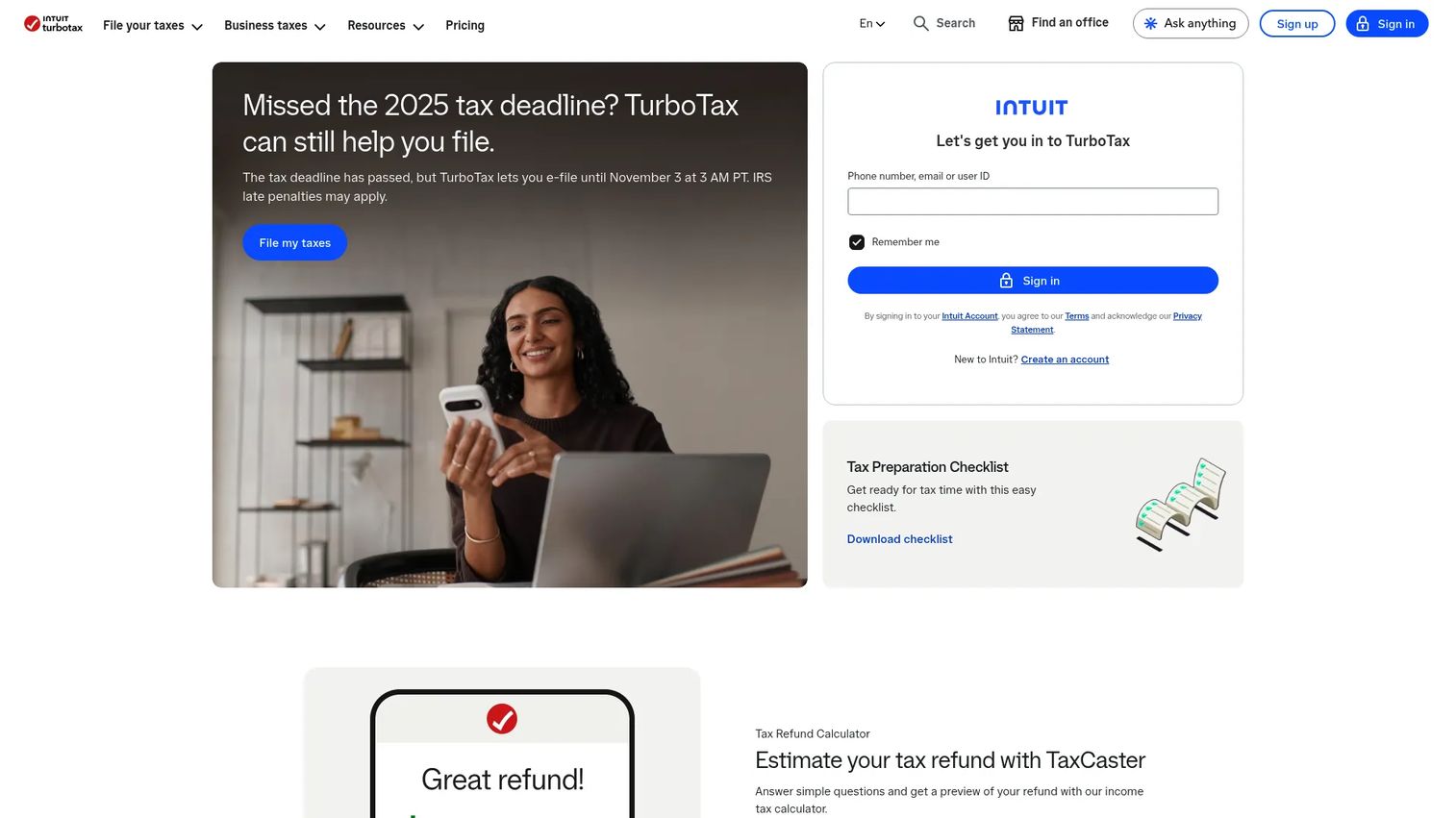
TurboTax is one of the most widely used consumer tax preparation and e-filing platforms for individuals, families, freelancers, and small business owners. It guides users through federal and state returns with an interview-style workflow, supporting document import via photo, upload, or prior-year transfer. Expert-assisted and full-service filing options are available for filers who want professional review.
Best for: Individuals and small business owners who want guided online tax filing with consumer support.
Key features
- Step-by-step tax interview workflow
- Document import via photo, upload, or autofill
- CompleteCheck return review before submission
- Intuit Assist AI for tax answers during filing
- Expert-assisted and full-service filing options
Why choose TurboTax: Choose TurboTax when guidance and support matter more than price. For founders, it works for personal returns and simple owner-level filings. Complex corporate or multi-state situations still warrant a CPA alongside the software.
TurboTax pricing: Federal filing is free for qualifying simple returns. Desktop products start at $84 (Deluxe) and go up to $194 (Business). Expert Full Service starts at $129, with state returns additional.
G2 rating: 3.6/5 (TurboTax Self-Employed, G2)
2. H&R Block

H&R Block provides online tax filing software alongside in-person tax professional access. The Free Online plan covers simple returns with no federal or state charge. Paid plans add deductions for homeowners, investors, and self-employed filers, and Tax Pro Review lets a credentialed professional review your return before submission.
Best for: Filers who want online tax software with the option to get human tax help when they hit a complex question.
Key features
- DIY online filing for all common return types
- Live expert help and Tax Pro Review
- Federal and state e-filing
- Document upload and import
- Refund tracking via MyBlock
Why choose H&R Block: The hybrid model suits filers who want software speed but don't want to handle every question alone. The Free Online plan at $0 federal and $0 state is a genuine free option for simple returns.
H&R Block pricing: Free Online is $0 federal plus $0 per state. Deluxe runs $65 plus $49 per state. Premium is $105 plus $49 per state. Self-Employed is $130 plus $49 per state. Assisted filing starts at $99 plus an additional state fee.
G2 rating: 4.0/5 (H&R Block, G2)
3. IRS Free File program
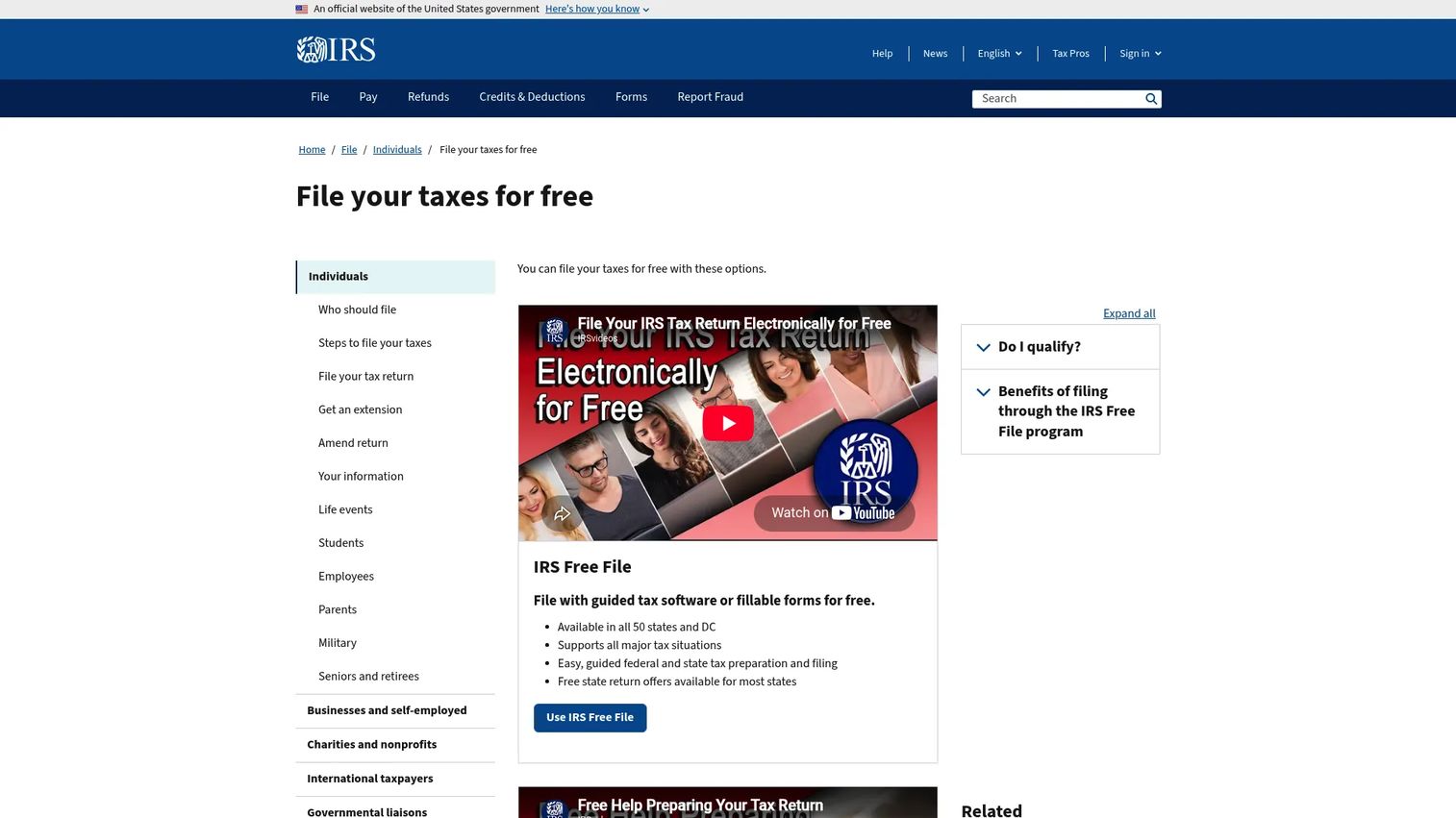
The IRS Free File program is a public-private partnership that connects eligible taxpayers with guided tax software from trusted IRS filing partners. For 2026, the program is available to taxpayers with an adjusted gross income of $89,000 or less. Partners include established tax software providers, and each has its own eligibility requirements that may be narrower than the IRS threshold.
Best for: Eligible U.S. taxpayers who want guided federal tax preparation at no cost.
Key features
- Free guided federal return preparation through IRS partners
- IRS eligibility filter to match taxpayers with qualifying providers
- Consumer protections backed by IRS oversight
- Multiple partner providers with varying state-filing options
- No cost for federal filing within eligibility limits
Why choose IRS Free File program: Use this when the filer qualifies and wants an official, partner-backed route to free federal e-filing. State filing costs depend on the partner and the state; verify state coverage with the specific partner before starting.
IRS Free File program pricing: Free for eligible federal returns. State filing availability and cost vary by partner. The 2026 AGI eligibility threshold is $89,000 or less.
4. Free File Fillable Forms
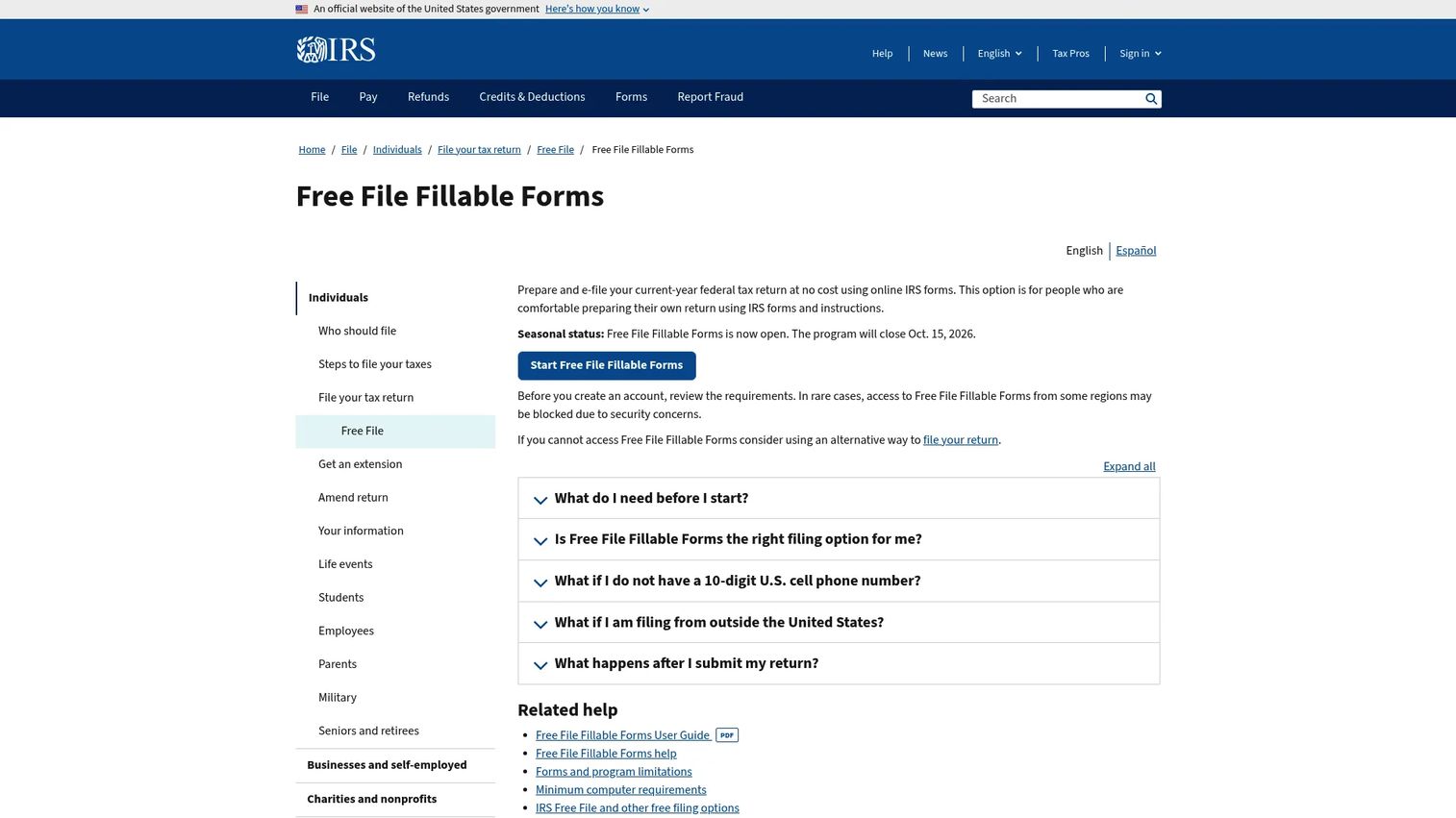
Free File Fillable Forms is the IRS's forms-based alternative to guided tax software. It provides electronic versions of standard IRS forms, basic calculations, and direct submission to the IRS. Unlike guided software, it does not ask interview questions or suggest deductions. Users must know which forms and schedules apply to their situation and follow IRS instructions directly.
Best for: Taxpayers comfortable preparing their own federal return without step-by-step interview guidance.
Key features
- Electronic versions of current-year IRS forms
- Basic calculations and limited error checking
- Direct federal return submission
- No state return preparation
- Free for federal filing regardless of income
Why choose Free File Fillable Forms: Good when the filer knows the tax forms well and wants no-cost federal submission. Not the right tool for users who need guidance or who want state return support.
Free File Fillable Forms pricing: Free for federal filing. State returns are not supported. Some forms, statements, and attachments are unsupported; verify form availability on the IRS page before starting.
5. TaxAct
TaxAct offers online and downloadable tax preparation software for individuals, small businesses, and tax professionals. Its plans range from a free tier for simple returns to Self-Employed and business-specific products. The SmartFile AI assistant guides users through the filing process, and credentialed U.S.-based experts are available for assisted help.
Best for: Individuals and businesses that want structured online tax e-filing with multiple service levels and competitive pricing.
Key features
- Step-by-step preparation for individual and business returns
- Document import and mobile photo capture
- SmartFile AI tax assistant
- Credentialed expert assistance on paid plans
- Business and professional return support
Why choose TaxAct: TaxAct suits cost-conscious filers who still want structured guidance. For founders, it may cover basic business filings, but complex corporate tax situations still benefit from professional review alongside the software.
TaxAct pricing: Free tier covers qualifying simple returns. Deluxe is $59.99, Premier is $99.99, and Self-Employed is $109.99 per return. State filing is additional on all plans. Downloadable products are also available.
G2 rating: 3.6/5 (TaxAct seller profile, G2)
6. 8am MyCase
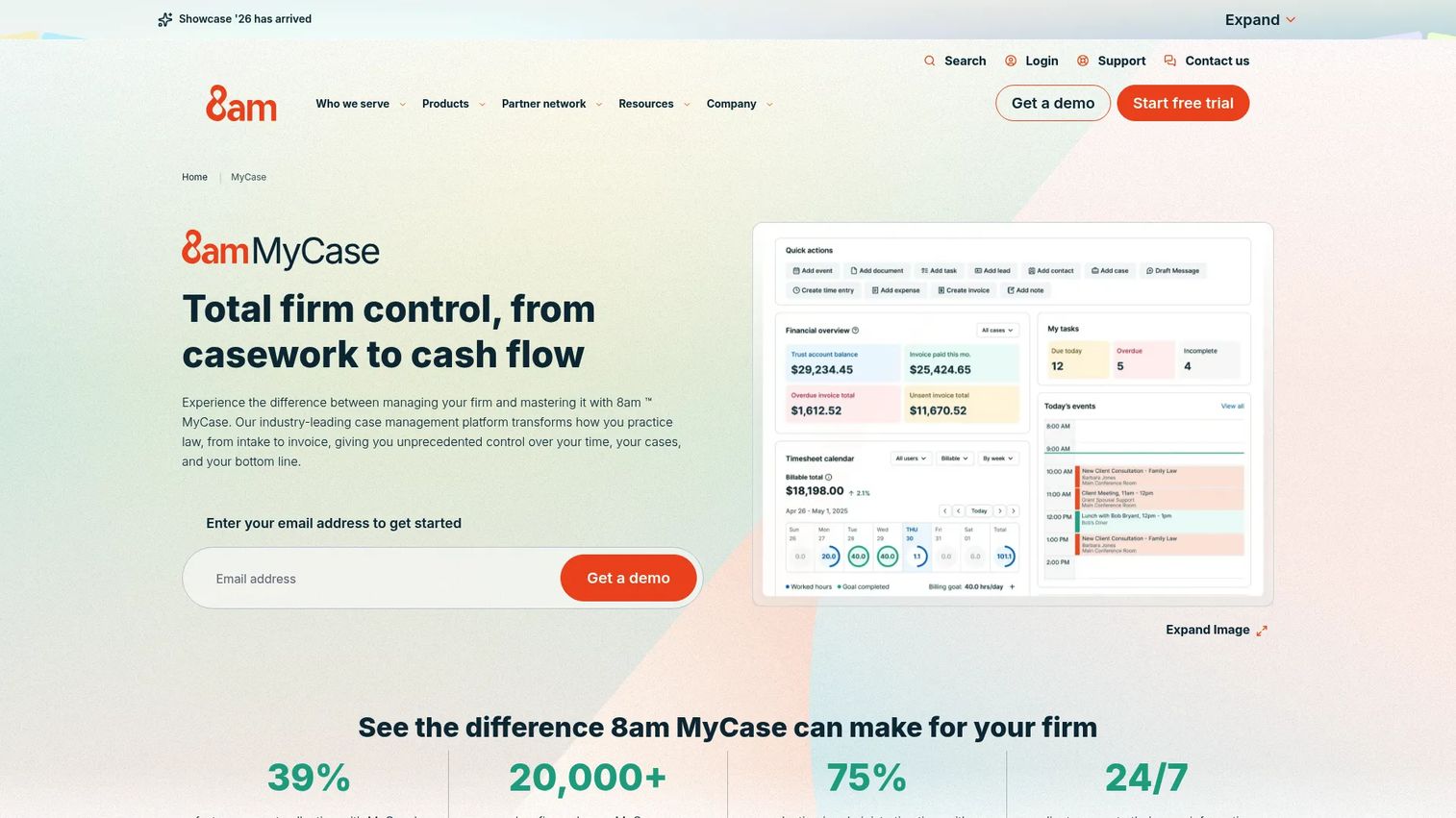
8am MyCase is legal practice management software for small and midsize law firms. It covers case management, document handling, legal calendaring, client communication, billing, and payments in one platform. The 8am IQ AI capabilities include case analysis, OCR, and document assistance. E-filing workflows are supported as part of the broader matter management system.
Best for: Small and midsize law firms that want e-filing connected to case management, billing, and client communication in one operating system.
Key features
- Case management, workflows, and legal calendaring
- Document management with AI assistance
- Client intake forms and two-way text messaging
- Time tracking, invoicing, trust accounting, and LawPay payments
- 8am IQ AI for case analysis and document work
Why choose 8am MyCase: Useful when a firm needs more than a standalone EFSP. It fits teams that want filing tied to matter management, deadlines, and client communication rather than managed as a separate process.
8am MyCase pricing: MyCase Basic starts at $50/user/month billed annually ($60 monthly). Pro is $100/user/month annually. Advanced is $130/user/month annually. A 10-day free trial is available.
G2 rating: 4.4/5 (8am MyCase, G2, 405 reviews)
7. Avalara Platform

Avalara Platform is a cloud-based tax and compliance platform for businesses managing sales tax, VAT, exemption certificates, and filing obligations across multiple jurisdictions. It automates tax calculation, return preparation, filing, and remittance, and integrates with ERP, ecommerce, marketplace, and accounting systems. For a Series B SaaS company crossing sales-tax nexus thresholds, Avalara is the category of tool finance needs, not a consumer tax app.
Best for: SaaS companies and commerce businesses with sales tax or indirect-tax obligations across multiple states or countries.
Key features
- Automated tax calculation across jurisdictions
- Return preparation, filing, and remittance
- Exemption certificate management
- Cross-border tax, duties, and customs compliance
- ERP, ecommerce, and accounting integrations
Why choose Avalara Platform: Use it when spreadsheets and manual filing create audit risk. For founders, this is a finance infrastructure decision. The cost of getting sales-tax compliance wrong at Series B tends to exceed the platform cost.
Avalara Platform pricing: Core Compliance with SST services starts at $69/state/month or $699/state/year. Core Compliance starts at $79/state/month or $799/state/year. Larger or more complex businesses get custom pricing. License Guidance starts at $119; Sales Tax Registration is $403 per location.
G2 rating: 4.2/5 (Avalara seller profile, G2, 1,043 reviews)
8. CARET Legal
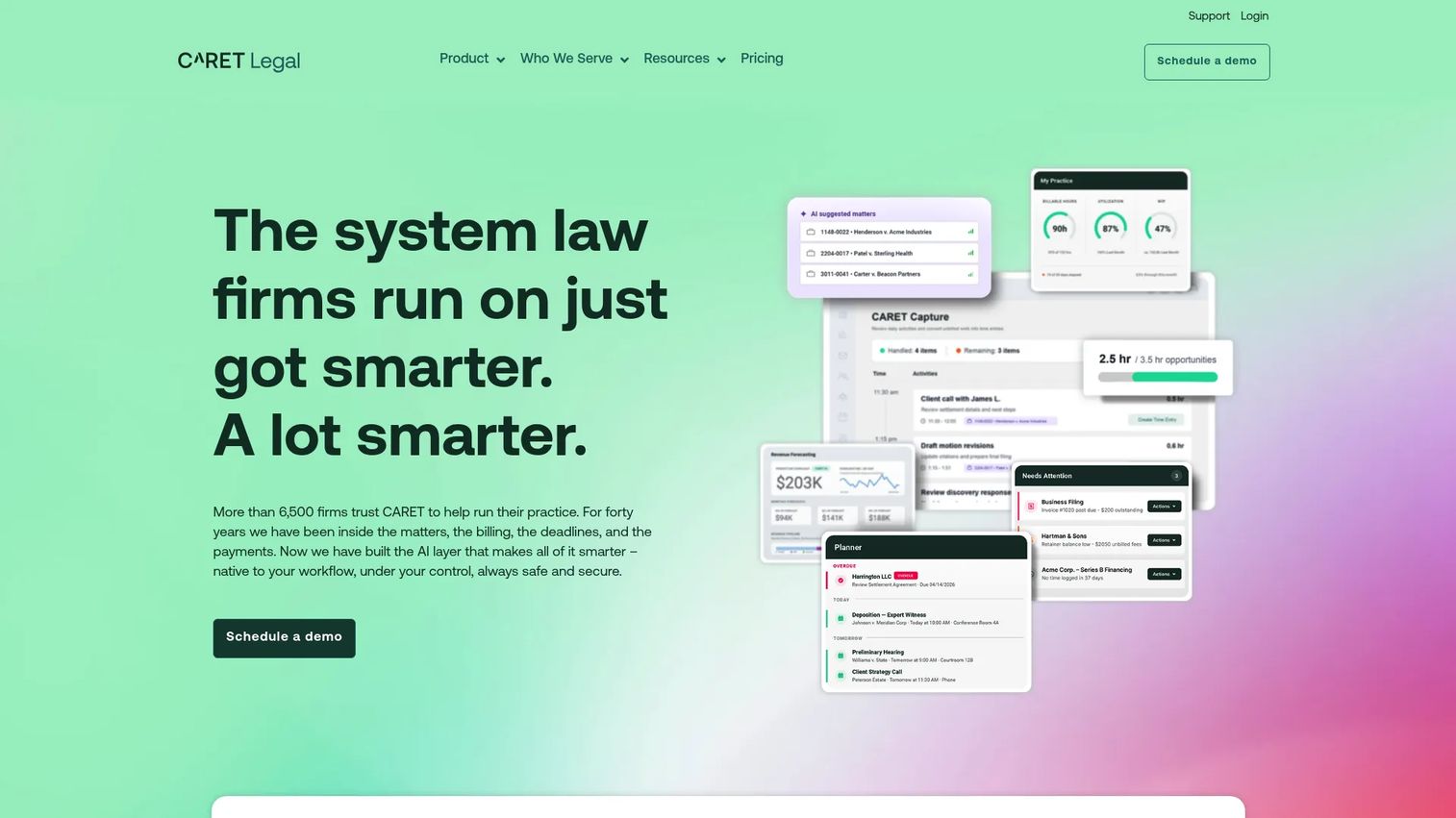
CARET Legal is cloud-based legal practice management software covering matter management, automated workflows, billing, accounting, document handling, and client communication. It includes AI document summaries and a client portal. Filing support depends on integrations with court filing providers; buyers should verify which courts and jurisdictions the firm's current integrations cover.
Best for: Law firms replacing fragmented tools with a structured practice management platform that includes billing, accounting, and document workflows.
Key features
- Case and matter management with workflow automation
- Document management and AI document summaries
- Billing, accounting, and payment processing
- Client portal and communication tools
- Reporting and analytics
Why choose CARET Legal: Good fit for firms that want practice operations and document workflows in one system. The key evaluation question is whether its filing integrations match the courts the firm uses regularly.
CARET Legal pricing: Enterprise starts at $79/user/month billed annually. Enterprise Plus is $99/user/month annually. Enterprise Insights is $119/user/month annually. One-time implementation fees apply; duration is not publicly specified. A free trial is offered.
G2 rating: 4.4/5 (CARET Legal, G2)
9. Clio

Clio is cloud-based legal AI and practice management software covering matter management, document automation, legal billing, client intake, and scheduling. It supports filing integrations through its marketplace and app directory, and includes AI-powered legal workflow tools. Clio is widely used across practice areas and firm sizes.
Best for: Law firms standardizing client intake, matter management, billing, and filing-adjacent workflows in a single platform.
Key features
- Matter management and legal billing
- Client intake, CRM, and scheduling
- Document management and automation
- AI-powered legal workflow tools
- App integrations for court filing and beyond
Why choose Clio: Choose Clio when the filing workflow is part of a larger practice operations problem. Court coverage depends on the integrations and providers the firm connects through Clio's marketplace; verify before committing.
Clio pricing: Starter begins at $49/user/month. Core, Signature, and Elite tiers are available; pricing for those tiers requires contacting Clio directly. Free trial available.
G2 rating: 4.6/5 (Clio seller profile, G2)
10. eimmigration
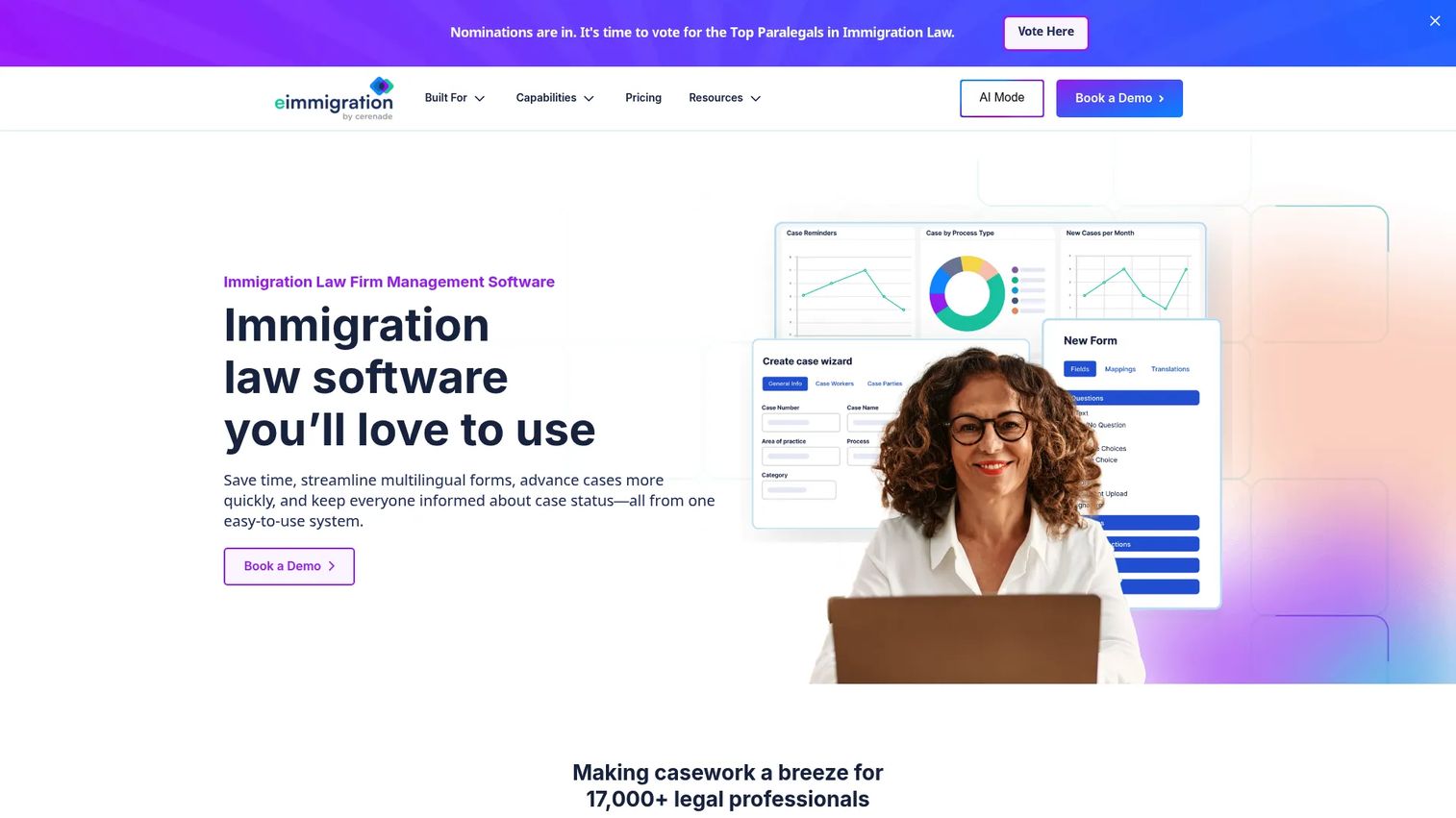
eimmigration is immigration law case management software built for law firms, nonprofits, corporations, and other immigration professionals. It includes over 300 immigration forms with automatic data population, customizable client questionnaires, document assembly, e-signature, and integrations with USCIS, DOS, DOL, and CBP data. For immigration practices, it covers the form-heavy and case-tracking workflows that general legal platforms don't address at the same depth.
Best for: Immigration law firms managing high-volume form preparation, case workflows, and government data integrations.
Key features
- 300+ immigration forms with automatic data population
- Case management and workflow tools
- Customizable client intake questionnaires
- Document repository, assembly, and e-signature
- Government integrations with USCIS, DOS, DOL, and CBP
Why choose eimmigration: Use it when general legal software doesn't cover immigration-specific forms and workflows at sufficient depth. The form library and government integrations are the primary differentiators for immigration practices.
eimmigration pricing: Starter is $55/user/month billed annually ($60 monthly). Essentials is $82/user/month annually ($90 monthly). Complete is $100/user/month annually ($110 monthly). No free tier; pricing is per user.
G2 rating: 4.8/5 (eimmigration, G2)
11. Filevine

Filevine is a legal operations platform for law firms and legal teams. It combines case management, document workflows with OCR and Bates stamping, team collaboration, billing, and AI-powered case assistance including summaries and data Q&A. It is configurable for different practice areas and suited to larger teams with complex casework.
Best for: Larger legal teams that need configurable case workflows, document management, and integrated legal AI.
Key features
- Case management with Project Hub, tasks, and calendars
- Document management with OCR, indexing, PDF editing, and version history
- AI-powered case analysis, summaries, and customizable prompts
- Team collaboration and reporting dashboards
- Billing and legal integrations
Why choose Filevine: Choose Filevine when legal operations need configurable workflows rather than a lightweight case tracker. For e-filing, verify which court and provider integrations are available and whether they match the firm's jurisdiction needs.
Filevine pricing: Core Filevine pricing is customized; contact sales for a quote. A free LOIS Explore trial is available, though it does not include Filevine Case Management.
G2 rating: 4.6/5 (Filevine, G2)
12. Firm Central
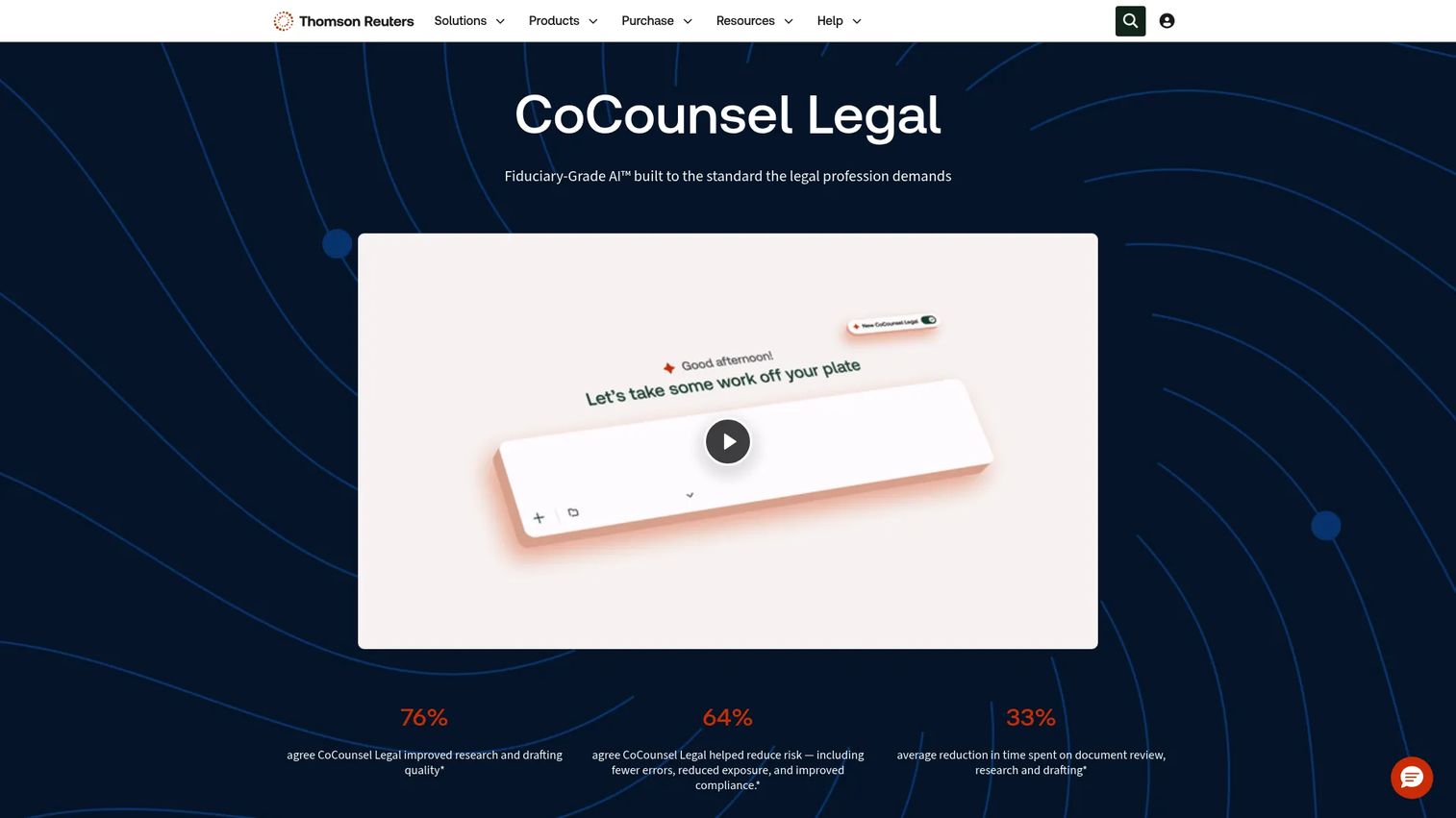
Firm Central is cloud-based law practice management software from Thomson Reuters. It supports matter management, document organization, deadline tracking, and integrated trust and business accounting. It is positioned for law firms already operating within the Thomson Reuters research and legal operations environment.
Best for: Firms already aligned with Thomson Reuters legal tools who want matter management and accounting in the same environment.
Key features
- Integrated trust and business accounting
- Financial reporting including balance sheet, P&L, and bank reconciliation
- Centralized matter management and document organization
- Deadline tracking and firm workflow support
- Thomson Reuters legal research alignment
Why choose Firm Central: A practical fit for firms where Thomson Reuters tools are already embedded in the workflow. The evaluation should confirm that current matter management needs align with what Firm Central covers, and that filing integrations suit the courts the firm uses.
Firm Central pricing: Contact Thomson Reuters sales for current pricing. The official pricing page was not accessible during research; cost drivers typically include user count, modules, and implementation support.
13. InfoTrack
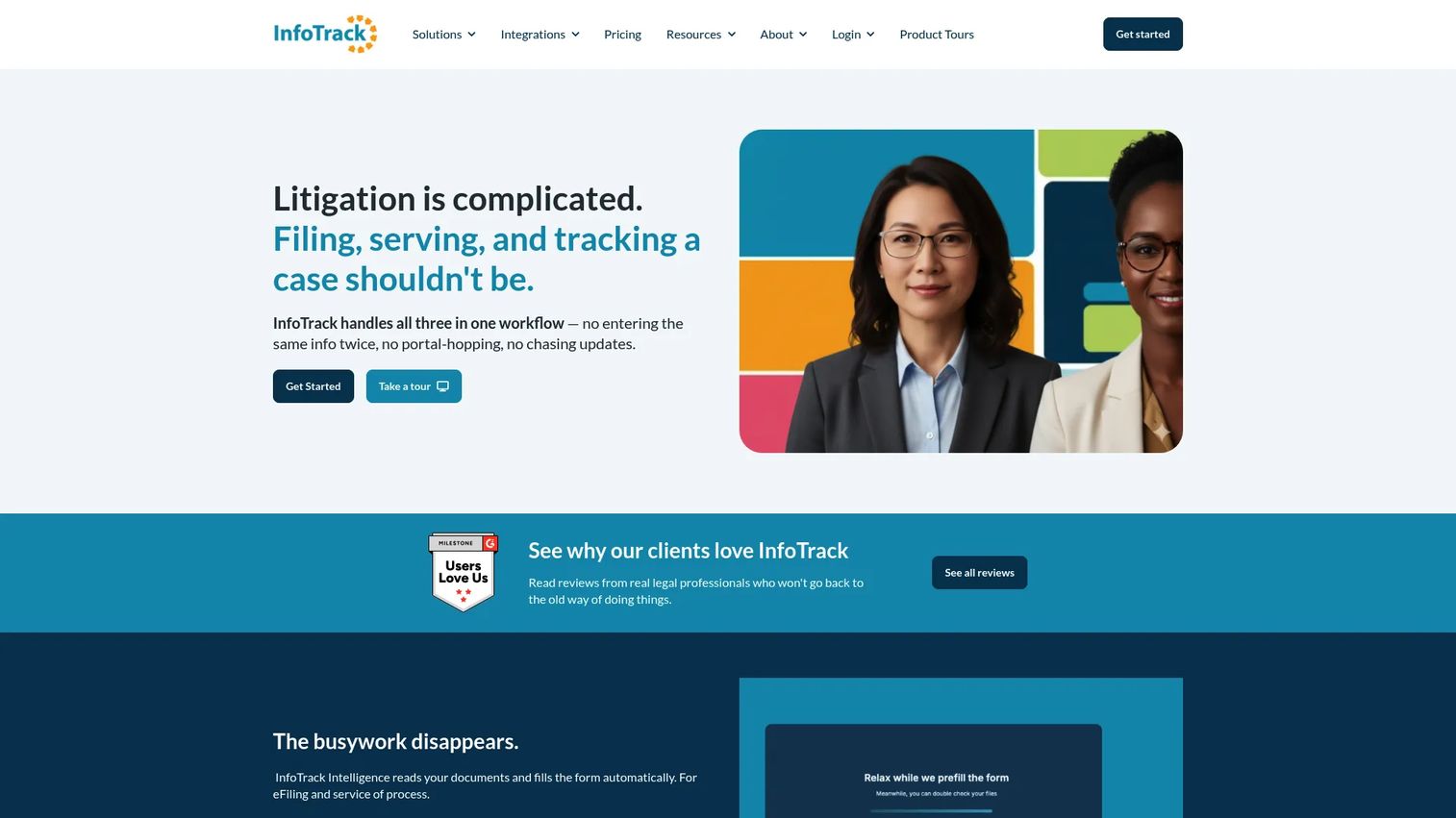
InfoTrack is a legal services platform connecting court filing, process serving, eSignatures, and docket tracking in one workflow. It uses AI-assisted document data extraction for autofill, syncs expenses and documents automatically, and integrates with major practice management systems. Accounts have no fee; charges are transaction-based.
Best for: Law firms that want court filing execution connected to the practice management software staff already use.
Key features
- eFiling and eService with status tracking
- Process serving across supported jurisdictions
- AI-assisted data extraction and document autofill
- Electronic signatures and docket synchronization
- Automatic expense and document syncing to practice management systems
Why choose InfoTrack: Choose InfoTrack when the firm wants filing execution integrated into existing workflows rather than managed in a separate tool. Verify that InfoTrack covers the courts and jurisdictions the firm files in before signing up.
InfoTrack pricing: No account fee. eFiling and process serving average $110 per transaction. eSignature documents cost $5 each. DocketSync is $10. California physical court filing starts at $130; courtesy copy delivery starts at $165.
G2 rating: 4.7/5 (InfoTrack, G2)
14. Simplify Docs
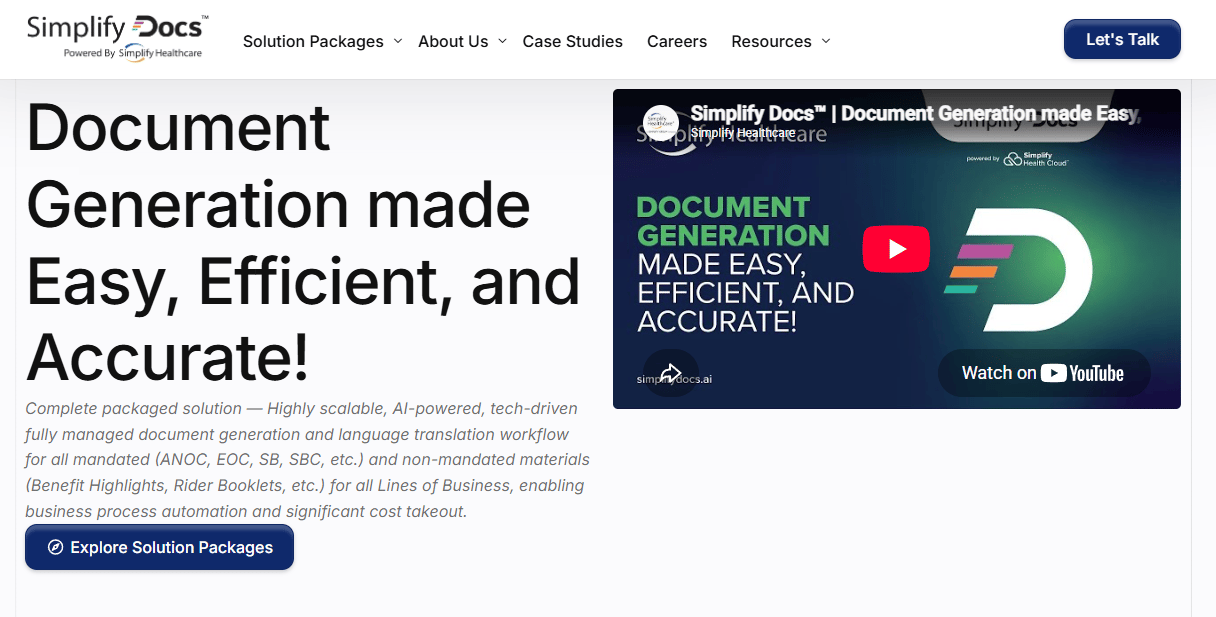
Simplify Docs is an AI-powered, fully managed document generation and delivery platform for healthcare health plans. It automates the generation of CMS-mandated and non-mandated member documents, supports certified translation in 150+ languages, and handles compliance validation through centralized templates with version control and audit logging. Its positioning is specific to healthcare payers, not a general-purpose filing tool.
Best for: Healthcare payers needing managed, compliant generation and translation of high-volume member, enrollment, and mandated documents.
Key features
- Automated generation of CMS-mandated health plan documents
- Centralized templates with dynamic data, version control, and audit logging
- Certified translation in 150+ languages
- 508, Word, PrintX, and large-print output formats
- Compliance validation built into the document workflow
Why choose Simplify Docs: Use it when the filing bottleneck is compliant document preparation for health plan members before submission. For teams outside healthcare payer operations, verify whether the platform covers the document type and submission destination before evaluating further.
Simplify Docs pricing: Contact Simplify Docs for a quote. Cost drivers include document volume, translation requirements, and compliance workflow complexity.
15. Taxually
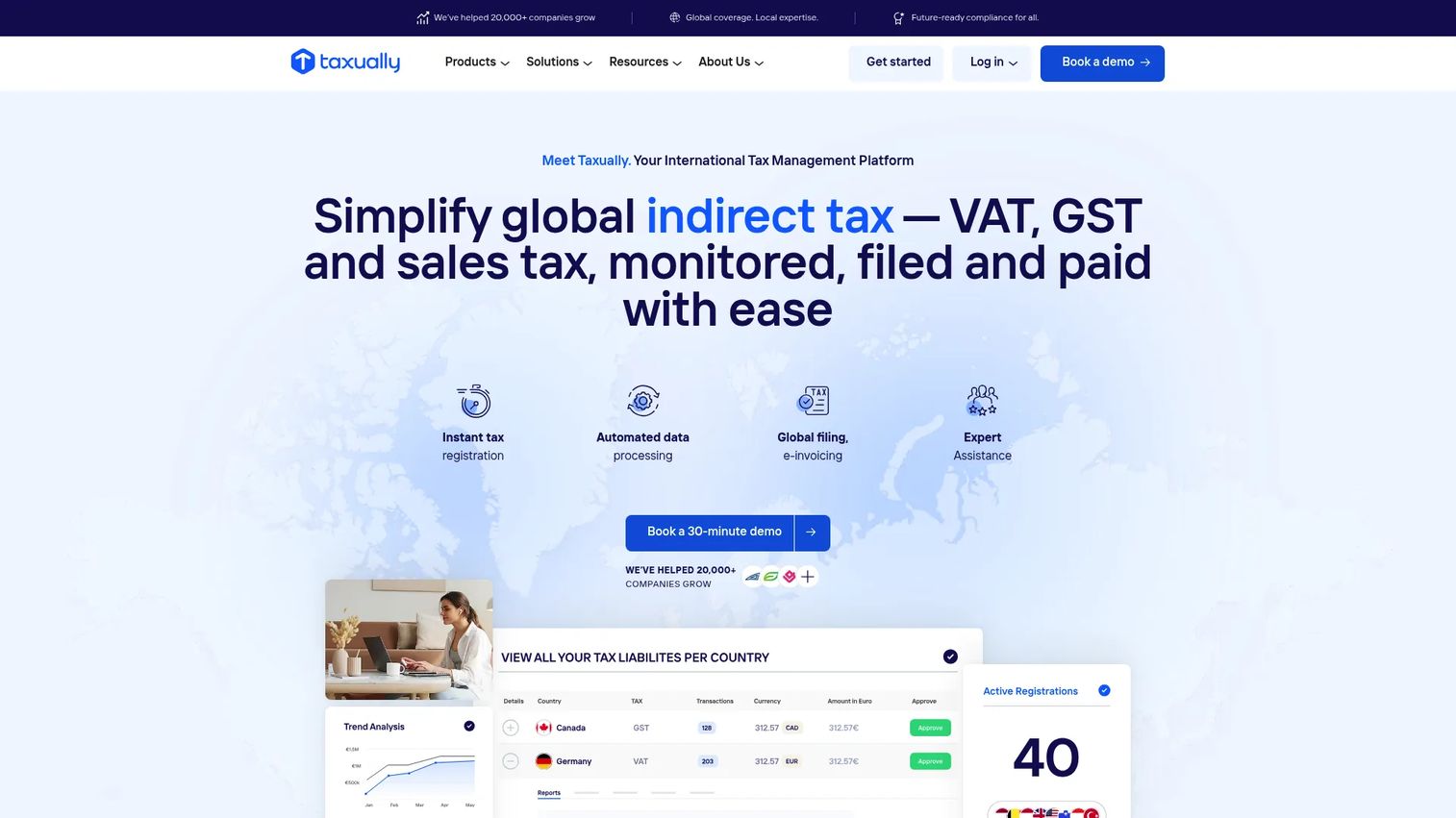
Taxually is an international indirect-tax compliance platform covering VAT, GST, sales tax, EPR, e-invoicing, tax registration, return filing, and cross-border tax payments. Its branded product suite includes CrossTax (VAT/GST), LumaTax (US and Canadian sales tax), EcoTax (EPR), and OneTax (cross-border payments). It supports e-invoicing in 32 countries and integrates with Amazon, Shopify, Stripe, eBay, and accounting systems.
Best for: E-commerce businesses, accounting providers, and enterprises managing multi-country indirect-tax compliance.
Key features
- VAT/GST registration and compliance (CrossTax)
- US and Canadian sales tax compliance (LumaTax)
- EPR and plastic-tax compliance (EcoTax)
- Cross-border tax payments (OneTax)
- E-invoicing in 32 countries
Why choose Taxually: A fit for companies selling across markets where local indirect-tax obligations create operational drag. For founders, the trigger is usually a finance leader flagging missed VAT registrations or accumulating cross-border filing obligations. Cost drivers include countries covered, filing volume, and which product modules are needed.
Taxually pricing: Custom pricing based on scale and services required. Contact Taxually for a quote.
16. State Provided EFSP
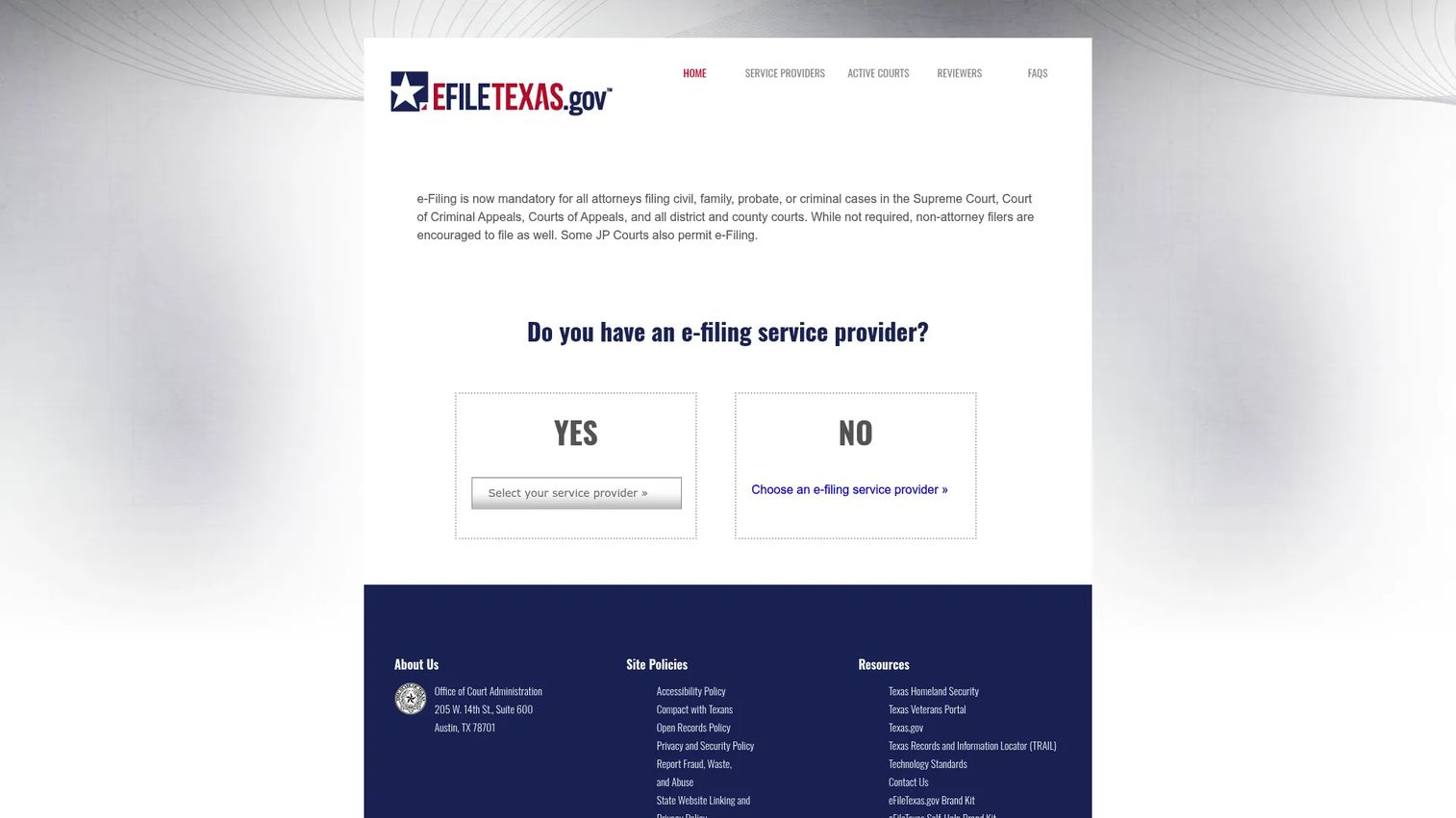
The State Provided EFSP is Texas's official electronic filing service provider option, operated through eFileTexas.gov. It gives attorneys and self-represented litigants access to basic court e-filing and e-service without a third-party provider fee. Features include file-stamped copies, 24/7 filing access, online tracking, and live support through chat, phone, and email.
Best for: Texas court filers who want the official state-provided filing route without a third-party provider fee.
Key features
- Basic electronic court filing and e-service
- File-stamped copies of filings
- Online tracking and proof of delivery
- 24/7 filing and document access
- Live chat, phone, email, webinars, and training support
Why choose State Provided EFSP: The right call when the filer wants the official filing path and doesn't need broader practice management features. Court filing costs and a 2.89% credit-card processing convenience fee may still apply; the EFSP access itself is free.
State Provided EFSP pricing: Free for basic e-filing and e-service access. Statutory court costs and a credit-card convenience fee may apply separately.
17. Court File America
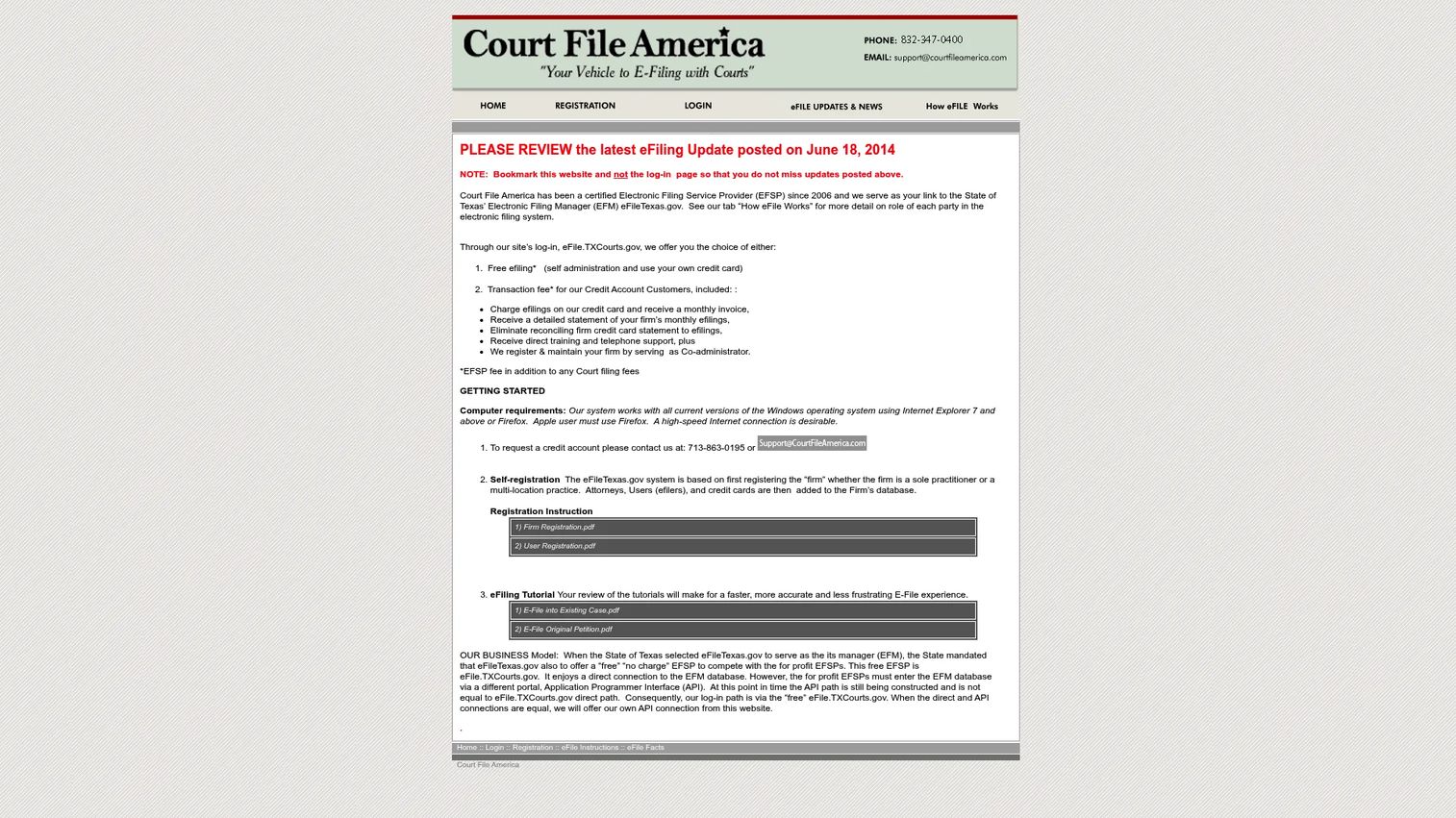
Court File America is a certified Texas EFSP connecting users with the state's eFileTexas.gov system. It offers self-service e-filing using a personal credit card, and a credit-account option for firms that prefer monthly invoicing with detailed statements and telephone support. File-stamped copies, submission acknowledgements, and standalone e-service with proof of delivery are included.
Best for: Texas law firms and attorneys needing electronic court filing with optional monthly billing and firm administration support.
Key features
- Texas electronic court filing via eFileTexas.gov
- Standalone electronic service with proof of delivery
- File-stamped copies and submission acknowledgements
- Monthly invoicing and detailed statements (credit account)
- Firm registration and co-administrator support
Why choose Court File America: A practical option for Texas filers who want a straightforward certified EFSP with a simple fee structure. Court coverage and filing type support should be confirmed against the firm's specific needs before selecting.
Court File America pricing: Self-service e-filing carries a $5.00 Court File America provider fee per filing. Court and other applicable fees are separate. Credit-account customers get monthly invoicing and added support.
18. FileTime
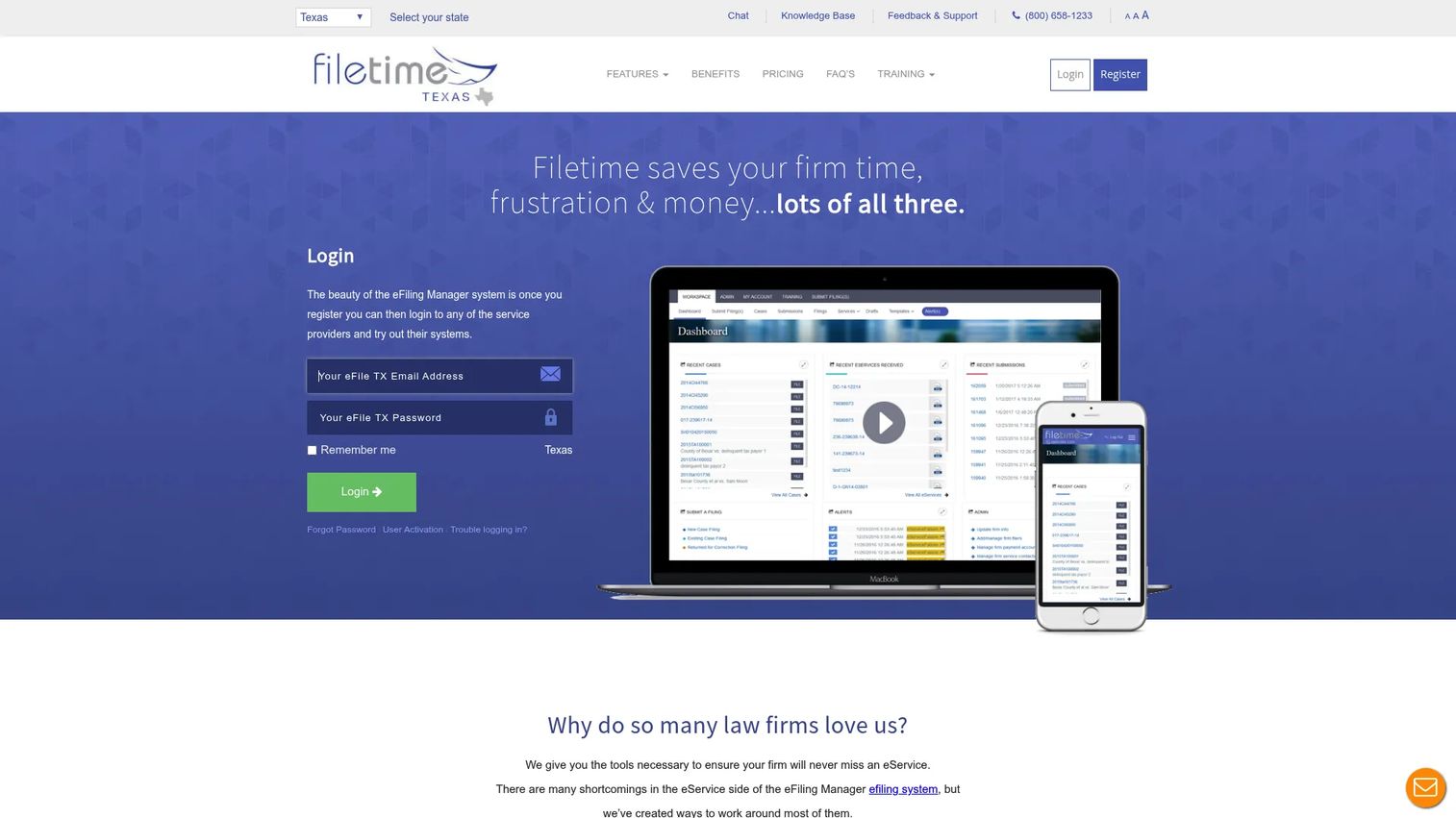
FileTime is an electronic filing and service provider for legal professionals and law firms. It includes document conversion to text-searchable PDFs, customizable reporting with Excel export, extended file-stamped document storage, and a free fax service. Three per-submission plans offer different levels of service, including monthly invoicing on the Platinum plan.
Best for: Law firms and legal professionals that want court e-filing with tracking, document conversion, and reporting built in.
Key features
- Court e-filing and eService with status tracking
- Document conversion to text-searchable PDFs
- Customizable reporting with Excel export
- Extended file-stamped document storage
- Free fax service and mobile version
Why choose FileTime: Choose FileTime when filing visibility, document history, and reporting matter as much as submission. Verify supported courts and jurisdictions before committing.
FileTime pricing: Basic Plan is $1.99 per submission. Gold Plan is $2.99 per submission. Platinum Plan is $3.99 per submission and includes monthly invoicing and unlimited fax pages per submission. Statutory court fees are separate.
G2 rating: 5.0/5 (FileTime seller profile, G2, based on one review)
19. GreenFiling
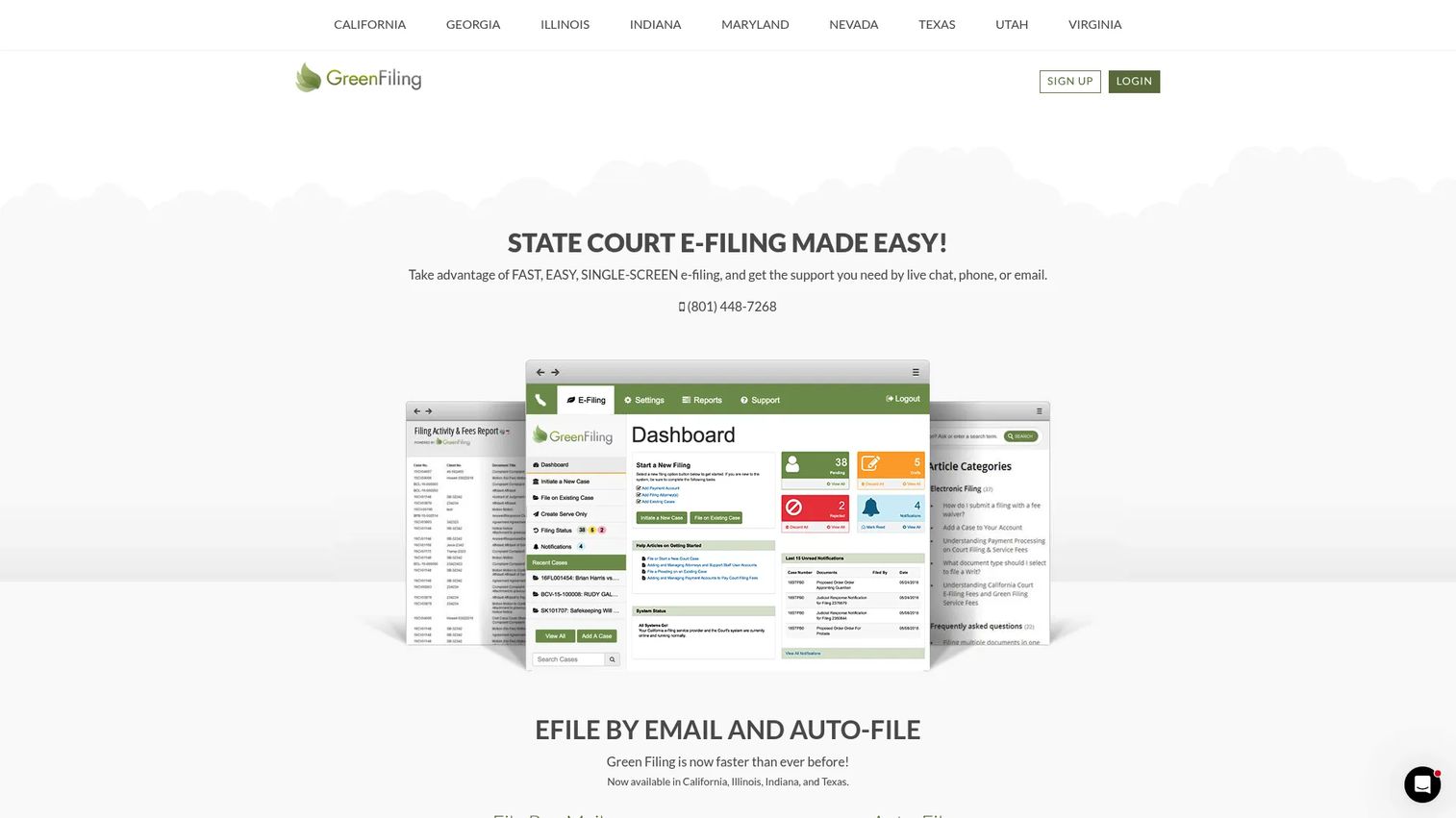
GreenFiling is an electronic filing service provider for state courts. It supports eFile by Email, automatic document and party information extraction (Auto-File), PDF conversion to text-searchable formats, electronic service with tracking, and mail service via Certified or First-Class Mail. Feature availability varies by state and court.
Best for: Law firms, attorneys, and self-represented litigants needing state-court electronic filing and document service.
Key features
- eFile by Email and Auto-File document extraction
- PDF conversion to text-searchable PDFs
- Electronic service with tracking
- File-stamped document delivery
- Mail service via Certified and First-Class Mail
Why choose GreenFiling: A focused EFSP for filers who want straightforward court submission without a full practice management platform. The key test is whether GreenFiling supports the specific courts and states the filer needs; coverage varies.
GreenFiling pricing: $3 per filing submission for Texas (law firms, attorneys, and self-represented filers). Pricing varies by state and court. Court fees and transaction costs are not included in the provider fee.
G2 rating: 0.5/5 (GreenFiling, G2, two reviews)
20. TurboCourt
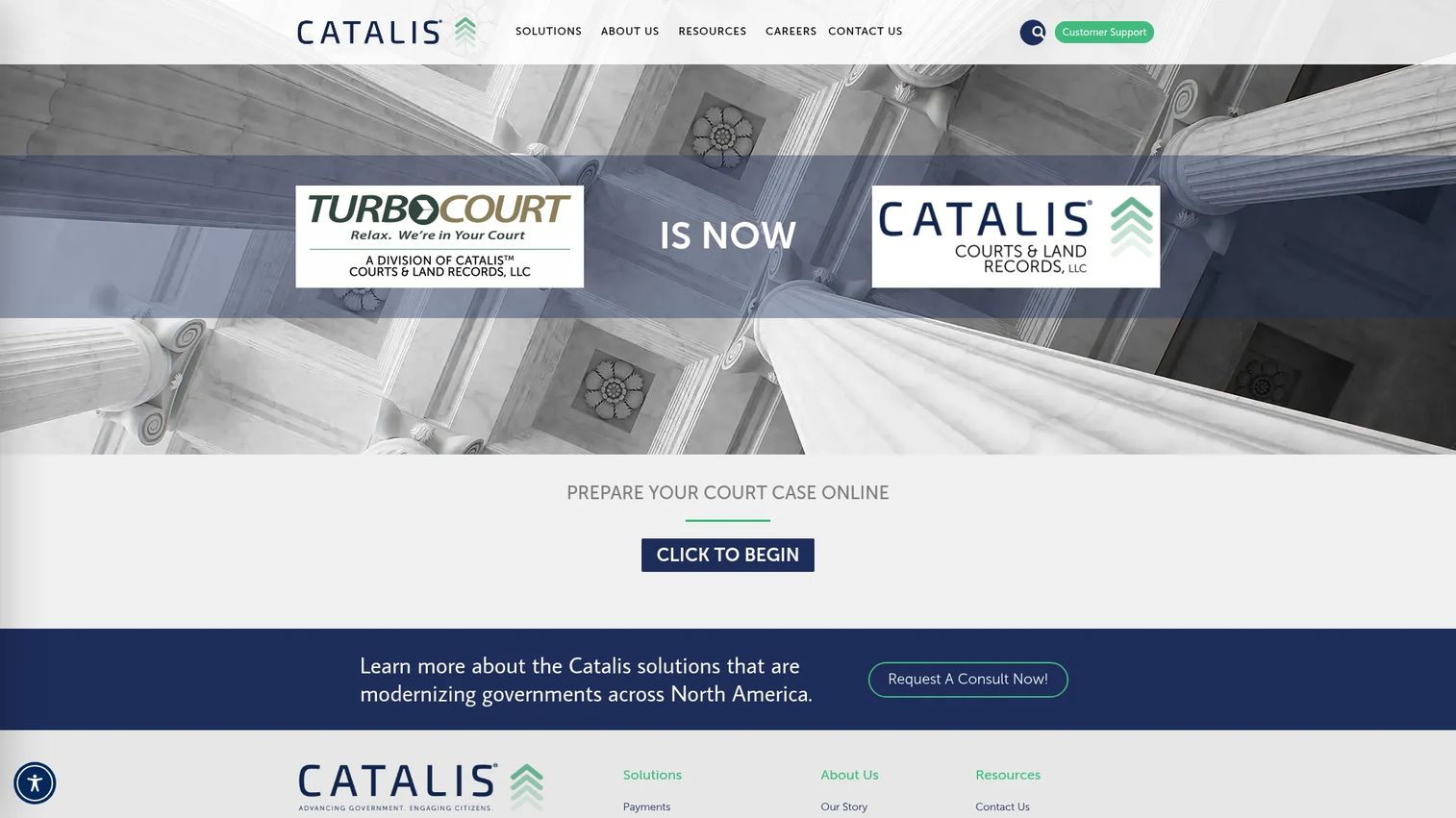
TurboCourt is an online legal document preparation and court e-filing service. It uses guided questionnaires to automatically complete legal forms, saves encrypted form data across sessions, and supports filing-status and court-message tracking. Electronic service with recipient-status tracking is also available. It serves self-represented litigants, attorneys, businesses, and government organizations.
Best for: Filers who need guided court form preparation before electronic submission, including self-represented litigants.
Key features
- Guided questionnaires that automatically complete legal forms
- Online court form preparation and e-filing
- Saved, encrypted form data accessible across devices
- Filing-status and court-message tracking
- Electronic service with recipient-status tracking
Why choose TurboCourt: Good when the filer needs help preparing forms accurately before submitting them. Verify that local court support and required form types are available in your jurisdiction before starting.
TurboCourt pricing: TurboCourt fees vary by jurisdiction and filing type. A Florida Small Claims filing example shows a $10.40 processing fee. Arizona e-service is $3.80 per filing. Court filing fees are separate and jurisdiction-specific.
21. US Legal PRO
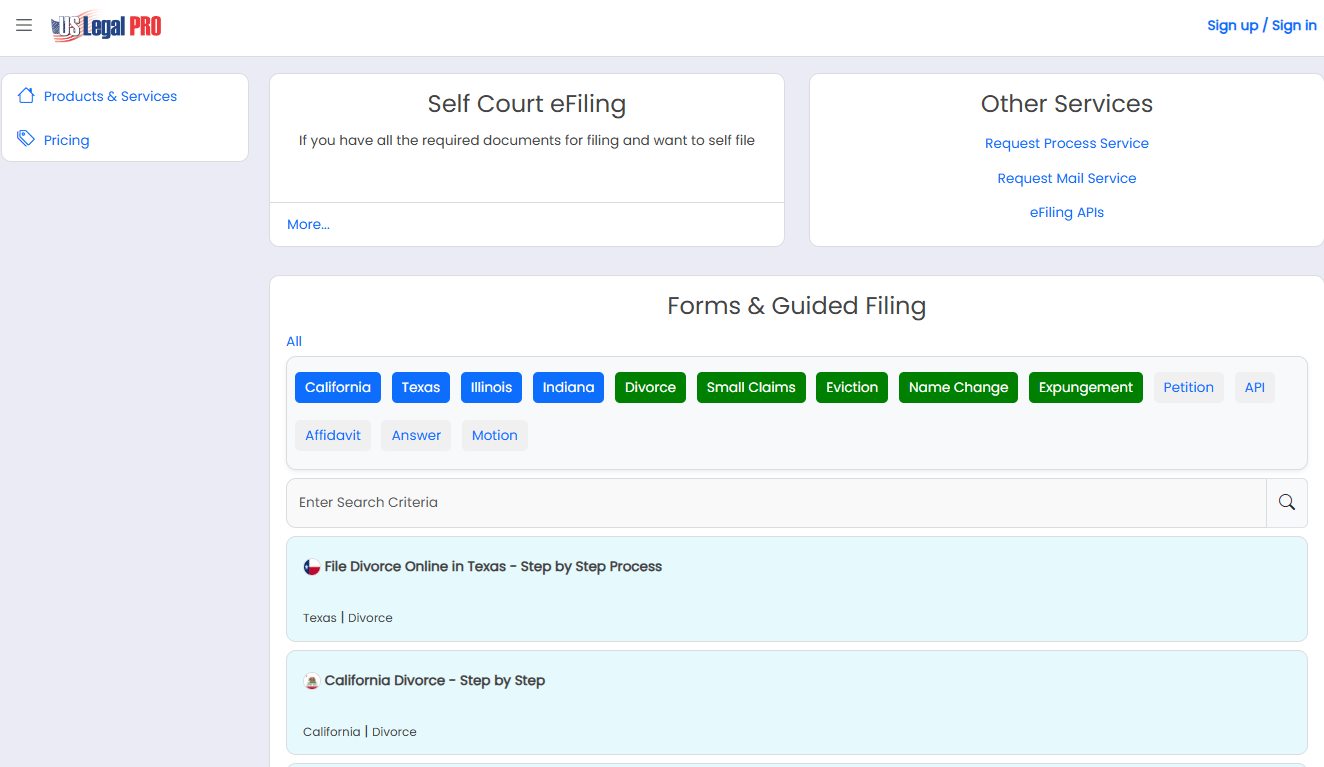
US Legal PRO is a legal technology and support services provider offering court eFiling, process serving, mail service, online court forms, and eFiling APIs using CSV or REST API. It integrates with Clio and supports eFiling across all 50 states. Pricing is usage-based rather than subscription-based, with different rates for California versus other states.
Best for: Law firms and legal professionals needing court eFiling, process serving, or legal filing API access.
Key features
- Self court eFiling in all 50 states
- eFiling APIs using CSV or REST API
- Process service in all 50 states
- Online court forms and guided filing
- Clio integration
Why choose US Legal PRO: A practical choice when the firm needs eFiling alongside process serving or API-based filing workflows. Confirm whether the specific courts and filing types required are supported before selecting.
US Legal PRO pricing: Self eFiling is $4.99/submission for most states and $9.99/submission for California. eFile 4 Me (managed filing) ranges from $39.99 to $149/submission. Process service runs $149 (standard) or $250 (expedited). Bulk eFiling pricing requires contacting sales.
Considerations when choosing e-filing platforms
Match the platform to the filing type
Tax software, court EFSPs, legal practice platforms, and VAT compliance tools solve different problems and cannot substitute for each other. A founder should route the decision to the right functional owner: Finance for tax and compliance, legal or GC for court and matter-based filing. Buying a tax app when the actual need is court filing wastes money and creates gaps.
Verify jurisdiction coverage before price
For court filing, supported courts and states matter more than a low per-submission fee. A platform that doesn't cover the court where the firm files regularly is a non-starter. For tax software, confirm that the plan covers the state returns you need, since state filing is almost always an added cost even when federal filing is free.
Separate software fees from filing fees
Every platform in this list charges different layers of fees. Understand the difference between the software subscription or platform fee, the provider fee per transaction, and the statutory court or agency filing fee. A "free" EFSP can still carry court costs. A "$3 per filing" service doesn't include what the court charges on top.
Check confirmations, notices, and audit trails
For a company approaching due diligence at a fundraise, operational controls matter. Filing confirmations, acceptance notices, submission history, and document retention are not optional features. They are the evidence that filings happened correctly and on time. Choose platforms that surface this data clearly rather than requiring manual follow-up.
Evaluate support before a deadline hits
Filing deadlines create real risk. A court submission that rejects on the day it's due, or a tax return that errors out at 11pm, needs immediate support. Ask about support hours, escalation paths, and how the platform handles rejection notices before you're in that situation.
Conclusion
E-filing spans at least five distinct categories, and the right tool depends entirely on which filing job you're trying to solve.
For consumer online tax filing, TurboTax, H&R Block, and TaxAct cover individuals and small businesses with guided federal and state returns. Free federal options are available through the IRS Free File program for eligible filers, and Free File Fillable Forms for those comfortable working directly with IRS forms.
Law firm operations belong on dedicated legal practice platforms: Clio, Filevine, CARET Legal, and 8am MyCase cover matter management, billing, and document workflows, while InfoTrack handles the court filing execution layer specifically. For immigration practices, eimmigration is purpose-built for the form-heavy workflows that general platforms don't address at depth.
Court e-filing needs an EFSP with verified jurisdiction coverage: State Provided EFSP (Texas), Court File America, FileTime, GreenFiling, TurboCourt, and US Legal PRO all serve this category, each with different fee structures and court coverage. For business indirect-tax compliance, Avalara Platform and Taxually are the category-fit choices for companies managing sales tax or VAT across multiple jurisdictions.
Choose the platform by filing job first. Then verify jurisdiction, fee structure, confirmation workflows, and support availability. The wrong pick creates rework that your team shouldn't be handling manually.
For related software decisions your finance and legal leads will care about, explore our guides on business process management software and best contract management software.
FAQs
An e-filing platform is software or a service that prepares, submits, tracks, and stores documents electronically with tax agencies, courts, or government systems. The category includes consumer tax software, legal practice platforms with filing integrations, certified court EFSPs, and business indirect-tax compliance tools. Each serves a distinct filing job, and the platforms are not interchangeable across categories.
Tax e-filing submits income, business, or indirect-tax returns to agencies such as the IRS or state revenue departments. Court e-filing submits legal documents including motions, complaints, and service documents to courts through certified electronic filing service providers. Each has separate rules, deadlines, fee structures, and acceptance workflows. A tool built for one does not handle the other.
The federal filing component can be genuinely free for eligible users. The IRS Free File program covers federal returns for taxpayers with an AGI of $89,000 or less, and Free File Fillable Forms is free for all federal filers. State returns, court filing fees, provider transaction fees, and assisted service almost always cost extra. Verify the full cost for your specific filing type and jurisdiction before selecting a platform.
Simple owner filings often fit consumer tax software such as TurboTax or TaxAct at the Self-Employed tier. Companies with sales-tax obligations across multiple states, VAT requirements, or payroll filings typically need dedicated tax compliance tools like Avalara Platform alongside professional accounting support. The right answer depends on return complexity, filing frequency, and how many jurisdictions are involved.
Law firms need to match tools to the specific filing job. Legal practice management platforms such as Clio, Filevine, CARET Legal, and 8am MyCase handle matter and document workflows around filing. InfoTrack handles court filing and process serving execution directly. Jurisdiction-specific EFSPs such as FileTime, Court File America, and US Legal PRO handle electronic court submission. For immigration practices, eimmigration covers case and government form workflows. Most firms need at least two categories of tool working together.
Start with jurisdiction coverage: Confirm the EFSP supports the specific courts and filing types you use. Then verify the fee structure, separating provider fees from statutory court fees. Check whether the platform provides filing confirmations, rejection notices, and document history. Assess support hours and escalation options, because filing failures at deadlines require immediate help. Finally, confirm that the provider integrates with or at least exports to your existing practice management system.
E-filing tools reduce manual work and guide the submission process, but they don't replace professional advice for complex situations. A tax software platform can accurately prepare and submit a return, but it won't advise on tax strategy, entity structure, or audit risk the way a CPA can. A court EFSP submits documents correctly to the right court, but it won't draft the motion or assess litigation strategy. Use the software to execute; keep the professional to advise.
Check the official agency, court, or state e-filing website first to see which providers are certified or approved for your jurisdiction. Then go to the EFSP's website and verify their specific court and state coverage list. Do not assume that a platform supporting Texas courts also supports the specific county court or filing type you need. Confirm at the jurisdiction level, not just the state level, before paying for access.