Your project is two weeks from delivery and you're just now discovering the budget is 20% over. The numbers were there the whole time, scattered across a spreadsheet, a time tracking tool, and someone's inbox. Nobody connected them.
That's the real problem project cost management software solves. Not tracking tasks or logging hours in isolation, but keeping budget, labor, expenses, and change requests tied to a single project record so overruns surface early enough to act on. According to QYResearch (2025), the global project cost management software market was valued at USD 1.63 billion in 2024 and is forecast to reach USD 2.71 billion by 2031, growing at 7.6% CAGR. The adoption signal is clear: Teams that managed cost control in spreadsheets are replacing that with purpose-built software. The question is which one fits your workflow, your team's size, and the finance rigor you actually need.
What's inside
This guide is for PMs, project controls leads, operations managers, and delivery teams evaluating project cost tracking software in 2026. Tools were selected and ranked based on four criteria:
- Budget control: Real-time variance tracking, baselines, and change management
- Time tracking quality: Ease of entry, approvals, and cost code mapping
- Forecasting depth: EAC, margin tracking, and cash flow visibility
- Integration fit: ERP, accounting, and PSA connections
TL;DR
- Best for governed project records: Kahua, for capital program owners who need budget baselines, contract control, and approval trails connected in one place
- Best for finance-led teams: Sage, for mid-market organizations where billing, revenue recognition, and audit trails matter most
- Best for time tracking first: TMetric, for teams that want a fast-to-adopt, time-to-cost flow with invoicing
- Best for services delivery: Scoro, for agencies and professional services firms managing projects, resources, and profitability together
- Best for margin management: Productive, for agencies that need utilization, forecasting, and billing in a single view
- Best for lightweight cost visibility: Beebole, for smaller teams that want project budgeting and labor cost reporting without heavy setup
- Best for broader work management: Wrike, for teams that need cost tracking inside a larger project planning and automation platform
What is project cost management software
Project cost management software is a category of tools that helps teams plan, track, and control the financial performance of projects throughout their lifecycle, from initial budget baseline through final delivery.
Unlike general project management software, which focuses on tasks and timelines, or accounting software, which records financial transactions after the fact, project cost management software connects both sides in real time. Actuals hit the project record as work happens, so variance is visible before it becomes irreversible.
Core capabilities to look for:
- Budget baselines: Set original budget by cost code, phase, or workstream; track revisions over time
- Time tracking: Log labor hours against specific tasks or cost codes, with mobile and approval support
- Expense capture: Record non-labor costs against project budgets
- Labor costing: Convert hours into cost using bill rates, cost rates, or blended rates by role
- Forecasting and EAC: Estimate at completion (EAC) based on current burn rate and remaining scope
- Approvals and audit trails: Workflow-based sign-offs on change orders, invoices, and budget revisions
- Budget vs actual reporting: Dashboards showing variance by phase, team, or cost category
- ERP and accounting integrations: Bi-directional sync with systems like Sage, SAP, or QuickBooks
How project cost management software differs from adjacent categories:
| Category | Primary focus | What it lacks |
|---|---|---|
| Project management software | Tasks, timelines, resources | Deep financial controls and cost reporting |
| Accounting software | Transactions, GL, payroll | Project-level cost codes and real-time burn |
| PSA software | Services delivery end-to-end | Sometimes light on construction or capital program workflows |
| Project cost management software | Budget, actuals, forecasts, approvals | Varies: Some lack full accounting, others lack task management |
When to use project cost management software
Keep budgets and actuals tied to the same project record
Spreadsheet tracking breaks down once more than two or three people touch the same budget file. Version conflicts, manual reconciliation, and missing entries create gaps between what finance sees and what the project team knows. A shared system with role-based access removes that gap and makes variance visible in real time, not at month-end.
Forecast margin before a project ends
Knowing you're over budget at invoice time is too late to course-correct. EAC and cash flow forecasting let delivery teams flag risk early, when adjustments to scope, resourcing, or billing timing can still protect margin. This matters most for services businesses where labor is the dominant cost driver.
Reduce manual reconciliation across finance and delivery
When project tools and accounting systems don't talk to each other, someone manually reconciles them. That person spends hours each week building reports that are already outdated by the time stakeholders read them. ERP and accounting integrations cut that cycle by syncing actuals automatically, so reporting reflects what's happening now.
Project cost management software comparison
The table below summarizes all seven tools by best fit, key differentiator, pricing, and G2 rating. Verify pricing and ratings directly with each vendor before shortlisting, as figures change.
| # | Product | Best for | Key differentiator | Pricing | G2 rating |
|---|---|---|---|---|---|
| 1 | Kahua | Complex capital programs | Connected project record with governed workflows | Custom pricing | 4.4/5 |
| 2 | Sage | Finance-led mid-market teams | Accounting, ERP, and project billing in one suite | Varies by product | 4.3/5 |
| 3 | TMetric | Time-first cost tracking | Simple time-to-cost flow with invoicing | Free plan available | N/A |
| 4 | Scoro | Professional services firms | PSA with project, resource, and financial management | From €18.90/user/mo | 4.5/5 |
| 5 | Productive | Agency margin management | Utilization, forecasting, and billing unified | From $10/user/mo | 4.6/5 |
| 6 | Beebole | Lightweight cost visibility | Project time tracking with budgeting and labor cost reports | Free up to 5 users | 4.5/5 |
| 7 | Wrike | Broader work management | Work management platform with budget and resource views | Free plan available | 4.2/5 |
Best 7 project cost management software tools for 2026
1. Kahua
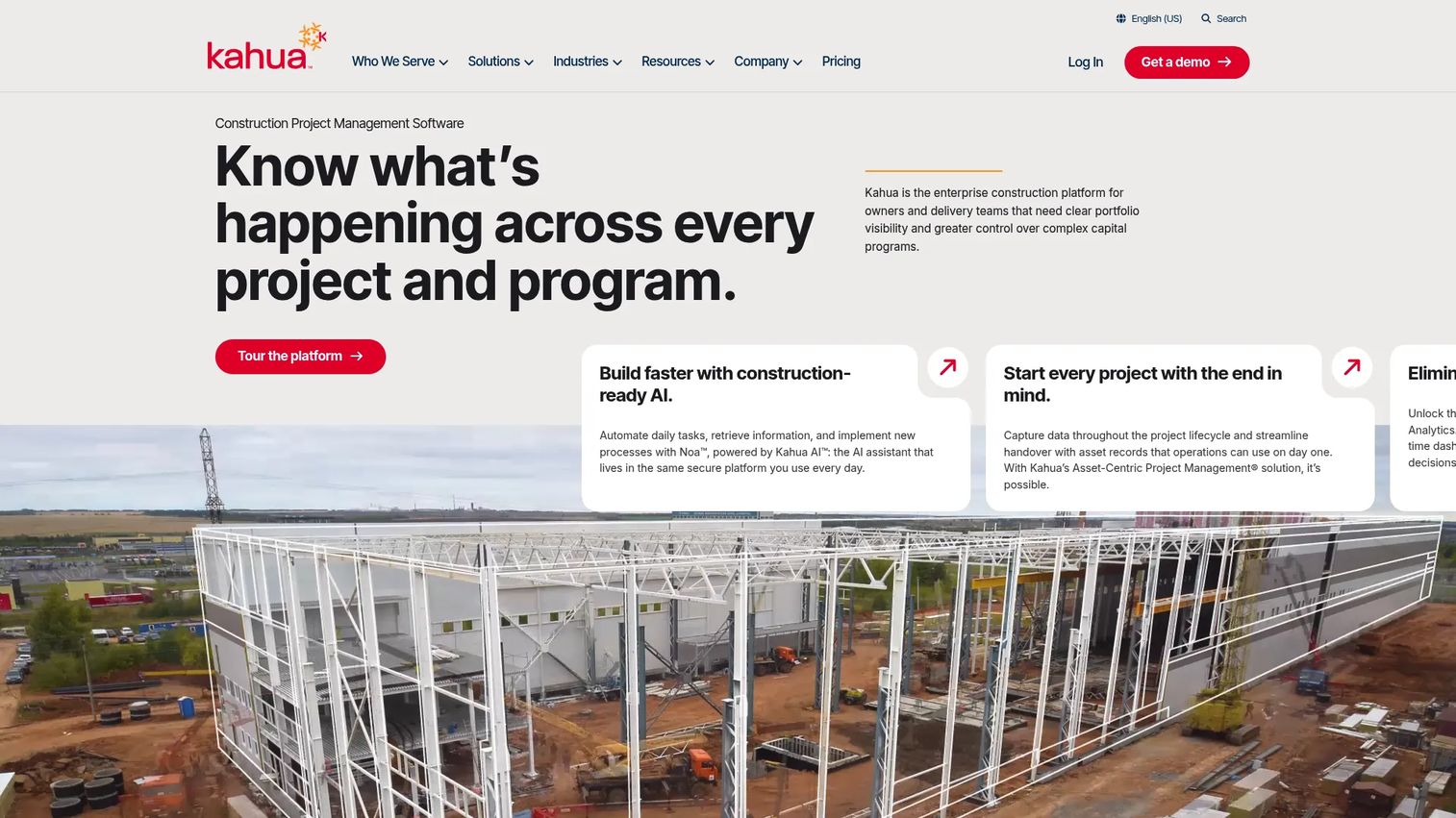
Kahua is an enterprise construction and capital program management platform built for owners, program managers, and contractors managing complex, multi-phase projects. Its core design principle is the connected project record: Every budget line, commitment, change order, pay request, and cost forecast lives in a single governed record rather than scattered across tools. The platform covers document management, workflow automation, and analytics alongside financial controls, making it well-suited for organizations where auditability and ERP alignment are non-negotiable.
Best for: Owners and program managers running capital programs where approval history, contract control, and budget governance are primary requirements.
Key strengths
- Configurable project and program management: Supports multi-project programs across phases and entities
- Budget and cost control: Baselines, commitments, change management, and pay request workflows
- Document and workflow management: Audit-ready records with role-based approvals
- Analytics and dashboards: Real-time cost and cash flow reporting across the portfolio
- ERP alignment: Connects to accounting and ERP systems for bi-directional data flow
Why choose Kahua: Kahua performs best when you need a governed project record that finance, project controls, and field teams all work from, without reconciling data between separate systems. It's built for organizations where a missed change order or approval gap has real contractual or financial consequences.
Kahua pricing: Kahua uses custom pricing based on organization type, scale, selected package, and deployment. Contact Kahua for a quote.
Kahua on G2: Rated 4.4/5 on G2.
2. Sage
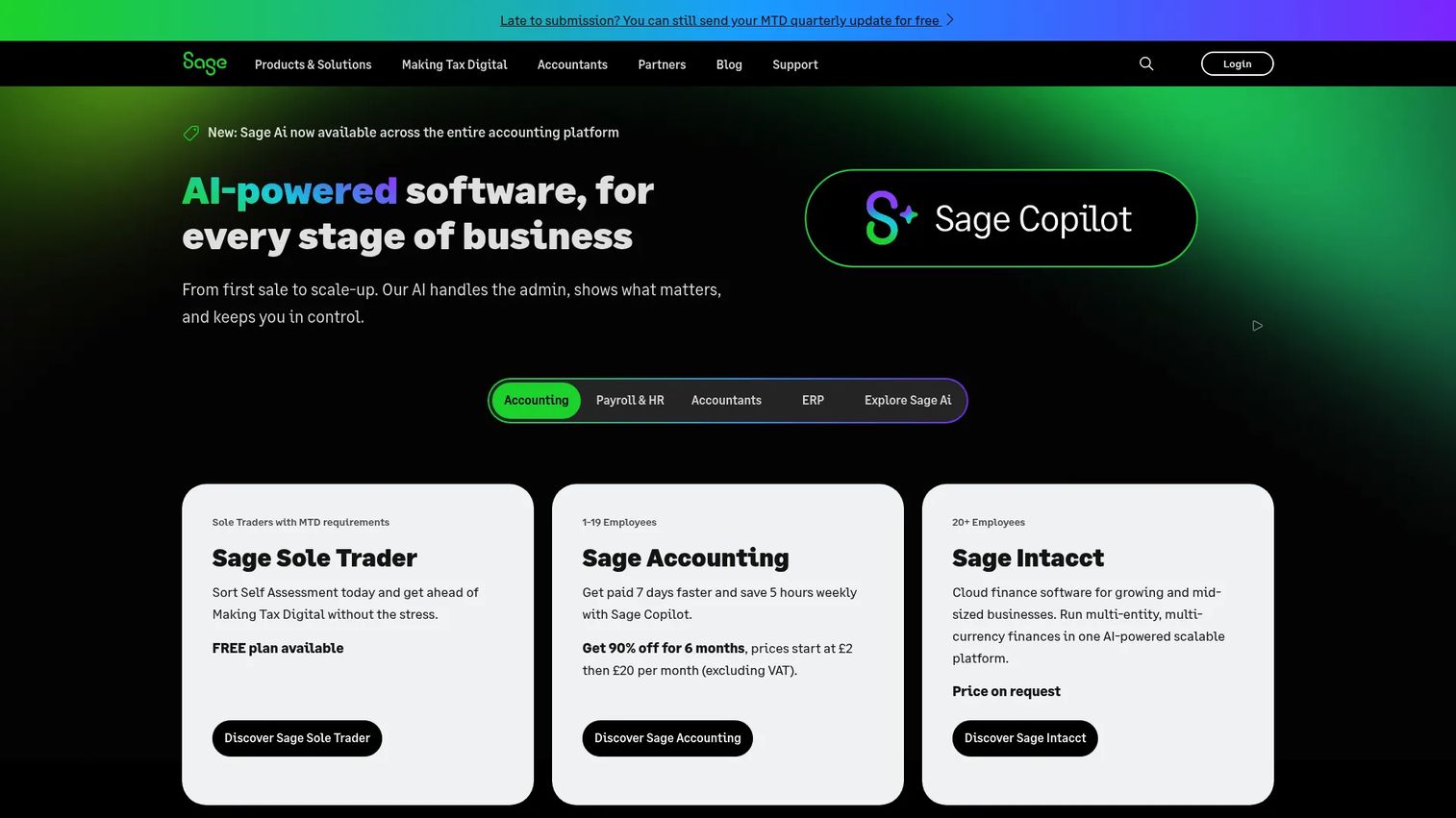
Sage is a business software company offering accounting, ERP, HR, and payroll products for small and mid-market organizations. For teams evaluating project cost management specifically, Sage's project-oriented products cover real-time cost tracking, project billing, revenue recognition, multi-entity visibility, and cash flow forecasting. Its strength is the depth of finance integration: Project costs flow into the general ledger without a manual export step.
Best for: Finance and operations teams at mid-market companies that need project cost tracking tightly integrated with accounting, approvals, and revenue reporting.
Key strengths
- Accounting and financial management: General ledger, AP/AR, revenue recognition
- Project billing and cost tracking: Real-time actuals against project budgets
- Multi-entity and multi-currency support: Useful for organizations with multiple business units
- Approvals and audit trails: Finance-grade sign-off workflows and revision history
- ERP and CRM connectivity: Integrates with broader Sage suite and third-party tools
Why choose Sage: Sage suits teams where the finance team, not just the project team, needs visibility into project cost data. If your reporting goes straight to a CFO or board, the auditability and accounting depth here removes a lot of downstream reconciliation work.
Sage pricing: Sage's product family spans many distinct offerings. Sage HR is publicly listed starting at $5.50 per employee per month. Other Sage products use contact-sales pricing. Check the relevant Sage product page for current figures.
Sage on G2: Rated 4.3/5 on G2.
3. TMetric
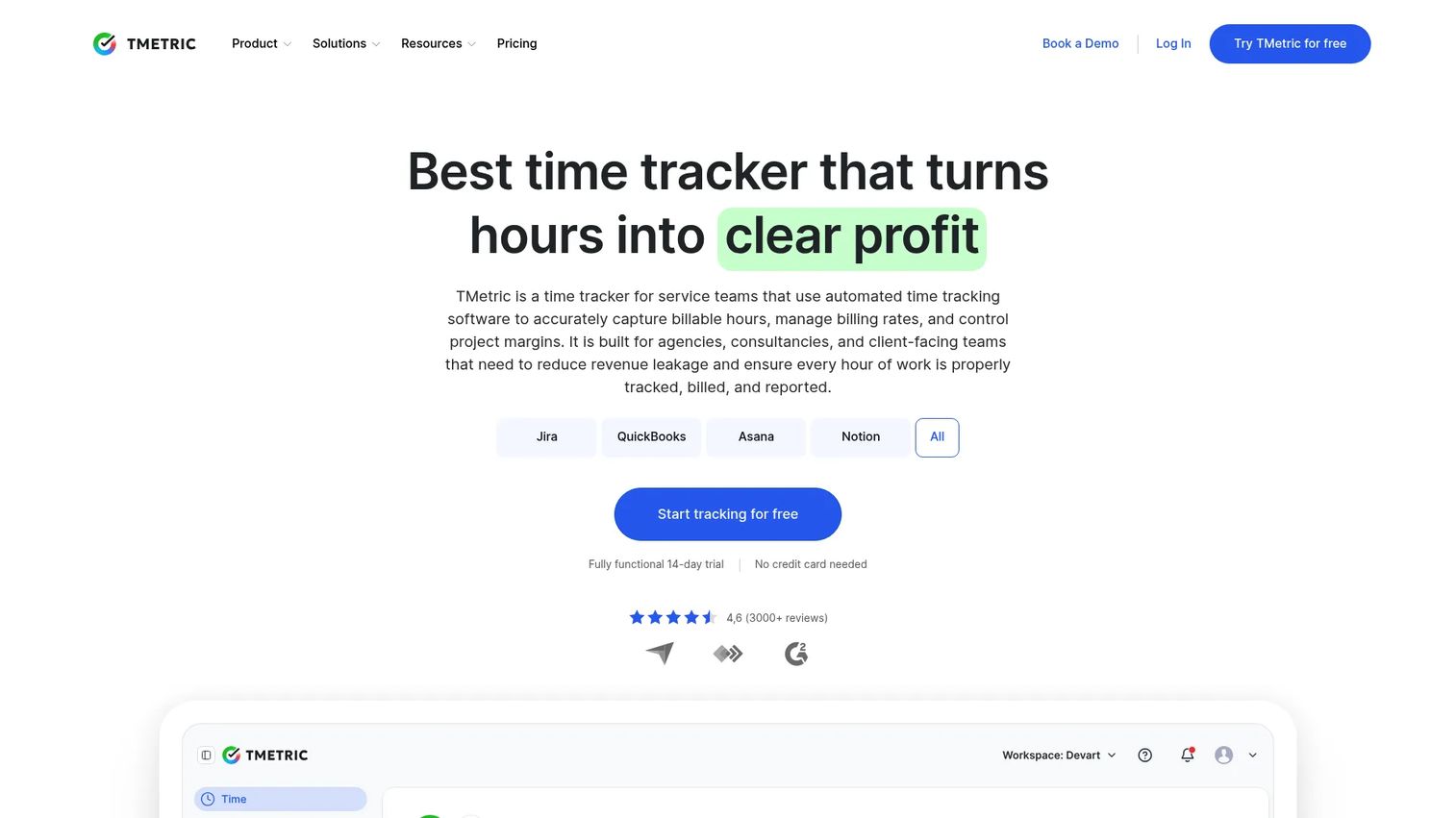
TMetric is a time tracking and team productivity platform with project management, budgeting, and invoicing features built on top of the time entry core. The value proposition is straightforward: Track time against projects and tasks, map those hours to costs, then report on budgets and generate invoices from the same data. It covers expense tracking, task management, and compliance features alongside the core time-to-cost flow.
Best for: Teams that start with time tracking as the primary input for project cost visibility and want invoicing and reporting without a heavy implementation cycle.
Key strengths
- Time tracking with project and task assignment: Granular logging against projects, tasks, and clients
- Project budgeting: Set budgets in hours or cost; track actuals in real time
- Expense tracking: Log non-labor costs against projects
- Billing and invoicing: Generate invoices from tracked time and expenses
- Reporting and compliance: Cost reports, productivity dashboards, and overtime controls
Why choose TMetric: TMetric works well for teams that don't need a full PSA or capital program platform but want a clean time-to-cost workflow without building it in spreadsheets. The free plan and fast adoption make it a practical starting point for smaller teams.
TMetric pricing: TMetric offers a free plan for up to 2 seats. Professional and Business plans are per-seat subscriptions billed monthly or annually. Enterprise is custom pricing. A 14-day free trial is available, with the option to extend by 7 days. Check the TMetric pricing page for current per-seat rates on paid plans.
4. Scoro
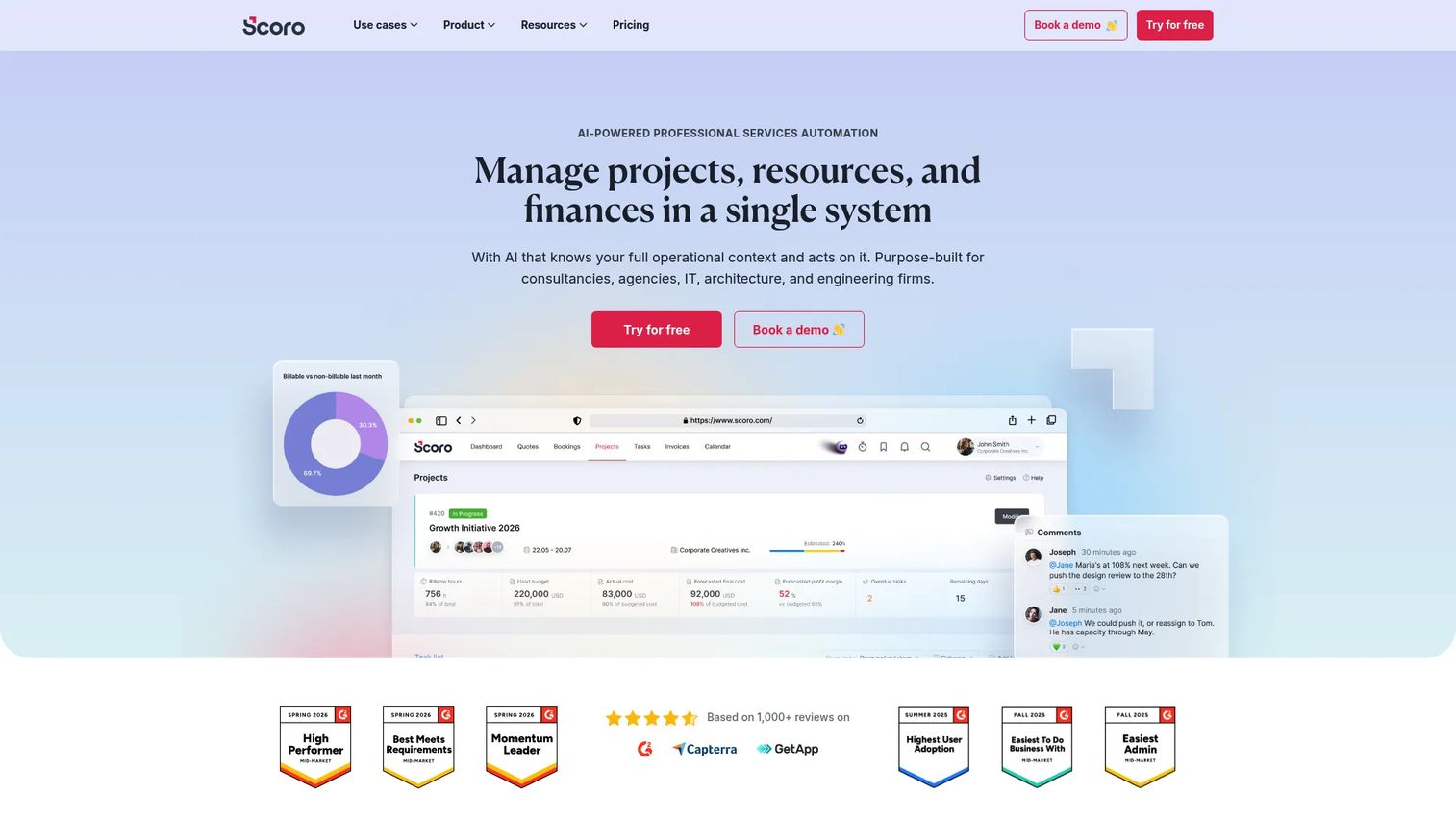
Scoro is a professional services automation platform that combines project management, resource planning, financial reporting, quoting, and invoicing in one system. For teams evaluating project costing software, Scoro's strength is connecting delivery operations to financial outcomes: You can see project profitability, resource utilization, and invoicing status from a single dashboard rather than reconciling data from separate tools.
Best for: Professional services firms, consultancies, and agencies that need project cost control tied directly to resource planning and client billing.
Key strengths
- Project management with cost tracking: Budgets, actuals, and margin tracked per project
- Resource planning and capacity forecasting: Utilization visibility to prevent over- or under-staffing
- Quoting, invoicing, and revenue reporting: Full billing cycle from quote to payment
- Profitability dashboards: Per-project and per-client margin reporting
- Integrations: Connects with accounting tools and CRMs
Why choose Scoro: Scoro is a strong fit when project cost management is inseparable from delivery operations. If your team needs to see whether a project is profitable before it finishes, not just whether it hit the budget line, Scoro's unified model removes the gap between what delivery knows and what finance reports.
Scoro pricing: Core plan starts at €18.90 per user per month (billed monthly). Growth is €29.90/user/month, Performance is €47.90/user/month, and Enterprise uses custom pricing. Minimum 5 user seats. A 14-day free trial is available.
Scoro on G2: Rated 4.5/5 on G2.
5. Productive
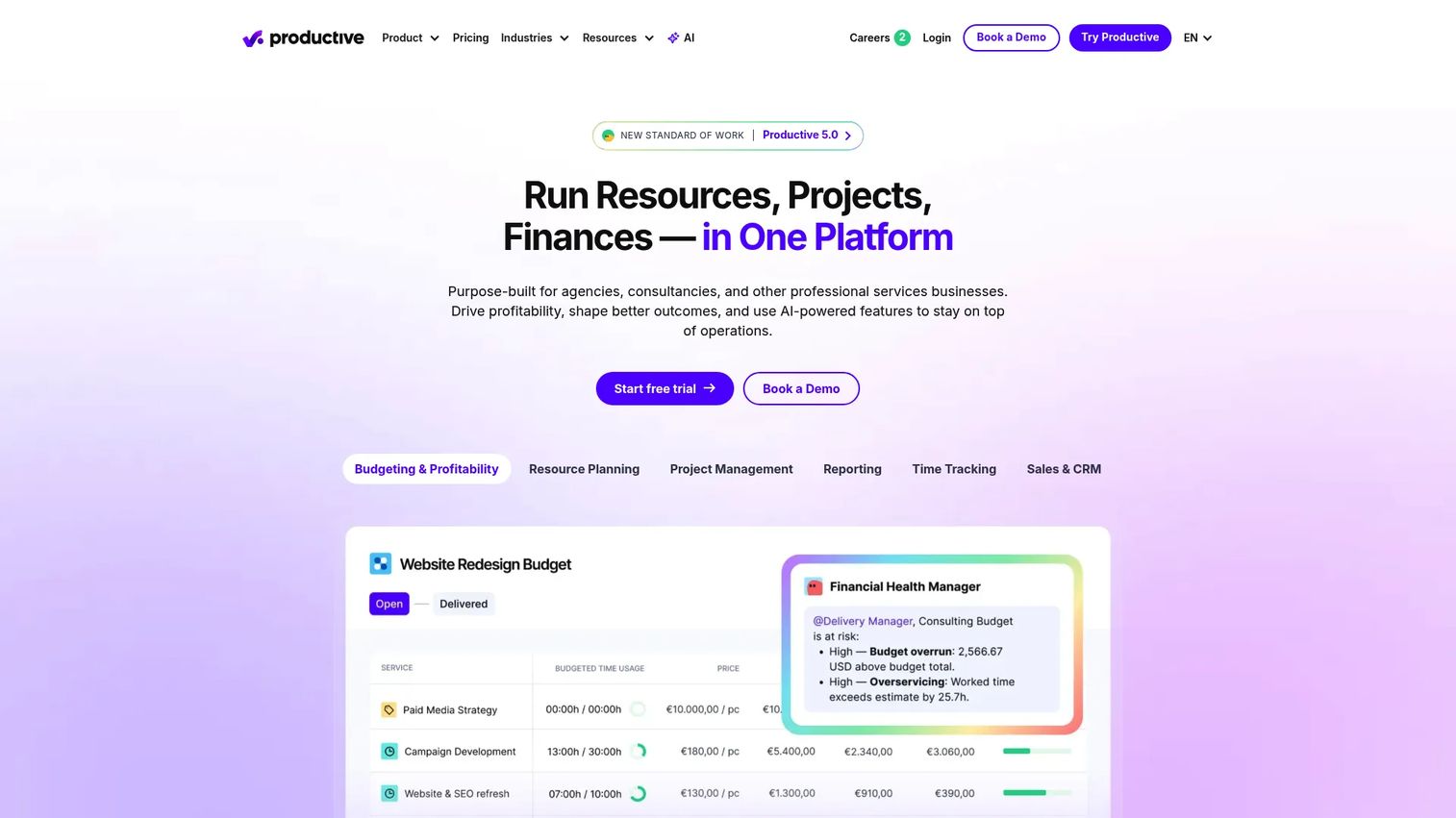
Productive is an all-in-one professional services automation platform purpose-built for agencies, consultancies, and service businesses. Its core proposition is connecting project delivery with financial performance: Budget tracking, resource utilization, sales pipeline, and invoicing all live in the same platform. For teams evaluating project budget software, Productive's margin management and forecasting depth make it a practical fit for businesses where profitability per engagement is the primary metric.
Best for: Agencies and service businesses that need project delivery, utilization tracking, and financial reporting in one place without stitching together separate tools.
Key strengths
- Project and task management: Delivery tracking with time logging against projects
- Budget tracking and forecasting: Real-time budget vs actual with projected margin
- Resource planning: Utilization views and capacity planning across teams
- Billing and invoicing: Invoice from tracked time, fixed-fee projects, or milestones
- Reporting and integrations: Financial dashboards, plus connections to QuickBooks, Xero, and HubSpot
Why choose Productive: Productive suits teams that have outgrown project management tools with bolted-on finance features but don't need a full ERP. The utilization and forecasting views are particularly useful for service businesses where margin erodes from resource over-allocation rather than scope creep.
Productive pricing: Essential plan starts at $10 per user per month. Professional is $25 per user per month. Ultimate plan pricing requires a conversation with their sales team. A 14-day free trial is available with no credit card required.
Productive on G2: Rated 4.6/5 on G2.
6. Beebole
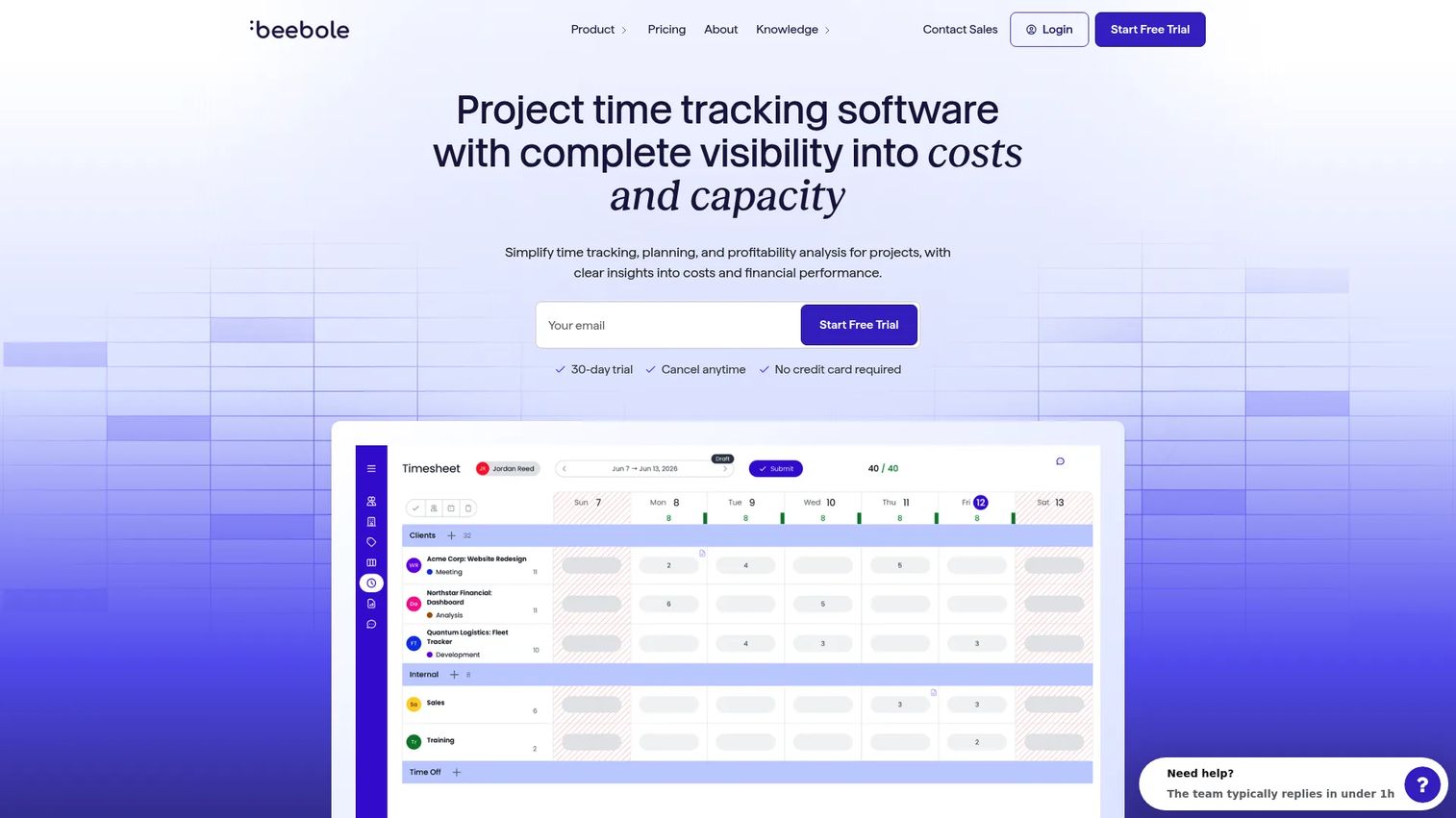
Beebole is a project time tracking and planning tool that covers timesheets, resource planning, project budgeting, and financial reporting. It's positioned as a straightforward option for teams that want labor cost visibility and budget tracking without committing to a full PSA platform. The reporting layer covers profitability, overtime, and cost breakdowns by project or team member.
Best for: Smaller teams and organizations that need project time tracking, labor cost reporting, and budget monitoring without a heavyweight rollout.
Key strengths
- Project time tracking and timesheets: Flexible time entry with approval workflows
- Resource planning and task management: Capacity views and task assignment
- Project financials and budgeting: Budget baselines, actuals, and variance reporting
- Labor cost visibility: Cost and billing rate tracking by team member or role
- Reporting: Customizable dashboards for profitability and overtime
Why choose Beebole: Beebole works well when the main job is tracking time accurately against projects, seeing what that costs, and reporting it to stakeholders, without a multi-month implementation. The free tier up to 5 users makes it easy to validate fit before committing to a paid plan.
Beebole pricing: Free for up to 5 users. Essential plan is €9 per user per month (billed annually). Advanced plan is €18 per user per month (billed annually). Annual billing saves 10% versus month-to-month.
Beebole on G2: Rated 4.5/5 on G2.
7. Wrike
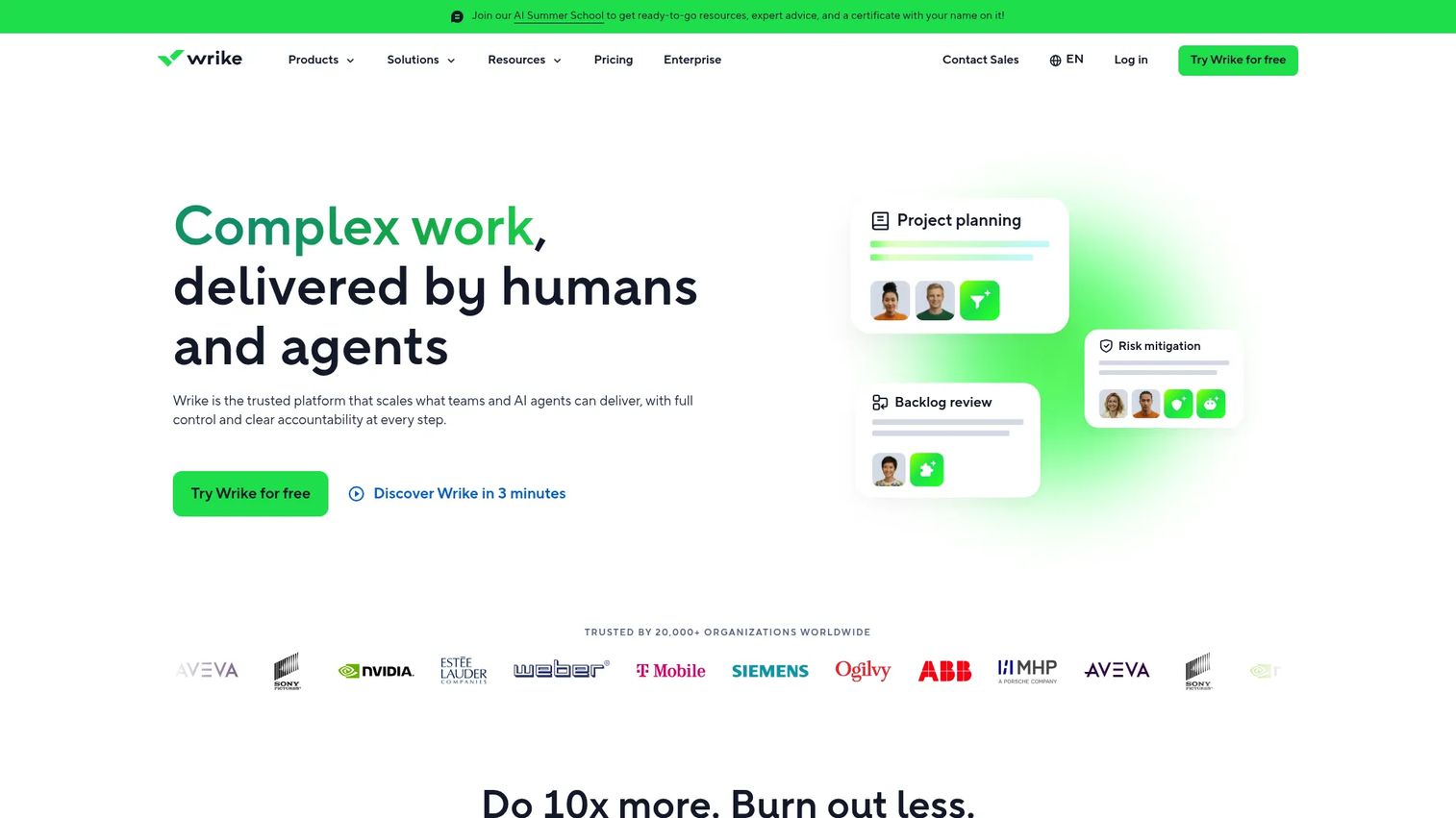
Wrike is an AI-powered work management platform covering project planning, task management, automation, Gantt charts, dashboards, and reporting. For teams evaluating cost management software within a broader project management context, Wrike offers budget tracking and resource management features alongside its work management core. It suits organizations that need project cost visibility as one component of a larger operational system rather than as the primary use case.
Best for: Teams that need configurable work management with automation, reporting, and budget visibility across departments, without a specialist finance or PSA platform.
Key strengths
- Project and task management: Gantt charts, boards, and task dependencies
- Dashboards and reporting: Customizable views with budget and resource data
- Automation: Rule-based workflow automation to reduce manual work
- AI features: AI-assisted task creation, risk prediction, and content generation
- Integrations: Connects to CRMs, communication tools, and business applications
Why choose Wrike: Wrike fits teams where project cost tracking is one requirement among many, and where the priority is a single platform for planning, execution, and reporting across multiple functions. For teams where cost control is the primary driver, more specialized tools will give deeper financial controls.
Wrike pricing: Free plan available. Team plan is $10 per user per month. Business plan is $25 per user per month. Pinnacle and Apex plans use custom pricing. All paid plans are billed annually per user.
Wrike on G2: Rated 4.2/5 on G2.
Considerations
Choosing the right project cost management software comes down to five practical questions. Answer them before shortlisting.
Budget vs actual reporting depth
Ask whether the tool shows variance at the cost code, phase, or task level, not just at the project total. Real-time refresh matters more than weekly export cycles. Check whether budget revisions create a new version or overwrite the baseline, because baseline integrity is what makes variance meaningful over time.
Time tracking quality
Poor time entry compliance destroys cost data accuracy. Evaluate mobile access, ease of entry, and whether the approval workflow actually gets used. The key question is whether time maps cleanly to project cost codes or requires a separate reconciliation step to connect hours to budget lines.
Forecasting and profitability
A spend summary tells you where you are. An EAC (estimate at completion) tells you where you're going. Check whether the tool calculates projected margin based on remaining work, not just current burn rate. For services businesses, utilization rate and billing rate accuracy are the inputs that determine whether the forecast is trustworthy.
ERP and accounting integrations
One-way data exports create the same reconciliation problem you're trying to solve. Look for bi-directional sync with your accounting or ERP system so actuals flow automatically without manual entry. Confirm which specific systems are supported natively versus via a third-party connector, and whether the integration is maintained by the vendor or the connector provider.
Audit trail and approval workflows
Finance and project controls teams need to see who approved what and when. Role-based access, change order history, and approval log exports are table-stakes for organizations subject to external audits or client reporting requirements. Verify that the approval workflow is configurable to your actual sign-off chain, not just a single-stage checkbox.
Conclusion
The right project cost management software depends on what's actually breaking in your current workflow.
If governed project records and approval trails matter most, Kahua is built for that job. Finance-heavy teams running multi-entity operations will get the most from Sage's accounting depth. For service businesses where margin per project drives decisions, Scoro and Productive both connect delivery and financial performance in ways that spreadsheets never can. Teams starting with time tracking as the cost input will find TMetric straightforward to adopt. Beebole suits smaller teams that want labor cost visibility without a lengthy rollout. Wrike is the right call when cost tracking is one requirement inside a broader work management context.
Start by picking the tool that solves the most urgent gap: Budget visibility, forecast accuracy, or reconciliation time. Most of the tools above offer a free plan or trial, so you can test fit before committing.
And if you're building demos or walkthroughs to show your project management product to prospects, Guideflow lets you create interactive product demos in minutes, helping your team show value without scheduling live calls.
Start your journey with Guideflow today!
FAQs
Project cost management software helps teams plan budgets, track actual spend against those budgets, and forecast financial outcomes across the project lifecycle. It connects labor costs, expenses, change orders, and billing into a single project record. The goal is to surface variance early enough to act on it, not just report it after delivery.
Project management software focuses on tasks, timelines, and team coordination. Project cost management software adds financial controls: Budget baselines, cost code tracking, earned value management, and ERP integration. Some tools combine both, but specialist cost management tools go deeper on financial accuracy and audit trail requirements.
The most decision-relevant features are real-time budget vs actual reporting, time tracking with cost code mapping, EAC-based forecasting, approval and change order workflows, and bi-directional ERP or accounting integration. The right priority depends on whether your main problem is visibility, forecasting accuracy, or reconciliation overhead.
Most tools in this category include time tracking because labor is typically the largest project cost driver. The depth varies: Some tools treat time tracking as a core module with approvals and mobile entry, while others rely on integrations with dedicated time tracking tools. Check whether time maps directly to cost codes or requires a separate step.
Yes, and profitability tracking is one of the strongest use cases for the category. Tools like Scoro and Productive calculate margin at the project level by comparing revenue against labor cost, expenses, and overhead. The accuracy of profitability tracking depends on how consistently time and billing rates are maintained in the system.
EAC stands for Estimate at Completion. It's a forecast of the total cost a project will incur by the time it finishes, calculated from current actuals and remaining work. EAC is more actionable than a simple budget vs actual view because it tells you where you'll end up, not just where you are today. Earned value management (EVM) is the broader methodology that EAC is part of.
ERP and accounting integrations remove the manual step between project systems and financial systems. When actuals from time tracking, expenses, and invoices flow automatically into the general ledger, finance teams get a real-time picture without waiting for a monthly export. Bi-directional sync also means chart of accounts changes in the ERP propagate back to the project tool, keeping cost code structures aligned.