Your eyes are tired, but that report won't read itself. Or maybe it will. Text to speech software converts written content into spoken audio using AI voices that sound remarkably human. This guide covers 9 TTS programs ranked by use case, from realistic voice generation to free document readers, with a comparison table and selection criteria to help you pick the right tool.
What's inside
Text to speech software converts written content into spoken audio. The best programs in 2026 use neural networks trained on human speech patterns, producing voices that sound natural rather than robotic.
This guide covers 9 text to speech tools ranked by use case: realistic AI voice generation, document reading, mobile listening, developer APIs, and free options. You'll find a comparison table, selection criteria, and detailed breakdowns for each tool.
TL;DR
- Best for realistic AI voices: ElevenLabs produces hyper-realistic, expressive synthetic voices with voice cloning
- Best for reading documents aloud: NaturalReader handles PDFs, Word docs, and web articles with text highlighting
- Best for mobile and on the go: Speechify excels at listening anywhere with OCR scanning for physical pages
- Best free TTS program: Balabolka offers full-featured desktop TTS with no cost or usage limits
- Best for developers needing API access: Amazon Polly and Google Cloud Text to Speech provide enterprise-scale voice synthesis
What is text to speech software
Text to speech software (often called TTS) takes written text and generates audio output that sounds like human speech. Modern TTS programs use neural network models trained on thousands of hours of recorded speech. That's why today's AI voices sound dramatically more natural than the robotic tones from older systems.
You'll encounter a few terms when researching TTS tools. "Neural TTS," "AI voices," and "synthetic speech" all describe the same core technology: machine learning models that analyze text and produce audio waveforms mimicking human vocal patterns.
How TTS converts text to audio
The conversion process happens in stages, though most tools handle this invisibly:
- Text analysis: The software parses punctuation, abbreviations, numbers, and context to understand how text gets spoken
- Phonetic conversion: Words get mapped to pronunciation rules, handling exceptions like "read" (present tense) versus "read" (past tense)
- Voice synthesis: A neural model generates the actual audio waveform based on the selected voice
- Output: You receive either real-time playback or a downloadable audio file
Neural AI voices vs traditional synthesis
Older TTS systems used concatenative synthesis, stitching together pre-recorded sound fragments. The result sounded choppy and mechanical.
Neural TTS works differently. It learns speech patterns from training data and generates entirely new audio that follows those patterns.
Neural voices handle emphasis, pacing, and emotional tone in ways that sound human, and they reached 67.18% revenue share in 2025 according to industry report by Mordor Intelligence. They pause naturally at commas, stress important words, and vary pitch throughout sentences.
When evaluating TTS tools, look for terms like "neural," "AI," or "deep learning" voices. Those indicate the newer technology.
When to use text to audio software
TTS tools serve distinct purposes depending on your workflow. Here are three common scenarios.
Creating voiceovers for video content
Marketing teams and content creators use TTS to generate narration for explainer videos, product walkthroughs, and social media clips in 20 to 50 languages. These audio elements work particularly well within interactive marketing strategies where prospects can engage with content at their own pace. This approach saves the cost of hiring voice talent for every iteration, especially when scripts change frequently during production.
The quality gap between AI voices and professional voice actors has narrowed considerably. For internal training videos or rapid content testing, TTS often delivers sufficient quality at a fraction of the cost and turnaround time.
Making documents accessible
People with visual impairments, reading difficulties, or dyslexia benefit from having written content read aloud. Many organizations face accessibility requirements that mandate alternative formats for documents, and 68% of enterprises use TTS to enhance accessibility.
Beyond compliance, audio versions of content can work better for 2.2 billion people living with visual impairments. Having a document read aloud while following along visually can improve comprehension and retention.
Converting articles to audio for on the go
Busy professionals turn newsletters, reports, and web articles into audio they can consume while commuting, exercising, or doing household tasks. Browser extensions and mobile apps make this conversion nearly instant.
Rather than choosing between reading and other activities, you can listen to that industry report during your morning run.
Text to speech software comparison
Product | Best for | Key differentiation | Pricing | G2 rating |
|---|---|---|---|---|
ElevenLabs | Realistic AI voices | Voice cloning and emotional expression | Free tier, paid from $5/mo | 4.7/5 |
Murf AI | Professional voiceovers | Studio-quality voices with script editor | Free tier, paid from $29/mo | 4.6/5 |
Amazon Polly | Enterprise applications | SSML support and AWS scalability | Pay-per-character | 4.3/5 |
Google Cloud TTS | Multilingual products | WaveNet voices and custom voice training | Pay-per-character | 4.4/5 |
Microsoft Azure Speech | Microsoft ecosystem | Neural voice studio and M365 integration | Pay-per-character | 4.4/5 |
NaturalReader | Document reading | PDF/doc ingestion with text highlighting | Free tier, paid from $9.99/mo | 4.3/5 |
Speechify | Mobile listening | OCR scanning and cross-device sync | Free tier, paid from $139/yr | 4.5/5 |
Balabolka | Free desktop TTS | SAPI voice support with batch conversion | Free | N/A |
TTSMaker | Quick browser conversions | No account required | Free | N/A |
1. ElevenLabs
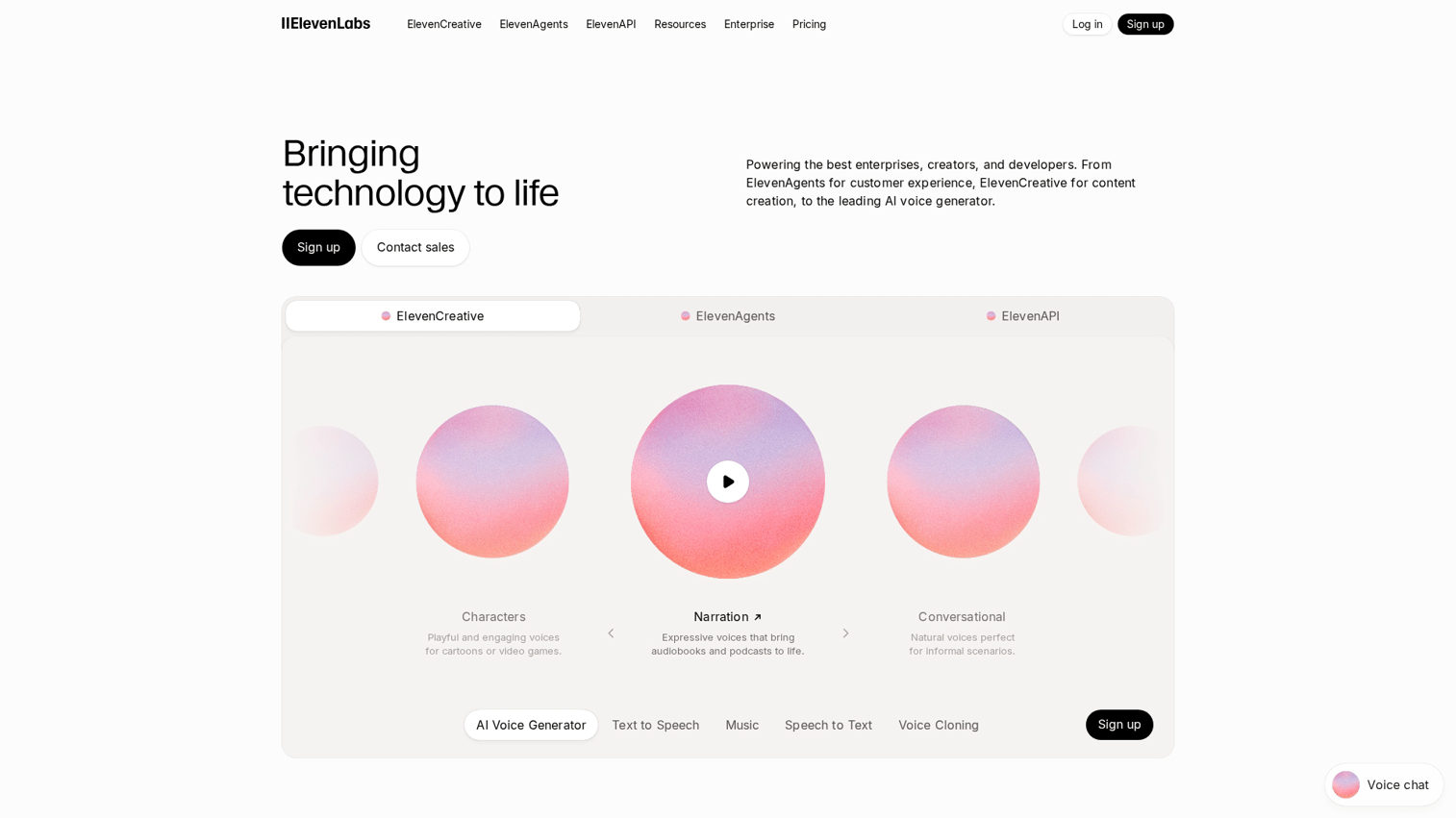
ElevenLabs has become the go-to platform for hyper-realistic AI voice generation. The platform produces voices with emotional expression, natural pacing, and subtle inflections that make synthetic speech nearly indistinguishable from human recordings.
Best for: Content creators, game developers, and video producers who want studio-quality AI narration.
Key strengths
- Voice cloning: Create custom voices from short audio samples, useful for maintaining brand consistency or replicating a specific speaker
- Emotional expression: Voices convey tone, emphasis, and pacing naturally, adjusting delivery based on context
- Multilingual output: Generate speech in dozens of languages while maintaining the same voice characteristics
Why choose ElevenLabs
ElevenLabs fits teams prioritizing voice quality above all else. The platform excels at creative applications: audiobooks, podcasts, game dialogue, and video narration where realistic delivery matters.
For video-focused workflows, explore AI storyboard generators that pair well with TTS narration. The trade-off is pricing, as high-quality voice generation costs more than basic TTS readers.
ElevenLabs pricing
A free tier provides limited character generation for testing. Paid plans start at $5/month for the Starter tier with 30,000 characters. Professional and enterprise tiers scale up with additional characters, voice cloning slots, and API access.
2. Murf AI
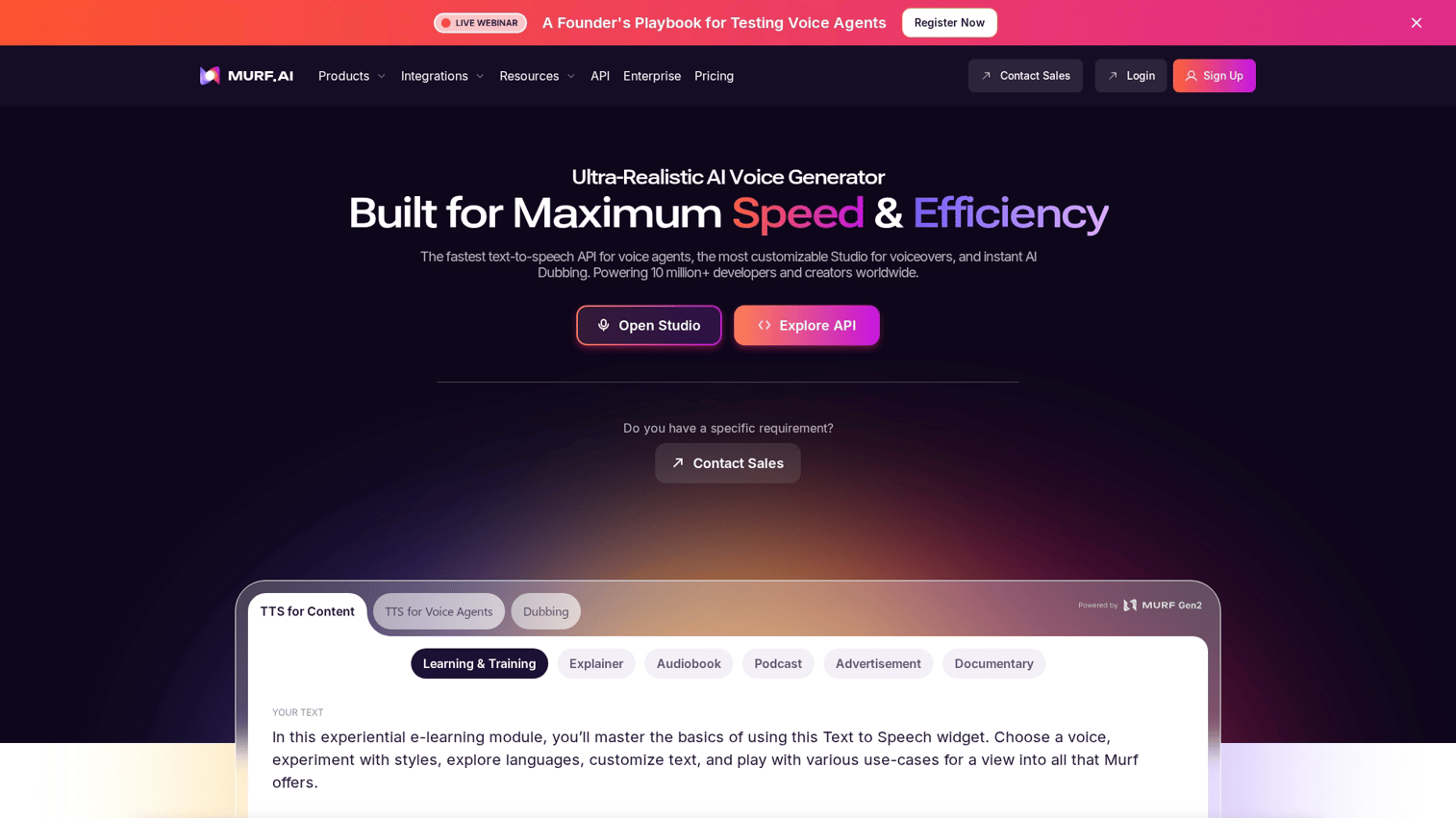
Murf AI positions itself as a professional voiceover platform for marketing and e-learning teams. The platform combines a large voice library with an intuitive script editor that lets you adjust pacing, pitch, and emphasis without technical expertise.
Best for: Marketing teams creating ads, training videos, and presentations who want polished output without hiring voice talent.
Key strengths
- Voice variety: Over 120 natural-sounding voices across multiple languages and accents
- Script editor: Built-in tools to adjust timing, add pauses, and emphasize specific words
- Commercial licensing: Clear rights for business and advertising use included with paid plans
Why choose Murf AI
Murf AI works well for teams producing regular marketing content who want consistency and speed. The interface is straightforward enough for non-technical users, while the voice quality satisfies professional standards. The platform particularly suits e-learning content, where clear narration and consistent pacing improve learner outcomes.
Murf AI pricing
A free plan provides limited voice generation with watermarked audio. Paid plans start at $29/month for the Creator tier, unlocking commercial licensing, more voices, and higher character limits.
3. Amazon Polly
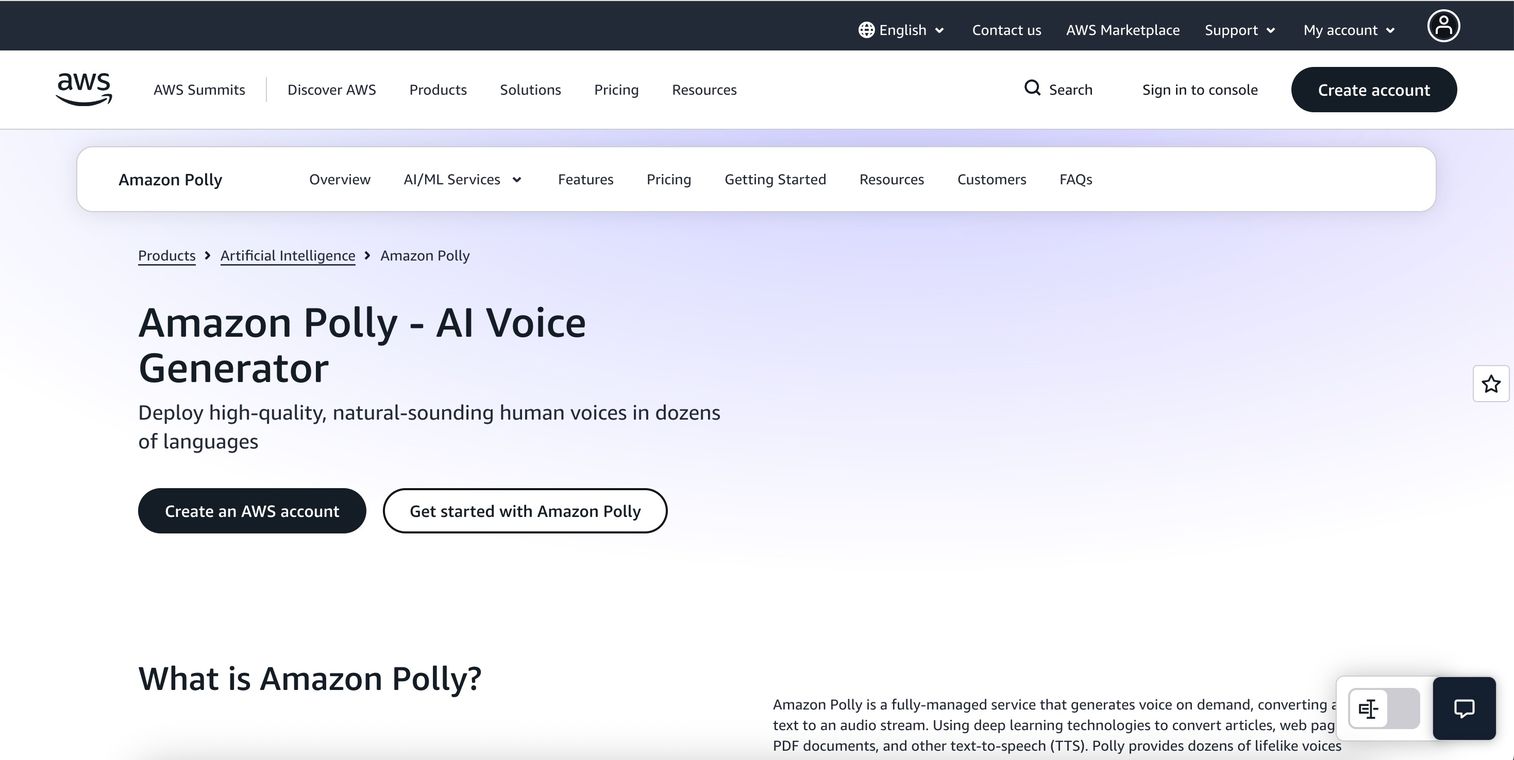
Amazon Polly provides enterprise-grade TTS through AWS infrastructure. The service targets developers building voice features into applications, offering fine-grained control through SSML (Speech Synthesis Markup Language) and scalability for high-volume use cases.
SSML is a markup language that lets you control pronunciation, pauses, emphasis, and speaking rate through tags in your text.
Best for: Engineering teams integrating TTS into products, IVR systems, or accessibility features.
Key strengths
- SSML support: Control pronunciation, pauses, emphasis, and speaking rate with markup tags
- Scalability: Handle millions of requests through AWS infrastructure with consistent performance
- Neural voices: Lifelike output across many languages, with both standard and neural voice options
Why choose Amazon Polly
Amazon Polly makes sense for teams already using AWS who want TTS as a service rather than a standalone tool. The pay-as-you-go model fits variable workloads, and the API integrates cleanly with other AWS services.
The trade-off is complexity. Polly requires technical implementation and AWS familiarity, making it less suitable for non-technical users who want quick conversions.
Amazon Polly pricing
Pay-per-character pricing with no upfront commitment. Standard voices cost $4 per million characters; neural voices cost $16 per million characters. AWS offers a free tier for the first year.
4. Google Cloud Text to Speech
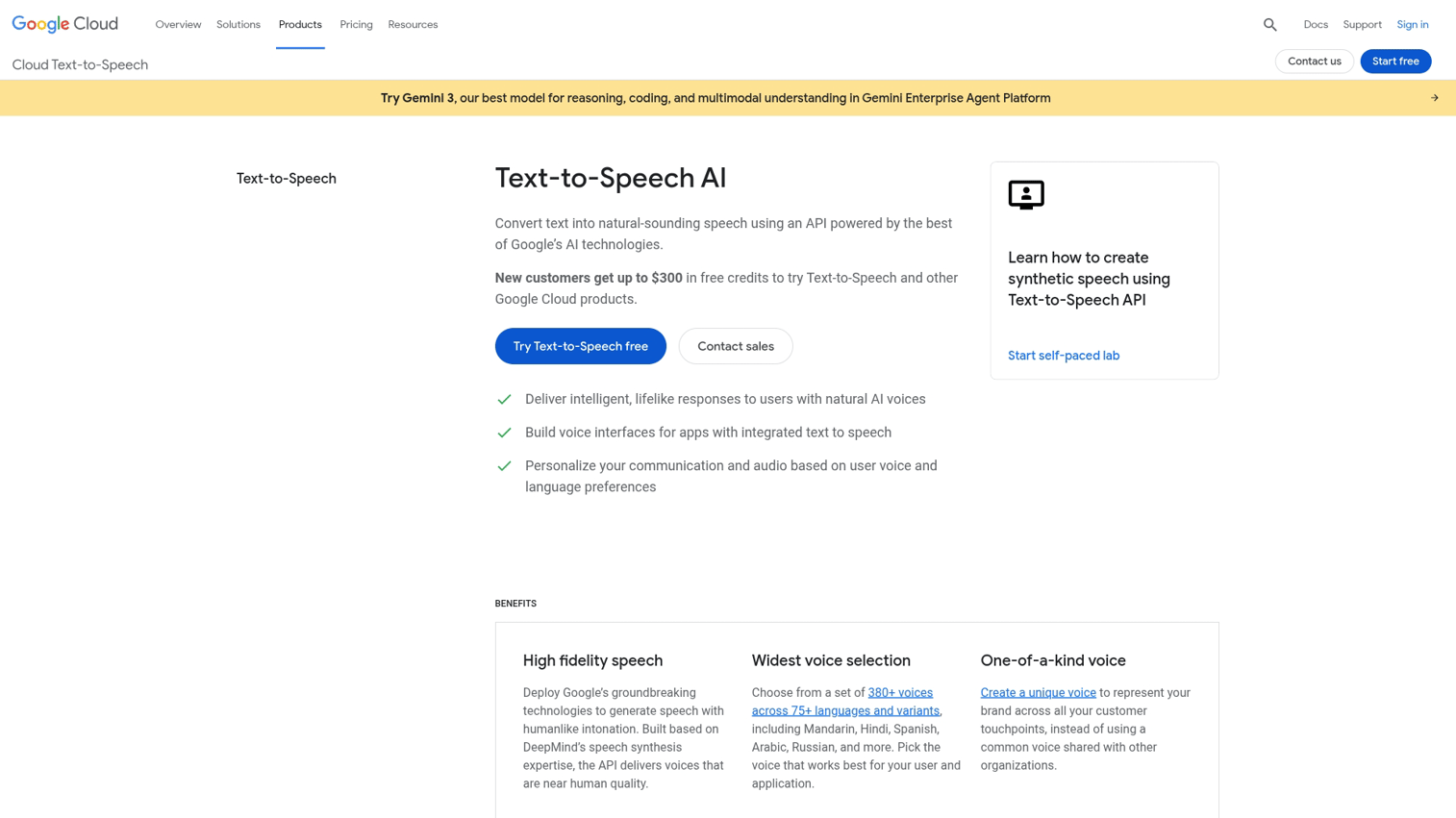
Google Cloud Text to Speech leverages Google's voice research to deliver some of the most natural-sounding synthesis available. WaveNet voices, developed by DeepMind, set a quality benchmark that many competitors still chase.
Best for: Developers building multilingual products or requiring the highest voice fidelity at scale.
Key strengths
- WaveNet voices: Among the most natural-sounding TTS voices available, with subtle breathing and intonation
- Custom voice training: Train voices on your own audio for brand-specific synthesis (enterprise tier)
- Global language coverage: Extensive support for languages and regional accents
Why choose Google Cloud Text to Speech
Google Cloud TTS suits teams building products where voice quality directly impacts user experience. The WaveNet voices sound noticeably better than standard neural TTS in many cases, particularly for longer-form content.
Like Amazon Polly, this is a developer-focused service. You'll want technical resources to implement and maintain the integration.
Google Cloud Text to Speech pricing
A free tier provides limited characters per month. Beyond that, standard voices cost $4 per million characters, while WaveNet and Neural2 voices cost $16 per million characters.
5. Microsoft Azure Speech
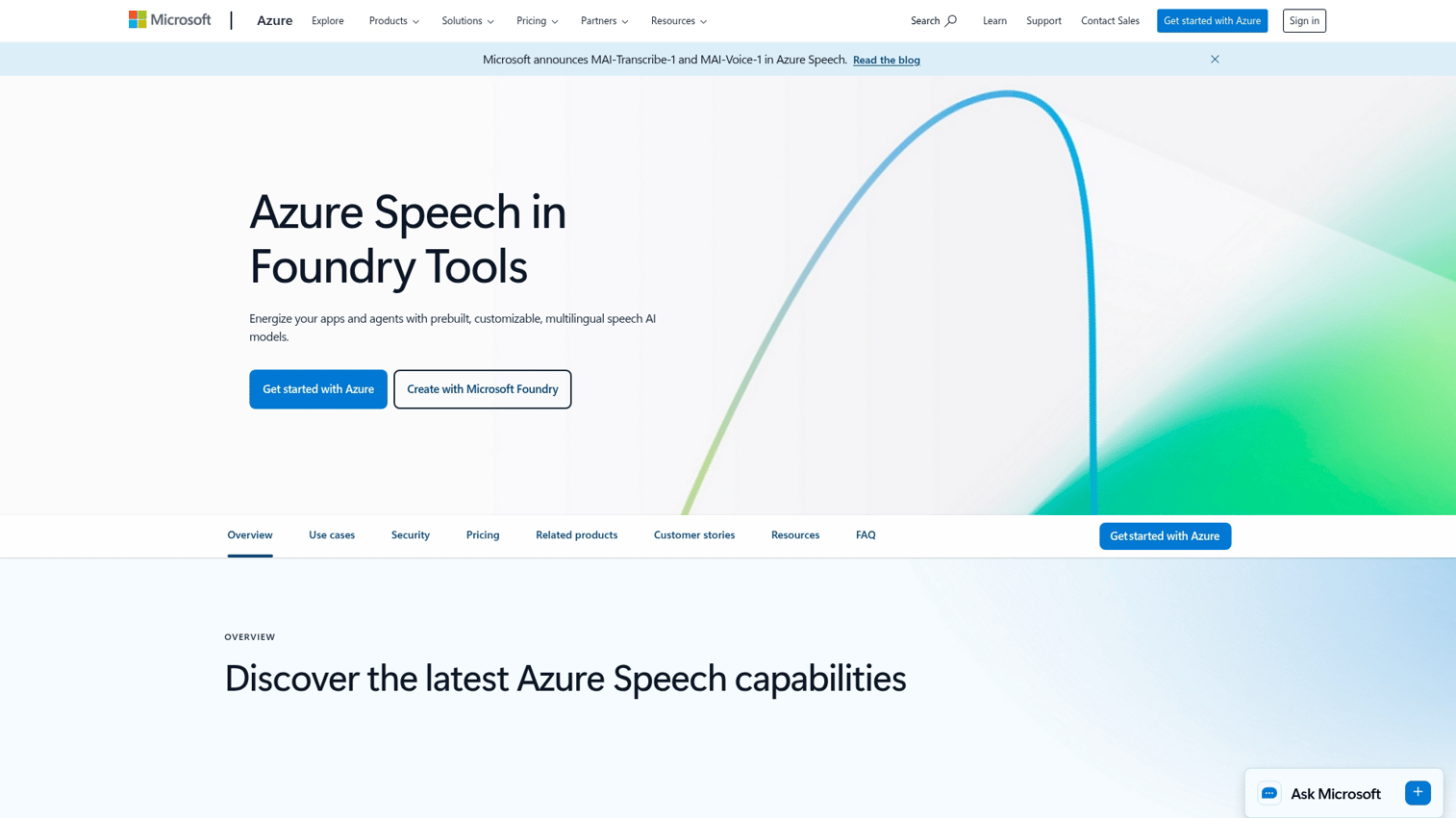
Microsoft Azure Speech offers enterprise TTS with deep integration into the Microsoft ecosystem. The service powers the Read Aloud feature in Microsoft Edge and Word, giving you a preview of voice quality before committing.
Best for: Organizations already using Azure who want unified billing, compliance, and Microsoft 365 integration.
Key strengths
- Neural voice studio: Create custom neural voices that match your brand's tone and personality
- Microsoft 365 integration: Native support in Word, Edge, and Immersive Reader
- Real-time and batch: Stream audio live or generate files in bulk depending on your use case
Why choose Microsoft Azure Speech
Azure Speech makes sense for enterprises already invested in Microsoft's cloud platform. The integration with existing tools reduces friction, and the compliance certifications satisfy enterprise security requirements. The free Read Aloud feature in Microsoft Edge also provides a zero-cost option for personal document reading, using the same neural voices available through the paid API.
Microsoft Azure Speech pricing
A free tier includes limited hours per month. Pay-as-you-go pricing applies beyond that, with rates varying by voice type and region. Custom neural voice training requires an enterprise commitment.
6. NaturalReader
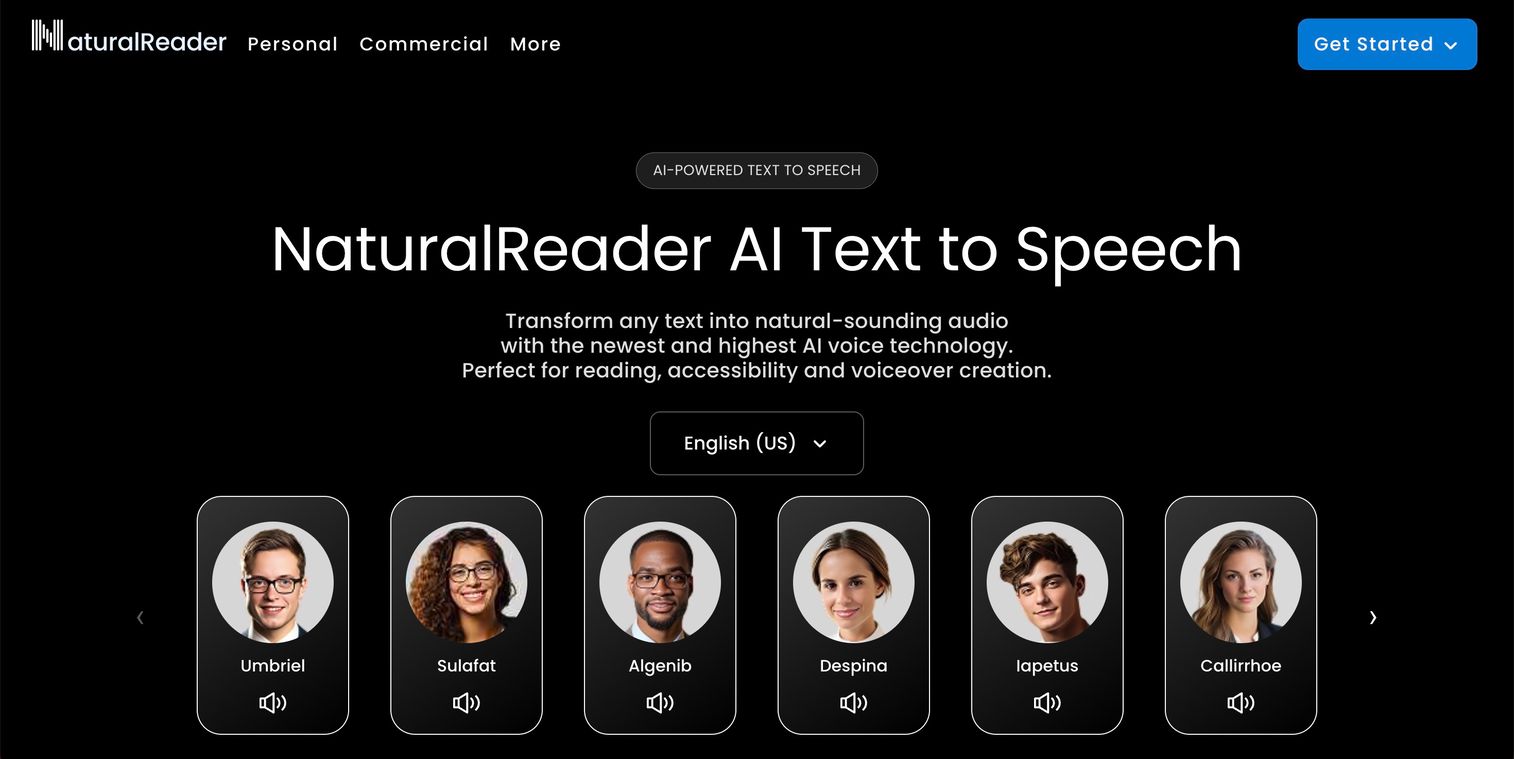
NaturalReader focuses on making document reading simple and accessible. The platform accepts PDFs, Word documents, ebooks, and web URLs, then reads them aloud with synchronized text highlighting so you can follow along.
Best for: Students, researchers, and professionals who want to listen to documents without complex setup.
Key strengths
- Document ingestion: Upload PDFs, Word docs, ebooks, and web URLs directly without conversion
- Text highlighting: Follow along visually as the software reads, improving comprehension
- Chrome extension: Read web pages aloud without leaving your browser
Why choose NaturalReader
NaturalReader prioritizes simplicity over advanced features. If you want to upload a document and start listening immediately, this platform delivers that experience without requiring technical knowledge. The text highlighting feature particularly helps readers who benefit from seeing and hearing content simultaneously, a common accommodation for dyslexia and other reading differences.
NaturalReader pricing
A free online version provides limited daily use with basic voices. Premium plans start at $9.99/month, unlocking more voices, longer reading sessions, and additional features.
7. Speechify
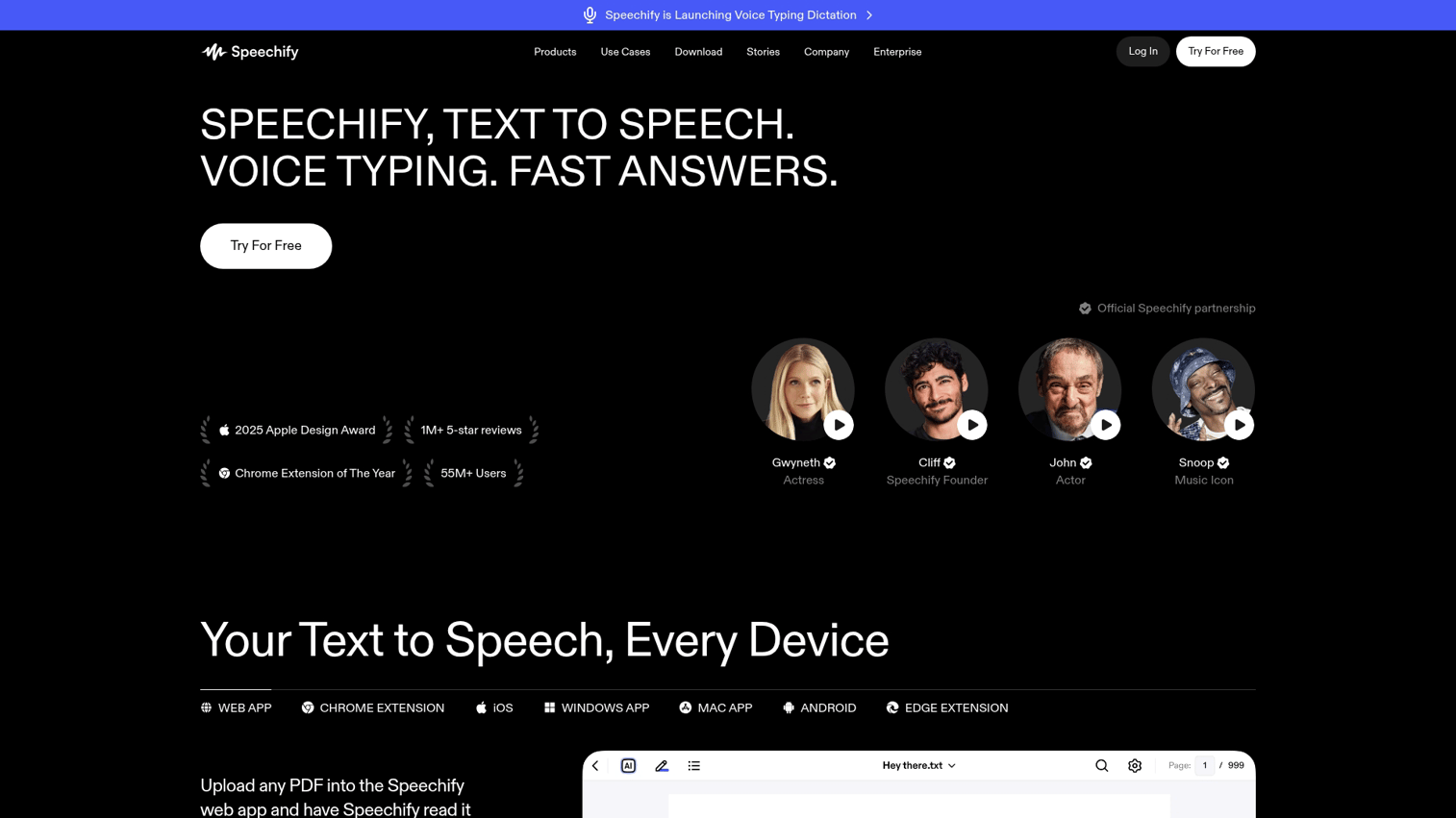
Speechify excels at mobile listening, letting you turn any text into audio you can consume on the go. The app's OCR feature scans physical pages, making it possible to listen to printed books and documents.
OCR (optical character recognition) converts images of text into actual text that TTS software can read.
Best for: Commuters and busy professionals who want to "read" during downtime.
Key strengths
- OCR scanning: Photograph printed pages and convert them to audio instantly
- Cross-device sync: Start listening on your phone, continue on your desktop
- Speed controls: Listen at faster speeds while maintaining natural-sounding output
Why choose Speechify
Speechify targets people who want to consume more content but lack reading time. The mobile experience is polished, and the speed controls let you listen at 2x or 3x without the audio becoming unintelligible. The platform has gained particular traction with students managing heavy reading loads and professionals trying to keep up with industry publications.
Speechify pricing
A free tier provides basic voices and limited features. Premium subscriptions start at $139/year, unlocking celebrity voices, unlimited listening, and advanced features.
8. Balabolka
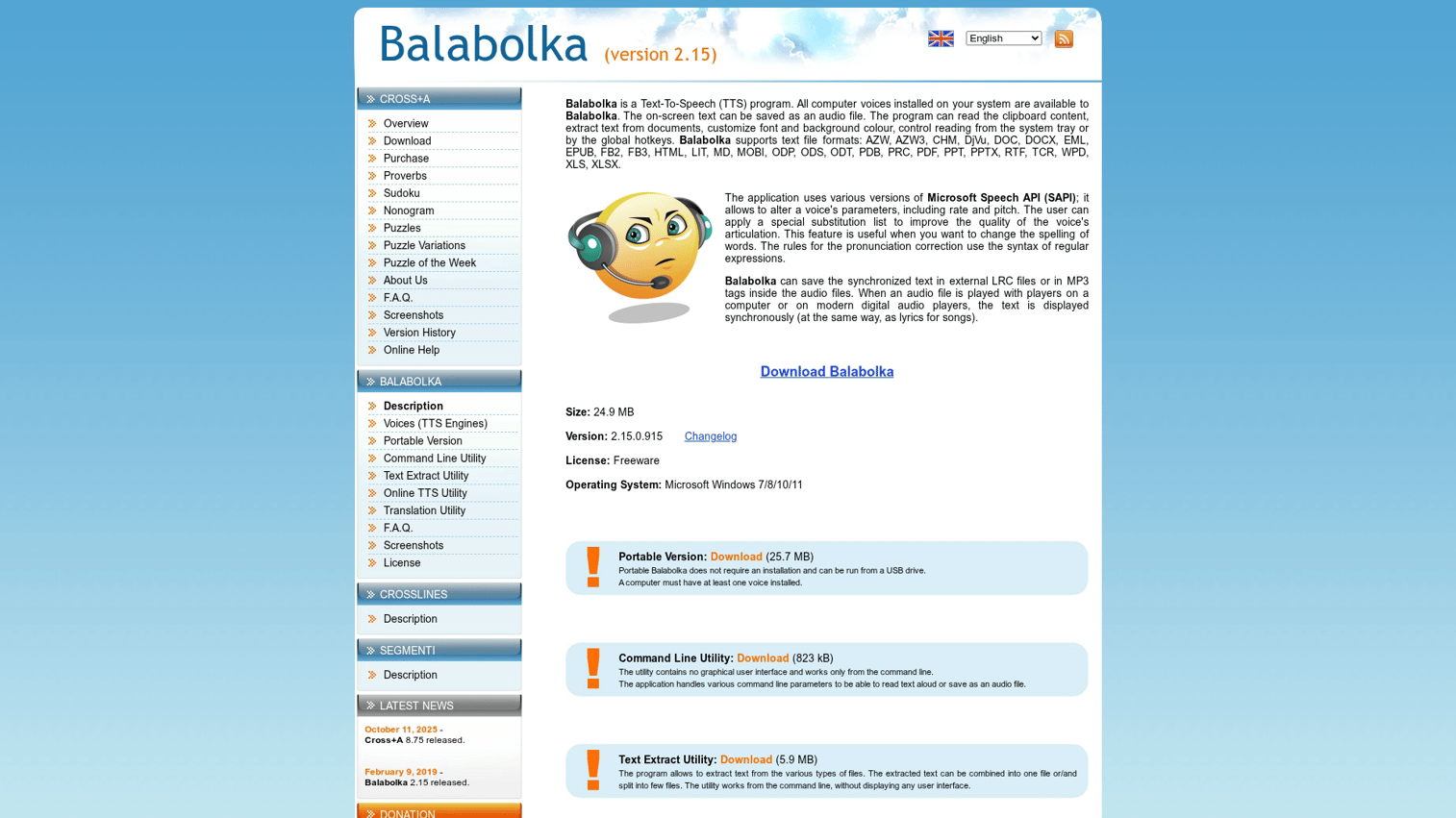
Balabolka offers full-featured desktop TTS for Windows at no cost. The open-source program works with any SAPI-compatible voice, meaning you can pair it with premium voice packs for high-quality output without subscription fees.
SAPI (Speech Application Programming Interface) is Microsoft's standard for speech software on Windows. Any SAPI-compatible voice works with Balabolka.
Best for: Budget-conscious users who want full control over TTS on Windows.
Key strengths
- SAPI voice support: Works with any Windows-installed voice, including third-party premium options
- Batch conversion: Convert multiple text files to audio at once
- No cost: Completely free with no usage limits or subscriptions
Why choose Balabolka
Balabolka suits users who want maximum flexibility without ongoing costs. The program itself is free; voice quality depends on which SAPI voices you install separately.
The trade-off is setup complexity. You'll configure voices and settings yourself, unlike cloud-based tools that work immediately.
Balabolka pricing
Free and open-source. Voice quality depends on separately installed SAPI voices, which range from free Windows defaults to premium purchased options.
9. TTSMaker
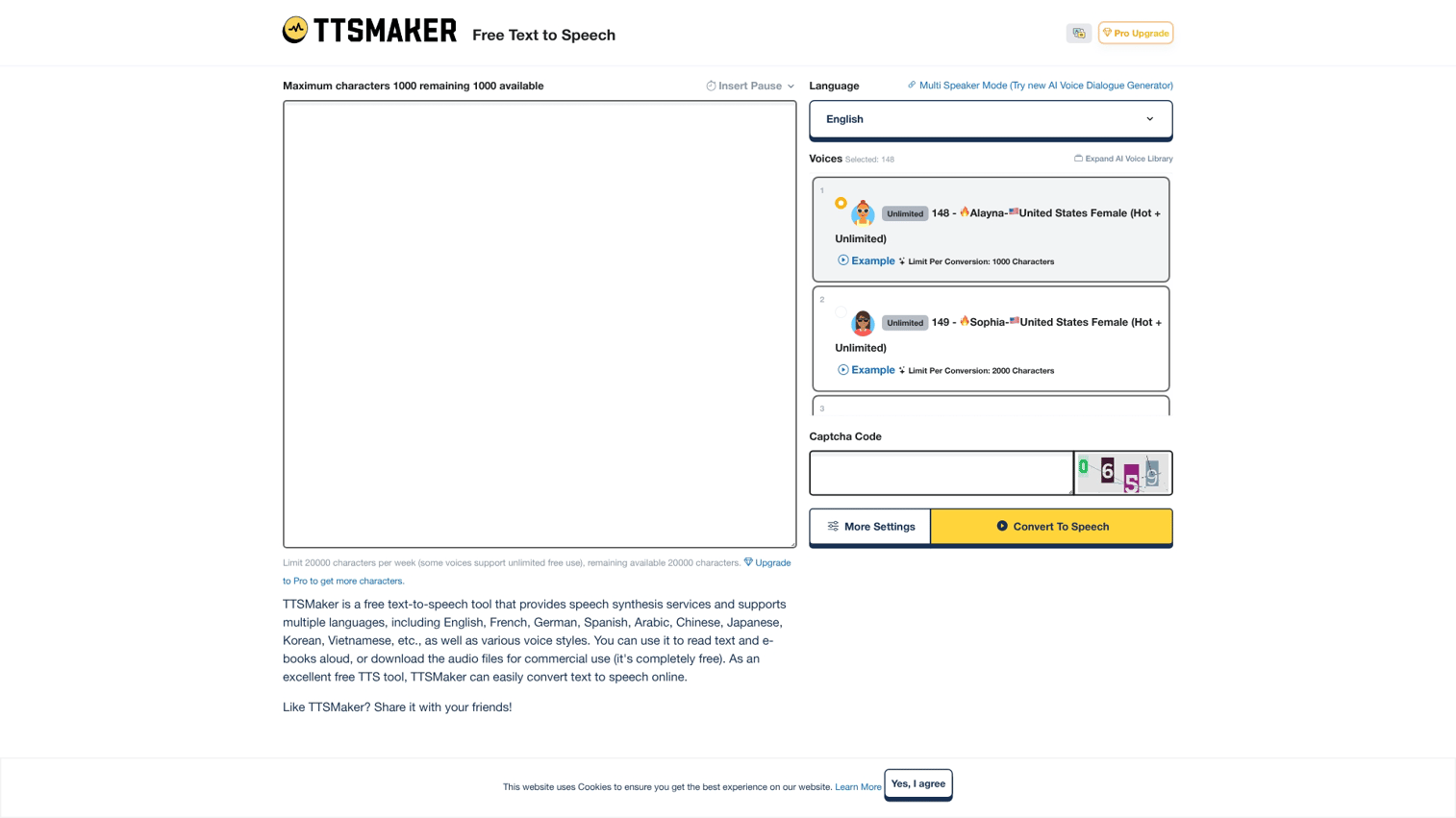
TTSMaker provides browser-based TTS with no account required. Paste text, select a voice, and download audio immediately. The simplicity makes it ideal for quick, one-off conversions.
Best for: Casual users who want quick conversions without commitment.
Key strengths
- No account needed: Paste text and generate audio immediately without signing up
- Multiple export formats: Download as MP3, WAV, or other common formats
- Language variety: Supports many languages and regional accents
Why choose TTSMaker
TTSMaker works best for occasional use when you want to hear how text sounds or when you want a quick audio file. For those working with visual content, you can also learn to do voice over on Canva directly within your design workflow.
The lack of signup friction makes it the fastest path from text to audio. For regular use, the daily character limits become restrictive. But for testing voices or generating occasional clips, the free access is hard to beat.
TTSMaker pricing
Free with daily character limits. No paid tier currently offered.
How to choose the best TTS program
Selecting the right text to speech software depends on matching features to your specific workflow. Here's what to evaluate.
Voice quality and naturalness
Listen to voice samples before committing. Neural voices sound dramatically more human than older synthetic options, but quality varies between providers. Most platforms offer demo audio on their websites.
If you also work with voice input, see our guide to the best AI dictation software for complementary tools.
Pay attention to how voices handle longer passages. Some sound natural for a sentence but become fatiguing over minutes of listening.
Language and voice variety
Confirm the software supports your required languages and accents. Some tools offer dozens of voices per language; others provide just one or two. If you're creating content for international audiences, language coverage matters significantly.
You may also want to review the best AI voice assistants for additional voice technology options.
Commercial licensing terms
If you plan to use generated audio in videos, ads, or products, verify the license permits commercial use. Free tiers often restrict this, requiring paid plans for business applications.
Read the terms carefully. Some platforms allow commercial use but prohibit specific applications like political advertising or adult content.
API access and integration options
Developers building TTS into applications want API documentation, SDKs, and reliable uptime. Non-technical users benefit more from browser extensions, app integrations, or direct upload features. For related tools, explore the best transcription software options available in 2026.
Consider how TTS fits your existing workflow. A tool that integrates with your CMS or video editor saves time compared to manual file transfers.
Pricing model fit
TTS pricing typically follows one of three models:
- Pay-per-character: You pay based on how much text you convert (Amazon Polly, Google Cloud)
- Subscription: Monthly or annual fee for a set amount of usage (ElevenLabs, Murf AI)
- One-time purchase: Pay once for perpetual access (some desktop software)
Match the model to your expected volume. High-volume users often find subscriptions more predictable; occasional users benefit from pay-as-you-go.
Tip: Start with free tiers to test voice quality and workflow fit before committing to paid plans. Most platforms offer enough free usage to evaluate whether the tool meets your requirements.
Turn text into action with the right software
The best text to speech program depends on your use case. Content creators prioritizing voice quality gravitate toward ElevenLabs or Murf AI.
Document readers benefit from NaturalReader's simplicity. Developers building voice features into products choose Amazon Polly or Google Cloud TTS.
Start by identifying your primary use case, then test free tiers before committing. Voice quality, language support, and pricing model all matter, but the right choice ultimately comes down to which tool fits your workflow.
For teams showing products rather than just describing them, consider how audio content complements visual experiences. Interactive demos let prospects experience your product directly, while TTS-generated voiceovers can guide them through key features. Start your journey with Guideflow today to see how self-serve product experiences convert alongside your content strategy.
FAQs about text to speech software
Yes. Balabolka offers full-featured desktop TTS for Windows at no cost, and TTSMaker provides browser-based conversion without signup. Free tiers from NaturalReader and Speechify also work for limited use, though they restrict daily characters or voice selection.
Most paid TTS tools include commercial licensing that permits YouTube use. Always check the specific tool's terms before publishing monetized content, as some free tiers restrict commercial applications.
ElevenLabs is widely recognized for producing hyper-realistic voices with emotional expression and natural pacing. Google WaveNet and Microsoft Azure Neural voices also rank highly for naturalness, particularly in longer-form content.
Yes. TTS assists readers with dyslexia by presenting text as audio, reducing the cognitive load of decoding written words. Many tools also highlight words as they're read, providing simultaneous visual and auditory input that improves comprehension.
MP3 files are smaller and work for most use cases, including web embedding and mobile playback. WAV offers higher audio quality for professional editing but requires significantly more storage. Choose MP3 unless you plan to edit the audio further.
Many TTS tools accept PDF uploads and read them aloud, including NaturalReader, Speechify, and Adobe Reader's built-in feature. Scanned PDFs (images of text rather than actual text) may require OCR processing first.
SSML (Speech Synthesis Markup Language) lets you control pronunciation, pauses, emphasis, and speaking rate through markup tags. Developers use SSML for fine-tuned voice output in applications where default pronunciation or pacing doesn't work correctly.
Desktop software like Balabolka works offline using locally installed voices. Cloud-based tools (ElevenLabs, Play.ht, NaturalReader's web version) require an internet connection since voice synthesis happens on remote servers.