Most meetings still end without a single clear action item.
The average professional now spends roughly 35% of their workweek in meetings, according to a 2025 Harvard Business Review analysis. That's 15 or more meetings a week - many with no agenda, no documented outcomes, and no follow-up. The problem isn't meetings themselves. It's the lack of structure around them.
Meeting management software fixes that gap. These tools handle the full lifecycle - planning agendas, running the meeting, capturing notes, assigning action items, and tracking follow-through - so your team actually gets something done after the calendar invite closes.
For teams running software demos or product walkthroughs within those meetings, interactive demo tools can further streamline the experience by letting prospects explore on their own.
What's inside
This guide covers 25 meeting management tools across every category: purpose-built meeting managers, video conferencing platforms with built-in management features, board governance portals, government-specific agenda management software, and niche tools for 1-on-1s, analytics, and room booking. Each review follows the same structure so you can compare quickly.
We've also included two comparison tables (overview and pricing), a buyer's guide organized by team size and use case, and a breakdown of the AI-powered features that separate 2026 meeting management tools from the basic conferencing software of a few years ago. If your meetings frequently involve showcasing products or onboarding new users, you may also want to explore the best product tour software to complement your meeting stack.
TL;DR
- Best overall meeting management tool: Fellow - purpose-built for agendas, action items, and AI meeting summaries
- Best for enterprises already in Microsoft 365: Microsoft Teams with Copilot AI
- Best free option: 4Minitz - open-source, self-hosted, no cost
- Best for government and public-sector meetings: Granicus and Tyler Meeting Manager
- Best for board governance: OnBoard for private-sector boards, BoardDocs for public-sector boards
- AI capabilities are now the key differentiator - look for transcription, auto-summaries, and action item extraction in any tool you evaluate
What is meeting management software (and why your team needs it in 2026)
Meeting management software is a category of tools that help teams plan, conduct, document, and follow up on meetings. It's not the same as video conferencing. Zoom lets you talk face-to-face. A meeting management system handles everything around that conversation - the agenda beforehand, the notes during, and the accountability afterward.
The category has five core capabilities:
- Agenda creation and distribution before the meeting
- Real-time collaborative notes and minutes during the meeting
- Action item tracking with assigned owners and deadlines
- Scheduling and calendar integration
- Integrations with communication, project management, and CRM tools
In 2026, the category looks different than it did even two years ago. AI-powered meeting intelligence - automatic transcription, AI-generated summaries, and smart action item extraction - has moved from novelty to baseline expectation. Async meeting features now support hybrid teams that can't always meet in real time. And meetings software increasingly connects directly to project management workflows, so decisions don't die in a notes doc.
If your team still relies on a shared Google Doc and good intentions, you're leaving hours of productivity on the table every week. The 25 meeting management tools below were selected to cover every team size, industry, and budget.
How we evaluated and ranked these meeting management tools
We assessed each tool against eight specific criteria. Tools aren't ranked in strict numerical order - they're grouped by category strength and overall fit for their target audience.
- Core meeting management features - Does it have an agenda builder, minutes capture, and action item tracking? Or is it bolting management onto a conferencing tool?
- AI and automation capabilities - Does it offer transcription, AI summaries, smart scheduling, or auto-generated action items?
- Integration ecosystem - How well does it connect with Google Calendar, Outlook, Slack, Teams, Zoom, Asana, Jira, Salesforce, and similar tools?
- Pricing and value - What does the free tier include? What's the per-user cost? Is enterprise pricing transparent?
- Scalability - Is this built for a 5-person startup, a 500-person company, or a 5,000-seat enterprise?
- User experience and onboarding speed - How quickly can a new user set up and run their first managed meeting? Tools with strong onboarding workflows tend to see faster adoption.
- Security and compliance - Does it support SOC 2, GDPR, HIPAA, or open meeting law requirements?
- Real user ratings - Aggregate scores from G2 and Capterra, weighted toward recency
The best meeting management software for your team depends on what you actually need. A city clerk managing public board meetings has completely different requirements than an engineering lead running daily standups. This list reflects that range.
Quick comparison table - 25 best meeting management software at a glance
Scan this table to shortlist your top three or four options, then read the detailed reviews below. The "Standout Feature" column highlights what makes each meeting management tool distinct from the rest.
| Tool | Best For | Starting Price | Free Plan | Standout Feature | G2 Rating |
|---|---|---|---|---|---|
| Fellow | Collaborative agendas & action items | $7/user/mo | Yes (limited) | AI meeting summaries with action extraction | 4.7/5 |
| Zoom | All-in-one video + management | $13.33/user/mo | Yes | Zoom AI Companion for recaps | 4.5/5 |
| Microsoft Teams | Enterprise M365 environments | $4/user/mo (with M365) | Yes (limited) | Copilot AI meeting summaries | 4.3/5 |
| Google Meet + Workspace | Lightweight meeting management | $7/user/mo | Yes | Gemini AI note-taking | 4.6/5 |
| monday.com | Meeting-to-project workflows | $9/seat/mo | Yes (2 seats) | Action item boards with automations | 4.7/5 |
| Slack | Async meeting management | $8.75/user/mo | Yes | Huddles + Canvas for meeting notes | 4.5/5 |
| Bloom Growth | EOS/L10 leadership meetings | $16/user/mo | No | Built-in L10 meeting framework | 4.5/5 |
| Ninety.io | Business operating system meetings | $16/user/mo | Yes (limited) | Scorecard + rock tracking in meetings | 4.6/5 |
| OnBoard | Board meeting governance | Custom pricing | No | Secure board books + e-signatures | 4.6/5 |
| BoardDocs | Public-sector board meetings | Custom pricing | No | Open meeting law compliance | 4.3/5 |
| Granicus | Government agenda management | Custom pricing | No | Public meeting streaming + ADA compliance | 4.1/5 |
| Tyler Meeting Manager | Local government automation | Custom pricing | No | Automated minute generation | 4.2/5 |
| Diligent | Enterprise board + ESG governance | Custom pricing | No | D&O questionnaires + ESG integration | 4.4/5 |
| Livestorm | Webinar-style managed meetings | $99/mo (host) | Yes | Registration pages + engagement analytics | 4.3/5 |
| GoTo Meeting | Reliable video with admin controls | $14/organizer/mo | No | Meeting lock + drawing tools | 4.2/5 |
| Zoho Meeting | Budget-friendly meetings | $1/host/mo | Yes | Deep Zoho ecosystem integration | 4.5/5 |
| Topicflow | Recurring 1-on-1s and check-ins | $8/user/mo | Yes (limited) | Talking point persistence across meetings | 4.4/5 |
| Etho | Meeting analytics & time optimization | $5/user/mo | Yes (limited) | Meeting cost calculator + productivity analytics | 4.3/5 |
| Performance Scoring | Meeting effectiveness measurement | $10/user/mo | No | Meeting scoring frameworks + trend analysis | 4.2/5 |
| Infinity | Customizable meeting workflows | $6/user/mo | No | Lifetime deal option + flexible views | 4.6/5 |
| Deel HR | Global team meeting coordination | Free (basic HR) | Yes | Timezone-aware scheduling for distributed teams | 4.8/5 |
| Clearooms | Meeting room booking & space management | $10/room/mo | No | Occupancy analytics + digital signage | 4.5/5 |
| 4Minitz | Free open-source meeting minutes | Free | Yes (fully free) | Self-hosted, full data ownership | N/A |
| ConnectWise Control | IT/MSP remote support sessions | $24/mo (1 user) | No | Multi-monitor remote support sessions | 4.4/5 |
| Teaming | Cross-functional team alignment | $10/user/mo | Yes (limited) | OKR tracking within meeting workflows | 4.3/5 |
The 25 best meeting management software tools
1. Fellow - best for collaborative meeting agendas and action items
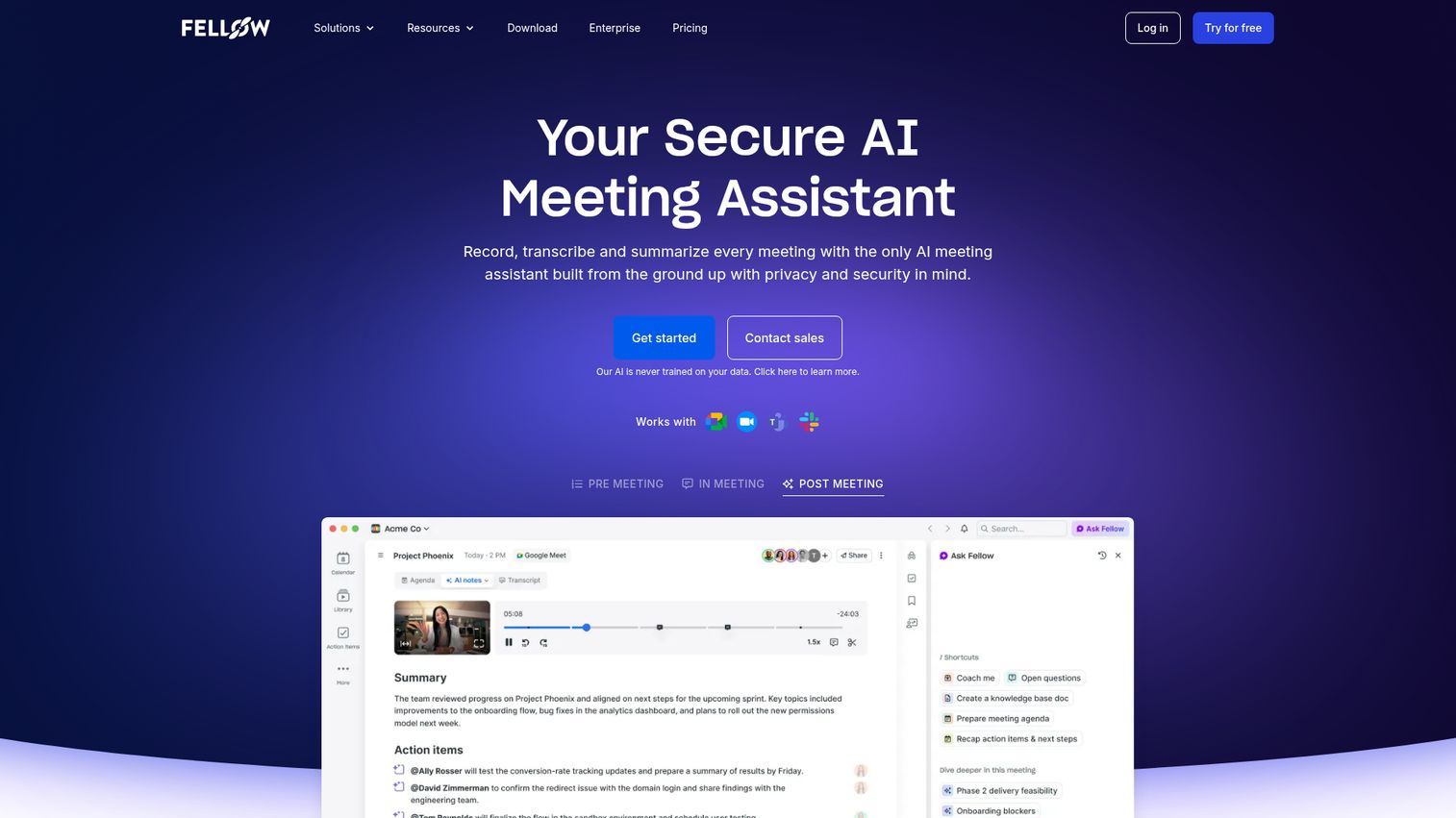
Fellow is a purpose-built meeting management platform designed around one idea: every meeting should produce clear outcomes. It's the closest thing to a pure-play meeting manager software on this list.
Where Fellow stands out is the full meeting lifecycle. You build collaborative agendas before the meeting, take notes during it, and assign action items with owners and deadlines - all in one place. The AI meeting summary feature transcribes conversations and extracts action items automatically, which tends to save 10-15 minutes of post-meeting cleanup per session.
Best for: Teams of 10-500 who want a dedicated meeting management tool, not a conferencing platform with management features tacked on.
Key strengths
- Collaborative agenda building with real-time editing
- AI-generated meeting summaries and action item extraction
- Native integrations with Zoom, Google Calendar, Slack, and Teams
- Recurring meeting templates with persistent talking points
- Action item tracking with accountability dashboards
Pricing: Free plan available; paid plans start at $7/user/month.
2. Zoom - best for all-in-one video meetings with built-in management
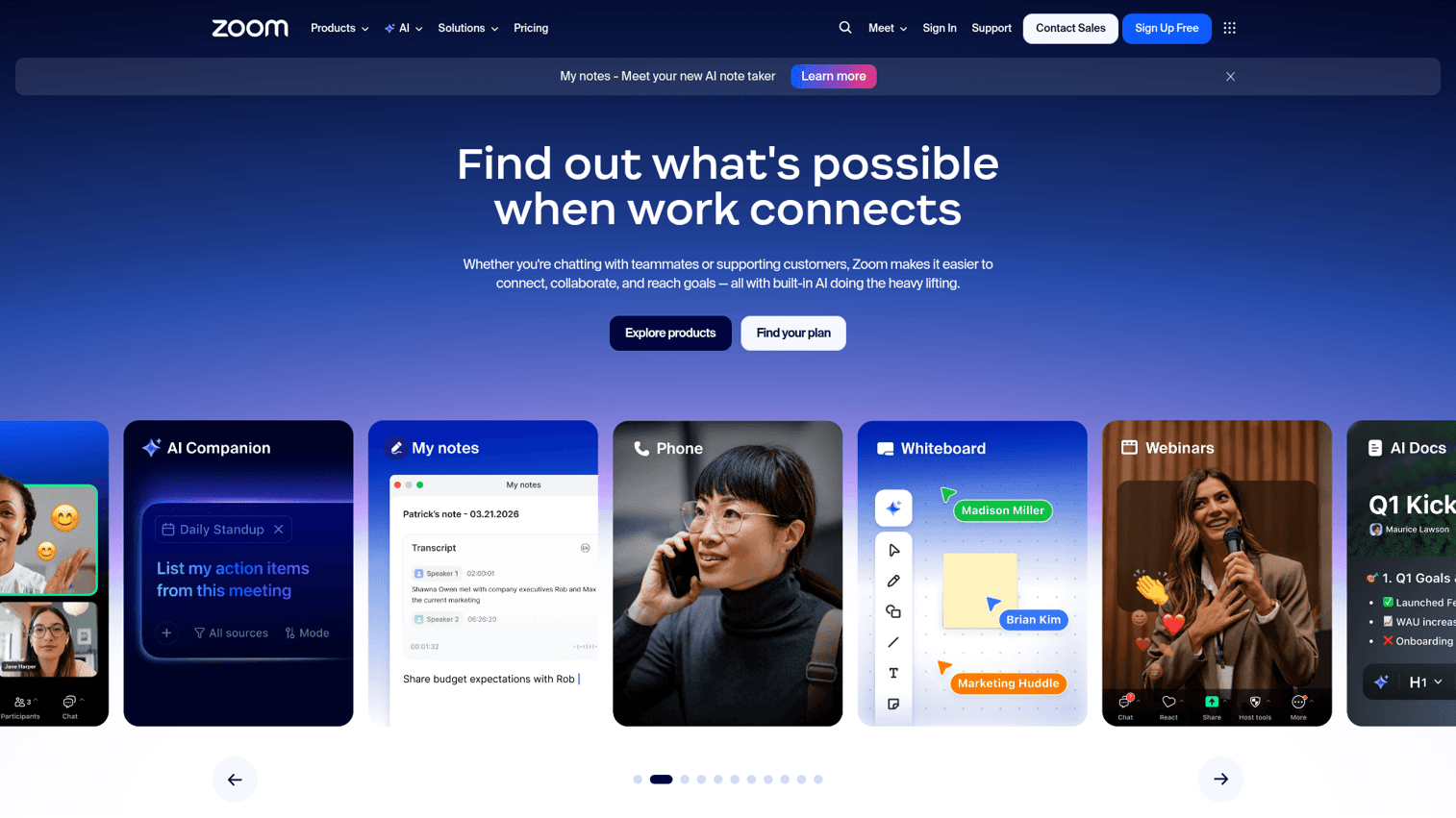
Zoom is the video conferencing tool most teams already know, and in 2026 it's expanded well beyond basic calls. Zoom Workplace now includes the AI Companion, which generates meeting summaries, extracts action items, and provides smart scheduling suggestions. You can explore Zoom's interface hands-on through this interactive Zoom demo.
That said, Zoom is still primarily a conferencing tool with management features added on top. It handles the communication layer well - breakout rooms, waiting rooms, post-meeting reports - but it doesn't match a dedicated meeting manager like Fellow for agenda building or long-term action item tracking. If your team already pays for Zoom and needs basic meeting management, it's a strong starting point.
Best for: Teams already using Zoom who want meeting management features without adding another tool.
Key strengths
- AI Companion generates summaries and next steps automatically
- Breakout rooms and waiting room management for structured sessions
- Post-meeting reports with attendance and engagement data
- Integrates with Google Calendar, Outlook, Slack, and 1,000+ apps
- Whiteboard and annotation tools for collaborative sessions
Pricing: Free plan (40-minute limit on group calls); paid plans start at $13.33/user/month.
3. Microsoft Teams - best for enterprise meeting management within Microsoft 365
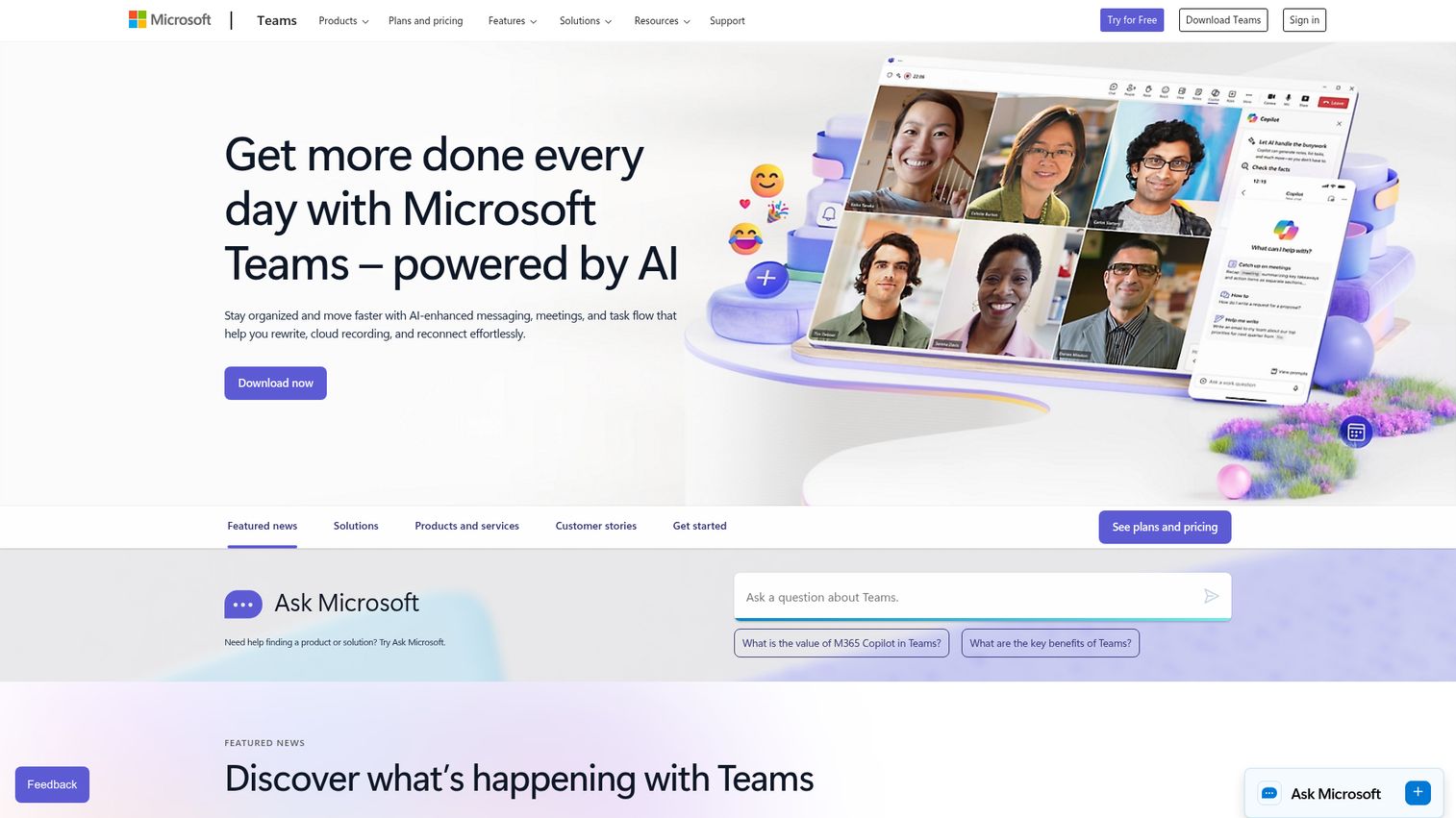
Microsoft Teams is the default meeting management solution for organizations already running on Microsoft 365. Copilot AI now generates meeting summaries, suggests action items, and creates recap documents automatically - a major step up from the basic transcription of prior years. See how the Microsoft ecosystem works with this interactive Microsoft demo.
The real advantage is ecosystem depth. Agendas sync through Outlook, collaborative notes live in Loop, and tasks flow into Planner or To Do without leaving the Teams interface. For enterprise meeting management software needs, this integration density is hard to beat. The trade-off is complexity - Teams has a steep learning curve, and smaller teams often find it over-engineered for their needs.
Best for: Organizations with 200+ employees already invested in the Microsoft 365 ecosystem.
Key strengths
- Copilot AI for real-time meeting summaries and action items
- Agenda integration with Outlook calendar invites
- Loop components for collaborative meeting notes
- Task assignment directly to Planner and To Do
- Enterprise-grade security with SOC 2 and GDPR compliance
Pricing: Included with Microsoft 365 plans starting at $4/user/month; Copilot AI requires an add-on.
4. Google Meet + Google Workspace - best for lightweight meeting management
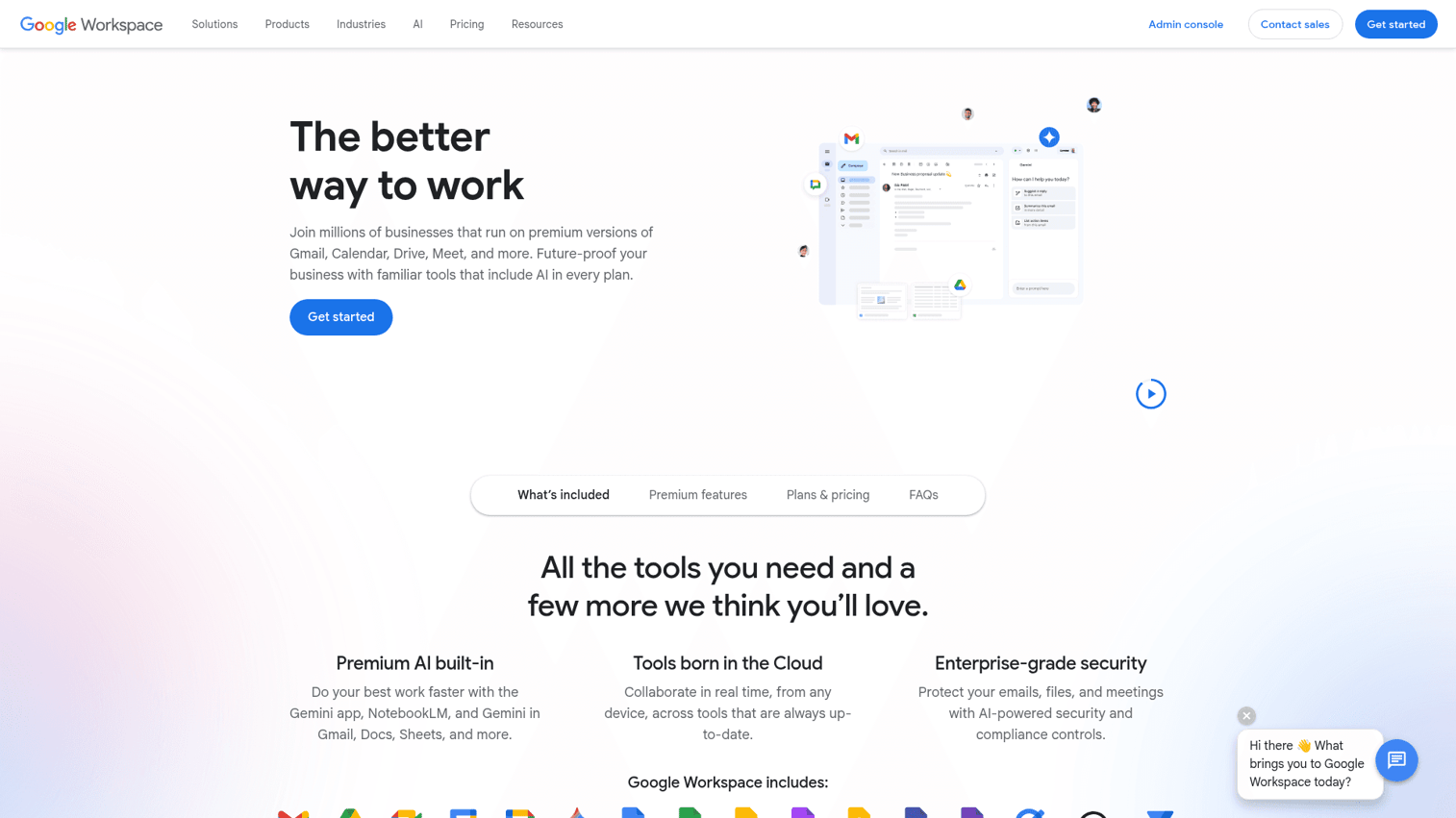
Google Workspace isn't a standalone meeting management tool. It's an ecosystem play - Google Meet for video, Calendar for scheduling, Docs for agendas and notes, and Tasks for follow-ups. Gemini AI now handles note-taking and automatic transcription within Meet, making the full package more capable than it looks on paper.
The strength here is simplicity. If your team lives in Google apps, there's almost zero onboarding friction. The limitation is that nothing ties these pieces together into a unified meeting management system the way a purpose-built tool does. You're assembling the workflow yourself.
Best for: Small to mid-size teams (under 100) already using Google Workspace who want meeting management without adding new software.
Key strengths
- Gemini AI note-taking and automatic transcription in Meet
- Google Calendar integration with agenda attachments
- Collaborative Docs for real-time meeting minutes
- Google Tasks for lightweight action item tracking
- Generous free tier for personal Google accounts
Pricing: Free for personal use; Google Workspace starts at $7/user/month.
5. Monday.com - best for meeting-to-project workflow integration
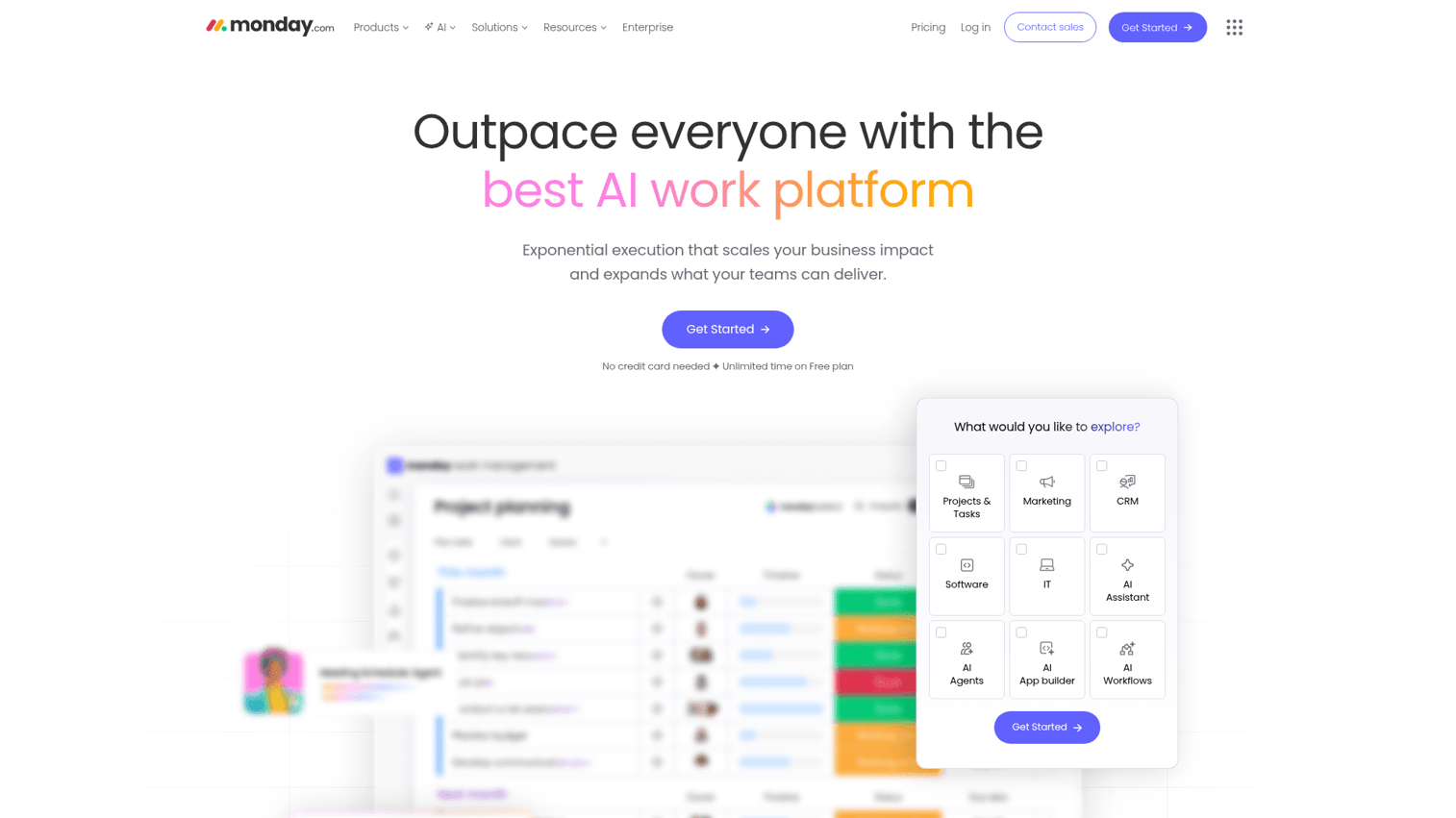
Monday.com is a work operating system that excels at turning meeting decisions into tracked project work. It's not a meeting tool in the traditional sense - it's a project management platform with strong meeting management templates and automations. Explore the platform yourself with this interactive monday.com demo.
Where monday.com works particularly well is the handoff. You create a meeting agenda board, capture notes and decisions during the meeting, then convert action items into tracked tasks with owners, deadlines, and status columns. Automations can trigger Slack notifications, email reminders, or status updates without manual follow-up. If your biggest problem is that meetings produce decisions but nobody tracks them, this is your tool.
Best for: Project-driven teams who need meetings to feed directly into project management workflows.
Key strengths
- Meeting agenda templates with customizable board views
- Action items convert directly to tracked project tasks
- Automations for follow-up reminders and status updates
- Dashboards showing meeting outcomes across multiple teams
- Integrates with Zoom, Slack, Google Calendar, and 200+ apps
Pricing: Free plan (2 seats); paid plans start at $9/seat/month.
6. Slack - best for async meeting management and huddles
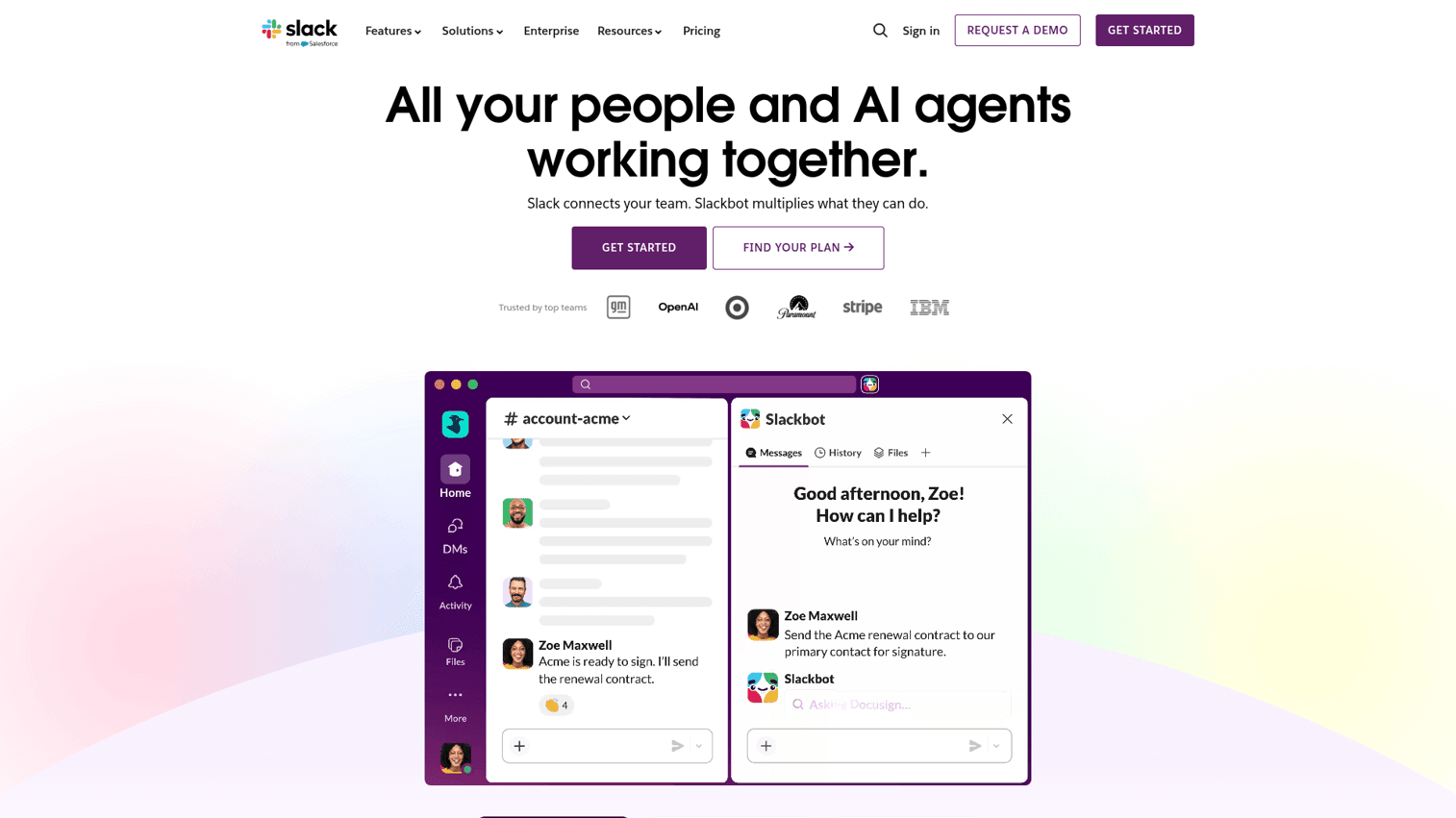
Slack has evolved well beyond messaging. Huddles provide quick audio and video meetings without scheduling overhead. Canvas gives teams a persistent space for meeting notes and agendas. And workflow automations can handle meeting follow-ups - posting summaries to channels, assigning tasks, or triggering reminders.
Slack works best for teams building an async meeting culture. Instead of scheduling a 30-minute call, you can drop a Canvas with an agenda, collect async input, then hop on a 5-minute Huddle to finalize decisions. The limitation is that Slack doesn't offer structured agenda management software features like templates, formal minutes, or action item dashboards. It's a communication tool with meeting-adjacent capabilities.
Best for: Remote and hybrid teams who want to reduce synchronous meetings and embrace async workflows.
Key strengths
- Huddles for impromptu audio/video meetings without calendar invites
- Canvas for persistent meeting notes and collaborative agendas
- Workflow Builder for automated meeting follow-ups
- Channel-based meeting recaps keep context visible to the team
- Deep integrations with Fellow, Zoom, Google Calendar, and Asana
Pricing: Free plan available; paid plans start at $8.75/user/month.
7. Bloom Growth - best for structured leadership team meetings (EOS/L10)
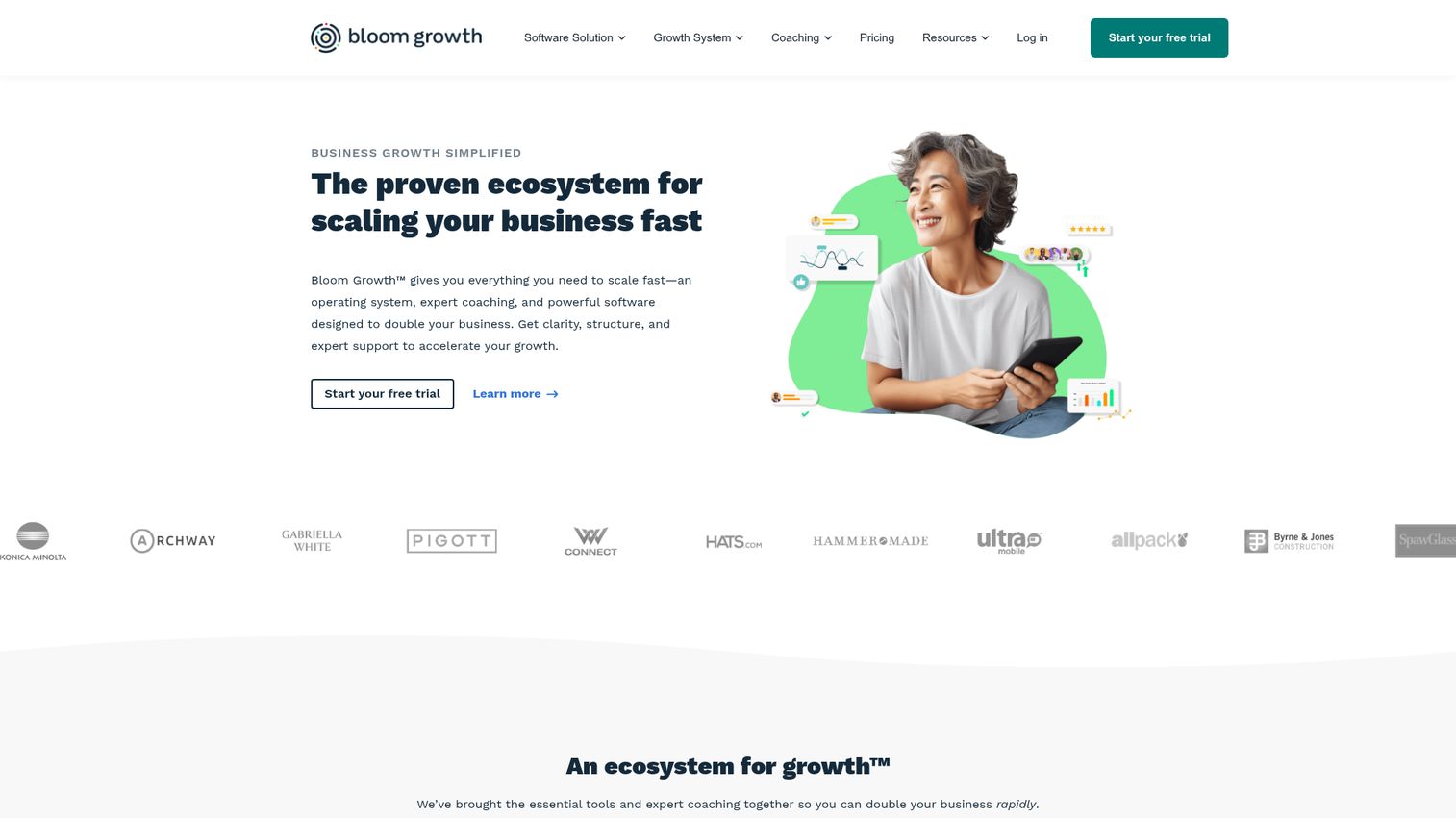
Bloom Growth is built specifically for leadership teams running structured meeting frameworks - particularly the EOS Level 10 (L10) meeting format. If that term doesn't mean anything to you, this probably isn't your tool. If your leadership team runs on EOS, this is likely exactly what you need.
The platform guides you through the L10 structure: segue, scorecard review, rock updates, customer/employee headlines, to-do review, and IDS (Identify, Discuss, Solve). Everything is timed and tracked. Scorecards, rocks, and to-dos persist across meetings so nothing falls through the cracks.
Best for: Leadership teams of 5-15 people running EOS or similar structured meeting cadences.
Key strengths
- Built-in L10 meeting timer and structured agenda flow
- Scorecard tracking with weekly metric reviews
- Rock management with quarterly goal alignment
- IDS workflow for structured issue resolution
- To-do tracking with accountability across meetings
Pricing: Plans start at $16/user/month; no free tier.
8. Ninety.io - best for business operating system meetings
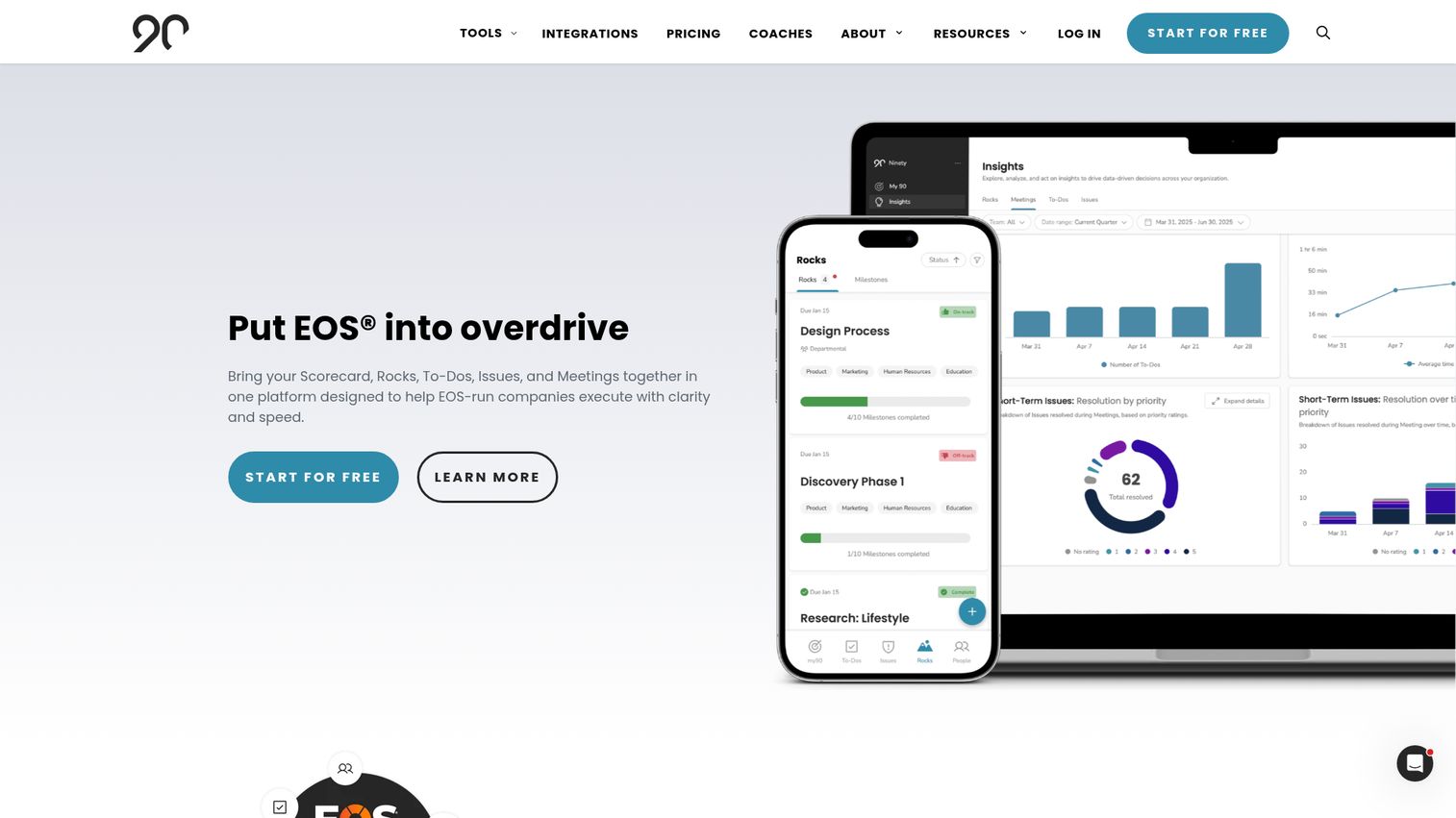
Ninety.io covers similar ground to Bloom Growth but takes a broader business operating system approach. It's designed for companies that want structured meetings embedded within a larger framework of vision, rocks, scorecards, accountability charts, and process documentation.
The key difference from Bloom Growth: Ninety.io positions meetings as one component of a full company operating system rather than the central feature. If you want meeting management alongside org chart management, vision tracking, and process documentation, Ninety.io offers that breadth. If you only need the meeting piece, Bloom Growth tends to be more focused.
Best for: Companies implementing a full business operating system (EOS, Pinnacle, or similar) who want meetings integrated with broader strategic tools.
Key strengths
- Structured meeting agendas tied to company vision and rocks
- Accountability chart integration for clear ownership
- Scorecard reviews embedded within weekly meeting flow
- Process documentation linked to meeting decisions
- Headline and issue tracking across meeting cadences
Pricing: Free tier available (limited features); paid plans start at $16/user/month.
9. OnBoard - best for board meeting management and governance
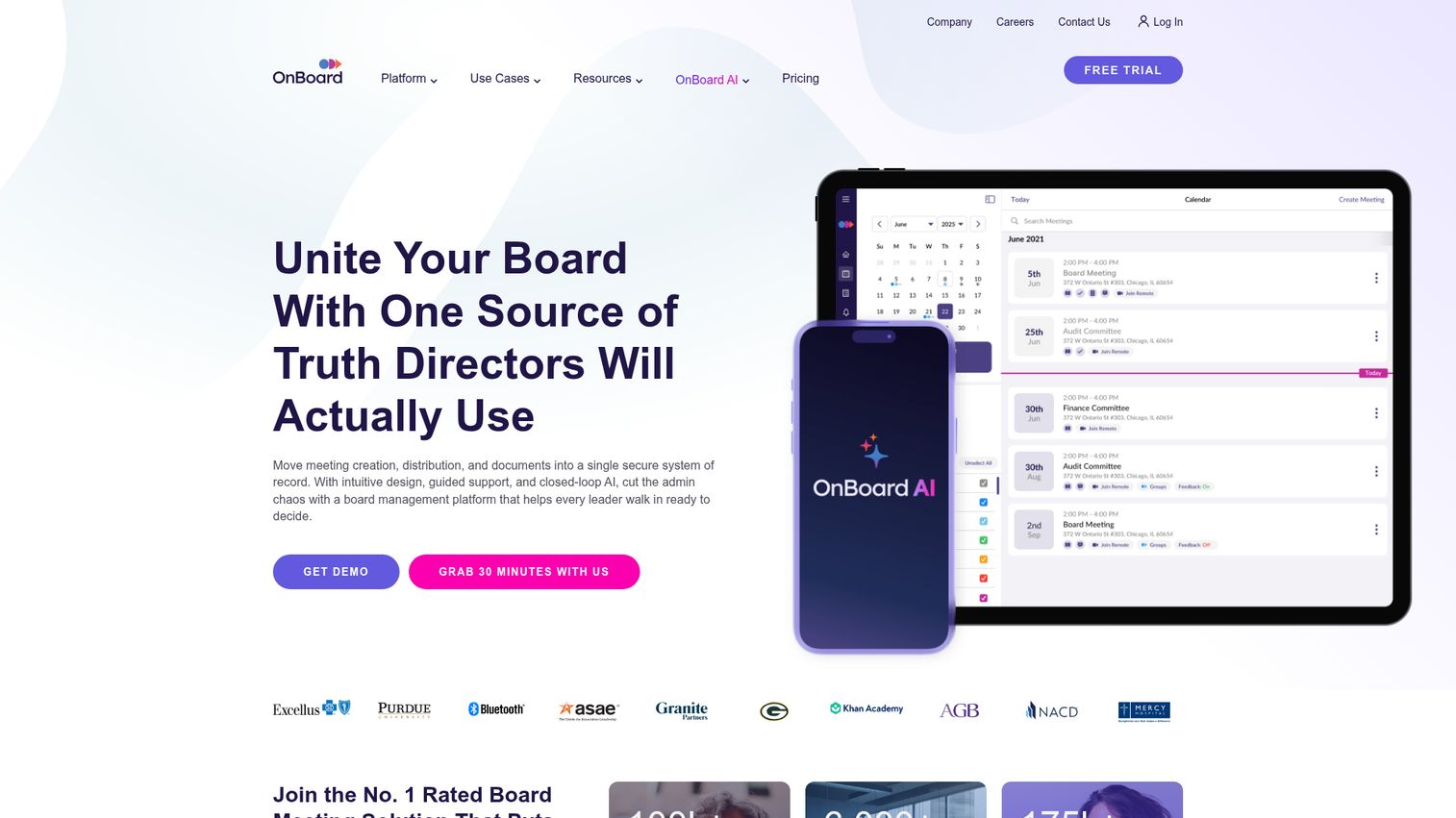
OnBoard is a board meeting management platform built for private-sector governance. It handles the specific workflows board members need: board book creation, secure document distribution, e-signatures, voting and resolution tracking, and compliance documentation. If your board meetings also require signing resolutions digitally, check out our guide to the best e-signature software.
This isn't a tool for daily team standups. It's enterprise meeting management software for quarterly board meetings, committee sessions, and governance workflows. The security features - granular permissions, audit trails, and data encryption - reflect the sensitivity of board-level discussions. If you're managing board meetings with email attachments and shared drives, OnBoard is a significant upgrade.
Best for: Private-sector companies with formal board governance requirements and 5-20 board members.
Key strengths
- Board book builder with drag-and-drop document assembly
- E-signature collection for resolutions and approvals
- Voting and resolution tracking with audit trails
- Granular permissions and role-based document access
- Meeting scheduling with timezone coordination for board members
Pricing: Custom enterprise pricing; contact sales for a quote.
10. BoardDocs - best for public-sector board and committee meetings
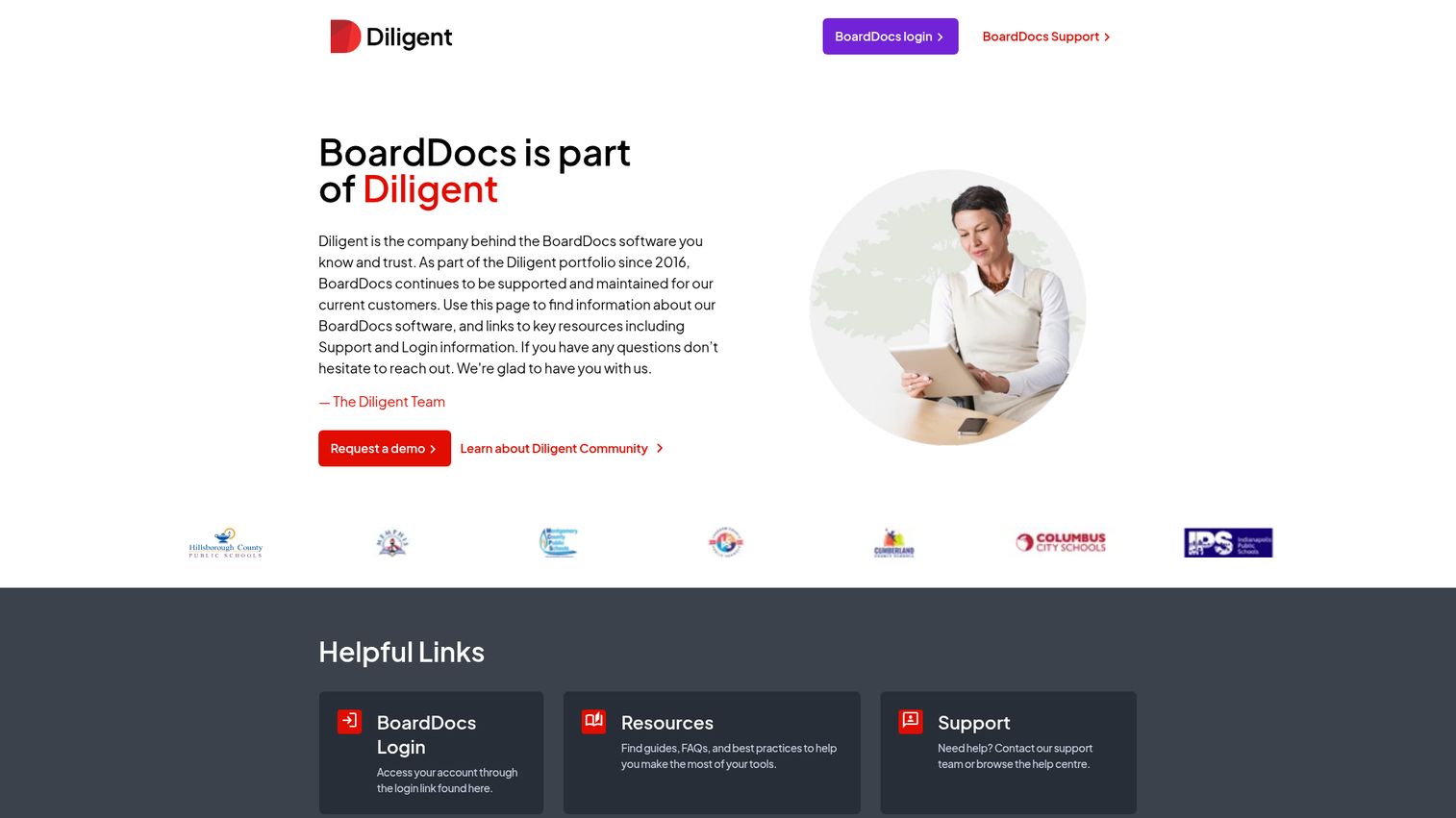
BoardDocs serves a specific audience: government bodies, school boards, and nonprofit boards that need to comply with open meeting laws. It handles agenda publishing, public posting of minutes, document management for board packets, and ADA-accessible meeting materials.
The key differentiator from OnBoard is the public-sector compliance focus. BoardDocs is built for transparency - making agendas and minutes publicly accessible, supporting open meeting law requirements, and providing citizen-facing portals. If you're a city council, school district, or public utility, this is agenda management software designed for your exact requirements.
Best for: Government agencies, school districts, and nonprofits with public transparency and open meeting law requirements.
Key strengths
- Public agenda and minutes posting for open meeting compliance
- ADA-accessible document formats and meeting materials
- Board packet assembly with version control
- Citizen-facing portal for public meeting transparency
- Integration with video streaming for public meeting broadcasts
Pricing: Custom pricing based on organization size; contact sales.
11. Granicus - best for government agenda and meeting management
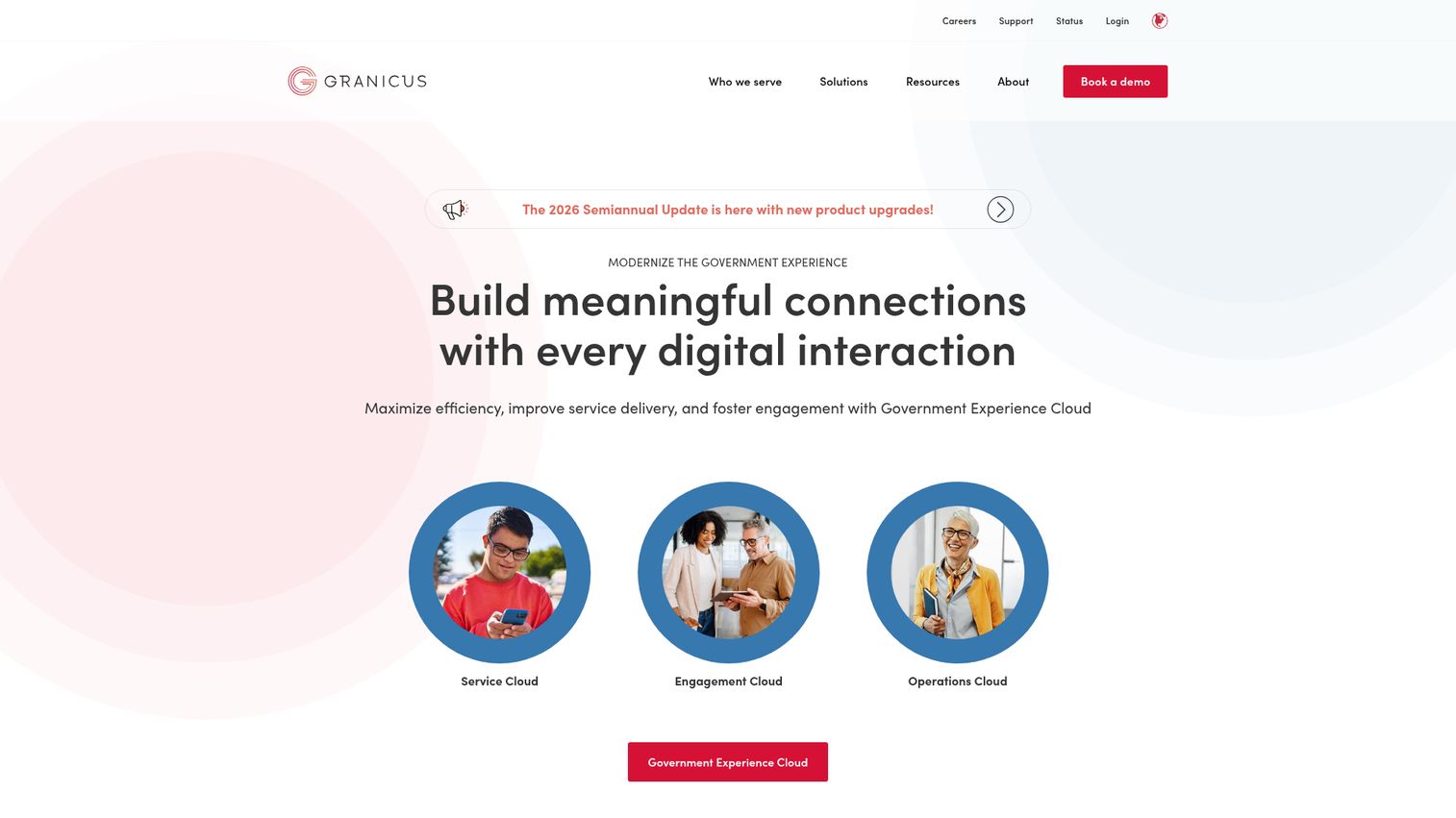
Granicus is the leading government meeting management platform, used by thousands of federal, state, and local agencies. It goes beyond agenda management into full civic engagement - video streaming of public meetings, closed captioning, citizen comment portals, and ADA compliance.
Where Granicus stands apart from BoardDocs is scope. It's not just managing the meeting - it's managing the public's experience of the meeting. Automated agenda creation for clerks, approval workflows for council members, and live-streamed meetings with indexed video archives make it the most comprehensive government meeting management solution available. The trade-off is price and complexity; this is enterprise-grade software for organizations with dedicated administrative staff.
Best for: City, county, and state government agencies managing public meetings with transparency and citizen engagement requirements.
Key strengths
- Automated agenda creation with clerk-specific workflow tools
- Live video streaming with closed captioning and ADA compliance
- Citizen engagement portals for public comment and participation
- Indexed video archives searchable by agenda item
- Integration with other Granicus civic engagement products
Pricing: Custom quote-based pricing; typically multi-year contracts.
12. Tyler Meeting Manager - best for local government meeting automation
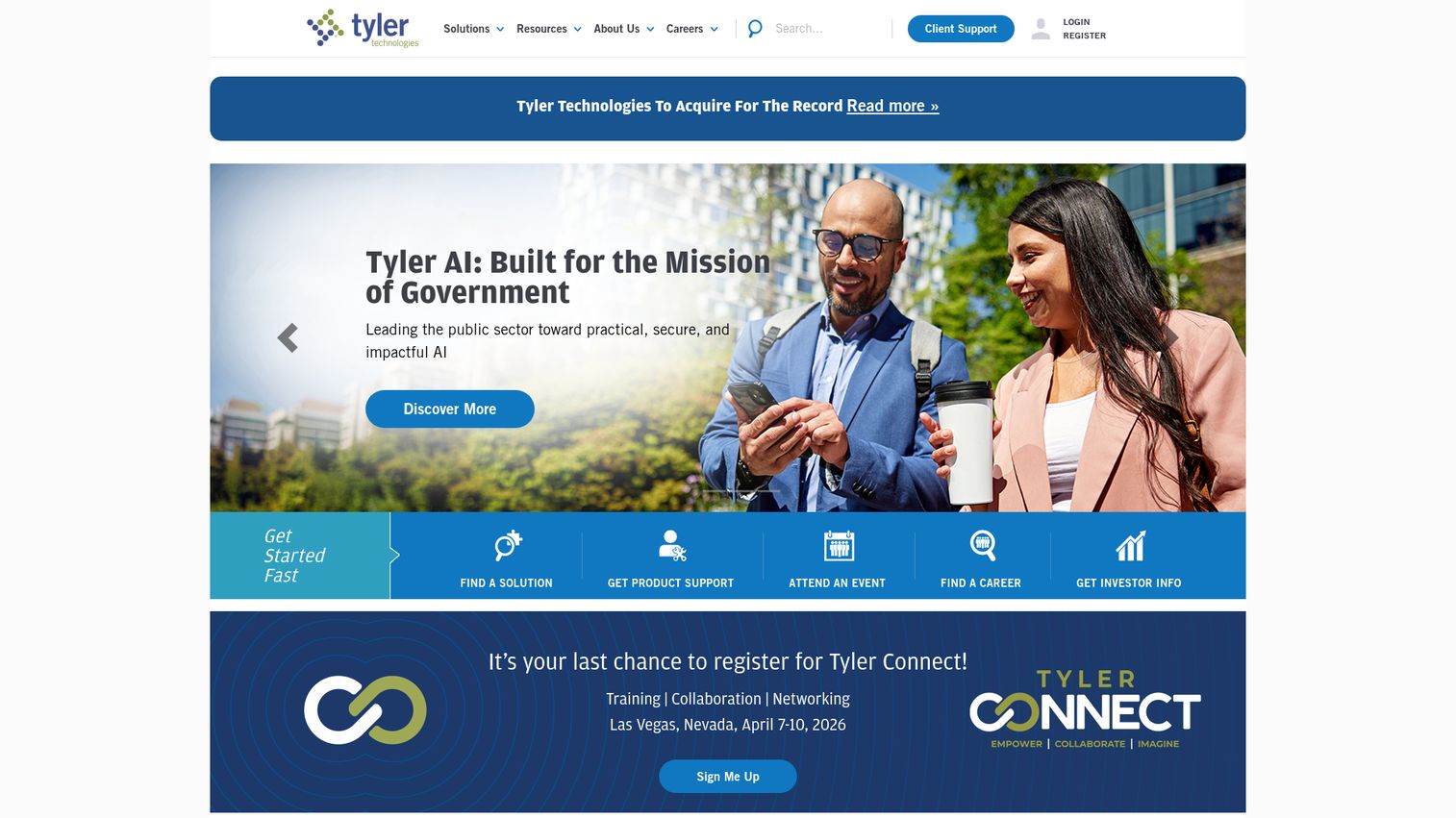
Tyler Technologies offers Meeting Manager as part of its civic technology suite. It's purpose-built for local government - automating minute generation, managing agendas, storing documents, and routing approvals through council workflows.
The standout feature is automated minute generation. Rather than having a clerk manually transcribe meeting proceedings, Tyler Meeting Manager creates draft minutes from agenda items and annotations, significantly reducing post-meeting administrative work. It integrates with other Tyler Technologies civic solutions (financial management, court systems, public safety), making it a strong fit for municipalities already in the Tyler ecosystem. It's not designed for private-sector use.
Best for: Local government agencies (cities, counties, townships) already using Tyler Technologies products.
Key strengths
- Automated minute generation from agenda items and annotations
- Agenda management with multi-stage approval workflows
- Document storage with version history and access controls
- Integration with Tyler's broader civic technology suite
- Public-facing meeting portals for citizen transparency
Pricing: Custom quote-based pricing; bundled with Tyler civic solutions.
13. Diligent - best for enterprise board and ESG meeting governance
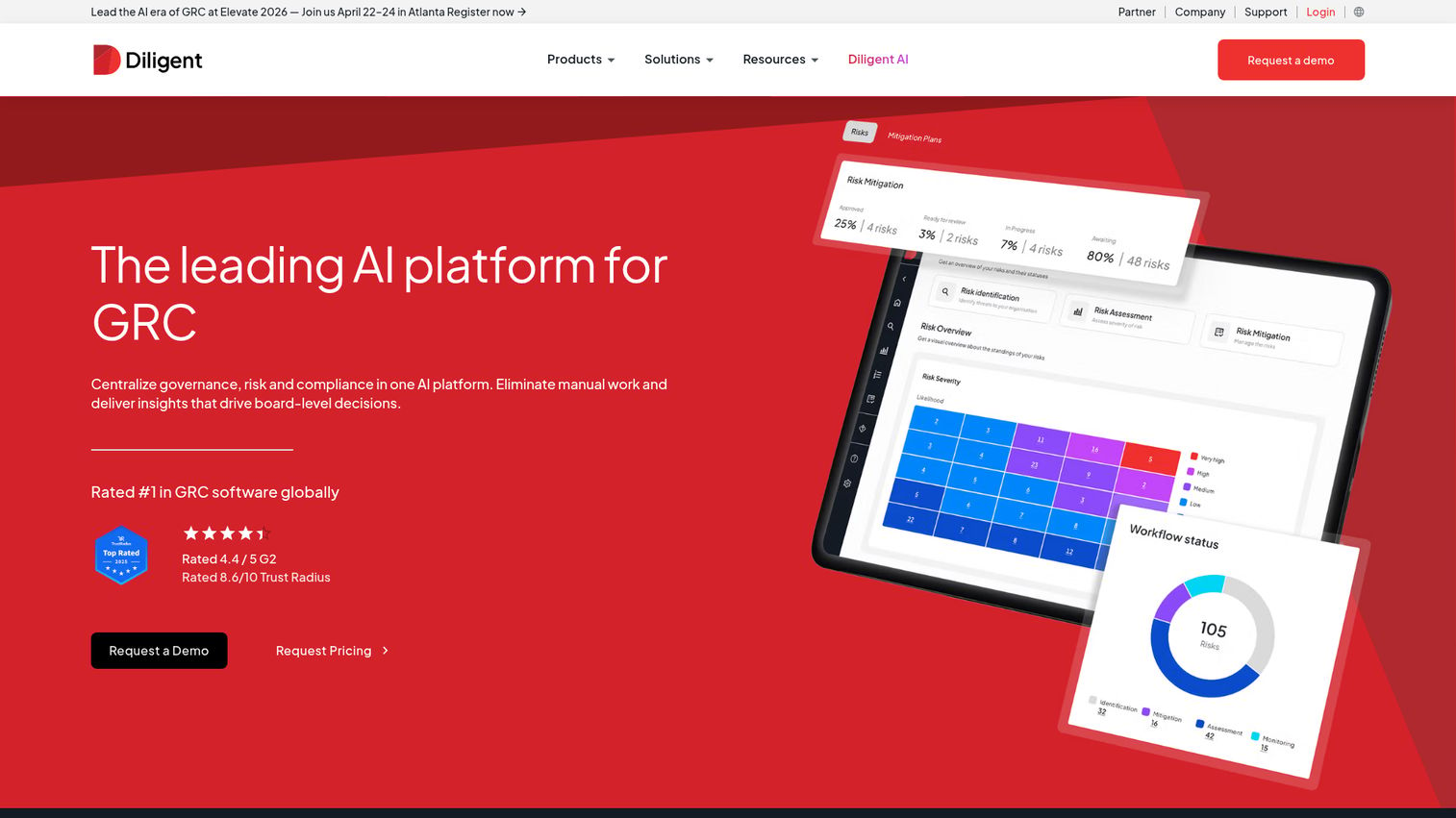
Diligent provides enterprise-grade board management and governance software, with meeting management as a core component. It's designed for large organizations where board meetings involve sensitive financial data, ESG reporting, and regulatory compliance.
The platform includes secure board portals, document management with granular permissions, voting and resolution tracking, D&O questionnaires, and - increasingly in 2026 - ESG reporting integration within meeting workflows. If your board needs to review sustainability metrics alongside financial performance, Diligent connects those data streams into the meeting agenda. Premium pricing reflects the enterprise audience.
Best for: Large enterprises and publicly traded companies with complex board governance, ESG reporting, and regulatory compliance needs.
Key strengths
- Secure board portal with bank-grade encryption
- ESG reporting data integrated into board meeting materials
- D&O questionnaires and compliance document management
- Voting, resolution tracking, and e-signature workflows
- Multi-entity governance for organizations with multiple boards
Pricing: Custom enterprise pricing; expect premium rates for the governance depth.
14. Livestorm - best for webinar-style managed meetings and events
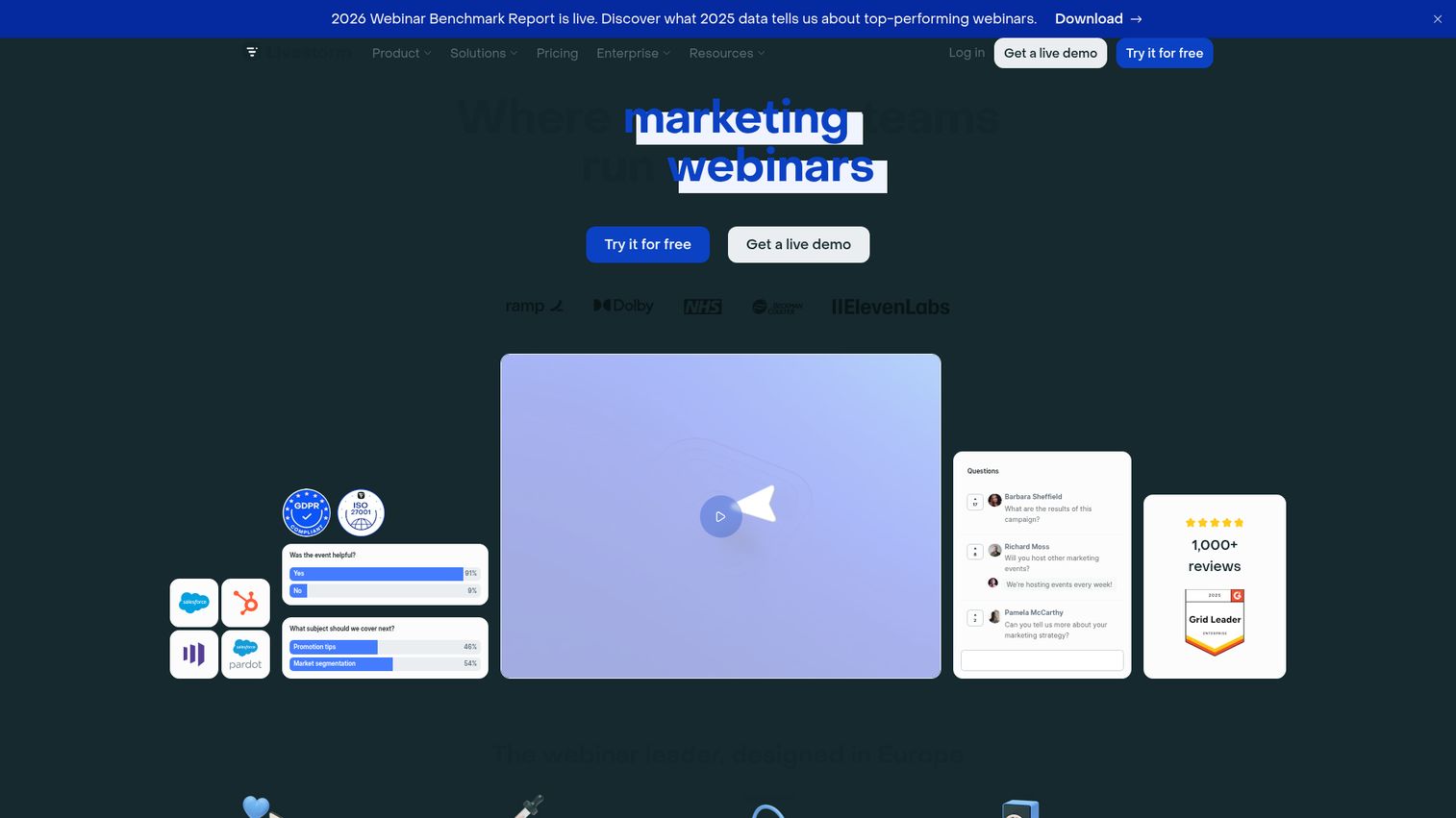
Livestorm sits at the intersection of meeting management and event management. It's designed for meetings that involve external participants - webinars, client onboarding sessions, training events, and large-scale town halls. If you're evaluating dedicated webinar platforms alongside meeting tools, see our roundup of the best webinar platforms.
The automated meeting workflow is the differentiator. Livestorm handles registration pages, email reminders, engagement tools (polls, Q&A, chat), analytics dashboards, and recording with replay. For internal daily standups, it's overkill. For a customer-facing quarterly business review with 50 attendees, it works particularly well. The analytics - attendance rates, engagement scores, replay views - give you data that standard video conferencing tools don't. Teams running virtual events will also find Livestorm's feature set compelling.
Best for: Marketing, sales, and customer success teams running external-facing meetings, webinars, and events.
Key strengths
- Registration pages with custom branding and automated reminders
- In-meeting engagement tools including polls, Q&A, and reactions
- Post-meeting analytics with attendance and engagement scoring
- Recording and on-demand replay with viewer tracking
- Integrates with HubSpot, Salesforce, and Slack
Pricing: Free plan (up to 30 attendees); paid plans start at $99/month per host.
15. GoTo Meeting - best for reliable video meetings with admin controls
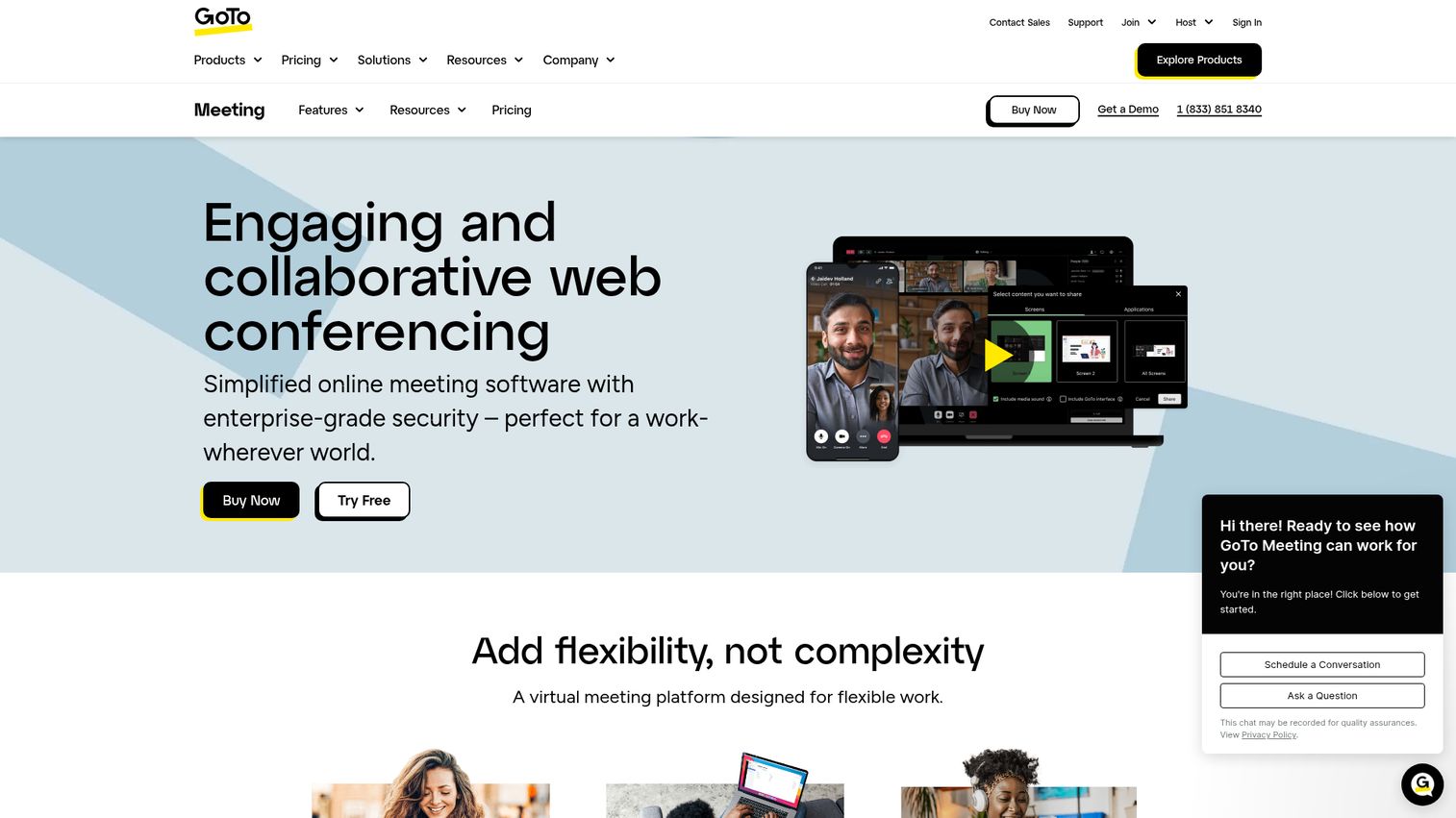
GoTo Meeting is a straightforward video conferencing tool with solid admin controls. It handles scheduling, recording, transcription, drawing tools for collaborative annotation, and meeting lock features for security.
Honest assessment: GoTo Meeting is a reliable, no-surprises conferencing tool, but it hasn't kept pace with the AI-powered features of Zoom or Teams. It lacks AI summaries, automated action items, or smart scheduling. If you value stability and simplicity over cutting-edge AI features, it's a dependable choice. If AI meeting intelligence is a priority, look elsewhere.
Best for: Teams that prioritize reliability and straightforward admin controls over AI-powered meeting management features.
Key strengths
- Meeting lock and admin controls for secure sessions
- Cloud recording with searchable transcription
- Drawing tools for real-time collaborative annotation
- One-click meeting join with no downloads required
- HIPAA-compliant plans available for healthcare organizations
Pricing: Plans start at $14/organizer/month; no free tier.
16. Zoho Meeting - best for budget-friendly meeting management
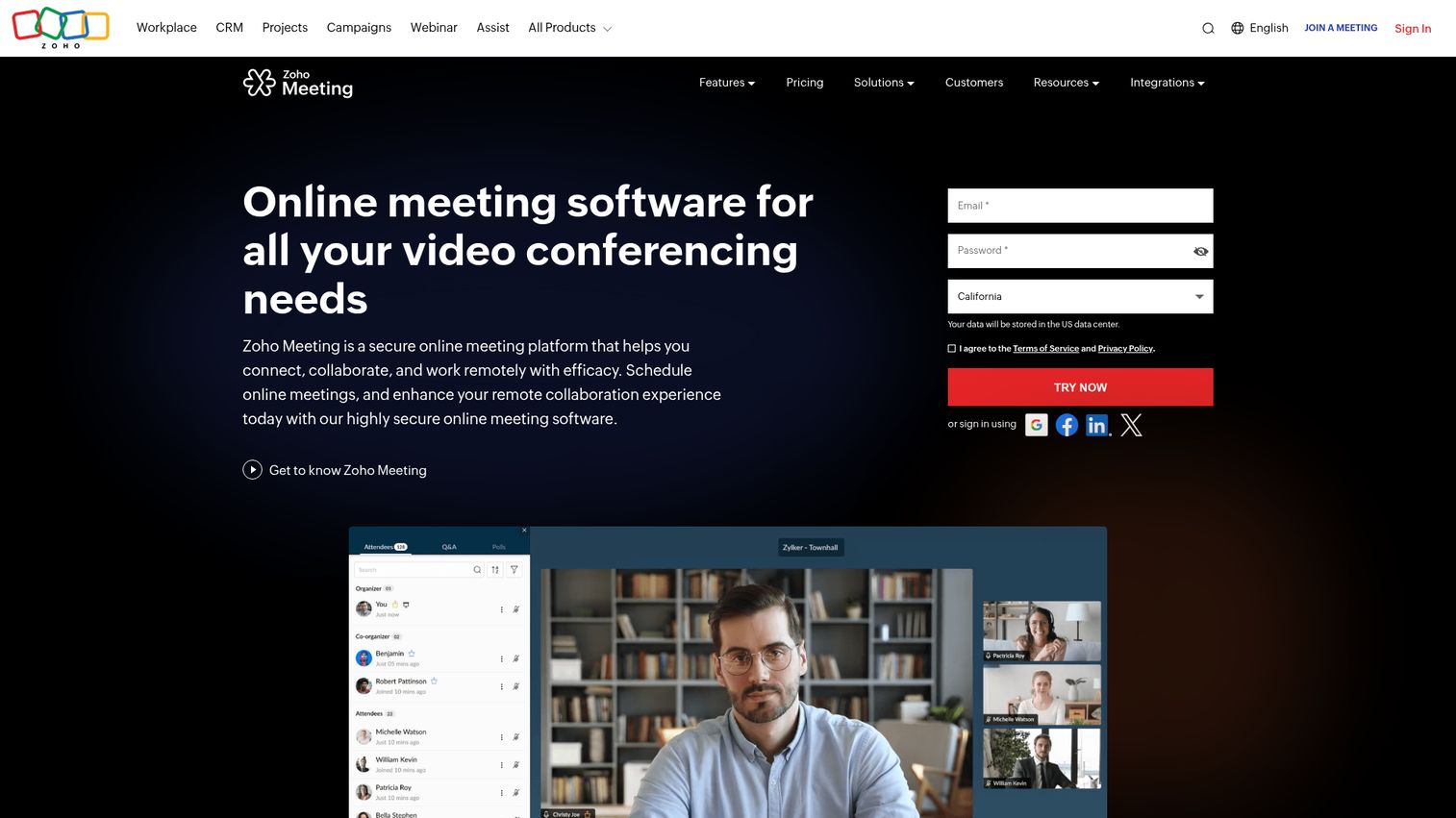
Zoho Meeting delivers solid meeting management at a price point that undercuts most competitors. It includes video conferencing, screen sharing, recording, and analytics - and integrates deeply with the broader Zoho ecosystem (CRM, Projects, Calendar, Mail). You can explore the Zoho ecosystem through this interactive Zoho demo.
The value proposition is clear: if your organization already uses Zoho products, adding Zoho Meeting gives you meeting management with tight CRM and project management integration at $1/host/month. The trade-off is ecosystem lock-in - Zoho Meeting works best within Zoho, and its integrations with non-Zoho tools are more limited.
Best for: Small to mid-size businesses already using Zoho products who want affordable meetings software with CRM integration.
Key strengths
- Starting price of $1/host/month with free tier available
- Deep integration with Zoho CRM, Projects, and Calendar
- Meeting recording with cloud storage and playback
- Virtual backgrounds and screen sharing with annotation
- Webinar mode for larger audience meetings
Pricing: Free plan available (limited features); paid plans start at $1/host/month.
17. Topicflow - best for recurring 1-on-1 and team meeting structure
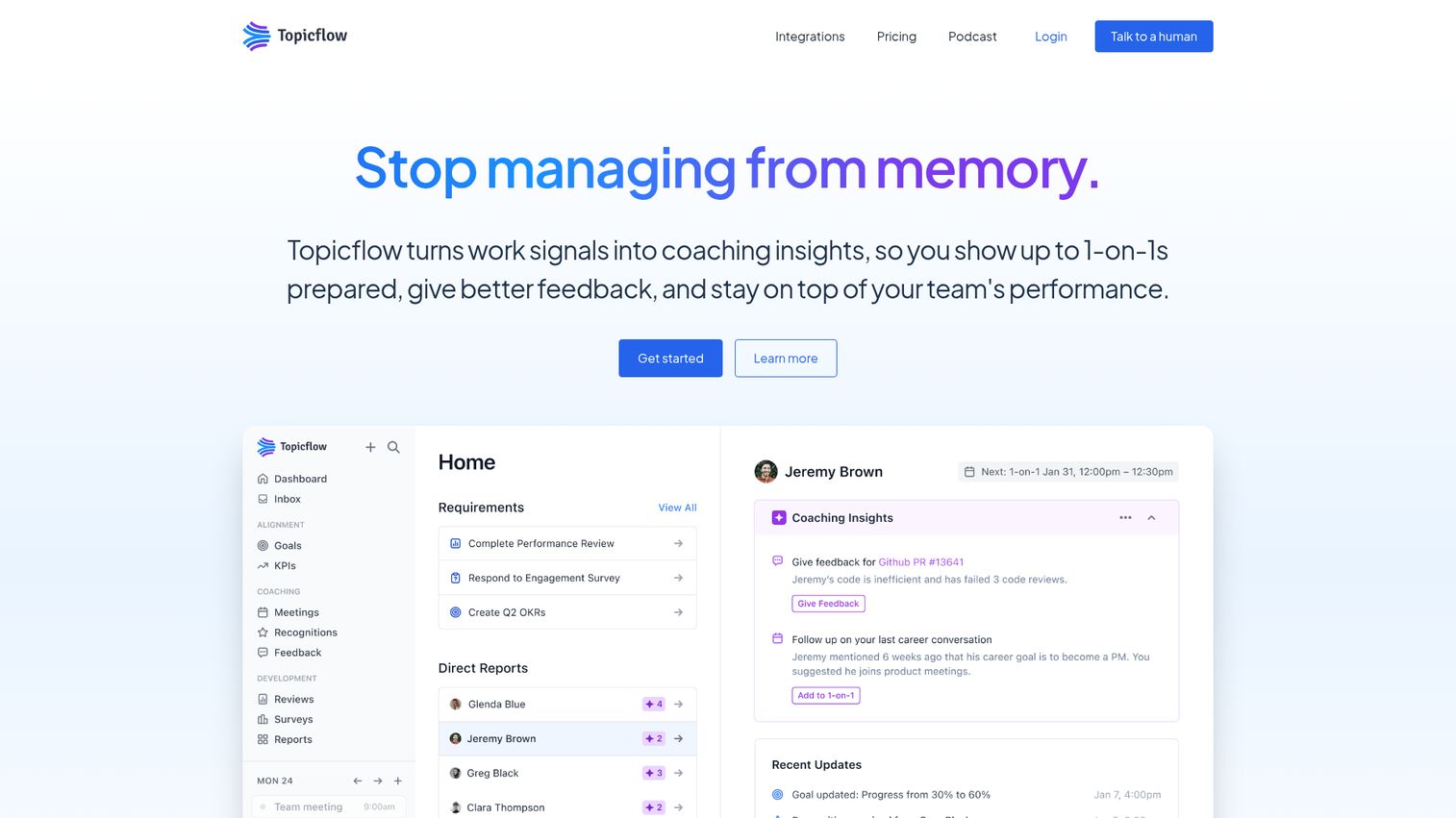
Topicflow focuses specifically on recurring meetings - 1-on-1s, team check-ins, and weekly syncs. Its core strength is talking point persistence: topics and action items carry forward across meetings automatically, so you don't start each session from scratch.
For people managers running weekly 1-on-1s with five or more direct reports, Topicflow solves a real problem. It keeps a running history of discussion points, tracks action items across sessions, and provides templates designed for manager-report conversations. It's niche, but that focus makes it more effective for its specific use case than broader meeting management tools.
Best for: People managers running regular 1-on-1s and team check-ins who need persistent agenda tracking across recurring meetings.
Key strengths
- Talking points persist and carry forward across recurring meetings
- Manager-report alignment templates for structured 1-on-1s
- Action item tracking with cross-meeting visibility
- Meeting history and trend tracking for each relationship
- Integrates with Google Calendar, Slack, and Microsoft Teams
Pricing: Free tier available (limited); paid plans start at $8/user/month.
18. Etho - best for meeting analytics and time optimization
Etho takes a data-driven approach to meeting management. Instead of just helping you run meetings, it helps you understand whether your meetings are worth running at all.
The platform tracks meeting time across your organization, calculates meeting costs (based on participant salaries and meeting duration), analyzes patterns (which meetings run over, which produce action items, which could be emails), and provides actionable recommendations. If your team suspects it's spending too much time in meetings but can't quantify the problem, Etho gives you the numbers. Teams focused on broader product analytics will appreciate this data-driven philosophy.
Best for: Operations managers and team leads who want data on meeting patterns, costs, and productivity impact.
Key strengths
- Meeting cost calculator based on participant time and salary data
- Productivity analytics showing meeting patterns and trends
- Agenda management with time-boxed topic tracking
- Recommendations for meetings to cancel, shorten, or restructure
- Calendar integration for automatic meeting time analysis
Pricing: Free tier available (basic analytics); paid plans start at $5/user/month.
19. Performance Scoring - best for meeting effectiveness measurement
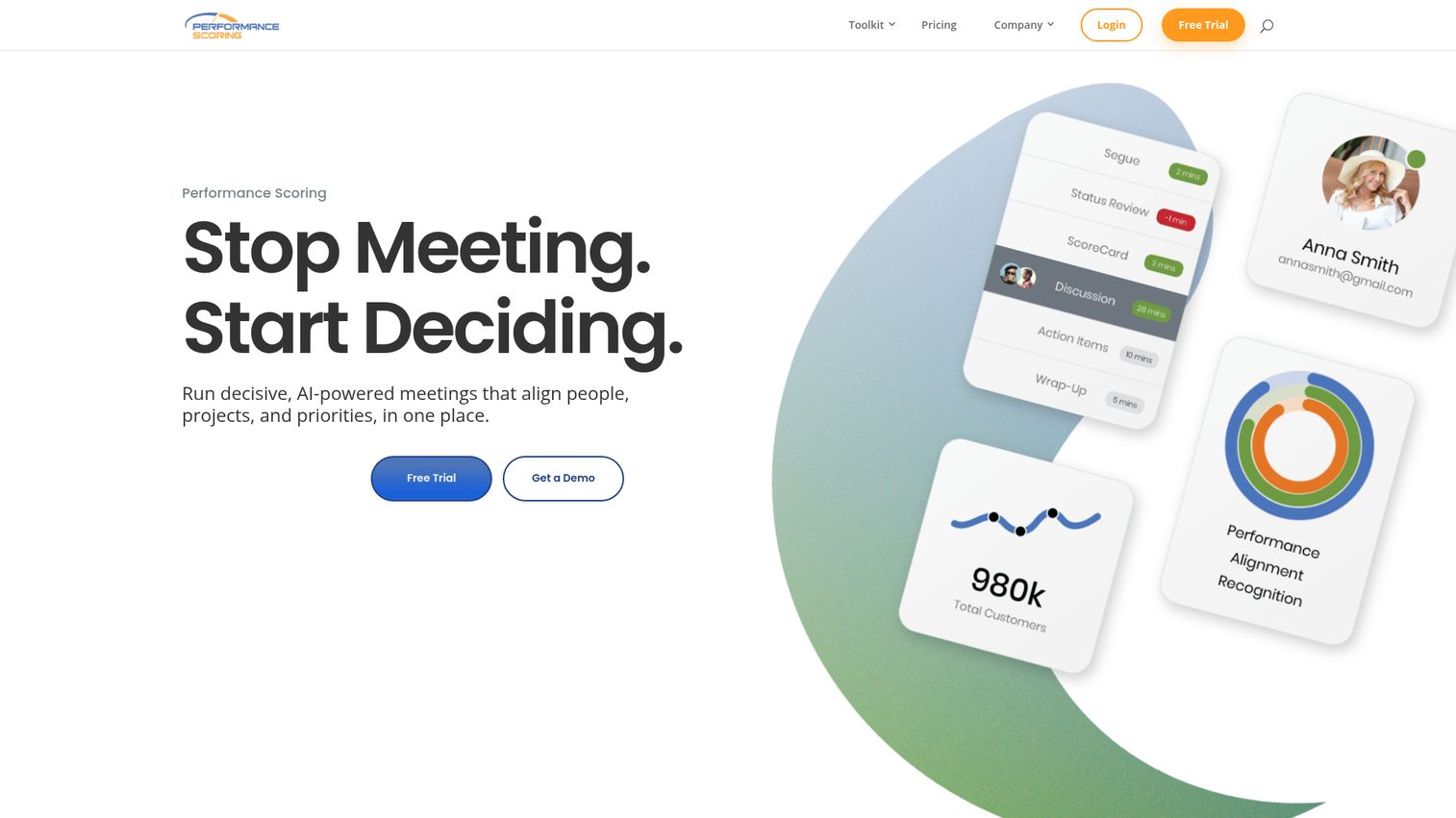
Performance Scoring approaches meetings from a quality measurement angle. It provides scoring frameworks that let participants rate meeting effectiveness, collects feedback after sessions, tracks trends over time, and generates recommendations for improvement.
This is a complementary tool - it works alongside your existing meeting platform rather than replacing it. The value is in the feedback loop: instead of assuming your meetings are productive, you get quantified data from participants. Over time, the trend analysis shows whether your meeting culture is improving or degrading. It's particularly useful for organizations actively trying to reduce meeting fatigue.
Best for: Organizations running meeting culture improvement initiatives who need quantified effectiveness data.
Key strengths
- Post-meeting scoring frameworks with customizable criteria
- Participant feedback collection with anonymity options
- Trend analysis showing meeting quality over weeks and months
- Actionable recommendations based on feedback patterns
- Works alongside any existing video conferencing or meeting tool
Pricing: Plans start at $10/user/month; no free tier.
20. Infinity - best for customizable meeting workflow boards
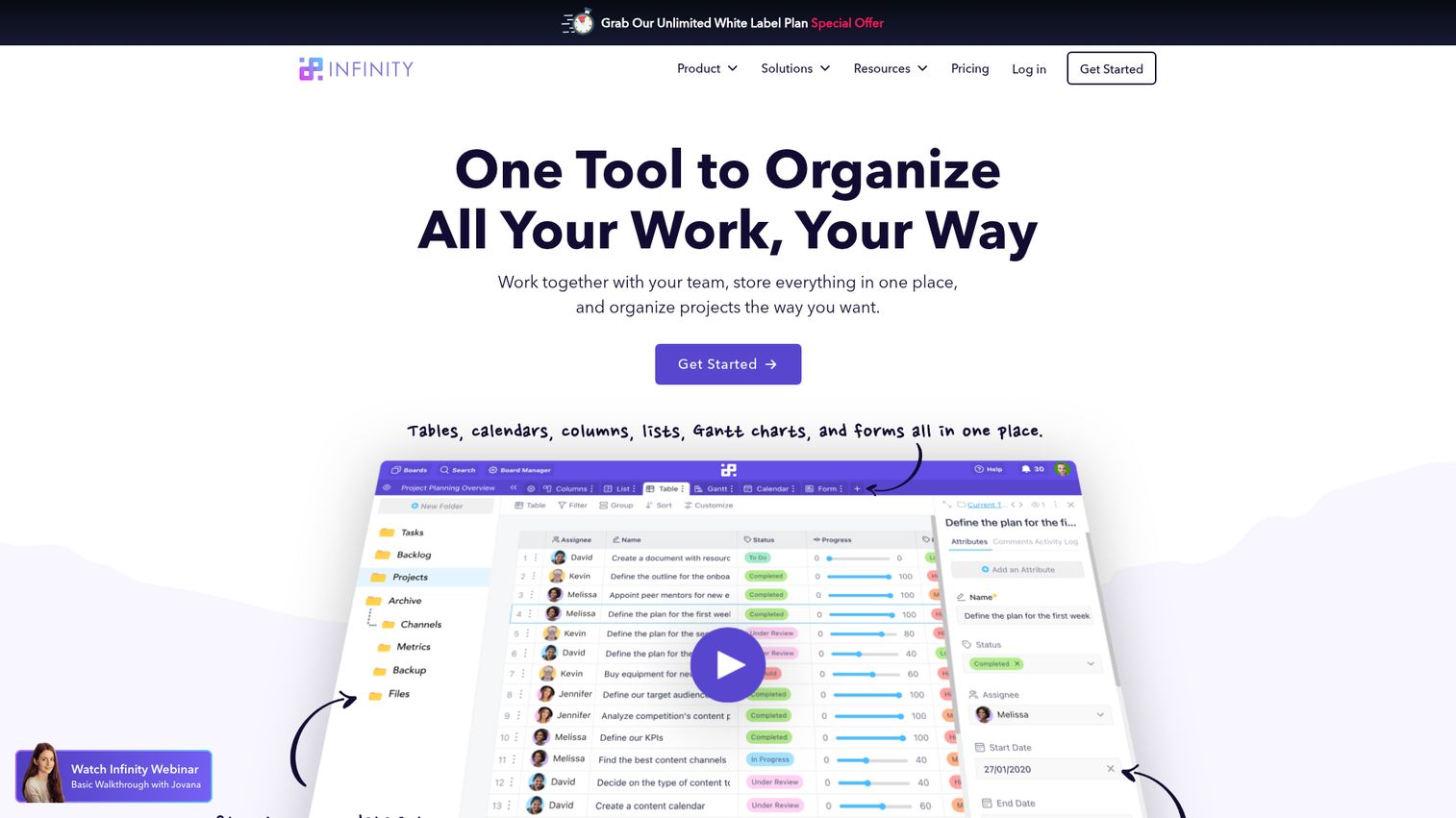
Infinity is a flexible project management tool with strong meeting management templates. It offers customizable views - Kanban, table, calendar, Gantt, list, and form - that you can configure to manage meeting agendas, track action items, and monitor follow-through.
The appeal is flexibility. Infinity doesn't impose a meeting structure; you build exactly the workflow your team needs. The trade-off is setup time - a purpose-built tool like Fellow works out of the box, while Infinity requires configuration. The lifetime deal option (pay once, use forever) makes it attractive for budget-conscious teams willing to invest the initial setup effort.
Best for: Teams that want a highly customizable meeting management program they can shape to their exact workflow.
Key strengths
- Six customizable views for meeting tracking and agenda management
- Meeting agenda templates with drag-and-drop customization
- Action item tracking with status, owner, and deadline attributes
- Automation rules for follow-up notifications and status changes
- Lifetime deal pricing available (one-time payment option)
Pricing: Plans start at $6/user/month; lifetime deal sometimes available.
21. Deel HR - best for global team meeting coordination
Deel is an HR platform with meeting management features designed for globally distributed teams. The meeting-specific capabilities - timezone-aware scheduling, 1-on-1 meeting frameworks, and team coordination tools - are embedded within a broader HR suite that handles payroll, compliance, and contractor management. See the platform in action with this interactive Deel demo.
Deel isn't a standalone meeting management tool. It's an HR platform that recognizes meetings are a critical part of managing distributed teams. If your team spans 5+ timezones and you're already using Deel for HR, the built-in meeting coordination features add genuine value without requiring another tool. If you're not using Deel for HR, there's no reason to adopt it for meetings alone.
Best for: Globally distributed teams already using Deel for HR, payroll, or contractor management.
Key strengths
- Timezone-aware scheduling that accounts for distributed team locations
- 1-on-1 meeting frameworks integrated with performance management
- Team org chart with reporting relationships for meeting coordination
- Pulse surveys and feedback tools connected to meeting cadences
- Free basic HR plan includes core meeting coordination features
Pricing: Free plan (basic HR features); paid plans vary by module.
22. Clearooms - best for meeting room booking and space management
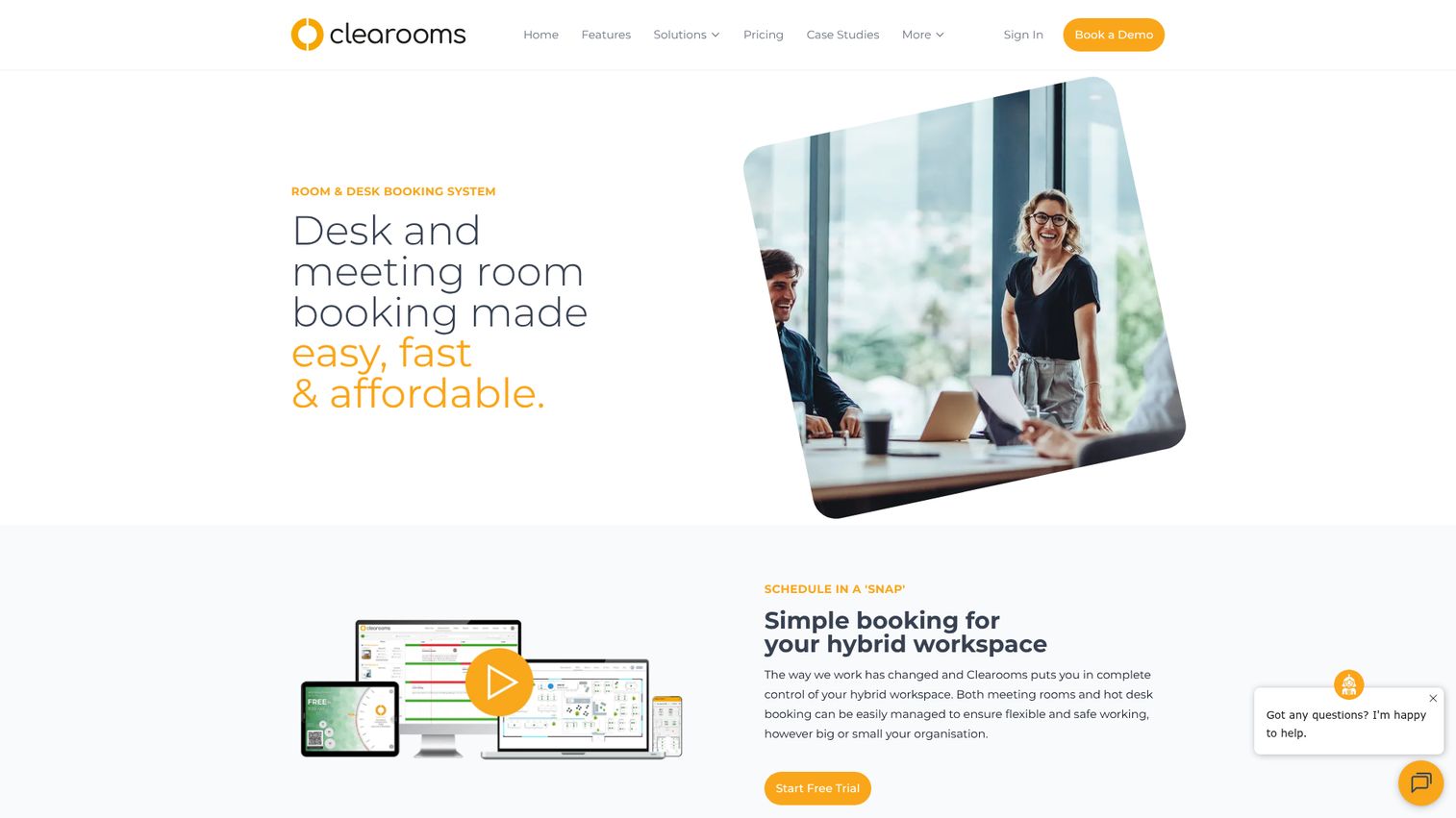
Clearooms manages the physical side of meetings - room booking, desk reservation, occupancy analytics, and digital signage. It doesn't handle agendas or minutes. It handles the space where meetings happen.
For hybrid offices where meeting room conflicts are a daily frustration, Clearooms provides real-time room availability, booking through calendar integrations, occupancy sensors, and analytics showing which rooms are overbooked versus underused. It pairs well with a content-side meeting management tool like Fellow or monday.com. Think of it as infrastructure, not workflow.
Best for: Hybrid and in-office teams managing physical meeting spaces across multiple floors or locations.
Key strengths
- Real-time meeting room availability and booking
- Desk booking for hybrid office space management
- Occupancy analytics showing room utilization patterns
- Digital signage integration for room status displays
- Google Calendar and Outlook integration for booking sync
Pricing: Plans start at $10/room/month.
23. 4Minitz - best free open-source meeting minutes tool
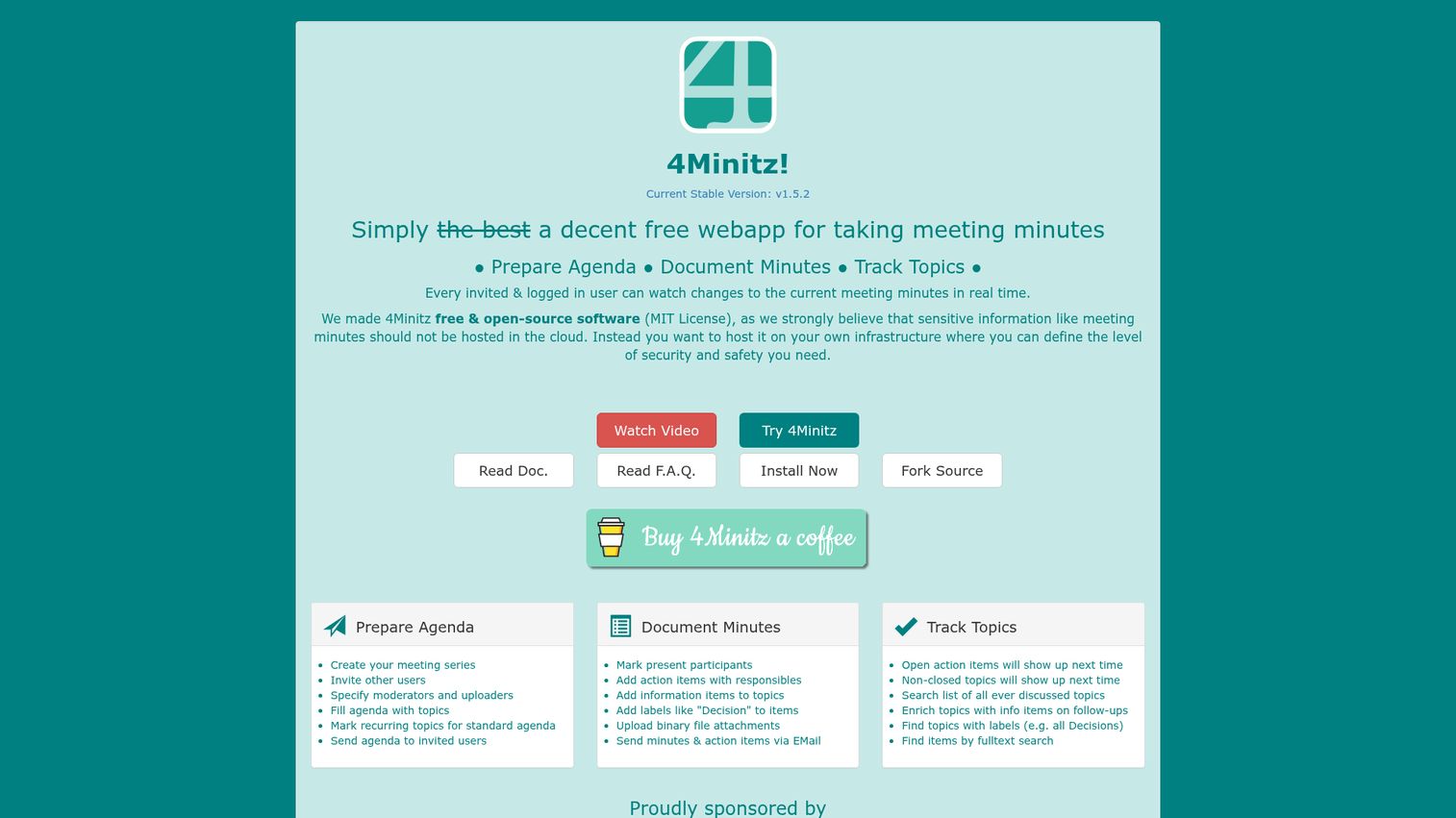
4Minitz is an open-source, self-hosted meeting minutes tool. It's completely free. No per-user fees, no feature gates, no subscription.
The tool handles real-time collaborative minutes, action item tracking, topic management, and meeting series organization. It's straightforward and focused - no AI features, no video conferencing, no flashy dashboards. The trade-off is clear: you get full data ownership and zero cost, but you need technical capability to self-host it, and there's no commercial support team to call when something breaks.
Best for: Technical teams or organizations with IT resources who want free, self-hosted meeting minutes management with full data ownership.
Key strengths
- Completely free and open-source with no usage limits
- Self-hosted for full data ownership and privacy control
- Real-time collaborative meeting minutes editing
- Action item tracking with assigned owners and statuses
- Topic management across meeting series
Pricing: Free (open-source, self-hosted).
24. ConnectWise Control - best for IT/MSP remote meeting and support sessions
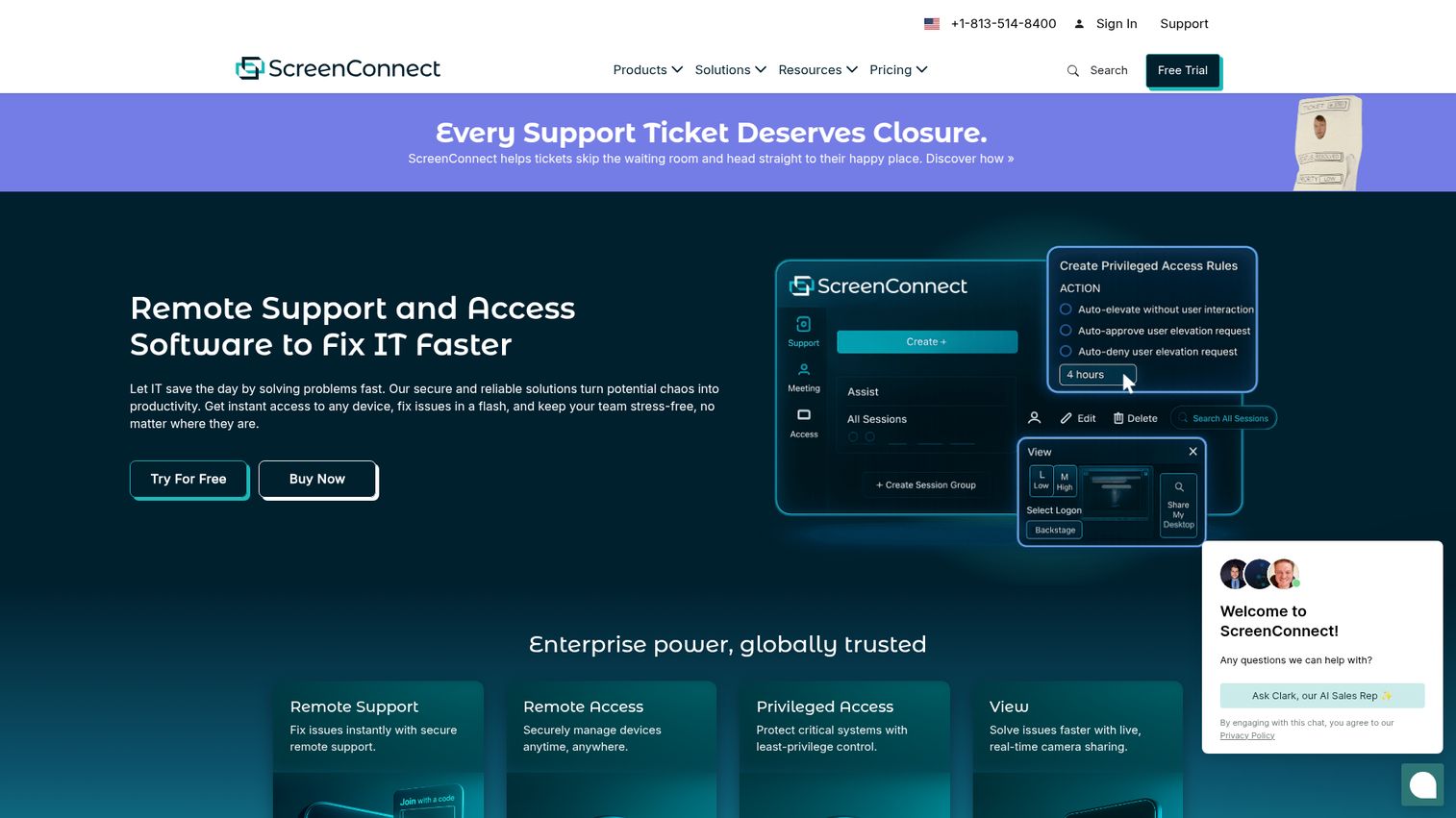
ConnectWise Control is a remote access and support tool used primarily by IT teams and managed service providers (MSPs). Its "meeting" functionality centers on remote support sessions - screen sharing, multi-monitor support, session recording, and unattended access.
This is not a general-purpose meeting management tool. It's on this list because IT teams and MSPs often need to manage recurring support sessions with clients, and ConnectWise Control handles that specific workflow well. It integrates with ConnectWise PSA for ticketing and billing. If you're not in IT services, skip this one.
Best for: IT teams and managed service providers who need to manage remote support sessions as structured meetings.
Key strengths
- Remote support sessions with multi-monitor and multi-platform support
- Session recording for documentation and compliance
- Unattended access for scheduled maintenance meetings
- Integration with ConnectWise PSA for ticketing and billing
- Customizable branding for client-facing support sessions
Pricing: Plans start at $24/month for a single technician.
25. Teaming - best for cross-functional team meeting alignment
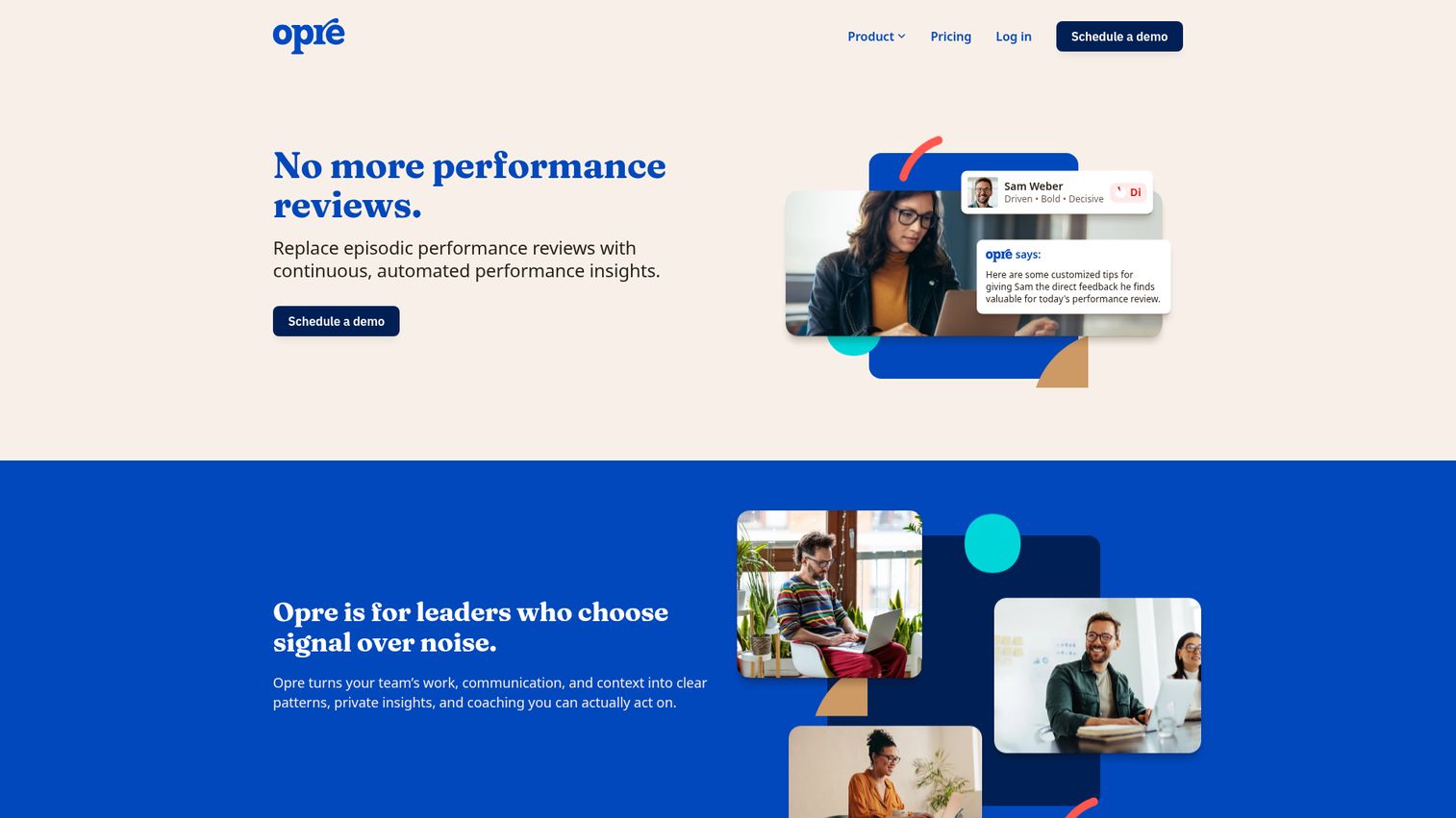
Teaming focuses on strategic alignment through structured meetings. It's designed for organizations where cross-functional teams need to coordinate on OKRs, goals, and progress - and meetings are the primary mechanism for that coordination.
The platform provides meeting templates tied to goal frameworks, OKR tracking within meeting workflows, cross-team visibility into progress, and structured reporting. It's less about managing the logistics of a meeting (scheduling, rooms, video) and more about ensuring meetings drive strategic outcomes. Works well alongside a conferencing tool like Zoom or Teams.
Best for: Organizations using OKR or goal-tracking frameworks who want meetings explicitly connected to strategic objectives.
Key strengths
- OKR and goal tracking embedded within meeting agendas
- Cross-functional visibility into team progress and blockers
- Meeting templates designed for strategic alignment sessions
- Progress reporting generated from meeting outcomes
- Integrates with Slack, Microsoft Teams, and calendar tools
Pricing: Free tier available (limited); paid plans start at $10/user/month.
How to choose the right meeting management software for your team
There's no single best meeting management software. The right choice depends on three factors: your team size, your primary use case, and your industry. Here's how to narrow the field.
By team size (startups vs. mid-market vs. enterprise)
Small teams (under 20 people): You don't need enterprise meeting management software. Fellow's free tier, Google Workspace, or 4Minitz will cover your needs without budget strain. Avoid over-buying - a tool designed for 1,000-person organizations will frustrate a 10-person team with unnecessary complexity.
Mid-market (20-500 people): This is where purpose-built meeting management tools deliver the most value. Fellow, monday.com, and Topicflow offer the right balance of structure and flexibility. Integration with your existing productivity tools matters more at this scale - make sure your meeting tool connects with your sales engagement tools and project management stack.
Enterprise (500+ people): Microsoft Teams (if you're in the M365 ecosystem) or Zoom Workplace (if you're not) provide the scale and admin controls you need. For board-level governance, OnBoard or Diligent are the standard choices.
By primary use case (daily standups vs. board meetings vs. client meetings)
Daily team meetings and standups: Fellow, Slack Huddles, or Topicflow. You need speed, lightweight agendas, and persistent action items - not heavy governance features.
Board and governance meetings: OnBoard (private sector), BoardDocs (public sector), or Diligent (enterprise with ESG requirements). These require security, compliance, and formal document management that general meeting tools don't provide.
Client-facing meetings and events: Livestorm for webinars and large sessions. Zoom for standard client calls. ConnectWise Control for IT support sessions. For sales teams running product demos during client meetings, pairing your meeting tool with a demo center can dramatically improve the buyer experience.
By industry (private sector vs. government/public sector)
Private sector: The full range of tools applies. Start with Fellow, Zoom, Teams, or monday.com depending on your ecosystem.
Government and public sector: Your requirements are fundamentally different - open meeting law compliance, public agenda posting, ADA accessibility, and citizen engagement. Granicus, Tyler Meeting Manager, and BoardDocs are built for these exact needs. General-purpose tools won't meet your compliance obligations.
Three mistakes to avoid: (1) Choosing a video conferencing tool when you need agenda and minutes management - Zoom alone isn't meeting management. (2) Buying enterprise meeting management software for a 15-person team. (3) Ignoring integration requirements - if your team lives in Slack and Google Calendar, a tool that only integrates with Microsoft 365 will create friction, not reduce it.
Key features to look for in meeting management software in 2026
AI-powered meeting intelligence (transcription, summaries, action item extraction)
This is the defining feature category of 2026. AI meeting intelligence has moved from premium add-on to baseline expectation. Look for: automatic transcription during meetings, AI-generated summaries delivered within minutes of the meeting ending, and smart action item extraction that identifies tasks, assigns owners, and suggests deadlines. Fellow, Zoom AI Companion, Microsoft Copilot, and Google Gemini all offer these capabilities at varying depths.
Agenda and minutes automation
Meeting agenda software should let you build agendas from templates, distribute them before the meeting, and convert them into structured minutes during the session. The best tools auto-populate recurring agenda items and carry forward unresolved topics. This is the feature that separates meeting management from simple note-taking.
Action item tracking and accountability
This is the single most important feature that distinguishes meeting management tools from video conferencing. Every action item should have an owner, a deadline, and a status. The best tools surface overdue items in subsequent meetings automatically. Without this, meetings produce conversations but not outcomes.
Integration ecosystem
Your meeting management solution needs to connect with the tools your team already uses. The must-have integrations: calendar (Google Calendar, Outlook), communication (Slack, Microsoft Teams), video (Zoom, Google Meet), project management (Asana, Jira, monday.com), and CRM (Salesforce, HubSpot). Check whether integrations are native or require Zapier - native integrations tend to be more reliable and feature-rich. For a deeper look at how integrations power your workflow, see Guideflow's integration capabilities.
Security, compliance, and public-sector requirements
For enterprise and government use, verify: SOC 2 Type II certification, GDPR compliance, HIPAA compliance (healthcare), and open meeting law support (government). ADA accessibility for meeting materials and recordings is increasingly a regulatory requirement, not just a nice-to-have. Organizations with strict security needs can review Guideflow's security and compliance standards as a reference for what enterprise-grade compliance looks like.
Meeting management software pricing comparison
Pricing in the meeting management space follows three models: freemium (free tier with paid upgrades), per-user subscription (monthly or annual), and custom enterprise pricing (quote-based). Annual billing typically saves 15-25% over monthly.
| Tool | Free Plan | Starter Price | Mid-Tier Price | Enterprise | Billing Model |
|---|---|---|---|---|---|
| Fellow | Yes | $7/user/mo | $10/user/mo | Custom | Per user |
| Zoom | Yes | $13.33/user/mo | $21.99/user/mo | Custom | Per user |
| Microsoft Teams | Yes (limited) | $4/user/mo | $12.50/user/mo | Custom | Per user (M365) |
| Google Workspace | Yes | $7/user/mo | $14/user/mo | Custom | Per user |
| monday.com | Yes (2 seats) | $9/seat/mo | $16/seat/mo | Custom | Per seat |
| Slack | Yes | $8.75/user/mo | $15/user/mo | Custom | Per user |
| Bloom Growth | No | $16/user/mo | - | Custom | Per user |
| Ninety.io | Yes (limited) | $16/user/mo | - | Custom | Per user |
| OnBoard | No | Custom | Custom | Custom | Quote-based |
| BoardDocs | No | Custom | Custom | Custom | Quote-based |
| Granicus | No | Custom | Custom | Custom | Quote-based |
| Tyler Meeting Manager | No | Custom | Custom | Custom | Quote-based |
| Diligent | No | Custom | Custom | Custom | Quote-based |
| Livestorm | Yes | $99/mo (host) | $299/mo (host) | Custom | Per host |
| GoTo Meeting | No | $14/org/mo | $23/org/mo | Custom | Per organizer |
| Zoho Meeting | Yes | $1/host/mo | $3/host/mo | Custom | Per host |
| Topicflow | Yes (limited) | $8/user/mo | - | Custom | Per user |
| Etho | Yes (limited) | $5/user/mo | - | Custom | Per user |
| Performance Scoring | No | $10/user/mo | - | Custom | Per user |
| Infinity | No | $6/user/mo | - | Lifetime deal | Per user |
| Deel HR | Yes | Varies by module | - | Custom | Per module |
| Clearooms | No | $10/room/mo | - | Custom | Per room |
| 4Minitz | Yes (fully free) | Free | Free | Free | Open-source |
| ConnectWise Control | No | $24/mo (1 user) | $49/mo | Custom | Per technician |
| Teaming | Yes (limited) | $10/user/mo | - | Custom | Per user |
Best free meeting management tools: 4Minitz (fully free, open-source), Google Meet + Workspace (generous free tier), Zoho Meeting (free plan), Slack (free tier with Huddles), and Zoom (free with 40-minute group limit).
Total cost of ownership goes beyond the per-user price. Factor in implementation time, training, integration costs (some tools charge extra for premium integrations), and the productivity cost of switching tools if your first choice doesn't work out. Starting with a free trial before committing to annual billing is almost always the right move.
Finding your ideal meeting management solution
The right meeting management software depends on what's actually broken in your meeting workflow. If it's accountability, Fellow's action item tracking is the strongest in the category. If it's ecosystem fit for a large Microsoft shop, Teams with Copilot is the obvious pick. If it's budget, 4Minitz costs nothing.
Start with free trials of your top 2-3 picks this week - most tools on this list offer them, and 30 minutes of hands-on testing tells you more than any comparison article can.
Frequently asked questions about meeting management software
Meeting management software helps teams plan, run, document, and follow up on meetings. It covers agenda creation, real-time notes and minutes, action item tracking with owners and deadlines, scheduling, and integrations with calendar and communication tools. It's distinct from video conferencing software, which only handles the communication layer - a meeting management system handles the productivity layer around that conversation.
4Minitz is the best fully free option - it's open-source, self-hosted, and has no usage limits. Google Meet combined with Google Workspace offers a strong free tier with Gemini AI note-taking. Zoho Meeting provides a free plan with basic conferencing and recording. Slack's free tier includes Huddles and Canvas for lightweight meeting management. Each free plan has limitations, but they're genuinely usable for small teams.
Video conferencing tools (Zoom, Google Meet) handle the communication - getting people on a call with audio and video. Meeting management software handles the productivity around that call: building agendas beforehand, capturing structured notes during the meeting, assigning action items with deadlines, and tracking follow-through afterward. Many modern tools combine both, but purpose-built meeting management tools go significantly deeper on the agenda, minutes, and accountability side.
Prioritize AI transcription and summaries (standard in 2026), collaborative agenda templates, action item tracking with assigned owners and deadlines, calendar integrations (Google Calendar, Outlook), and native connections to your communication tools (Slack, Teams). For enterprise or government use, add SOC 2 compliance, GDPR support, and ADA accessibility to your requirements. The single most important feature is action item tracking - it's what separates meeting management from note-taking.
Yes - most modern meeting management tools integrate with major platforms. The common integration categories are: calendar (Google Calendar, Outlook), communication (Slack, Microsoft Teams), video conferencing (Zoom, Google Meet), and project management (Asana, Jira, monday.com). Integration depth varies significantly. Some tools offer native, deep integrations; others rely on Zapier or similar middleware, which tends to be less reliable for real-time syncing.
Yes, but pick the right tier. Small teams (under 20) often find the most value in lightweight tools like Fellow's free plan, Topicflow for recurring 1-on-1s, or 4Minitz for zero-cost meeting minutes. The ROI comes from time saved on meeting prep (typically 10-15 minutes per meeting), clearer action items that actually get completed, and reduced “what did we decide?” follow-up confusion. Most tools offer free tiers that are genuinely sufficient for small teams.
Granicus is the most comprehensive option for government agencies - it covers automated agenda creation, live video streaming, closed captioning, ADA compliance, and citizen engagement portals. Tyler Meeting Manager is strong for local government, especially municipalities already using Tyler Technologies products. BoardDocs is the standard for school boards and public-sector boards needing open meeting law compliance. All three address requirements that general-purpose meeting tools simply don't cover.
Pricing ranges widely. Free options include 4Minitz (open-source) and free tiers from Zoom, Google Workspace, Slack, and Zoho Meeting. Mid-range tools run $4-$10/user/month (Fellow, Topicflow, Etho). Premium platforms cost $10-$25/user/month (Zoom Workplace, monday.com, Bloom Growth). Enterprise and government tools (Diligent, Granicus, Tyler Technologies, OnBoard) use custom quote-based pricing. Annual billing discounts of 15-25% are common across the category.