How to do voice over on Canva?
Here is how to do voice over on canva
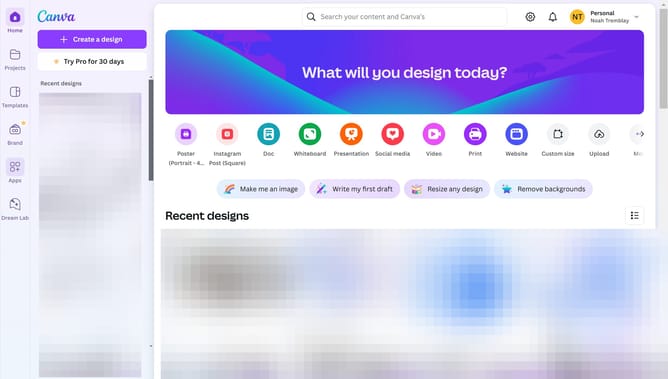
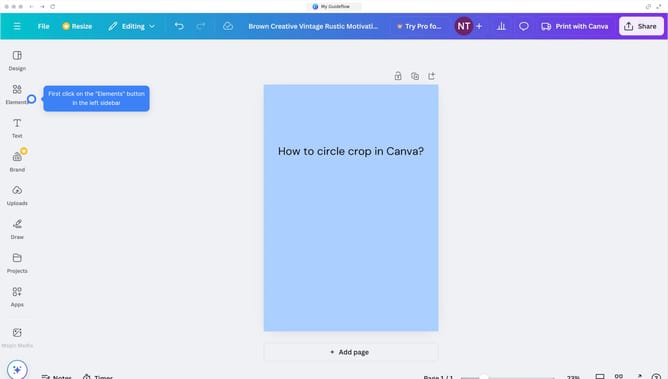
- First click on the "Apps" option in the left sidebar menu
- Click on the search bar and type "Voiceover" to find the app
- Select "Voiceover" from the search results
- Click on the "Voiceover" app icon from the displayed options
- Click the "Open" button to launch the Voiceover app
- You can add your desired script here
- Click the dropdown to find different kinds of speaker
- Click on the dropdown button to find different styles for your voiceover
- Click on the "Generate audio" to create your voiceover
- Click on the timeline area at the bottom of the screen to adjust audio position
Why should you do voice over on Canva?
Canva is a versatile design tool that empowers anyone to create stunning visual content with ease.
One of its standout features is the ability to add voiceovers to your projects.
Integrating voiceovers in Canva allows users to personalize their designs, making presentations and videos more engaging and informative.
This feature is perfect for educators, marketers, or anyone looking to enhance their digital storytelling.
Last update