How to filter projects to invitation in Canva
Here is how to filter projects to invitation in canva
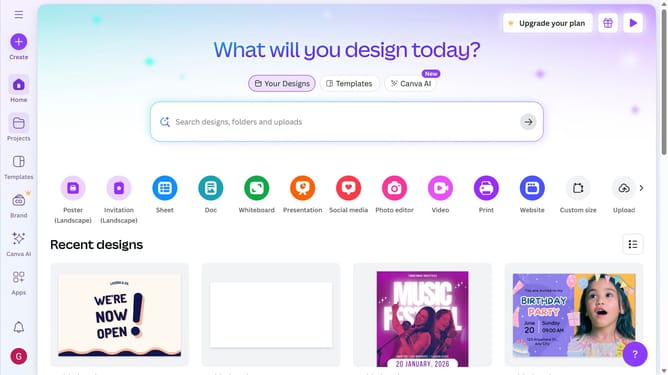
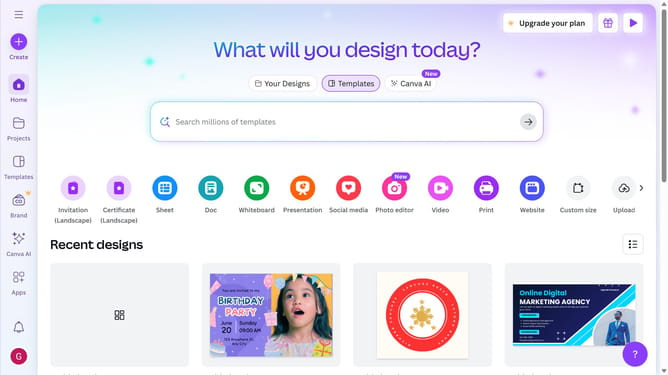
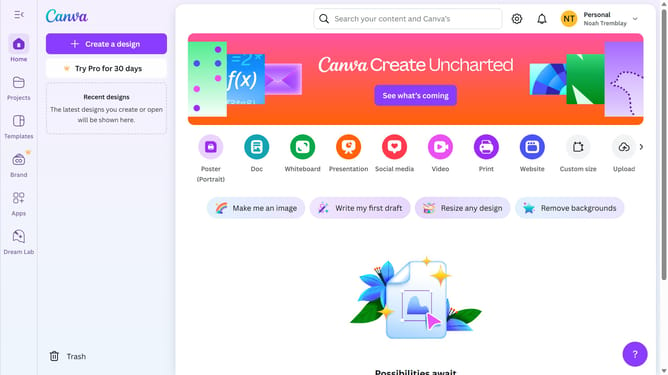
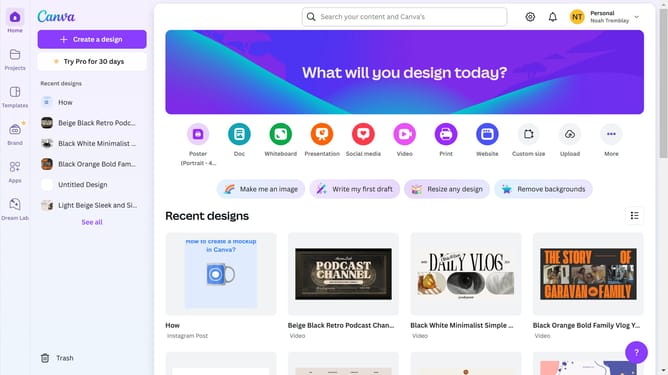
- First click on the "Projects" option in the left sidebar menu
- Then click on the "Category" dropdown filter in the top toolbar
- Next select "Invitation" from the category dropdown menu
- Finally click on the "Clear all" link in the top toolbar to reset the filters
Why should you filter projects to invitation in Canva
Canva is a versatile design platform that empowers everyone to create stunning visuals with ease.
The feature of filtering projects to invitation in Canva helps users navigate their design workspace effortlessly.
By using this feature, team members can focus on projects they have been specifically invited to, enhancing collaboration and efficiency.
Filtering reduces clutter and streamlines the creative process, ensuring that every design effort aligns with shared goals.
Last update