How to delete a video in Canva
Here is how to delete a video in canva
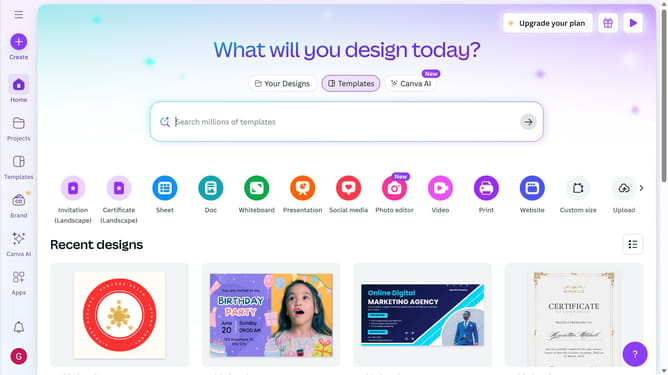
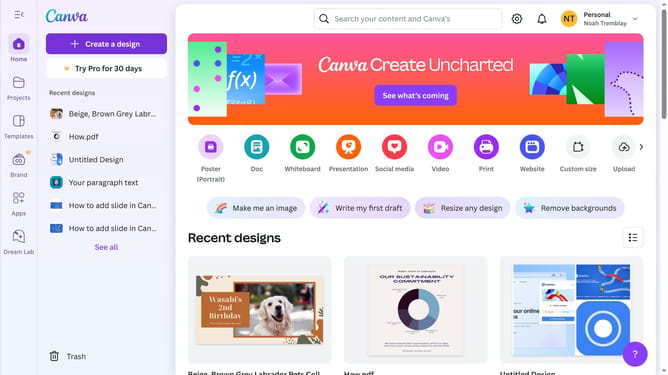
- First click on the "Projects" button in the left sidebar
- Then click on the "Designs" tab in the content area
- Next click on the "Testing Design" item in the projects list
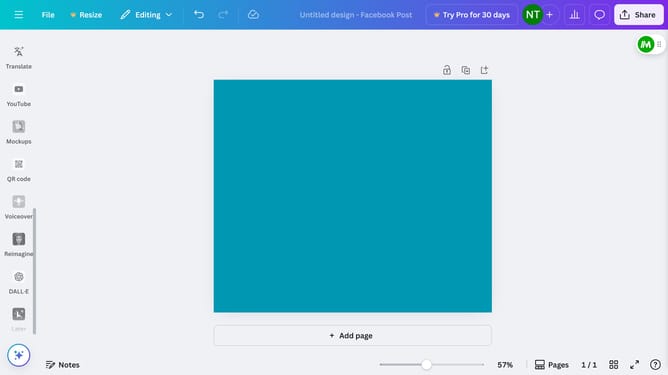
- Next select the video thumbnail illustration in the main workspace
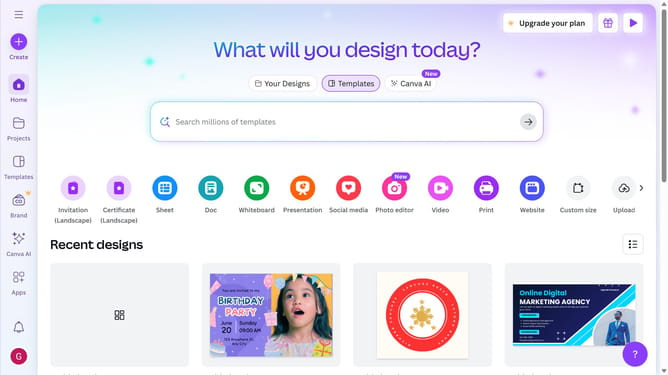
- Finally click on the "Delete" icon button on the text pop-up window panel
Why should you delete a video in Canva
Canva is a versatile design tool empowering users to create stunning graphics effortlessly.
The ability to delete a video in Canva is an essential feature for maintaining organized and relevant content.
It ensures that your projects are always current, helping you focus on what truly matters without unnecessary clutter.
The intuitive deletion process enhances user experience, saving time and allowing for a more streamlined design journey. Reliable management of files boosts productivity and keeps your creative space tidy and efficient.
Last update