How to insert YouTube videos in Canva
Here is how to insert youtube videos in canva
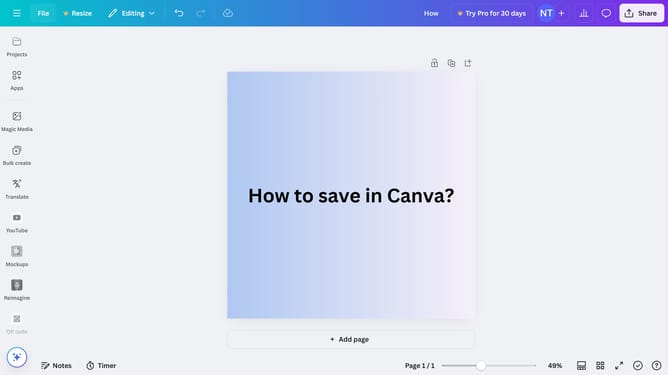
- First click on the "YouTube" option in the left sidebar menu
- Then click in the "Search from YouTube" search bar and type the title of the video you want to insert
- Finally click on the thumbnail of the video you want to use from the search results to use it
Why should you insert YouTube videos in Canva
Canva is a versatile design platform that empowers users to create stunning visuals effortlessly.
Inserting YouTube videos into your Canva designs elevates your presentations by adding dynamic and engaging content.
This feature brings a multimedia dimension to your work, making it more interactive and captivating for your audience.
Incorporating videos can enhance the storytelling aspect, allowing you to communicate your message with greater depth and impact.
Last update