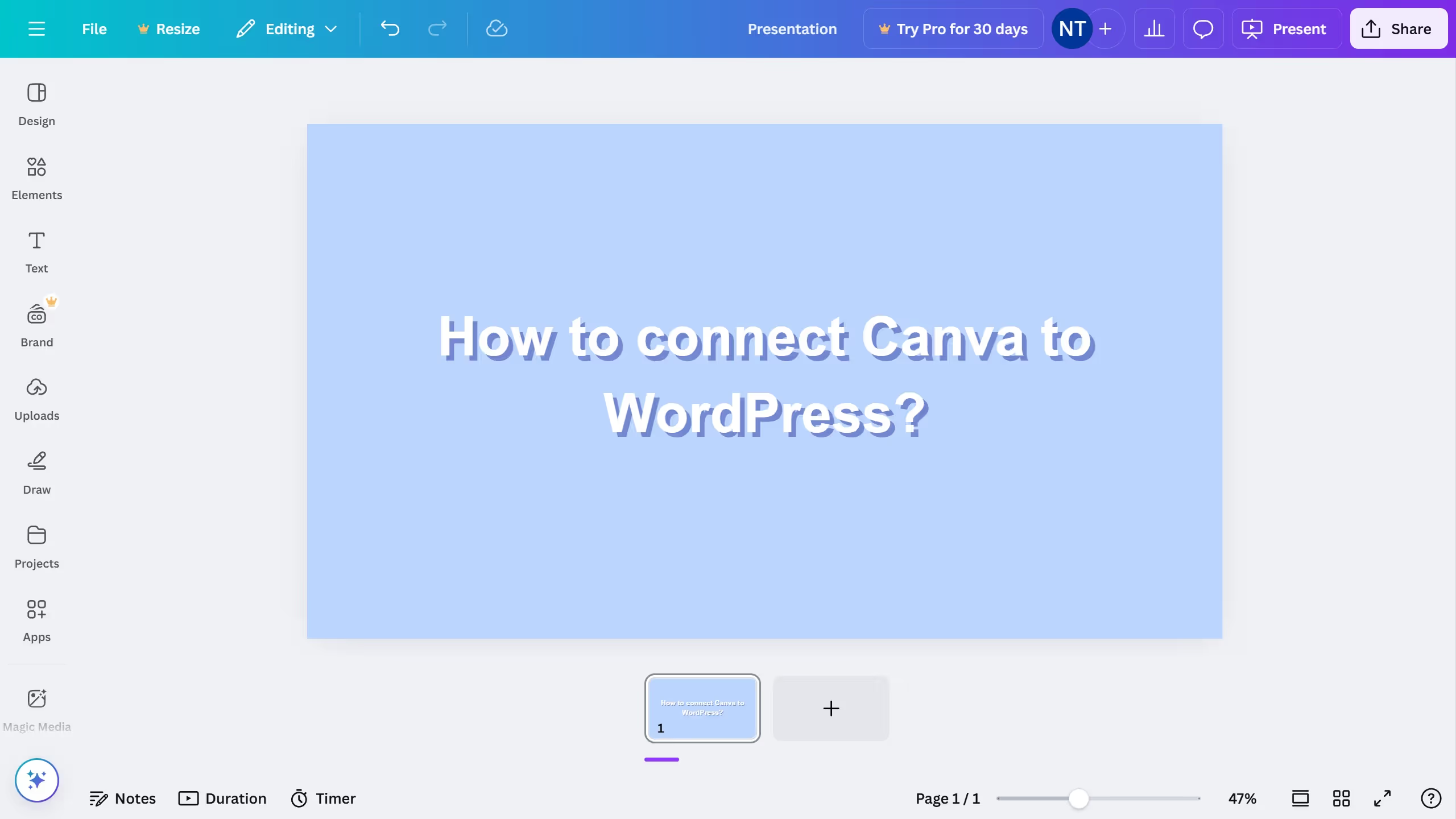
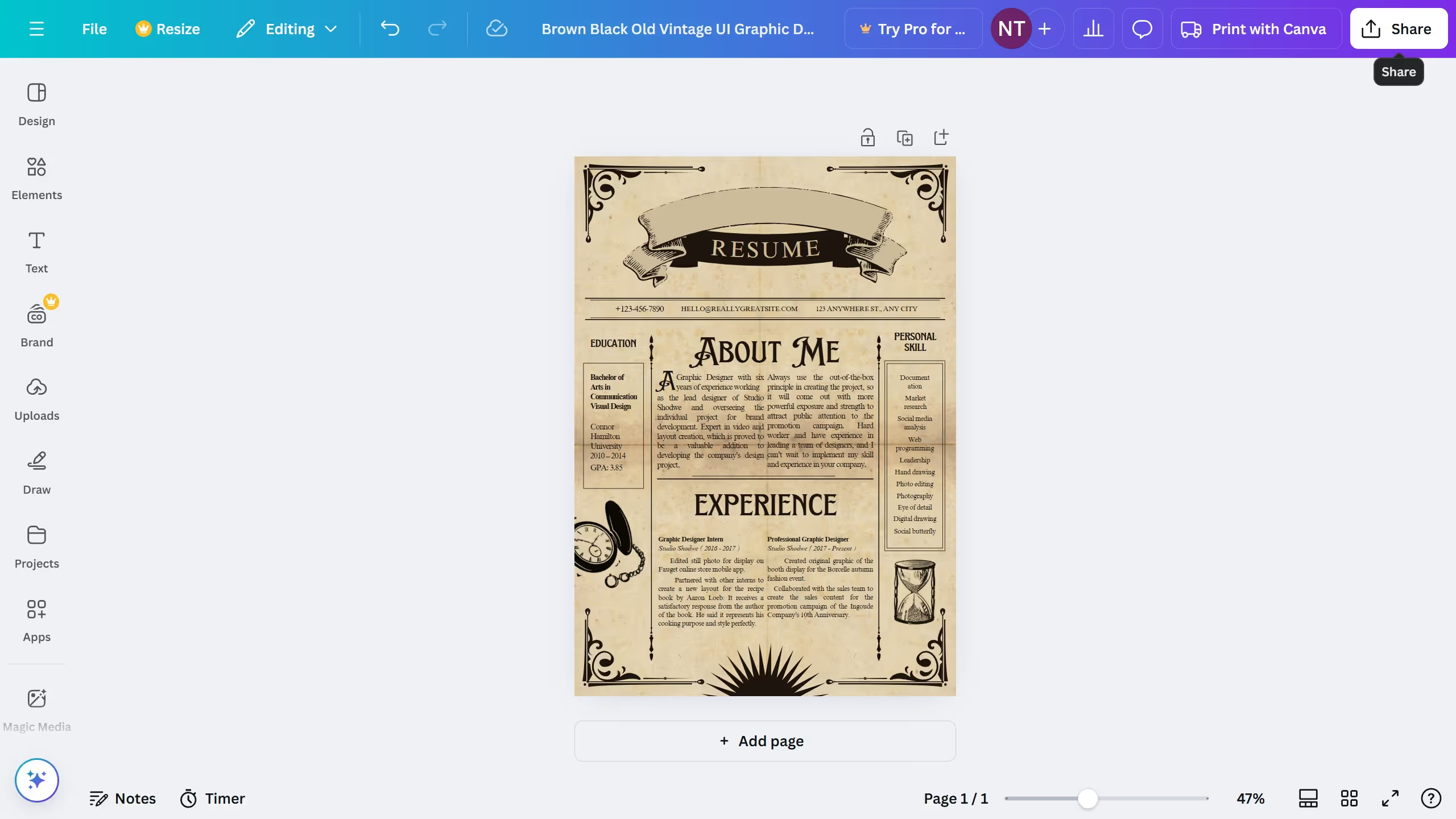
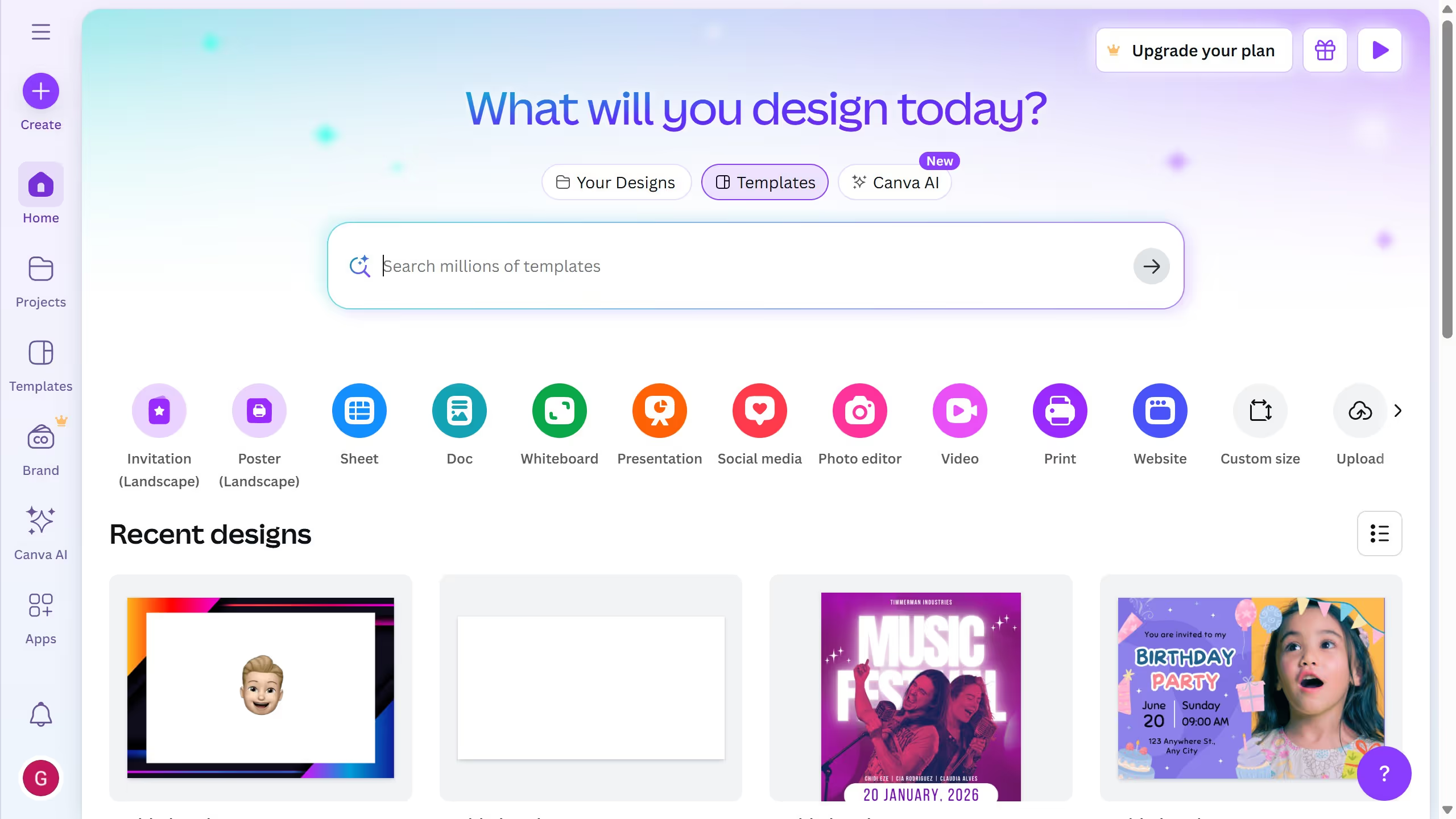
Canva is a versatile design platform simplifying the creation of stunning visual content for various needs.
Filtering projects to an Instagram post in Canva is a seamless feature that saves time and enhances organization. This feature allows users to easily locate and manage content specifically tailored for Instagram, ensuring a focused approach to social media strategy.
Utilizing this feature, users can streamline their workflow, maintain consistency in branding, and quickly adapt to the fast-paced nature of social media trends.