How to align middle a text box in Canva
Here is how to align middle a text box in canva
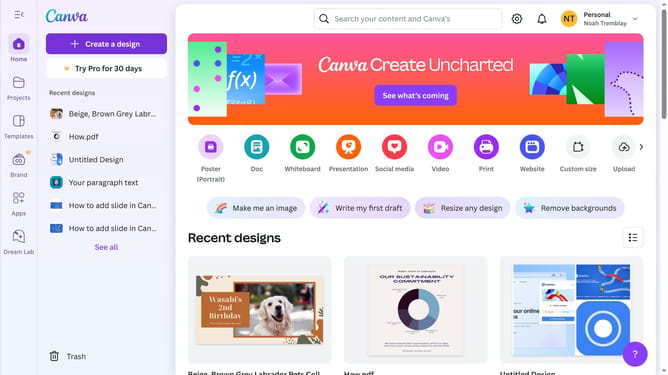
- First click on the "Projects" button in the left sidebar
- Then click on the "Design" tab in the content filters
- Next click on the "Testing Design" item in the designs list
- Next click on the text element that says "YOUR PARAGRAPH TEXT" in the canvas area
- Then click on the "More options" button (three dots) in the floating toolbar above the text
- Next click on "Align to page" option in the dropdown menu
- Finally select "Middle" alignment from the submenu to align the text to the middle
Why should you align middle a text box in Canva
Canva is a versatile design platform that empowers users to create stunning visual content effortlessly.
Aligning a text box in the middle using Canva's intuitive tools enhances the readability and aesthetic balance of your designs.
This feature simplifies achieving a professional look by centering your text, ensuring all elements are harmoniously aligned.
Perfect for creating eye-catching presentations, social media posts, or marketing materials, it helps convey your message with clarity and style.
Last update