How to create a presentation template in Canva
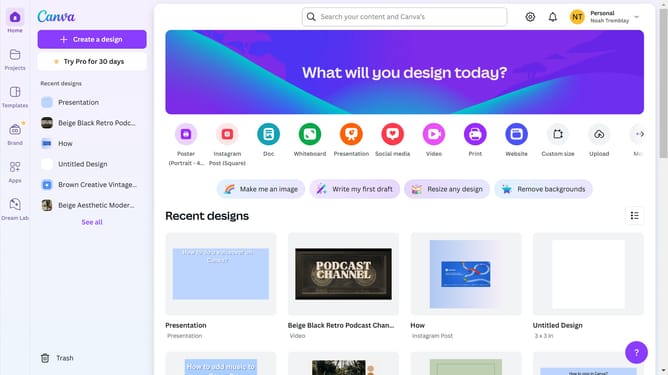
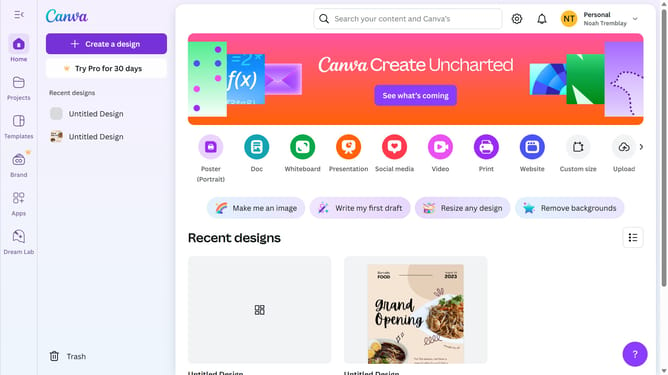
Here is how to create a presentation template in canva
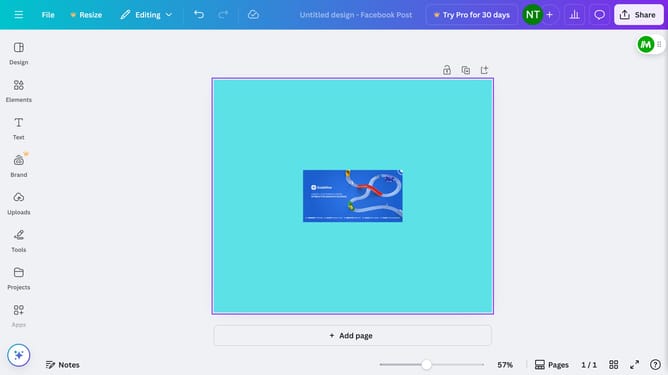
- First click on the purple "Create a design" button
- Then click on "Presentations" option in the left sidebar menu
- Next select the desired template from the presentation templates section
- Now feel free to edit your newly created presentation
Why should you create a presentation template in Canva
Canva is a versatile design tool that empowers users to craft stunning visual content with ease.
Creating a presentation template in Canva allows you to establish a consistent brand look across all your slides. This feature helps streamline the creation process, saving time and effort by eliminating repetitive design tasks.
Utilizing presentation templates ensures that your presentations are both visually engaging and professional, enhancing your overall communication effectiveness.
Last update