How to add a heart shape on a design in Canva
Here is how to add a heart shape on a design in canva
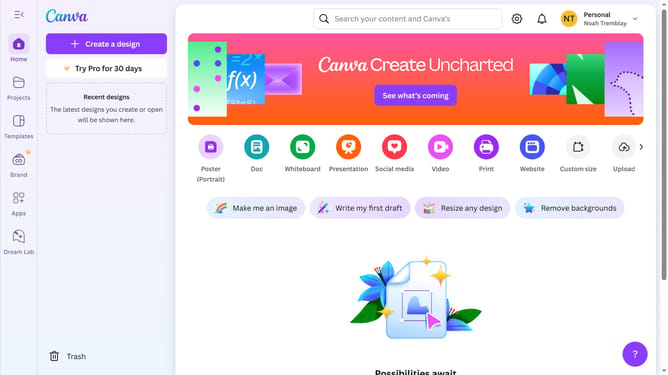
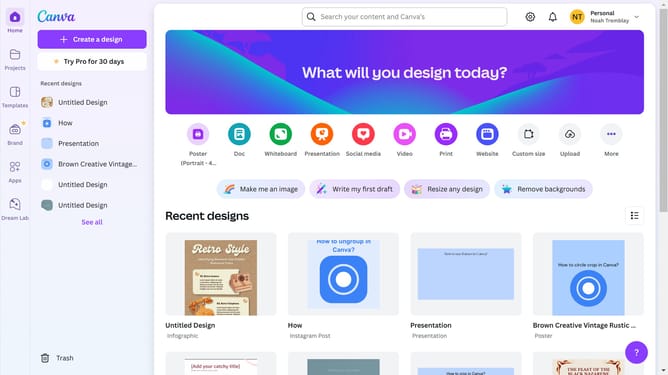
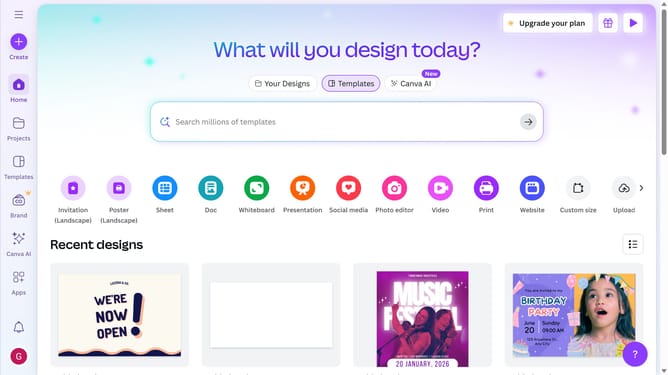
- First click on the "Projects" button in the left sidebar to access your project files
- Then click on the "Designs" tab in the content filter menu to view your design files
- Next click on the "Testing Design" item in the projects list to open your design
- Next click on the "Elements" option in the left sidebar menu
- Then click on the search box in the Elements panel and type your query
- Next click on the "Shapes" filter options in the search results
- Finally click on the shape option in the left results menu
Why should you add a heart shape on a design in Canva
Canva is an intuitive design tool that empowers creativity and makes graphic design accessible to everyone.
Adding a heart shape to your Canva design is a simple yet powerful feature that allows you to infuse emotion and personal touch into your projects. With just a few clicks, you can enhance your design with the universal symbol of love, loyalty, and passion.
Incorporating a heart shape can instantly elevate invitations, social media posts, or marketing materials by providing a visual cue that resonates emotionally with your audience, making your designs more memorable.
Using this feature can help ensure your message is visually appealing and effectively communicated, adding warmth and charm to any project.
Last update