How to filter projects to presentation in Canva
Here is how to filter projects to presentation in canva
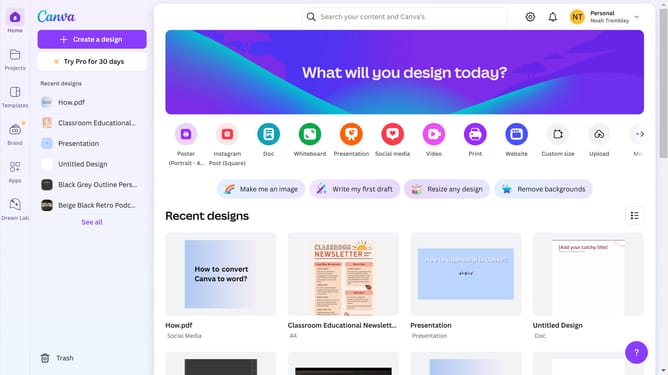
- First click on the "Projects" option in the left sidebar menu
- Then click on the "Category" dropdown filter in the top toolbar
- Next select "Logo" from the category dropdown menu
- Finally click on the "Clear all" link in the top toolbar to reset the filters
Why should you filter projects to presentation in Canva
Canva is a versatile graphic design platform that simplifies the process of creating stunning visual content for everyone.
Among its plethora of features, the ability to filter projects specifically to presentations helps streamline your workflow significantly. This feature allows you to easily locate all your presentation-related work in one go, saving precious time and effort.
By filtering projects to presentations, you benefit from improved organization and clarity, allowing for quicker access and efficient project management. This enhancement ensures that you focus more on creativity and less on navigation.
Last update