How to make an editable PDF in Canva?
Here is how to make an editable pdf in canva
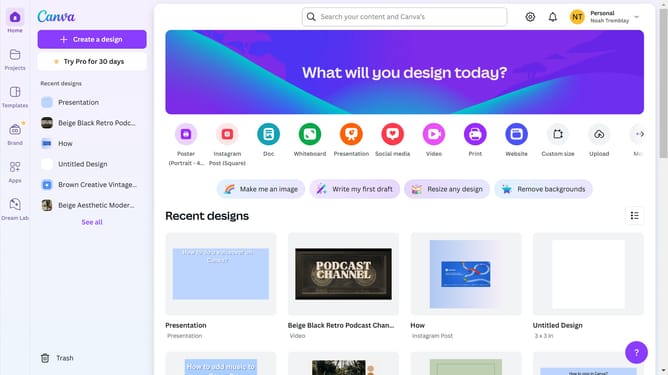
- First click on the "Settings" icon in the top navigation bar
- Click on "Design spotlight" in the top navigation menu
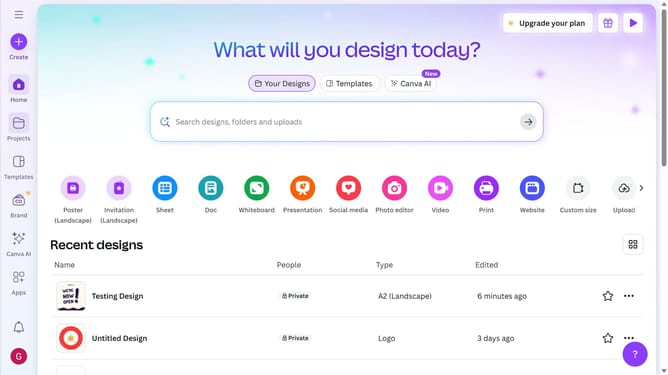
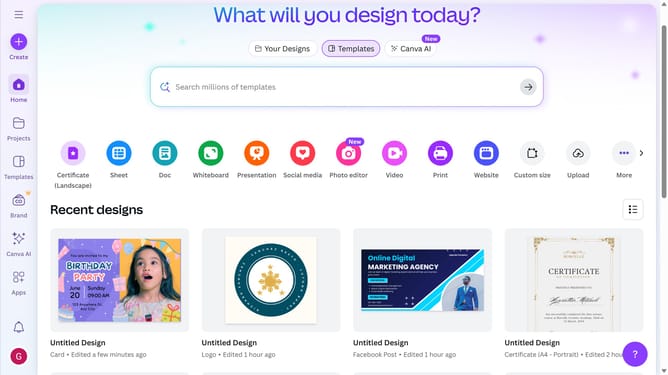
- Select "PDF editor" from the Visual documents dropdown menu
- Click on the "Upload your PDF" button in the center of the page
- Wait for the "Opening in Canva" loading screen to complete
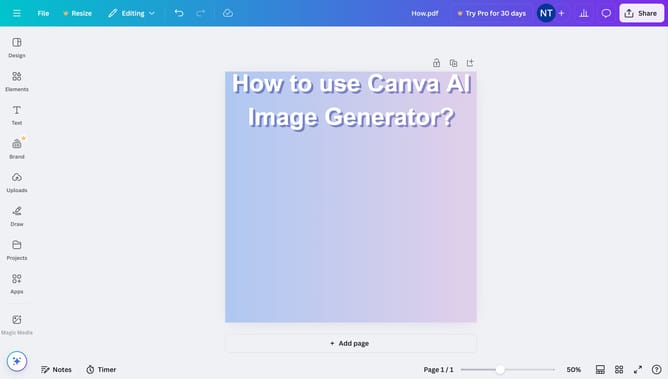
- Click the "Share" button in the top-right corner of the editor
- Invite or add people you might want to be on your team
- You may also choose to collaborate using a link by selecting the option 'Anyone with the link' in the 'Collaboration Link' menu
- Select "Anyone with the link" from the collaboration options dropdown
- Click 'Copy link' then you can distribute it to others as needed
Why should you make an editable PDF in Canva?
Canva is a versatile tool that empowers individuals to effortlessly create visually appealing designs.
Creating an editable PDF in Canva is a straightforward feature that allows users to add and modify text, images, and other elements with ease.
By using Canva for editable PDFs, you gain the flexibility to update documents as needed, saving time and effort in the design process.
This feature is particularly beneficial for collaborative projects, ensuring everyone can contribute and refine the document efficiently.
Last update