How to retrieve a deleted project in Canva
Here is how to retrieve a deleted project in canva
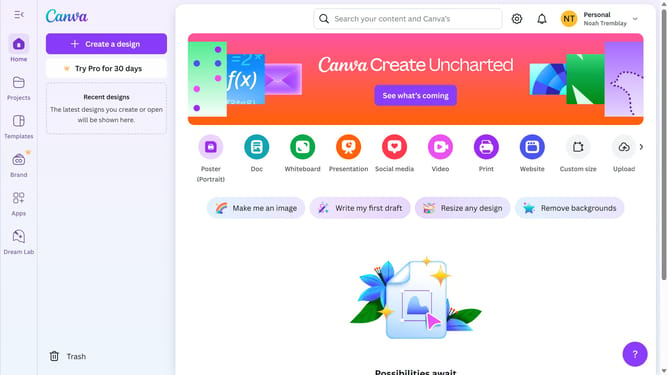
- First click on the menu button in the top-left corner of the header
- Then click on the "Trash" item in the left sidebar
- Next click on the "More options" button in the project design
- Finally click on the "Restore" option in the context menu
Why should you retrieve a deleted project in Canva
Canva is a versatile design tool that empowers users to create visually stunning content with ease.
Life is full of accidents, and the occasional deleted project is no exception. Fortunately, Canva offers a simple feature to retrieve deleted projects, ensuring your work isn't lost forever.
By recovering a deleted project, users can save both time and effort, as there's no need to recreate their creative designs. This feature enhances productivity by allowing for a seamless continuation of projects, preserving both the original creativity and precious saved time.
Last update