How to use a flyer template in Canva
Here is how to use a flyer template in canva
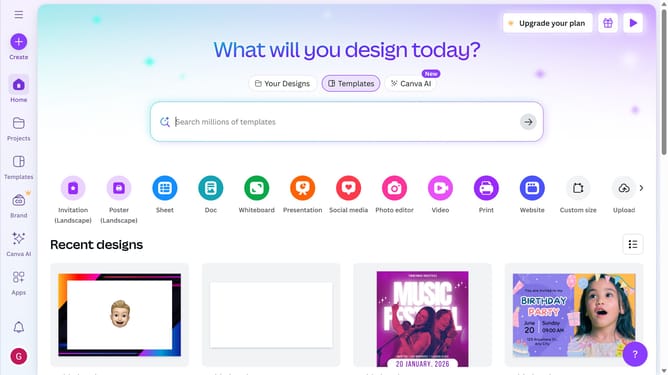
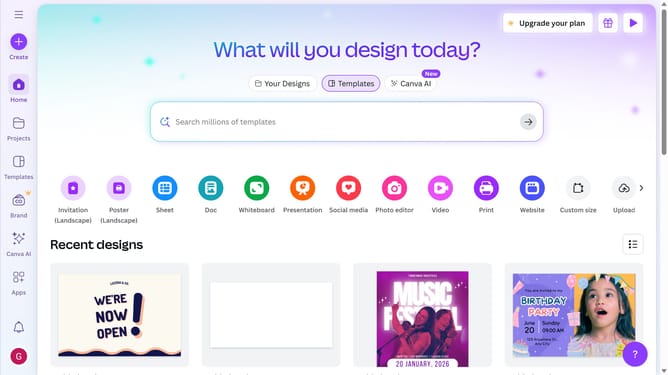
- First click on the "Create a design" button in the top left corner of the main interface
- Then type "flyer" in the search bar
- Click on the your preferred size and orientation
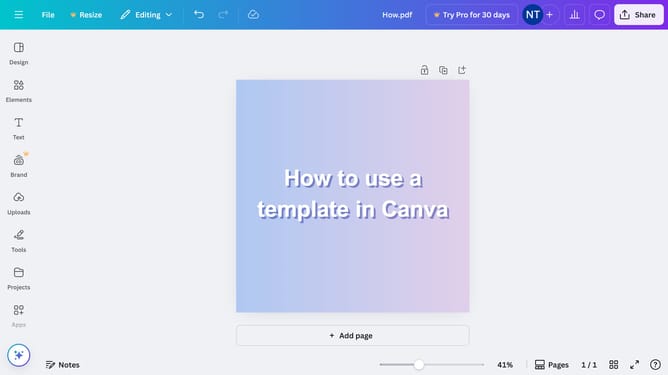
- Next click on the "Design" tab in the left sidebar of the editor
- Then click on the "Templates" tab in the design panel
- Finally select your choice of template from the results
Why should you use a flyer template in Canva
Canva is an intuitive design platform that empowers users to create visually stunning content with ease.
Using a flyer template in Canva streamlines the design process, allowing users to focus on creativity rather than technical details. This feature provides a variety of customizable templates, catering to diverse needs and styles.
Choosing pre-designed templates saves time while ensuring professional-quality results. It offers flexibility and adaptability, making it an ideal choice for both personal and business projects.
Last update