How to create an embed link in Canva
Here is how to create an embed link in canva
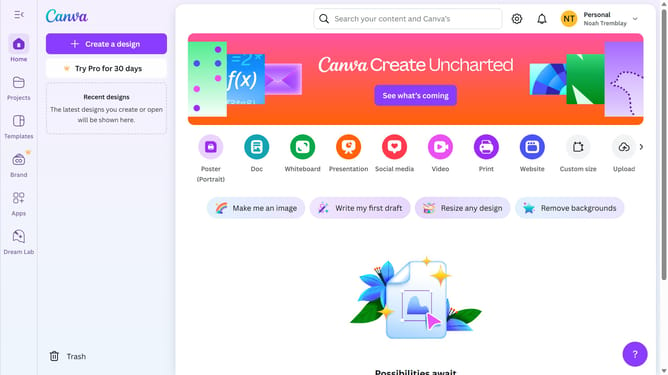
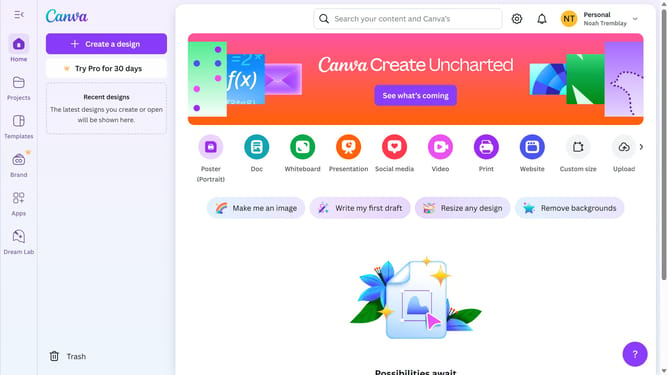
- First click on the "Projects" button in the left sidebar to access your project files
- Then click on the "Designs" tab in the content filter menu to view your design files
- Next click on the "Testing Design" item in the projects list to open your design
- Then click on the "Share" button located in the top-right corner of the editor interface
- Next click on the "See all" button in the Share panel
- Then click on the "Embed" option in the Share menu
- Next click on the "Embed" button to generate embed code
- Finally click on the "Copy" button in the top-right corner of the embed code dialog
Why should you create an embed link in Canva
Canva is a versatile design platform that empowers anyone to create stunning graphics effortlessly.
One standout feature is the ability to create an embed link, making it easier to share your designs seamlessly across various platforms.
Embedding links ensures your designs are directly displayed on websites, enhancing user engagement and accessibility.
Using embed links in Canva offers a streamlined way to update content without altering the original site, ensuring consistency and ease of use.
Last update