How to create a share link in Canva
Here is how to create a share link in canva
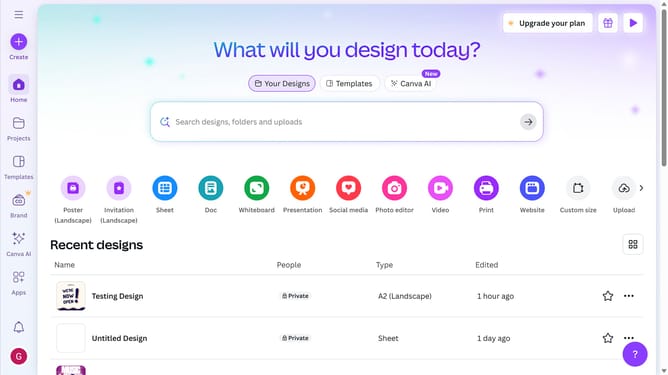
- First click on the "Projects" button in the left sidebar to access your project files
- Then click on the "Designs" tab in the content filter menu to view your design files
- Next click on the "Testing Design" item in the projects list to open your design
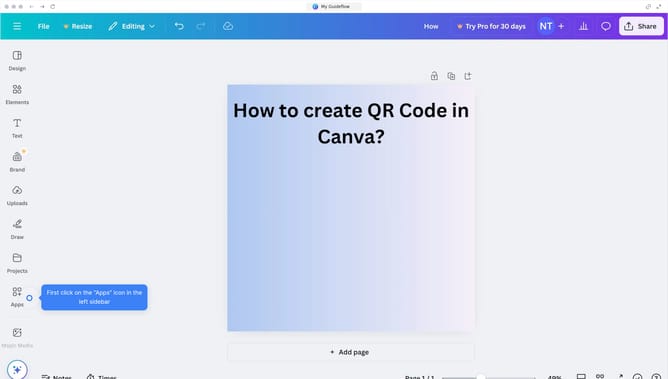
- Then click on the "Share" button located in the top-right corner of the editor interface
- Finally click on the "Copy link" button in the share dialog to copy the shareable link
Why should you create a share link in Canva
Canva is a versatile design platform that empowers users to create stunning visuals effortlessly.
The share link feature in Canva provides a seamless way to collaborate and showcase your designs. This feature allows you to easily share your creations with team members or clients anywhere in the world.
By generating a share link, you ensure that your collaborators have quick access to the most up-to-date version of your work.
This simplification of sharing enables efficient feedback and fosters effective teamwork, enhancing productivity and creativity across projects.
Last update