How to replace image on Canva?
Here is how to replace image on canva
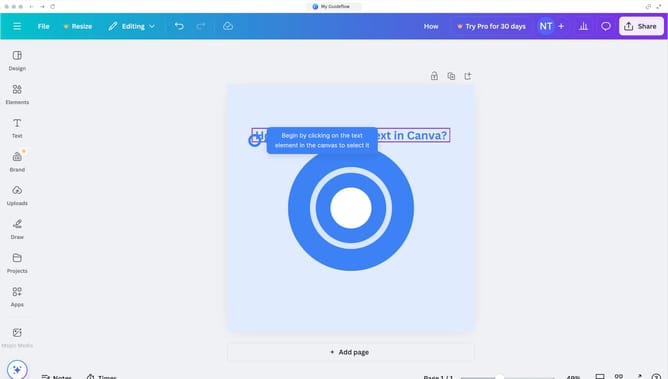
- First click on the "Uploads" button in the left sidebar menu
- Select the desired image from the uploads panel then drag and drop it into the existing image
Why should you replace image on Canva?
Canva is a versatile platform designed to simplify graphic design for everyone.
One of the standout features of Canva is its effortless image replacement capability. This feature allows users to quickly update visuals in their projects, ensuring relevancy and freshness with just a few clicks.
Replacing images in Canva enhances design adaptability, making it easy to maintain consistent branding or timely updates. This function reduces the hassle of starting from scratch, saving both time and effort.
Overall, Canva's image replacement feature amplifies productivity by streamlining your creative workflow.
Last update