How to create a document design in Canva
Here is how to create a document design in canva
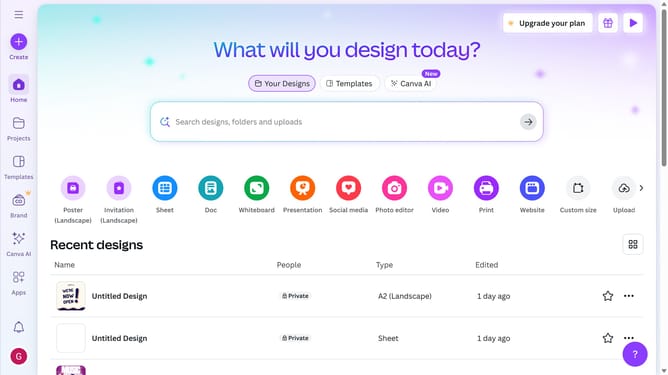
- First click on the "Create" button in the top-left corner of the screen
- Then click in the search bar and enter what you would like to create
- Next click on the "Document (A4 Landscape)" template option
- Then click in the search bar at the top of the left sidebar to search for templates
- Finally click on a resume template from the available options in the template gallery
Why should you create a document design in Canva
Canva is an intuitive online design platform crafted to empower anyone to create stunning visuals effortlessly.
When you embark on creating a document design in Canva, you unlock a world of creativity without needing extensive design skills. Its user-friendly interface and myriad of templates streamline the design process, ensuring your creations not only look professional but are also uniquely yours.
Using Canva for document design offers the advantage of efficiency, as it reduces the time spent on design while amplifying visual impact, perfect for both personal and professional projects.
Last update