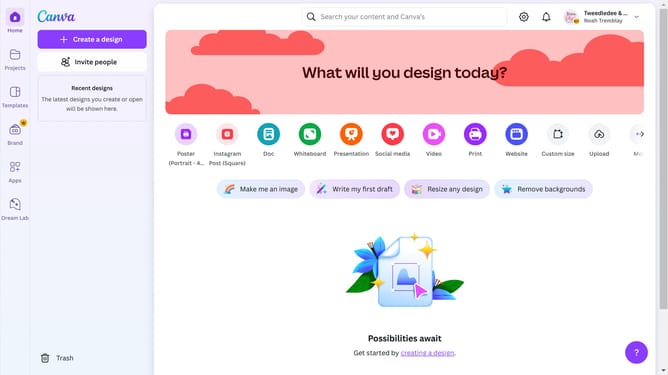
How to open presenter mode in Canva
Here is how to open presenter mode in canva
- First click on the "Projects" button in the left sidebar menu
- Then click on the "Designs" tab in the content filter bar
- Next click on the "Untitled Design" item with A2 (Landscape) type in the projects list
- Then click on the "Present full screen" button in the bottom toolbar of the design editor
- Finally click on the "Exit full screen" icon in the bottom toolbar
Why should you open presenter mode in Canva
Canva is a versatile design platform that empowers everyone to create stunning visual content with ease.
Opening Presenter Mode in Canva transforms your static designs into dynamic presentations, enhancing audience engagement. This feature allows users to deliver presentations smoothly and with confidence, presenting slideshows seamlessly.
Using Presenter Mode in Canva fosters an immersive experience by providing transitions and animations that maintain your audience’s focus. It's an invaluable tool for anyone aiming to communicate their ideas clearly and persuasively.
Last update