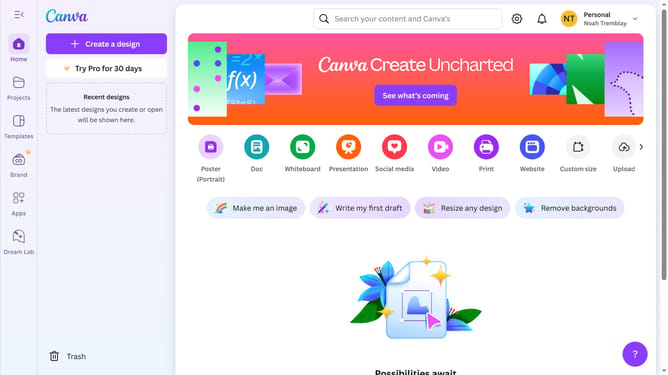
How to filter projects to mobile video in Canva
Here is how to filter projects to mobile video in canva
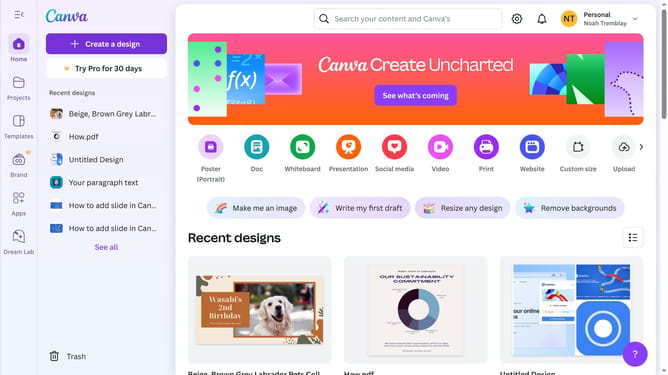
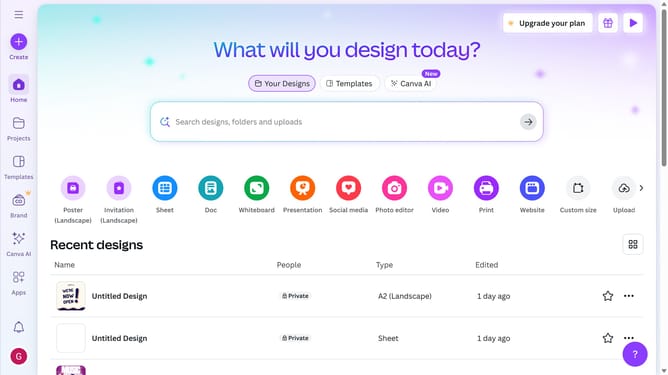
- First click on the "Projects" option in the left sidebar menu
- Then click on the "Category" dropdown filter in the top toolbar
- Next select "Mobile Video" from the category dropdown menu
- Finally click on the "Clear all" link in the top toolbar to reset the filters
Why should you filter projects to mobile video in Canva
Canva is an intuitive design platform that empowers users to create stunning visuals with ease.
Filtering projects to mobile video in Canva streamlines the process of finding the ideal templates and tools tailored for mobile video creation. This feature enables users to access a curated set of resources, optimizing project workflow and ensuring output meets mobile-specific criteria.
By using this filtering option, designers can enhance their productivity, while ensuring high-quality visual storytelling tailored for their mobile audience.
Last update