How to filter projects to resume in Canva
Here is how to filter projects to resume in canva
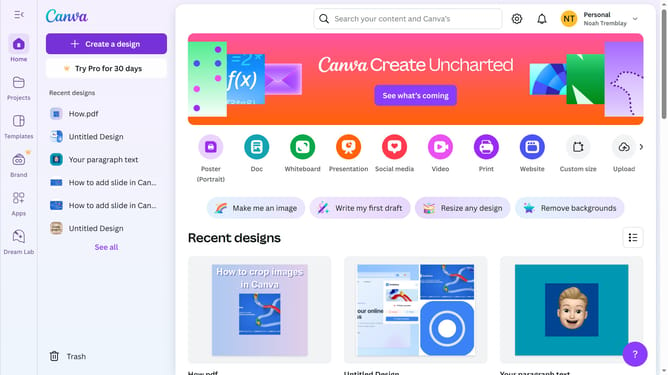
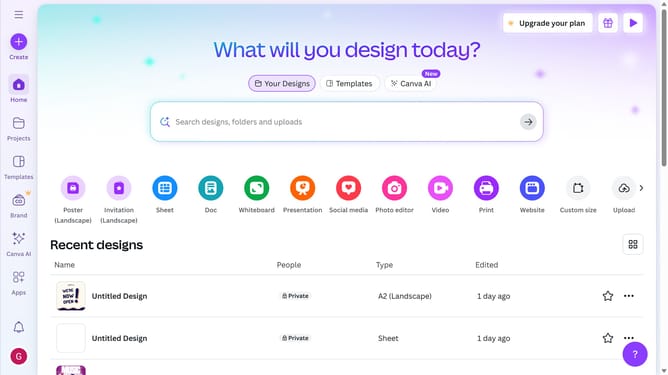
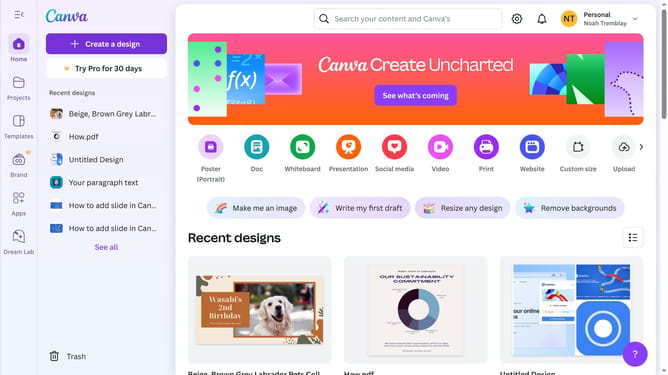
- First click on the "Projects" option in the left sidebar menu
- Then click on the "Category" dropdown filter in the top toolbar
- Next select "Resume" from the category dropdown menu
- Finally click on the "Clear all" link in the top toolbar to reset the filters
Why should you filter projects to resume in Canva
Canva is a versatile design platform empowering users to create visually stunning graphics with ease.
In the bustling world of design, swiftly locating your past projects is crucial. Canva's "filter projects to resume" feature streamlines this process, allowing you to efficiently sort through your creations.
Utilizing this feature ensures you can seamlessly pick up where you left off. This not only saves time but also enhances productivity, keeping your workflow uninterrupted and your creative juices flowing.
Last update