How to delete an embed link in Canva
Here is how to delete an embed link in canva
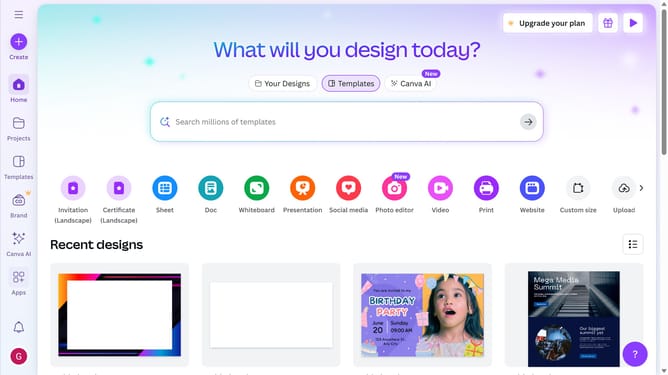
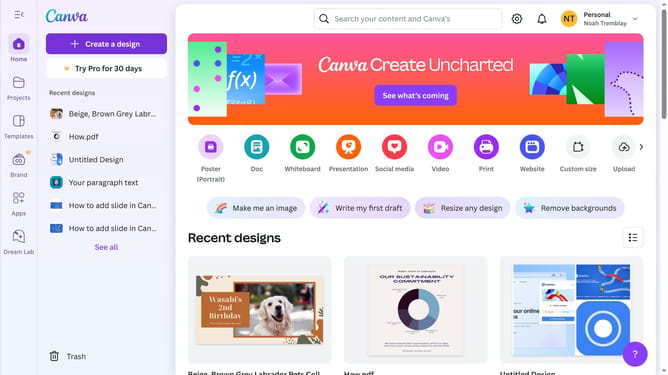
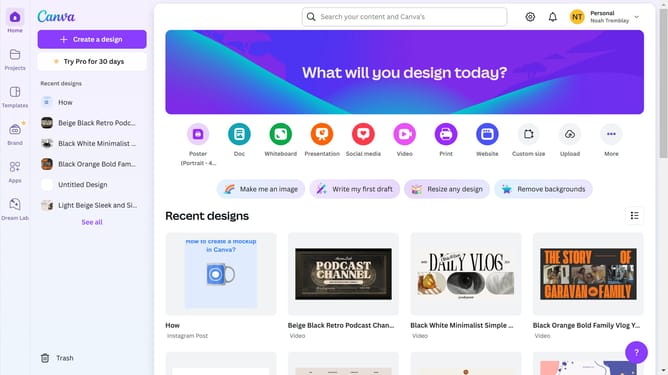
- First click on the "Projects" button in the left sidebar to access your project files
- Then click on the "Designs" tab in the content filter menu to view your design files
- Next click on the "Testing Design" item in the projects list to open your design
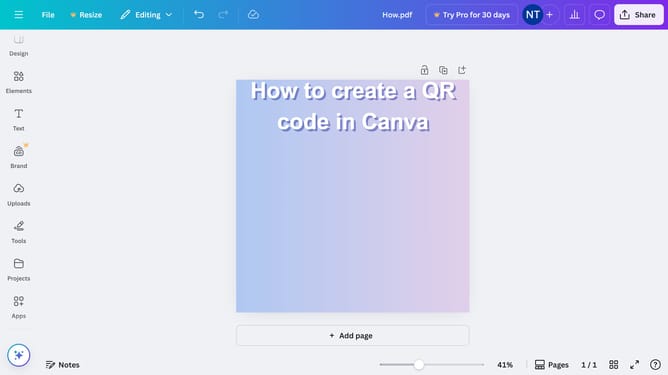
- Then click on the "Share" button located in the top-right corner of the editor interface
- Next click on the "See all" button in the Share panel
- In the right sidebar, click on the "Send to phone" button under the Share section
- On the embed options panel, click the "Delete embed link" button
- In the confirmation dialog, click the "Continue" button to confirm deleting the embed link
Why should you delete an embed link in Canva
Canva is an easy-to-use design platform for creating stunning visuals with minimal effort.
One useful feature in Canva is the ability to delete an embed link. This function is beneficial in refining and maintaining the integrity of your design.
Removing an unwanted or outdated link ensures your content remains relevant and uncluttered, helping maintain professional quality. It's a simple action that can enhance the viewer's experience by making your design truly impressive and focused.
Last update