How to see layers in Canva?
Here is how to see layers in canva
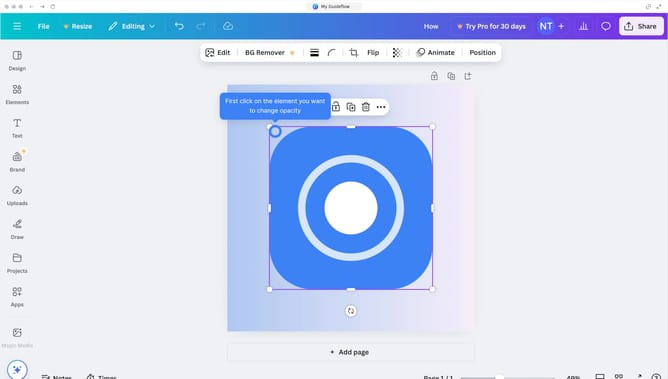
- First click on the blank area in the top portion of the canvas to select the design area
- Then click on the "Position" button in the top toolbar
- Finally click on the "Layers" tab in the Position panel that appears
Why should you see layers in Canva?
Canva is a user-friendly design tool that empowers everyone to create stunning visuals with ease.
Understanding how to see layers in Canva enhances your design capabilities by offering a clear overview of your project's components. This feature allows you to manage elements effectively, ensuring your design elements are precisely where you want them.
Viewing layers simplifies adjustments, improving workflow efficiency, and invites creativity without the clutter. It's an invaluable tool for refining your design process and elevating your visual storytelling.
Last update