How to make a gradient in Canva?
Here is how to make a gradient in canva
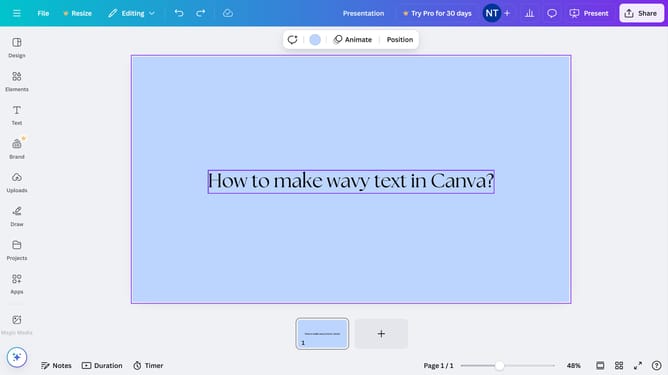
- First click on the canvas area to select it for editing
- Then click the color picker icon in the top toolbar to open the color selection panel
- Next click on the plus icon in the Document colors section to add a new color
- Then click on the "Gradient" tab in the color picker panel
- Finally type in the color code text field to enter a specific hex value for you color of choice
Why should you make a gradient in Canva?
Canva is an intuitive design platform that empowers users to create visually stunning graphics effortlessly.
Creating a gradient in Canva is a feature that adds depth and sophistication to your designs. With this tool, you can seamlessly blend two or more colors to enhance the visual appeal of backgrounds, text, or elements.
Gradients in Canva are perfect for setting a tone or mood, providing a modern and professional touch to any project. This feature brings dynamism to your designs, making them stand out and engage your audience more effectively.
Last update