How to create a presentation design in Canva
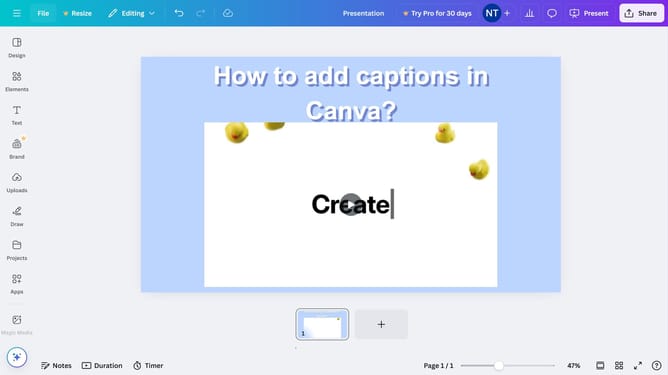
Here is how to create a presentation design in canva
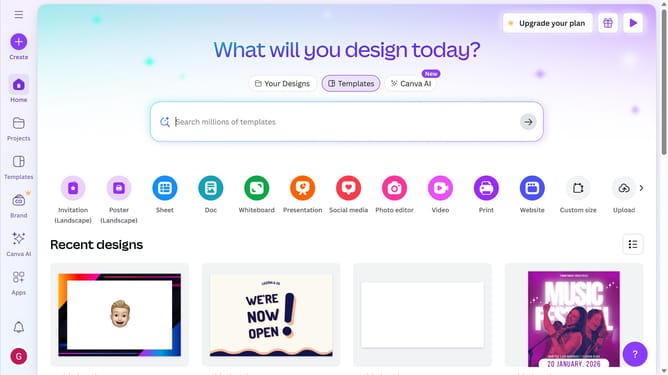
- First click on the "Create" button in the top-left corner of the main interface
- Then click in the search box with placeholder text "What would you like to create?"
- Next type "Presentation" in the search input field
- Then click on the "Presentation (16:9)" template option showing 1920 x 1080 px dimensions
- Next click on the search field in the templates panel with placeholder text "Use 4+ words to describe..."
- Finally click the "Apply all 18 pages" button in the templates panel
Why should you create a presentation design in Canva
Canva is a versatile online design tool that empowers users to create stunning visuals effortlessly.
Creating a presentation in Canva is a breeze, thanks to its user-friendly interface and extensive library of templates. With just a few clicks, you can customize slides to match your style and message.
The platform's drag-and-drop functionality, along with a wide range of fonts and elements, ensures your presentation is both unique and professional.
By using Canva, you save time and deliver impactful presentations that captivate your audience.
Last update