How to add captions in Canva?
Here is how to add captions in canva
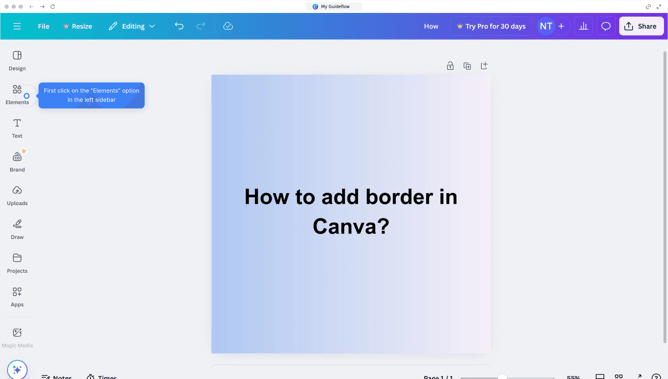
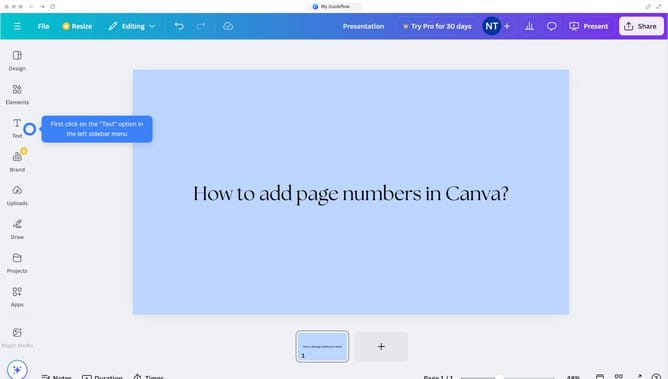
- First click on the "File" button in the top menu bar
- Then select "Accessibility" option from the dropdown menu
- Finally click on "Show view-only captions on media" option in the accessibility submenu
Why should you add captions in Canva?
Canva is an intuitive graphic design tool that empowers you to create stunning visuals with ease.
Adding captions in Canva is a simple yet powerful feature that enhances your images by providing context or emphasizing a message.
Utilizing captions ensures that your visual content is accessible and engaging for all viewers, improving communication and storytelling.
With Canva, creating polished, captioned images is both quick and effortless, elevating your design projects in just a few clicks.
Last update