How to make a digital planner on Canva?
Here is how to make a digital planner on canva
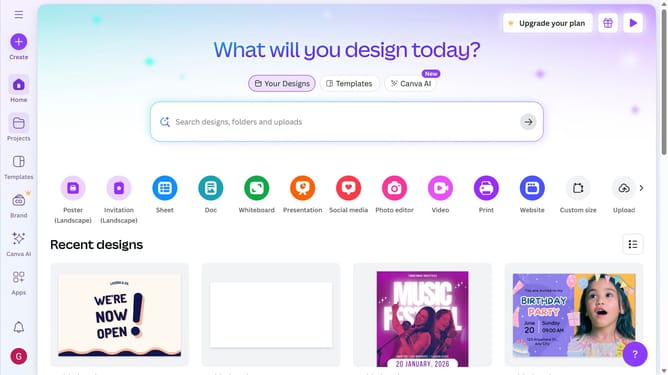
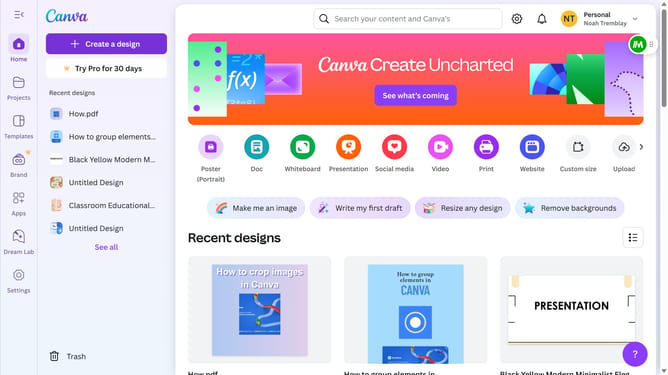
- First click in the main search box at the top of the interface and enter "Digital planner"
- Then click on the "Digital planner"
- Next click on the "See all" link in the Canva Templates section
- Next click on the the template you want to use
- Click on the "Customize this template" button in the template details view to continue
- Finally feel free to edit the design to your liking
Why should you make a digital planner on Canva?
Canva is a versatile online design tool, perfect for creating visually stunning projects effortlessly.
Creating a digital planner on Canva offers an array of customizable templates, allowing you to design with ease and personal flair.
Using Canva, you can infuse creativity and organization into your daily life by crafting planners that reflect your style and boost productivity.
Seamlessly integrating digital tools with personalized designs ensures a planning experience that's both functional and inspiring.
Last update