How to add a folder in Canva
Here is how to add a folder in canva
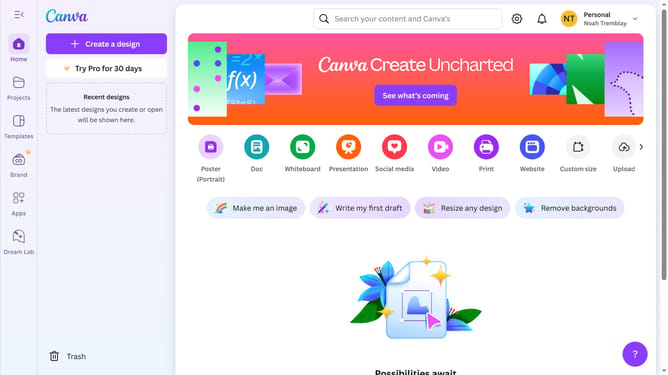
- First click on the "Projects" option in the left sidebar
- Then click on the "Add new" button in the top-right corner of the projects page
- Next select "Folder" from the dropdown menu that appears
- In the folder creation dialog, click the folder name input field
- Enter "Testing Folder" as the folder name and click the "Continue" button
- Finally click the "Open" button in the notification that appears at the top of the page
Why should you add a folder in Canva
Canva is a versatile design tool that empowers users to create stunning visuals with ease.
Adding a folder in Canva allows you to keep your projects organized, ensuring seamless navigation and better management of your creative work.
This feature is perfect for maintaining order, especially when handling multiple designs or collaborating with a team.
Utilizing folders enhances productivity by minimizing clutter and streamlining your creative process.
Last update