How to filter projects to website in Canva
Here is how to filter projects to website in canva
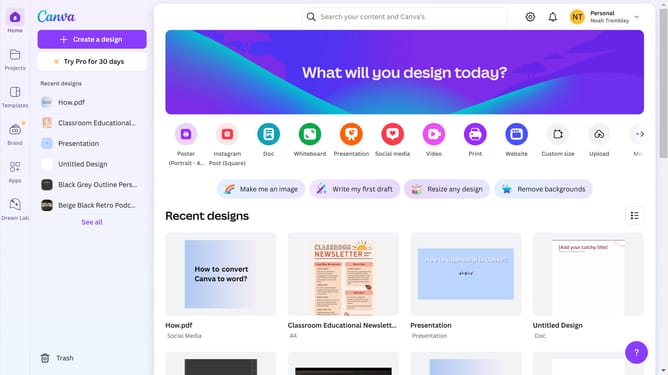
- First click on the "Projects" option in the left sidebar menu
- Then click on the "Category" dropdown filter in the top toolbar
- Next select "Website" from the category dropdown menu
- Finally click on the "Clear all" link in the top toolbar to reset the filters
Why should you filter projects to website in Canva
Canva is a versatile design platform that empowers users to create visually stunning content effortlessly.
One of its helpful features is the ability to filter projects specifically for websites. By focusing projects towards a web format, users can tailor their designs to fit seamlessly into their online presence.
This specificity ensures that visuals are optimized for digital display, enhancing user experience and engagement. It streamlines the design process, saving time while ensuring that the final outcome is both professional and aesthetically pleasing.
Last update