How to filter projects to video in Canva
Here is how to filter projects to video in canva
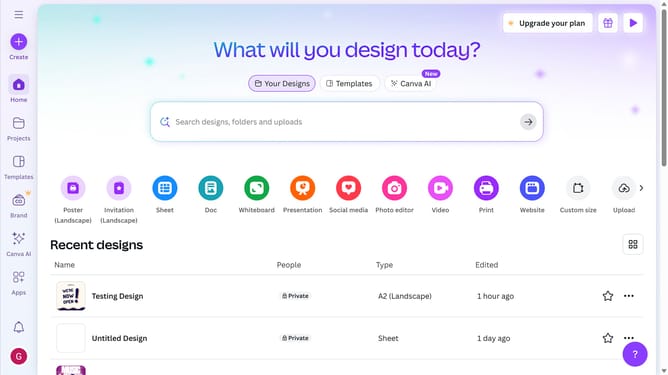
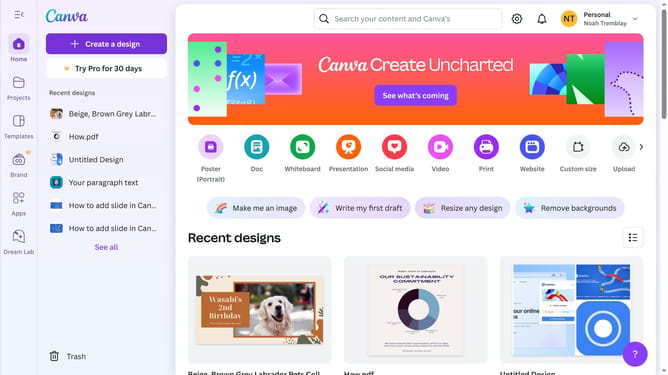
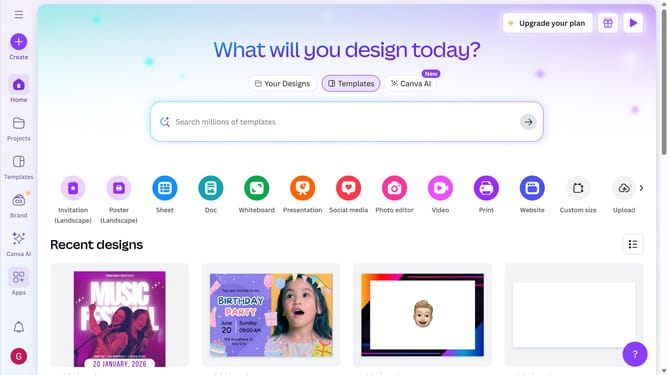
- First click on the "Projects" option in the left sidebar menu
- Then click on the "Category" dropdown filter in the top toolbar
- Next select "Video" from the category dropdown menu
- Finally click on the "Clear all" link in the top toolbar to reset the filters
Why should you filter projects to video in Canva
Canva is a versatile design platform that empowers everyone to create stunning visuals effortlessly.
Among its many features, filtering projects to video in Canva allows you to seamlessly navigate your work. This function simplifies the process of locating specific video projects amidst various designs.
Utilizing this feature boosts productivity by saving time, making it easier to focus on refining and perfecting your video content.
Ultimately, by organizing your projects efficiently, you can enhance your creative workflow in a stress-free environment.
Last update