How to remove a GIF in Canva
Here is how to remove a gif in canva
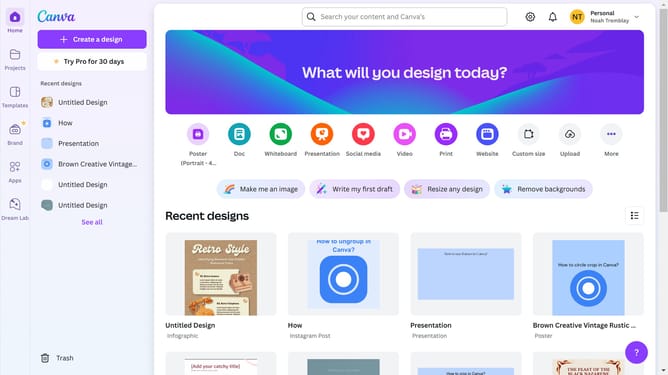
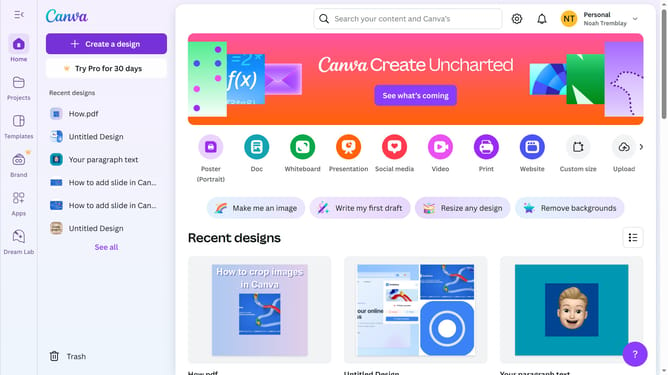
- First click on the "Projects" button in the left sidebar
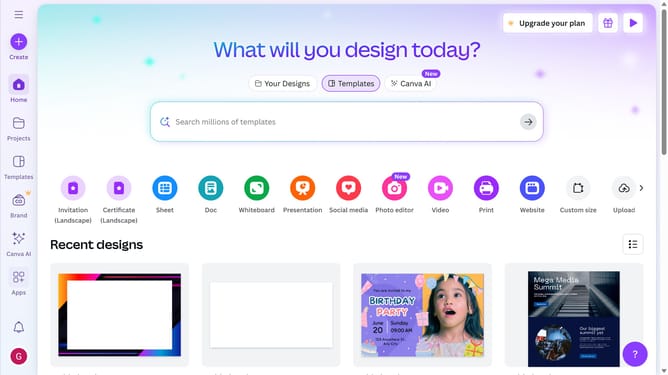
- Then click on the "Designs" tab in the content area
- Next click on the "Testing Design" item in the projects list
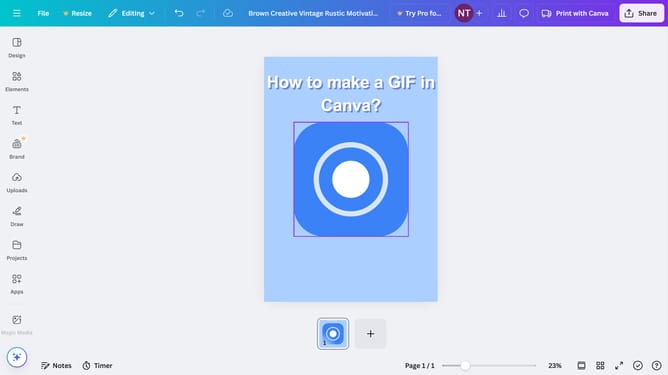
- Next select the robot image in the main canvas area
- Finally click on the "Delete" icon button on the text pop-up window panel
Why should you remove a GIF in Canva
Canva is a versatile design platform that empowers users to create stunning visuals with ease.
One of its remarkable features is the ability to effortlessly remove a GIF from your project.
This functionality ensures your designs are polished, allowing seamless adjustments without hassle.
Using this feature not only streamlines your workflow but also enhances the flexibility and customization of your creative projects.
Last update