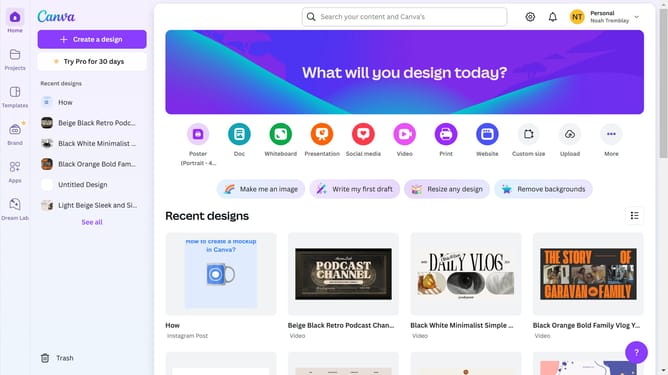
How to align right a text box in Canva
Here is how to align right a text box in canva
- First click on the "Projects" button in the left sidebar
- Then click on the "Design" tab in the content filters
- Next click on the "Testing Design" item in the designs list
- Next click on the text element that says "YOUR PARAGRAPH TEXT" in the canvas area
- Then click on the "More options" button (three dots) in the floating toolbar above the text
- Next click on "Align to page" option in the dropdown menu
- Finally select "Right" alignment from the submenu to align the text to the right side
Why should you align right a text box in Canva
Canva is a versatile design platform that empowers everyone to create stunning visuals with ease.
Aligning a text box to the right in Canva enhances the visual hierarchy and improves readability in your design projects. This feature is ideal for creating professional-looking layouts that require precision and balance.
By aligning text to the right, you guide the viewer’s eye naturally, ensuring that your message is clear and impactful. This simple adjustment can make your presentations, social media posts, and promotional materials more engaging and visually appealing.
Last update