How to duplicate pages in Canva
Here is how to duplicate pages in canva
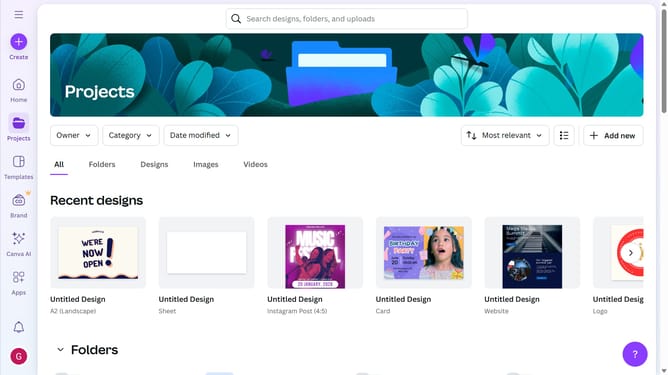
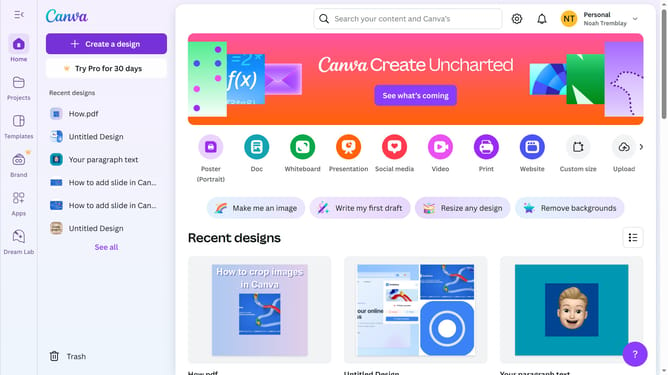
- First click on the "Projects" button in the left sidebar
- Then click on the "Designs" tab in the content area
- Next click on the "Testing Design" item in the projects list
- Next right-click on the design in the main canvas area
- Finally click on "Duplicate page" option from the context menu
Why should you duplicate pages in Canva
Canva is a versatile design tool that empowers users to create stunning visuals with ease.
One standout feature of Canva is the ability to quickly duplicate pages within your project. This functionality is a game-changer for maintaining design consistency without manually recreating each element.
Duplicating pages in Canva saves time, ensures uniformity, and streamlines the creative process. It's particularly useful for projects requiring multiple pages, such as presentations or ebooks, enhancing efficiency.
Overall, this feature enriches the user experience, allowing for a more seamless design journey.
Last update