How to input a GIF in Canva
Here is how to input a gif in canva
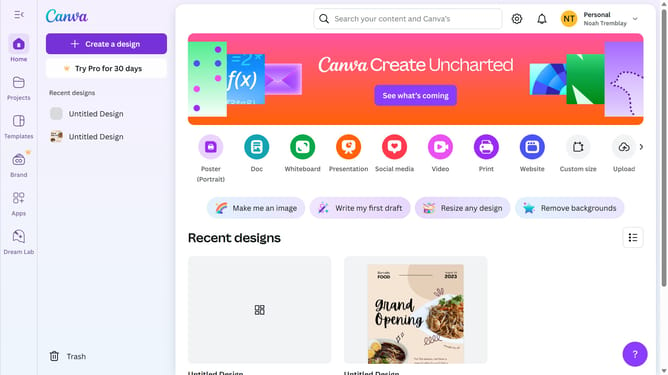
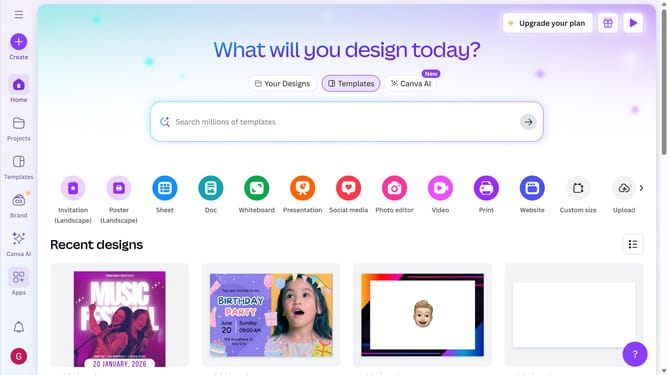
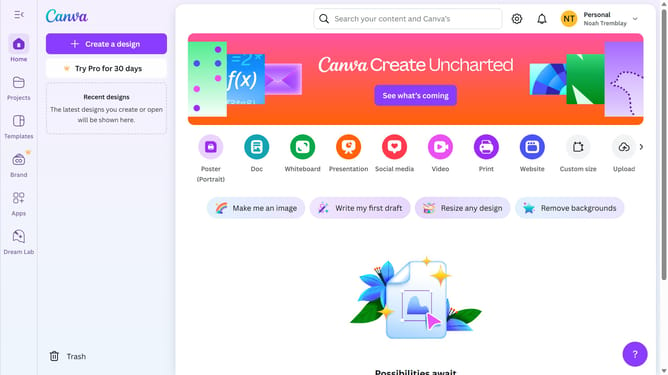
- First click on the "Projects" button in the left sidebar
- Then click on the "Designs" tab in the content area
- Next click on the "Testing Design" item in the projects list
- Next click on the "Apps" button in the left sidebar
- Next click and type on the "Search Canva apps" input text field in the apps panel
- Then click on the "GIPHY" app that appears on the apps panel
- Next click into the GIPHY app's search field and type the desired GIF
- Finally click on the GIF image to apply on your design template
Why should you input a GIF in Canva
Canva is a powerful design tool that empowers users to effortlessly create captivating visual content.
One exciting feature of Canva is the ability to input GIFs, adding dynamic movement and flair to your designs. This feature ensures that your presentations, social media posts, and marketing materials stand out with engaging, animated elements.
Using GIFs in Canva allows for enhanced audience engagement and a more compelling storytelling experience. By incorporating GIFs, your designs become more interactive, helping to capture attention and communicate messages more effectively.
Last update