How to create a facebook post design in Canva
Here is how to create a facebook post design in canva
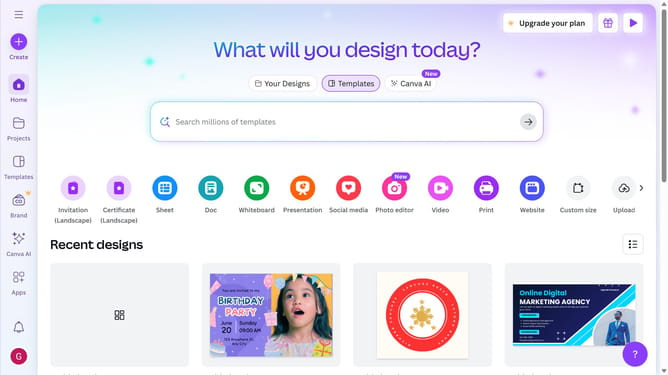
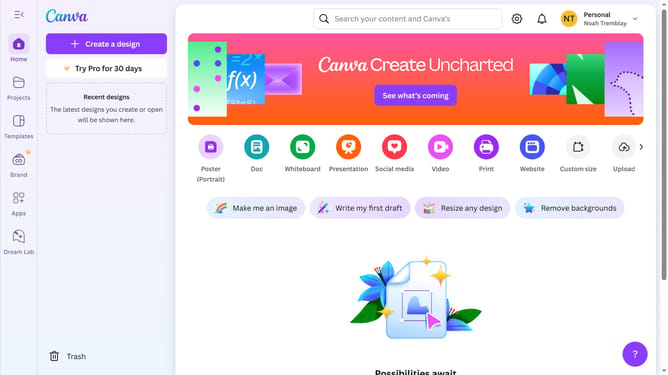
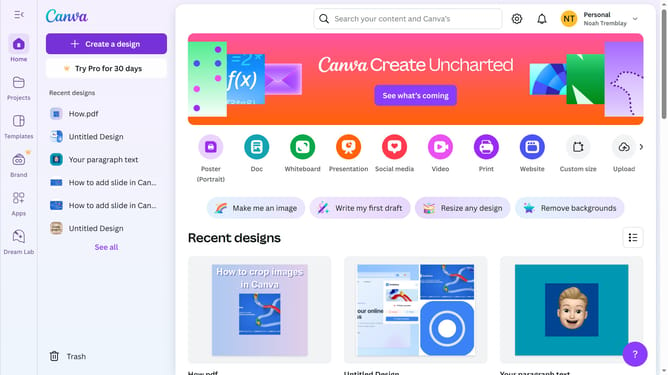
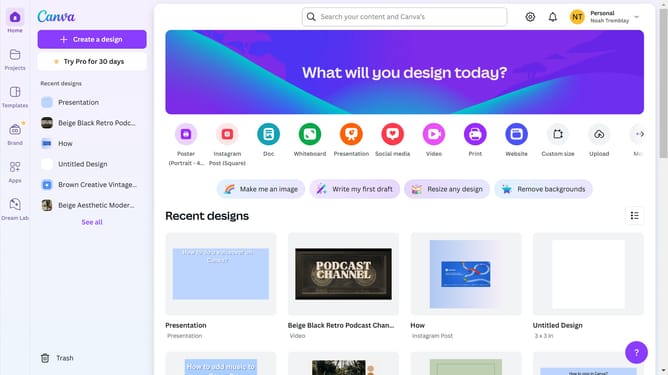
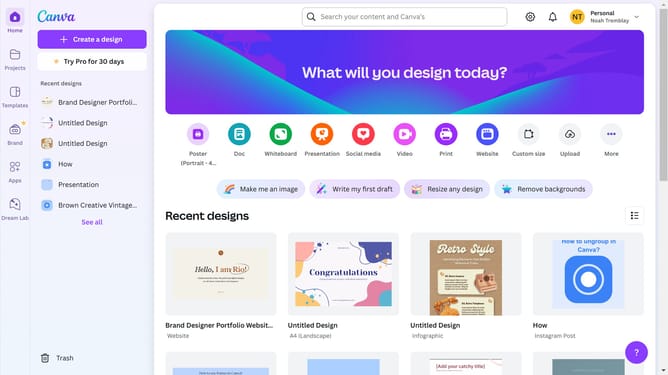
- First click on the "Create" button in the top-left corner of the main interface
- Click on the search bar in the top header and type what you would like to create
- Click on the "Facebook Post (Landscape)" template from the available options in the main content area
- Click on the search bar in the left sidebar under "Templates" tab
- Click on the "Social Media Marketing Expert" template from the templates list in the left sidebar
Why should you create a facebook post design in Canva
Canva is a versatile design tool that empowers anyone to create visually stunning content with ease.
Creating a Facebook post design in Canva is an intuitive process that breaks down complex design tasks into simple, user-friendly steps.
This feature provides you a plethora of pre-designed templates, perfectly sized for Facebook, allowing you to focus on creativity instead of technicalities.
By using Canva for Facebook posts, you gain access to a rich library of design elements, making it effortless to maintain brand consistency and engage your audience effectively.
Last update