How to create a marketing template in Canva
Here is how to create a marketing template in canva
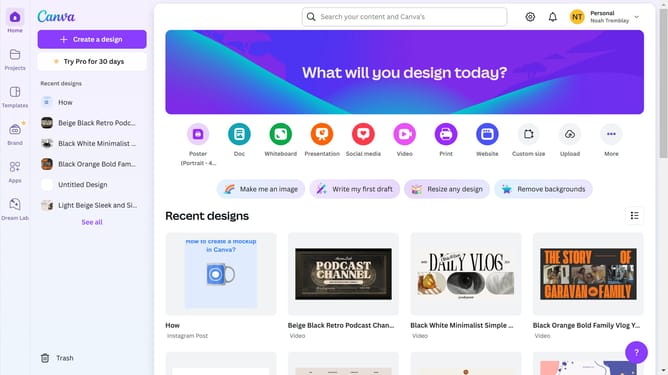
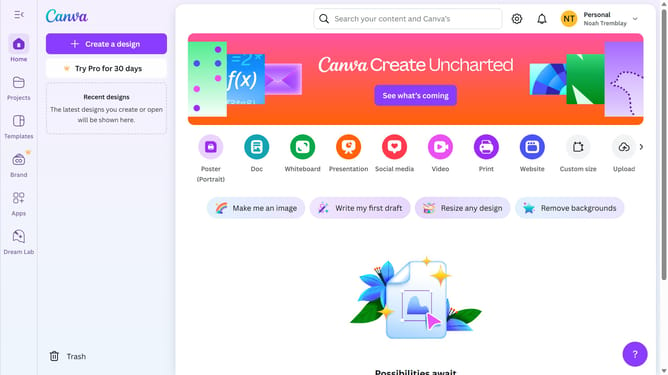
- First click on the "Create a design" button in the top menu bar
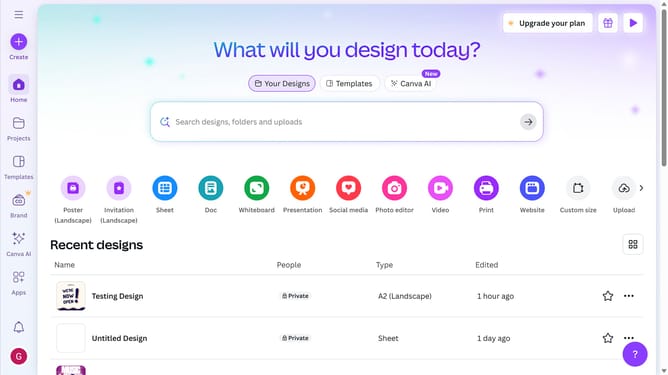
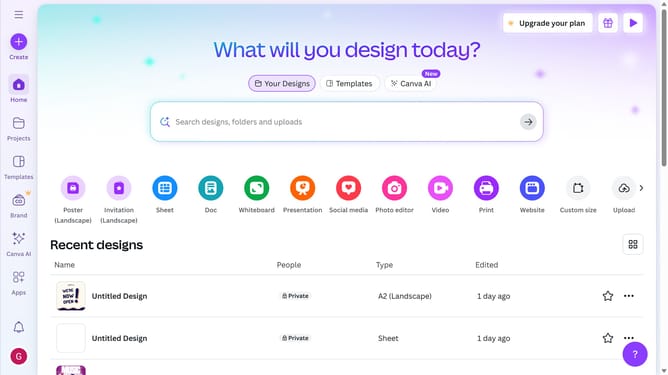
- Then click the search field at the top and type "Marketing"
- Then select the desired marketing design from the search results
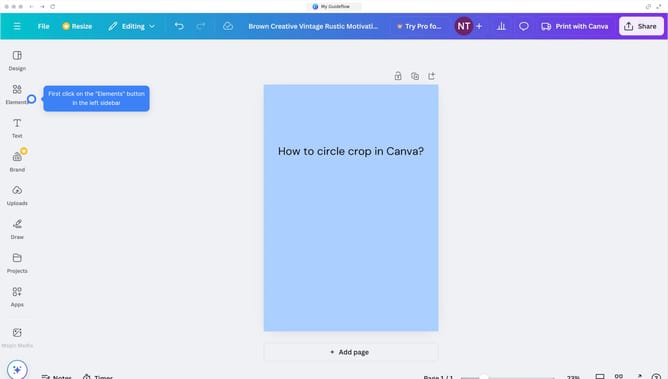
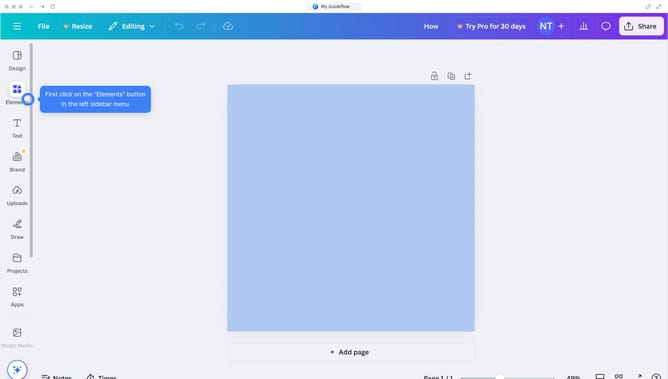
- Click on the "Design" tab in the left sidebar
- Then click on "Templates" tab in the design panel
- Finally select the desired template from the templates section
Why should you create a marketing template in Canva
Canva is a versatile graphic tool that empowers anyone to design stunning visuals effortlessly.
Creating a marketing template in Canva allows you to save time and maintain brand consistency across all your campaigns.
You can efficiently incorporate your brand's colors, logos, and fonts, ensuring a unified look across social media, emails, and presentations.
This feature streamlines the design process, enabling you to focus on crafting engaging content that resonates with your audience.
Last update