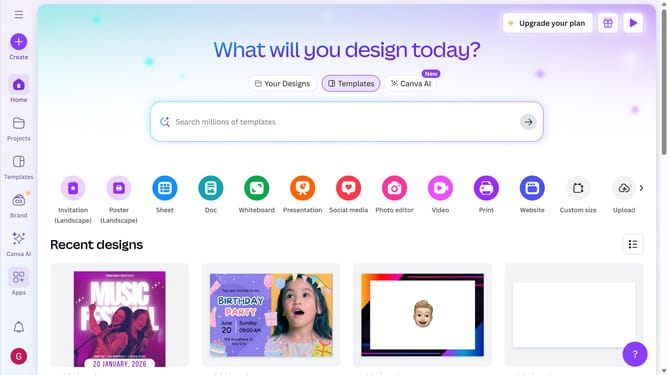
How to filter projects to poster in Canva
Here is how to filter projects to poster in canva
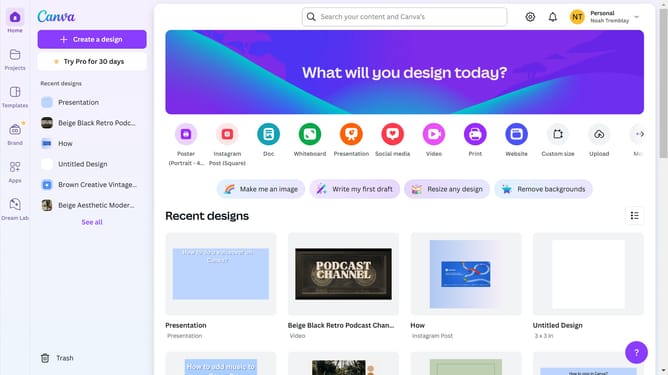
- First click on the "Projects" option in the left sidebar menu
- Then click on the "Category" dropdown filter in the top toolbar
- Next select "Poster" from the category dropdown menu
- Finally click on the "Clear all" link in the top toolbar to reset the filters
Why should you filter projects to poster in Canva
Canva is a versatile design tool that empowers users to create stunning visual content effortlessly.
An essential feature within Canva is the ability to filter projects specifically to posters. This streamlined approach aids users in focusing on design templates and assets tailored to large-format visuals.
The benefit of this feature is a more efficient workflow, allowing users to quickly find and create impactful posters. By narrowing down the search, designers can save time and enhance their productivity, ensuring every project stands out.
Last update